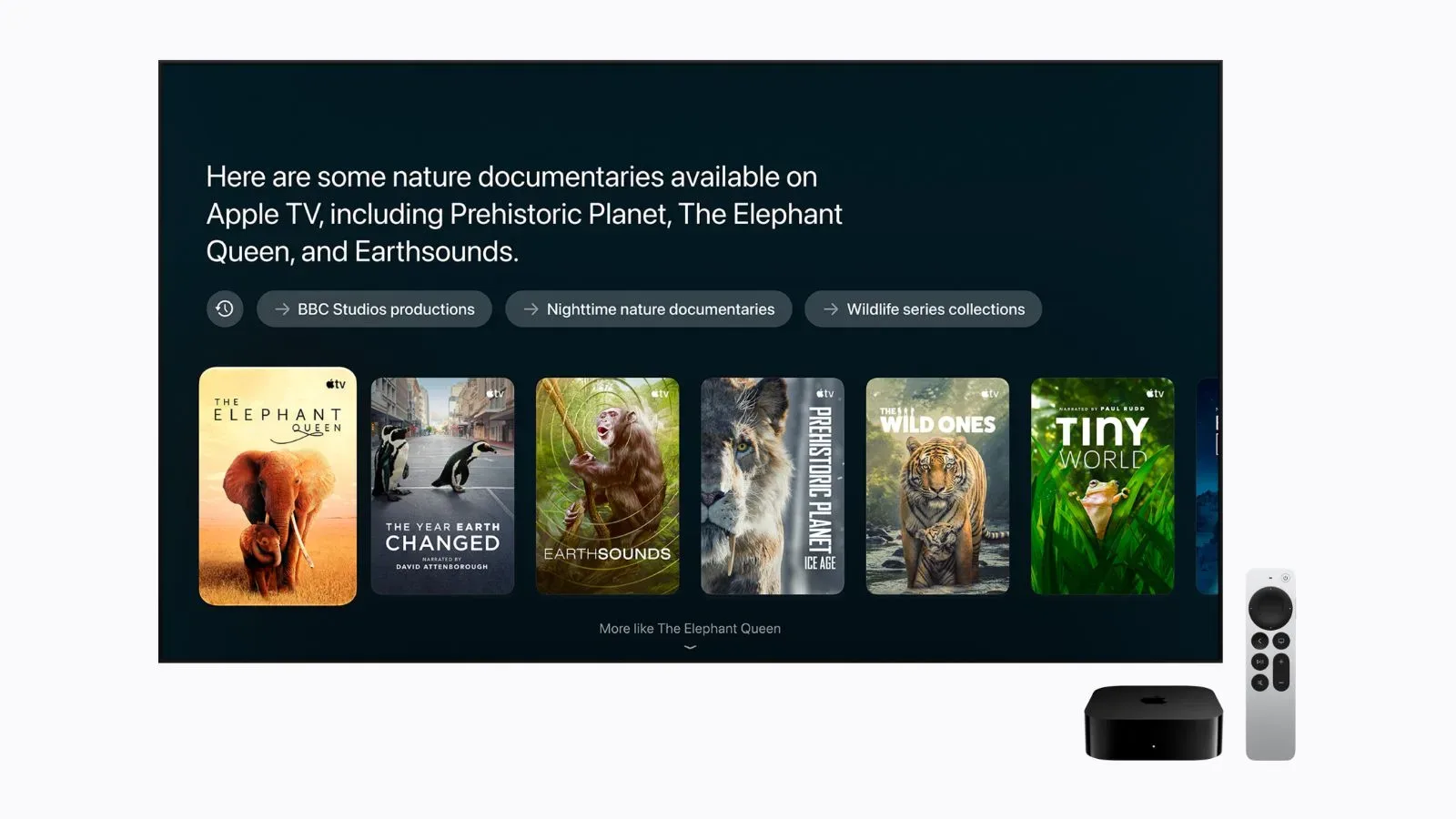
Apple’s second- and third-generation Apple TV 4K hardware is set to gain Siri AI in beta with tvOS 27.2, extending the company’s newer conversational assistant features to streaming boxes that are already in living rooms.
The headline is straightforward: eligible older Apple TV 4K models are not being left behind. The important detail is less straightforward. Siri AI on the television is tied to another Apple device and to the person who owns the household in Apple’s Home app. In practical terms, the Apple TV itself is only one part of the required setup.
What Siri AI is meant to change on Apple TV
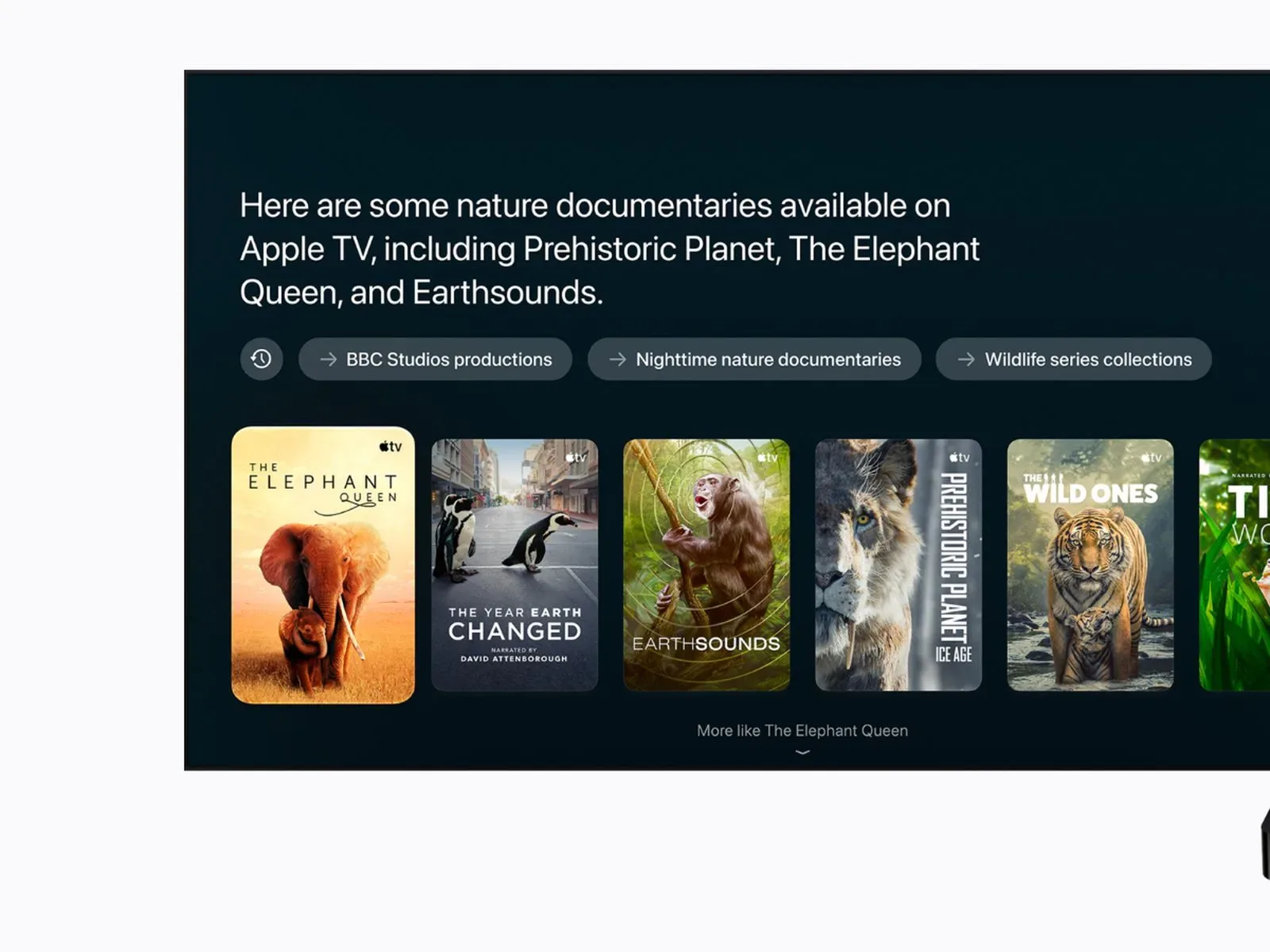
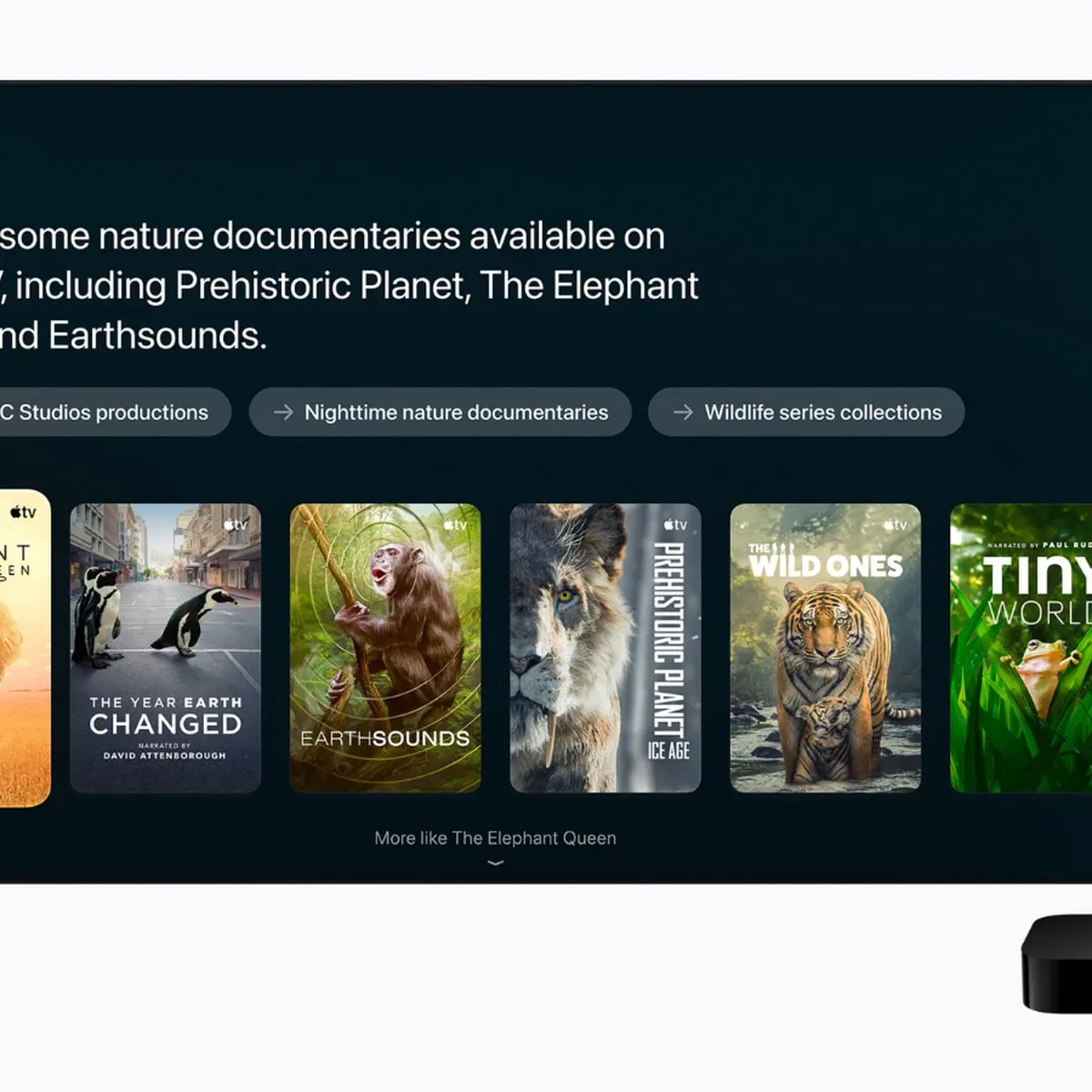
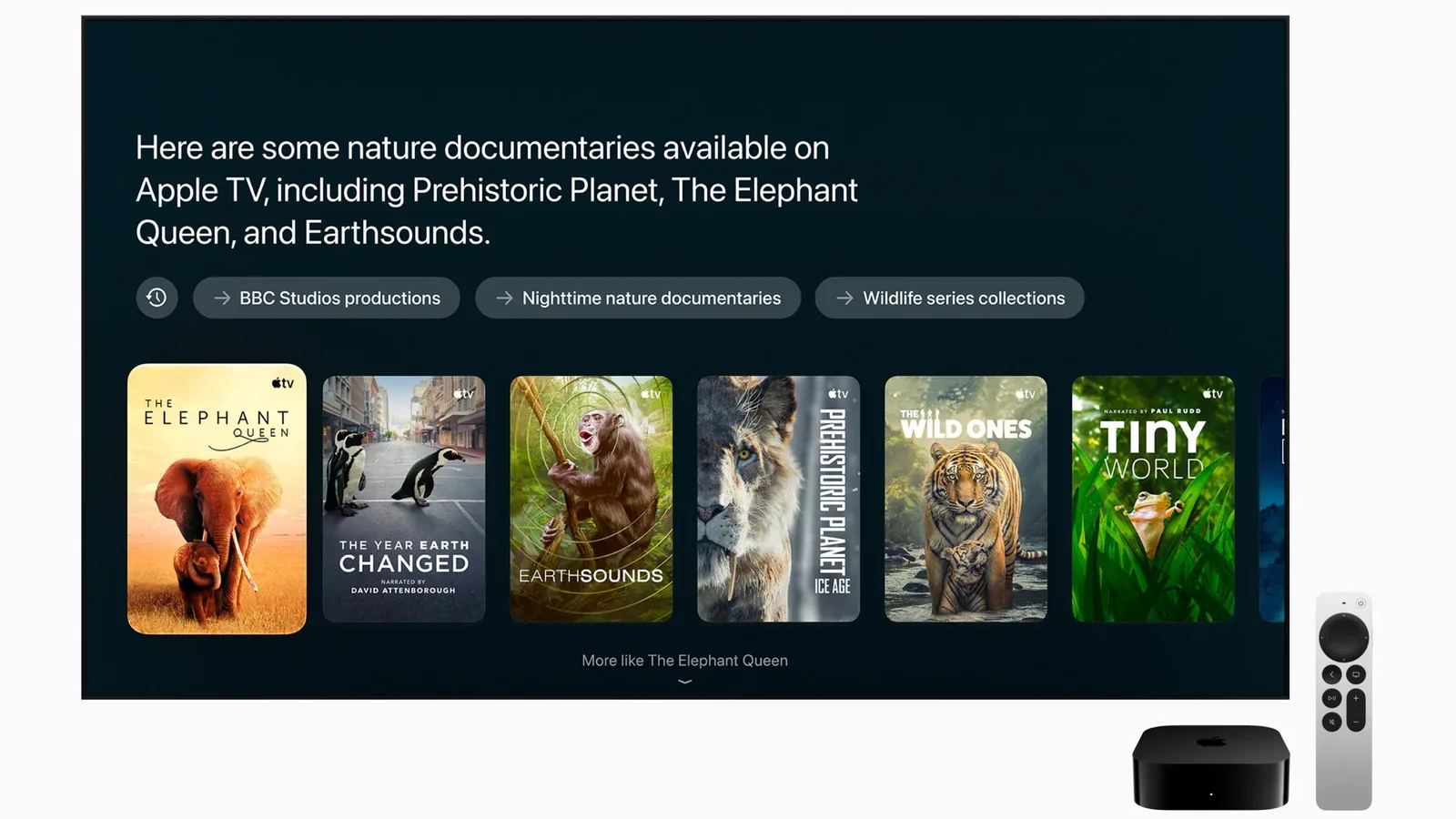
Apple describes the incoming Siri AI experience as adding conversational entertainment search, follow-up questions and personal context. Those terms matter because they suggest an interaction that is meant to continue across multiple requests rather than treating every voice command as an isolated search.
Conversational entertainment search means a viewer can search for entertainment through natural-language requests rather than relying exclusively on fixed title, actor or genre terms. Follow-up questions are questions that build on what was just asked, retaining the immediate topic of the conversation. Personal context means the feature can draw on context supplied through a paired compatible device, subject to the ownership, software and language requirements Apple has specified.
Apple has not detailed every query Siri AI will understand, nor has it stated how broadly personal context will be applied in this beta. It is therefore sensible to view the feature as an interface upgrade with a defined initial scope, not as a guarantee that every existing Siri task on Apple TV will become more capable overnight.
The eligibility list: second- and third-generation Apple TV 4K
The update is slated for second- and third-generation Apple TV 4K models. That distinction is significant for households that own a 4K Apple TV but have not necessarily replaced it with the latest version: the software rollout reaches beyond a single current box.
Apple says the feature will arrive as part of tvOS 27.2 and will be in beta. “Beta” denotes a pre-final release stage. It signals that Apple is actively rolling out and evaluating the capability, and it also means the available behavior, reliability and supported scope can change as the software develops.
Nothing in the announced requirements says that simply installing tvOS 27.2 will be enough. The television hardware must be eligible, but the companion iPhone or iPad and the Home app’s household configuration are equally central to access.
The Home app home owner is the gatekeeper
For Siri AI to be set up on the Apple TV, the home owner in the Home app needs an Apple Intelligence-enabled iPhone or iPad running the latest software. Siri AI must also be enabled on that device and configured to use a supported language.
This is the practical catch for shared households. The relevant person is not merely anyone who can pick up the Apple TV remote or use the television. Apple’s stated requirement specifically points to the Home app home owner. That is the account role around which the setup is organized.
Before expecting the new Siri experience to appear, a household should verify four things:
- The Apple TV is a second- or third-generation Apple TV 4K.
- The box has received tvOS 27.2 when it becomes available.
- The Home app home owner has a compatible iPhone or iPad that supports Apple Intelligence and is on the latest software.
- Siri AI is enabled on that companion device and uses a supported language.
The companion-device condition makes this feel different from a conventional Apple TV feature update. Usually, a television-box upgrade can be discussed largely in terms of the box and its operating system. Here, Apple is describing a linked setup in which a mobile device’s capability and configuration help determine whether the Apple TV can use Siri AI.
Language and regional availability at launch
At launch, Siri AI will support English in the United States, Australia, Canada, India, New Zealand, Singapore, South Africa and the United Kingdom.
That is a precise limitation, not a vague promise of worldwide English-language support. A user needs both a supported language and one of the listed launch markets. Households outside those regions, or those whose Siri language does not fit the initial support list, should not assume the Apple TV feature will be available as soon as tvOS 27.2 is installed.
This also explains why language is part of the setup checklist rather than a cosmetic preference. For this rollout, it is an access requirement. Changing nothing else on an eligible Apple TV will not overcome an unsupported language or market at launch.
Why the paired-device approach matters
The announced design places the Apple TV in Apple’s broader device ecosystem rather than treating it as a completely self-contained AI endpoint. The paired iPhone or iPad supplies the Apple Intelligence compatibility requirement, while the Home app home owner provides the household-level connection point.
That approach may be convenient for homes already built around Apple devices, because the required account and device relationships are likely to exist already. But it gives prospective users a more complicated troubleshooting path than “update the Apple TV.” If Siri AI is absent after the tvOS update, the most useful checks are the Apple TV generation, the home owner’s device compatibility, the device software version, whether Siri AI is switched on, and the selected language and region.
It also means that an Apple TV 4K’s eligibility does not automatically translate into immediate access for every person in a household. The available evidence establishes the role of the home owner in setup, but does not spell out every behavior for additional household members. That is one of several areas where the beta’s eventual user experience will need to be clarified by Apple through the software itself.
What this means for entertainment discovery
Entertainment search is the clearest immediate use case. Streaming libraries are large, and voice search becomes more useful when a viewer can refine a request instead of restarting it from scratch. A conversation that accepts follow-up questions could reduce the friction of moving from a broad idea to a more specific choice.
The emphasis, however, remains entertainment. Apple has announced conversational searches, follow-ups and personal context; it has not provided a fuller feature inventory in the information available so far. Expectations should stay tied to those stated functions rather than extending to unannounced controls, third-party integrations or special behaviors.
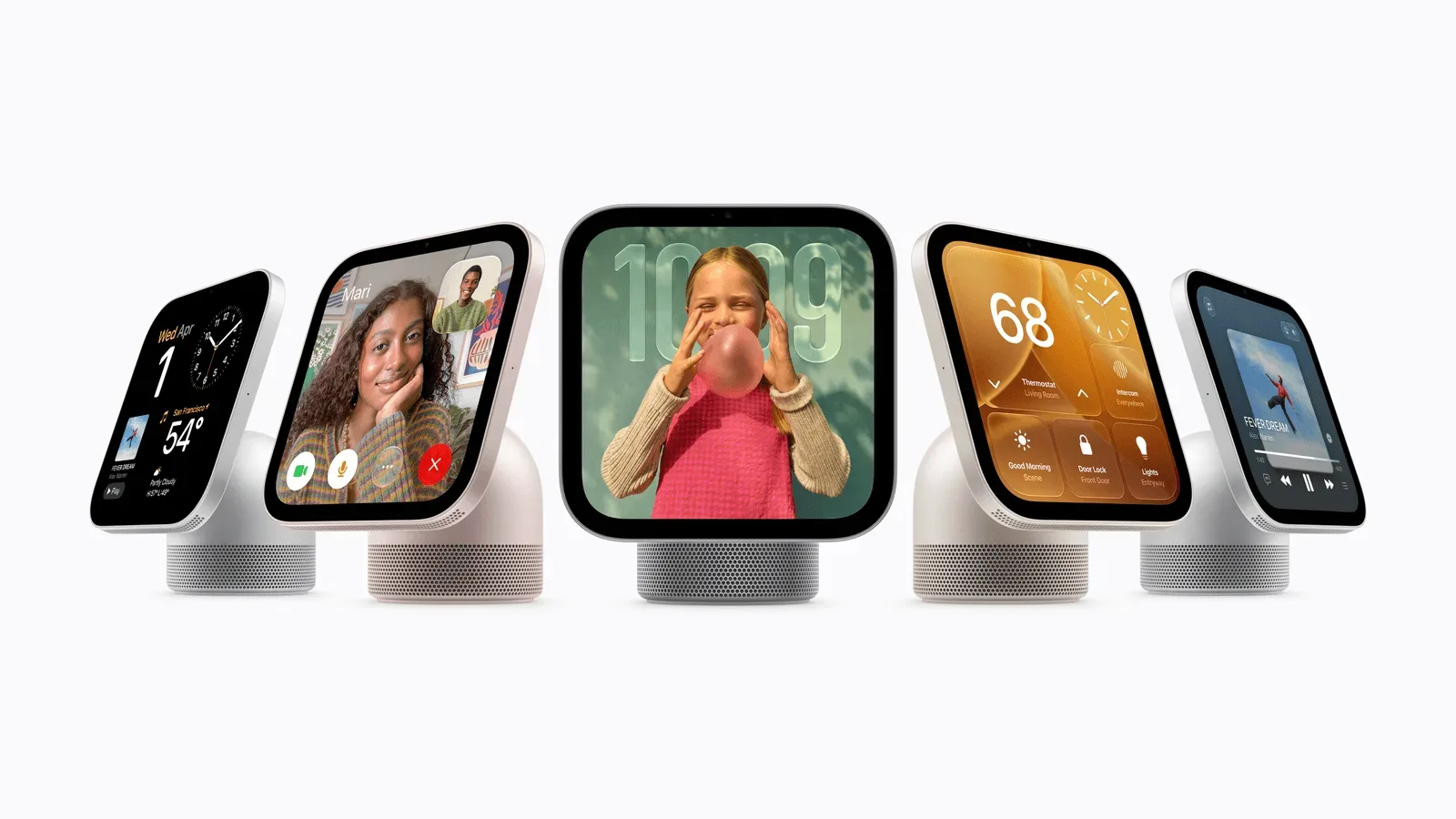
For readers watching Apple’s wider home-device direction, this announcement also sits alongside the company’s evolving household software plans. Apple’s apparent move toward the HomeView Software name is a separate development, but it underscores why Home app ownership and companion-device relationships are becoming increasingly relevant to features that surface on shared screens.
A useful pre-update checklist
- Identify the Apple TV: Confirm it is a second- or third-generation Apple TV 4K, since those are the models Apple has named.
- Wait for tvOS 27.2: Siri AI is tied to that release and launches in beta.
- Check the Home app’s home owner: The setup requirement belongs to that role, rather than simply to any person using the Apple TV.
- Check the owner’s iPhone or iPad: It must support Apple Intelligence and run the latest software.
- Enable Siri AI: The feature must be enabled on the compatible companion device.
- Verify language and market: Initial support is English in the United States, Australia, Canada, India, New Zealand, Singapore, South Africa and the United Kingdom.
The bottom line is encouraging for owners of the two newer Apple TV 4K generations: Apple is extending Siri AI beyond a narrowly limited hardware group. Yet the update is not just a box-level upgrade. It is a beta feature with clear ecosystem requirements, and the Home app home owner’s compatible, correctly configured iPhone or iPad is essential to making it work.