Two GameCube consoles can look very similar from the front and still require different plans for video output. If you are shopping for one today, get a photograph of the back and the model label before you choose cables. The small print is doing unusually important work.
The useful model difference
Nintendo’s GameCube manual identifies component video and progressive-scan support through the DIGITAL AV OUT connection as a feature of the DOL-001 model. DOL-101 does not provide that digital output. This distinction matters when evaluating accessories designed to use that port. Nintendo’s original manual is the primary reference.
That does not mean one model is automatically the correct purchase for every collector. Your television, desired connection, budget, and preference for an original or modified setup all affect the decision. The useful question is which model supports your intended chain of equipment.
Compare the whole setup
Write the connection from console to display in order. Name the console output, cable or adapter, any converter, and the television input. Check each component’s documentation for compatibility. A listing that says “HDMI compatible” without identifying the console port and supported signals leaves too much to inference.
If an accessory seller gives a list of supported GameCube models, compare it to the actual model label. Do not use shell color as a substitute. Also distinguish a supported output mode from a guarantee that every game will use it; consult software documentation for game-specific video options.
Do not overlook the controller and memory card
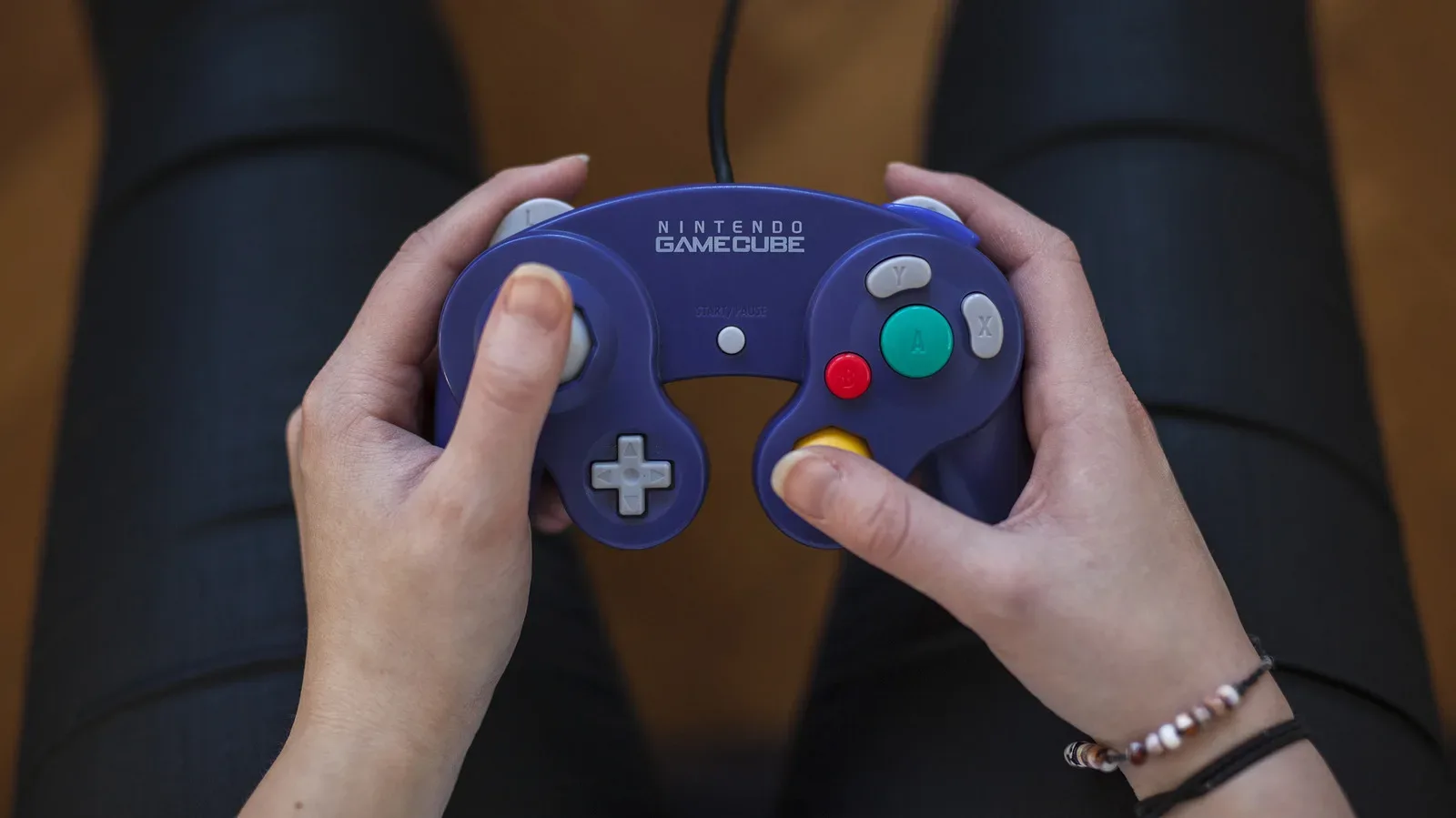
The controller is the part you will hold, so ask for a demonstration of its sticks, directional pad, buttons, and shoulder controls. Look for consistent movement and check whether any parts have been replaced. A controller marketed for a newer platform may have different connection requirements from a controller intended to plug directly into the original GameCube.
Ask the seller to create and reload a save with the included memory card. If the listing contains several accessories, have them identify what has been tested. “Bundle works” is a less useful statement than “console reads this disc; controller and this memory card were tested.” Keep notes about the region and any prior formatting or replacement of the card.
Inspect the disc and the package
Request an image of the game disc, its center hub, the case, and the contents. The game title alone may not identify a package with a separate bonus disc or a particular regional cover. Refer to a release-specific checklist when completeness matters. Do not pay for an advertised extra until you can establish that it is actually present.
A playback demonstration should include more than the console menu. Let a known working game load into play and ask whether the drive has intermittent problems. A brief test offers evidence about current behavior, not a lifetime warranty.
Choose the model that solves your problem
A collector who needs the original digital output has a concrete reason to seek DOL-001. Another collector may already have a suitable analog setup and prefer the condition or contents of a different listing. Compare the total price of the working arrangement, including cables and save hardware, without assuming that a model name alone establishes value.
After buying, save the model photograph and write down the accessories that work with it. Future you will appreciate having the answer in one place instead of reopening a dozen tabs every time the television changes.