A secondhand Wii bundle can contain everything needed for a good evening, or enough white plastic to look complete while leaving out one crucial part. The solution is an itemized checklist. Start with the console model and the games you intend to play, then check the accessories one at a time.
Read the model number
Nintendo distinguishes the original RVL-001, the RVL-101 family model, and the Wii mini. GameCube software and accessory support belongs to the original RVL-001 model; it should not be assumed for every Wii. Nintendo’s model comparison is the source to consult before treating GameCube compatibility as part of a listing.
If that feature matters, request a photograph of the label and relevant ports, plus a demonstration with the software and accessories you intend to use. A console’s color or the orientation of a seller’s photograph is a weaker basis for the decision than its actual model number.
Make a parts list for your games
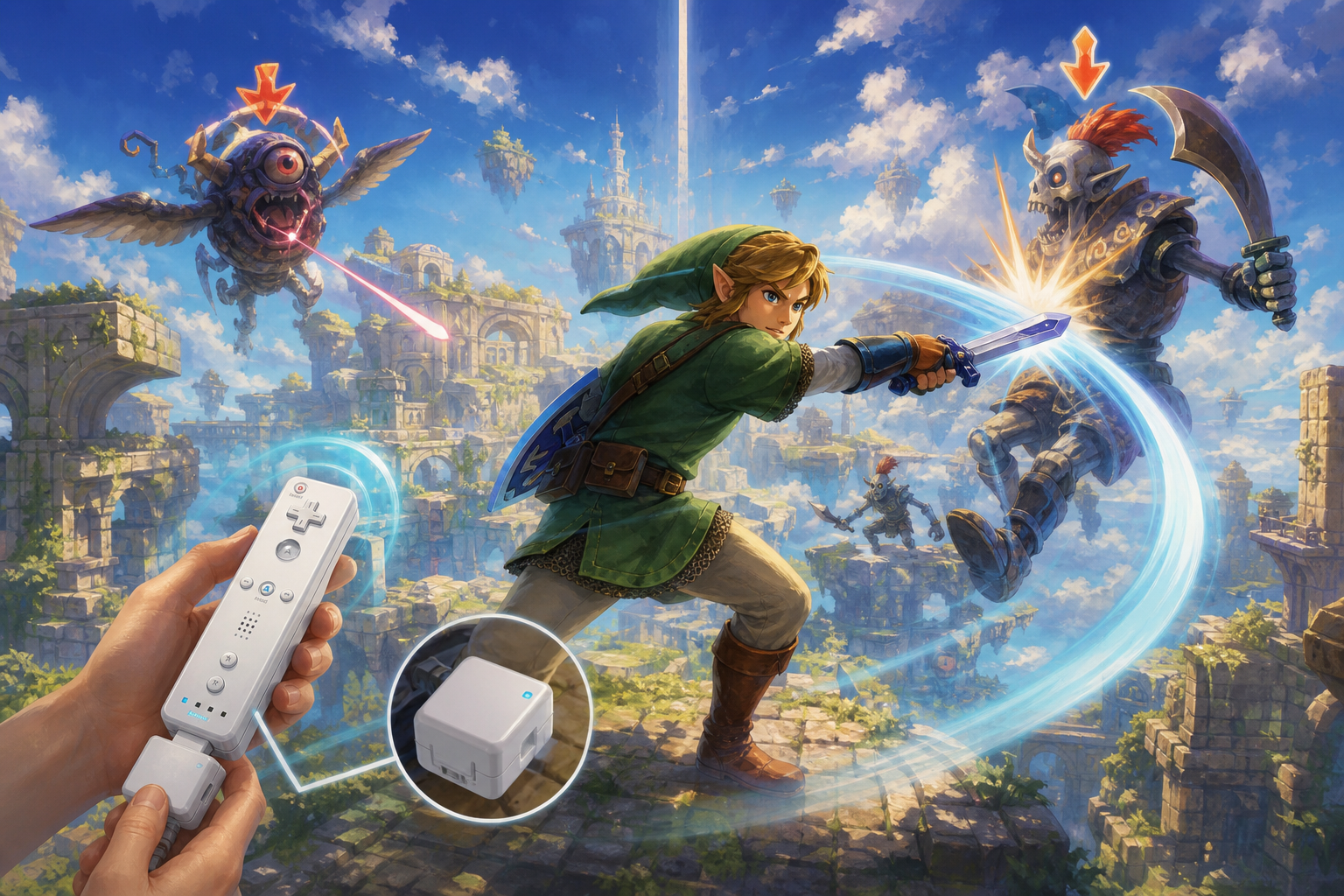
For a basic Wii setup, confirm the appropriate power supply, video connection, sensor bar, and working Wii Remote. Then check the box or manual of each game for additional controllers and accessories. A Nunchuk, Classic Controller, or MotionPlus requirement is a game-specific question. Count how many people can play together and how many controllers the selected mode needs.
Put the parts into a simple table in your notes: required, included, tested, and still needed. This makes it easier to compare a tidy console-only listing with a sprawling bundle full of duplicates.
Ask for a useful demonstration
- Show the console starting and loading a disc into gameplay.
- Check that the Wii Remote connects and the pointer behaves normally.
- Demonstrate the buttons and any included expansion controller.
- Inspect battery compartments for residue or damaged contacts.
- Confirm that the sensor bar and power hardware are included.
- Test GameCube play separately when buying an appropriate model for that purpose.
Have the seller disclose modifications or unusual startup behavior. Do not count another person’s downloaded software as transferable ownership without a clear, supported basis. Focus the purchase on the hardware and physical games whose status you can establish.
Allow room to play
Follow Nintendo’s setup and controller safety instructions, including use of the wrist strap and adequate space around players. The Wii operations manual is still useful for placement and handling. Check the play area before someone enthusiastically demonstrates tennis next to a shelf of collectibles.
Your television connection deserves its own check. Identify the available inputs, the supplied cable, and any conversion equipment required. An adapter listing should state compatible signals and audio handling. Include that equipment in the total setup cost.
Evaluate the bundle as a collection
Separate usable accessories from items you do not need. A box of sports peripherals can be entertaining, but it is not a substitute for one reliable controller. Examine disc and packaging condition individually, especially when a seller has shown only the spines. Ask which games were tested and whether the described manuals and inserts are present.
On arrival, photograph the contents and test the setup before adding accessories. Keep a record of the model and working connection. Once that foundation is sorted, building a Wii shelf becomes a matter of choosing games rather than repeatedly discovering that the one required piece was sold separately.