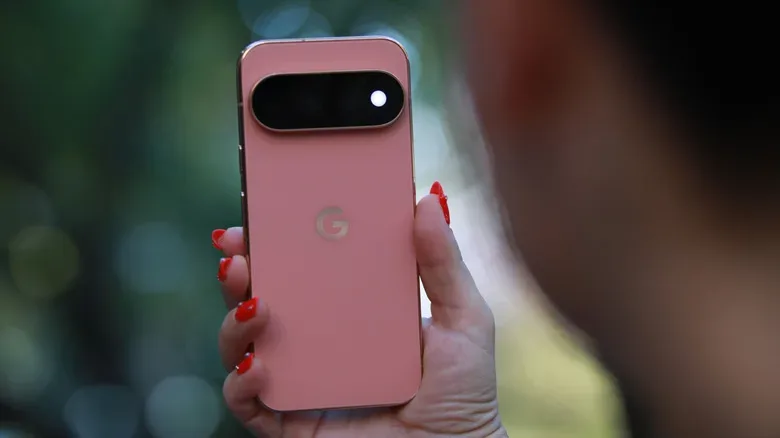
The arrival of Google’s Pixel 11 family brings the familiar annual upgrade dilemma: exciting new hardware on one side, a phone-shaped dent in the budget on the other. The standard Pixel 11 starts at $899, while the Pixel 11 Pro Fold starts at $1,900. Those figures make a trade-in less of a casual checkout-box decision and more of a potential raid on the household technology drawer.
For people with an aging handset sitting unused beside retired charging cables and an inexplicable pile of cases, Google’s current trade-in estimates may be worth a close look. The company accepts surprisingly old devices, and its quoted values can compare favorably with offers from other major retailers. That does not mean every old phone has suddenly become a rare collectible, but a model that seems too dated to sell privately may still meaningfully reduce the cost of a new Pixel.
The important caveat is that a trade-in is an estimate, not an unconditional promise. Device condition, storage configuration, the specific Pixel 11 model selected, and the assessment after Google receives the phone can affect the final credit. Still, the numbers make a strong case for checking the estimate before leaving an old device to spend another year in digital purgatory.
Pixel 11 pricing makes every bit of credit count
Pixel 11 pricing starts at $899 for the base handset and rises to $1,900 at entry level for the Pixel 11 Pro Fold. At that level, even modest credit can cover a useful part of an accessory, protection plan, or tax bill. Larger credits naturally change the equation more dramatically.
Google’s program is particularly interesting because it does not limit its attention to recent flagships. The original Google Pixel can be traded in for an estimated $100. A Samsung Galaxy S10 is listed at $30, as is an iPhone 6s Plus. These are not fortunes, but they are a reminder that an old handset has a potential value beyond taking up a USB port and silently judging modern devices from the bottom of a drawer.
More recent mid-generation phones produce higher quoted estimates. Base-storage versions of the Pixel 4a and Galaxy S20 are each estimated at $150, while an iPhone 11 is estimated at $200. The step up among newer premium devices is substantial: Google lists estimates of $600 for a Pixel 10 Pro, $700 for a Galaxy S26 Ultra, and $550 for an iPhone 17.
Those examples also underline why shoppers should identify the exact model and storage capacity before assuming a value. “Pixel 10 Pro” and “Pixel 10 Pro with the capacity actually sitting in your hand” are not necessarily interchangeable in a trade-in form. Condition matters as well. A device with screen damage, functional issues, or other discrepancies may not earn the amount initially displayed.
Why comparisons still matter before checkout
A strong Google offer does not automatically make it the best deal for every buyer. A straight trade-in number is only one part of the purchase. Retailers can structure promotions differently through store gift cards, bundles, or discounts on other hardware. The result is that the best route depends on what a shopper will genuinely use, rather than whichever offer looks largest in a single bold typeface.
For perspective, a 128GB Pixel 9 Pro XL that originally retailed for $1,099 at its 2024 launch has estimates of up to $255 through Apple, $310 through Amazon, and $300 at Best Buy. Google’s trade-in value for that phone can be several hundred dollars higher. That gap is substantial enough to justify comparing offers, especially for someone moving from one Pixel to another.
There are other variables, though. Best Buy’s trade-in figures are generally lower, but Pixel purchases can include a gift card; that card can reach as much as $350 for the Pro Fold. Amazon, meanwhile, has bundle offers that include either a gift card or a discounted Pixel Watch 5. A person who already regularly shops at Best Buy might get practical value out of a store card, while someone who was planning to buy a watch could reasonably prefer the Amazon bundle. A benefit that will not be used is not really a benefit, no matter how grandly it is presented.
Think of the decision as comparing total usable value rather than merely trade-in credit. Google’s higher estimate may be most appealing to buyers who want the lowest possible Pixel purchase price. A competitor’s lower credit can still be sensible if its added perk replaces something the buyer would otherwise purchase anyway. The math is personal, but it should be actual math—not the kind of optimistic calculation that counts an unused gift card as free treasure.
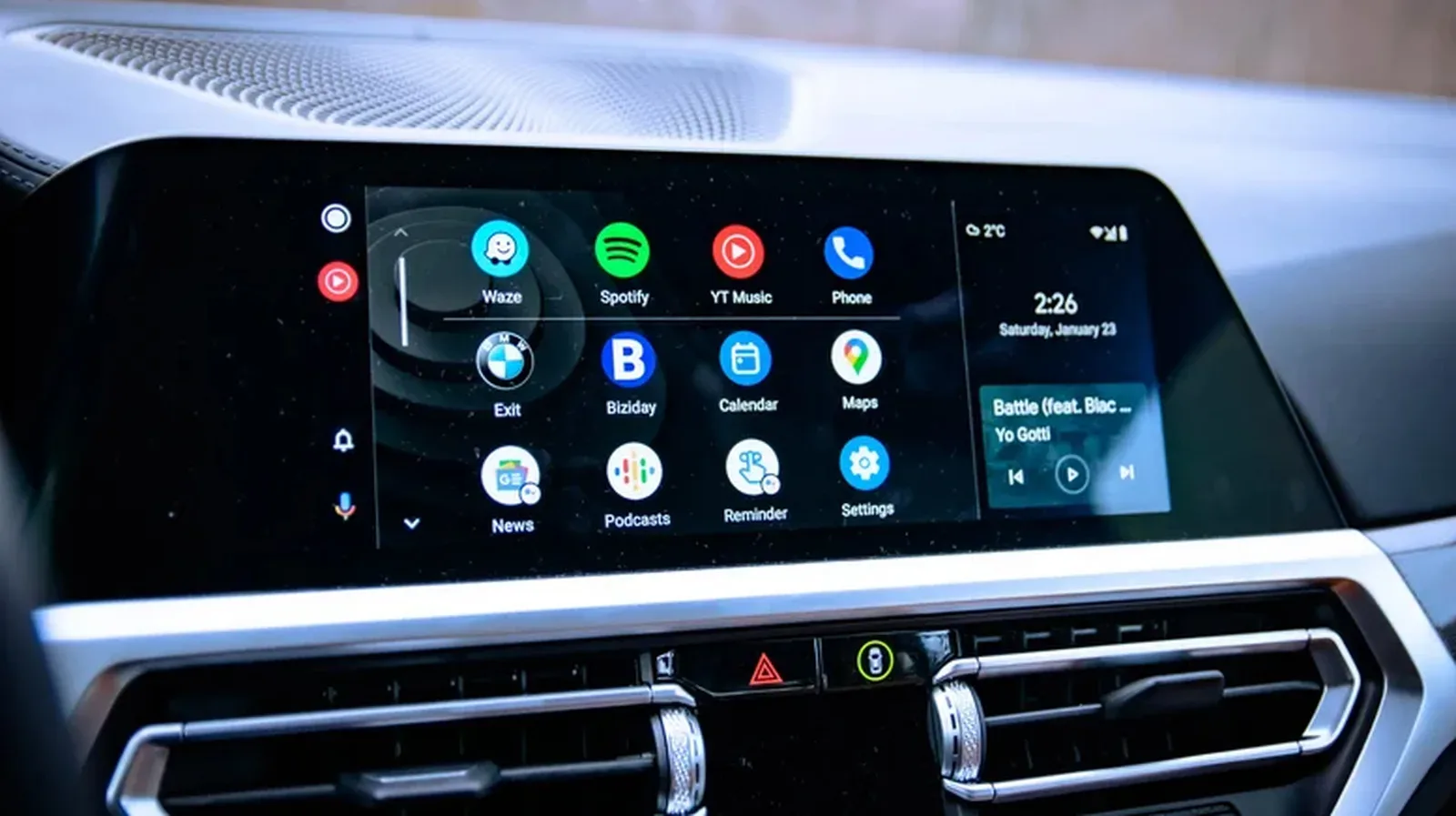
Owners who rely on Android in their cars should also ensure their replacement setup will work smoothly once the upgrade is complete. If the new phone’s apps do not appear where expected, this guide on bringing Android Auto apps back or reducing the clutter can be useful after the switch.
How the Google Store trade-in process works
The trade-in is incorporated into the Google Store purchase flow rather than handled as a completely separate exercise. Buyers begin by choosing the Pixel handset they want, then select the color, storage option, and carrier. In the trade-in section, the relevant control is labeled Get estimate.
- Choose the desired Pixel 11 model in the Google Store and configure its color, storage, and carrier options.
- Select Get estimate in the trade-in area.
- Enter the old phone’s manufacturer, exact model, and storage capacity.
- Answer the condition question carefully, including whether the device is in good condition.
- Select Add trade-in, continue through purchase choices such as Pixel Care+ and any eligible offers, then add the purchase to the cart.
- Review the cart and complete checkout in the usual way.
Accuracy is the central rule here. It can be tempting to interpret “good condition” generously, especially when an old phone has been wearing a protective case that hid its adventures. But Google inspects the device after it arrives. Entering a correct model, storage size, and condition helps prevent surprises after the handset is mailed in.
Prepare the outgoing phone before it leaves home
After the order, Google provides instructions for preparing and shipping the trade-in. The process includes moving personal data from the old phone to the new Pixel, factory resetting the old handset, and removing screen locks or passwords. Google supplies a prepaid kit, so the customer does not pay shipping costs for the trade-in return.
The factory reset and lock-removal steps are not chores to save for later. A phone that still contains personal accounts or remains locked can complicate the handoff. It is sensible to ensure that photos, messages, authentication apps, and any other essential information have been transferred or backed up before erasing the device. Once the reset is complete, it is equally important to confirm that no lock or password blocks the next stage of processing.
Before sealing the package, owners should also make sure they are sending the phone they entered in the estimate—not a similarly shaped device plucked from the same drawer at the last minute. That sounds obvious, but years of tech upgrades can make a household’s retired-phone collection resemble an archaeological site.
The inspection choice that deserves extra attention
Google’s checkout flow includes a consequential option: Accept the new value if it changes after inspection. Checking it means the trade-in can proceed even if the assessed device does not match the original description and the value is revised. Leaving it unchecked means Google will return the device if its inspection differs from the submitted details; in that scenario, no trade-in credit is applied.
Neither choice is universally right. A shopper who is confident about the exact model and condition might be comfortable authorizing a revised value, particularly if receiving any reasonable credit is more convenient than getting the old phone back. Someone who wants to retain complete control over the decision may prefer the device returned if the valuation changes. The key is simply to understand that the box is a real decision, not checkout decoration.
The timing of the credit can vary as well. Some customers qualify for instant trade-in treatment, applying the discount to the order at purchase. Google does not specify the criteria used to determine eligibility. Customers who are not eligible for instant credit receive the trade-in value as a refund to their payment method after Google receives and accepts the old device.
A practical pre-trade-in checklist
- Identify the exact phone: Confirm the model and storage capacity in the device settings before requesting an estimate.
- Assess condition realistically: Do not overlook cracks, display problems, damage, or functional faults.
- Compare complete offers: Check Google’s estimate against competing credit, gift-card, and bundle options.
- Back up and transfer data: Make sure important content and account access have reached the new phone before resetting the old one.
- Remove locks: Factory-reset the handset and remove passwords or other locks as instructed.
- Read the inspection option: Decide in advance whether a revised value is acceptable or whether the device should be returned if the estimate changes.
- Know the payment timing: Do not assume the credit will be immediate unless the order explicitly qualifies for instant trade-in.
Trade-in values can change, and estimates are contingent on the information supplied and the eventual inspection. But the listed figures show why an upgrade-minded buyer should not dismiss older phones automatically. The original Pixel at $100, the iPhone 11 at $200, and recent premium devices worth hundreds of dollars demonstrate that the old handset drawer may contain more purchase power than expected. For a Pixel 11 buyer facing an $899 starting point—or a $1,900 Pro Fold entry price—that is a worthwhile inventory check.