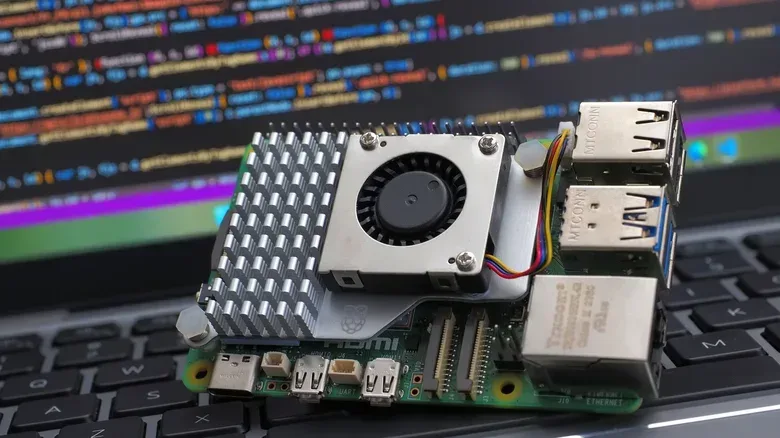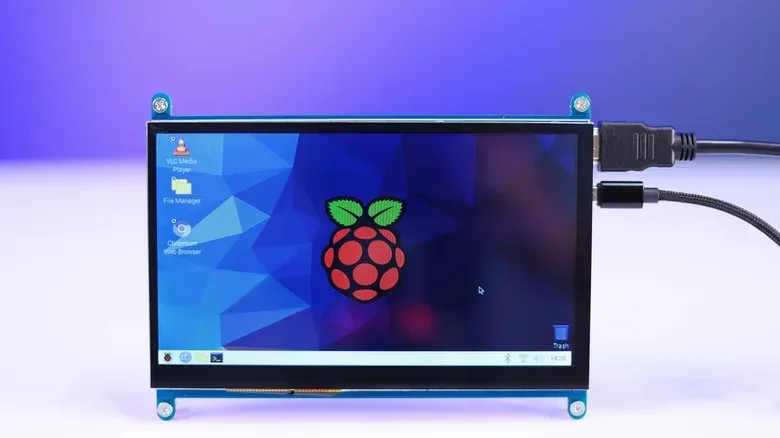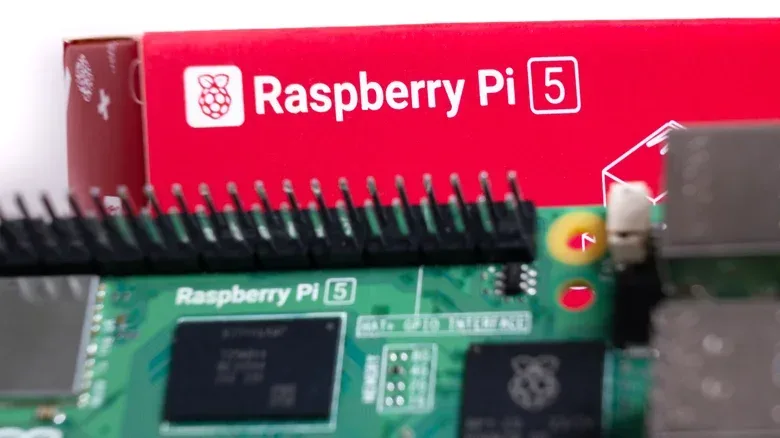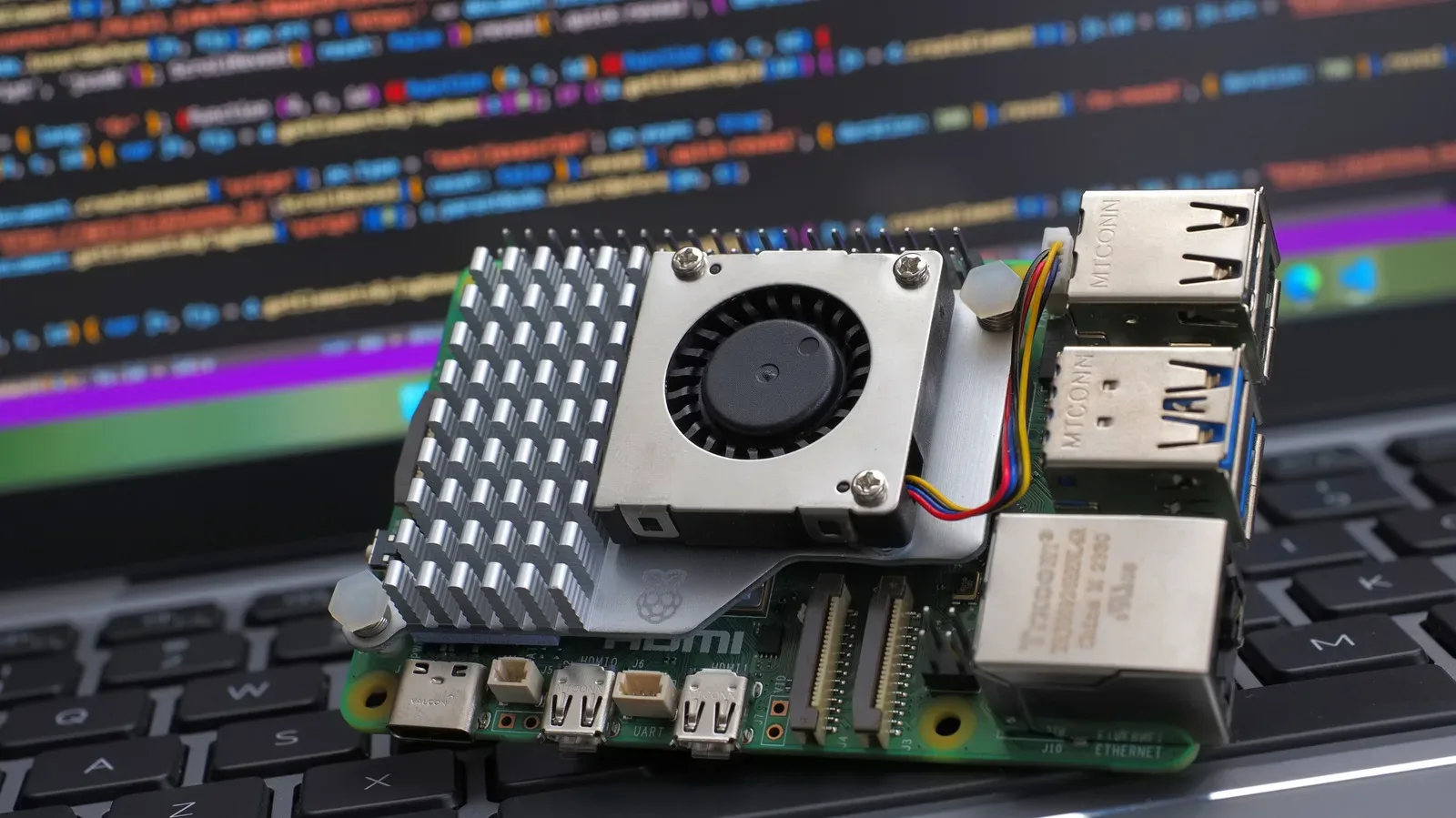
Buying a Raspberry Pi 5 can turn into a familiar hardware ritual: see a bigger number, imagine a smoother future, and wonder whether paying for it now will prevent regret later. RAM is especially tempting because it is fixed to the board. Unlike a conventional desktop build, there is no simple memory upgrade after purchase. Choose 1GB, 2GB, 4GB, 8GB, or 16GB at the start, and that is the ceiling for the life of the project.
That permanence matters, but it does not automatically make the largest model the sensible pick. A Pi is not normally being asked to imitate a modern laptop with a heavy desktop operating system, many always-on background processes, and a stack of ambitious apps competing for memory. It can do that sort of light desktop work to an extent, but its strongest use cases are often much narrower: a small machine assigned a specific job and left to handle it reliably.
The most useful RAM rule, then, is not “buy as much as possible.” It is buy for the workload, not for the number on the box. For a display-free media server, network-attached storage setup, smart-home hub, or camera-based security project, the 1GB Pi 5 can be a credible and inexpensive entry point. For someone expecting to browse, write, open several programs, or play basic games at a desktop, 2GB is the more sensible minimum. Beyond that, the price changes the calculation sharply enough that a Pi’s compact size and power efficiency need to be central to the decision.
RAM is working space, not a universal speed upgrade
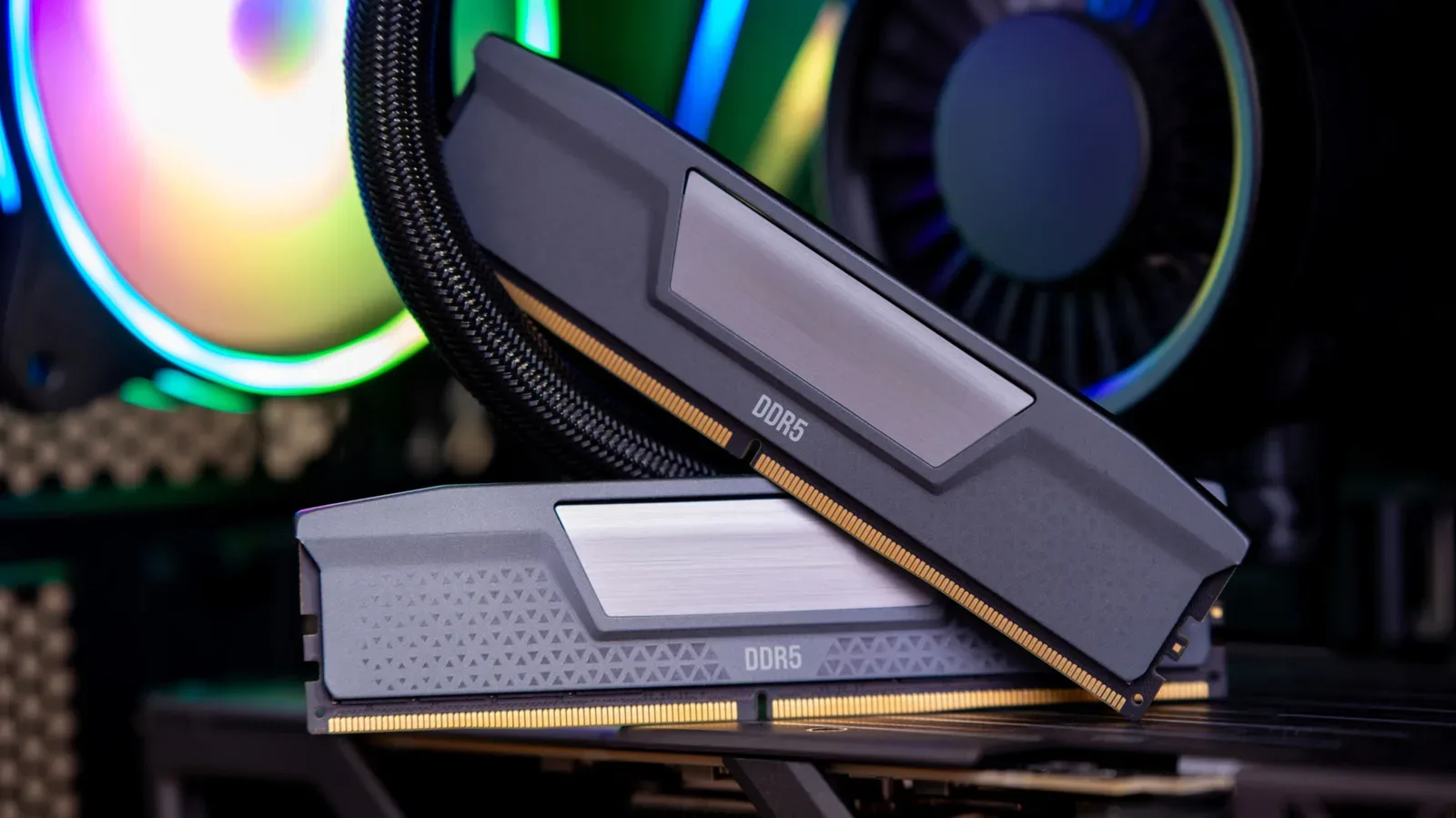
RAM, short for random-access memory, is the fast working area a computer uses to keep the operating system and active programs ready to run. It is different from storage. Storage holds the operating system, files, and installed software for the long term; RAM holds the things currently in use.
For more context, explore Android Location Accuracy: The Settings Fix That Can Rescue a Wandering Map Dot.
More RAM does not change the Pi 5’s processor into a more powerful processor, add ports, or make a demanding task inherently lighter. What it can do is leave more room for programs and data to stay available at the same time. That distinction is vital. A memory upgrade helps most when the board is constrained because several active tasks need space simultaneously. It is far less transformative when the bottleneck is processing power or when the machine is simply running one modest service in the background.
This is also why laptop memory expectations can be misleading. Many current PCs arrive with 8GB or more, and some higher-end laptops carry 32GB. Those systems commonly run Windows or macOS, operating systems designed to make broad use of available memory even when the user appears to be doing very little. Raspberry Pi OS is Linux-based and much lighter in this respect. Its baseline use is described as a few hundred megabytes rather than consuming the kind of memory footprint people may associate with a full-size computer.
That does not mean Raspberry Pi OS magically eliminates memory limits. It means the starting point is lower. A Pi that has been given one focused task has far fewer reasons to demand laptop-scale RAM than a desktop used for a browser, documents, media, and multiple background applications all at once.
Related coverage includes How Much RAM Does a Raspberry Pi 5 Need?.
What happens when a 1GB Pi runs out of room?
The clearest warning sign is desktop use. A browser and a word processor are familiar, seemingly modest programs, but they are not automatically light on a board with only 1GB of memory. Three or four media-heavy Firefox tabs may overwhelm a 1GB configuration. The system can then resort to swapping.
Swap is a mechanism in which the operating system shifts program data between RAM and physical storage to cope with a shortage of memory. It is a useful safety valve: it can stop a memory squeeze from immediately ending the session. But it is not equivalent to installing more RAM. Storage is slower working space than memory, so frequent swapping can introduce noticeable slowdowns as the computer continually moves data around.
In practical terms, that makes a 1GB Pi a poor fit for a casual “tiny PC” expectation if the plan includes a modern web browser and several rich pages. It may work, but the system is operating with very little slack. Every additional tab or application has a greater chance of pushing it into a slower, storage-dependent rhythm.
It is worth separating this problem from a general claim that 1GB is inadequate. It is inadequate for that kind of interactive multitasking. A machine with no graphical desktop to maintain, no display attached, and a tightly defined service workload faces a substantially different memory budget.
Headless operation changes the recommendation
“Headless” means operating the Raspberry Pi without a connected display. Rather than sitting at the Pi with a monitor, keyboard, browser tabs, and a graphical desktop, an owner sets it up to perform a role in the background. This could include a media server, a network-attached storage device, a smart-home hub, or a security system using the official camera add-on.
These are compelling examples because they remove the very category of use that puts immediate pressure on limited RAM: an actively used desktop. The Pi can quietly carry out its assigned job without rendering a display and without a person opening multiple media-heavy web pages on it.
For these roles, the 1GB Pi 5 is not merely a compromised choice. It can be the appropriately sized one. It also preserves the reason many people are attracted to Raspberry Pi hardware in the first place: a low-cost, compact platform backed by a large community and a deep pool of project resources.
A headless Pi is still a computer, not an exemption from workload planning. The services selected will determine whether 1GB remains comfortable. But the evidence points to a useful starting principle: if the project is a single, ongoing service rather than an interactive desktop, buying the lowest memory tier is far more defensible.
A practical split between 1GB and 2GB
- Choose 1GB when the Pi will be headless and dedicated to a focused service, such as media serving, network-attached storage, a smart-home hub, or a camera security setup.
- Choose at least 2GB when a display will be connected and the Pi is expected to run several programs or browser tabs at once.
- Do not treat 1GB as a desktop multitasking tier if the work includes media-rich browsing; swap-related slowdowns become a realistic concern.
The 2GB recommendation is not about chasing a luxury specification. It is about allowing the Pi 5’s processor to be used for light multitasking and basic games without memory becoming the immediate limiting factor. That extra headroom is relevant whenever the computer has to keep several foreground programs alive at once.
The awkward jump to 4GB and above
The Pi 5 begins at $45, a price that makes it easy to view as a small, accessible foundation for a project. The memory ladder changes that picture. The 4GB version is listed at $110 while retaining the same other board specifications. In other words, the additional spend is specifically buying memory capacity, not a new processor, extra storage, or a different collection of connections.
At the highest listed tiers, the gap grows wider: 8GB is listed at $175 and 16GB at $305. That is a very different purchase from a $45 single-board computer, even before considering whatever else a project requires. The important issue is not that more memory has no value. It is that the normal reasons for wanting a Raspberry Pi can weaken once memory alone commands that kind of premium.
Memory costs have not stayed still. The 8GB version was available for $80 at its 2023 launch, but a RAM shortage led to price rises across the range in 2025. That context helps explain why a specification that sounds conventional in laptop terms can look unusually expensive on a Pi. Component pressure affects the wider hardware market, yet bigger manufacturers can have advantages in negotiating large-volume supply deals.
The result is a buyer’s dilemma. Paying up for 8GB or 16GB may sound like sensible insurance, but it can put the buyer in a price range where other small computers offer a fundamentally different bundle of hardware.
When a mini PC may be the more rational answer
Mini PCs with 8GB of RAM can be found below $200 and may include more powerful CPUs, onboard storage, dual Ethernet, and multiple display outputs. Refurbished business machines on secondary markets, including Lenovo ThinkCentre and HP EliteDesk systems, are another relevant comparison. Even with older processors, these systems can substantially outperform a Raspberry Pi 5.
This does not erase the Pi’s advantages. Its compact form factor can be essential for a specific build, including a battery-powered robot. It is also more power-efficient for an always-on job. A mini PC uses more power, though the annual difference is characterized as only a few dollars. For somebody running a round-the-clock service, physical size, energy use, and project fit remain real reasons to choose the Pi.
But if the actual goal is a general-purpose computer that handles heavier work, it is worth being blunt about the mismatch: extra Pi RAM does not turn the platform into a desktop replacement for intensive tasks. At 8GB or 16GB pricing, the buyer should first ask whether the project truly needs Raspberry Pi dimensions and efficiency. If the answer is no, a mini PC may deliver more processing power, built-in storage, and connectivity for comparable or lower money.
That is not an argument against the Pi 5. It is an argument against treating RAM capacity as the whole specification. The Pi’s best value is tied to its small-board identity. Once its price approaches that of a more fully equipped small computer, the comparison has to become more demanding.
A decision checklist before ordering
- Define whether the Pi will have a desktop. If it will be headless, the case for 1GB improves dramatically. If it will run a browser on a connected display, start at 2GB.
- Count simultaneous activities rather than naming a project broadly. “Smart-home hub” is very different from “desktop browsing plus documents plus several open programs.” RAM is chiefly about concurrent work.
- Identify whether compact size is mandatory. A battery-powered robot and a tucked-away low-power service make a strong case for the Pi form factor. A stationary intensive-computing box may not.
- Compare the whole hardware package at higher prices. When considering 8GB or 16GB, factor in the processor, storage, Ethernet, and display connections available from alternatives, not memory alone.
- Accept the trade-off upfront. The Pi’s memory cannot be upgraded after delivery. That is a reason to choose deliberately, not necessarily a reason to purchase the maximum.
For occasional Pi projects and background jobs, the answer is refreshingly uncomplicated: 1GB or 2GB is likely the practical place to stop. Go with 1GB when the board is a dedicated, headless worker. Pick 2GB when it needs to behave like a light desktop. Move beyond that only when the project has a clear memory requirement or its compact, efficient Pi form factor is valuable enough to justify a rapidly increasing premium.