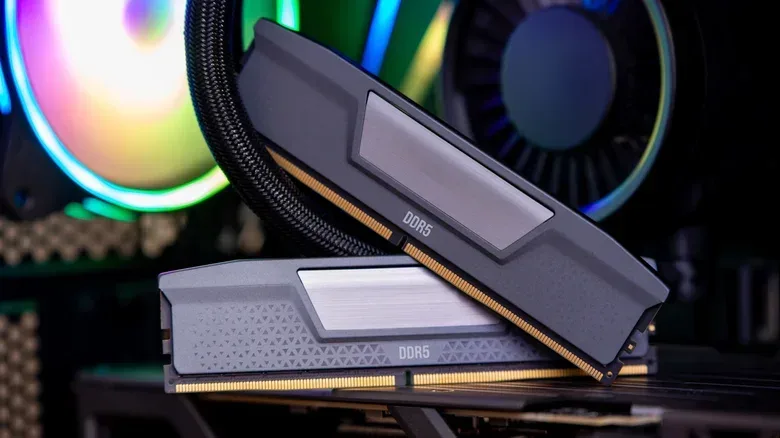
PC memory shopping has an uncanny talent for turning a pair of numbers into a side quest. A box marked DDR5-6000 CL30 looks plainly more powerful than one labeled DDR5-4800 CL40; a DDR5-8400 kit looks more powerful still. But for gaming, the practical difference is much less dramatic than the packaging suggests.
The headline is reassuringly unglamorous: there is no universal DDR5 speed that a game needs. A system built for DDR5 can play games using DDR5-4800, the baseline launch speed for the standard. DDR5-5200 is also entirely reasonable. Faster memory may improve frame rates in situations where the processor is the limiting component, but it does not create a sweeping transformation simply because its transfer-rate number is larger.
That distinction matters when memory pricing is volatile and premium kits can demand substantially more money. The sensible goal is not the largest number available. It is buying memory that makes sense for the processor and platform, while understanding what the label actually measures.
DDR5’s big number is a data rate, not its clock speed
Take the common label DDR5-6000 CL30. It contains two separate performance clues:
- DDR5-6000 is the data rate, measured in millions of transfers per second (MT/s).
- CL30 is CAS latency, expressed in clock cycles.
The first figure is often casually called memory speed, which is understandable but incomplete. DDR memory transfers data twice per clock cycle: once on each edge of the clock signal. That is what “double data rate” means. A DDR5-6000 module has a 3,000 MHz clock, but transfers data at an effective rate of 6,000 MT/s.
That faster transfer rate is primarily about bandwidth: the amount of data memory can move over time. The terminology is similar to the way internet plans are marketed, where the advertised “speed” generally means capacity rather than every aspect of responsiveness. Bandwidth and responsiveness are not the same measurement, and the same basic warning applies when reading RAM labels.
The second number, CL, addresses a different part of the process. CAS latency is the number of memory clock cycles between the processor requesting data and the memory beginning to respond. Lower is preferable when comparing memory operating at the same data rate, but it cannot be read in isolation. A clock cycle becomes shorter when the memory clock rises. Consequently, a numerically higher CL can still equal a similar—or lower—delay in real time.
Why CL30 is not automatically “30” of anything useful
A quick calculation converts CAS latency to nanoseconds:
Related coverage includes Does DDR5 RAM Speed Really Matter for Gaming?.
CAS latency in nanoseconds = CL × 2000 ÷ data rate
For DDR5-6000 CL30, that works out to 10 nanoseconds. A DDR5-4800 CL40 kit lands at nearly 17 nanoseconds. Those figures make the slower kit’s response delay tangible, but they still do not tell the whole gaming story. A game is not continuously waiting on one isolated memory read in a laboratory vacuum. Its eventual frame rate depends on its engine, workload, graphics hardware, processor, resolution and numerous other moving parts.
It is also important not to assume that every higher-rated kit has correspondingly snappier access times. Standard timings from JEDEC, the microelectronics standards organization, keep latency close to 14 nanoseconds across a broad range, from DDR5-3200 through DDR5-8800. A kit can therefore increase its data rate while loosening its timings enough that first-response latency stays around the same level.
In plain language, some memory is wider rather than quicker off the starting line. It can move more data once transfers are flowing, but may not respond materially sooner to a fresh request. That is why the best-looking transfer-rate figure is not a stand-alone verdict.
The practical split: value timings versus premium timings
DDR5-6000 is a useful example because it appears in both budget-minded and higher-end configurations. One kit might be DDR5-6000 CL36 or CL40, while another is DDR5-6000 CL30 or even CL28. They share the same headline data rate, yet their access latency differs.
Premium memory can instead push data rate much further, with current kits reaching DDR5-9600 and timings in the CL34-to-CL46 range. That does not make those products pointless. It means their value depends on whether the rest of the PC can make productive use of them, and whether the buyer’s target workload rewards bandwidth enough to justify the premium.
For a gaming-focused build, this is the point where marketing can sound louder than the likely result. Moving from the slowest DDR5 options toward a well-chosen middle ground can produce a modest improvement. The leap beyond that can shrink to a marginal gain, especially if the game is limited by the graphics card rather than the processor.
Processor-bound gaming is where faster DDR5 has its chance
A game is processor-bound, or CPU-bound, when the CPU becomes the limiting component before the graphics card does. In that situation, improving the CPU’s ability to fetch and process data can help frame rate. High-speed DDR5 such as DDR5-7200 or DDR5-8400 can marginally improve results in these circumstances.
The key word is “marginally.” Faster RAM is not a substitute for a faster processor or graphics card, and it does not guarantee a visible change in every game. The evidence available here supports an incremental advantage at the high end during processor-bound play—not a blanket promise that every title will suddenly run differently.
That is why it is better to approach a memory purchase as a platform decision rather than a leaderboard contest. Before paying for a very fast kit, identify the processor’s memory-controller behavior. That component determines whether the higher memory setting is actually a good fit.
AMD Ryzen: DDR5-6000 occupies an important sweet spot
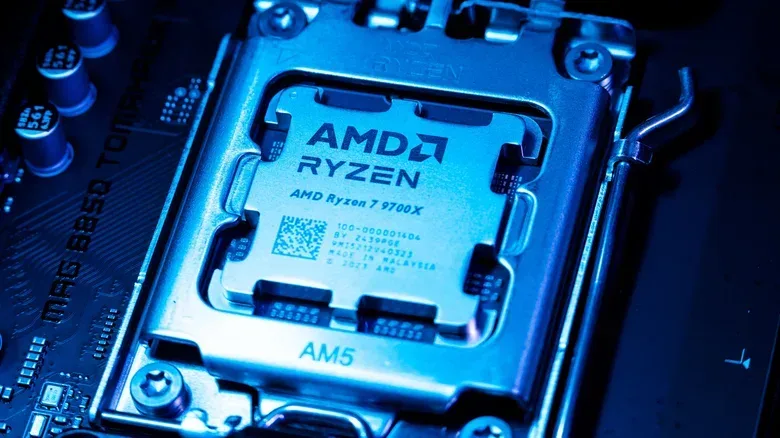
AMD lists DDR5-5600 as the supported speed for Ryzen 9000 processors and DDR5-5200 for Ryzen 7000. Those figures refer to validation with two ordinary RAM sticks, and they are not a declaration that anything higher is unusable. In practice, DDR5-6000 is a frequent choice for AMD systems.
The reason is the relationship between memory speed and the Ryzen memory controller. Up to roughly a 3,000 MHz memory clock—the effective DDR5-6000 rate—the controller can operate at the same clock as the memory. Going beyond that point can cause the controller to run at half the memory clock instead. The result is added delay on memory requests, which can offset or erase the benefit that the larger transfer-rate number seemed to promise.
That behavior produces the kind of counterintuitive result PC builders should expect from a specification sheet: DDR5-6000 CL30 can beat DDR5-6400 CL32 on a Ryzen setup, despite DDR5-6400 looking faster at a glance. The latter has greater headline bandwidth, but the platform’s clock relationship and latency can matter more than the label.
For Ryzen 7000 and Ryzen 9000 gaming systems, DDR5-6000 with suitably tight timings is therefore a practical target based on the available information. It balances transfer rate, response latency and processor behavior without paying for speed the platform may not turn into a meaningful gaming result.
Intel has more room, but the advice still is not “buy the maximum”
Intel’s Core Ultra 200S desktop processors support DDR5-5600 with conventional modules and DDR5-6400 with CUDIMMs. A CUDIMM is a memory module with its own clock driver, intended to support higher-speed operation. That expanded support gives an Intel builder more headroom than the simple baseline figures might imply.
There is also a stated recommendation that DDR5-6400 to DDR5-7200 is a strong range for 13th Gen Intel systems. It should be treated as a useful data point, rather than an iron law, particularly because it comes from a company selling high-end memory products. The broader lesson remains intact: CPU generation, memory-module type, timings and actual price all matter. A very fast kit is not automatically the wisest purchase simply because an Intel platform can accommodate it.
Is DDR5-4800 too slow for a gaming PC?
No. DDR5-4800 is the original baseline rate introduced with DDR5 in 2021, and every DDR5 processor is designed to run it. DDR5-5200 sits just above it and is the validated speed for Ryzen 7000. Both are viable for gaming.
That does not mean all kits perform identically. Lower data rates and looser timings can be slower in memory-sensitive work. But the gap needs perspective. In one comparison of 32GB kits across demanding productivity tasks, the lowest-scoring DDR5-6400 kit was only about 4% behind the fastest result. That is productivity, not a universal gaming benchmark, but it usefully illustrates why expensive RAM can yield surprisingly small gains even in heavier work.
The real risk is treating a reasonable DDR5-4800 or DDR5-5200 kit as a broken choice just because a faster product exists. It is not. If a build is constrained by budget, spending the difference elsewhere can be more consequential than chasing extreme transfer rates. The supplied evidence does not establish which alternative component will help a particular PC most, so buyers should resist turning that general principle into a universal upgrade rule.
A shopping checklist that keeps the numbers in their lane
- Start with the processor. Check the platform’s validated memory rating and understand its memory-controller limits.
- Read data rate and CL together. DDR5-6000 CL30 and DDR5-6000 CL40 carry the same transfer-rate label but do not have the same CAS latency.
- Separate bandwidth from latency. A higher DDR5 number increases potential data throughput; it does not necessarily reduce response time.
- Prioritize the middle before the extreme. DDR5-6000 is particularly relevant to Ryzen systems because of the roughly 3,000 MHz controller relationship described above.
- Keep gaming bottlenecks in mind. High-end DDR5 is most likely to matter when the game is processor-bound, and even then the uplift is described as marginal.
- Do not confuse a record with a recommendation. JEDEC raised DDR5’s official ceiling to 8,800 MT/s in 2024, commercial kits have reached 9,600 MT/s, and an overclocking demonstration reached 13,556 MT/s with liquid nitrogen. None of that makes exotic memory settings necessary for normal gaming.
The final verdict is pleasantly uncomplicated. DDR5-4800 and DDR5-5200 will play games. Higher-performing configurations can be worthwhile, but buying the right RAM is less about conquering the largest number on the box and more about matching latency, data rate and processor behavior. For many AMD gaming builds, DDR5-6000 with tighter timings has a coherent technical case. For everyone else, the important message is to spend carefully: RAM can help, but it is rarely the magic item its product labels imply.