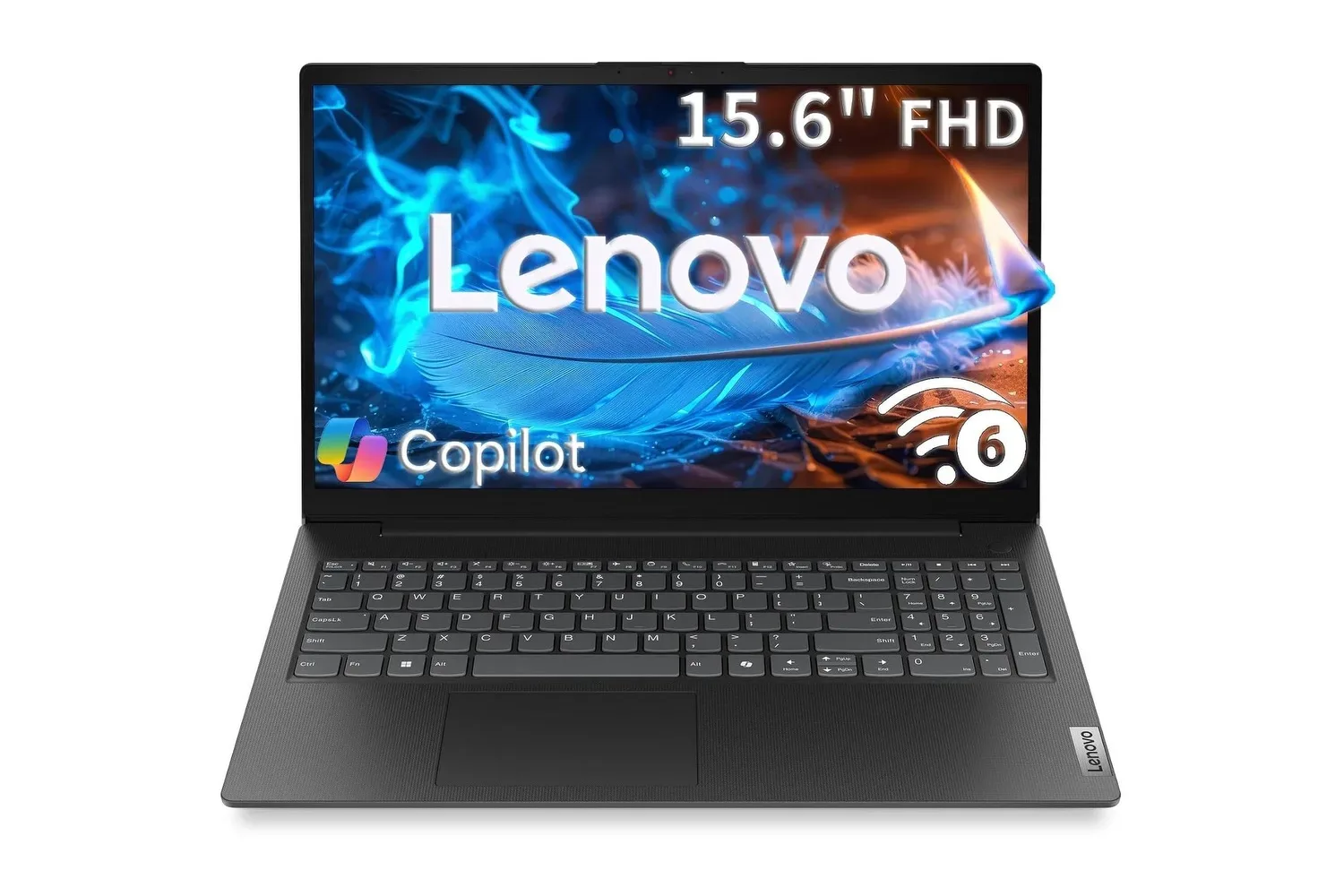
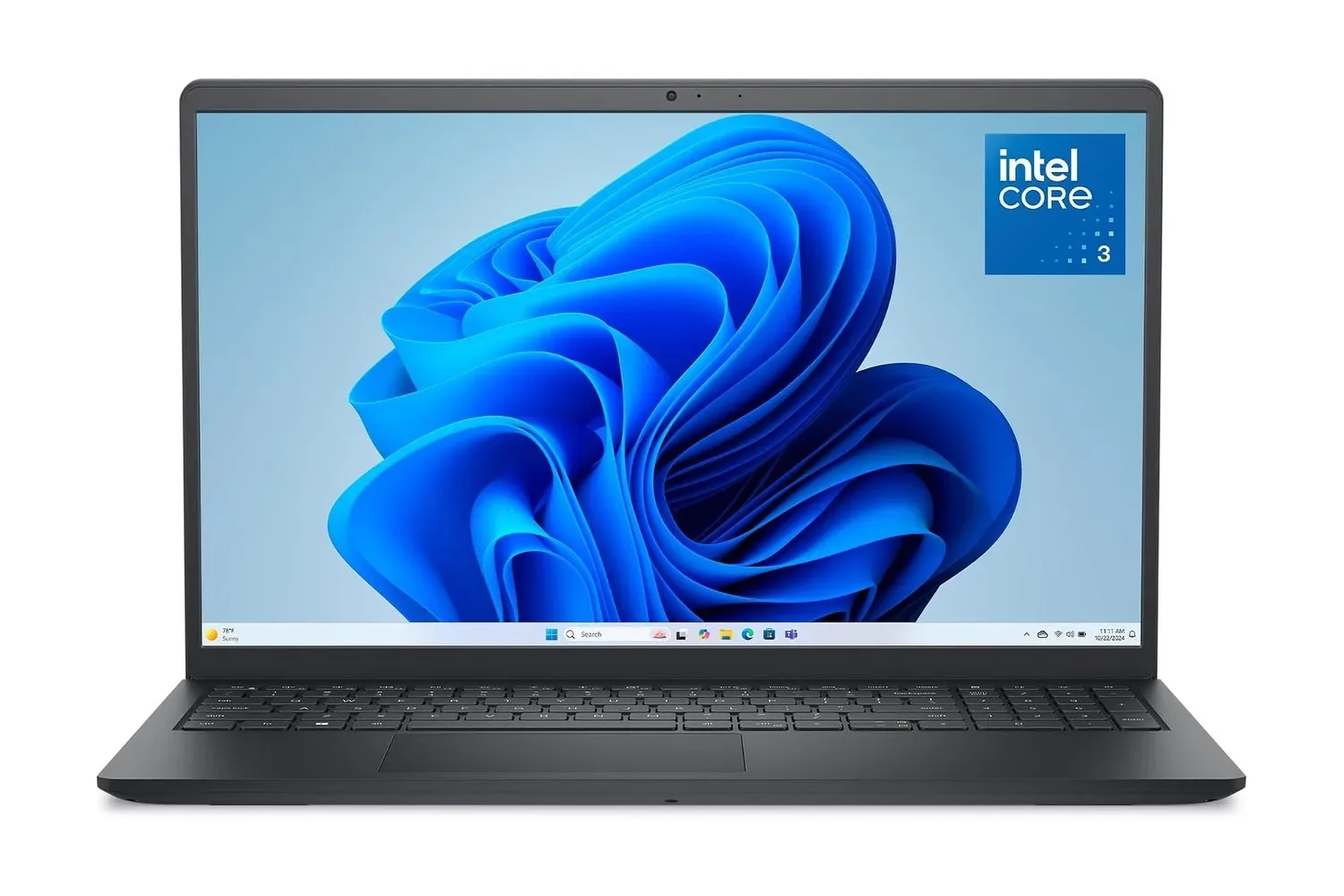
Dell’s 15.6-inch laptop is listed at $400, down from $479. That is a $79 reduction, or 17% off the stated regular price. The configuration pairs an Intel Core 3 100U processor with 8GB of DDR5 memory, a 512GB PCIe NVMe solid-state drive, a 15.6-inch Full HD anti-glare display, Intel UHD Graphics and Windows 11 Home.
For anyone shopping for a broadly useful home, school or work machine, the appeal is fairly direct: it is a large-screen Windows laptop with modern storage, a number pad, Wi-Fi 6, Bluetooth, an SD card slot and an HD webcam at a $400 list price. The important caveat for players is equally direct. Nothing in the listed specification positions this as a laptop for demanding contemporary PC games. It is much more sensibly understood as an everyday computer that can handle the non-gaming work surrounding a hobby: web research, Discord calls, documents, spreadsheets, streaming, photo transfers and managing files.
What the $400 configuration includes
The central hardware is Intel’s Core 3 100U, described as a six-core processor with boost speeds up to 4.7GHz. It is joined by 8GB of DDR5 RAM and a 512GB PCIe NVMe SSD. The machine also includes Intel UHD Graphics rather than a separately listed dedicated graphics processor.
Those terms matter because each describes a different part of the laptop’s day-to-day behavior:
- Processor: The CPU runs the operating system and general tasks such as browser work, document editing, spreadsheets and video calls. Six cores can help when several apps are open and need attention at once.
- DDR5 memory: RAM is the short-term workspace used by open apps and browser tabs. The supplied 8GB should be viewed as a practical baseline for routine multitasking rather than a promise of unlimited headroom.
- PCIe NVMe SSD: This is the internal storage used for Windows, applications and personal files. SSDs are built for quick file access, which helps startup and app-loading behavior compared with older mechanical hard drives.
- Intel UHD Graphics: These are integrated graphics, meaning graphics capability is part of the processor platform rather than a separately listed gaming-focused GPU. The stated use case includes HD video playback; buyers should not infer high-end game performance from that.
That last distinction is the biggest one for a gaming audience. A laptop can be capable, pleasant and useful without being a strong fit for graphically heavy games. The listed hardware clearly supports everyday computing and video playback. It does not provide a specific basis to predict performance in individual games, graphical settings, resolutions or frame rates. Those details would require game-by-game testing that is not supplied here.
For players who mostly use a console, a machine in this category can still fill a useful supporting role: keeping up with a group chat, watching streams, handling captures and photos stored on SD cards, writing guides or schoolwork, and participating in video calls. It is also potentially useful for lighter PC tasks, but shoppers whose main goal is playing new, technically demanding releases should prioritize a system with clearly stated graphics hardware and game-specific performance information.
A 15.6-inch screen emphasizes workspace
Dell specifies a 15.6-inch Full HD display with a wide-angle panel, anti-glare coating and 300 nits of brightness. Full HD means a 1920-by-1080 resolution, which remains a familiar layout for Windows applications, video and side-by-side document work. On a screen this size, that resolution gives users enough space to put a browser beside a document or spreadsheet without turning every window into a cramped little box.
The anti-glare treatment is a practical feature rather than a headline-grabbing one. It is intended to reduce distracting reflections from nearby lights and windows. Combined with the listed 300-nit brightness, it should be particularly relevant to a desk near fluorescent lighting or daytime ambient light. It does not, however, establish anything about color accuracy, refresh rate, response time or other display qualities that gamers and creative users may want to investigate separately.
That makes the screen’s clearest value proposition productivity and general viewing. It is large enough to make budgeting, homework, browsing and streaming comfortable, while the non-reflective approach should make ordinary indoor use easier. Prospective buyers should avoid assuming that “Full HD” alone means the display is tailored for competitive play or content-creation color work; the available details simply do not make those claims.
The keyboard and ports may be more valuable than they sound
The laptop has a full-size keyboard layout with a dedicated numeric keypad. That addition is easy to overlook until a task involves long runs of numbers. Students entering figures into assignments, households tracking expenses, or workers moving through spreadsheets can use the pad without relying on the number row at the top of the keyboard.
Dell also lists an SD card reader. For people whose cameras save photos or videos to SD media, that can eliminate the need for a separate reader and make it simpler to transfer files to the laptop. The 512GB SSD is the onboard destination for those files as well as installed applications and general documents. Whether 512GB is enough ultimately depends on a person’s library, particularly where large video files are concerned, but it is meaningful room for an everyday laptop configuration.
Wireless connectivity includes Wi-Fi 6 and Bluetooth. Wi-Fi 6 is a wireless-networking standard intended to support an efficient connection in compatible environments, while Bluetooth enables peripherals such as mice, keyboards and headphones to connect without a cable. Neither specification eliminates the role of a router, local network conditions or the quality of an internet service, but both are useful modern basics for a laptop that will move between rooms, classes and workspaces.
The HD webcam completes the core remote-work and school package. Video calls are among the tasks identified for the processor, and the built-in camera means there is no stated need to add an external webcam just to join meetings, calls or classes.
Who should consider it—and who should pause
The $400 listing is most compelling for someone who needs a conventional Windows notebook for routine computing and values a larger panel, physical number pad and roomy SSD. It has a coherent everyday feature set rather than one attention-grabbing premium component: a 15.6-inch anti-glare screen, modern solid-state storage, Wi-Fi 6, a webcam, SD card access and Bluetooth all make sense together for shared family use, schoolwork and typical office tasks.
It may be especially practical for a household computer. A large display makes it easier to share a video, work through a document with another person or keep multiple windows visible. The number pad and SD slot are also tangible conveniences that can be more useful across a household than a thinner chassis or a more specialized specification.
There are still sensible reasons to pause before treating the discount as an automatic purchase:
- Gaming expectations: Intel UHD Graphics are listed, but no game benchmarks, frame-rate targets or dedicated GPU are stated. Buyers seeking a primary gaming laptop should not assume that this configuration meets that need.
- Memory needs: 8GB of DDR5 is supplied. That can support everyday browser and office multitasking, but shoppers who routinely run many demanding applications simultaneously may want more memory headroom.
- Unspecified details: The available information does not establish the display’s refresh rate, the laptop’s weight, battery endurance, port selection beyond the SD reader, upgrade options or gaming behavior. A buyer for whom any of those are essential should verify them on the current product listing before committing.
- Storage habits: A 512GB SSD provides a useful starting point for files and applications, though users with extensive local video collections or large game libraries should plan storage deliberately.
Price also deserves a level-headed read. The stated math is straightforward: $400 instead of $479 is a 17% cut. It is a meaningful saving for this configuration, but the right comparison is not simply “new versus used.” The more useful question is whether the listed hardware and design suit the buyer’s actual workload. A discounted laptop remains poor value if its owner needs dedicated graphics, additional memory, a different screen class or a more portable form factor.
Practical buying checklist
Before buying, match the configuration to the role it will play. Someone purchasing a first family computer, student system or work-from-home companion can focus on its screen, keyboard, storage, webcam and connectivity. A PC player should make the graphics question the first filter, not the final footnote.
- Confirm that a 15.6-inch laptop fits the intended desk, backpack and travel routine.
- Check the live retailer listing for the current price and exact configuration, since listings and discounts can change.
- Decide whether the core uses are browsing, documents, video meetings, streaming and file storage—or whether demanding games are a primary requirement.
- If games matter, look for clearly stated GPU hardware and independent game-specific results rather than extrapolating from a CPU boost-clock figure.
- Consider whether 512GB fits the intended mix of school files, photos, video and installed apps.
- Verify any currently unstated requirements, including ports, battery expectations and display characteristics.
For more PC housekeeping once a system is set up, see three Steam settings worth checking when background features affect PC game performance. That advice is about managing software behavior, not turning integrated graphics into a substitute for a dedicated gaming GPU.
Ultimately, the Dell’s listed deal is easy to frame accurately. At $400, it offers an everyday Windows 11 setup with a sizable Full HD anti-glare display, a number pad, 8GB of DDR5 memory and a 512GB NVMe SSD. It appears designed for the dependable routine: school, office tasks, browsing, calls, streaming and personal files. For buyers with those needs, the discount improves an already practical specification. For those shopping chiefly for modern PC gaming, the absence of a stated dedicated graphics solution is the detail that should guide the search elsewhere.
Shop the products
Check current price, model and availability at the retailer.