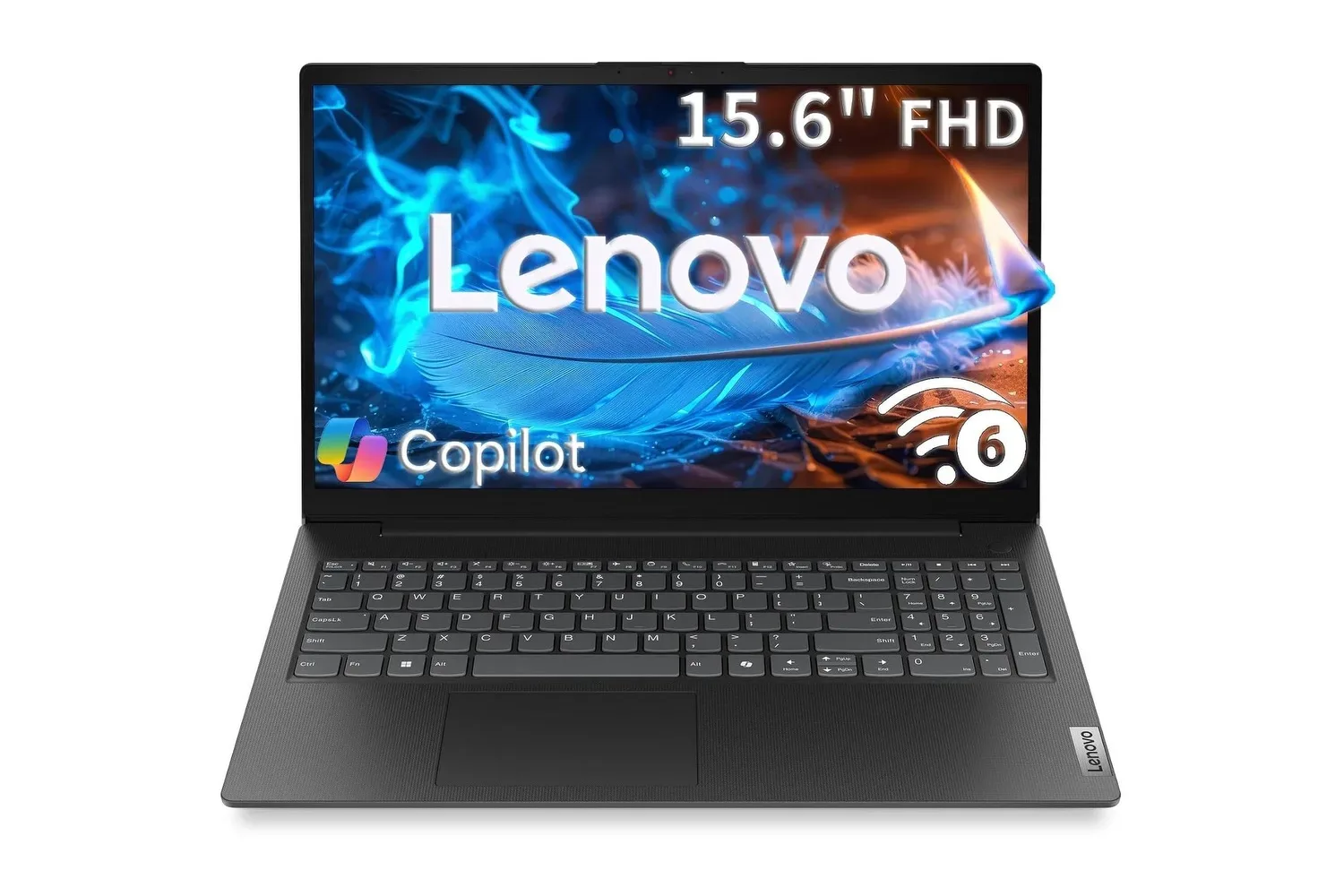
The Lenovo V15 Business 15.6-inch Full HD laptop is listed at $460, a reduction of $240 from a stated $700 price. That is a 34% discount, and it puts the appeal of this particular configuration in a fairly clear place: it is a conventional, work-first Windows machine built around documents, spreadsheets, web apps, calls and media playback rather than a flashy all-purpose performance system.
For shoppers who need a larger screen, a physical number pad and a straightforward way into Windows 11, the specification is sensible on paper. The configuration described includes an Intel N100 processor, 8GB of DDR5 memory, a 256GB PCI Express M.2 solid-state drive, Wi-Fi 6, USB-C, Intel UHD Graphics and HD audio. It also comes with a 15.6-inch, 1920 x 1080 anti-glare display.
The important part is not merely that the price has fallen. It is whether the V15’s compromises line up with the tasks a buyer actually needs to complete. At $460, it may make sense for routine productivity and coursework, especially where its keyboard and display size are more useful than raw processing headroom. It is less convincing as a purchase made on the assumption that every use case called “business” or “student” work is equally demanding.
The strongest case for the V15 is practical desk work
A 15.6-inch 1080p panel is one of the laptop’s clearest benefits. “Full HD” means a 1920 x 1080 pixel resolution, which gives enough room for everyday multitasking without requiring the buyer to attach a monitor immediately. A person can keep an email or invoice open beside a spreadsheet, or compare notes with a document in a second window. That is a mundane advantage, but it is often more valuable than premium design details when the laptop will spend most of its time at a desk, kitchen table or classroom.
The anti-glare treatment is similarly unglamorous but useful. A glossy display can reflect windows, ceiling lights and lamps; an anti-glare coating is intended to reduce those reflections. It will not change the screen’s brightness or transform a sunlit room into an ideal workspace, but it can make long sessions with text and spreadsheets less distracting when there are several light sources nearby.
Then there is the full-size keyboard with a numeric keypad. The number pad is the dedicated block of number keys on the right side of a typical larger keyboard. It can be genuinely convenient for repeated entry of amounts, quantities, dates or figures in a spreadsheet. Anyone who deals with invoices, budgets or financial reports may appreciate it more than a buyer who mostly writes essays and messages. Smaller laptops commonly omit this section to save space, so the V15’s larger footprint has a tangible productivity trade-off in its favor.
The combination makes the V15 most understandable as a laptop for administration rather than an aspirational do-everything machine. Small-business owners, remote workers and students who chiefly use browser-based systems, Office documents, email and video calls are the audiences whose everyday habits most closely match the hardware described.
What the core hardware does—and does not—suggest
The Intel N100 is identified here as a quad-core processor with speeds up to 3.4GHz. Processor clock speed is only one measure of performance, but the more useful reading is the overall configuration: this is positioned for lightweight, everyday computing. Moving among documents, browser tabs, web services and conferencing software should be the kind of workload the machine is intended to handle.
Related coverage includes Lenovo V15 Business Laptop Is Listed at $460 With Windows 11, Office 365 and Copilot.
That does not mean every multi-application scenario will feel identical. A long browser session can accumulate many tabs; video calls can run alongside uploads, cloud-sync activity and a presentation; and large files can introduce their own demands. The supplied specifications establish the V15 as a capable basic productivity option, not a basis for assuming unlimited headroom. Buyers whose work regularly involves substantially demanding software should examine their needs carefully rather than treating “quad-core” as a complete performance verdict.
The laptop has 8GB of DDR5 RAM. RAM, or random-access memory, is the short-term working space used by open applications and active files. DDR5 identifies the memory generation. For ordinary office-style work, 8GB can support the essential mix of a browser, documents, email and calls. The limitation is capacity: as simultaneous apps, tabs and larger files pile up, that working space becomes more consequential. It is worth checking whether a prospective workflow is typically light and focused or crowded and persistent before buying.
The 256GB PCI Express M.2 SSD is the other major everyday component. An SSD, or solid-state drive, stores Windows, programs and personal files; it has no moving parts. “M.2” refers to its compact physical format, while PCI Express refers to its connection. In practical terms, it should help the system boot and open applications promptly. Storage capacity is a separate issue from speed. A 256GB drive may be adequate for documents, web-first tools and a carefully managed local library, but photos, videos, downloaded material and large application folders can consume it. Buyers should think about how much they prefer to retain locally rather than assuming the included drive will remain spacious indefinitely.
Intel UHD Graphics handles graphics duties in this configuration. The stated uses include HD video streaming after the workday, which is a realistic secondary role for a large-screen laptop. It should not be mistaken for a claim that the V15 is a dedicated gaming system or a substitute for hardware designed around demanding visual workloads. The listing’s meaningful strengths are office use and general media, not graphics-focused performance.
Included software is useful, but verify the exact terms
Windows 11, Copilot and Office 365 are described as available out of the box, including access to Word, Excel and PowerPoint. That package is potentially a major convenience. A new employee or student can be more productive quickly if the programs they need are already available, particularly for composing reports, viewing spreadsheets or putting together presentations.
Copilot is described as a tool that can assist with tasks such as turning informal notes into a formal email, extracting key points from a long PDF and answering questions while someone is working in a document. These are examples of AI-assisted productivity: the software helps summarize, draft or reorganize information, while the user remains responsible for reviewing the result. That review matters especially for business documents, figures, customer communication and academic work. An answer or draft that sounds polished is not automatically accurate or appropriate for its purpose.
There is also a purchase-detail question worth asking before treating software as a permanent part of the value calculation: what, precisely, is included with the specific listing? “Office 365” can describe access with terms that vary by offer, account and subscription arrangement. A careful buyer should confirm the edition, whether any subscription is included, how long it lasts if it is time-limited, and what sign-in or activation requirements apply. The same caution applies to Copilot access and features. Included software can be valuable, but it should be verified in the listing rather than assumed to cover every version or service indefinitely.
Connectivity leaves room for a simple workstation
The V15 includes Wi-Fi 6 and one USB-C port. Wi-Fi 6 is a wireless networking standard intended to support efficient connections, particularly in spaces with several connected devices. Actual internet performance will still depend on the router, service plan, signal conditions and the network’s other traffic. It is a useful modern connectivity feature, not a guarantee that every connection problem disappears.
USB-C is a compact, reversible connector that can be useful for accessories such as docks, external drives or displays, depending on the peripheral and supported connection features. The laptop’s single USB-C port makes it worth planning the desk setup rather than making assumptions about expansion. Someone who needs an external monitor, additional storage and several wired peripherals may want a suitable dock or hub, but should confirm compatibility before budgeting around it.
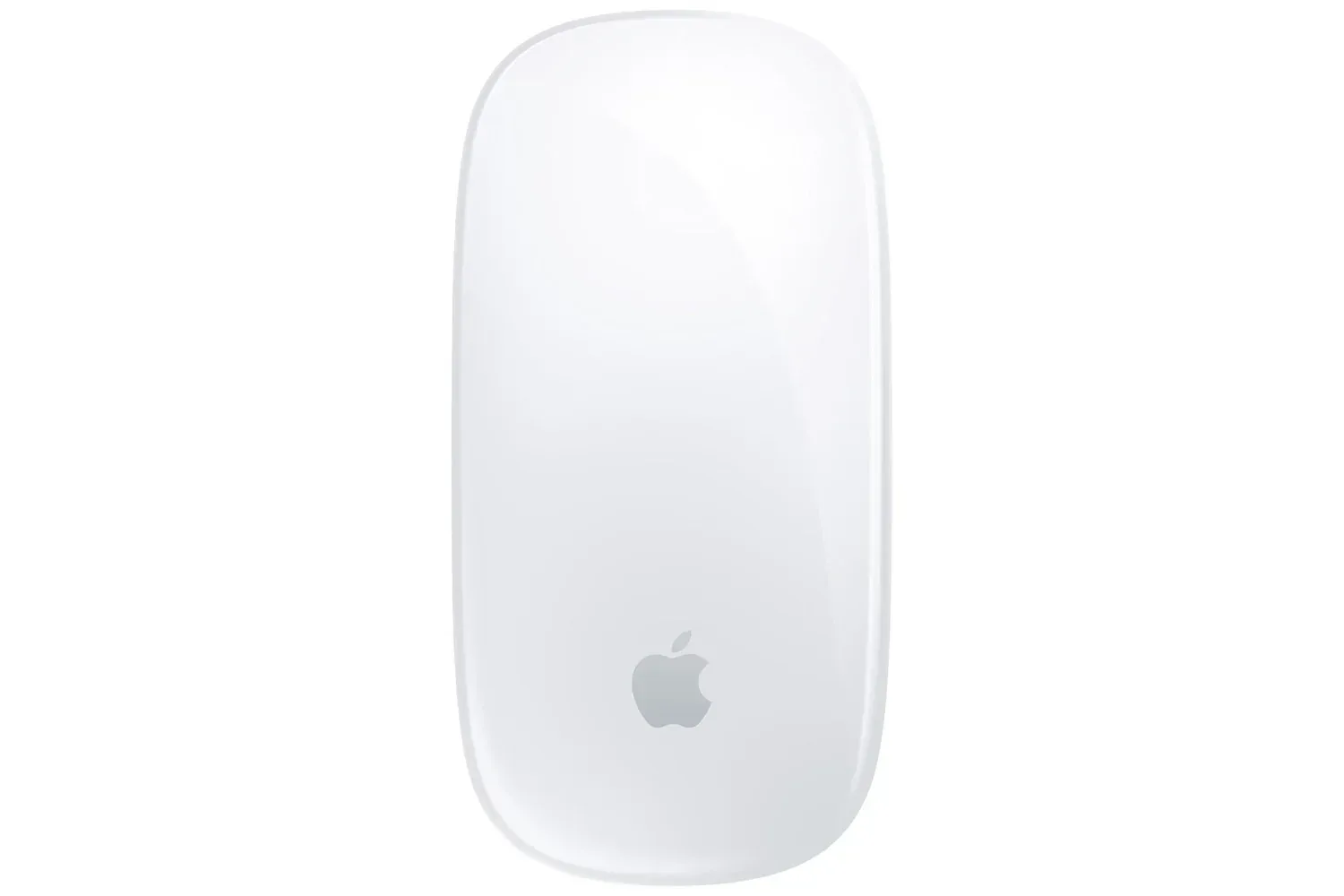
This matters because the V15’s value could grow when paired with the right accessories. The 15.6-inch screen and number pad make it self-sufficient for basic tasks, while a monitor or dock may turn it into a more comfortable fixed workstation. However, accessories can quickly change the total cost, so they should be part of the buying decision rather than an afterthought. The same rule applies to input devices: a discount on a peripheral does not automatically make it the right ergonomic choice, a distinction worth keeping in mind with deals such as the Apple Magic Mouse listing.
Who should put it on the shortlist?
The listed $460 price is most compelling for a buyer who values a ready-to-use Windows laptop with a big enough screen for side-by-side work, an anti-glare panel and a numeric keypad. It has a coherent role for spreadsheet entry, invoices, writing, online learning, web applications, video calls and HD streaming. The SSD, Wi-Fi 6 and USB-C all reinforce the sense of a current, straightforward machine for those tasks.
It deserves more caution from anyone whose daily work creates heavy demand through many simultaneous programs, large local files or specialized software. The stated 8GB of memory and 256GB of storage are usable starting points, not limitless resources. Likewise, the integrated Intel UHD graphics should be evaluated around its described media role rather than as a reason to expect a graphics-heavy experience.
In other words, the discount is real arithmetic—$240 off the stated $700 price—but good value depends on workload. Shoppers who need an affordable, large-format productivity laptop may find the V15’s priorities refreshingly direct. Shoppers looking for robust graphics capability, expansive local storage or plenty of room for demanding multitasking should treat the attractive price as a reason to investigate the configuration, not a reason to skip that investigation.
Shop the products
Check current price, model and availability at the retailer.