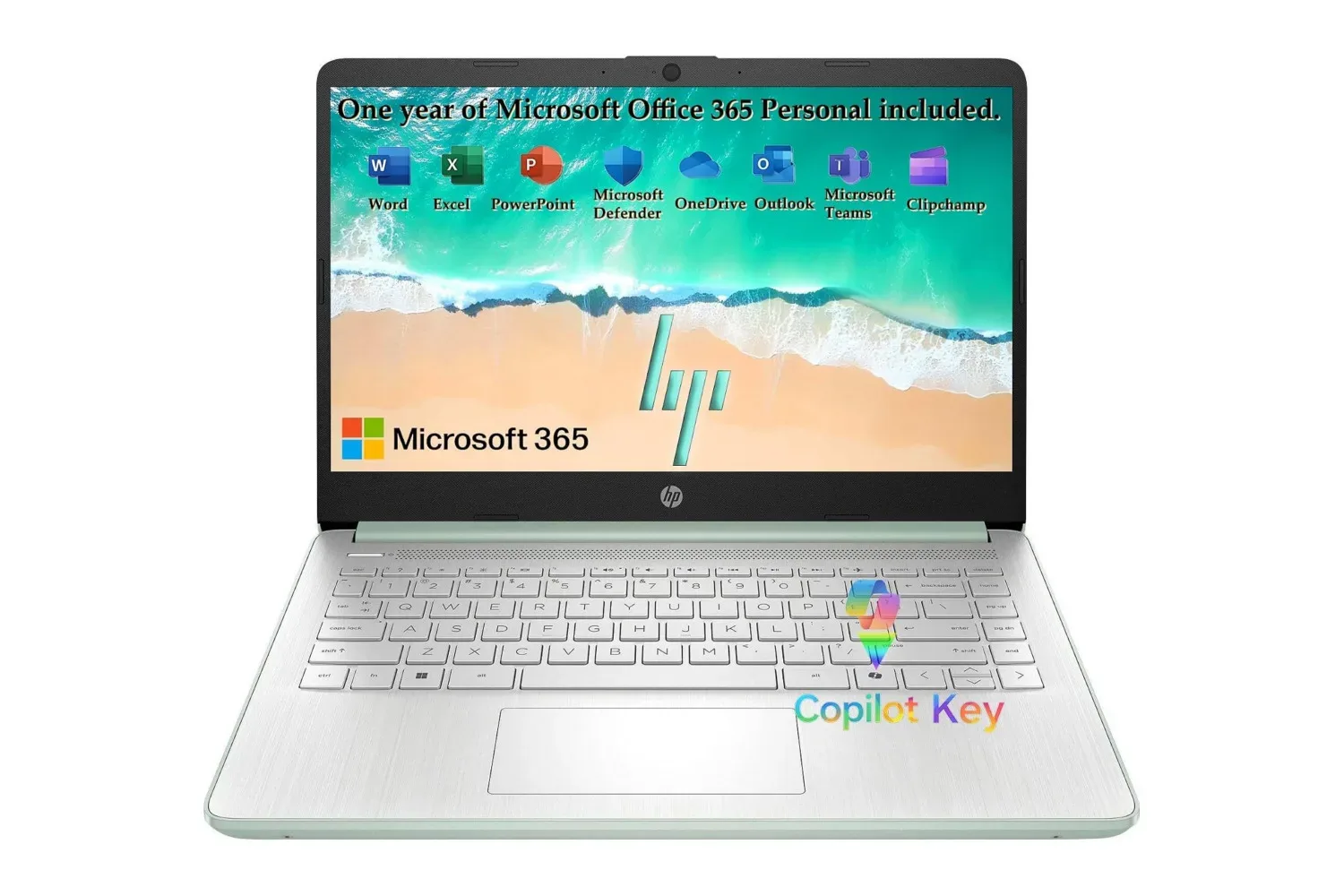
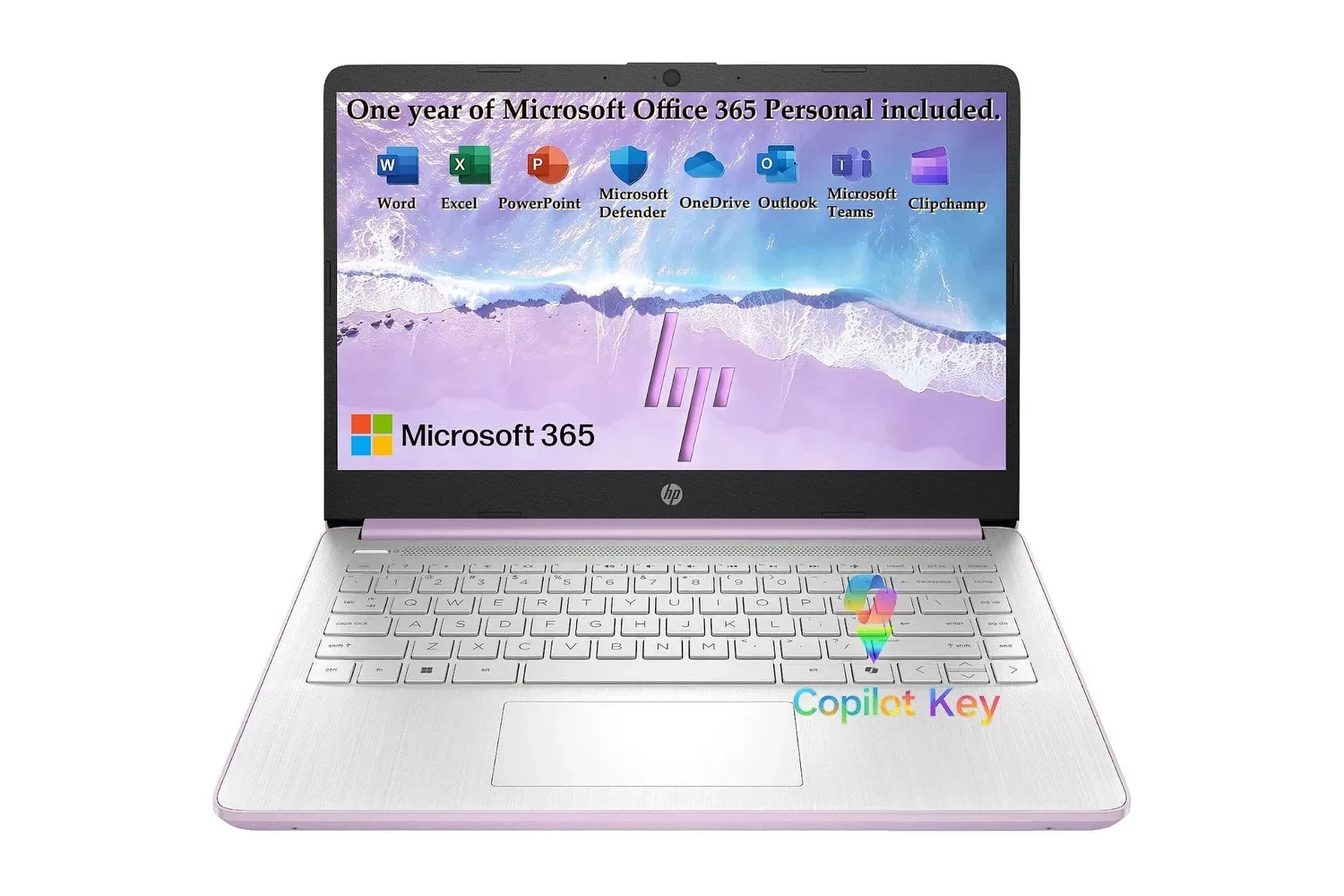
A listing for HP’s Honey Lavender 2027 Everyday Laptop puts the entry-level Windows notebook at $320, reduced from a stated regular price of $430. That is a $110 difference, or 26% off the listed price. The configuration bundles Windows 11, Copilot AI features, Microsoft 365 and 1TB of cloud storage with a 14-inch laptop designed around everyday work rather than heavyweight performance.
On paper, this is a machine for documents, browser tabs, streaming, email, video calls and school assignments. Its component list is modest but focused: an Intel N150 processor, 4GB of LPDDR5 memory, 128GB of UFS internal storage, Wi-Fi 6, an HD anti-glare display, a 720p webcam and dual-array microphones. That makes the sale most relevant to a student, family or occasional home-office user who needs a conventional laptop keyboard and Windows software at a low upfront cost.
The important caveat is equally straightforward: this is not a specification sheet aimed at demanding games, intensive editing or large local media libraries. Prospective buyers should treat the cloud-storage bundle and Microsoft 365 inclusion as central parts of the offer, not incidental extras.
What the $320 configuration includes
The HP notebook uses Intel’s N150, a quad-core, four-thread processor with a stated Turbo Boost speed of up to 3.6GHz and 6MB of cache. A processor’s cores are the hardware units that handle instructions; more capable systems can divide heavier work across more cores or run at higher sustained performance. Here, the supplied specifications point to a chip intended for common computing: web use, communication, office files and video playback.
HP pairs it with 4GB of LPDDR5 RAM. RAM is the short-term working memory used by active apps and open browser pages. LPDDR5 is a modern low-power memory type, but capacity still matters. Four gigabytes can suit light multitasking, such as writing in a document while keeping a handful of browser tabs open, but it leaves less room when many applications, demanding sites or substantial files are in play. The value proposition is therefore strongest for focused, routine use rather than treating the laptop as a do-everything household workstation.
Internal capacity is 128GB of UFS storage. UFS is flash-based storage designed for quick access, and the listed capacity can help explain the laptop’s compact, budget-minded positioning. It should be enough for Windows, applications and a limited set of locally stored documents, but it is not a large archive for video, games or years of photos. Buyers who prefer keeping every file offline should consider that limitation before putting the price at the center of the decision.
Cloud storage is the counterweight: the bundle includes 1TB of it. One terabyte is a substantially larger allowance than the 128GB local drive, potentially giving users room to keep documents, photos and project files online and retrieve them from another computer or phone. That convenience depends on internet access and on how a person prefers to organize files. It does not turn the internal drive into a 1TB drive, but it can make a small local capacity more workable for schoolwork and office documents.
Microsoft 365 may matter as much as the hardware
The included Microsoft 365 subscription is a meaningful part of the package for buyers who regularly use Word, Excel or PowerPoint. For students preparing assignments, families managing household spreadsheets, or workers building straightforward presentations, having those tools included can reduce the need to sort out productivity software separately.
There is a practical detail worth checking before purchase: the supplied listing identifies a Microsoft 365 subscription but does not state its duration or renewal terms. A subscription is different from perpetual software ownership; its ongoing access can depend on the specific plan. Buyers should verify precisely what the package covers, how long it lasts and what happens after any included term before relying on it for long-term work.
The same applies to the 1TB cloud-storage component. The listing presents it as part of the notebook’s offering, but users should confirm account requirements, service conditions and the duration attached to the bundle. Those answers affect the real value of a low-cost laptop with limited local storage.
A 14-inch screen built for everyday viewing
The display is a 14-inch HD panel with an anti-glare finish, a micro-edge design, up to 250 nits of brightness and a 79% screen-to-body ratio. Anti-glare treatments are intended to reduce distracting reflections, which can be helpful while reading documents near windows or under overhead lights. The micro-edge description refers to relatively narrow surrounding bezels, while the screen-to-body figure describes how much of the lid’s front is occupied by the display.
Those details support the laptop’s portable, general-use role. A 14-inch format is large enough for documents, websites and video while remaining more compact than many larger notebooks. The HD resolution and 250-nit brightness should be understood as baseline specifications rather than evidence of a premium panel. They suit the advertised day-to-day tasks, but shoppers with highly specific needs for high-resolution creative work or brighter outdoor viewing should not assume those needs are covered by the information available.
The laptop also includes HP’s True Vision 720p HD camera, temporal noise reduction and dual-array digital microphones. Temporal noise reduction is a video-processing technique that compares image information across frames in an effort to reduce visible noise. Combined with the microphone array, the listed features are aimed at improving ordinary video-chat usability for classes, family calls and remote meetings.
Windows 11, Copilot and connectivity
Windows 11 is installed, with Copilot AI features included in the software experience. In practical terms, Copilot refers to AI-assisted features intended to help users complete tasks in Windows. The exact usefulness will vary by task and individual workflow, and AI assistance should not substitute for checking the accuracy of important school, work or financial material. Still, its presence means buyers are getting the current Windows environment described by the listing rather than an older operating system.
Wi-Fi 6 is another helpful inclusion for a connected notebook. It is a Wi-Fi standard designed for modern wireless networks and is relevant to activities such as cloud-file access, video calls and streaming. Its real-world result will still depend on the home, school or workplace network. A laptop cannot create a fast connection by itself, but Wi-Fi 6 means the system is equipped for compatible wireless networks.
HP also lists rapid charging, a full-size keyboard and a natural-silver keyboard deck paired with the Honey Lavender exterior. Color is naturally a personal preference, but the lavender chassis distinguishes this budget model from the usual black, gray and silver options. For students carrying a laptop between classes or rooms, the emphasis on a thin, lightweight design and quick top-ups is more relevant than raw benchmark numbers.
Who should consider it — and who should keep looking
At the stated $320 sale price, the configuration makes the clearest case for users with predictable needs:
- Students who primarily write assignments, research in a browser, join video calls and use Word, Excel or PowerPoint.
- Families needing a shared computer for email, forms, web browsing and streaming.
- Light home-office users whose workload centers on cloud files, documents, web tools and calls.
- Users who value portability and prefer a full laptop keyboard and Windows environment over a tablet-style device.
It is less compelling for people who routinely keep a very large number of tabs and apps open, store large files locally, edit substantial media or expect a gaming-first PC. The supplied information does not identify a discrete graphics processor, gaming performance figures, storage expansion options, battery-life estimate, port selection or display resolution beyond HD. Those are not small omissions for shoppers whose use case depends on any of them.
That distinction matters especially for gaming audiences. A Windows laptop can be useful as a companion for guides, Discord, streaming video, browsing storefronts and managing game-related documents, but Windows alone does not establish that a system is suited to modern PC games. The Intel N150 and 4GB RAM presented here signal everyday computing priorities. Anyone purchasing specifically to play games should seek confirmed game-performance information and a configuration built for that purpose rather than treating the Copilot label as a performance tier.
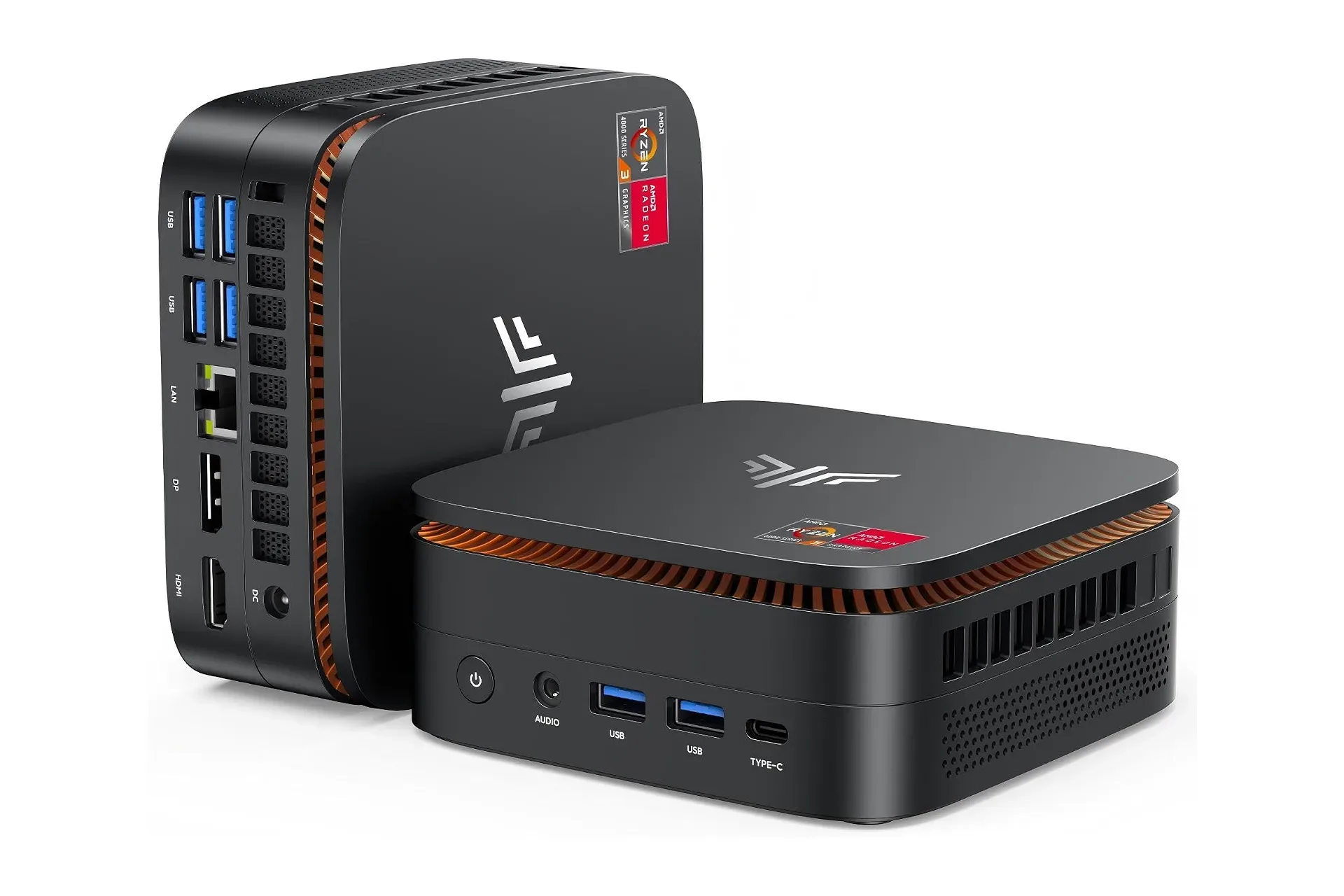
For a different type of compact Windows setup, the listed specifications of the KAMRUI Pinova P1 mini PC illustrate why form factor should be considered alongside price: a mini PC may suit a fixed desk and external display, while HP’s notebook includes its own screen, keyboard, webcam and portable battery-powered design.
What to verify before checking out
The $320 price is a snapshot of the listing described, and retail pricing can change. Before buying, it is sensible to confirm the final checkout total, seller, exact model configuration and whether the Microsoft 365 and cloud-storage terms match the buyer’s expectations. It is also worth reviewing the return policy and any warranty information offered with the particular sale.
Most importantly, match the system to the work. A buyer who wants a simple, colorful Windows laptop for school, browsing, office documents and calls may find the package coherent: compact hardware, cloud capacity, Wi-Fi 6 and productivity software in one purchase. A buyer who needs more local space, heavier multitasking headroom or game-oriented graphics should regard the low price as a reason to investigate further, not a reason to overlook those constraints.
Shop the products
Check current price, model and availability at the retailer.