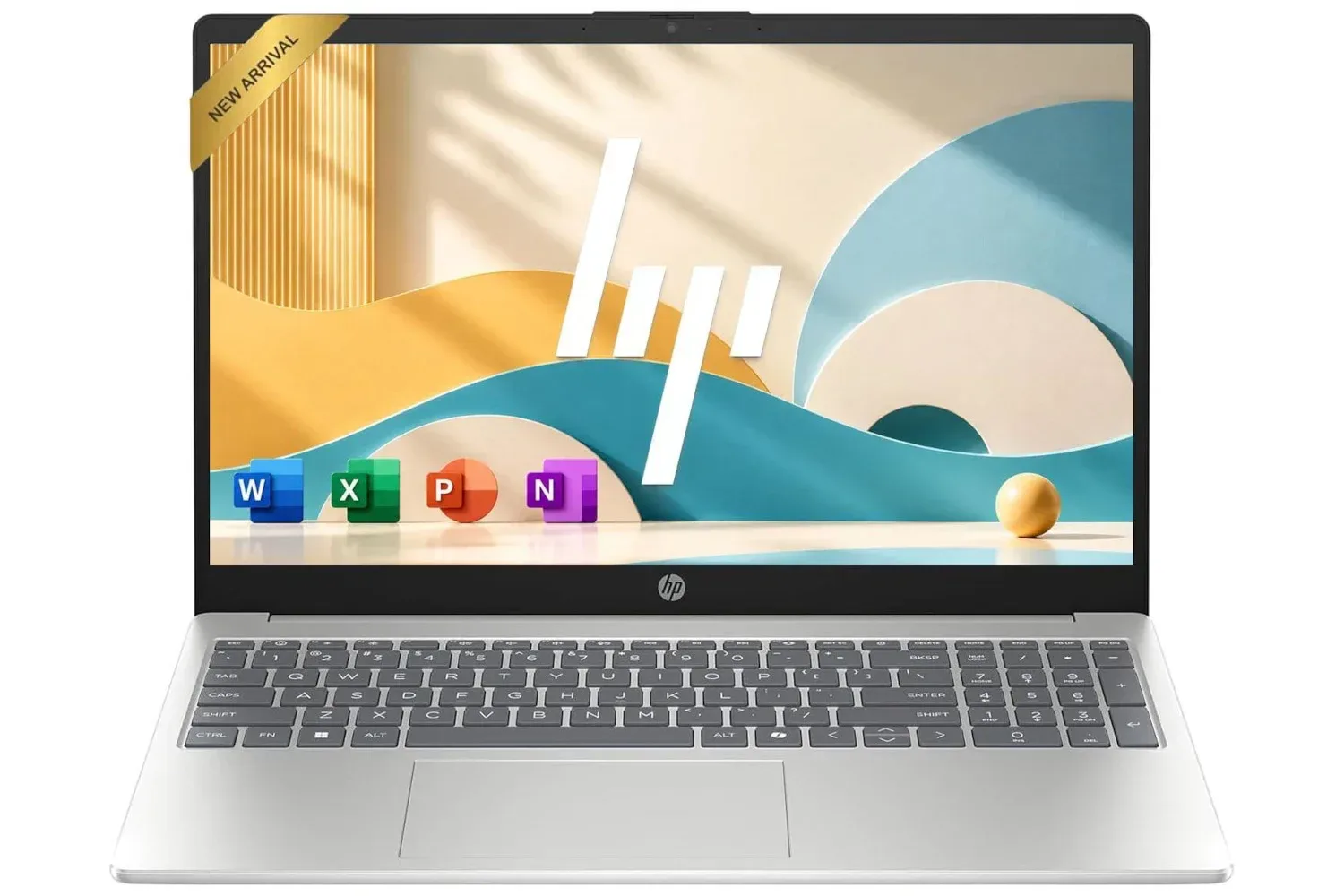
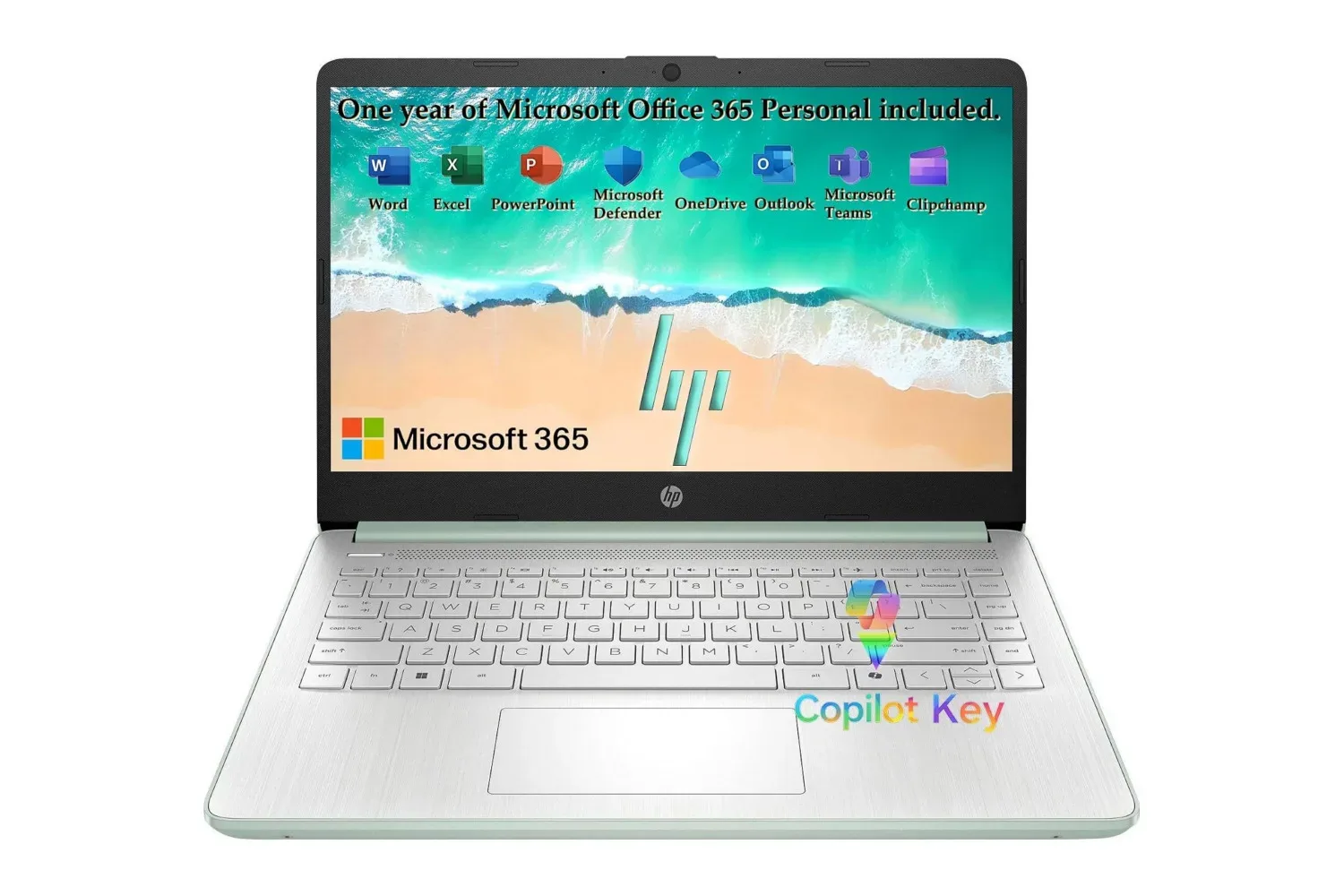
A Willow Green HP laptop with Windows 11 is listed at $320, a reduction of $219 from its stated $539 list price. That works out to a 41% discount, with standard shipping included. For somebody who needs a conventional Windows machine for web browsing, email, video, documents and remote calls, the price lands firmly in entry-level territory.
It is important to frame the machine correctly, though. The listed configuration uses a four-core Intel N150 processor and 4GB of RAM. Those specifications point to a basic, everyday PC rather than a laptop meant for demanding creative software, intensive multitasking, or modern PC games. The combination can make sense when the job is uncomplicated; it becomes less attractive when several heavy browser tabs, large downloads and multiple apps all need to coexist.
The key upside is that this is still a full Windows 11 laptop with a 15.6-inch display, a 720p webcam, Wi-Fi 6, Bluetooth 5.4 and a notably practical group of physical connections. It is not a magical do-everything machine at a low price. It is a value-focused tool whose usefulness depends heavily on what a buyer expects it to do.
What the $320 listing includes
The discounted model is the Willow Green colorway. Other colors are available, but the same level of discount is not necessarily attached to each one. As with any retailer listing, color-specific pricing matters: the headline price should be checked against the exact configuration in the cart rather than assumed to apply across the range.
Its screen is listed at 15.6 inches, giving it substantially more working room than a small tablet display. That has straightforward practical value for a spreadsheet, two modestly sized browser windows, a video call alongside notes, or a document that needs to be read without constant zooming and scrolling.
HP includes a True Vision 720p HD camera and dual speakers. A 720p webcam is a baseline video-call feature rather than a promise of studio-grade image quality, but its presence means the laptop is equipped for routine meetings and family calls without requiring a separate camera. The dual speakers similarly suit ordinary listening, such as tutorial videos and streamed shows.
Intel N150 and 4GB RAM: the specifications that define the experience
The Intel N150 is described as a four-core, entry-level processor. A processor, or CPU, handles general computing work: loading webpages, running applications, processing instructions and keeping the operating system responsive. In a modest laptop, it is reasonable to expect it to tackle single-purpose or light mixed use, including email, web research, streaming video and office-style work.
RAM is different from storage. Random-access memory is the short-term workspace a computer uses while programs are open. The 4GB allocation here is modest by current multitasking standards. It does not prevent basic use, but it means a buyer should have realistic habits: close applications that are no longer needed, avoid leaving a large pile of elaborate browser tabs open, and do not expect it to be comfortable for workloads designed around substantial memory capacity.
This distinction is especially useful for shoppers attracted by a low upfront price. A laptop can have the right ports, a big enough screen and the operating system a household expects while still being limited by RAM once a browsing session becomes complicated. Someone composing documents, consulting a handful of ordinary sites and taking a call may find the hardware adequate. Someone who regularly edits large media projects, works with demanding applications or wants to run games locally should look beyond an entry-level configuration.
What it is a reasonable fit for
- Web browsing, email and online forms.
- Streaming video and following online tutorials.
- Writing, reading and basic spreadsheet work.
- Video meetings using the integrated 720p camera.
- Light household, school or administrative tasks that need Windows.
Where buyers should be cautious
- Keeping many demanding browser tabs and applications active at once.
- More intensive content creation or other memory-heavy work.
- Expecting a low-cost everyday machine to double as a capable gaming laptop.
- Making a purchase based on a discount percentage instead of the needs of the person who will use it.
The port selection is a meaningful strength
Budget machines sometimes force buyers into adapters, so this HP’s listed connectivity is worth examining. It has one USB Type-C port rated at 10Gbps with DisplayPort 1.2 support, two USB Type-A ports rated at 5Gbps, HDMI 1.4b, a headphone/microphone combo jack and a multi-format SD card reader.
USB Type-A is the familiar rectangular connector found on many flash drives, mice and keyboards. USB Type-C is the smaller reversible connector increasingly used for accessories and displays. The listed 10Gbps figure describes the connection’s data-transfer capability, while DisplayPort 1.2 support means the USB-C port can carry video to a compatible external display setup. HDMI provides another direct path to a monitor or TV.
For a basic home PC, that translates to flexible desk use. A wired mouse and external drive can occupy the two Type-A ports, while HDMI can connect a larger display. Alternatively, the USB-C connection can be relevant for compatible display equipment. The SD card reader is also useful for moving files from compatible memory cards without a separate reader.
That does not erase the laptop’s performance limits, but it does make the device more adaptable than a machine built only around wireless connections. It can serve as a straightforward workstation for writing and browsing at a desk, then move to a couch or kitchen table for lighter use.
Wireless support and the battery claim
The laptop is listed with Wi-Fi 6 and Bluetooth 5.4. Wi-Fi is the local wireless connection used to reach a router and the internet; Bluetooth is commonly used for accessories such as headphones, speakers and input devices. Their inclusion gives the machine current-feeling basic connectivity, but wireless performance in a home will still depend on the router, internet service and the environment around it.
HP’s stated battery estimate is up to 11 hours from video playback testing. That testing context matters. A playback figure is a useful benchmark, not a guarantee of 11 hours in every kind of work. Video calls, a bright screen, multiple applications, downloads and other active tasks may produce a different result. Buyers who need a full day away from a charger should treat the figure as an upper estimate tied to a particular use case, not as an all-purpose endurance promise.
For home use, the more relevant takeaway may be simpler: the device is designed to operate untethered for a meaningful stretch under lighter workloads, but the actual result will vary with what it is asked to do.
A Windows laptop versus a tablet is a workflow choice
The price invites comparisons with inexpensive tablets, but the better question is what kind of work needs to happen. A laptop’s integrated keyboard, trackpad, desktop-style windows and wide port selection are valuable when the task is sustained typing, file handling, filling out forms, connecting a monitor or using applications that expect a Windows environment.
A tablet may be preferable for touch-first browsing and casual media viewing. This HP’s case rests on the more traditional PC proposition: a 15.6-inch screen, built-in keyboard-oriented form factor, Windows 11, and ports ready for common peripherals. At $320, that package is likely most compelling for a buyer replacing an aging household computer or buying a secondary device for simple responsibilities.
Gaming readers should keep expectations particularly grounded. Windows makes it possible to access a broad software ecosystem, but this hardware is presented as an everyday configuration for light workloads. It should not be selected on the assumption that it will handle demanding contemporary PC games smoothly. Its stronger gaming-adjacent role is basic support work around the hobby: browsing guides, watching videos, managing email or connecting to a larger screen for regular computer tasks. For more on a game built for PC players rather than this class of hardware, see Snow Panic’s eight-player ski-racing premise.
How to judge the deal before checkout
The $320 price is substantially below the stated $539 list price, but a sensible purchase decision should start with workload, not percentage off. The right buyer is somebody who can genuinely stay within the system’s light-duty lane and values the large display, Windows environment and comprehensive ports.
- Match the laptop to the main task. Browsing, video, communication and documents are the intended territory.
- Account for the 4GB RAM ceiling. This is the component most likely to shape multitasking comfort.
- Verify the exact color and price. The cited discount applies to Willow Green, while other finishes may differ.
- Read the battery statement precisely. The up-to-11-hour number comes from video playback testing.
- Check the listing at the moment of purchase. Retail pricing and availability can change, particularly during promotional periods.
At its listed $320, the HP model has a coherent purpose: an affordable Windows 11 laptop for everyday computing, supplied with a roomy screen and unusually versatile connections for basic desk setups. The trade-off is equally clear. Its entry-level processor and 4GB of RAM make it a machine to buy for focused, lighter computing—not a bargain shortcut to high-end multitasking or PC gaming.
Shop the products
Check current price, model and availability at the retailer.