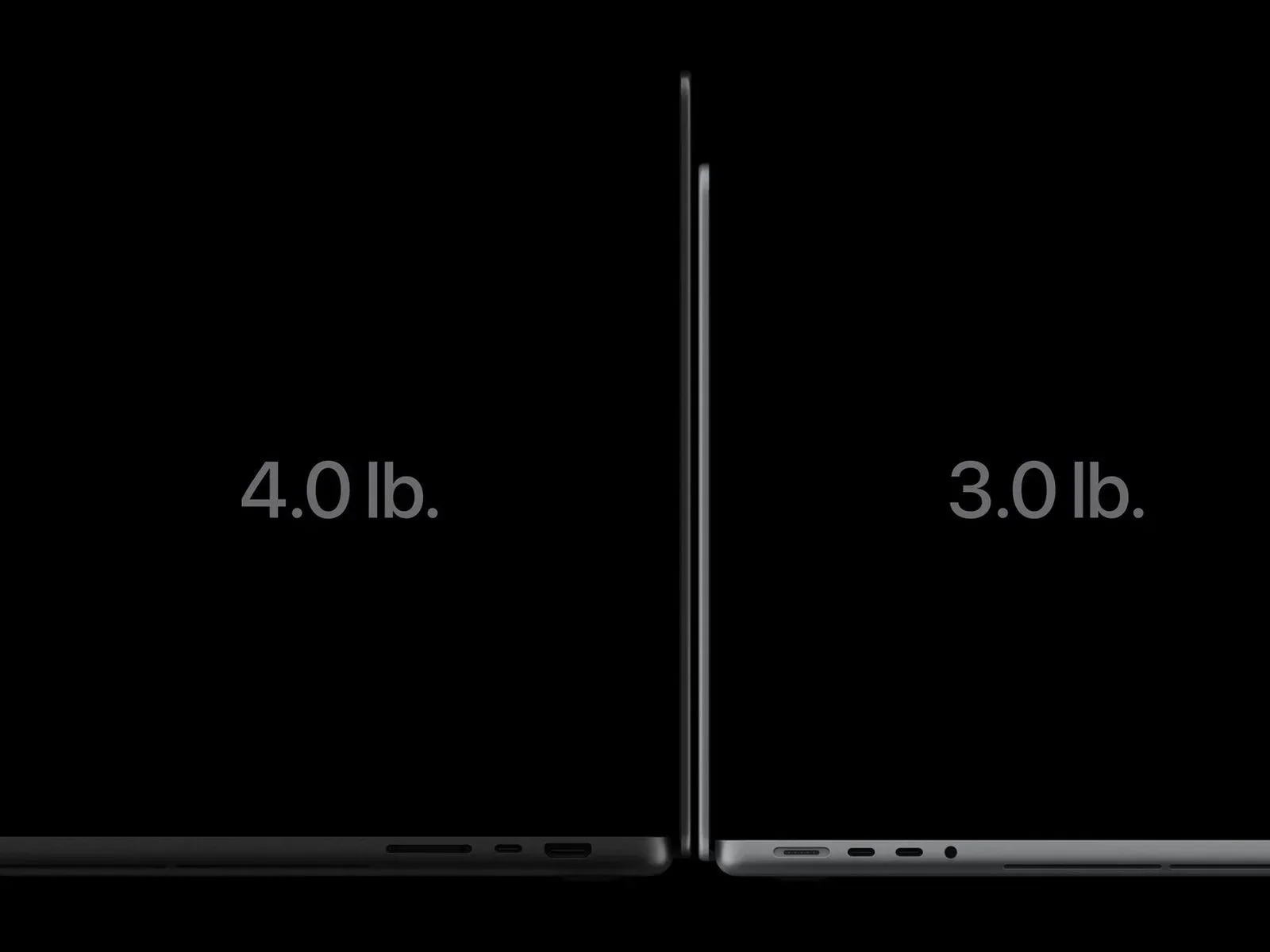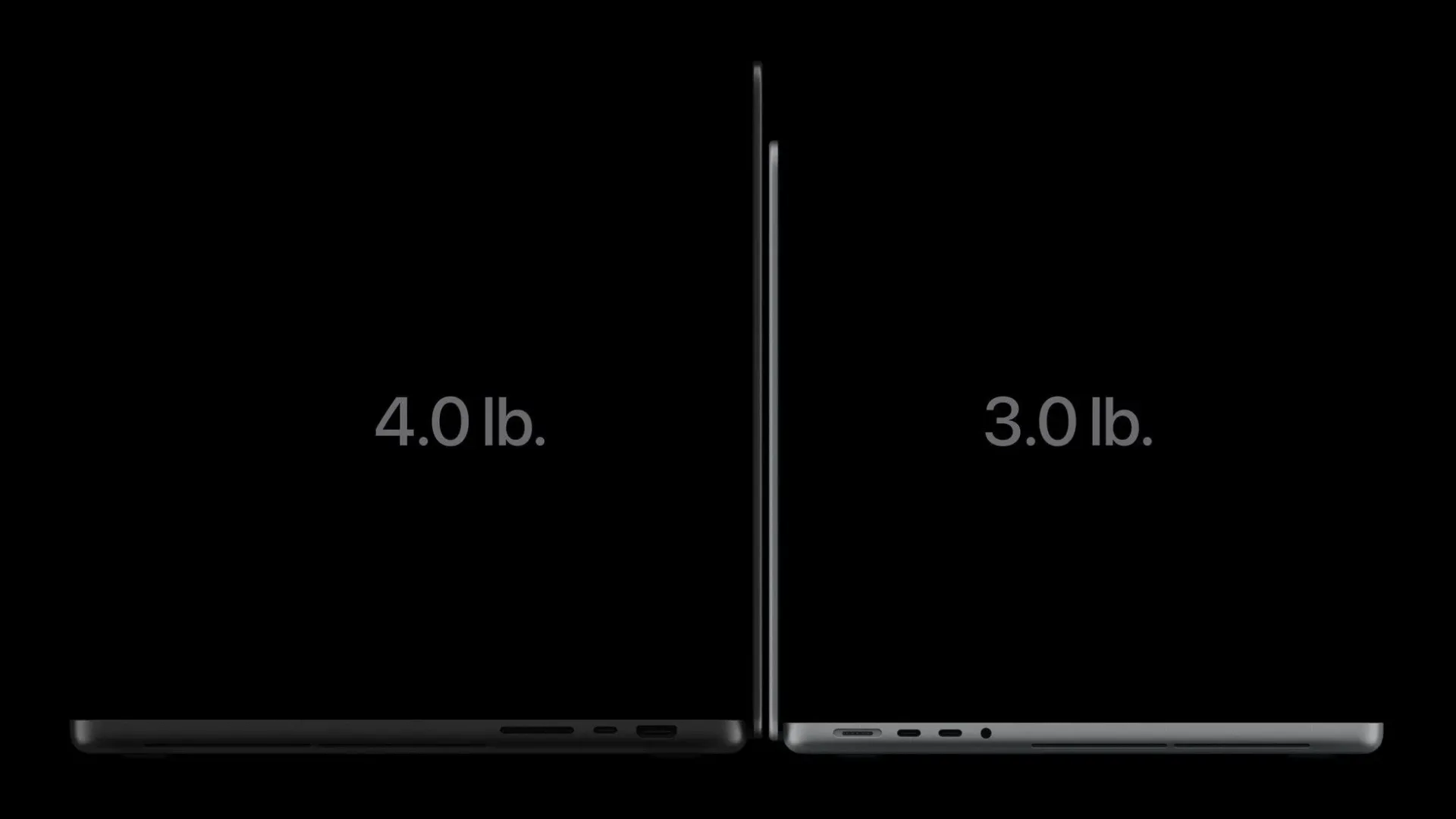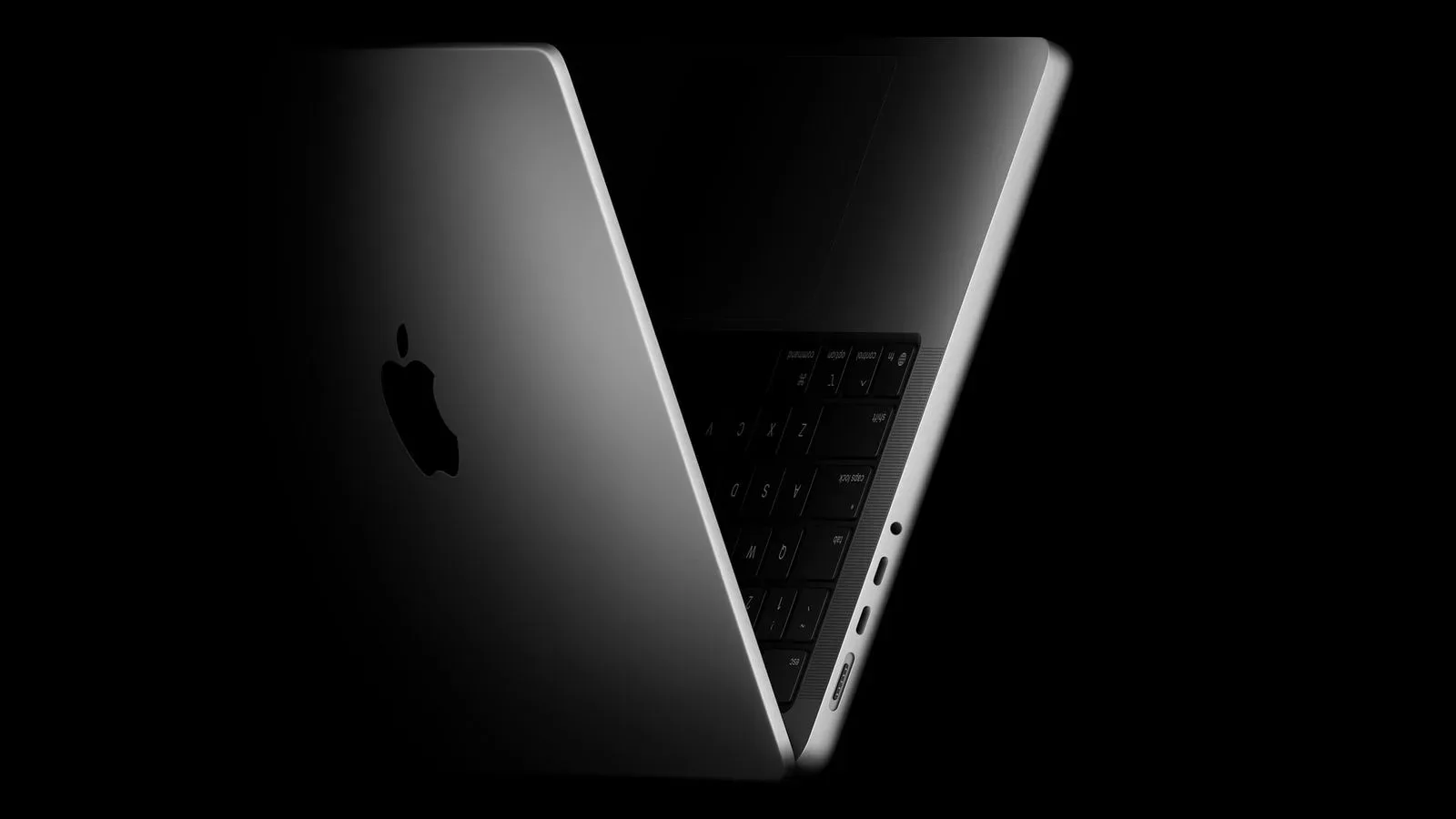
Apple’s OLED MacBook Pro generation is not a dramatic visual departure from the preceding mini-LED machines, but its listed measurements show a meaningful portability change. The 14-inch and 16-inch OLED models are thinner, narrower, shallower and roughly half a pound lighter than their respective mini-LED predecessors. For people who carry a laptop to classes, offices, tournaments or editing sessions, that is the kind of revision that may be more immediately noticeable than a small exterior redesign.
The trade-off is straightforward: Apple has set OLED MacBook Pro pricing at $400 above comparable mini-LED models. The 14-inch OLED MacBook Pro begins at $2,899, while the 16-inch starts at $3,399. The physical improvements therefore matter most to buyers who can justify a premium for a lighter workstation rather than simply seeking the least expensive route into a MacBook Pro.
The headline change: about half a pound removed
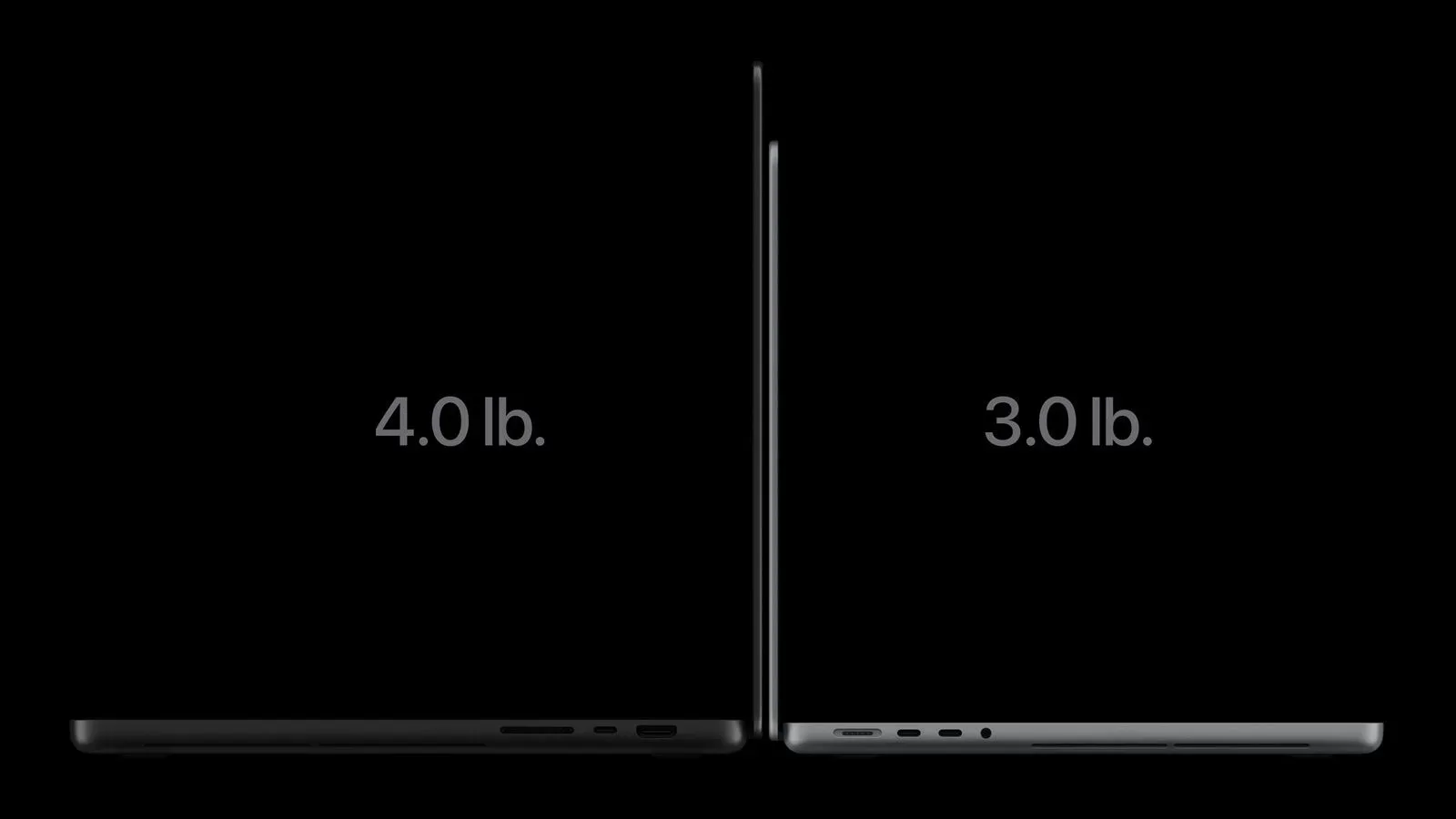
Weight is where the OLED models establish their clearest advantage. The 14-inch version is listed at 3 pounds in Pro configuration and 3.1 pounds in Max configuration. The prior 14-inch mini-LED MacBook Pro weighed 3.5 pounds for Pro and 3.6 pounds for Max. In either configuration, the OLED revision removes 0.5 pounds.
The larger model follows the same pattern. The 16-inch OLED MacBook Pro is listed at 4 pounds with Pro and 4.1 pounds with Max, versus 4.6 pounds and 4.7 pounds for the earlier 16-inch mini-LED model. That is a 0.6-pound reduction in both comparisons.
- 14-inch OLED: 3 pounds (Pro), 3.1 pounds (Max)
- 14-inch mini-LED: 3.5 pounds (Pro), 3.6 pounds (Max)
- 16-inch OLED: 4 pounds (Pro), 4.1 pounds (Max)
- 16-inch mini-LED: 4.6 pounds (Pro), 4.7 pounds (Max)
Those figures should not be read as a claim that either system is automatically easier to use in every setup. The supplied specifications do not address performance, battery life, ports, cooling, display quality or other buying considerations. But a half-pound difference is not merely a decimal-place adjustment. It is carried with the computer every time it moves between a desk, backpack and travel bag, and it comes alongside smaller overall chassis dimensions.
Thinner in both sizes
Apple also reduces the height of each computer. The 14-inch OLED MacBook Pro measures 0.59 inches tall, compared with 0.61 inches for the previous 14-inch mini-LED system. The 16-inch OLED model measures 0.63 inches, down from 0.66 inches.
- 14-inch OLED: 0.59 inches tall
- 14-inch mini-LED: 0.61 inches tall
- 16-inch OLED: 0.63 inches tall
- 16-inch mini-LED: 0.66 inches tall
The smallest stated improvement is 0.02 inches, which is about half a millimeter. That figure appropriately sets expectations: this is a refinement, not a category-changing ultra-thin design. Yet the change is part of a broader set of reductions, rather than an isolated shaving of a few fractions from the lid or base.
For readers comparing specification tables, height here means the closed laptop’s thickness. It is distinct from the diagonal screen measurement, width and depth. A laptop can have a larger panel while becoming slightly thinner if its display and surrounding structure are redesigned efficiently.
A smaller footprint, including on the 16-inch
The 14-inch OLED model is 12.24 inches wide and 8.52 inches deep. Its mini-LED counterpart measured 12.31 inches wide and 8.71 inches deep. The width change is modest, while the 0.19-inch reduction in depth is more substantial on paper.
The 16-inch OLED machine measures 14 inches wide and 9.62 inches deep, compared with 14.01 inches wide and 9.77 inches deep for the mini-LED generation. The width is essentially unchanged, but the newer chassis is 0.15 inches less deep.
- 14-inch OLED: 12.24 inches wide by 8.52 inches deep
- 14-inch mini-LED: 12.31 inches wide by 8.71 inches deep
- 16-inch OLED: 14 inches wide by 9.62 inches deep
- 16-inch mini-LED: 14.01 inches wide by 9.77 inches deep
Depth is the front-to-back measurement of the computer when it is placed on a desk. It can influence how much room the system occupies on a small tabletop or tray, while width can matter when fitting it in a tight compartment. These differences are not enormous, but they reinforce the same design direction: the OLED models preserve their familiar size classes while asking for slightly less space.
The 16-inch screen grows without making the computer wider
The larger OLED MacBook Pro is listed with a 16.3-inch display, an increase from the 16.2-inch panel in the mini-LED model. The laptop itself is 14 inches wide, versus 14.01 inches before. Apple achieves that small display gain through slimmer bezels, the borders surrounding the active display area.
That combination is the key practical detail. A 0.1-inch diagonal increase alone is slight, and it should not be mistaken for a wholesale jump to another display class. The interesting part is that it arrives while the outer chassis is fractionally narrower and less deep. The 14-inch OLED MacBook Pro keeps the same 14.2-inch display measurement as its mini-LED predecessor.
For a more detailed look at the display technology discussed around this generation, see the breakdown of Apple’s PROLED XDR MacBook Pro display.
Why OLED can help reduce bulk
OLED is short for organic light-emitting diode. In the context of this hardware change, the important construction difference is that an OLED display does not require a backlight. The supplied information directly identifies that missing backlight as a source of weight savings.
A mini-LED display, by contrast, uses a backlighting system. “Mini-LED” describes very small LEDs used for that illumination; it does not mean that each pixel produces its own light. That difference in display architecture helps explain why moving to OLED can create room for a lighter assembly without demanding a radically different-looking laptop.
The new design also integrates its touch sensor into the display panel instead of placing it as a layer above the panel. That eliminates additional bulk from a separate overlay. Together, the lack of a backlight and the integrated sensor clarify why the changes go beyond a cosmetic trim: the panel construction itself contributes to a slimmer and lighter machine.
How to read the Pro and Max measurements
Apple lists separate weights for Pro and Max configurations in both screen sizes. The OLED difference is 0.1 pounds in each case: 3 pounds versus 3.1 pounds on the 14-inch model, and 4 pounds versus 4.1 pounds on the 16-inch model. The mini-LED systems show the same 0.1-pound step between their Pro and Max entries.
The specification list does not provide a component-by-component explanation for that Pro-to-Max weight difference. Buyers should therefore avoid attributing it to any one part without further confirmation. What the supplied figures do establish is more limited and useful: whichever of those two configurations a shopper is comparing within a given size, the OLED model is lighter than the prior mini-LED equivalent.
What the numbers mean for prospective buyers
There are two separate questions in this comparison. First: are the OLED models physically improved? The published measurements say yes. The 14-inch system loses half a pound, becomes 0.02 inches thinner, and shrinks in width and depth. The 16-inch system loses 0.6 pounds, becomes 0.03 inches thinner, gains a 16.3-inch display and still trims its footprint.
Second: are those physical gains worth an extra $400? That is a personal purchasing decision rather than something a dimension chart can settle. A buyer who leaves a laptop connected to a desk most of the time may reasonably put less value on a reduced carrying load. Someone who transports a MacBook Pro regularly may put more value on the same reduction, especially on the 16-inch model, where the screen grows slightly instead of being sacrificed for compactness.
It is also worth keeping the scale of the changes in view. Apple has not changed the basic 14-inch and 16-inch product framing. The new systems look much like the models they replace, and the 14-inch display remains 14.2 inches. The result is best understood as a carefully engineered portability revision: less mass, slightly less volume and, on the larger laptop, a little more screen within nearly the same exterior width.
OLED MacBook Pro versus mini-LED: quick specification view
- 14-inch display: OLED remains 14.2 inches.
- 16-inch display: OLED rises from 16.2 inches to 16.3 inches through slimmer bezels.
- 14-inch thickness: 0.59 inches for OLED, down from 0.61 inches.
- 16-inch thickness: 0.63 inches for OLED, down from 0.66 inches.
- 14-inch weight: 3/3.1 pounds for OLED Pro/Max, down from 3.5/3.6 pounds.
- 16-inch weight: 4/4.1 pounds for OLED Pro/Max, down from 4.6/4.7 pounds.
- Starting prices: $2,899 for the 14-inch OLED and $3,399 for the 16-inch OLED.
The central takeaway is not that a few hundredths of an inch will transform how a MacBook Pro fits on a desk. It is that Apple’s transition from mini-LED to OLED coincides with a tangible reduction in weight and a modestly compressed chassis, while the 16-inch model slightly expands its display. Buyers weighing the premium can now put concrete figures beside the broader promise of a new display technology.