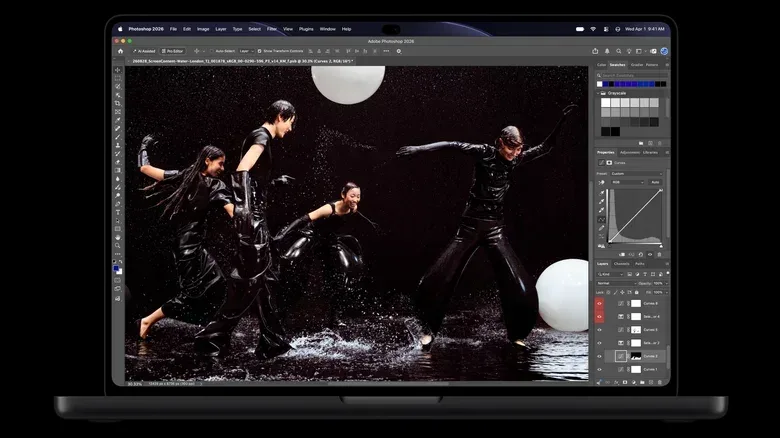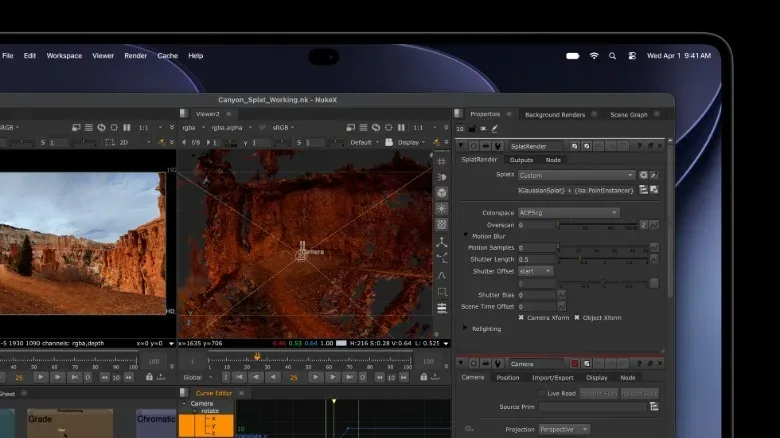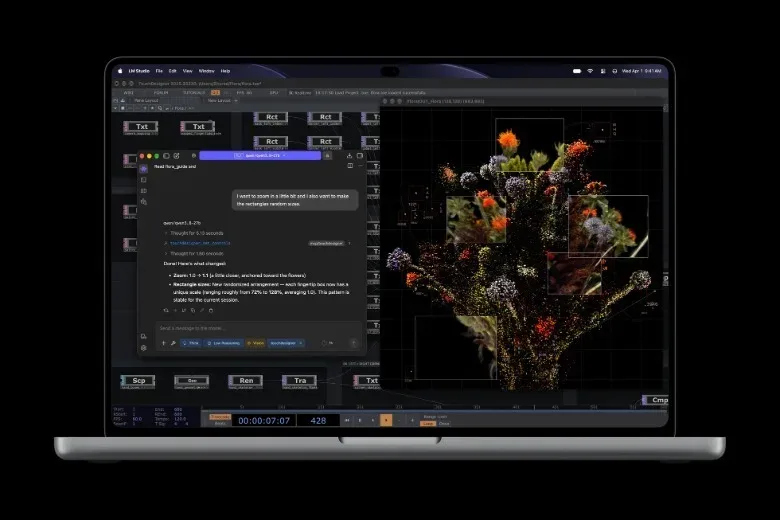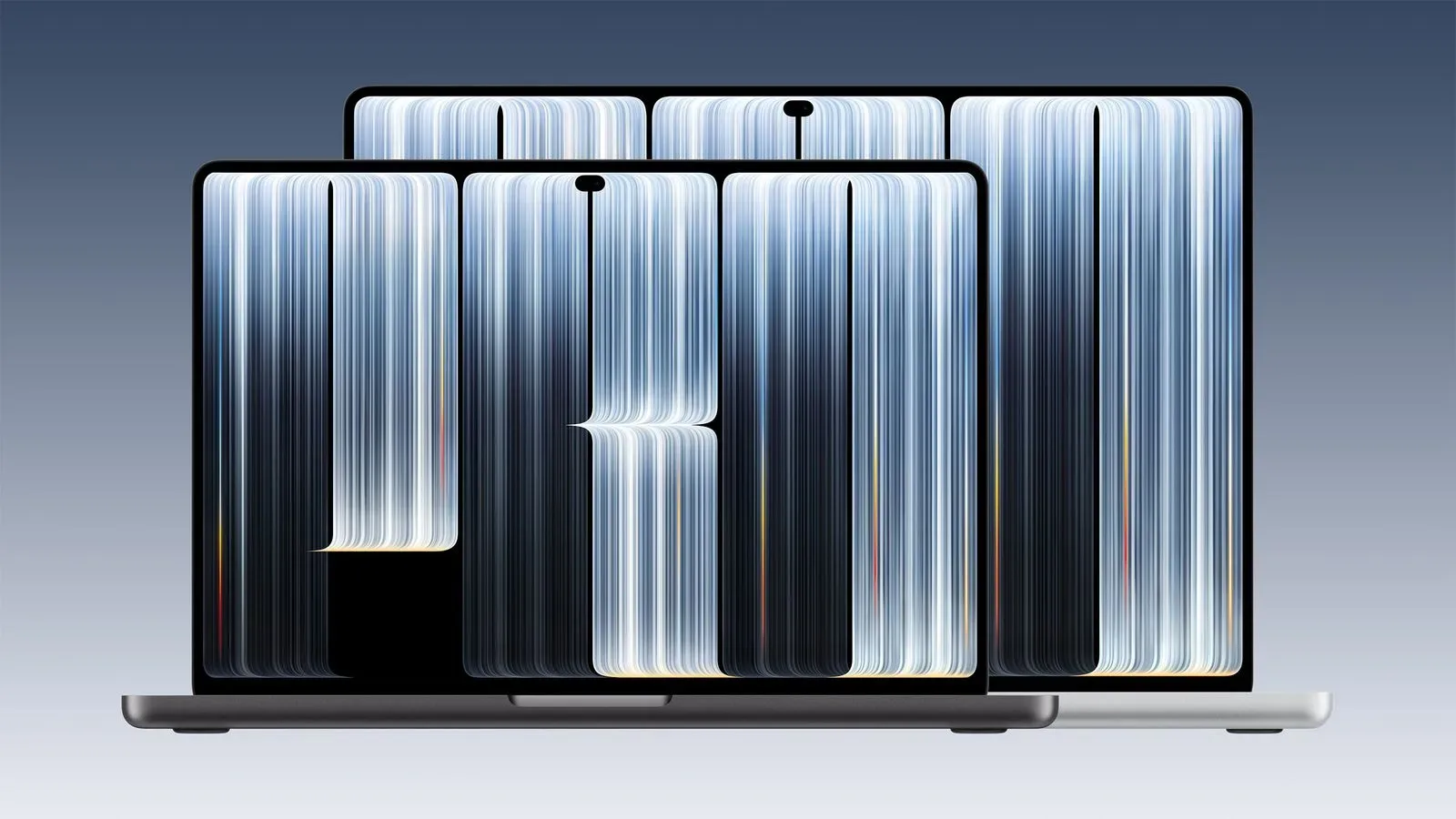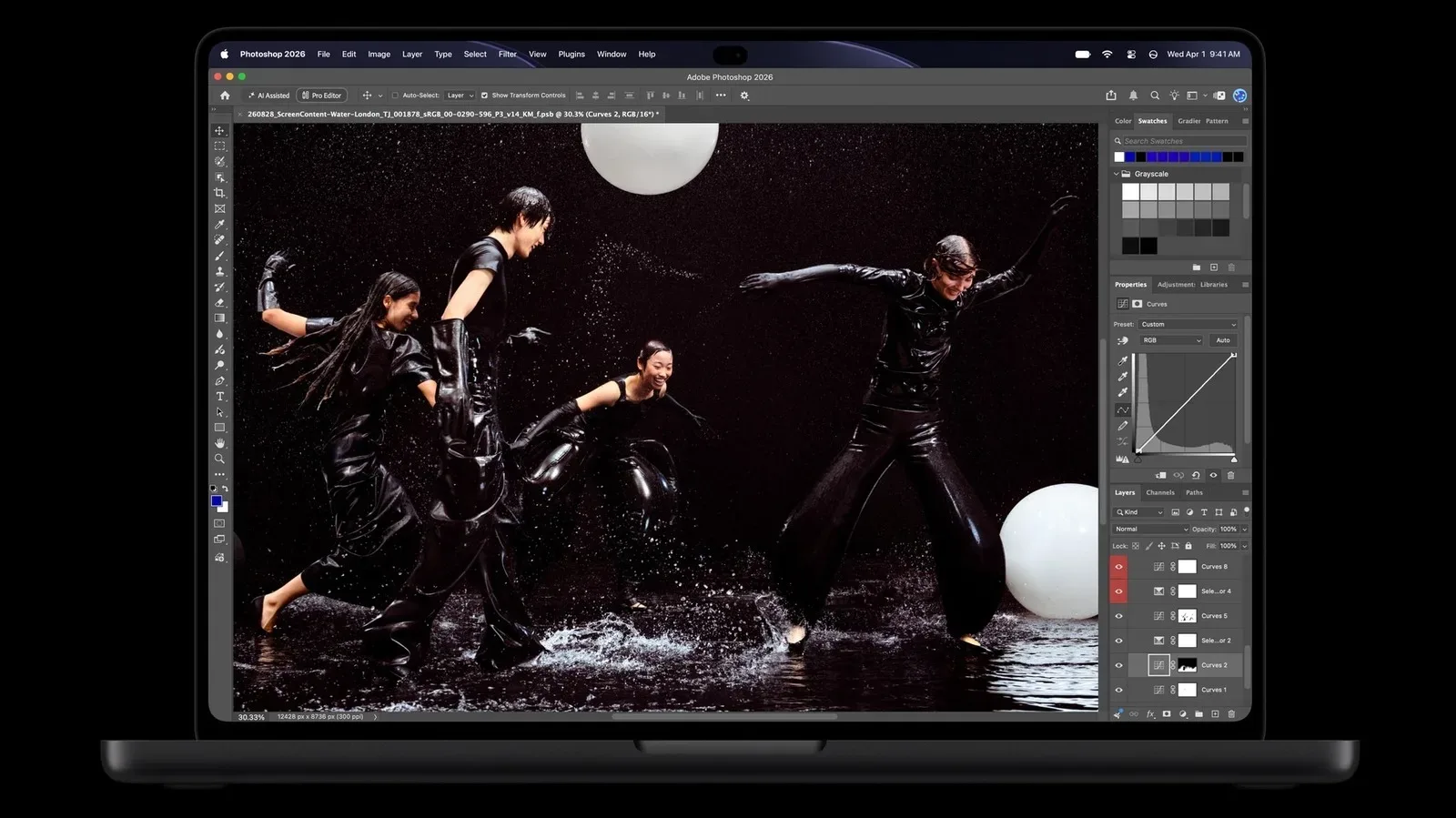
Apple’s latest MacBook Pro display story is not simply that the panel is OLED, or that the laptop adds touch input. The company is attaching the PROLED XDR label to a more ambitious display package built around tandem OLED, high HDR brightness, wide color-gamut targets, factory calibration and an engine intended to account for the differing age and use of individual pixels.
The name is unmistakably marketing-heavy. The underlying specifications, however, point to a panel designed for people whose work depends on judging an image accurately: photographers, illustrators, designers and video editors. For those users, the screen is not just the place where work is displayed. It is part of the decision-making chain for exposure, color, contrast and detail.
Apple says the new MacBook Pro models can reach up to 2,000 nits of peak HDR brightness, up from 1,600 nits on current Mini LED MacBook Pro models. It also lists a 10,000,000:1 contrast ratio, P3 and Adobe RGB coverage, 80 percent coverage of the Rec.2020 gamut, 120Hz ProMotion, and an optional nano-texture treatment to reduce glare. Taken together, those claims make the display a central reason to consider the higher-priced configuration rather than an incidental upgrade.
The laptop is also reportedly entering a larger Apple device pipeline; Apple’s broader pre-order schedule offers useful context for buyers weighing where this MacBook Pro fits among the company’s forthcoming hardware.
Tandem OLED is doing the heavy lifting
OLED stands for organic light-emitting diode. Unlike a conventional LCD-type display, OLED pixels emit their own light. This matters most for contrast: a pixel displaying black can be switched off rather than relying on a backlight that must be blocked. The result is the potential for extremely deep blacks alongside bright highlights.
Apple’s implementation uses tandem OLED, a design it previously used in the M4 iPad Pro. Rather than relying on one organic light-emitting structure, tandem OLED stacks multiple organic layers within one panel. The stated practical advantages are higher peak brightness, better off-angle viewing behavior, a reduced risk of burn-in and a longer expected panel lifespan, while maintaining OLED’s core contrast strengths.
That combination addresses a familiar OLED trade-off. The technology is valued for contrast and dark-scene performance, but high sustained brightness and organic-pixel aging are important concerns—particularly on a laptop expected to show static interface elements, editing timelines and application toolbars for long periods. Apple’s approach is clearly aimed at making OLED suitable not only for consuming movies, but for extended professional desktop-style work.
There is still an unresolved detail in the available information. An Apple graphic appears to suggest a triangular pixel arrangement rather than a striped RGB OLED layout. A striped RGB structure can offer sharper-looking text. Apple has not provided clarification here, so that aspect should not be treated as a settled specification. For prospective buyers who spend all day reading type, writing code or working in dense interface layouts, it is a detail worth watching rather than an automatic drawback or benefit.
What 2,000 nits and 10,000,000:1 contrast mean
A nit is a measure of display luminance—how much light a screen emits. Peak HDR brightness is not a promise that every portion of the display will remain at 2,000 nits continuously. Instead, it refers to the maximum brightness the panel can deliver for HDR highlights under specified conditions. In HDR material, those highlights can include reflections, light sources and other very bright portions of an image.
Apple’s claimed 2,000-nit peak represents a 400-nit increase over the 1,600-nit figure cited for current Mini LED MacBook Pro displays. That is a meaningful number on paper, especially in an OLED laptop panel. Higher HDR peak brightness can give bright details more visual separation without forcing the rest of an image to become excessively bright.
Contrast ratio describes the relationship between bright white and dark black. Apple calls its 10,000,000:1 figure industry-leading and positions it as a substantial jump over current MacBook Pro models. OLED’s self-emissive pixels are the crucial technical basis for that claim: where black is required, the individual pixel can emit no light. For video work, the practical attraction is more precise visibility in shadow regions alongside intense highlight detail. For photographers and artists, it can make tonal relationships in darker material easier to evaluate—provided the workflow and viewing environment are also properly managed.
It is important to separate claimed specifications from independent evaluation. The figures above are Apple’s stated capabilities. Real-world brightness behavior, calibration results, text rendering and the effectiveness of the anti-glare option require examination under repeatable conditions. The supplied information does not establish those independent results.
Color coverage matters more than a single impressive number
For creative professionals, a display can be bright and still be unsuitable if it cannot accurately represent the color space needed for a project. Apple says PROLED XDR covers both the P3 and Adobe RGB color gamuts, with particularly wider coverage in green and cyan ranges. A color gamut is the range of colors a display can reproduce. Wider coverage does not, on its own, guarantee accuracy, but it gives a display the capacity to show more of the colors contained in a targeted standard.
P3 is commonly relevant to HDR-oriented work, while Adobe RGB is a familiar target for image-focused workflows. The company also says the display reaches 80 percent of Rec.2020, a larger color space associated with HDR video editing and color grading. That 80 percent figure is notable because Rec.2020 is an ambitious HDR video target, and it is more informative than vague language about “vivid” color.
Apple further says it applies factory calibration to align luminance, white point and gamut with standard targets. White point is the neutral color reference used by the screen; if that reference drifts too warm, cool or tinted, every color judgment made from it can be affected. Calibration attempts to ensure that a defined digital color value produces the intended visible result under a given standard.
The company frames these capabilities as useful for filmmaking, design and medical imaging. The most direct takeaway is narrower: the claimed gamut and calibration features are aimed at workflows where the creator needs an image to look consistent with a chosen delivery standard. A laptop display cannot by itself guarantee consistency across every television, phone, print process or viewing room, but a well-targeted display is an important starting point.
Pixel-by-pixel compensation tackles OLED’s long-term concern
Apple says its display engine controls every pixel’s color and luminance at a sub-millisecond level, responding to content, temperature and the surrounding environment. It also says the system adapts to each pixel’s age and usage. This is a significant part of the PROLED XDR pitch because OLED pixels are organic components and can degrade over time.
Pixel aging is not necessarily uniform. A pixel that has spent more time producing bright content may change differently from a neighboring pixel that has been used less intensely. Compensation is the process of adjusting output to counter those differences and preserve a more consistent image. Apple’s stated per-pixel approach is therefore meant to reduce visible variation as the display accumulates use.
That does not turn OLED into a technology with no aging considerations. Rather, it describes a mitigation system designed around a known characteristic of OLED panels. The practical promise is stability over the ownership period, particularly for people who repeatedly keep the same application layouts on screen. How well it holds up will ultimately be a matter for long-term use rather than a specification sheet.
ProMotion and nano-texture round out the workstation case
The displays retain Apple’s 120Hz ProMotion technology. A 120Hz refresh rate means the panel can update as often as 120 times per second. Compared with a 60Hz screen, it can make cursor movement, scrolling and animated interface elements look smoother. It can also be useful when reviewing or creating motion-based content, while offering a smoother experience in games that can take advantage of the refresh rate.
For less controlled lighting, Apple offers a nano-texture option. The company says the nano-texture is now precisely etched into the cover glass to reduce glare. Glare reduction can be valuable for creators working near windows, outdoors or under strong overhead lighting, where reflections can interfere with the ability to judge an image. That said, the supplied details do not specify how the option affects perceived sharpness, color or cleaning requirements, so buyers should avoid assuming those trade-offs do not exist.
A costly display upgrade aimed at a specific buyer
The new MacBook Pro models with PROLED XDR touch displays carry a base-price increase of $400. That makes the value calculation straightforward. For a person using a laptop mainly for browsing, office work, streaming and occasional creative tasks, the existing Mini LED generation’s 1,600-nit HDR capability may already be more display technology than necessary.
For professionals who earn money from photo, design or video work, the equation is different. More HDR headroom, OLED contrast, broad color coverage, claimed factory calibration and panel-aging controls can all reduce compromises in a portable workstation. None of these specifications eliminates the need for an appropriate workflow or external reference equipment where a job demands it. They do, however, suggest that Apple is treating the MacBook Pro panel as a serious creative tool rather than merely an attractive consumer screen.
PROLED XDR may not be elegant terminology, but the technical case behind it is substantial. The key questions now are not whether the name sounds suitably premium. They are whether the stated brightness, gamut, calibration and compensation systems perform as promised, and whether those benefits are worth an extra $400 for the work a buyer actually does.