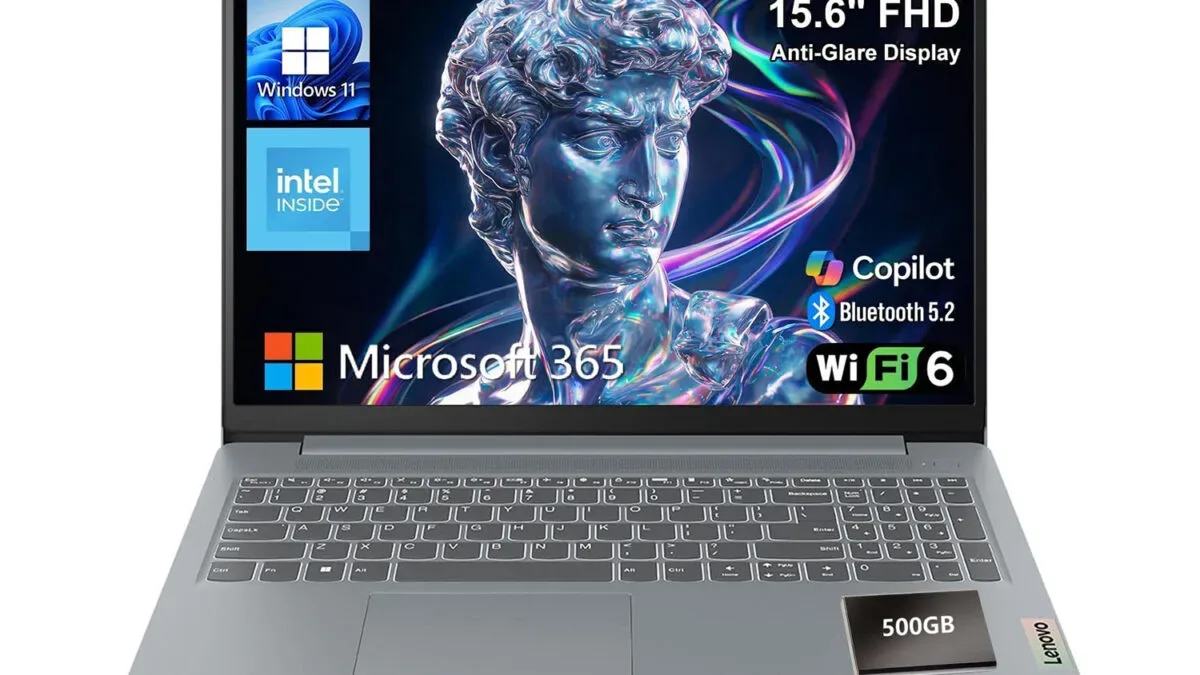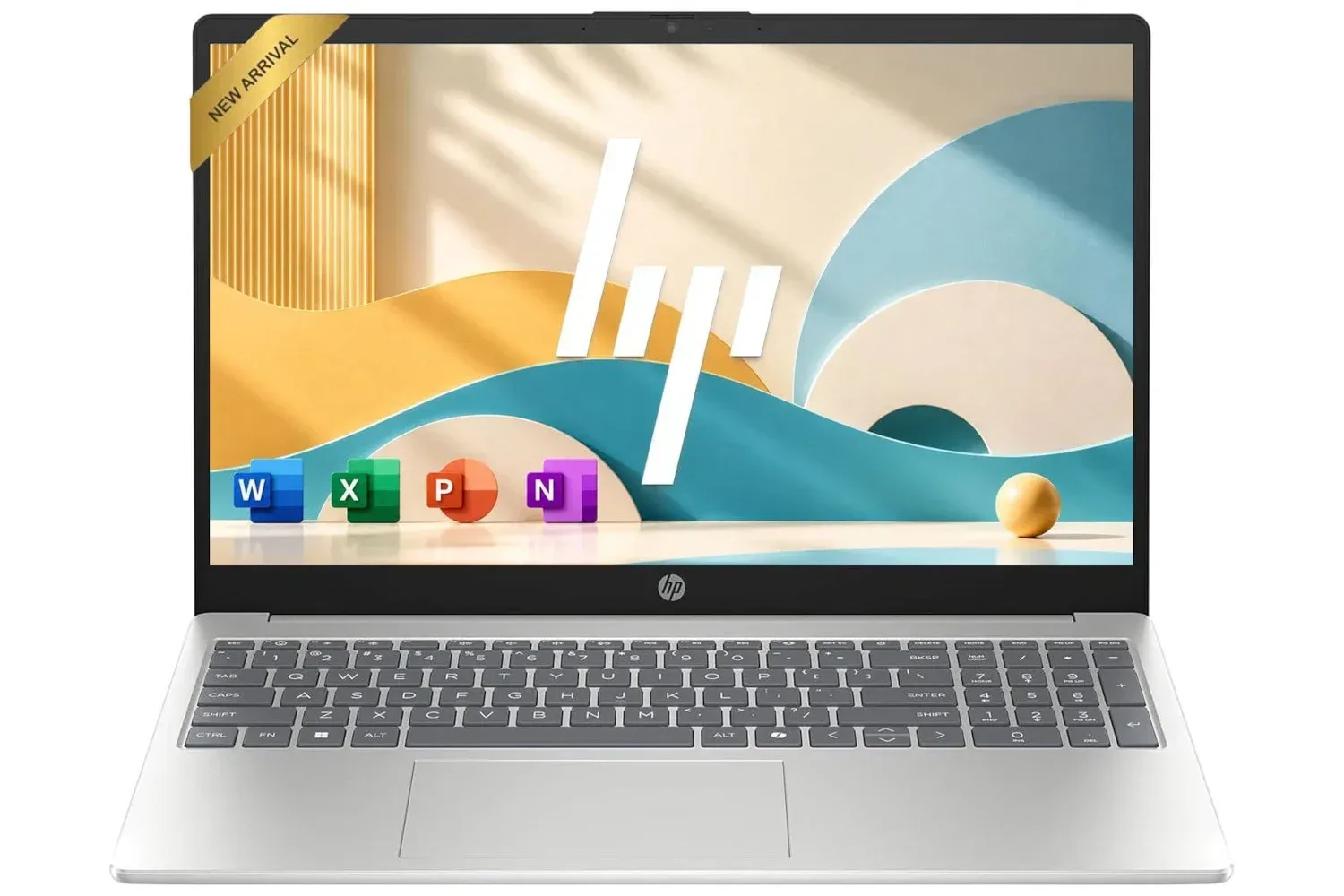
A listing for an HP 15.6-inch laptop has dropped to $400, representing 27% off its stated price. The configuration described with the deal includes an Intel four-core N200 processor, 8GB of memory, a 128GB solid-state drive, a 15.6-inch 1080p display, Windows 11 and Microsoft 365.
That is a modest specification sheet, but it is one aimed at a very particular kind of buyer: someone who needs a conventional Windows computer for documents, web work, email, video and routine household or school tasks, without paying for hardware intended for heavier creative work or demanding games. The most useful way to assess the offer is not to treat every component as a blanket measure of quality, but to consider how its limits and advantages fit the work that will actually be done.
What is included in the $400 configuration
The central practical appeal is the combination of a full-size screen, Windows software and a laptop form factor at the listed sale price. The machine’s 15.6-inch panel has a 1080p resolution, also called Full HD. In basic terms, that means a display resolution of 1920 by 1080 pixels. It gives users substantially more working room than lower-resolution screens for ordinary side-by-side tasks, such as viewing a reference page while writing in a document, checking an inbox while filling out a form, or keeping a video call visible beside notes.
A 15.6-inch laptop also lands in a familiar middle ground. It is more naturally suited to extended typing and spreadsheet-style layouts than a smaller device, while remaining a computer that can be packed up and moved between rooms, classrooms or workplaces. Exact weight, battery life, port selection and physical dimensions are not specified in the available listing details, so buyers should check the retailer’s current product page if those factors will decide the purchase.
Inside, the stated Intel N200 is a four-core processor. A processor, or CPU, handles the general instructions behind the operating system and applications. For lighter workflows, a processor’s job includes managing browser tabs, office documents, video calls and background operating-system tasks. Its presence does not mean every task will be equally quick: performance depends on the software being used, the number of simultaneous tasks and the rest of the hardware. Still, paired with the listed 8GB of RAM, it establishes the intended use case clearly: everyday computing rather than high-end production work.
Why 8GB of RAM matters for routine multitasking
The laptop is listed with 8GB of RAM. RAM, short for random-access memory, is the short-term workspace a computer uses while applications are open. A browser, document editor and communication app each consume some of that workspace. When there is enough memory available, switching among a manageable number of active applications tends to be smoother; when it is exhausted, the system may need to rely more heavily on storage, which can make things feel slower.
For the basic work suggested by this system’s specification—web browsing, writing, email, administration, streaming and keeping a few applications active—8GB gives the machine a more credible multitasking foundation than configurations with less memory. That does not turn it into a workstation. People who routinely work in demanding photo or video applications, handle large project files, run specialist software, or keep an especially large collection of browser tabs and programs open should treat the specification as a reason to investigate their requirements more closely, not as a guarantee of fast performance.
The stated 128GB SSD deserves similar context. An SSD, or solid-state drive, is the storage used for Windows, programs and personal files. Unlike older hard-drive designs, it has no moving parts, and it is generally associated with brisker day-to-day responsiveness when launching software or opening files. The benefit is meaningful for a budget laptop because it helps the operating system feel more immediate in ordinary use.
Capacity is the trade-off. A 128GB drive can hold documents and a restrained selection of applications, but it is not expansive storage. Windows, updates, installed programs and recovery-related files occupy part of the drive before users add their own content. Someone whose work is mainly cloud documents, email attachments and web tools may find that capacity workable. Someone who stores substantial video, photo libraries, downloaded media or large application collections locally should pay close attention to free-space needs. The available details do not establish whether the storage can be upgraded, so that should not be assumed.
The software bundle is part of the value calculation
The listing says the laptop includes Windows 11 and Microsoft 365. Windows 11 is the operating system: it is the core software layer for running applications, managing files and connecting peripherals. For a buyer who needs compatibility with common Windows-based workflows, that is a direct part of the proposition rather than an incidental detail.
Microsoft 365 is also named in the listing, but the exact terms are important. Microsoft 365 can refer to different plans and entitlements, including versions with differing access periods or account requirements. The provided details do not say which plan is included, how long any included access lasts, or what eligibility conditions apply. A careful buyer should verify those particulars on the live listing before treating the bundle as a reason to buy.
That same caution applies to the discount itself. The machine is described as being listed at $400 for a limited time, with 27% off the listed price. Retail pricing can change, promotions can end and individual configurations under the same product family name can vary. Confirming the current price, seller, model configuration and included software at checkout is the sensible last step.
Who this laptop appears to suit
Based on the supplied specifications, this HP model appears best suited to users with straightforward, general-purpose needs. That can include students preparing documents and presentations, households that need a shared computer, people doing web-based administration, and workers whose day is centered on browser tools, messages and office files. A 15.6-inch 1080p panel is particularly useful for buyers who prefer a conventional laptop display over a compact tablet-sized screen.
- Good-fit tasks: writing, email, online forms, web browsing, streaming, video calls and ordinary document work.
- Potentially workable with restraint: multitasking across several lightweight applications, provided storage space and memory use are kept in check.
- Tasks to assess carefully: workloads involving large local files, intensive creative applications or software that demands more memory, storage or processing capacity.
The distinction matters because budget computing is often about avoiding payment for capability that will never be used, while also avoiding a purchase that becomes frustrating because its constraints were overlooked. The N200, 8GB RAM and 128GB SSD should be read together. The setup favors basic Windows productivity and portability over large-file storage or high-performance workloads.
Practical checks before buying
A product title and a short component list do not answer every purchasing question. Buyers considering this deal can make a stronger decision by checking a few details that are not established here:
- Verify the exact configuration. Confirm that the current listing still specifies the Intel N200, 8GB of RAM, 128GB SSD and 1080p 15.6-inch screen.
- Read the Microsoft 365 terms. Identify the plan, duration and any account or renewal conditions before assigning value to the software inclusion.
- Consider storage realistically. If the computer will be used for lots of local photos, video or downloads, 128GB may require disciplined file management or another storage plan.
- Check the details relevant to your setup. Battery expectations, ports, wireless connectivity, keyboard layout and physical size can matter as much as processor specifications for a portable computer.
- Match applications to the hardware. Look up the recommended—not merely minimum—requirements for any required work, school or creative software.
For a desk setup, accessories can also change the experience more than an incremental specification difference. A full-size display, external storage or a separate keyboard and mouse may be relevant depending on how the system will be used. Those shopping for a simple peripheral addition can also compare the listed Logitech MK270 wireless keyboard and mouse deal.
How to read the deal without overpromising
At its listed $400 price, the HP laptop’s case rests on balance. It combines a 15.6-inch Full HD display with a current Windows environment, 8GB of memory and SSD-based storage in a portable system. Those are meaningful basics for everyday users, and the 27% discount improves the appeal for anyone whose needs fit the hardware.
But “everyday” is not a universal workload. A person primarily handling documents and browser-based tasks is likely to value the screen, keyboard-oriented format and included software more than raw performance. A person whose files pile up quickly or whose applications are demanding will likely notice the constrained 128GB capacity and entry-focused processor sooner. Neither reading is contradictory; they describe different usage patterns.
The listing is therefore most compelling as a practical, full-size Windows laptop for routine computing, not as a promise of broad performance headroom. Buyers who confirm the precise model and the software terms, and who are comfortable managing a relatively small internal drive, have a clearer basis for deciding whether the $400 listing fits their needs.
Shop the products
Check current price, model and availability at the retailer.