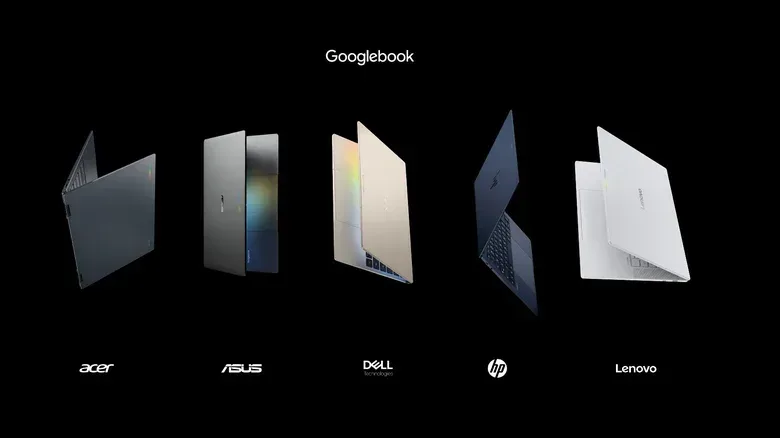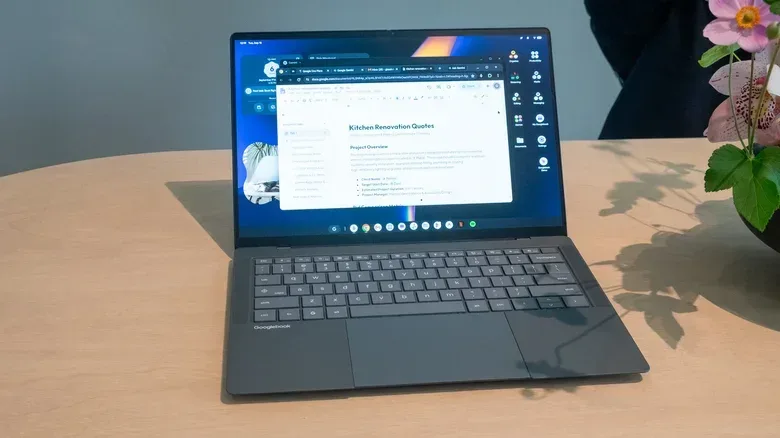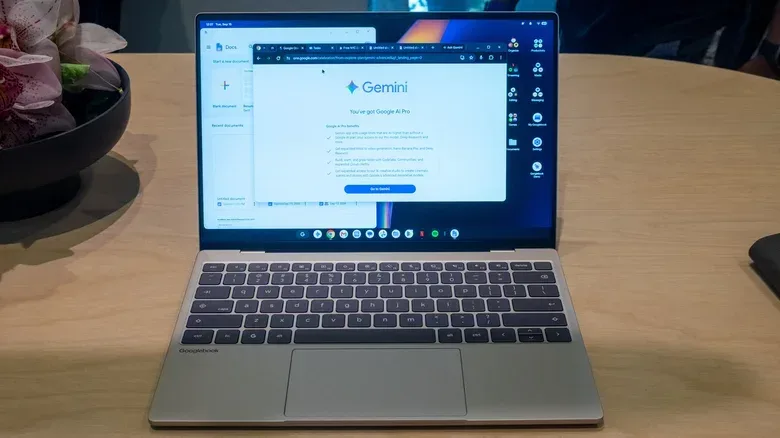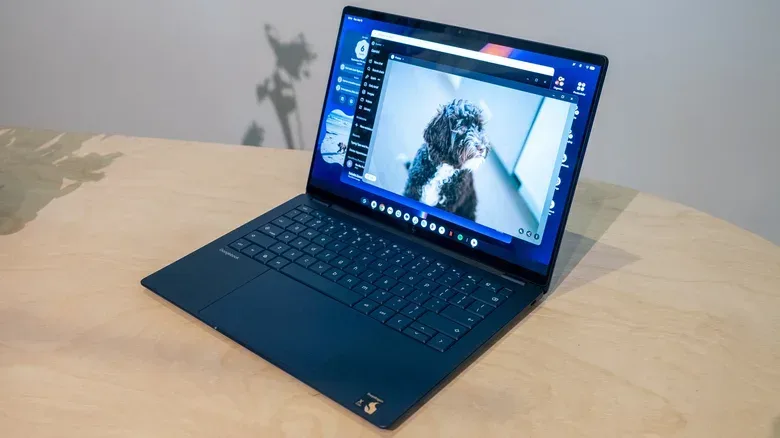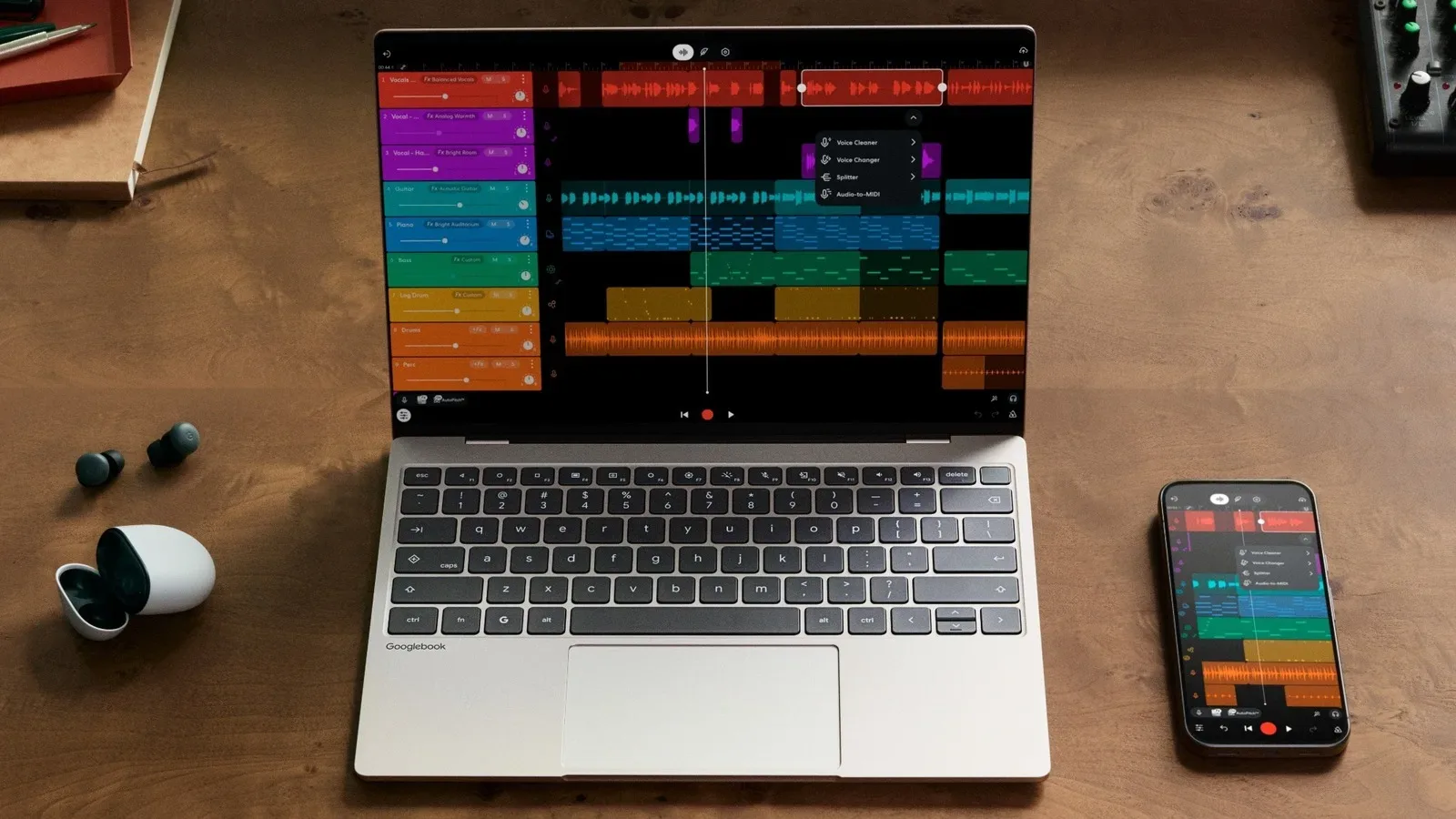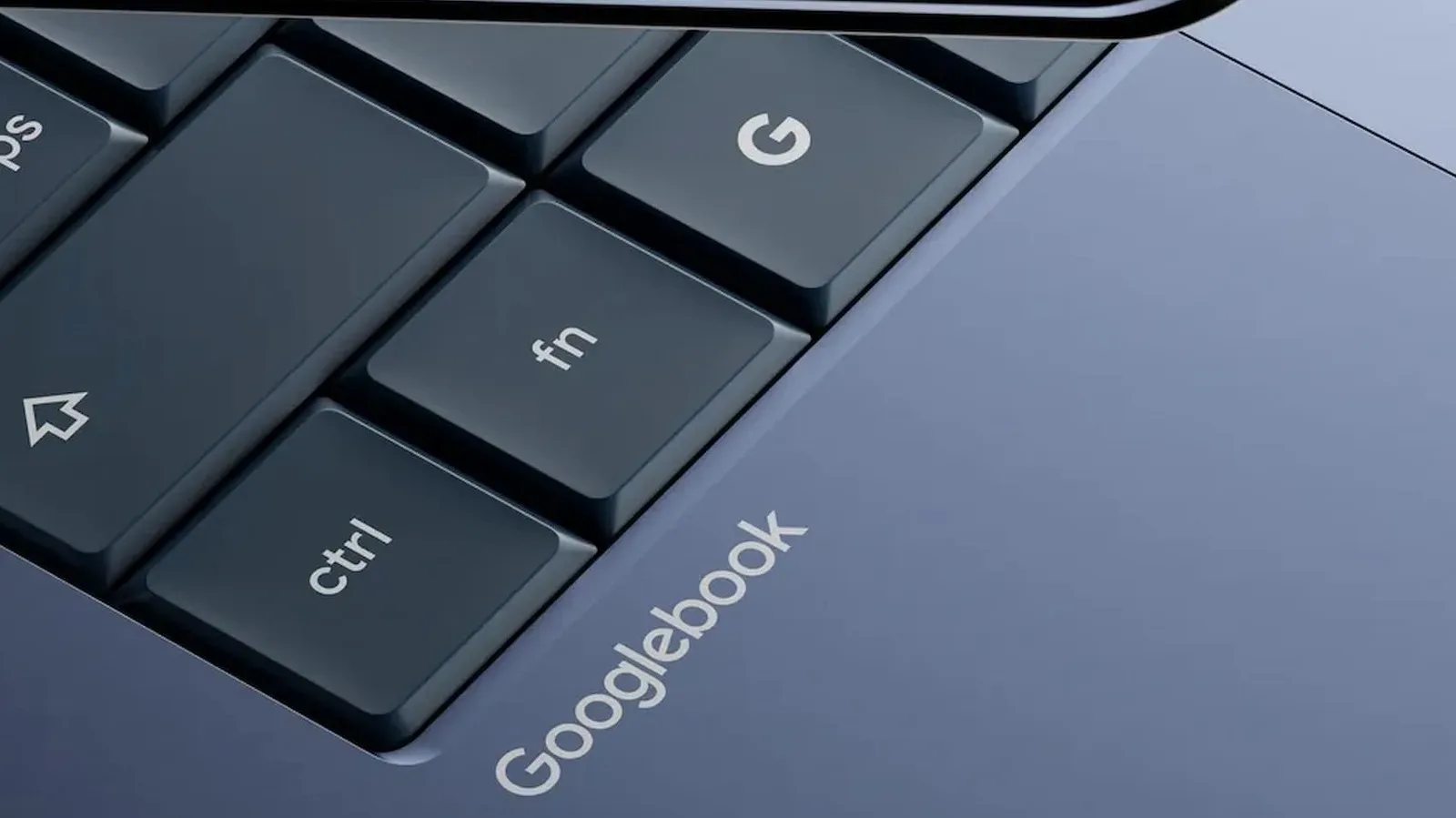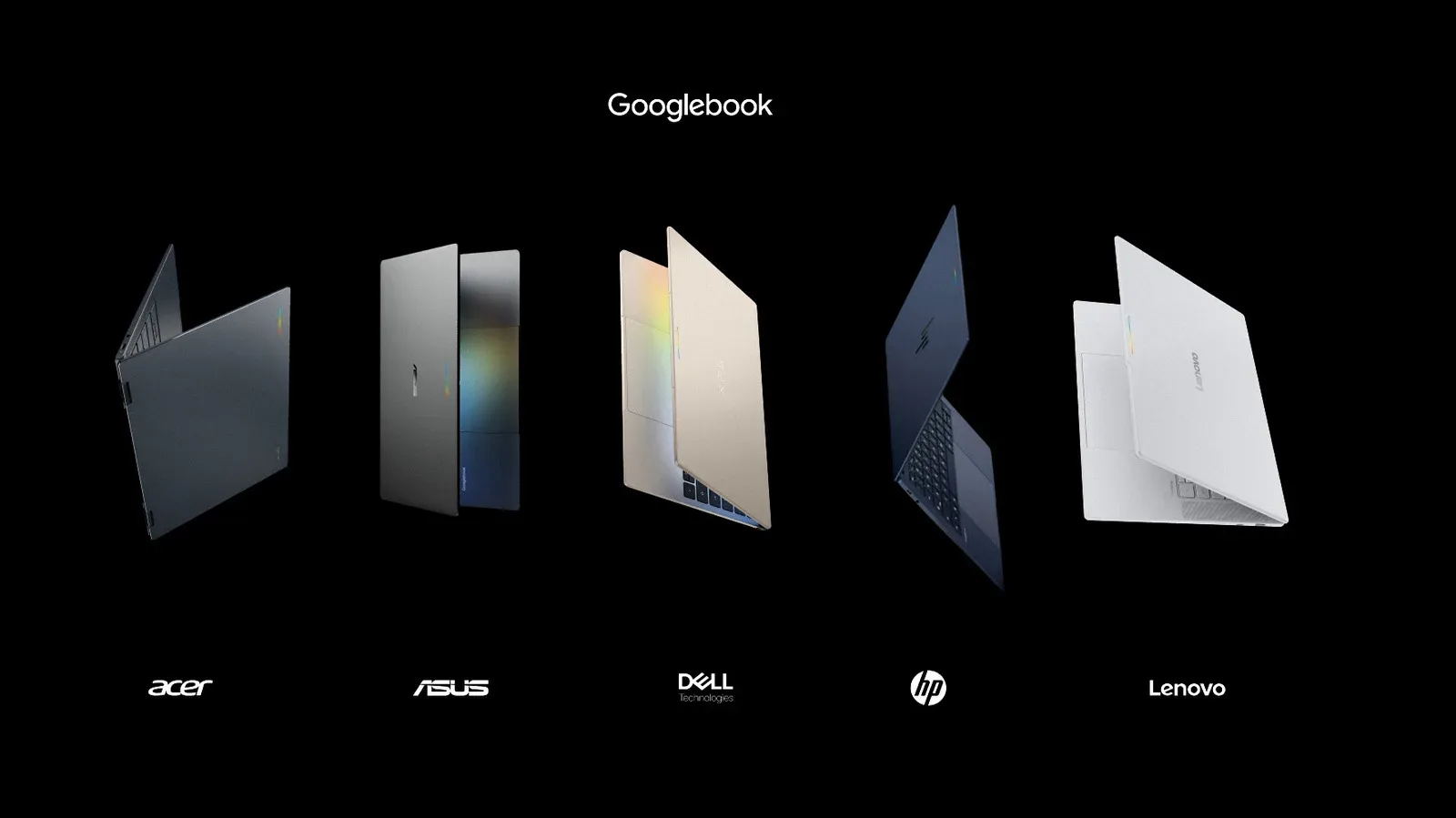
The first wave of Googlebooks is here, and it is deliberately not taking the old bargain-laptop route. Acer, ASUS, Dell, HP and Lenovo have each introduced a model, all positioned as premium machines with at least 16GB of memory, OLED displays across the range and a shared visual calling card: the lid-mounted Glowbar.
There is substantial common ground, but the five systems are not interchangeable. Acer is the lone convertible and carries the lowest stated starting price. ASUS focuses on low weight and a wide haptic trackpad. Dell applies its XPS identity to an especially compact 13.4-inch model. HP leans into a sturdy aluminum build, biometric sign-in and keyboard quality. Lenovo alone offers a 15-inch display, plus Dolby Atmos audio. Buyers have a meaningful choice of form factor even where processor, memory and storage specifications overlap.
Pre-orders are now live, although the launch has also brought some listing uncertainty. Several price and storage details were found to conflict after pre-orders opened. That makes it wise to read a retailer’s configuration line by line before treating a displayed price as a like-for-like comparison.
For the wider software and connectivity pitch around these devices, see Googlebooks Put Android Phone Integration at the Center of Google’s New Laptop Pitch.
What every first-wave Googlebook has in common
Googlebooks do not appear to impose one rigid specification sheet on their hardware partners. Instead, the opening lineup shares a fairly high baseline. Every model has at least 16GB of RAM, and all are rated for up to 14 hours of video playback or 16 hours of web browsing. Those are manufacturer battery ratings, not a guarantee of identical battery life in everyday use. Video playback and web browsing are distinct workloads, while factors such as brightness, active applications and wireless activity can change real-world endurance.
RAM, or random-access memory, is the short-term workspace used by active apps and browser tabs. A 16GB floor is notable because it gives every model the same starting point for multitasking, rather than making buyers of the least expensive machine settle for a lower memory tier. Storage also starts at 512GB on the configurations described here, except that post-launch listing discrepancies mean shoppers should verify the capacity on a particular preorder page.
The processor split is clean. Acer, ASUS and Lenovo use Intel Core Ultra 5 Series 3 chips. Acer and ASUS also plan Core Ultra 7 versions, though the supplied details do not establish their prices. Dell and HP use Qualcomm’s Snapdragon X Elite. The names identify different processor families rather than a simple universal ranking; a buyer choosing between them should not assume that one label alone answers every performance, software or workflow question.
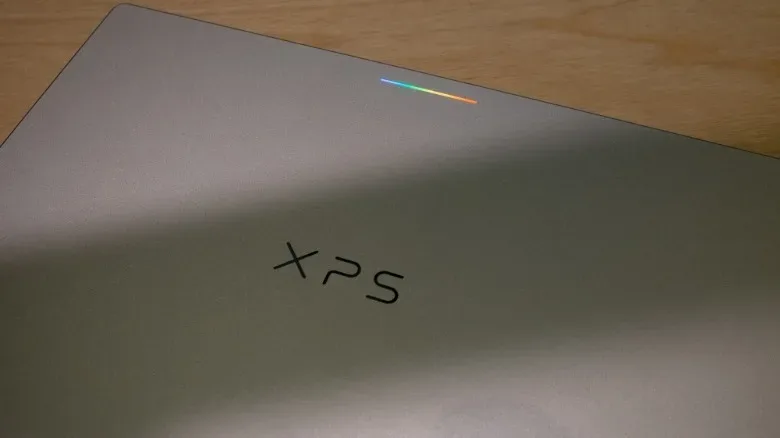
All five machines also have a Glowbar, an illuminated array on the rear of the lid. It animates during startup, can show battery level after a swipe and has animations tied to Gemini conversations. It is chiefly a visual identifier at launch, though developers are intended to gain access to it later. In practical terms, it is a feature with more personality than a conventional status LED: attractive if its effects appeal, but not currently a reason to assume one model will handle ordinary computing better than another.
The Glowbar recalls the one on the Chromebook Pixel and visually fits with the HiLight notification array on the Pixel 11 Pro. The renewed idea gives the otherwise manufacturer-specific designs one immediately recognizable family trait.
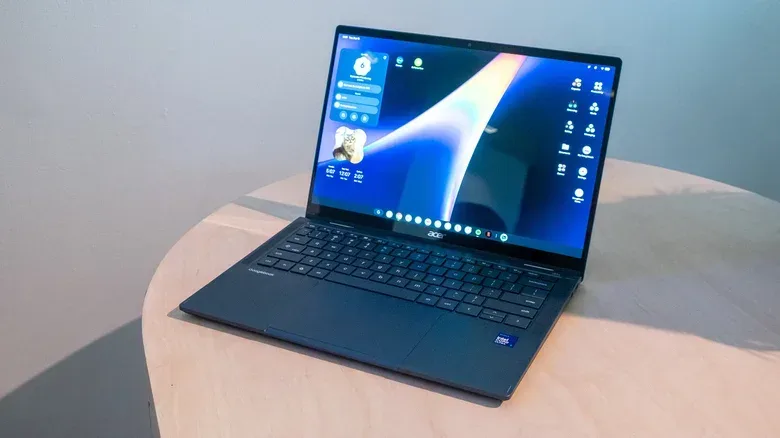
Acer Googlebook 14: the $899 entry point and only convertible
The Acer Googlebook 14 is the most accessible member of the five on stated price, beginning at $899. It is also the only convertible. Its 360-degree hinge allows the 14-inch laptop to fold back into a tablet-style configuration. That flexibility will matter most to people who know they use touch-oriented modes; a 14-inch device remains a large tablet, so the hinge should be viewed as a specific form-factor preference rather than an automatic advantage.
Acer equips it with an Intel Core Ultra 5 Series 3 processor, 16GB of RAM and 512GB of storage. Its 2,880 x 1,800 OLED display runs at 120Hz. OLED, or organic light-emitting diode, means pixels emit their own light rather than relying on a conventional display backlight. A 120Hz refresh rate means the panel can update up to 120 times per second, compared with 60 times on a typical 60Hz screen. The stated specifications establish a high-end panel, though they do not by themselves quantify color performance, brightness or battery behavior.
The model is a half-pound lighter than Acer’s earlier Chromebook Spin 514 and brings a larger trackpad. Its build and hinge were described as solid and smooth, but its design is also the most traditional of the initial group. That can be a virtue for someone who wants a familiar laptop layout with a folding hinge rather than an aggressively thin chassis or unusually large display. On paper, it is the straightforward value choice: premium baseline components and a high-resolution, high-refresh OLED panel at the only sub-$1,000 listed price.
ASUS Googlebook 14: pay more for the lighter, more polished 14-inch option
The ASUS Googlebook 14 shares much of Acer’s core formula: Intel Core Ultra 5 Series 3, 16GB of memory, 512GB of storage, and a 14-inch OLED panel at 2,880 x 1,800 with a 120Hz refresh rate. Yet its $1,299 price puts it $400 above the Acer’s listed entry price. Its case therefore rests less on a fundamentally different starting spec and more on physical refinement.
At 2.2 pounds, ASUS’s model weighs 0.3 pounds less than the 2.5-pound Acer. That sounds modest in isolation, but portable computers are handled, carried and opened constantly. A reduction in mass without a smaller display can make a meaningful difference to the feel of a 14-inch system.
Its most distinctive input component is an unusually large haptic trackpad that reaches the lower edge of the chassis. A haptic trackpad uses tactile feedback to simulate a press instead of depending solely on a traditional mechanically moving click surface. ASUS says it specifically tuned palm rejection, the mechanism intended to ignore unintended inputs from a user’s hands while typing. The keyboard and trackpad left a notably strong short-impression, although any long-term verdict will require more than a brief evaluation.
ASUS will offer a Core Ultra 7 version for shoppers seeking a higher processor tier. No price or full configuration details for that model are established here. For the Core Ultra 5 model, the decision is clear enough: choose it for very low weight and elevated keyboard-and-trackpad ambitions, not because its base memory, storage or display resolution leap beyond Acer’s.
Dell XPS Googlebook: the compact Snapdragon alternative
The Dell XPS Googlebook is the smallest and thinnest of the group. Its display measures 13.4 inches, while the chassis is 12.7mm thick. Very narrow display bezels help it occupy an especially compact footprint for its screen class. That is its defining argument: the model aims to provide a premium Googlebook in a package that feels smaller than the typical 13-inch laptop.
Dell uses Qualcomm’s Snapdragon X Elite processor, alongside 16GB of RAM and 512GB of starting storage. The keyboard is shallower than those on the other Googlebooks covered here, an understandable tradeoff in such a thin frame, but it was still found to feel reliable. The trackpad remains large and responsive despite the compact design.
The listed starting price is $1,199, while Best Buy initially lists it at $999. That early $200 gap dramatically changes the comparison. At $1,199, its compact construction commands a clear premium over Acer. At $999, it sits much closer to the entry model while delivering a distinctly different size and processor approach. Buyers should take particular care to compare the exact retailer configuration rather than relying on a product-family name alone.
Dell also plans a version with 32GB of RAM and 1TB of storage, but its price has not been provided. That option potentially matters for buyers who need more local capacity or want the highest memory allocation mentioned in the lineup, but there is not enough confirmed information to judge its value yet.
HP Googlebook 14: build, keyboard and two biometric options
HP’s 14-inch Googlebook also pairs a Snapdragon X Elite chip with 16GB of RAM and 512GB of storage. It begins at $1,299 and is built around a more conventional 14-inch laptop shape than Dell’s ultra-compact XPS design. The chassis is aluminum, with an especially strong-feeling build.
Its 2.8K OLED touchscreen aligns it with the premium display focus of the range. “2.8K” is a marketing-style resolution label; in this lineup it describes the 2,880 x 1,800-class screens identified on several of the 14-inch devices. HP also includes a large haptic trackpad and was singled out for having perhaps the best keyboard among the five in a brief assessment.
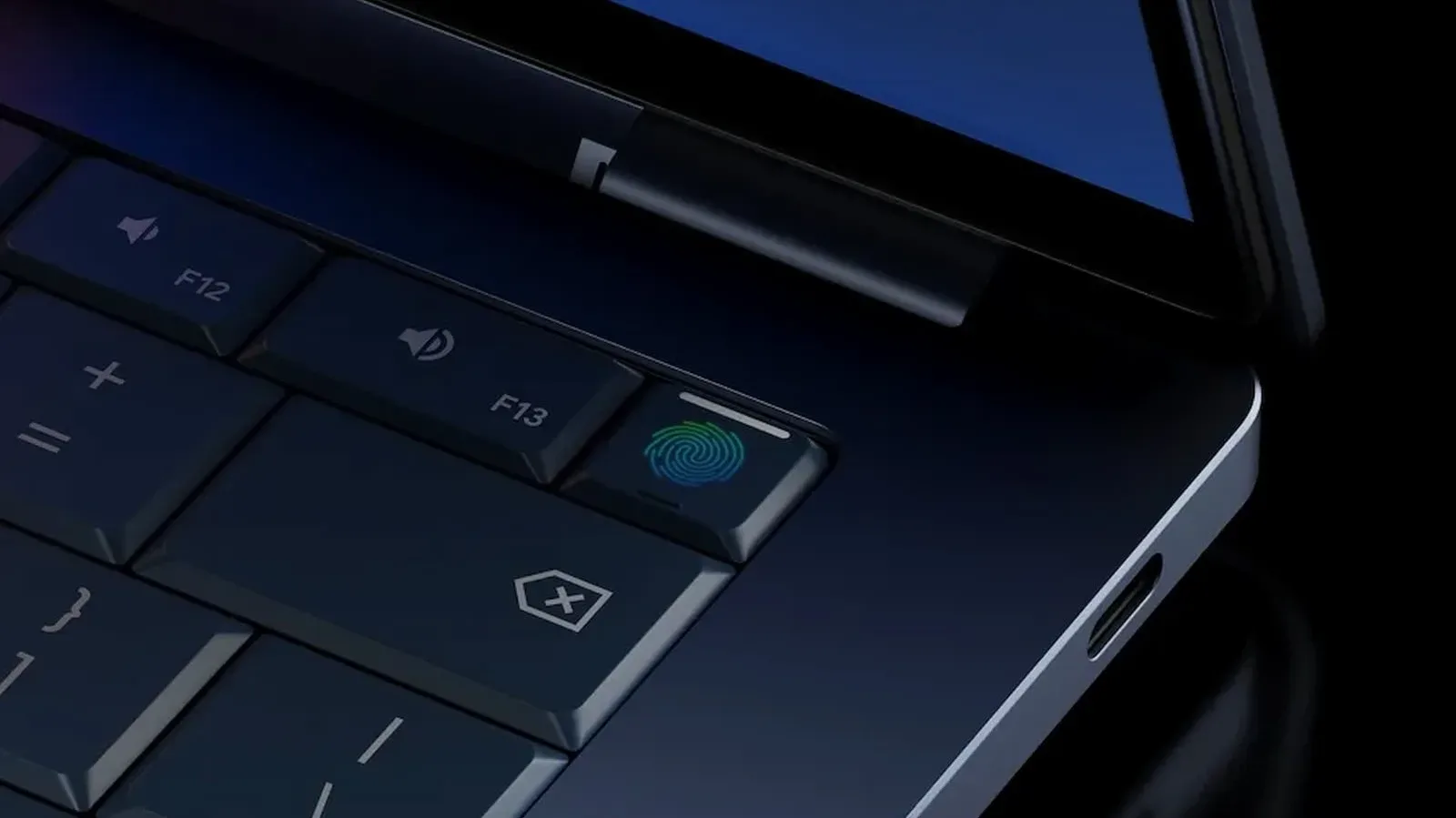
Security and convenience are another differentiator. HP offers both face authentication and a fingerprint sensor. Face authentication is also present on Lenovo’s model. Every other Googlebook has a fingerprint sensor, so fingerprint access is a shared convenience, while face unlock narrows to these two models in the details available. The presence of more than one biometric method gives users a choice of how they want to sign in, although the supplied information does not compare their implementation or reliability.
At the same $1,299 starting price as ASUS, HP’s appeal is less about shaving weight and more about physical confidence: aluminum construction, a highly regarded keyboard, haptic trackpad and dual biometric sign-in methods. It is among the most expensive launch models, so its strongest case is for people who prioritize those qualities over the Acer’s lower cost or Dell’s miniature footprint.
Lenovo Googlebook 15: the only big-screen model, with a pricing question
The Lenovo Googlebook 15 is the only model with a 15-inch OLED display. Its 2.8K resolution matches most of the other Googlebooks, which means it is less pixel-dense than the similarly resolved 14-inch screens. Pixel density describes how closely pixels are packed into a given physical area; with the same resolution stretched across a larger panel, the pixels are more spread out. Even so, the display was said to look excellent.
Inside are an Intel Core Ultra 5 Series 3 chip, 16GB of RAM and 512GB of starting storage. The design includes a textured underside intended to provide grip, a useful physical distinction in a category where many machines otherwise converge on metal, OLED and 16GB configurations. Lenovo says its white finish uses Pantone’s color of the year.
Like HP, Lenovo has both face unlock and a fingerprint sensor. It is also the sole Googlebook listed with Dolby Atmos audio. Dolby Atmos is an audio format and processing ecosystem designed around a more spatial presentation of sound; the presence of the label alone does not tell us how its speakers perform, but it makes Lenovo the specification outlier for shoppers who place audio high on the checklist.
Its pricing demands extra caution. Best Buy lists a preorder at $1,099, but the Google Store lists what appears to be the same configuration at $1,349. That $250 spread is too large to ignore, particularly when $1,349 is the highest listed Googlebook price in this opening set. Until the configurations and listings are reconciled, the lower retail listing may make Lenovo a compelling large-screen option, while the higher listing places it firmly in premium territory.
How to sort the first five models
There is no need to overcomplicate the early lineup. The available details point to a few clear starting paths:
- For the lowest stated price and a folding hinge: Acer’s $899 Googlebook 14 is the only convertible and retains the 16GB/512GB baseline with a 120Hz OLED display.
- For a light 14-inch machine and a standout trackpad: ASUS’s 2.2-pound model emphasizes portability, haptics and palm rejection, albeit at $1,299.
- For the most compact chassis: Dell’s 13.4-inch XPS Googlebook is the thinnest and smallest option, with Snapdragon X Elite. Its actual value depends heavily on whether the relevant listing is $999 or $1,199.
- For keyboard, build and biometric flexibility: HP’s aluminum Googlebook 14 combines Snapdragon X Elite, a haptic trackpad, face authentication and fingerprint access.
- For the largest screen and the only Dolby Atmos entry: Lenovo’s 15-inch model is the big-screen choice, but its $1,099 versus $1,349 preorder discrepancy needs checking.
The more interesting part of this launch is not a race to the lowest specification. It is a collection of laptops that start from a premium floor and differentiate through size, chassis priorities, processor family and input hardware. The shared Glowbar ensures that all five look like members of the same new family; the choice between them comes down to whether the buyer values convertibility, lightness, compactness, build and keyboard feel, or screen size.