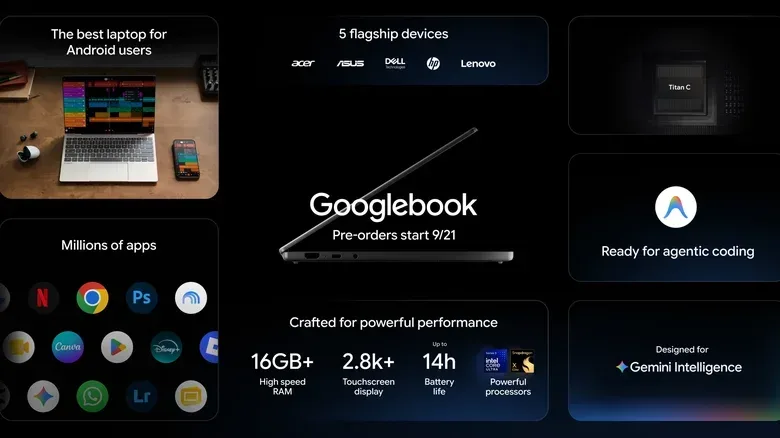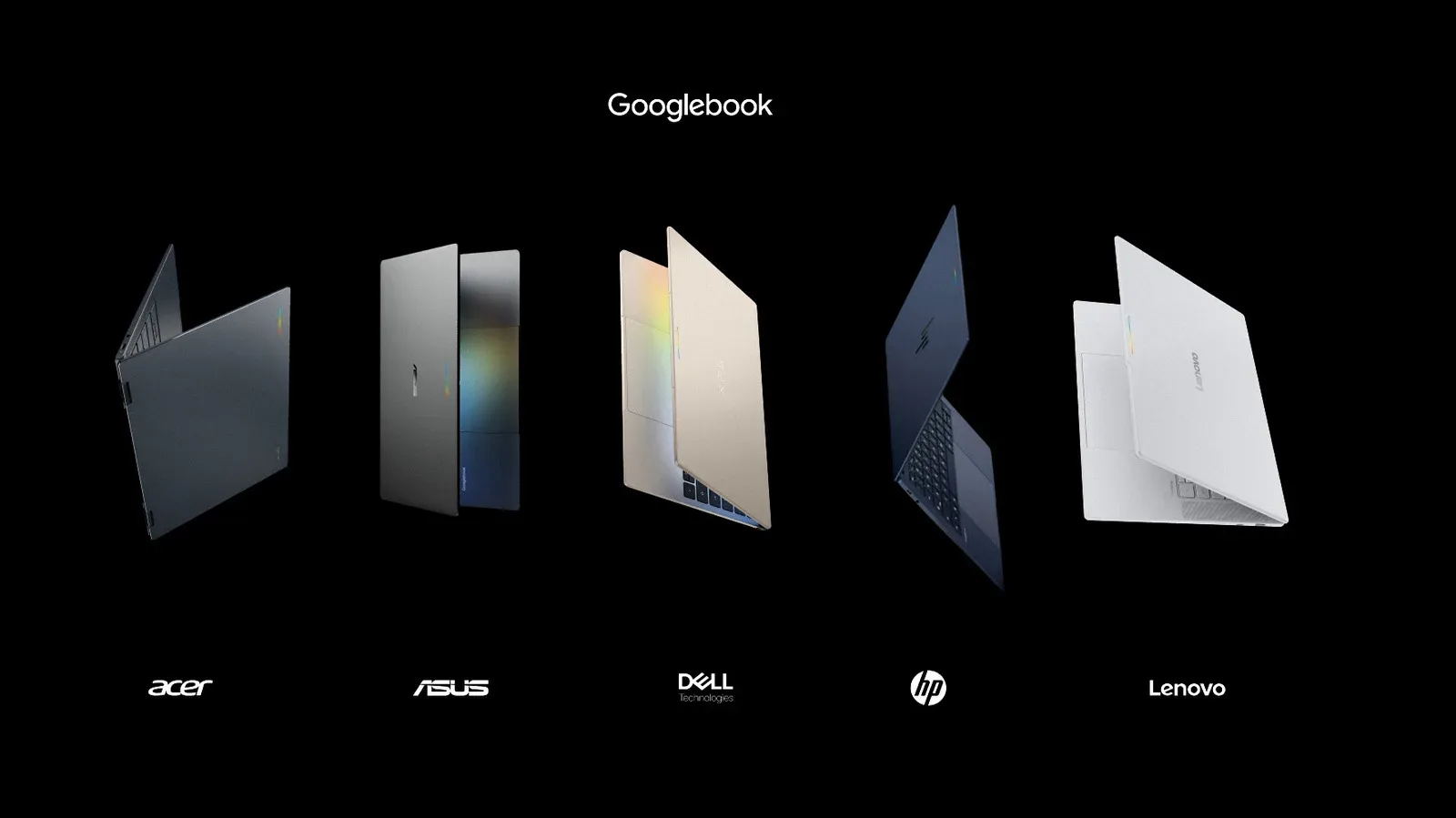
Google’s first Googlebooks are now available to pre-order, with retail availability scheduled for October 4 in the United States and October 5 in the UK, Canada, Ireland, France, Germany and Australia. The more interesting part of the launch, though, is not simply that another group of laptops is entering the market. Googlebooks represent a change in the software underneath Google’s familiar laptop experience: these machines are built on Android rather than ChromeOS.
That distinction may not be obvious at first glance. Googlebooks retain several traits that will look familiar to Chromebook users, including a bottom app dock, Chrome browsing and access to Android apps through the Play Store. But Google’s stated purpose is to bring an Android phone and a laptop much closer together, with setup, app continuity, file access and app streaming designed to make the pair function more like one connected workspace.
It is an ambitious pitch because Chromebook buyers have traditionally been offered a simpler, often lower-cost kind of laptop. Googlebooks begin at $899 for Acer’s model, while every announced system has at least 16GB of RAM. Four of the five shown models have 2.8K OLED touchscreens; the smaller Dell model uses a 2.5K display. This is a notably more premium starting point than much of the Chromebook market, so the software connections will need to feel genuinely useful rather than merely novel.
Android is the foundation, not just an app option
The key technical change is that Android powers Googlebooks at the system level. ChromeOS had already developed ways to run Android applications and connect with phones, but Googlebooks are positioned as a platform sharing a much closer codebase with Android phones. A codebase is the core collection of software code from which a product is built. When platforms share more of it, developers may be able to create and adapt features for both with less separate work.
For users, that claim matters only if it translates into less friction. Googlebooks are intended to pull information from an Android phone when a person signs in, including saved passwords, Wi-Fi networks and message history. That makes initial setup part of the broader phone-and-laptop proposition rather than just a conventional Google account login.
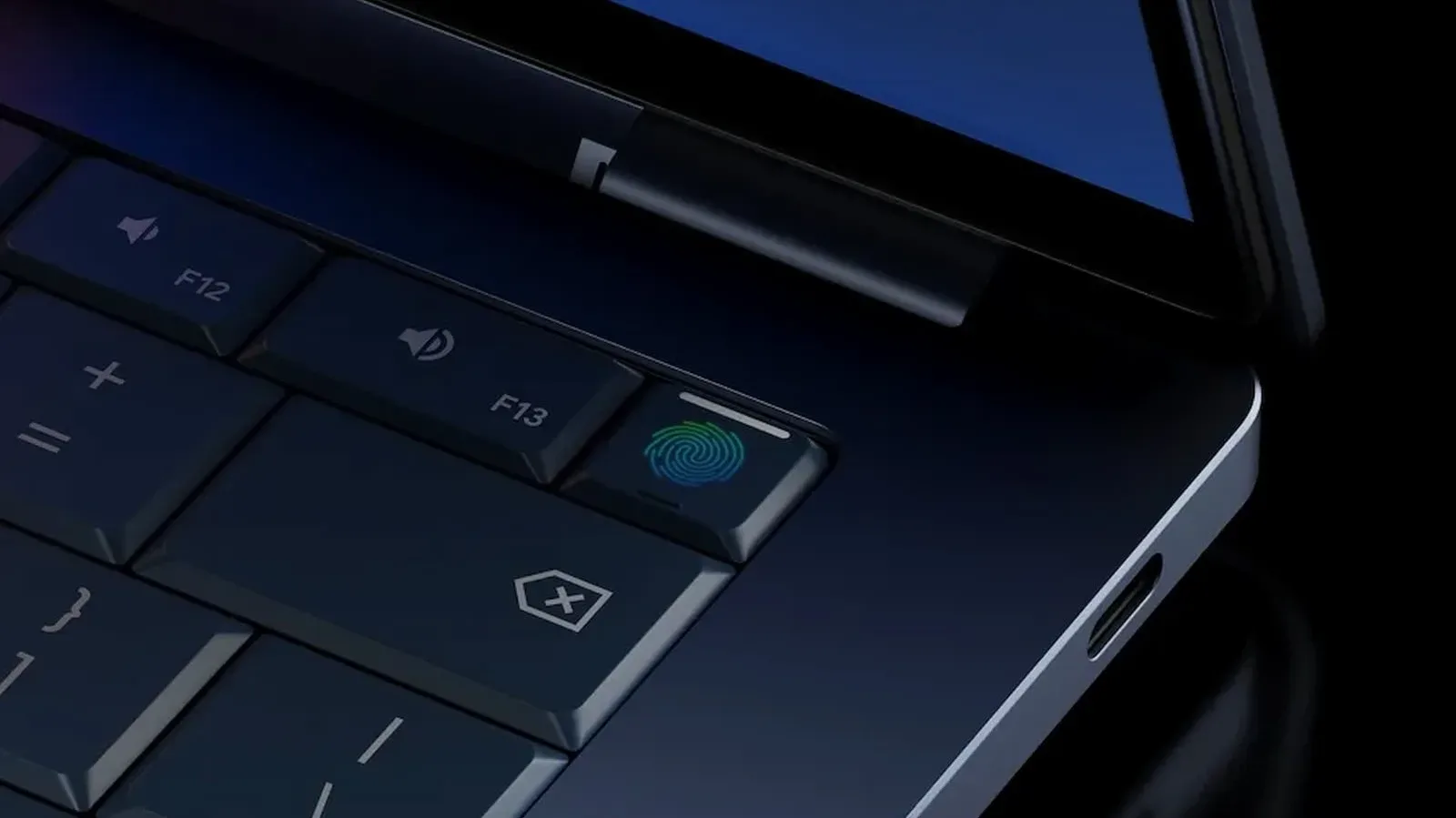
Google is also retaining several familiar security and development provisions from Chromebooks. Googlebooks include the Titan hardware security chip and built-in malware protection. Developers can use an isolated Linux environment with a full Terminal. An isolated environment means the Linux workspace is kept separate from the wider operating system, while a Terminal is the command-line interface developers use to run tools and manage software directly.
That mixture is important to the launch message. Googlebooks are not framed simply as oversized Android tablets with keyboards, nor as ChromeOS machines carrying a new badge. The company is attempting to make Android the common layer across phone and laptop while preserving desktop-style browsing, file handling and developer tools.
The phone-to-laptop handoff is Googlebooks’ most tangible promise
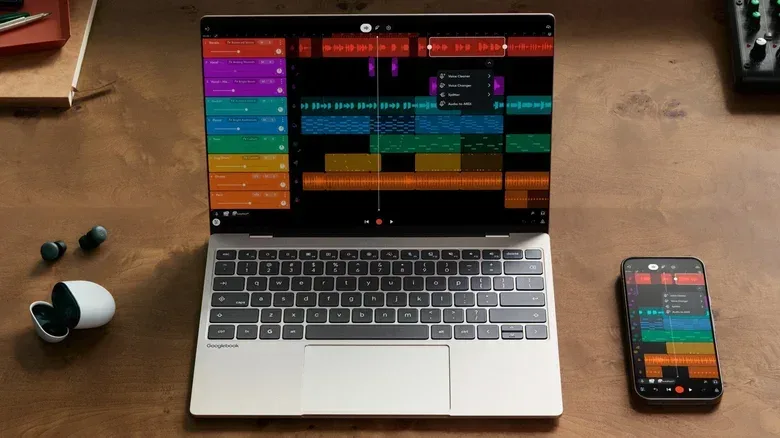
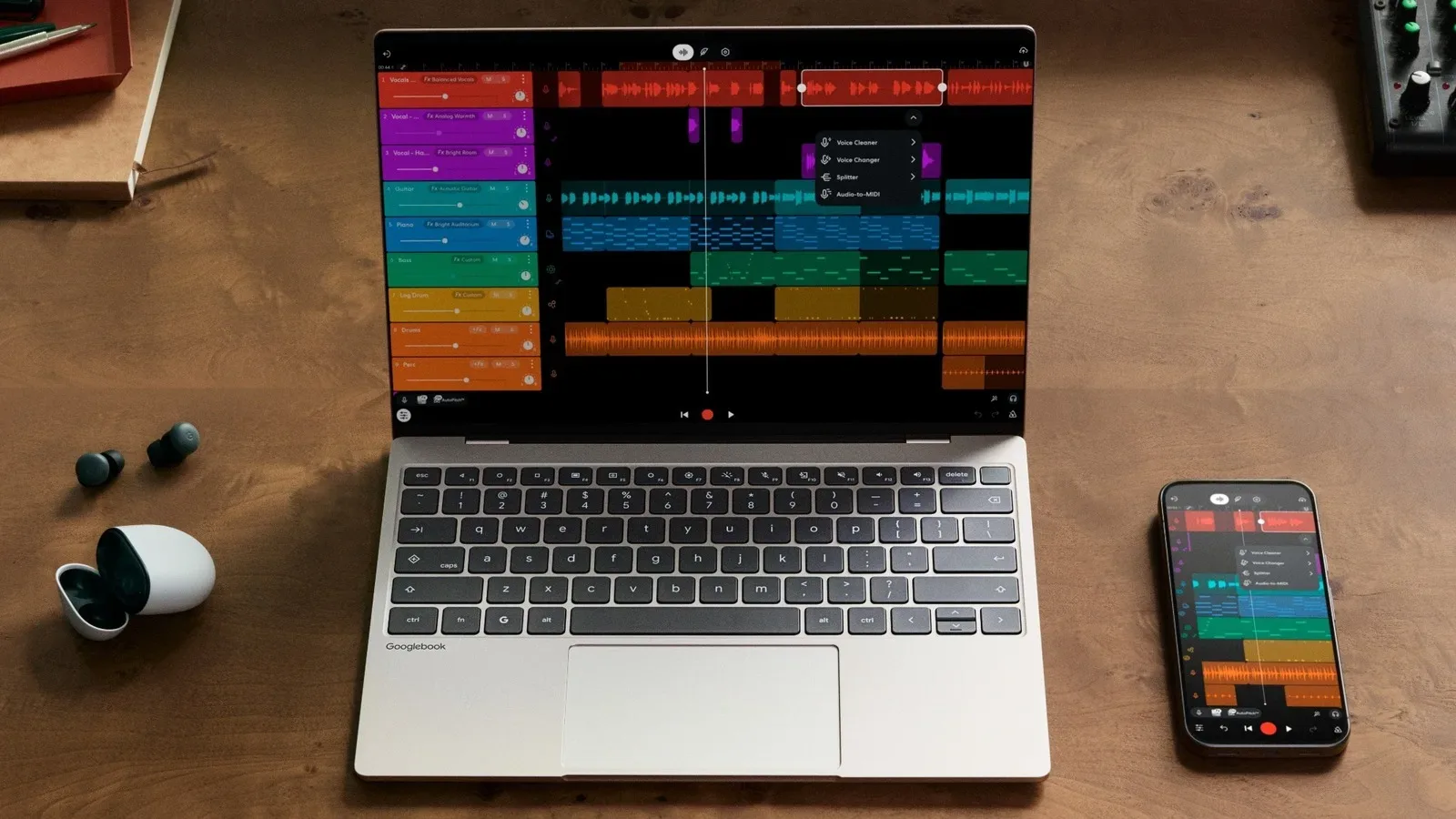
The most concrete benefit shown so far is a feature called Continue On. It is designed to hand an app’s activity from a nearby Android phone to a Googlebook while keeping the work in place. One example used a BandLab project with multiple tracks running on an Android phone, then shifted the project to a Googlebook with those tracks intact.
That is more meaningful than merely reopening the same app on another screen. In principle, continuity means preserving context: the project, document or task should remain where the user left it rather than forcing them to dig through recent files and recreate their place. The practical value will depend on how reliably it works across apps and on whether it preserves enough state to avoid becoming a polished shortcut for relaunching software.
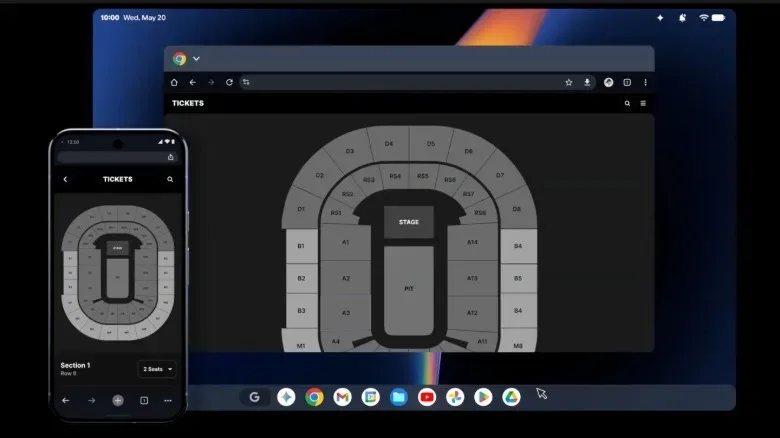
Google’s own apps are expected to recognize when a handoff should land in a web experience instead of an Android app. Gmail was shown opening its web interface on a Googlebook after originating on a phone. Third-party support is intended to follow in the future, but that wording is significant. A connected-device feature is only as broad as the apps that support it, and its initial usefulness may be strongest in Google’s own services.
A phone brought near a signed-in Googlebook can also trigger an app suggestion in the laptop’s dock. Selecting it opens the suggested app. This is a small interaction, but it reinforces the same premise: the laptop should recognize that the phone already contains the activity the user may want to continue on a larger display.
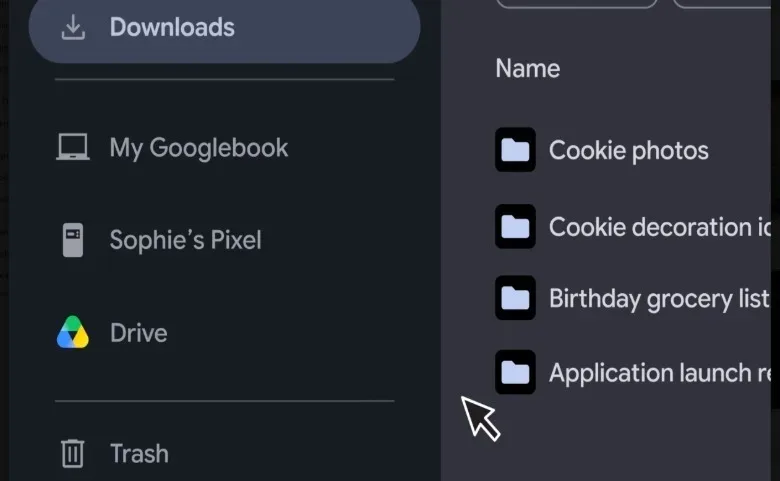
Files are part of that relationship, too. Googlebooks’ new Files app will list the Android phone alongside the laptop, Google Drive and other pinned folders, allowing access to the phone’s internal storage and movement of files to the computer. For people who regularly transfer downloads, photos, media or project assets from phone to laptop, a visible phone entry in the file browser could be more direct than passing items through messaging apps, email or a cloud folder.
Streaming is not the same as full-phone mirroring
Googlebooks will also let users launch phone apps on the laptop through an icon in the dock that opens the phone’s app drawer. The phone then streams the selected app to the Googlebook. App streaming means a particular mobile app is presented on another device; it is different from showing and controlling the entire phone screen as one mirrored session.
That distinction makes Google’s approach more focused but also leaves open questions about flexibility. App streaming from Android to Chromebooks already exists, so it is not by itself a brand-new capability. Microsoft’s Link to Windows has also long offered Android phone-mirroring features and has surpassed one billion Play Store downloads. The competitive issue is therefore not whether a phone can appear on a PC at all. It is whether Googlebooks make transitions, storage access and app choices feel faster and more coherent because the laptop is built on Android.
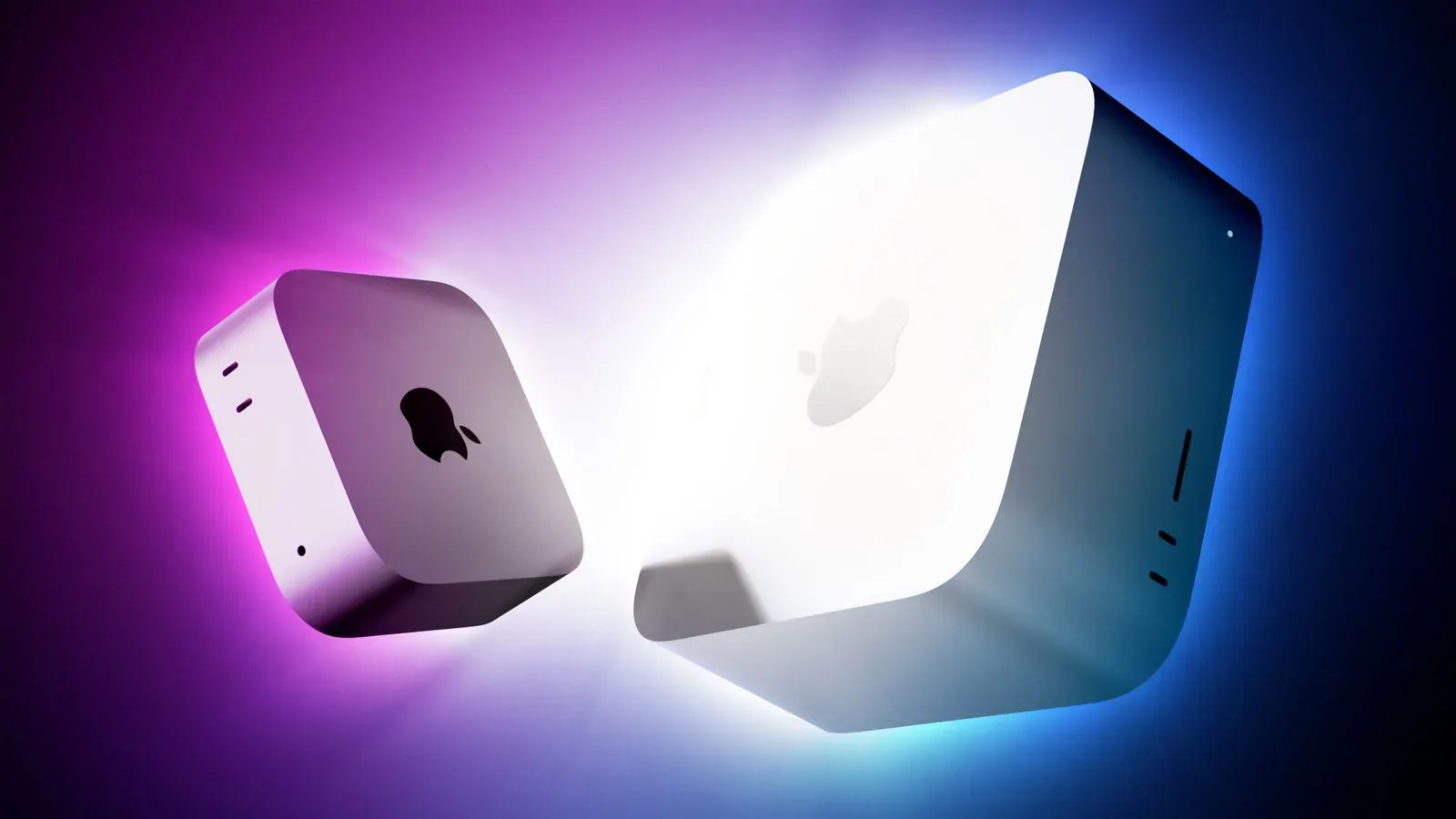
There is a familiar comparison point in the premium laptop world, too. Apple tightly links its phones and computers, while the latest desktop hardware remains a moving target across platforms; for another view of the current Mac side of that market, see the new Mac mini and Mac Studio M-series updates. Googlebooks’ strategy is plainly aimed at Android owners who want a similarly cohesive laptop companion without switching phone ecosystems.
Magic Cursor turns on-screen material into Gemini input
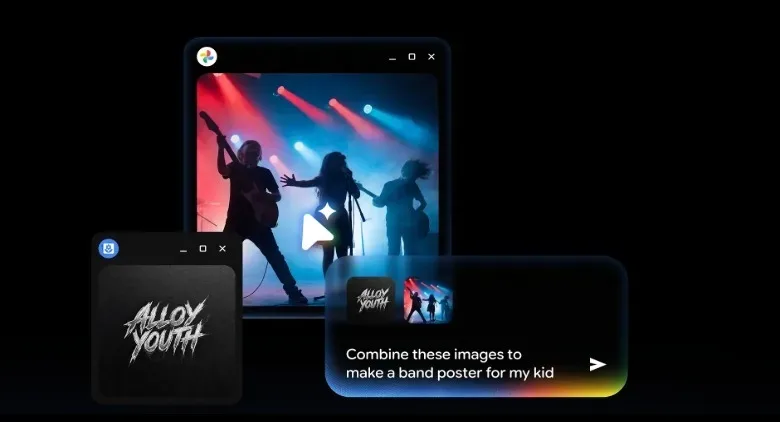
Googlebook hardware will also lean heavily on Gemini, Google’s AI system. The flagship interaction is called Magic Cursor. A quick finger wiggle on the trackpad changes the normal pointer into a Gemini-enabled selection tool. It can identify screen elements such as an image or a paragraph, or users can select an entire application window or the full display.
The defining idea is that a user can gather more than one item from the screen and submit them together to Gemini. In one demonstration, the selections included running statistics such as pace and stride length along with a doctor’s note about factors that can contribute to injury. Gemini was then asked to assess whether the recent workout raised concerning signs in light of that note.
Technically, this resembles a screenshot tool expanded into a way of assembling contextual inputs. Rather than copying text from several windows, saving images or laboriously explaining what is on screen, Magic Cursor is meant to package those elements for an AI request. The appeal is easy to understand for research, planning and multi-window tasks. It could turn information spread across an app, webpage and note into one prompt.
But the limitation is just as important: Gemini’s response should not be mistaken for professional judgment, especially where health-related material is involved. The demonstration describes how the selection mechanism works; it does not establish that an AI output can diagnose an injury or replace a clinician. More broadly, the feature’s usefulness will depend on accurate element detection and on users checking AI-generated analysis before acting on it.
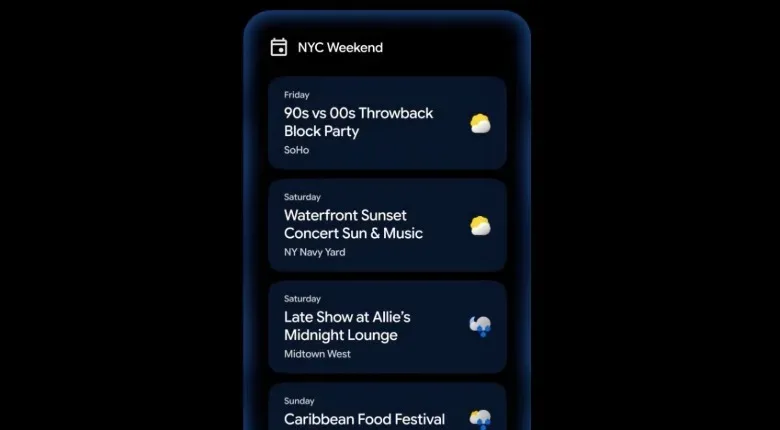
Googlebooks will also include proactive Gemini prompts already introduced on Android under the Magic Cue name. These are suggestions for actions inferred from what the person is doing, such as adding something to a calendar. The potential benefit is reduced manual entry. The risk for any proactive system is relevance: a prompt becomes helpful only when it understands the situation often enough that it does not feel like another interruption demanding dismissal.
Rambler and generated widgets widen the AI bet
Another included feature, Rambler, is a natural-language transcription tool first introduced with the Pixel 11 series. It is meant to convert informal, meandering spoken input into cleaner text, removing stutters and correcting a speaker who changes their mind mid-sentence. For example, someone can revise an item in a spoken reminder while talking, and Rambler is designed to retain the final intent rather than the verbal detour.
This is a different application of AI from Magic Cursor. Magic Cursor gathers visual context from the display; Rambler interprets spoken context. Both are attempts to reduce translation work between what a person naturally does and what a computer needs in structured form.
Create Your Widget is a third part of the plan. Users can describe the kind of widget they want and Gemini is supposed to create it for the desktop. A widget is a compact on-screen element that presents information or controls without requiring the user to open a full application. Google had previously announced the feature for Android phones as well, but it has not yet arrived there. As a result, it remains uncertain whether Create Your Widget will be ready when the first Googlebooks ship.
Each Googlebook also includes a year of Google AI Pro, normally priced at $199 annually. The plan includes 5TB of Drive storage, Gemini features in Gmail and Docs, higher usage limits in the Gemini app, YouTube Premium Lite, Google Home Premium and Google Health Premium. The bundle adds substantial stated value, but prospective buyers should distinguish the included first year from the ongoing subscription decision after that period ends.
Five manufacturers, one test of Google’s laptop strategy
Acer, ASUS, Dell, HP and Lenovo are the five hardware partners represented at launch. The shared baseline of 16GB RAM and predominantly high-resolution OLED touch displays signals that Googlebooks are being introduced above entry-level Chromebook territory. Yet specifications alone do not answer the central question: can a closer Android relationship persuade someone who already has a functional Windows PC, Mac or Chromebook to buy in?
Googlebooks’ strongest case is likely for people deeply invested in Android who frequently begin tasks on a phone and want to continue them on a keyboard-and-large-screen device. Continued apps, direct phone storage in Files and streamed mobile apps are all aimed squarely at that routine. The Android foundation could also let Google improve those connections more quickly over time.
Still, buyers should treat launch demonstrations as demonstrations rather than proof of universal compatibility. Support for third-party app handoff is future-facing, Create Your Widget’s launch availability is unclear, and the everyday quality of phone proximity detection, streaming and AI selections will matter more than the feature list. Googlebooks have a clear identity: they are laptops built to make an Android phone feel less like a separate device. October’s rollout will show whether that identity is compelling enough at premium Chromebook-adjacent prices.