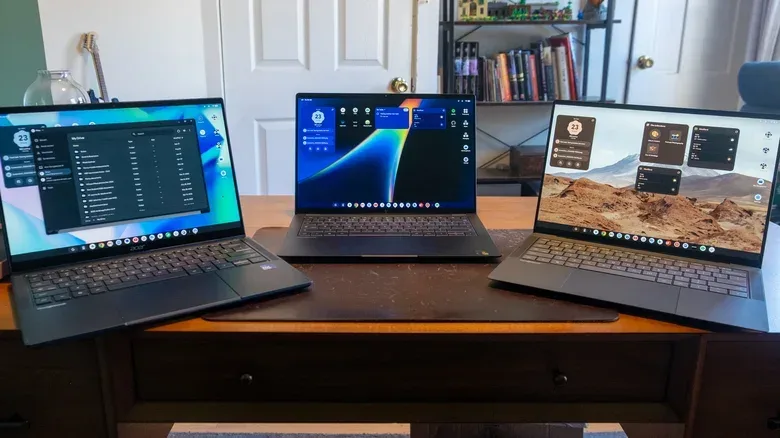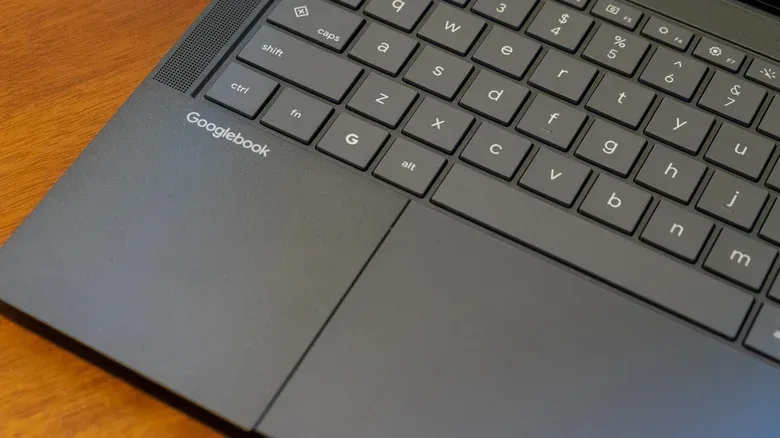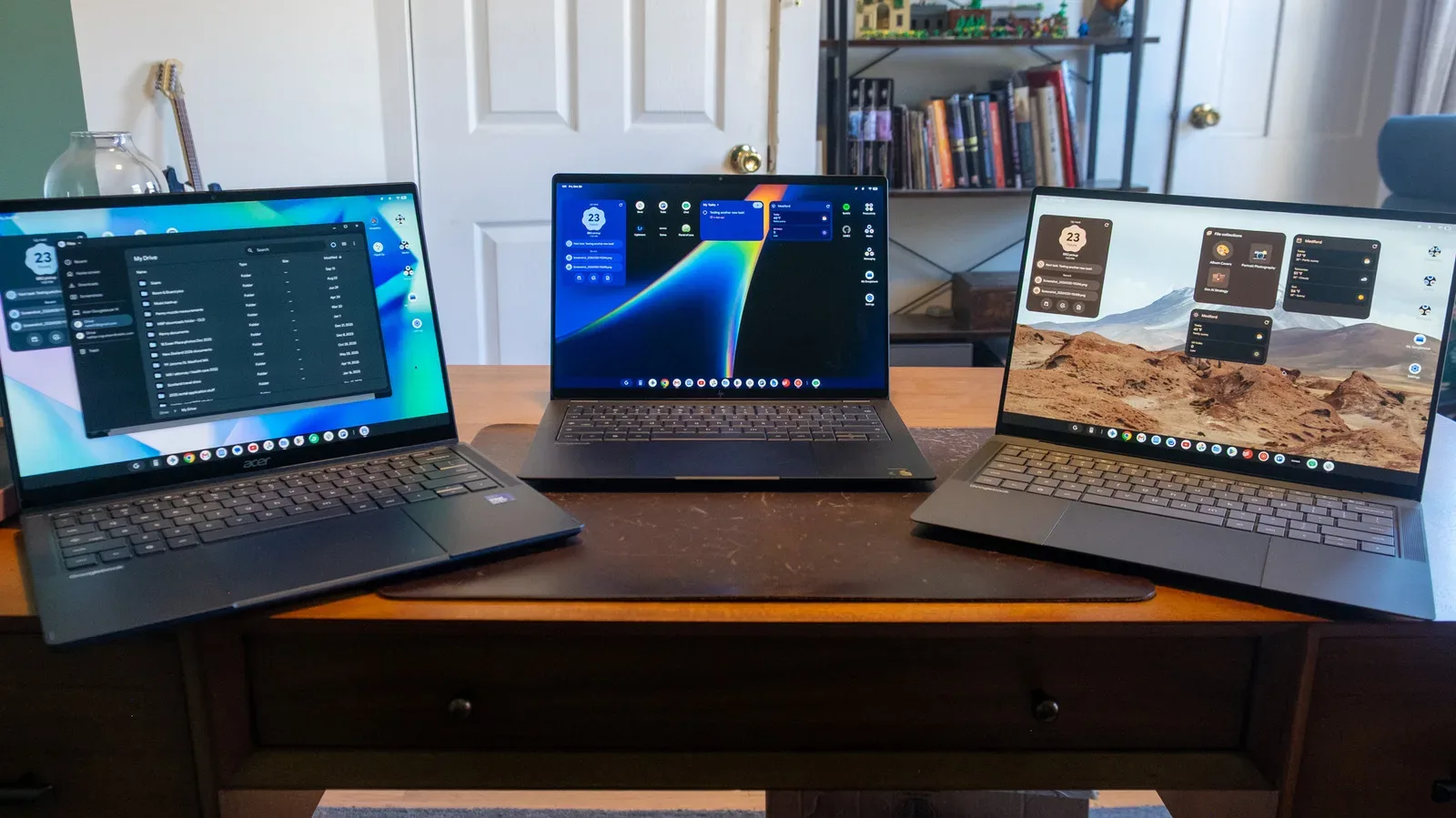
Googlebooks have arrived as Google’s Android-powered successor to ChromeOS laptops, with a familiar desktop, premium hardware and a clear pitch: make an Android phone and laptop feel like parts of one ecosystem. For players, that proposition has a particular appeal. A Googlebook can run Android games, access a phone’s apps and files, and includes a year of GeForce Now Fast Pass access for streaming supported games already owned through stores including Steam and the Epic Games Store.
But the launch also exposes a difficult reality. Googlebooks are entering at premium prices while relying on an app ecosystem that is still uneven on big screens and offering little in the way of native, current-generation PC gaming. The hardware appears capable and attractive; the operating system is still finding its footing.
The first machines are expensive. Acer’s Googlebook 14 starts at $899, the only model below $1,000. Dell’s compact XPS Googlebook costs $999, HP’s Googlebook 14 is $1,199, and ASUS’s Googlebook 14 is $1,299. That changes the standard by which the platform will be judged. A low-cost Chromebook could make sense as a simple browser-focused device even with obvious limitations. A laptop at or above $1,000 is competing much more directly with capable Windows PCs and MacBooks, including machines with broader creative-software and gaming options.
What a Googlebook is, and what it replaces
Googlebooks are the product of Google’s long-planned move away from ChromeOS and toward Android as the foundation for its laptop operating system. The objective is understandable: using closely related software across phones and computers could simplify development and make cross-device features more natural over time.
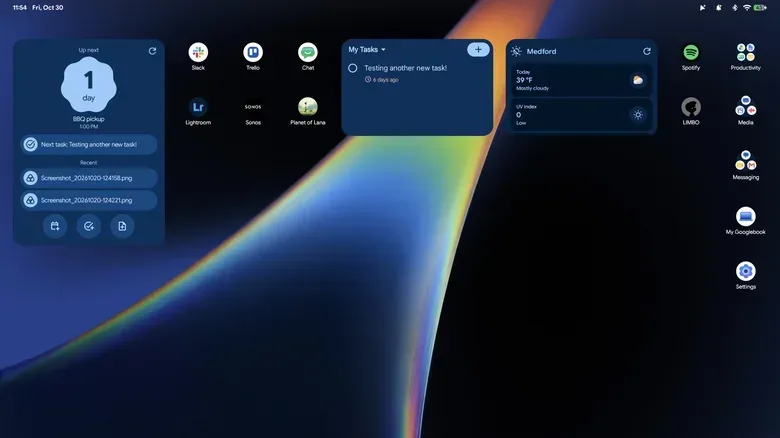
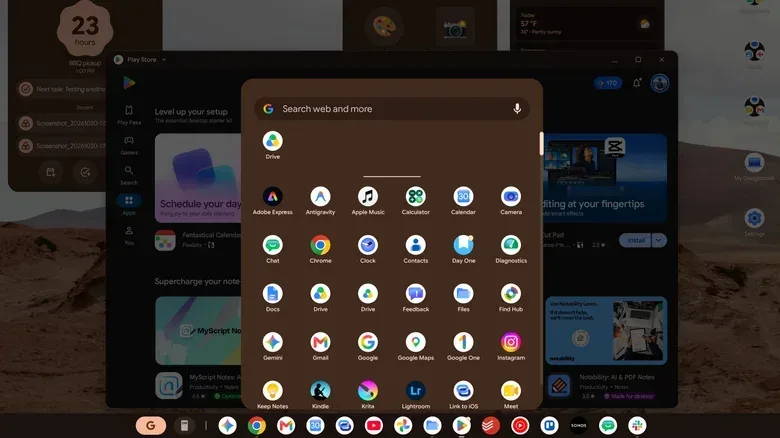
The interface will not be alien to ChromeOS users. There is an app taskbar at the bottom, while the time, date, notifications and quick settings have shifted to a narrow strip at the top. Desktop folders group shortcuts for productivity, media and messaging. New users also receive a walkthrough covering everyday basics such as window management, quick settings, wallpapers, files and screensavers.
That continuity matters, but some familiar conveniences are absent. Clicking the clock no longer surfaces a calendar and Google Tasks list as it did in ChromeOS. The former taskbar control for pinned and recently opened files is gone, too. Googlebooks support home-screen widgets, seemingly positioning them as a replacement for some of that at-a-glance information, but widgets are not a perfect substitute for quick system-level tools that were already built into the interface.
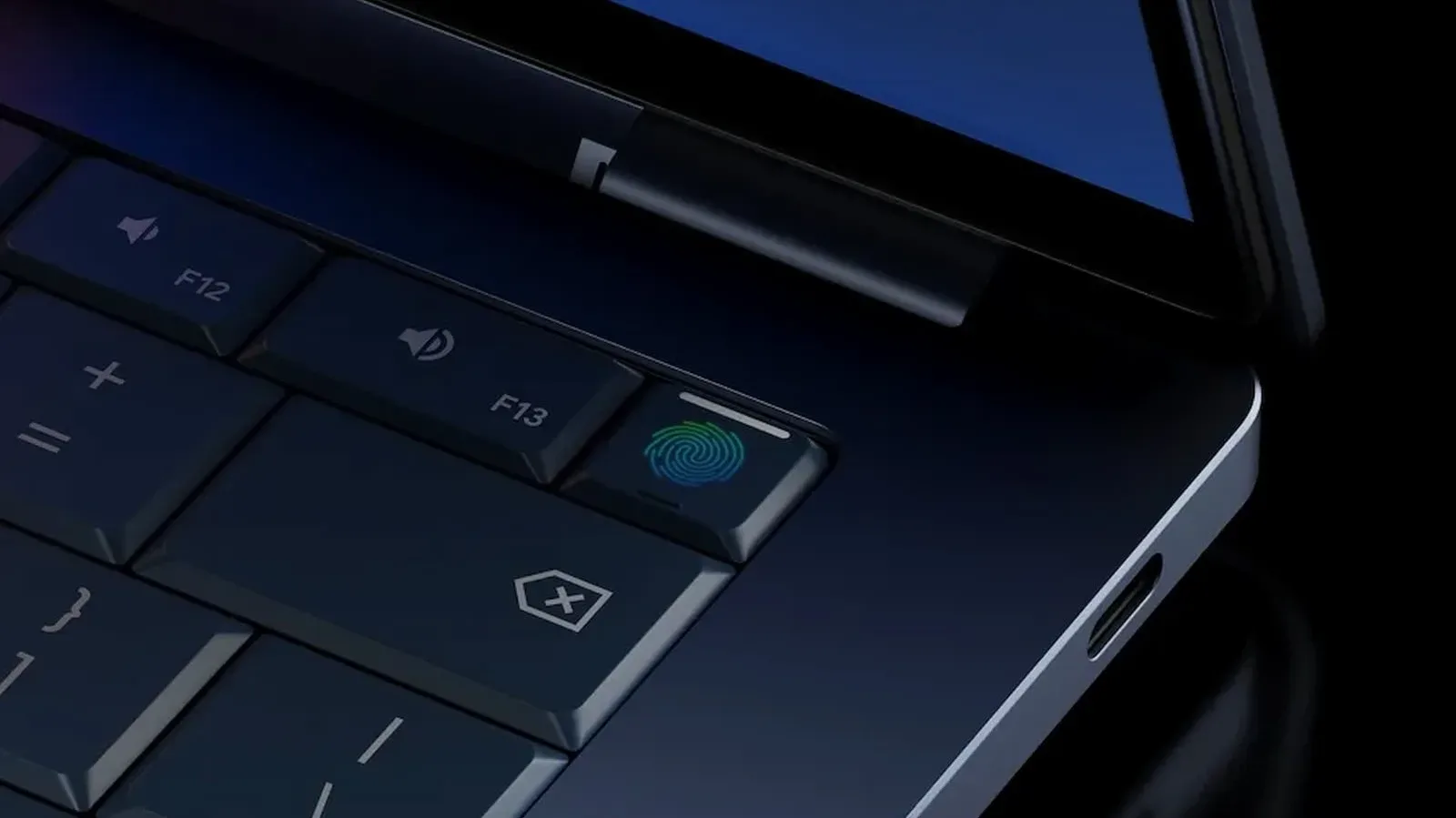
Initial setup makes the platform’s real priority obvious: connection to a phone. A user can begin with an Android device, iPhone or iPad, scan a QR code, join Wi-Fi, use the signed-in Google account, establish a password and fingerprint unlock, then choose whether to copy apps and data. Permissions are also requested to enable phone files and notifications on the laptop.
For Android users who live in Google services, that process could remove friction from switching devices. It does not, however, make a laptop automatically more capable. That distinction runs through nearly every part of the Googlebook proposition.
Related coverage includes Googlebooks Arrive With Android Integration, Premium Hardware and Early Software Gaps.
Premium hardware meets a first-generation operating system
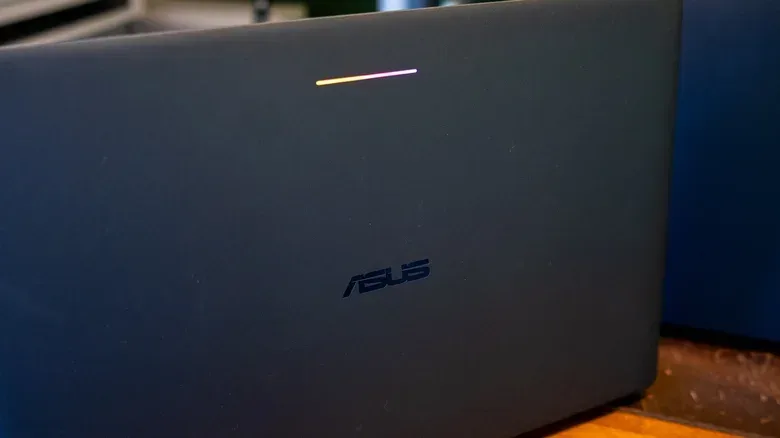
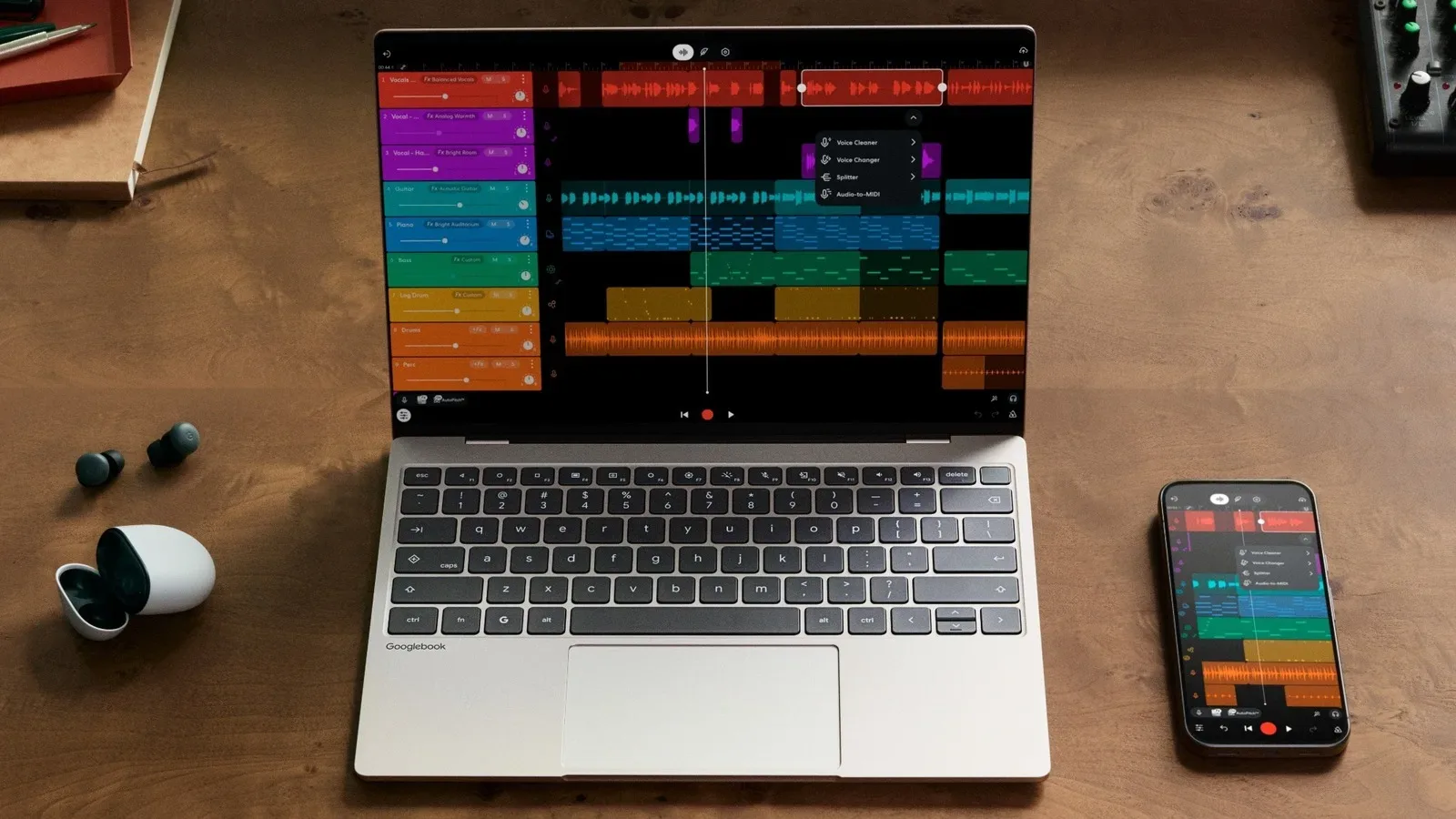
The early Googlebook hardware does not appear to be the weak point. The ASUS Googlebook 14 weighs 2.2 pounds and pairs an OLED touchscreen with Corning Gorilla Matte glass intended to reduce reflections. Its listed configuration includes an Intel Core Ultra 5 processor, 16GB of RAM and 512GB of storage. Acer and HP also have Googlebook 14 models; the HP uses Qualcomm’s Snapdragon X Elite X1E-80-100 processor.
Performance was described as similar on Intel and Qualcomm models, though the HP model appeared to deliver better battery behavior and less frequent fan activity. Those are useful early signs, especially for a category intended to feel portable and premium, but the bigger purchase question is not whether these laptops are thin enough or fast enough for routine work. It is whether Googlebook software gives buyers enough reason to select it over established alternatives at the same price.
That question becomes even sharper for gaming-minded shoppers. As memory pressure continues to matter across gaming hardware, buyers shopping near four figures are accustomed to comparing specifications alongside the games and applications a system can actually run. Googlebooks may have premium components, but their gaming proposition is primarily Android and streaming rather than local PC releases.
The browser problem is a surprisingly big one
Chrome is central to the identity of both ChromeOS and Googlebooks. A browser-first computer works only if its browser experience is dependable, particularly when so much work and entertainment now happens in web tabs and web apps.
One early omission is therefore notable: saved Chrome tab groups did not appear on Googlebooks despite syncing across desktop, Android and iOS versions of Chrome. Google has indicated that support is coming in a future update, but a feature that helps people move an existing workflow between devices is especially important on a new platform asking users to migrate.
Web apps also had a rough start. A web app is a website installed to open in a dedicated app-style window, often with its own taskbar icon, rather than as one more tab in the main browser. They are crucial on systems where browser services are expected to fill the roles normally handled by traditional desktop software. Early on, Googlebooks could save desktop shortcuts for services such as Slack and Trello but not install them as separate windows. A later Chrome update corrected that behavior.
It is encouraging that the issue was fixed quickly. Still, the combination of missing tab-group syncing and a temporary failure in a foundational web-app workflow makes the operating system feel unfinished at launch. First-generation software always changes, but buyers paying premium-laptop prices should not need to buy on the assumption that basics will arrive later.
Android apps: better on large screens, not consistently good
Googlebooks offer two primary kinds of software: web tools and Android apps from Google Play. Android app support has existed on Chromebooks for roughly a decade, so the central question is not whether apps can launch. It is whether they feel designed for a laptop.
That is where results remain mixed. Some Android applications dynamically expand for a larger display; others effectively magnify a phone layout, leaving broad unused space and hiding useful information behind extra navigation. The issue is not merely aesthetic. A desktop workflow often depends on seeing multiple panels at once: a file list, a workspace, a conversation, controls and context without repeatedly moving backward and forward.
Slack illustrates the problem. Its desktop version has a multi-column layout, while its Android application still presents one view at a time even on a much larger Googlebook screen. Since Slack supports a better large-screen layout on iPad, the limitation is not inherent to a larger mobile device. It demonstrates the longstanding lack of attention many developers have given Android tablets and laptop-sized Android experiences.
There are positive examples. Google refreshed its own apps for larger screens around the 2023 Pixel Tablet launch, and services including Keep, Google Home, Calendar, Photos and Google TV are said to work comfortably on Googlebook displays. Google is also steering users toward web apps when they are more appropriate: installing Google Chat from Play can provide the web version, while Gmail opens in a dedicated window using its familiar web interface. Third-party apps such as Todoist and Spotify use multi-column layouts, and Adobe Lightroom has shown effective library loading and edit syncing.
For prospective buyers, the practical advice is simple: inventory the software you actually use before considering a Googlebook as a primary machine. Check whether each essential service is best accessed through a browser, has a good large-screen Android app, or is missing entirely. Adobe Premiere and Logic Pro are examples of software that cannot simply be installed here. A substitute may exist, but a substitute is not always an equivalent workflow.
Gaming: workable through Android and cloud streaming, not a gaming PC replacement
Native gaming is the clearest boundary of the Googlebook concept. Android games are available through the Play Store, and Teenage Mutant Ninja Turtles: Shredder’s Revenge and Limbo have run without issue, with keyboard controls mapped in Shredder’s Revenge. That establishes a baseline of functional casual and mobile-originated game support. It does not establish the platform as a home for new, demanding PC games.
The more meaningful gaming benefit is the included year of GeForce Now Fast Pass. Cloud gaming means the game runs on remote hardware and its video output is streamed to the laptop, while the player’s inputs are sent back over the internet. It can allow a lightweight machine to access games it could not run locally, but its effectiveness depends on a stable connection and it is fundamentally different from owning a gaming PC that installs and runs titles natively.
Fast Pass provides up to 50 hours of gaming per month, removes ads found in the ordinary free GeForce Now tier and grants priority access. It is a thoughtful inclusion for someone who already owns compatible games through Steam or the Epic Games Store. Yet it should be viewed as a perk, not a replacement for broad local compatibility. The allowance is finite, online access is required, and the underlying library is determined by cloud-service support as well as the user’s owned games.
In short, a Googlebook may work well as a cloud-gaming companion or an Android gaming device, but it is not positioned as a substitute for a conventional gaming laptop. Anyone choosing between platforms should separate “can play games” from “is built to play the PC games I want locally.” Those are very different promises.
Phone integration is the platform’s strongest differentiator
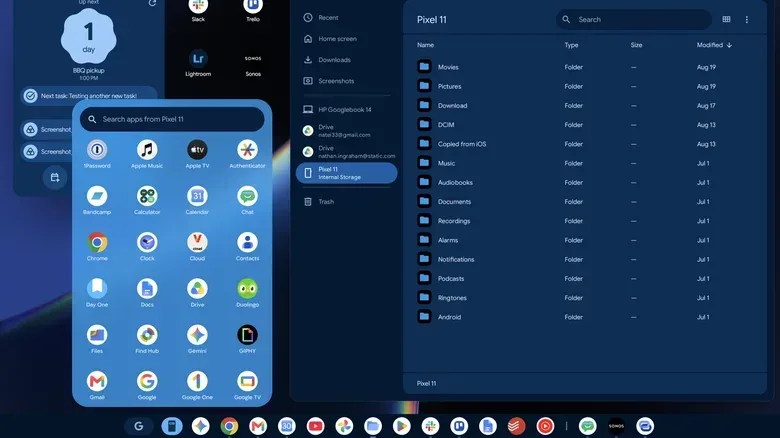
The most distinctive Googlebook features are tied to Android phones. A dedicated taskbar control can show the apps installed on a connected phone and open one in its own resizable window on the laptop. These are not restricted to a portrait-phone-size box; they can be expanded and adjusted. That could be useful for checking a ride booking, a delivery order or connected-speaker playback without reaching for the phone.
Googlebooks can also surface a shortcut when work is already underway on the phone. A Chrome tab or a Gmail draft, for example, can be picked up on the larger display with a click. The behavior is not fully consistent: composing in Gmail can trigger the handoff while merely reading an email does not, and third-party developers need to enable the feature in their own apps. It has also failed to appear in some cases. The idea is valuable; its reliability and breadth still need improvement.
Browsing a phone through the laptop’s Files app is more straightforward. The phone appears as a drive, allowing manual transfers of screenshots, voice recordings and other files. Cloud services may already handle many photos, but direct access remains useful for people who prefer to manage their data manually.
There is even a limited iPhone bridge. The preinstalled Link to iOS app can bring SMS, RCS and iMessages to a Googlebook after scanning a QR code and changing settings. However, it does not handle group chats properly, does not sync a complete message history, and supports text rather than images or other attachments. One-to-one text conversations are the clearest use case; it is not equivalent to the fuller Android-phone connection.
Gemini features are useful ideas, not yet a purchase case
Googlebooks also make Gemini central to the experience. Magic Pointer is the most conspicuous example. After an opt-in setup, a vigorous trackpad gesture activates a tool that can select content on screen for Gemini to analyze or act upon. It can recognize coherent blocks such as a paragraph or image, accept several selections, and suggest actions. A date and location might produce a calendar prompt, while a calendar and training plan could be selected together for a scheduling request.
The important technical point is that this is a screen-context tool: it turns visible on-screen information into material for an AI request, much like a more capable screenshot workflow. That can be handy, but it also demands judgment. The tool may save steps for some planning or research tasks, yet users should be deliberate about what they select and verify results before relying on them.
Rambler is another AI feature adapted from the Pixel 11 series. It cleans up dictated text by removing filler words and resolving mid-sentence changes of mind. Meanwhile, users can ask the system to create widgets, including a Files widget intended to group documents. These tools are potentially convenient, but AI-generated information can be wrong: a weather widget was reported to provide an implausibly late sunset time. The rule remains familiar: treat generated output as a draft or suggestion, not a fact that has checked itself.
Who should consider a Googlebook now?
The first Googlebooks look most suitable for people who rely heavily on browser tools, prefer Android, value a tightly connected phone-and-laptop workflow and can accept cloud gaming as their main route to larger game libraries. The hardware, setup flow, phone casting and file access create a cohesive experience that ChromeOS did not fully offer.
They are a tougher recommendation for anyone dependent on specific desktop applications, for people with a large local PC game library, or for shoppers simply seeking the widest capability for $899 to $1,299. Googlebooks may become more compelling as developers optimize Android apps for larger displays, browser features catch up, cross-device handoff becomes consistent and less expensive hardware arrives. At launch, the concept has real promise, but its strongest ideas have not yet erased the platform’s most important trade-offs.