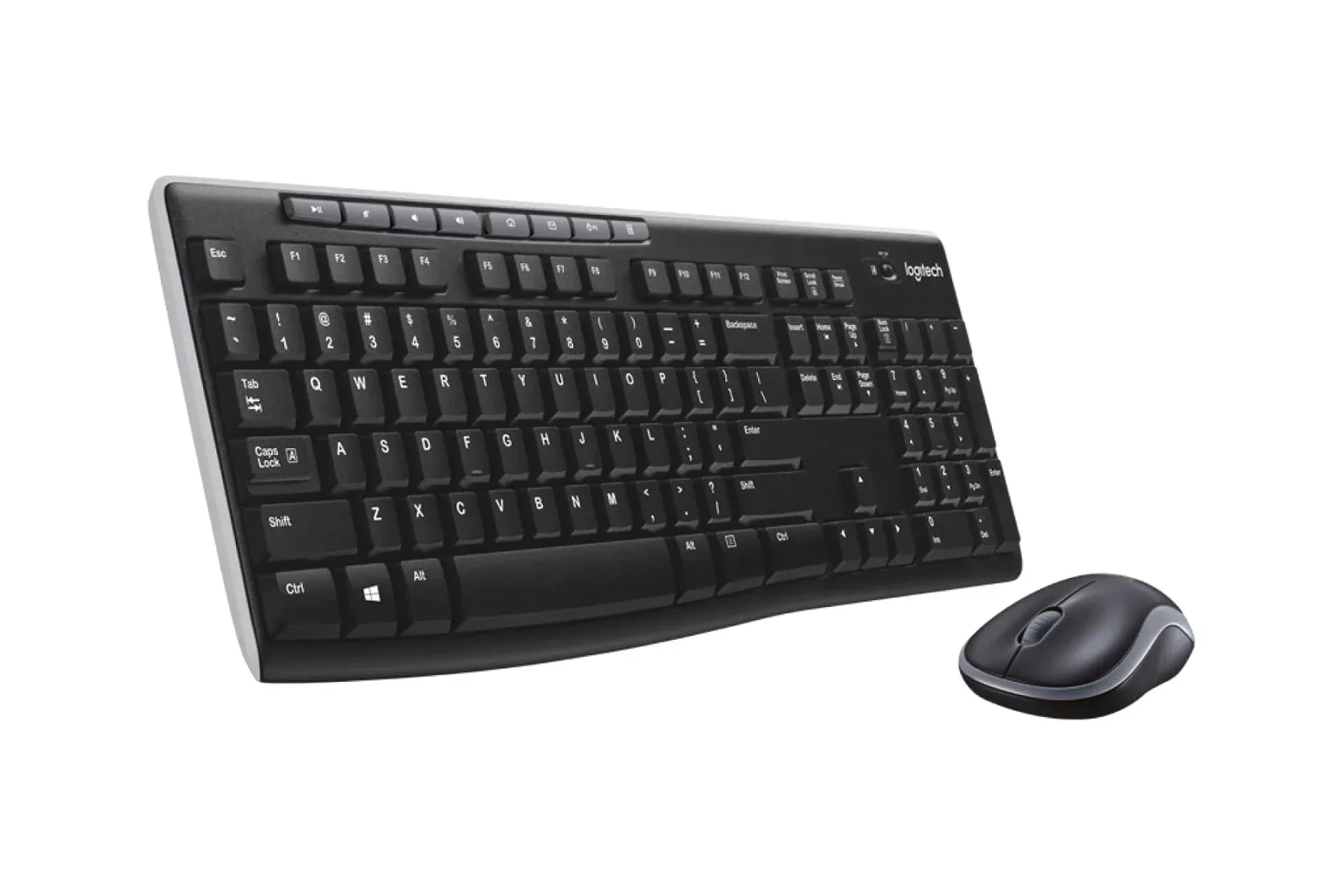
A basic keyboard and mouse are not the flashiest PC-gaming upgrade, but they are the peripherals used for every launcher login, Discord message, strategy-game hotkey and late-night inventory shuffle. Logitech’s MK270 wireless keyboard and mouse combo is currently listed at $20, a $10 reduction from its usual $30 price. That is a 33% discount, and the black, off-white and rose-pink color options are all described as carrying the same sale price.
This is a practical, entry-level bundle rather than a replacement for a specialist mechanical keyboard or a gaming mouse loaded with programmable buttons. Its appeal is simpler: one receiver for both devices, no stated driver installation requirement, long claimed battery life and a compact, ambidextrous mouse. For someone setting up a desktop, replacing aging office gear or giving a secondary PC its own controls, the value proposition is unusually direct at $20.
There is one comparison worth making before choosing the bundle. Logitech’s keyboard by itself is listed at $22, meaning the discounted combo costs $2 less while adding the mouse. Anyone who genuinely only needs a keyboard may still have a preference for a standalone purchase, but on the supplied pricing, the combo is the more economical option. As with any retail promotion, prices and stock can change, so it is sensible to confirm the listing and selected color before checking out.
What the MK270 bundle includes
The bundle pairs a full-size wireless keyboard with a smaller wireless mouse. Both connect through a USB receiver that plugs into a PC or Mac, rather than requiring separate Bluetooth pairing for each device. Once that receiver is attached, the keyboard and mouse are designed to work within seconds without a driver installation.
That setup is commonly described as plug and play. In plain terms, it means the operating system is expected to recognize the connected hardware automatically and provide basic input functionality without the user seeking out additional software. It is especially convenient for shared home computers, workstations and devices where the priority is to get typing and pointing working quickly.
The receiver communicates over 2.4GHz wireless, with a stated range of up to 33 feet. Here, 2.4GHz refers to the wireless radio band used for the connection; it is not a measure of keyboard speed or mouse sensitivity. The quoted range indicates the maximum distance in the supplied product information, not a promise that every room layout, wall or nearby wireless device will produce identical results. For a normal desk setup, though, a 33-foot claim makes clear that the bundle is not intended to demand line-of-sight placement right beside the computer.
One receiver handling both accessories also has a mundane but meaningful benefit: it occupies only one USB port. That can matter on laptops, mini PCs and compact desktop systems where ports are limited. It also reduces setup clutter compared with two separate receiver-based devices.
Battery claims: what “up to” means
Wireless peripherals trade a cable-free desk for the responsibility of battery power. Logitech’s stated figures are up to 36 months for the keyboard and up to 12 months for the mouse. Those are substantial claims for a low-cost combo and, if they suit a buyer’s usage, could mean battery swaps are an occasional maintenance task rather than a regular annoyance.
Related coverage includes Logitech MK270 Wireless Keyboard and Mouse Combo Drops to $20.
The important qualifier is “up to.” It identifies a maximum claim, not a guaranteed lifespan for every owner. Actual battery use can vary with how long the devices are active and individual usage patterns. The supplied information does not specify battery types, testing conditions or the exact factors behind those estimates, so shoppers should treat the numbers as manufacturer claims rather than fixed schedules.
Still, the keyboard and mouse are positioned around longevity instead of frequent recharging. That differs from rechargeable gaming peripherals, where features such as lighting, higher-performance sensors or intensive wireless polling can place more emphasis on charging routines. Nothing in the available details suggests this combo is designed around those premium gaming features; the focus is dependable everyday input with low ongoing attention.
A keyboard for everyday controls, not a feature arms race
The keyboard includes full-size media controls across its top edge, giving direct access to volume adjustment and playback actions such as play and pause. These controls can be useful well beyond music. They provide a quick way to lower a game’s volume when a call begins, pause a video guide, or skip tracks without leaving the program currently on screen.
“Full-size” is significant because compact keyboards often remove or compress keys to save desk space. The information available does not provide a complete key layout, switch type or details such as backlighting, so those should not be assumed. What is clear is that this model is built around conventional general-purpose use and convenient media access, rather than advanced customization.
That distinction helps put the price in perspective. Mechanical keyboards can offer a different key feel and may appeal to players who care about a particular switch response. Gaming keyboards may also offer deeper remapping or lighting controls. Those benefits can be important, but they are not mandatory for every setup. A player who uses a controller for most games, or a household that simply needs reliable controls for browsing, schoolwork and occasional PC play, may reasonably prioritize cost and simplicity instead.
The mouse is compact and symmetrical
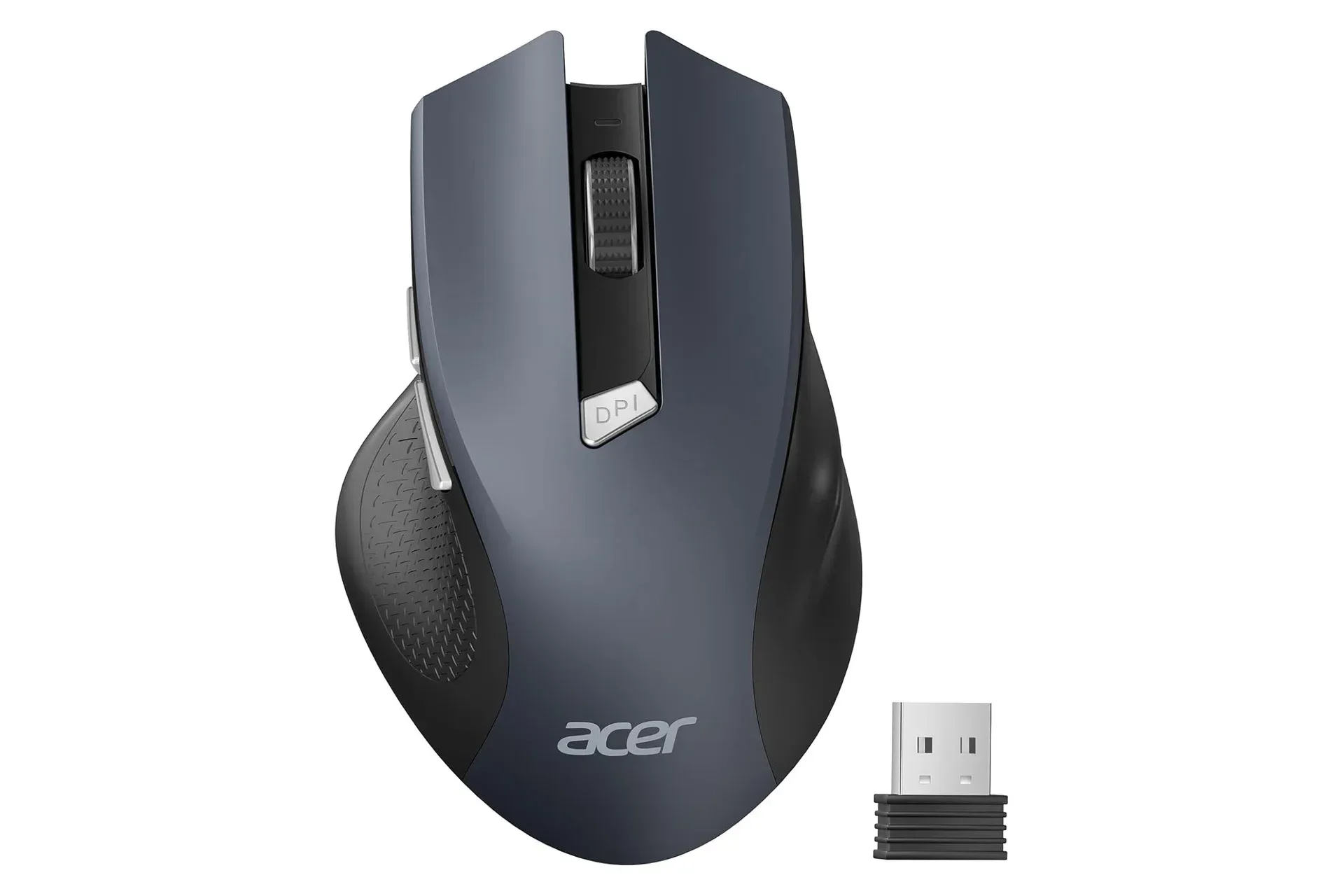
The included mouse is described as comfortable and compact, aimed at people who do not want a bulky accessory. Its symmetrical design allows it to be used with either the left or right hand. That is a useful trait in a shared space, where a mouse may move between users, or for left-handed players who often have fewer options in conventional right-handed ergonomic designs.
Symmetrical does not necessarily mean every person will find the mouse equally comfortable, since hand size and grip preferences differ. It does mean its outer shape is not restricted to one hand orientation in the way a sculpted right-handed mouse is. No information is provided on sensor specifications, button count, programmable macros, weight or rechargeable operation. Buyers seeking those details for fast competitive games should not read them into a value-focused bundle.
For standard desktop tasks, a compact mouse can be a reasonable match for the keyboard’s uncomplicated approach. It gives a new PC or laptop a complete input setup without requiring separate product research, separate pairing steps, or a second receiver.
Who this deal makes sense for
At the advertised $20, the MK270 is easiest to recommend to shoppers who need a functional wireless keyboard-and-mouse set rather than a performance-focused gaming upgrade. That could include a student desk, a family computer, a work-from-home station, a living-room PC or a backup setup. The stated compatibility path covers PC and Mac through the USB receiver, while the media controls and claimed battery longevity address everyday convenience.
- Good fit: buyers replacing basic wired accessories, equipping a second machine, or wanting one USB receiver to manage both a keyboard and mouse.
- Good fit: left- or right-handed users looking for a symmetrical compact mouse.
- Good fit: people who value long claimed battery intervals and do not need elaborate configuration software.
- Consider alternatives: players who specifically need macro buttons, a particular mechanical key feel, advanced customization or other gaming-focused capabilities not identified for this bundle.
PC accessories are often judged by the headline specifications attached to premium models, but the right purchase is driven by the job at hand. Someone playing competitive keyboard-and-mouse games may have a legitimate reason to shop for more specialized hardware. Someone who mostly needs reliable navigation, chat typing and media controls may not. For the latter audience, a $20 bundle with a shared receiver is a clear, low-friction solution.
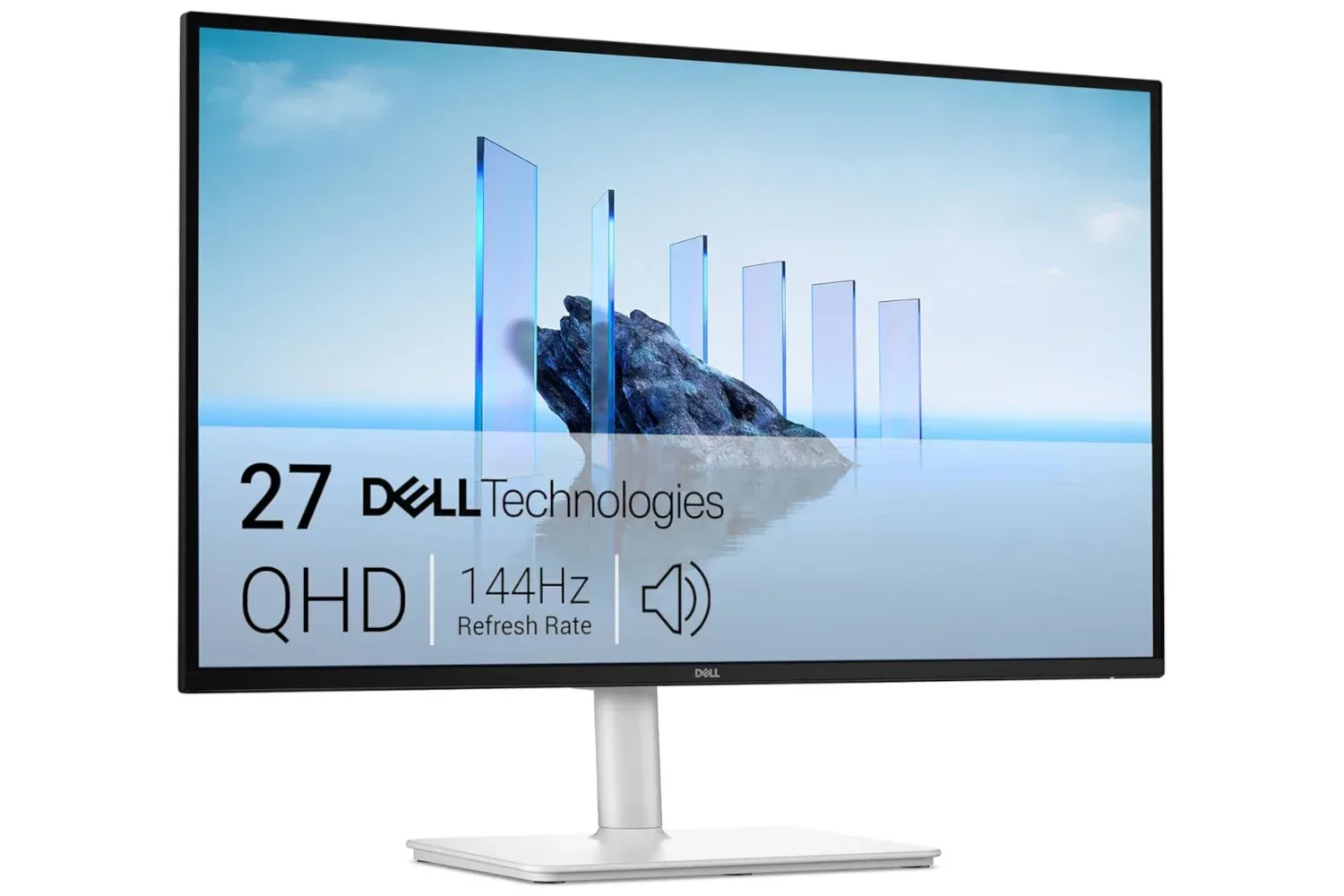
Those building out a broader desktop setup can also weigh this purchase alongside display needs. A monitor’s resolution and refresh rate affect what is shown on screen, while an input bundle affects how the system is operated; our look at a 144Hz, 1440p monitor listing explains why those display terms matter for PC gaming. The MK270 is a much more modest accessory purchase, but it addresses an equally basic part of a usable desk: having both keyboard and mouse ready to go.
Color options and the standalone-keyboard comparison
The deal applies to three finishes: black, off-white and rose pink. A color choice does not alter the stated wireless range, receiver-based setup, media controls or battery claims, but it can help the bundle fit a desk’s look. The off-white version in particular leans into a distinctly older-computer aesthetic, while black remains the neutral choice and rose pink offers a brighter alternative.
The more consequential choice is not color but whether the mouse is useful. At the prices provided, buying the keyboard alone for $22 costs more than purchasing the $20 keyboard-and-mouse bundle. That makes the combination the straightforward bargain even for anyone who only intends to use the keyboard immediately: the mouse is effectively included without increasing the price. Of course, standalone and bundle listings may move independently, so that comparison should be rechecked at purchase time.
For $20, Logitech’s MK270 combo is not trying to pretend that every desk needs enthusiast hardware. It offers an approachable wireless keyboard and mouse, a single USB receiver, full-size media controls, a symmetrical mouse and long stated battery-life targets. Shoppers who want exactly that uncomplicated toolkit have a strong reason to look at the discounted bundle before paying more for the keyboard by itself.
Shop the products
Check current price, model and availability at the retailer.