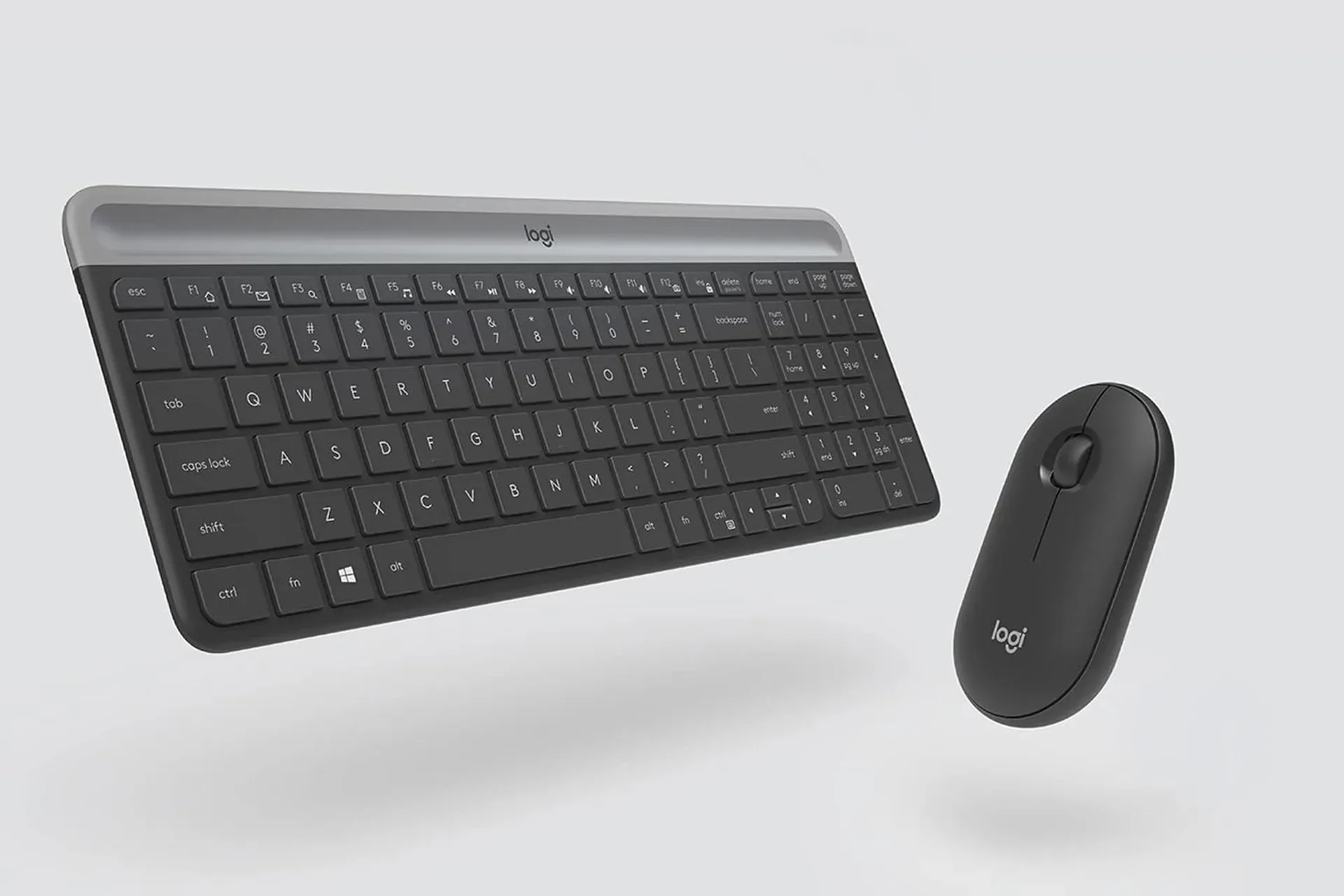
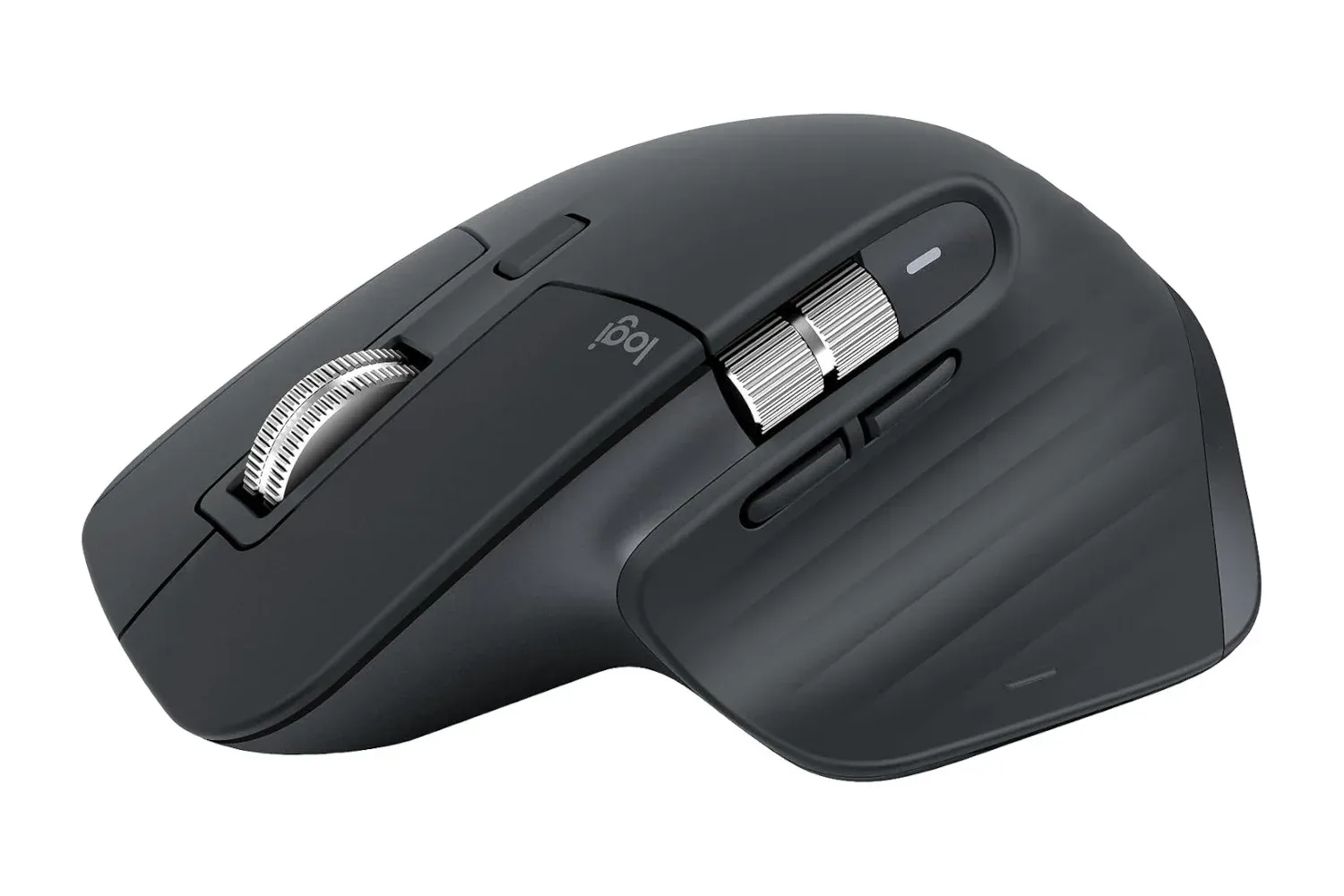
A keyboard-and-mouse bundle is rarely the flashiest upgrade for a gaming desk, but it can be one of the most practical—particularly when a laptop has an alarming shortage of ports and every accessory is competing for space. The Logitech MK250 Wireless Bluetooth Keyboard and Mouse Combo is currently listed at $24, reduced from its usual $30 price. That is a $6 reduction, or 20% off.
The deal matters less because it turns a desktop into a command center worthy of a space sim and more because the MK250 takes a simple approach to an everyday inconvenience: both included peripherals connect through Bluetooth rather than requiring a dedicated USB receiver. For players, students, remote workers, and anyone whose desk alternates between spreadsheets, chat windows, launchers, and games, keeping ports open can be more useful than it sounds.
As with most retailer pricing, the $24 listing can change without notice. The more durable reason to consider the package is its collection of basic, broadly useful features: a full-size keyboard with a numeric keypad, a compact ambidextrous mouse, battery-powered wireless operation, and stated compatibility across Windows, macOS, Chrome OS, iPadOS, and Android.
Bluetooth is the central feature, not an afterthought
The defining distinction of the MK250 combo is that its keyboard and mouse pair over Bluetooth. Many wireless desktop sets rely on a small USB receiver, which is perfectly workable until a modern notebook turns its limited port selection into a game of inventory management. A system equipped only with a pair of USB-C ports can quickly run out of room once charging cables, storage devices, capture hardware, hubs, or controllers enter the equation.
Bluetooth does not magically add ports, but it means the keyboard and mouse do not claim one. That can leave a USB-C connection available for charging while another handles an external drive, for example. A player moving files, capturing footage, or using portable storage may value that flexibility more than someone with a large desktop tower full of vacant ports.
It also eliminates the need to keep track of a tiny receiver when shifting a peripheral setup between devices. The combo is positioned for use across laptops, tablets, and desktop computers, so the absence of a dongle can make a shared work-and-play arrangement tidier. There is no receiver to pull out before packing a bag, no adapter required solely for a traditional USB plug, and no drawer full of mystery wireless accessories awaiting identification years later.
That does not mean Bluetooth alone makes the MK250 a specialized competitive-gaming solution. The available product details emphasize general productivity and everyday use rather than esports-level latency, advanced programmable controls, mechanical switches, RGB lighting, or a high-button-count mouse. Its appeal is convenience: a straightforward full-size input set that should fit into a mixed-use desk without adding cable clutter or consuming an extra USB connection.
A full-size layout for more than chat messages
The keyboard includes a full-size layout and a dedicated number pad. That may sound like an old-fashioned specification in a world full of compact boards, but the number pad remains meaningful for people who enter lots of numerical information. Whether that means schoolwork, budgets, spreadsheets, inventory lists, server details, creative-project data, or simply a game that maps functions to those keys, having a separate pad can be quicker than repeatedly reaching across the number row.
Related coverage includes Logitech MK250 Bluetooth Keyboard and Mouse Combo Drops to $24.
A full-size board also gives a desk setup a familiar desktop feel when a laptop is docked nearby. Some users prefer compact keyboards because they create more mouse room; others would rather have every standard key in its expected location and accept the larger footprint. The MK250 is clearly aimed at the latter camp. It is a practical option for someone replacing a worn office keyboard, building out a secondary desk, or setting up a non-gaming family computer that still sees plenty of games and media use.
The keys are described as quiet during regular operation. That can be useful in a shared home, classroom, dorm, office, or late-night setup where every key press need not become part of the room’s soundtrack. Quietness is especially relevant to a keyboard that is likely to be used for messages, documents, browsing, and voice-chat companion tasks as often as it is used for games.
Importantly, quiet keys do not automatically tell us everything about feel, travel, responsiveness, or long-term durability. Those specifics are not established here, and shoppers looking for a particular mechanical-switch character or tournament-oriented performance should compare more specialized products. The MK250’s clear proposition is a familiar, low-noise typing experience in a package intended for general use.
The included mouse keeps the controls simple
The mouse is designed to work for both left- and right-handed users. Its symmetrical, ambidextrous shape is a welcome detail in a category where ergonomics can often assume a right-handed grip. It uses optical tracking and is intended to move smoothly on common work surfaces, including desks, tables, and mousepads.
Its control layout is deliberately modest: three buttons and a scroll wheel. For everyday navigation, documents, menus, browser tabs, and basic desktop play, that covers the essential jobs. The scroll wheel is intended to provide smooth scrolling rather than forcing line-by-line clicking. It is not presented as a multi-button gaming mouse with side switches, onboard profiles, sensitivity controls, or a specialized sensor specification, so prospective buyers should view it as a straightforward companion mouse rather than a replacement for a feature-heavy gaming model.
That distinction can still make the bundle useful. Plenty of players already have a preferred gaming mouse at their main PC and need a reliable wireless mouse for a laptop, tablet-adjacent workspace, living-room computer, or travel setup. Others may want a single matching package for administrative tasks around their gaming hobby. Not every desk needs another heroic device promising to shave milliseconds off a match; sometimes it needs a mouse that can comfortably handle a wiki page, a launcher update, and a long queue of emails.
Battery-saving measures suit a low-maintenance setup
Both devices are battery-powered and designed for extended battery life. They also automatically power down after periods of inactivity to conserve energy. Physical on/off switches on the underside of the keyboard and mouse offer another way to preserve battery life when they will not be used for a longer stretch.
The practical benefit is lower day-to-day maintenance. A wireless setup is most convenient when it does not demand constant charging reminders, cable swaps, or rescue missions for a peripheral that expired halfway through a task. The supplied details do not specify a precise battery-life figure, battery type, or charging alternative, so it is sensible not to assume more than the long-life intent and automatic sleep behavior stated for the combo.
For users who spend time bouncing among platforms, compatibility is another key part of the package. The MK250 is listed as working with Windows, macOS, Chrome OS, iPadOS, and Android, without separate drivers for each of those operating systems. That broad support could be useful in a household where a Windows gaming PC shares a room with a MacBook, Chromebook, tablet, or Android device—or for someone who simply changes their main device over time.
Who the MK250 deal makes sense for
At the listed $24 price, the combo is best understood as an affordable general-purpose desk upgrade. It is not trying to be a premium keyboard, an enthusiast mechanical board, or a mouse loaded with competitive features. Instead, it combines a number-pad-equipped keyboard and a basic ambidextrous optical mouse while avoiding the port demands of a USB receiver.
- It may fit well for: laptop users with very limited USB-C connectivity.
- It may fit well for: people who need a full-size keyboard for frequent number entry.
- It may fit well for: shared workspaces where quieter typing is appreciated.
- It may fit well for: users who alternate among Windows, macOS, Chrome OS, iPadOS, and Android devices.
- It may fit well for: secondary desks, school setups, and everyday browsing or productivity stations.
Those looking for programmable buttons, a receiver-based wireless connection, specialized gaming performance, a compact layout, or a dedicated ergonomic shape may be better served by shopping more narrowly. But for a simple Bluetooth setup that leaves ports free and includes the often-overlooked numeric keypad, the Logitech MK250 covers the fundamentals at a reduced listed price.
Anyone building a compact computer station may also want to keep an eye on other peripheral-friendly laptop savings, including recent discounts involving M5 MacBook Pro models, Studio Displays, and AirTag 2. In the meantime, the MK250’s current $24 price makes it a straightforward candidate for a cleaner, more flexible multi-device desk.
Shop the products
Check current price, model and availability at the retailer.