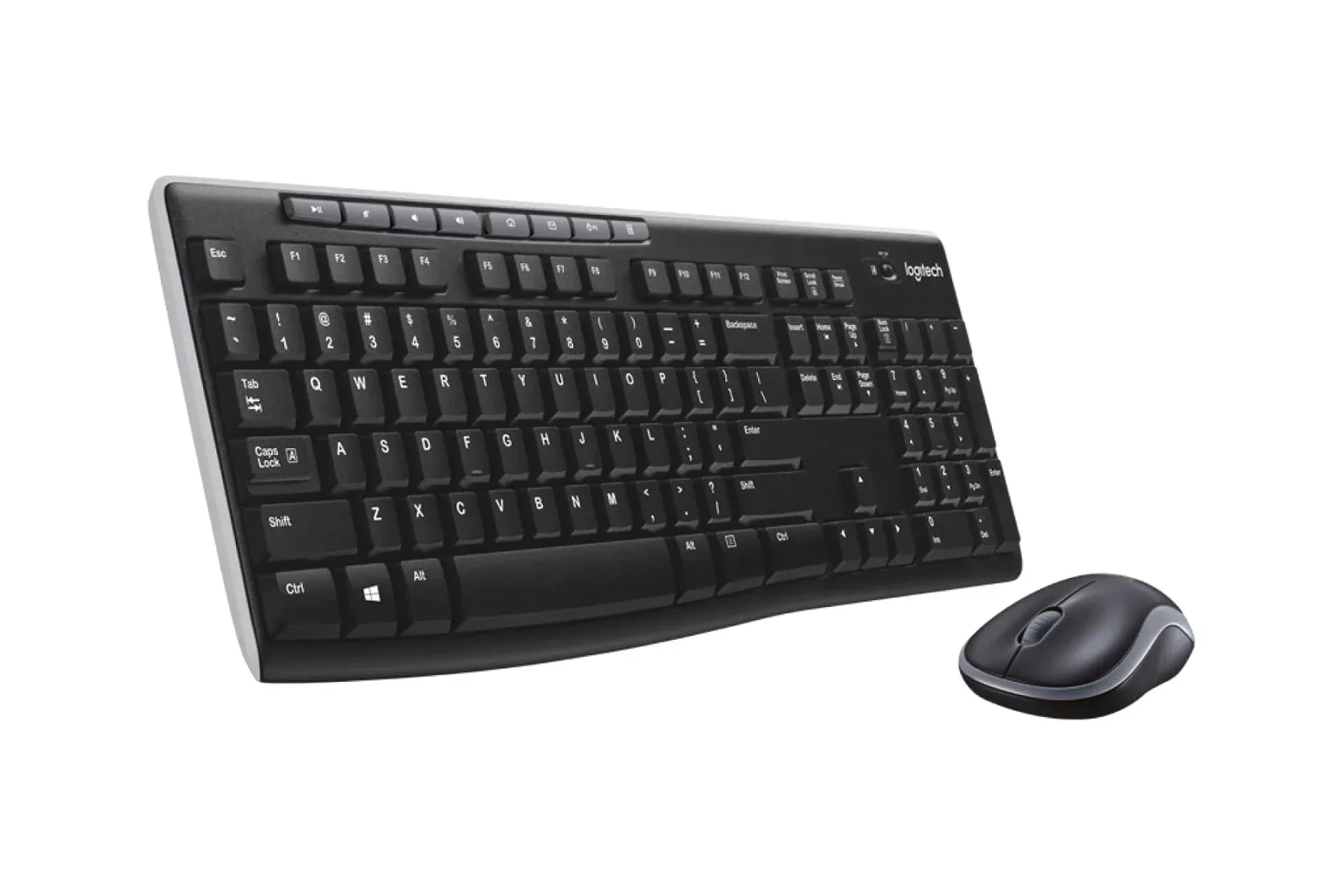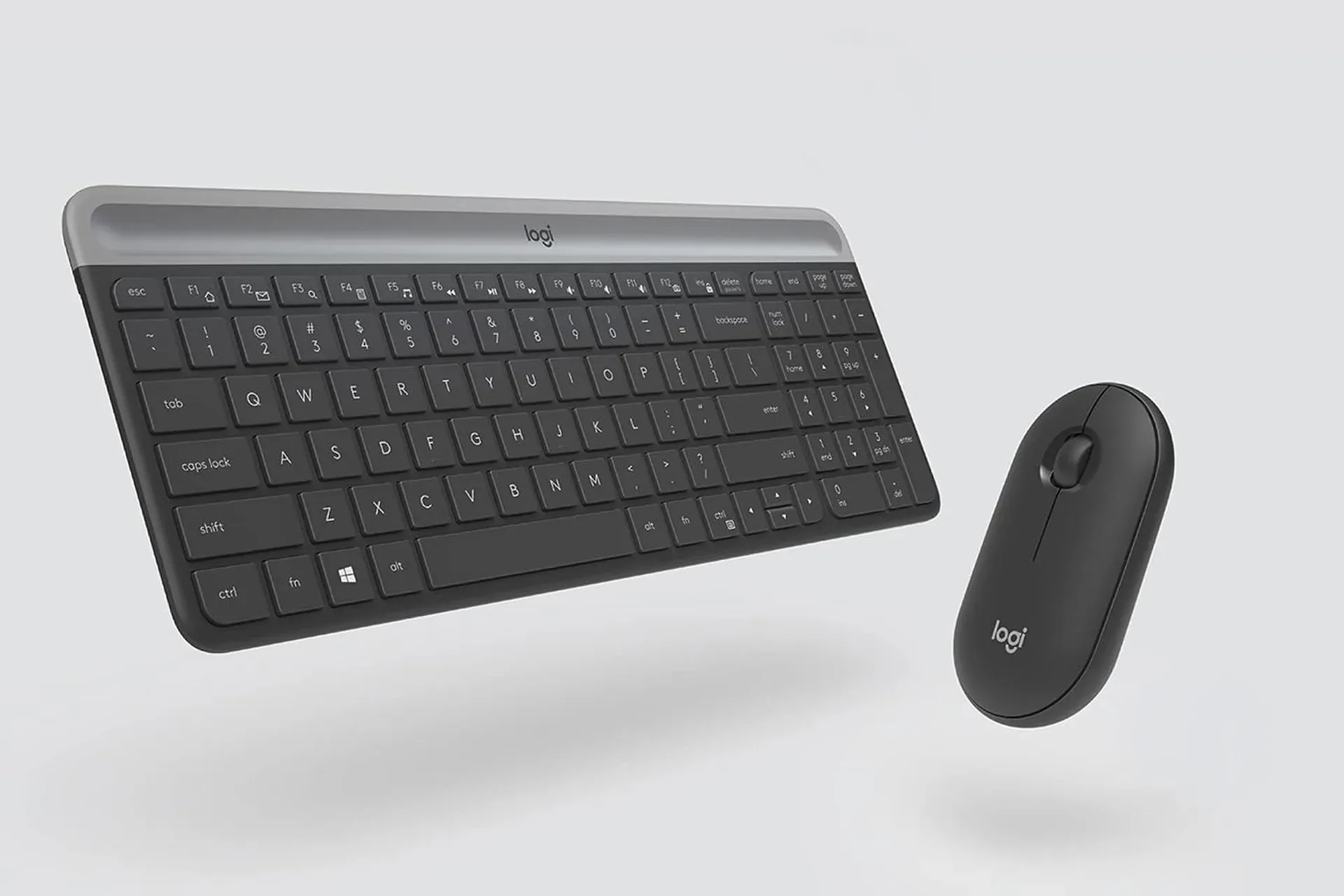
A straightforward desk setup does not need to begin with a costly mechanical keyboard, a many-button mouse or an RGB light show bright enough to guide aircraft home. Logitech’s MK470 Slim Wireless Combo is aimed at the quieter, more practical end of the accessory aisle: a compact wireless keyboard and a basic wireless mouse sold as a set.
On October 23, the graphite version of the combo was listed at $34 through Amazon, a $16 reduction from its usual $50 price. That works out to a 32% discount. The other available finishes—gray, rose and off-white—were also discounted, though their prices could reach $40 rather than matching the graphite model’s low point.
That makes the graphite bundle the option to watch for shoppers who care more about entry price than color coordination. As always with retailer promotions, the listed price and stock can change, so it is sensible to check the finish and final price before completing an order.
What the MK470 bundle is built to do
The MK470 is a deliberately uncomplicated pairing. Its keyboard uses a low-profile layout, meaning the keys sit relatively close to the board and have a short travel distance. Key travel is the distance a key moves when pressed. Shorter travel is commonly associated with laptop-style keyboards, and it can suit people who prefer a flatter surface and a more compact overall profile.
The board includes the full set of keys while avoiding excess surrounding space. That footprint matters on smaller desks, where a full-size keyboard can push the mouse farther away than is comfortable. It also makes the combo a plausible option for a work bag, a shared household computer or a temporary setup where desk real estate is limited.
The mouse is similarly basic by design. It has left and right buttons plus a scroll wheel, with a symmetrical shape intended to work for either left- or right-handed users. “Ambidextrous” here describes the physical form rather than extra gaming controls: this is not presented as a mouse with side-button arrays, adjustable weights or elaborate input customization.
For that reason, the appeal is less about transforming competitive play and more about clearing away a simple hardware problem. Someone assembling a budget PC desk, replacing an older keyboard, or wanting a second input set for routine navigation can get both essential peripherals together without having to choose and buy them separately.
Wireless convenience, powered by AAA batteries
Both components are wireless and use AAA batteries. Logitech lists battery life of up to 36 months for the keyboard and up to 18 months for the mouse, with two AAA batteries used in each device. “Up to” is important wording: it is a maximum estimate, not a promise that every use pattern will achieve the same result.
Related coverage includes Logitech MK470 Wireless Keyboard and Mouse Combo Drops to $34.
Still, the claimed endurance is a meaningful part of the MK470’s value proposition. A wireless setup avoids two more cables crossing a desk, while replaceable AAA batteries avoid the need to plug in a keyboard or mouse for recharging. The tradeoff is straightforward: users will eventually need replacement batteries on hand, rather than connecting a charging cable.
For a living-room PC, schoolwork station, office desk or casual laptop companion, that long claimed battery life could be more useful than features associated with enthusiast gear. There is no supplied evidence of gaming-specific performance characteristics, so buyers looking for information about sensor responsiveness, polling behavior, switch feel or advanced remapping should not assume this bundle addresses those needs.
The keyboard offers some shortcut flexibility
The keyboard’s 12 Fn keys can be programmed through Logi Options software. Fn, short for function, refers to the top-row keys that can carry secondary commands. Programmable keys let users assign actions they use frequently, reducing the number of clicks or menu trips needed for a repeated task.
The source material does not specify the individual commands available through the software, so prospective buyers should verify that the desired action is supported before treating programmability as a must-have feature. But its presence makes the MK470 more adaptable than a totally fixed, no-software budget keyboard.
That distinction is worth making because “simple” does not have to mean inflexible. The bundle remains focused on normal typing and pointing, yet it provides a route to tailor the function row around personal routines. For some users, a few practical shortcuts will be more valuable than a dense set of dedicated media, macro or gaming buttons.
Who should consider the $34 graphite deal
- Budget desktop builders: The bundle covers two basic input needs in one purchase at the promotional price.
- People with limited desk space: The keyboard’s low-profile, compact approach and the small mouse are designed to occupy less room.
- Travel and flexible-work users: The modest physical footprint makes the pair easier to pack than bulkier alternatives.
- Left-handed or shared-computer users: The symmetrical mouse shape is intended for ambidextrous use.
- Anyone wanting an uncluttered wireless setup: Both devices operate without their own desk cables and are rated for lengthy battery life.
Who may want to look elsewhere
The same restraint that keeps the price accessible also defines the limits of the package. Users who strongly prefer deep key presses may not enjoy low-travel laptop-style keys. Players who need extra mouse buttons for in-game actions, or shoppers specifically seeking premium tuning and highly specialized controls, should view the MK470 as a baseline productivity-oriented set rather than an all-purpose upgrade.
Color can be another small but real decision. Graphite was the least expensive option at $34 at the time of the promotion, while the other finishes could cost as much as $40. A buyer with a carefully matched workspace may decide the difference is worthwhile; anyone chiefly motivated by the deal has a clear choice in graphite.
The MK470’s pitch is refreshingly ordinary: a slim keyboard, a small symmetrical mouse, wireless operation and a little shortcut customization. At the reported $34 price, that ordinary package becomes the point. It is a low-cost way to equip a desk with the essentials, without paying for features a user may never touch. Shoppers building out a broader workspace can also consider how peripherals fit alongside other desk power needs, such as this five-port desktop charger deal.
Shop the products
Check current price, model and availability at the retailer.