Not every PC setup needs a premium gaming mouse with a rechargeable dock, a high polling-rate mode and more side controls than some keyboards. For people who need a straightforward wireless pointer for a laptop, home desktop, schoolwork station or living-room PC, Acer’s black wireless mouse is listed at $10 for a limited time, down from its usual $12 price.
The price reduction applies to the black color specifically. Acer’s other listed color options—green, grey, red, blue, dark and purple—are stated to be $15. That makes the black model the practical pick for anyone whose priority is a low entry price rather than matching a particular desk theme.
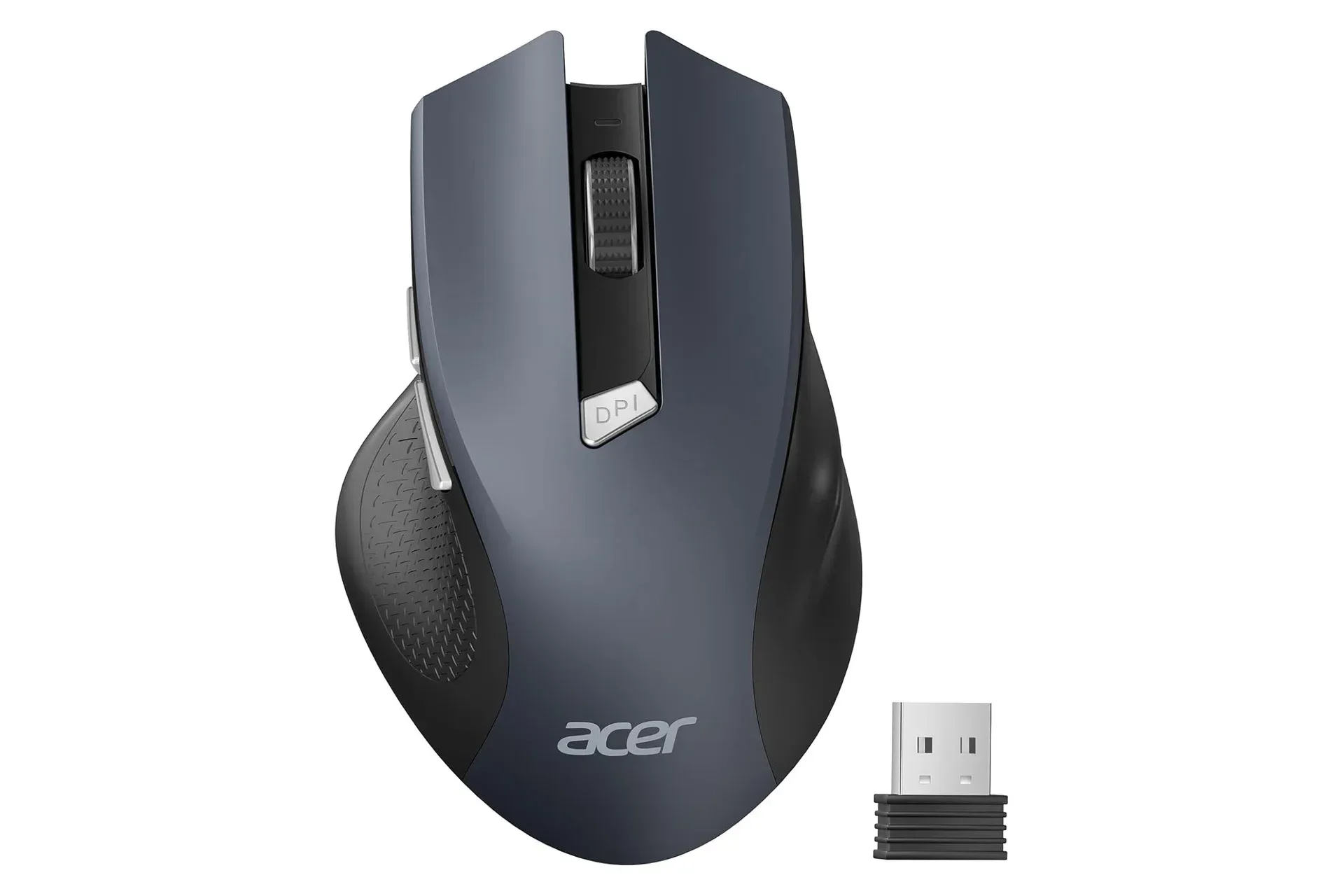
This is a deliberately uncomplicated accessory. Its feature list centers on 2.4GHz wireless operation through a USB-A receiver, AAA battery power, three selectable sensitivity levels and two thumb buttons set up for browser navigation. Those basics may be more valuable than they sound when the goal is replacing an aging mouse, adding an input device to a secondary computer or keeping a spare in a bag.
What the $10 Acer mouse offers
Acer’s mouse connects over 2.4GHz wireless, using the included USB-A receiver. In practical terms, the receiver plugs into a compatible USB-A port on a laptop or desktop, after which the mouse is intended to work without separately installing drivers. That plug-and-play approach is especially useful for shared computers, school devices and machines where users would rather not navigate a software setup process for a basic peripheral.
Its stated wireless range is up to 32 feet with an interference-free connection. Range claims are not a promise that every room layout will produce the same result: distance, physical barriers and nearby wireless activity can all matter. Still, the quoted reach points to a possible use beyond an ordinary desk. A computer connected to a television, for example, could be controlled from a couch without being tethered to the screen.
The mouse runs on AAA batteries. That means there is no charging cable or internal battery routine to manage, but buyers will need to keep replacement batteries available. Whether that trade-off is preferable depends on the setup. A battery-powered mouse can be convenient as a backup or travel accessory because a fresh battery can put it back into use immediately; a rechargeable model may be preferable for users who want to avoid buying batteries over time.
Acer says the device has been engineered for a lifespan of up to 10 million clicks. A click rating is a durability claim for the mouse switches, not a guarantee of how long every individual unit will last in every environment. It does, however, establish that this is meant to be a daily-use peripheral rather than a disposable novelty.
DPI explained: three sensitivity choices, not a gaming-spec arms race
The Acer mouse has three adjustable DPI settings: 800, 1200 and 1600. DPI, or dots per inch, is a common way to describe mouse sensitivity. At a higher setting, moving the mouse the same physical distance generally moves the on-screen pointer farther. Lower sensitivity can make the pointer feel more deliberate; higher sensitivity can reduce the amount of desk movement needed to cross a display.
Related coverage includes Acer Wireless Mouse Falls to $10 in Limited Black-Color Deal.
A button on the mouse lets the user cycle among the three levels. That is a useful convenience for people moving between tasks, displays or personal preferences, because it avoids opening a software control panel just to change pointer speed.
The numbers here frame the product accurately. These settings cover ordinary computing needs such as web browsing, document editing, schoolwork and basic navigation. They should not be treated as evidence of a feature-packed competitive-gaming mouse. Acer is offering adjustment, but the product’s broader design is clearly focused on simple, accessible computer control.
For gaming, the most sensible expectation is similarly modest. The mouse can function as a standard PC input device, and some players may appreciate being able to choose a sensitivity that feels comfortable for menus, strategy titles or casual play. But the supplied specifications do not establish details such as sensor type, polling rate, programmable controls, onboard profiles or wired operation. Shoppers seeking those particular specifications should verify them on the listing before treating this as a replacement for a more specialized gaming mouse.
Side buttons make everyday browsing easier
Along with conventional left- and right-click buttons, the Acer mouse includes two buttons positioned under the thumb. They are configured as back and forward controls for browser navigation. On a web-heavy workday, that can be a meaningful quality-of-life feature: instead of moving to the browser interface, users can step backward or forward through pages from the mouse.
The same placement can be helpful when navigating files and routine desktop tasks, though the stated default role is browser navigation. It is a small addition, but it separates the mouse from the most stripped-down budget options that only offer the three essential controls: left click, right click and scroll-wheel click.
Ergonomics are another area where expectations should remain personal. Acer describes this mouse as designed for medium to large hands and for comfortable all-day use. Hand size, grip style and desk posture vary substantially, so no general fit description can guarantee comfort for every shopper. The claim is best understood as a guide to the intended audience: people who favor a standard, full-hand-oriented mouse shape over a compact travel model.
A sensible low-cost choice for the right setup
At $10, the black model’s strongest appeal is not novelty. It is that the stated feature set covers the essentials without demanding much money: wireless connection, a USB-A receiver, selectable sensitivity, browser buttons and AAA power. A user assembling a basic workspace, replacing a failed mouse or setting up a computer that does not need a high-end peripheral may find that combination sufficient.
Before ordering, it is worth checking the ports on the target computer. The receiver is USB-A, the familiar rectangular USB connector. Many desktops and plenty of laptops include USB-A ports, but some newer slim systems primarily use USB-C. In that case, a separate adapter could be necessary, and that additional need changes the value equation.
Buyers should also confirm the live color and price selection at checkout. The stated $10 deal is limited to black, while the other colors are listed at $15. Retail pricing and stock can change, particularly when a listing describes its discount as limited-time.
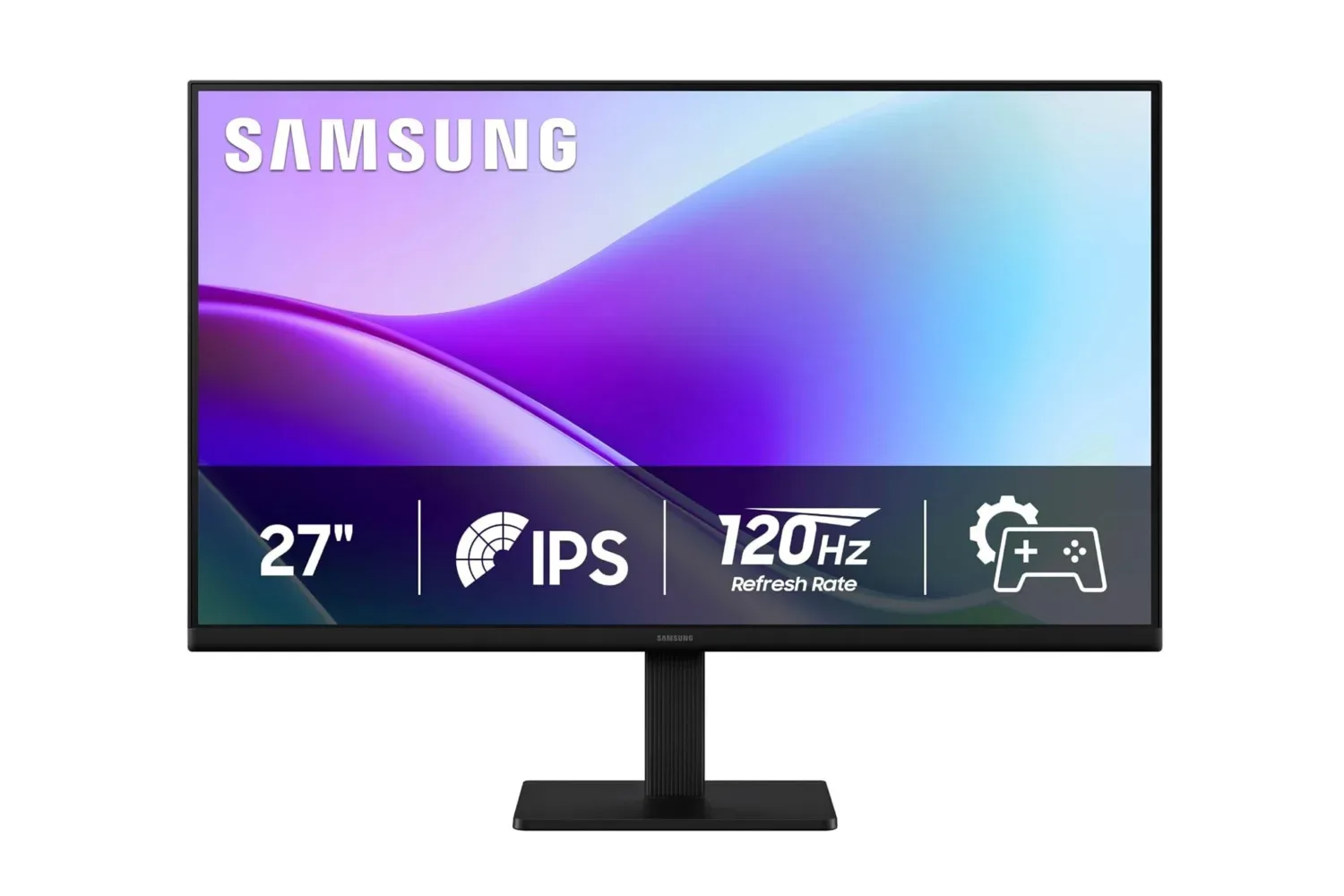
For readers putting together an inexpensive PC station, a display can matter as much as the input device. Our look at the Samsung 27-inch S3 FHD monitor listing covers another budget-oriented component for a desktop setup.
What is known—and what isn’t
The available details establish a clear baseline: Acer’s wireless mouse is battery-powered, connects through a 2.4GHz USB-A receiver, reaches up to 32 feet under the stated conditions, has 800/1200/1600 DPI options, includes back and forward thumb buttons, and is aimed at medium to large hands. Acer also cites up to 10 million clicks of durability.
Equally, shoppers should not infer unlisted features. There is no supplied information on RGB lighting, a rechargeable battery, Bluetooth pairing, multi-device switching, weight, software remapping, a charging port or advanced gaming performance metrics. None of those omissions automatically make it a poor choice; they simply identify the product as a budget everyday mouse built around direct, uncomplicated functionality.
That focus may be exactly the point. A $10 peripheral does not need to pretend to be an enthusiast device to be useful. For a workstation, laptop, school desk or television-connected PC where reliable pointer control is the priority, the black Acer model’s discounted price and basic specification list make it a straightforward option to consider while the deal remains available.
Shop the products
Check current price, model and availability at the retailer.