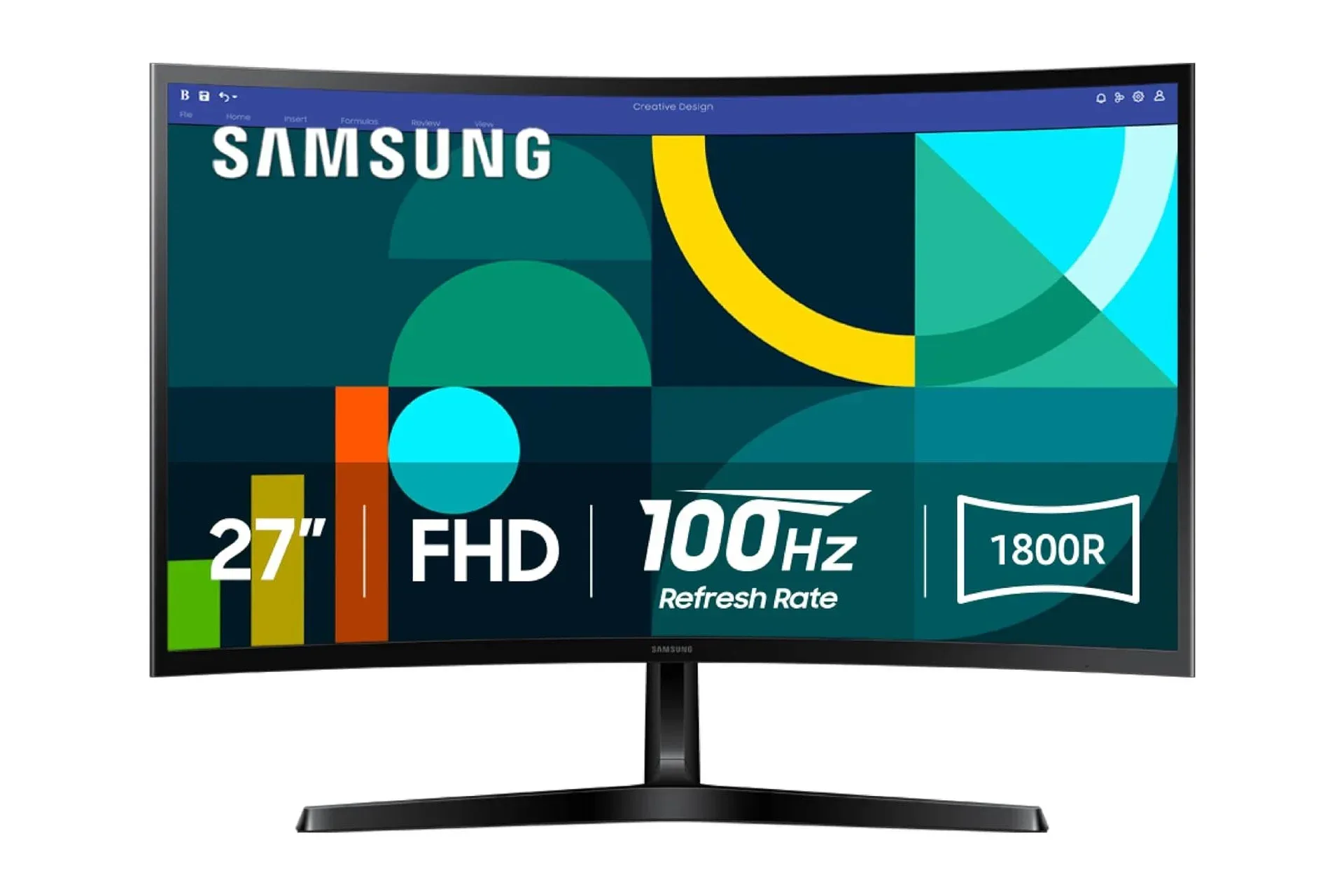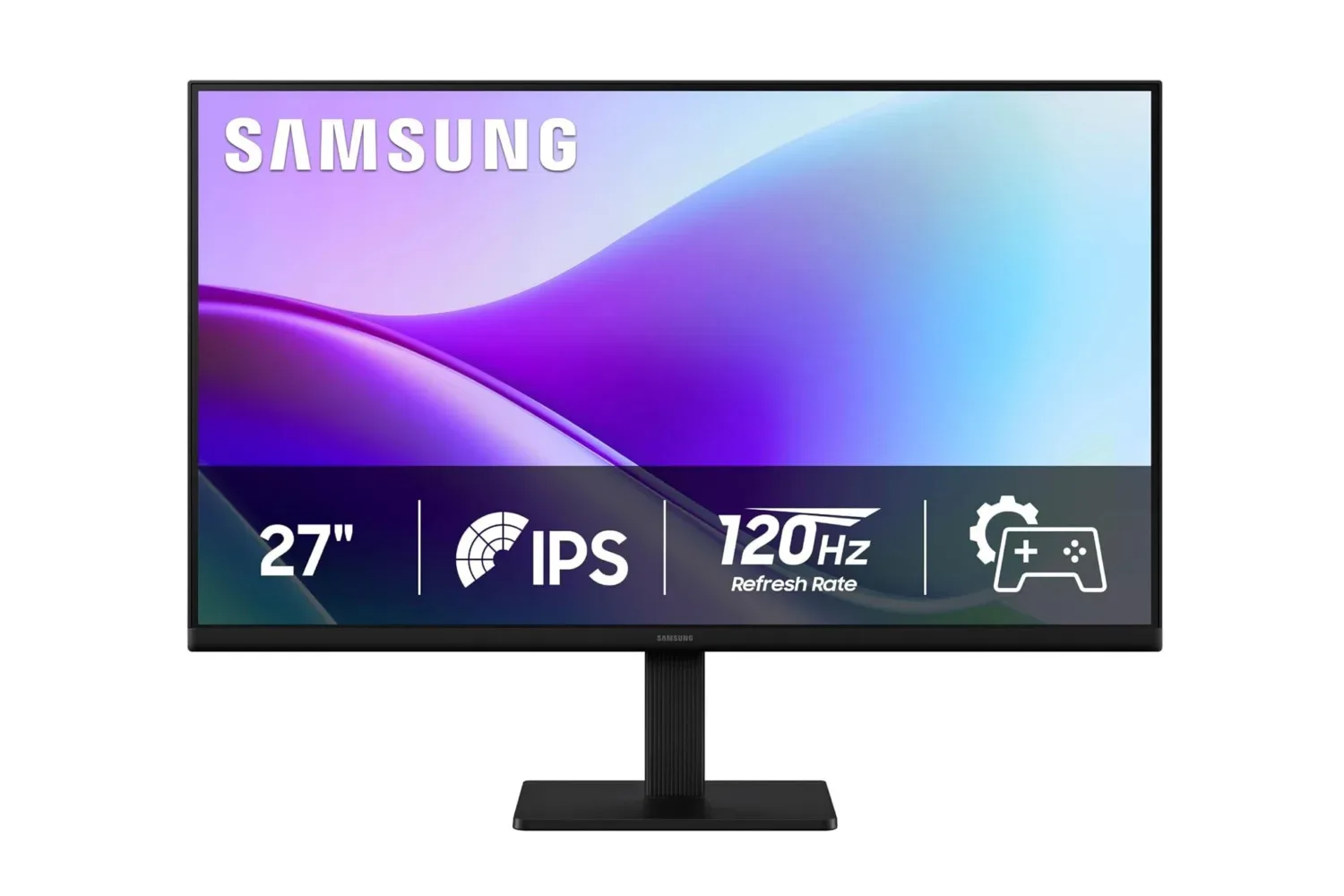
Samsung’s 27-inch S3 (S32GF) FHD monitor is listed at $100, a $50 reduction from its stated $150 regular price. That is a 33% cut, and it puts a large-screen desktop upgrade in a price bracket more commonly associated with smaller basic displays.
The key appeal is not just the diagonal measurement. The S3 pairs its 27-inch Full HD screen with an IPS panel and a 120Hz refresh rate. Those specifications point to a monitor designed to cover general desk duties—work documents, browser windows, streaming, calls, and casual gaming—while offering smoother motion than a conventional 60Hz screen.
Deals can change without warning, so the $100 figure should be treated as a listed price rather than a permanent new baseline. Prospective buyers should confirm the price and the exact product details at checkout.
What the S3’s headline specifications mean
FHD, or Full HD, means a 1920-by-1080 resolution. Resolution is the number of pixels used to form the image. It is a different measure from screen size: a 27-inch display is physically larger than a 24-inch display, but the S3’s FHD designation means it uses the same 1920-by-1080 pixel grid associated with Full HD.
That distinction matters for expectations. A larger screen can make games, video, and multitasking feel more expansive, but expanding the physical panel does not automatically add more desktop workspace. Someone moving from a smaller Full HD monitor will still have the same pixel resolution available, just across a bigger viewing area.
That is not inherently a drawback. Full HD remains a straightforward target for a modest gaming setup, and it avoids presenting this monitor as a premium-resolution display it is not. The value proposition here is a combination of size, a smoother refresh rate, and viewing-angle consistency at a low stated price—not an attempt to chase the sharpness of a higher-resolution panel.
The monitor’s IPS panel is another practical part of the package. IPS panels are associated here with consistent visuals from different viewing angles. In everyday use, that matters when a user shifts position at a desk, leans back during a show, or shares the display with someone sitting beside them. Rather than treating a screen as a single-seat device, wider usable viewing angles make it more accommodating for ordinary shared viewing.
For a home workstation, that can be as relevant as gaming performance. A presentation, video call, or streamed program does not have to be viewed from the exact center of the panel for the people nearby to get a consistent image.
Related coverage includes Samsung's 27-Inch S3 FHD Monitor Falls to $100, Bringing 120Hz Gaming to Budget Desks.
Why 120Hz is the gaming-facing feature
The S3’s 120Hz refresh rate means the display can refresh its image up to 120 times per second. Refresh rate is measured in hertz (Hz), and it describes how frequently a monitor updates what it shows. A higher refresh rate can make motion look smoother and can help reduce the blur associated with rapidly changing imagery.
That benefit is especially easy to understand in motion-heavy games, where camera movement, scrolling environments, menus, and fast animation are constantly updating. It is also visible outside games: moving a pointer, scrolling pages, and navigating a desktop can look more fluid when the content and connected device are outputting at the supported rate.
There is an important limitation in that phrasing. A 120Hz monitor provides the capacity for smoother updates; it does not guarantee that every game will run at 120 frames per second. The device connected to the monitor and the game’s own settings determine what performance is delivered. Likewise, the appropriate connection and settings must be used for a system to output the desired refresh rate.
Still, at this price, 120Hz is a meaningful differentiator for a budget-oriented 27-inch monitor. Buyers who have only used standard-refresh displays may find that it changes the feel of routine desktop use as much as it changes an action game. It is a quality-of-use upgrade, not simply a spec-sheet number.
A large-screen option for mixed-use desks
The 27-inch format is positioned as a middle ground for an at-home, modest-sized desk. It is large enough to give a show, game, or meeting a more immersive presentation than a smaller panel, without necessarily taking over a workspace. Its slim, understated design is also intended to fit alongside existing peripherals rather than dictate an entire setup’s style.
That mixed-use angle is where the monitor’s listed feature set makes the most sense. A person who needs one screen for spreadsheets and presentations during the day, online meetings in the afternoon, and games or streaming later on does not necessarily need a specialist display for each task. The S3 is framed as an all-rounder that prioritizes basics over luxury extras.
Its picture controls also speak to that flexibility. Users can adjust color and image contrast, while Picture Mode is described as a way to make a game fill the display. Those options may be useful for tailoring the image to a game or personal preference, but they should not be confused with a replacement for a game’s own graphics and performance settings. Monitor controls affect how the image is displayed; the connected PC or console and the software still do the work of rendering it.
The monitor also includes connectivity options for attaching devices directly to it, though the available information does not specify the exact ports or their capabilities. That is a detail worth checking before purchase, particularly for anyone who has a specific PC, console, laptop, or accessory in mind. Connections affect not only physical compatibility but also which display modes a user can select.
Who should consider this deal—and who should pause
The listed $100 price makes the Samsung S3 most compelling for shoppers who want a sensible, larger everyday display rather than a feature-maximal gaming centerpiece. Its strongest case is simple: a 27-inch screen, IPS viewing-angle consistency, and 120Hz motion at a substantially reduced price.
- Good fit: a budget PC desk that needs a bigger primary screen for ordinary productivity, media, and gaming.
- Good fit: a shared room or flexible workspace where off-center viewing is common.
- Good fit: users stepping up from a basic lower-refresh monitor who value smoother desktop and game motion.
- Consider carefully: shoppers whose main goal is more pixel density or a higher desktop resolution. The S3 is Full HD.
- Check before ordering: the exact connectivity specifications and compatibility needed for the devices already on the desk.
Full HD should therefore be treated as a deliberate trade-off, not a hidden surprise. The monitor is targeting affordability and broad usability. Buyers looking specifically for a high-resolution workspace should focus on resolution first, while buyers focused on screen size and 120Hz smoothness may see considerably more value in this configuration.
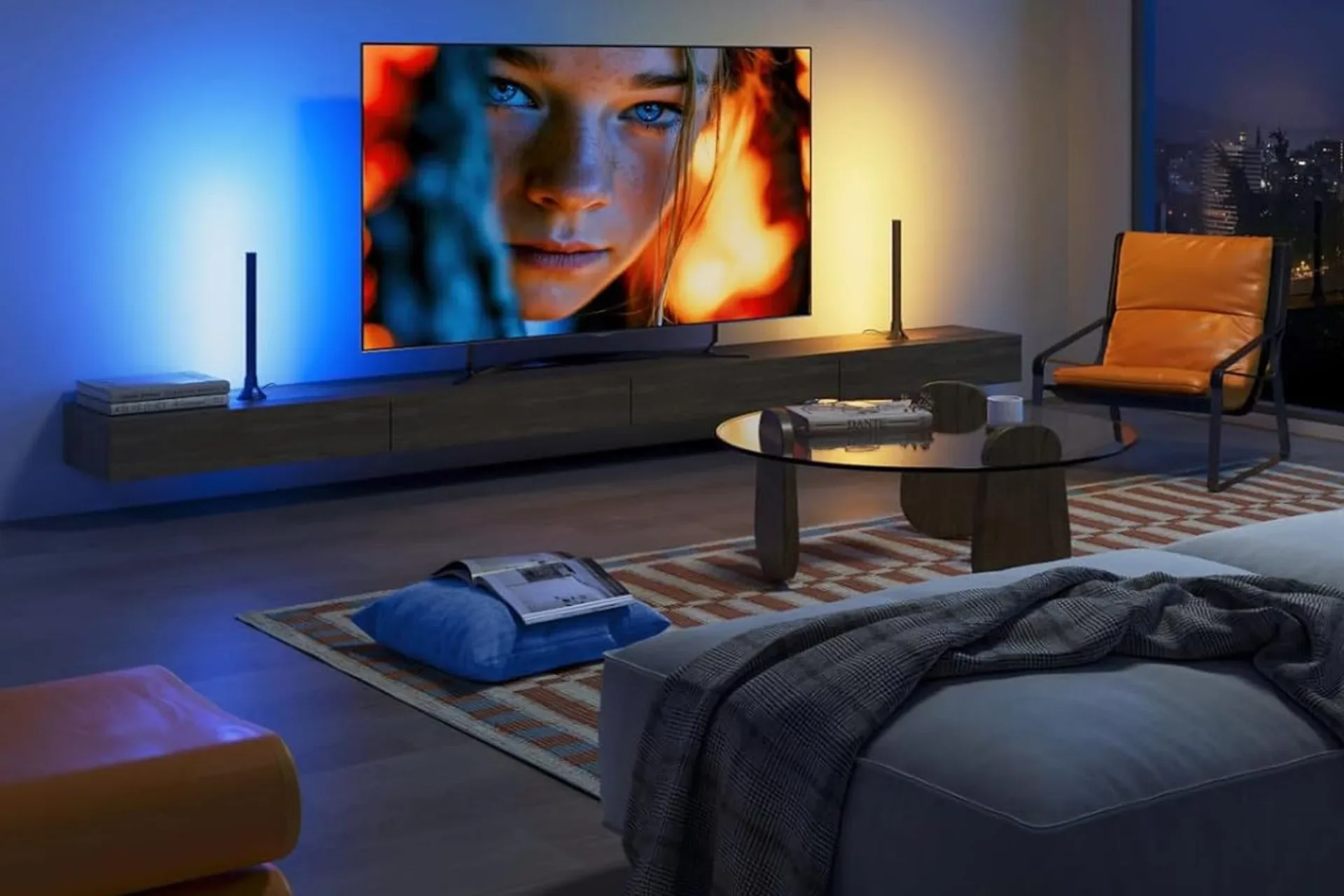
Display upgrades do not happen in isolation, either. For a room used for films as well as games, lighting can influence perceived comfort around the screen; readers considering a broader setup refresh may also want to see the details on Govee Smart TV light bars for 45- to 70-inch displays.
The practical takeaway
The Samsung S3 (S32GF) does not need elaborate positioning to be notable at its listed sale price. For $100, it offers a 27-inch Full HD IPS screen with a 120Hz refresh rate and adjustable picture options. Those are useful fundamentals for a desktop that has to handle work, entertainment, and games in the same space.
Potential buyers should keep the proposition in perspective: this is a budget Full HD monitor, and anyone prioritizing a higher-resolution desktop should not assume physical size changes that fact. But for shoppers who have been waiting for a reasonably priced move to a 27-inch panel—and who value fluid motion and flexible viewing angles—the discount is a strong reason to compare the S3 against other entry-level options while the listed price remains available.
Shop the products
Check current price, model and availability at the retailer.