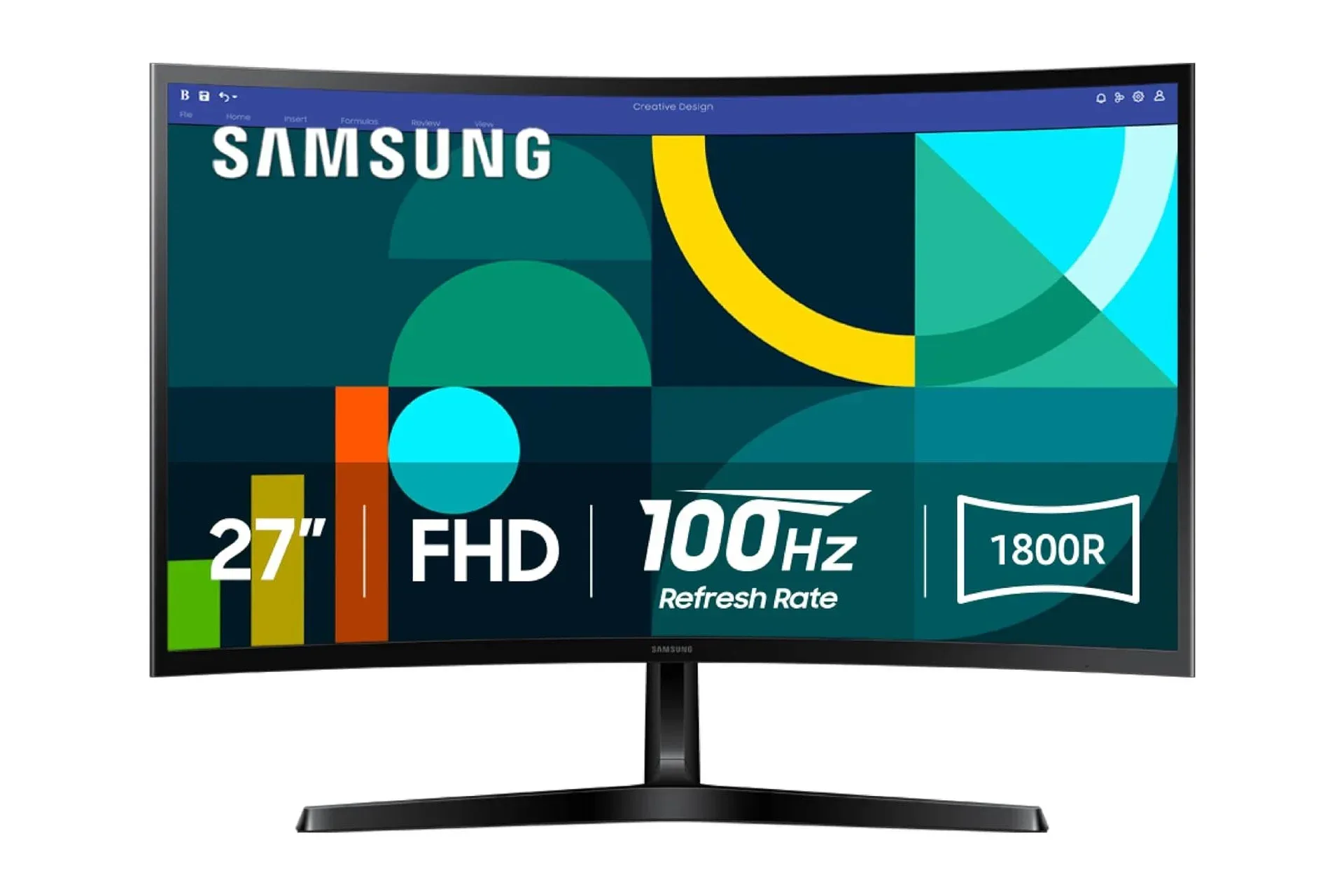
The 27-inch Samsung Essential S3 curved monitor is listed at $110, with the 24-inch version listed at $99. That $10 gap makes the larger S36GD-series display the more immediately interesting option for shoppers deciding strictly by screen size, but the decision should still begin with the specifications rather than the headline price.
This is a 1080p, 100Hz monitor with an 1800R curve, HDMI and D-sub connectivity, plus TÜV-certified eye-comfort technology intended to limit blue-light output and flicker. Those details position it as a straightforward screen for a desktop that handles games, video and everyday applications, rather than a monitor whose appeal rests on one flashy specification.
For a PC player moving up from a 60Hz display, 100Hz is the specification most likely to change the feel of ordinary desktop use and compatible games. Meanwhile, the curved panel and the older D-sub connection are more specialized considerations: one concerns viewing preference and desk placement; the other could be useful to a very particular group of owners with legacy hardware.
The deal: 27 inches for $110, 24 inches for $99
The available pricing puts the 27-inch Essential S3 at $110 and the 24-inch model at $99. The larger display therefore costs only $10 more, which makes it worth considering for buyers who know they want more physical screen area.
That does not automatically make 27 inches the correct choice for every desk. A monitor’s diagonal measurement describes its size, not its resolution. Both versions are identified as FHD, meaning Full HD or 1920 by 1080 pixels. The 27-inch model spreads that same image across a larger panel than the 24-inch version. For some buyers, the larger presentation is the point; others may prefer the more compact option when sitting close to the screen or working with limited desk space.
There is no supplied evidence here on panel type, response-time rating, adaptive-sync support, stand adjustment, port count beyond the two stated connection types, speakers, mounting support or included cables. Those are practical details worth checking on the exact listing before buying. A monitor name can cover closely related configurations, and an especially low price does not fill in missing features.
100Hz explained: why it matters beyond a 60Hz screen
Refresh rate is the number of times a display can redraw its image each second. A 100Hz monitor can refresh up to 100 times per second, compared with 60 times on a standard 60Hz screen. When the computer is producing frames at a suitable rate, that can make cursor movement, scrolling, camera pans and gameplay motion appear more continuous.
It is important to separate refresh rate from a game’s frame rate. The monitor can refresh at 100Hz, but a game still needs the PC to render enough frames for a player to see the full benefit. A demanding title may run below that level depending on the computer and its settings. Conversely, a monitor cannot display more unique updates per second than its refresh ceiling. The Essential S3’s 100Hz specification is therefore a useful middle ground for people who want motion beyond 60Hz without treating the display as a top-end competitive-gaming purchase.
Related coverage includes Samsung's 27-Inch Essential S3 Curved Monitor Remains Discounted at $110.
The supplied details also describe reduced lag and motion blur as benefits of the 100Hz mode. In practical terms, the upgrade is most relevant when on-screen movement is frequent: tracking an opponent, turning a camera, moving through a racing course or simply navigating a fast-moving interface. It is less consequential for slower, static work where a screen is mostly showing text or still images.
The monitor also offers adjustable image and contrast settings intended to make details easier to spot in dark scenes. That can be valuable in games with shadow-heavy environments, but it should be treated as a preference tool, not a guarantee that every dark scene will look better. Raising shadow detail or contrast can change the overall image balance. The useful approach is to adjust a game and the display gradually, then keep the setting that makes important detail visible without making the rest of the image look unnaturally washed out.
What an 1800R curve changes
The Essential S3 uses a 1800R curve, described as a moderate curve between a flat display and more aggressively curved alternatives. A curved monitor angles the outer parts of the panel toward the viewer instead of keeping the entire screen on one flat plane. Its purpose is to better follow a viewer’s field of vision, helping create a more enveloping presentation while reducing the sense that the edges are sitting farther away.
The effect is personal. Players who sit centered in front of one monitor may appreciate the added sense of wraparound space during a game or film. People who routinely share a screen, sit far off to one side, or prefer a strictly flat surface for their workflow may value that feature less. The curve is not extra resolution, and it does not increase the number of pixels available to games or applications. It changes the panel’s physical shape and, consequently, the way the image is presented from a normal central seating position.
At this size and resolution, the curve should be viewed as a comfort and immersion preference rather than a universal upgrade. Anyone who has only used flat monitors should avoid assuming that curved is automatically better. Samsung’s 1800R implementation is presented as a moderate entry point, which may make it a sensible first curved display for someone curious about the format. But the best fit remains dependent on where the monitor will sit and how it will be used.
Full HD at 27 inches: assess the whole setup
FHD is another name for 1080p. It is a familiar resolution for PCs and games, and it is the native resolution stated for this display. A buyer should plan to use the monitor at that native resolution where possible, since that is the panel’s intended pixel grid.
The practical question is not whether 1080p is inherently good or bad; it is whether a 27-inch 1080p display suits the buyer’s priorities. A larger screen can make games, windows and media feel more prominent. At the same time, it does not add the extra desktop workspace that a higher-resolution panel would provide. If the goal is simply a large, affordable screen for a standard PC setup, the 27-inch model’s $10 premium over the 24-inch version is plainly small. If the goal is maximizing workspace or chasing a particular image-detail target, shoppers should investigate those needs separately rather than assuming size answers them.
It is also sensible to think about the PC itself. A 1080p display may be a more achievable target for systems that cannot sustain high frame rates at more demanding resolutions. That is an implication of the product’s stated resolution and 100Hz refresh target, not a promise about performance in any individual game. The game, settings and graphics hardware still determine the result.
Connections: HDMI for current gear, D-sub for older systems
The Essential S3 provides HDMI and D-sub connections. HDMI is the likely choice for contemporary PCs and common video devices because it is widely supported. Before ordering, buyers should confirm the available output on their computer and whether they already own an appropriate cable.
D-sub is the notable legacy option. It can be relevant for an older system that still uses that connector, but it should not be mistaken for a reason to choose the monitor if all of a buyer’s equipment is current. Its value is compatibility: the screen may be able to serve equipment from different generations without immediately requiring a different display.
Connection terminology can look more intimidating than it is. The key check is simple: identify the video output on the PC, then verify that it corresponds with an input on the monitor. HDMI is the modern default described here. D-sub expands the monitor’s usefulness for older hardware, but it does not replace the need to check the exact devices in a setup.
Eye-comfort features are useful, not a substitute for setup habits
Samsung says the Essential S3 uses TÜV-certified eye-comfort technology designed to reduce eye strain, reduce blue-light emissions and limit flicker. For people who spend long stretches gaming, studying or working at a computer, those features are relevant. Screen comfort is not only about a single setting, however. Brightness, room lighting, viewing distance and taking breaks all affect how a session feels.
Flicker refers to rapid fluctuations in a display’s light output that may contribute to fatigue for some users. Blue-light reduction is a screen mode or technology aimed at reducing a portion of the display’s emitted blue light. Neither description means a monitor eliminates the need for sensible ergonomics, nor does it predict the same result for every person. They are quality-of-life features that can be worthwhile, particularly on a screen intended for extended use.
Buyers should also avoid confusing an eye-comfort feature with a gaming-performance specification. The former addresses viewing comfort; the 100Hz refresh rate addresses how frequently the display can update. Both can matter in a gaming desk setup, but they solve different problems.
Who this monitor appears to suit
Based on the available specifications and listed prices, the 27-inch Essential S3 looks most straightforward for a PC user seeking a budget-conscious, larger 1080p display with a refresh rate above 60Hz. Its curved 1800R panel gives it a different viewing character from a basic flat office monitor, while HDMI keeps it practical for contemporary equipment. D-sub could be a useful extra for a legacy PC owner.
- Consider the 27-inch model if larger physical screen size is the priority and a 1080p, 100Hz target fits the PC and games being played.
- Consider the 24-inch model if desk space is tighter or a smaller FHD screen better matches the preferred seating distance.
- Check the exact listing before purchase for stand movement, cable inclusion, panel details and any features not established by the supplied specifications.
- Use HDMI where it matches the system; reserve D-sub as a compatibility benefit for equipment that requires it.
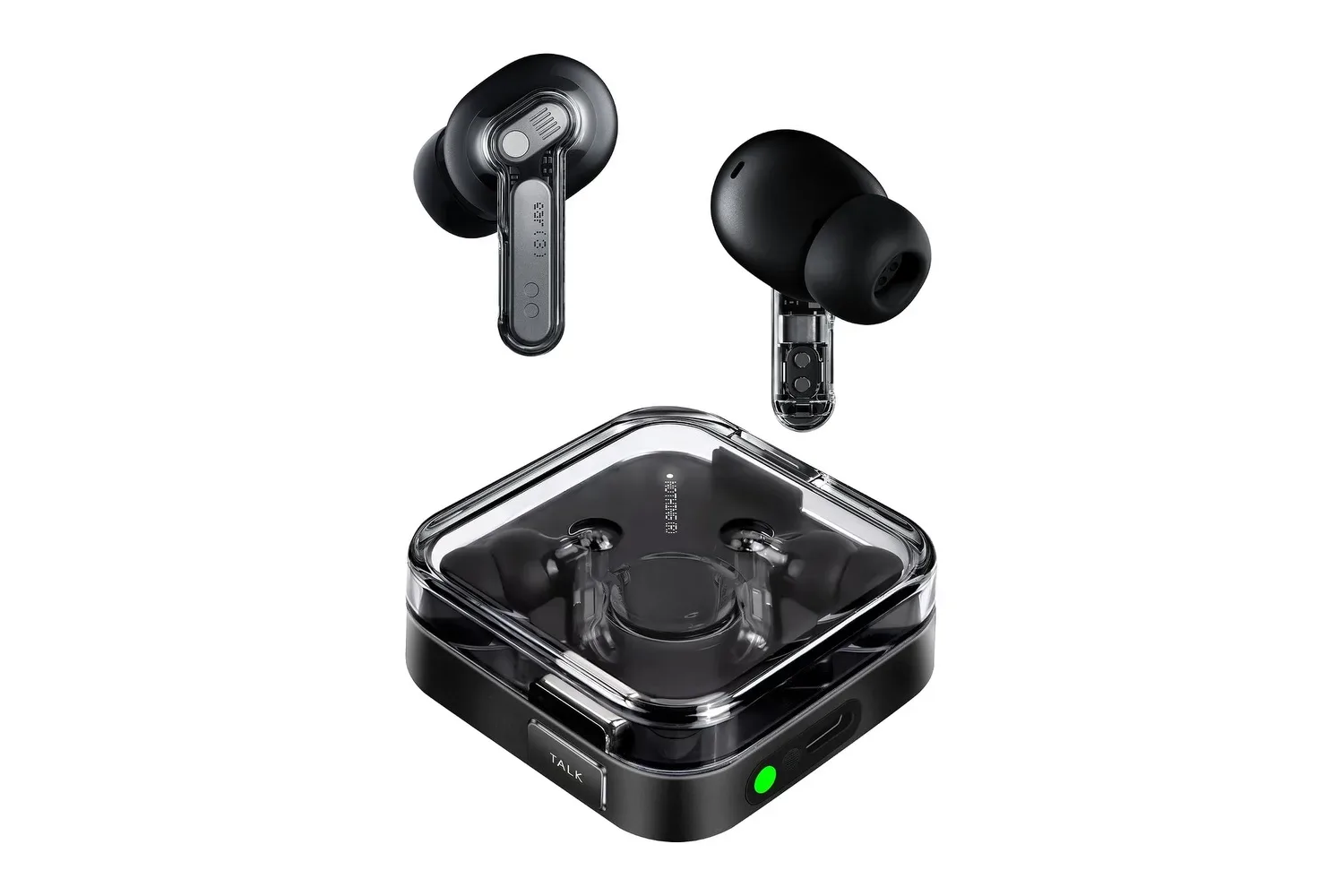
For buyers building out an entire desk rather than replacing only a monitor, audio can be another separate decision. The considerations around low-latency listening and connection options are covered in this guide to the Nothing Ear (3)’s gaming-related features.
The central value proposition is clear: a 27-inch curved Samsung FHD monitor with 100Hz refresh capability is listed at $110, only $10 above its 24-inch counterpart. The right buying decision depends less on the small price difference than on an honest assessment of available desk space, preferred screen size, the computer’s video output and the games or applications the display will actually run.
Shop the products
Check current price, model and availability at the retailer.