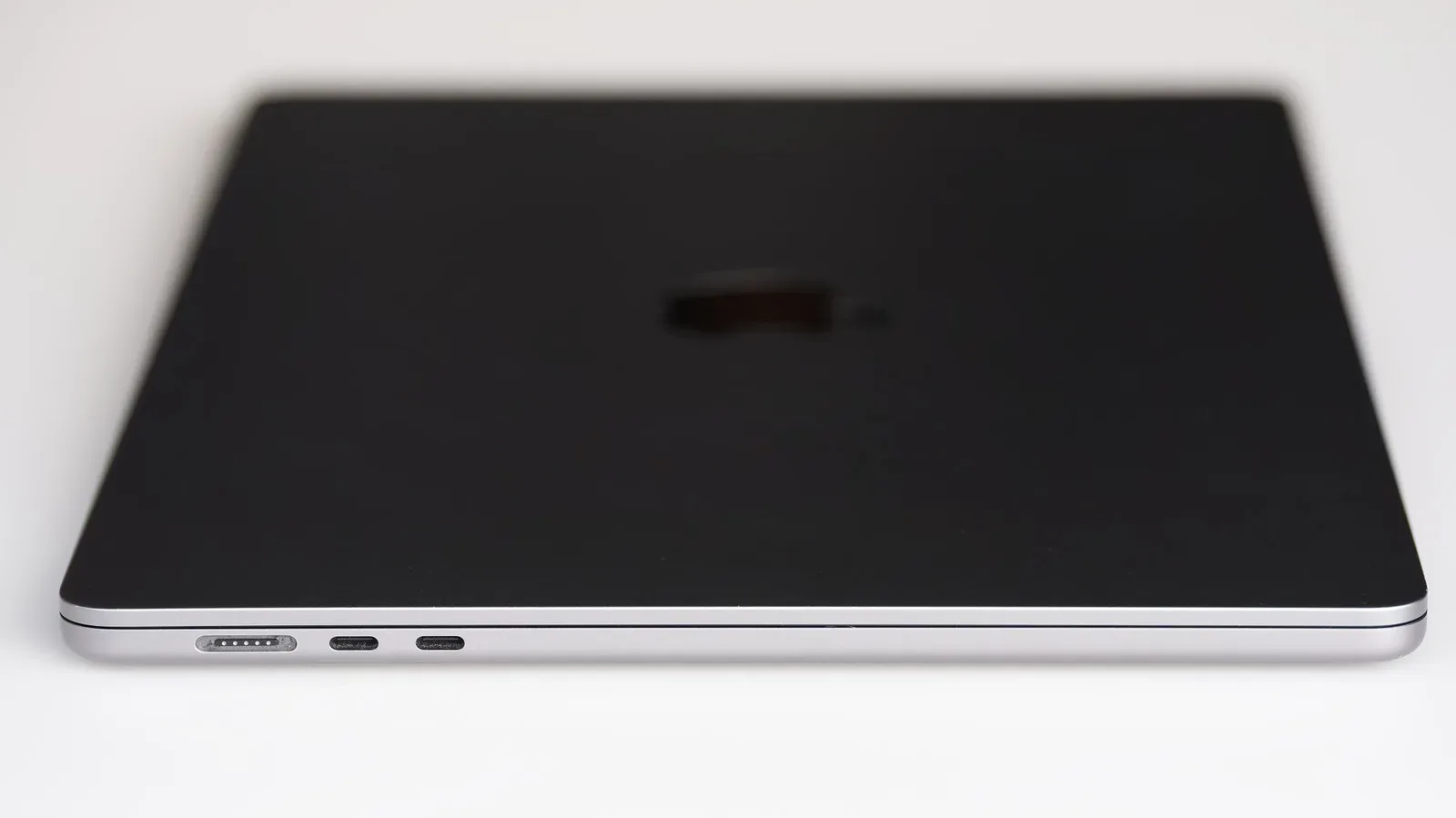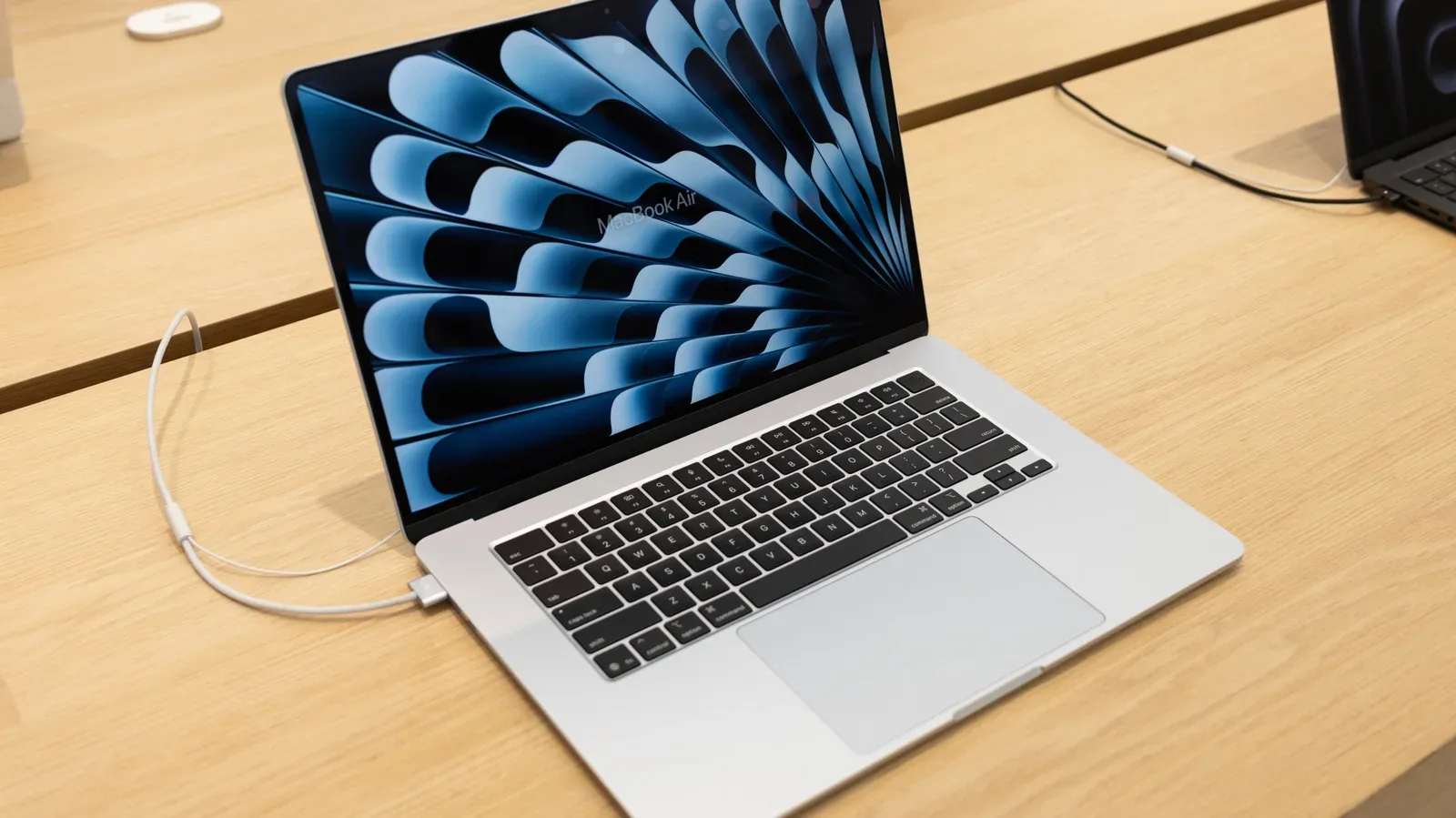
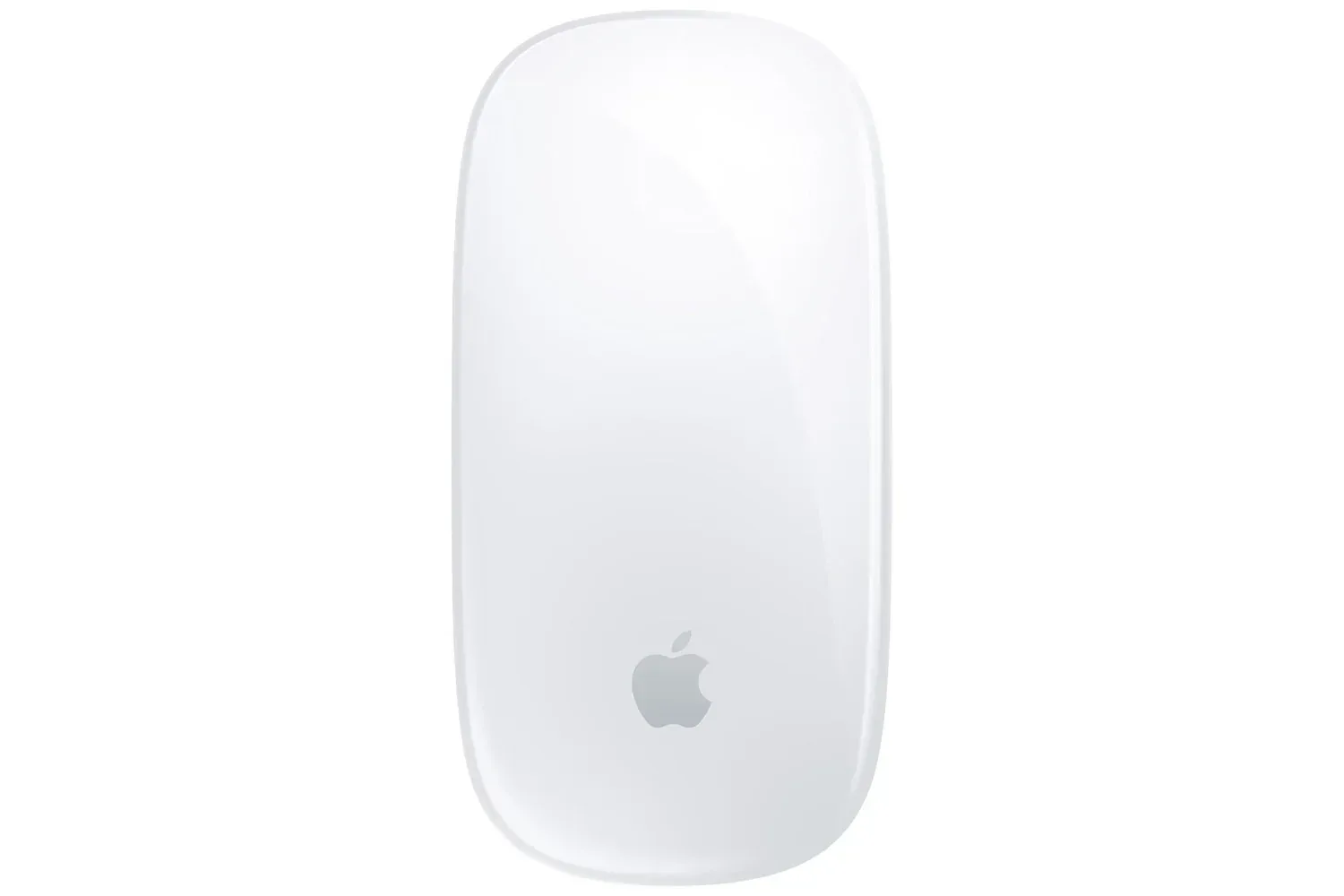
Apple’s Magic Mouse is listed at $60 for a limited time, down from a stated usual price of $79. That is a $19 reduction, or roughly 24%, and it changes the calculation for Mac users who have been waiting to add Apple’s mouse to a desk setup, travel kit, or gift list.
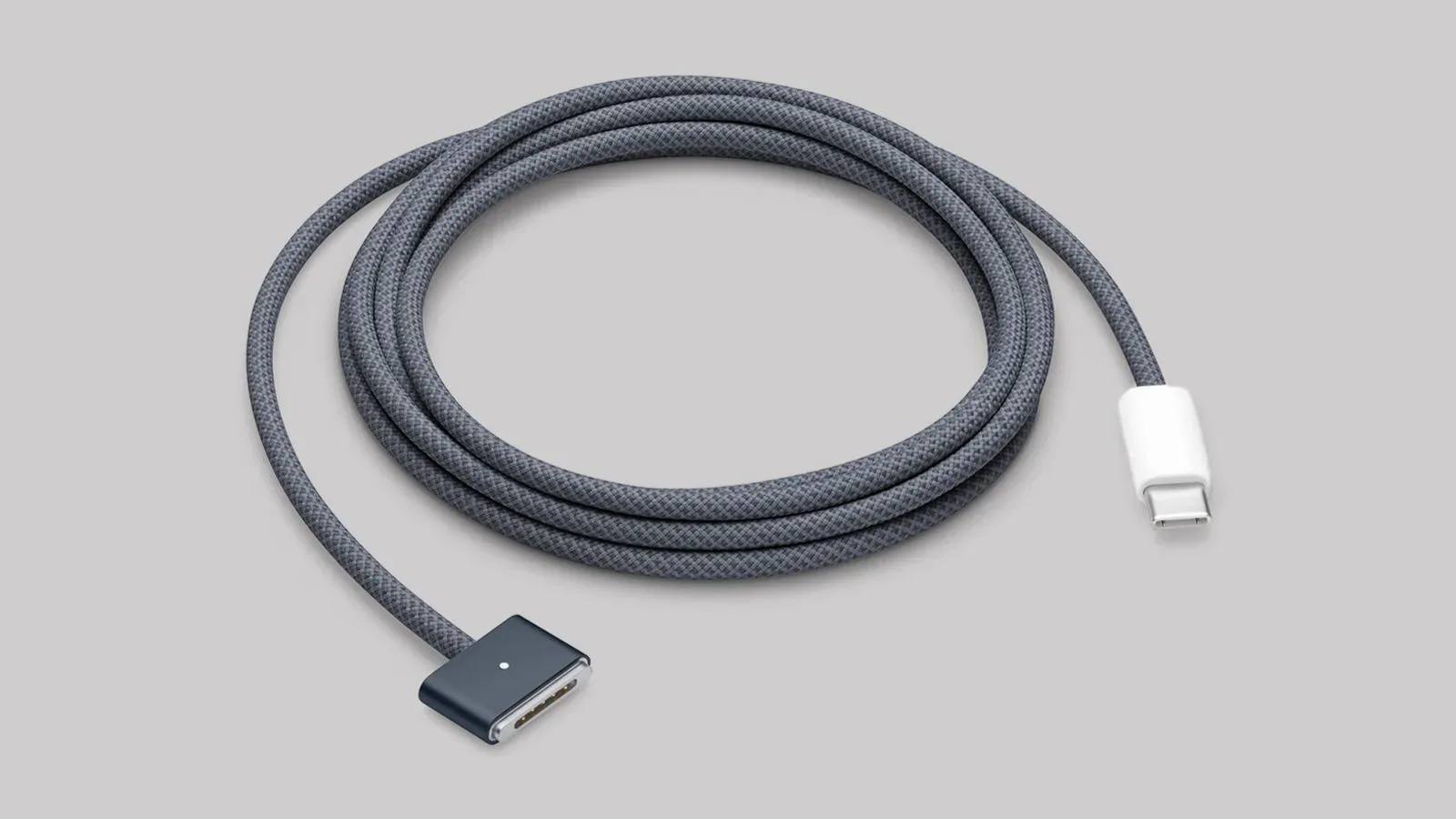
The listing describes a peripheral designed to work seamlessly with MacBooks and related Apple hardware, with a rechargeable battery said to last around a month on a full charge. It also includes a woven USB-C cable for charging and pairing. For buyers who already know they want this particular mouse, the lower price is the headline. For everyone else, the important question is more specific: does a compact mouse with a multi-touch top surface match the way they actually use a Mac?
That distinction matters because a sale can make a product less expensive without automatically making it the right tool for every task. The Magic Mouse’s defining feature is not merely that it is an Apple-branded pointer device. It is its touch-enabled surface, which lets users perform gestures such as scrolling directly on top of the mouse.
The deal: $19 below the stated usual price
The current $60 Magic Mouse listing represents a meaningful drop from the cited $79 regular price. Put plainly, a buyer is paying about three-quarters of the usual asking price rather than the full amount.
For more context, explore Walmart Collectibles Draw Offers a Limited Shot at Pokémon 30th Celebration Cards and NeeDoh at Regular Prices.
That is useful context for a device that occupies a premium-priced corner of a very ordinary product category. A mouse is often a practical accessory purchase, not an exciting one: it is the kind of thing many people postpone replacing until an old model becomes inconvenient. A lower price can be enough to make a planned purchase happen sooner, particularly for someone keeping their accessories within Apple’s ecosystem.
Still, the “limited-time” wording deserves its ordinary reading. It signals that the listed price may not last; it does not establish a schedule, nor does it tell buyers how often the same price returns. Anyone interested should verify the price, seller details, and checkout total at the time they buy rather than treating a deal listing as a permanent price promise.
What multi-touch means on a mouse
Multi-touch refers to a surface that can recognize touch inputs and gestures rather than functioning solely as a pair of physical buttons. On the Magic Mouse, the top surface is the key interaction area. The supplied information specifically points to scrolling through web pages and other gesture-driven actions.
For a Mac user, that can make routine browsing feel more direct. Instead of moving to a separate scroll wheel, the user can use a gesture on the mouse itself while keeping a hand in roughly the same place. That is the central appeal of the design: it combines conventional mouse duties with some of the gesture vocabulary people may already associate with Apple devices.
It is also worth being precise about what that does and does not mean. A multi-touch surface is an interface preference, not a universal productivity upgrade. Somebody who spends most of the day reading, browsing, or moving through ordinary desktop work may value the gesture controls. A person seeking hardware aimed at a narrowly defined job may have different needs. The available information itself leaves room for task-specific alternatives, and that is a sensible boundary for any buying decision.
Compatibility and convenience are the practical pitch
The strongest case presented for the Magic Mouse is its intended relationship with Macs. The device is described as being built for MacBooks and similar Apple hardware, with an emphasis on straightforward operation rather than extensive setup. For buyers who want an accessory that fits into an existing Apple-centered workspace, that simplicity can be a real benefit.
“Seamless” should be understood as a convenience claim: less friction getting a basic input device into use, and gesture controls aligned with the broader Mac experience. It is not a substitute for checking a buyer’s own computer, operating environment, or preferred workflow. But for the person who wants to avoid turning a mouse purchase into a research project, native ecosystem fit is a reasonable thing to value.
The included woven USB-C cable also serves two jobs in the description: charging the mouse and pairing it. USB-C is the reversible connector standard now used across a wide range of devices and accessories. Here, its relevance is practical rather than flashy. A cable in the box means the buyer has the stated charging and pairing accessory immediately available instead of needing to supply one separately.
Battery life changes the maintenance equation
The listing says the Magic Mouse can run for approximately a month on a full charge and recharge quickly. Battery estimates always depend on use, so “around a month” should be treated as an approximate expectation rather than a guarantee for every desk and every workload. Even so, the stated figure points to a peripheral intended to be charged occasionally instead of constantly monitored.
That may be particularly relevant for portable setups. A mouse that can accompany a laptop without becoming another daily charging obligation has an obvious appeal for students, commuters, and anyone who shifts between rooms or workspaces. It also helps explain why the device is presented as suitable for people in a hurry: predictability and fewer accessories to fuss over can matter as much as raw feature count.
There is a mundane but useful lesson in the cable detail, too. Rechargeable accessories are easiest to live with when the charging method is clear and the cable is on hand. Buyers should keep that included USB-C cable accessible, particularly if the mouse is being purchased as a gift or packed for travel.
Comfort is personal, so build the desk around the device
The Magic Mouse is described as comfortable and highly portable, qualities that can be appealing in a minimal Mac setup. Portability generally means a device is easier to carry alongside a laptop; it does not tell us that every hand size, posture, or work session will feel the same. Comfort is one of the areas where product descriptions can only take a buyer so far.
A sensible approach is to think about the complete workstation rather than treating the mouse as an isolated purchase. A mouse pad provides a consistent surface for movement and can help keep a desk setup more controlled. A wrist rest can be another consideration for people who prefer added support. Neither accessory is presented as part of this listing, and neither is a magic universal fix, but both are relevant elements of a more deliberate desk arrangement.
For longer sessions, the key practical question is simple: will the low-profile, touch-based design be something the buyer wants to use repeatedly? The deal cannot answer that. It merely reduces the cost of choosing it.
Who the $60 listing makes the most sense for
- Existing Mac users who want an Apple-focused mouse and value the described straightforward fit with their devices.
- Gesture-first browsers and readers who see value in a multi-touch surface for scrolling through pages and related actions.
- Portable-workspace users who want a compact rechargeable accessory with a stated battery estimate of about a month.
- Gift buyers who already know the recipient prefers Apple accessories and would benefit from the lower listed price.
Conversely, shoppers should pause before buying purely because the discount is there. The supplied details do not establish that the Magic Mouse is the best choice for every specialist workload, every ergonomic preference, or every non-Mac setup. Those are separate considerations from its Apple integration, multi-touch controls, and rechargeable design.
At $60, the Magic Mouse is easier to recommend as a targeted Apple-accessory purchase than it is at its stated $79 price. The saving is concrete, while the rest of the decision comes down to preference: a buyer who wants a compact Mac companion with gesture controls has a clear reason to look now; a buyer who needs a mouse for a specific task should define that task first.
Shop the products
Check current price, model and availability at the retailer.