A phone can feel perfectly usable long after its final major software update. That does not make the end of its support window unimportant. For Samsung owners weighing whether to keep a current device, buy a refurbished model, or move to something newer, the relevant question is not simply whether the handset turns on and runs today. It is whether it remains eligible for operating-system updates and security fixes.
Samsung’s 2026 support picture makes one point especially clear: product name alone is not enough. Support differs sharply between flagship, mid-range and budget models, and even near-identical variants can have dramatically different remaining lifespans. The Galaxy A06 4G, for example, stopped receiving Android updates in August 2026, while the Galaxy A06 5G is listed for Android updates through February 2031.
That is the sort of small suffix that can turn an apparent bargain into a very short-term purchase—or a much longer-lived one.
What “still gets updates” actually means
Two update categories are easy to blur together, but they do different jobs. A major Android update changes the underlying operating system and can bring new platform capabilities and interface changes. Samsung delivers that operating system through its One UI software. Android 17-based One UI 9 has already reached newer products including the Galaxy Fold 8 series and Flip 8.
Security updates are different. These patches address vulnerabilities and can continue after a device has stopped receiving major Android releases. That distinction matters because a phone may still receive a security patch while no longer qualifying for a new Android version. Conversely, an old phone that receives neither has a growing practical problem even if its hardware still seems capable.
The support periods cited for Samsung devices also reflect their market positions. Flagships can receive up to seven years of support, mid-range devices around five to six years, and budget models up to four years. That is a useful rule of thumb, not a replacement for checking a specific model and variant.
For readers trying to make a buying decision, “Android updates until” is the more useful headline when future features and app compatibility are the concern. Security patch coverage remains essential, but it should not be treated as proof that a device will gain the next version of Android.
Samsung phones with Android updates remaining in 2026
Among conventional Galaxy S flagships, the Galaxy S23, Galaxy S23+ and Galaxy S23 Ultra remain on the Android-update list until February 2027. By contrast, the Galaxy S22 series and Galaxy S21 FE 5G lost Android-update support earlier in 2026.
Related coverage includes Samsung Devices Still Receiving Updates in 2026.
That puts the S23 family in a meaningful, but finite, final stretch for buyers who care specifically about new Android versions. A refurbished S23 may still have a reasonable remaining software runway, but it should not be viewed like a device with years of major platform upgrades ahead.
Foldables
Samsung’s folding-phone timeline has a clean dividing line. Galaxy Z Fold 4 and Galaxy Z Flip 4 Android updates ended in August 2026. The Galaxy Z Fold 5 and Z Flip 5, along with later devices, continue to receive updates.
For a buyer considering a used foldable, this is particularly important. Foldables may retain premium hardware appeal, but their update status should be checked separately from their condition and price. A Fold 4 or Flip 4 can still function after its Android support ends; it simply no longer has the same long-term software outlook as the next generation.
Galaxy A phones: model and connectivity matter
The affordable Galaxy A range demonstrates why broad statements such as “the A06 is supported” can be misleading. The 4G Galaxy A06 lost Android updates in August 2026. The 5G model is scheduled to keep getting Android updates until February 2031.
Other listed A-series dates are:
- Galaxy A15: Android updates through December 2027.
- Galaxy A24: Android updates through May 2027.
- Galaxy A34: Android updates through March 2027.
- Galaxy A54 5G: Android updates through March 2027.
- Galaxy A73: Android-update support ended in April 2026.
These dates make the A-series less predictable than a buyer might expect if they shop by price rather than precise model number. The A06 split is the clearest example, but every refurbished or discounted Galaxy deserves a support-date check before purchase.
Tablets and watches still receiving updates
Samsung’s update policy is not just a phone issue. Tablets can serve as entertainment screens, school devices, travel companions or home control panels for years, so their operating-system window matters too.
The Galaxy Tab S9, Tab S9+ and Tab S9 Ultra are listed for Android software updates until August 2027. The Galaxy Tab S9 FE and Tab S9 FE+ extend to October 2027. The more affordable Galaxy Tab A9 and Tab A9+ remain eligible only until October 2026, with two generations of OS updates.
The rugged tablet line has the longest horizon in the supplied list: Galaxy Tab Active 5 is scheduled through January 2028, while the Active 5 Pro is listed through 2033.
- Galaxy Tab S9, S9+ and S9 Ultra: through August 2027.
- Galaxy Tab S9 FE and S9 FE+: through October 2027.
- Galaxy Tab A9 and A9+: through October 2026.
- Galaxy Tab Active 5: through January 2028.
- Galaxy Tab Active 5 Pro: through 2033.
On the wearable side, the Galaxy Watch 5 and Galaxy Watch 5 Pro, both introduced in 2022, continue to receive Wear OS updates through December 2026. That makes them the oldest products in this list with an explicitly stated update window still active during 2026, although this is Wear OS support rather than Android phone support.
Wear OS is Google’s operating system for compatible smartwatches, distinct from Android on phones and tablets. The date is still useful for Watch 5 owners, but it should not be compared one-for-one with a phone’s Android-upgrade timetable.
The practical risk of an unsupported device
A device does not suddenly stop making calls, taking photos or playing games on the day it leaves the update list. The erosion is usually gradual. The immediate concern is security: without patches, newly discovered weaknesses may remain unaddressed, increasing exposure to malicious activity.
Compatibility is the slower concern. As software makers design applications around newer operating-system versions, an older phone can increasingly miss requirements or lose access to newer app behavior. This does not mean every app will fail at once. It means the margin for keeping the device as a dependable daily tool narrows over time.
Unexpected pop-ups, unknown applications appearing without warning, and unusual data use are warning signs that deserve attention. They can indicate a compromised device, particularly when the phone is no longer receiving the security fixes intended to address newly discovered threats.
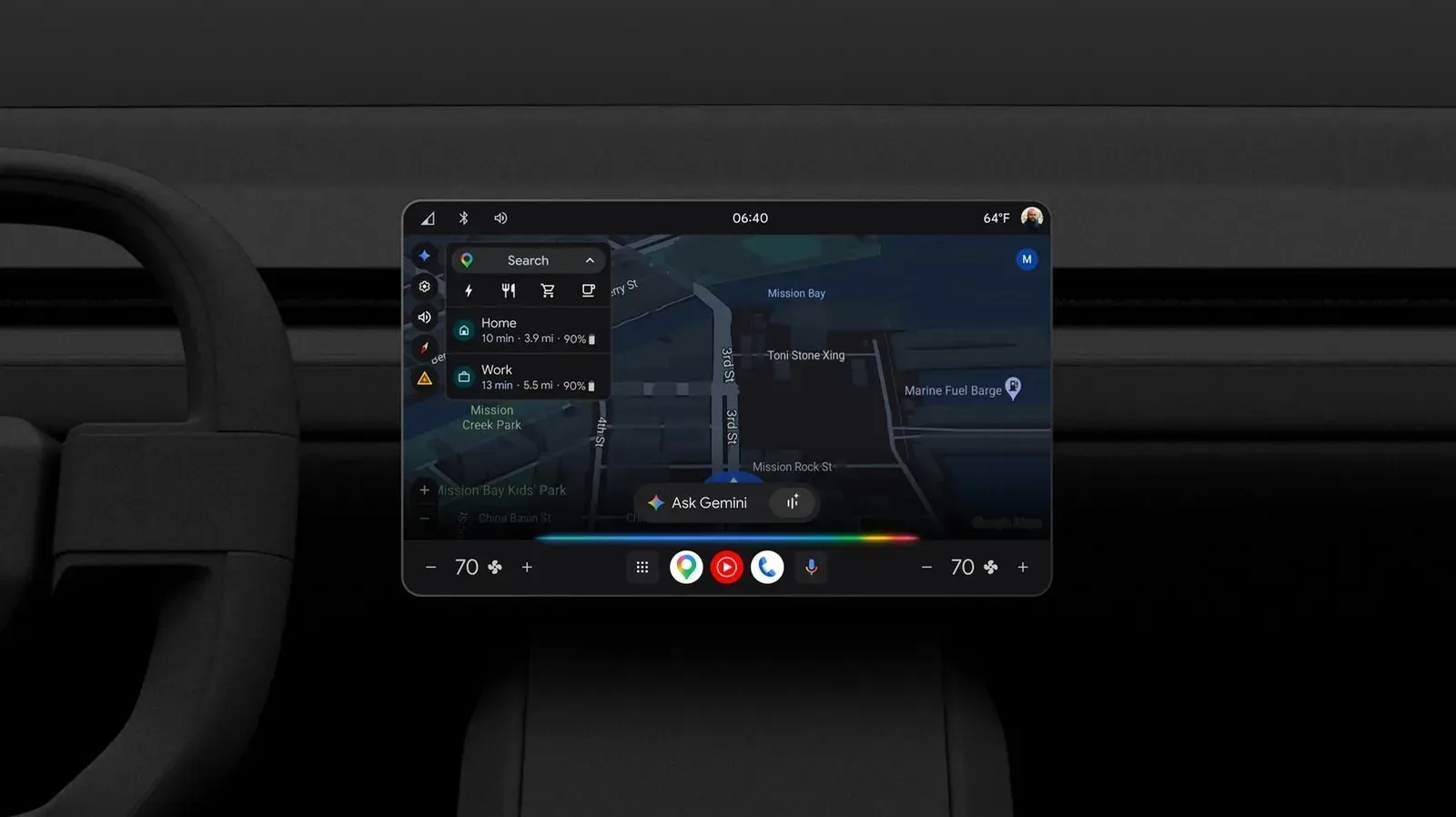
Android version terminology can be confusing elsewhere in consumer tech, too. For example, Android Automotive and Google built-in are not interchangeable car-software labels; the broader lesson is that the Android name does not, on its own, describe every capability or update commitment. For a Samsung purchase, exact device model, connection variant and stated support date are the information that count.
How to check a Galaxy device before buying or keeping it
Samsung does not necessarily provide an individual warning that a phone has reached the end of software and security support. Owners need to verify the model themselves. Samsung’s security-update list is a useful reference point, and the Settings app can show the date of the device’s most recent update.
A long gap since the last update can be a signal that support has ended, though it is best treated as a prompt to verify rather than a complete diagnosis. The exact device designation matters: “Galaxy A06,” for instance, leaves out the critical 4G-versus-5G distinction.
- Identify the exact Galaxy model, including Plus, Ultra, FE, 4G, 5G, Fold, Flip or tablet designation.
- Check whether the date being advertised or discussed refers to Android/Wear OS upgrades, security patches, or both.
- Look at the latest update in Settings, then compare it with Samsung’s current security-update information.
- When shopping refurbished, do not assess value from storage capacity, physical condition and price alone. Factor in how much software support remains.
The decision to upgrade will still depend on battery condition, performance needs, repair cost and budget. But support status is a baseline rather than a luxury. A discounted handset close to the end of Android support may be suitable as a secondary device. It is less compelling as a long-term primary phone, especially if the alternative has several more years of updates ahead.
For the 2026 Samsung lineup listed here, the safest takeaway is straightforward: confirm the exact model before assuming it is covered. The Galaxy S23 line, Fold 5 and Flip 5 onward, selected A-series phones, several Tab S9 models, the active tablet range and the Watch 5 family still have some update eligibility. But the calendar is not uniform, and a single number or letter in the product name can make all the difference.