Car software has acquired the kind of naming scheme usually reserved for a difficult game tutorial: Android Auto, Android Automotive, Google Built-in, Google Automotive Services, Gemini. The terms sound close enough to invite confusion, but they describe distinctly different parts of the in-car experience.
The most useful short version is this: Android Automotive is the underlying vehicle software platform; Google Built-in is a branded bundle of Google apps and services that a manufacturer can license for use in a compatible vehicle. Neither term means the same thing as Android Auto, the phone-projection system many drivers already know.
That difference matters when shopping for a car, judging an automaker’s decision to remove phone mirroring, or simply trying to understand why one dashboard offers Google Maps and the Play Store while another with Android-derived software does not. It also explains why two cars can use Android Automotive and still look, behave and advertise themselves very differently.
Start with Android Auto: it is phone projection
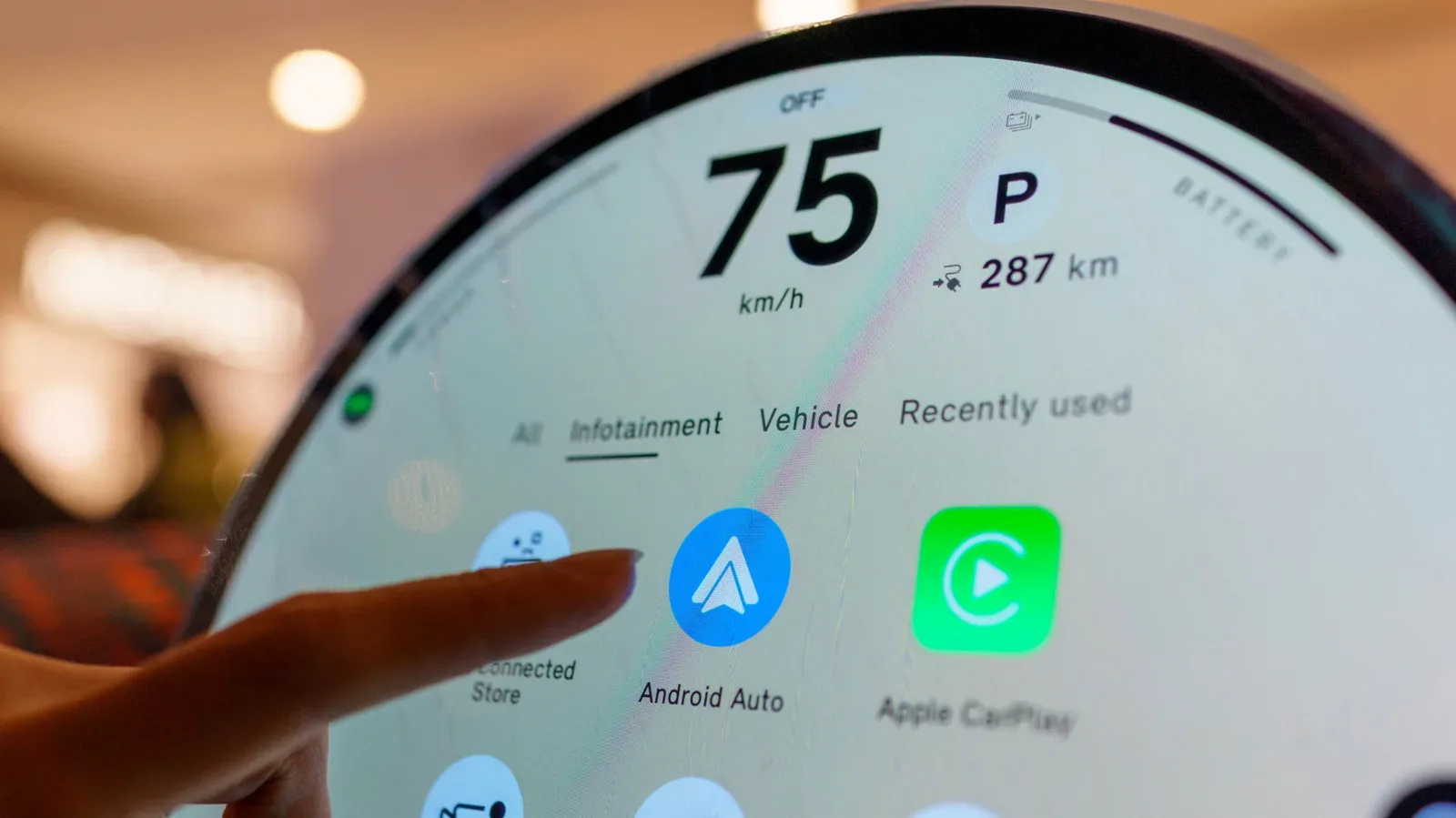
Android Auto is the easiest term to separate from the others. It is a phone-mirroring experience: a compatible phone supplies the apps and much of the experience, while the vehicle display presents a driving-oriented interface. The important practical point is that it depends on the phone connection.
For more context, explore PS5 Prices Have Climbed Instead of Fallen, Turning a Late-Generation Console Into a Costlier Buy.
Android Automotive and Google Built-in move the software role into the vehicle itself. Their applications and features can operate independently of a driver’s phone. Signing in with the same Google account on the vehicle and a phone may make services work together more smoothly, but a driver does not need to own an Android phone for the car’s system to exist.
That is a major shift in responsibility. With phone projection, the handset remains the center of the app experience. With a native vehicle system, the manufacturer and its software partners have a much larger role in determining what appears on the display, how navigation works, which services are available and how deeply the interface reaches into the car.
What Android Automotive actually is
Android Automotive Operating System, often shortened to AAOS, is a full-stack software solution that automakers can integrate into their own vehicles. “Full-stack” here means it is not limited to a media screen running a few standalone apps. It can provide the architecture used for a broad range of vehicle functions.
Related coverage includes Android Automotive vs. Google Built-In: What Actually Separates Them.
The supplied information describes Android Automotive as capable of operating or integrating with the radio, climate controls, cameras, mirrors, lighting, seat adjustments and instrument clusters. An instrument cluster is the driver-facing display area that typically shows speed, warning information and vehicle status. The potential scope is therefore much wider than choosing a song or entering a destination.
Android Automotive is also open source and customizable. That means an automaker can build its own infotainment system around the architecture, create first-party applications and arrange the user interface to fit its brand’s priorities. One company may place vehicle controls front and center; another may focus on navigation, media or a proprietary assistant. Android Automotive can sit beneath all of those approaches without requiring every car to look like a Google product.
Rivian illustrates the branding distinction. Its Rivian OS infotainment system relies on the Android Automotive architecture, yet the company does not prominently present the system as Google-branded. For a driver, that means an Android Automotive foundation can be essentially invisible. The badge on the screen tells only part of the story; the available apps and vehicle functions tell more.
Why customization is the central Android Automotive point
It is tempting to treat Android Automotive as a prepackaged dashboard interface. That misses the reason manufacturers use it. The platform gives them a common technical basis while preserving room to create a proprietary in-car experience.
In practical terms, a vehicle using Android Automotive may have menus, controls and branding designed by its manufacturer rather than a uniform Google interface. It may also use in-house applications and services. Android Automotive therefore answers the question, “What software architecture is helping run this vehicle experience?” It does not by itself answer, “Which Google apps do I receive?”
What Google Built-in adds
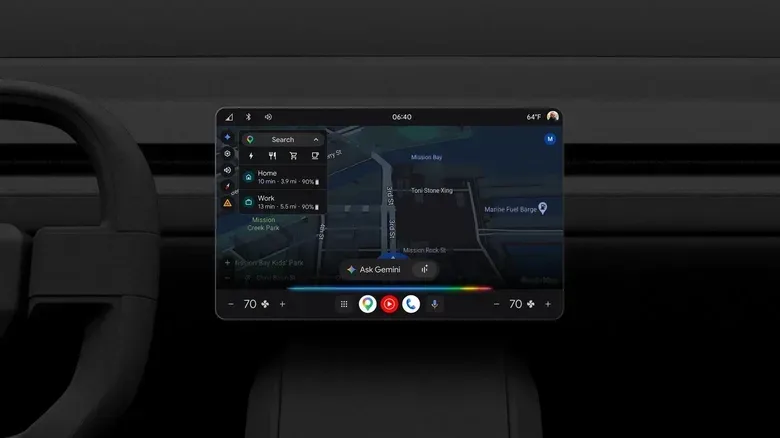
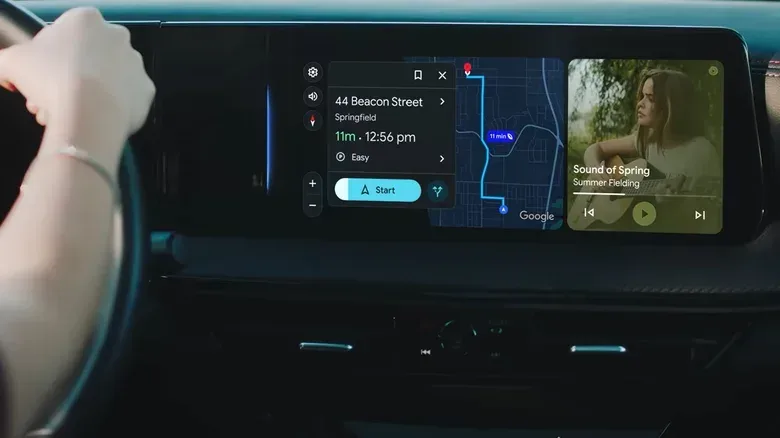
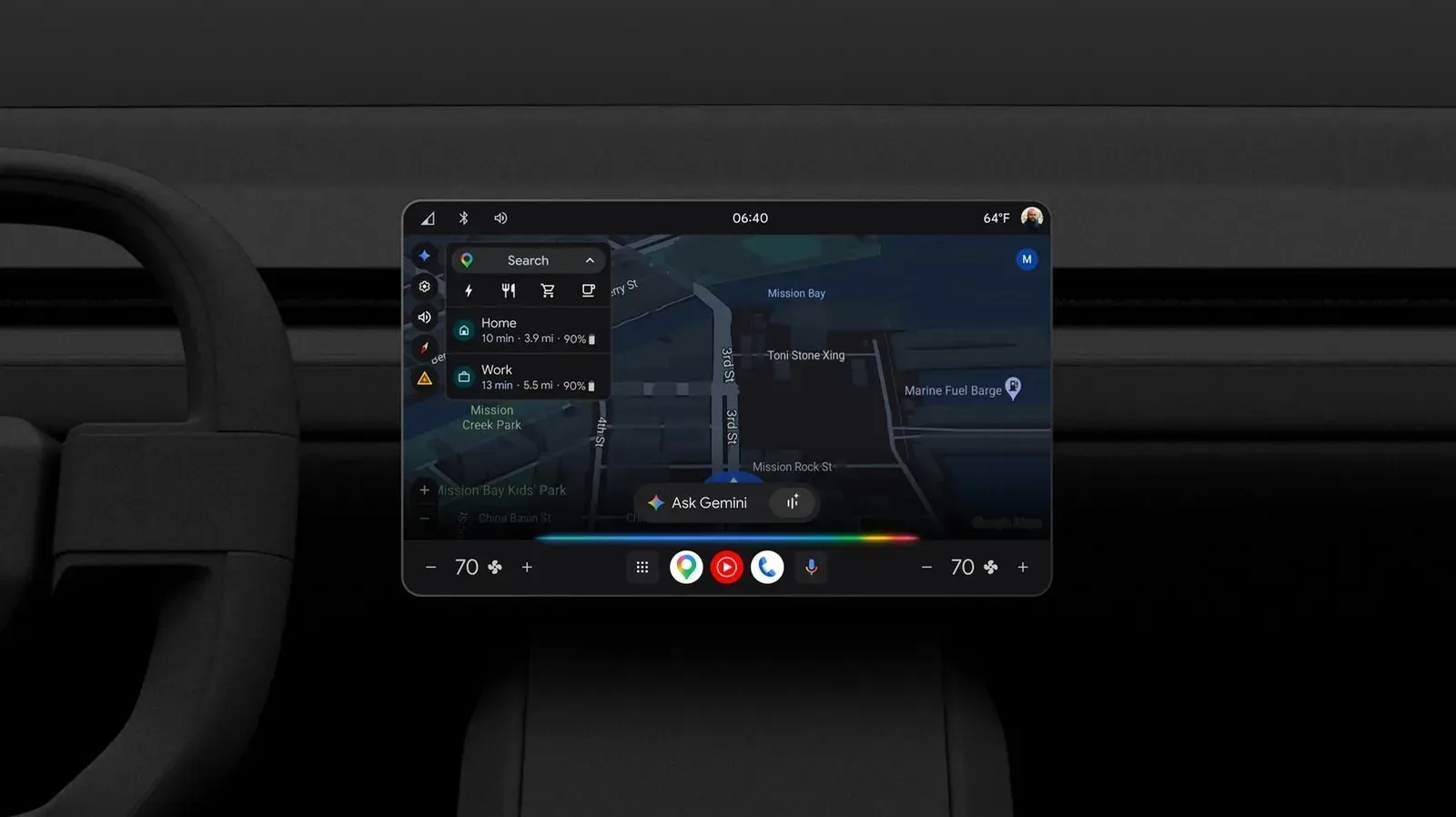
Google Built-in is the separately licensed collection of Google applications and services that manufacturers can integrate into their Android Automotive-based systems. It debuted in 2020. A car with Google Built-in can offer Google Maps, Gemini and access to the Google Play Store, through which drivers can obtain supported media apps including Spotify, YouTube and Google Play.
That makes Google Built-in a consumer-facing label. Where Android Automotive describes the flexible platform underneath, Google Built-in identifies the Google service layer that a manufacturer has chosen to include. It is the clearer clue that a vehicle comes with recognizable Google applications on the dashboard itself.
The distinction also prevents an easy but incorrect conclusion: Android Automotive does not automatically mean Google Built-in. A manufacturer can use the Automotive architecture and construct a more self-contained experience. Conversely, the presence of Google Built-in indicates that the automaker has licensed Google’s app suite for its compatible Android automotive implementation.
Sixteen brands are described as having access to Google Built-in, including Honda, Volvo, Chevrolet, Nissan, Ford, BYD and Renault. Availability remains something prospective buyers should verify for the specific make, model and market they are considering, rather than assume from a brand-wide software headline.
A simple comparison
- Android Auto: projects a compatible phone’s experience onto the vehicle display.
- Android Automotive: an open-source, customizable vehicle software platform that can support infotainment and a wide range of vehicle controls.
- Google Built-in: licensed Google apps and services, including Maps, Gemini and Play Store access, integrated into a compatible Android automotive system.
Another way to frame it: Android Automotive is the stage and technical backstage; Google Built-in is a particular group of familiar performers licensed to appear on it. The manufacturer remains the director, deciding how much of the experience bears its own name, where the controls sit and whether it develops competing or complementary services.
Gemini makes the distinction more visible
The growing rollout of Gemini is likely to make Google Built-in easier for drivers to notice. Gemini is replacing Google Assistant as the primary conversational assistant in the relevant infotainment environments, following an initial rollout through Android Auto and expansion to Google Built-in vehicles from brands including Honda, Chevrolet and Volvo.
Within Google Built-in, the cited capabilities include voice-driven access to email and messages, playlist creation, dinner ordering, vehicle-setting adjustments, help locating hard-to-find controls and information about battery or performance metrics. Google Maps is also set to incorporate real-time traffic updates, EV-oriented routing and Gemini-assisted navigation.
EV-tailored routing refers to navigation that accounts for the needs of an electric vehicle rather than treating every trip like one made in a gasoline car. The important takeaway is not that every feature will appear identically in every vehicle, but that a native assistant can potentially connect navigation, communication, media and vehicle information in one dashboard environment.
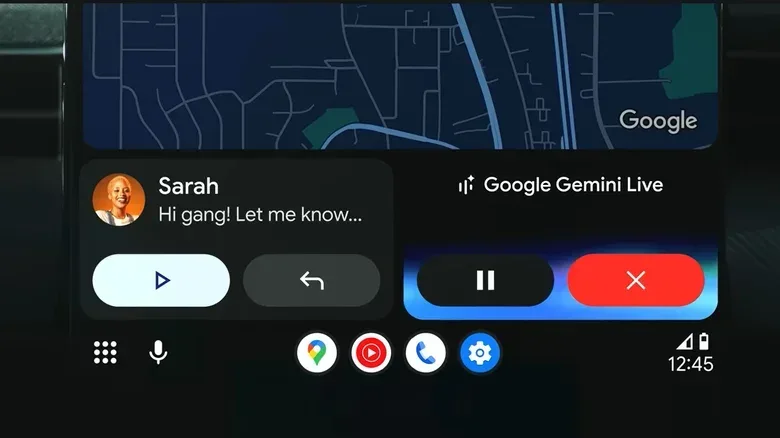
Gemini Live is a particularly revealing example of the broader ambition. It allows a driver to converse with Gemini about a destination and can use a front-facing camera. The feature turns the assistant from a command-and-response tool into a more conversational in-car service, though its usefulness will depend on how each compatible vehicle implements it and what drivers are comfortable enabling.
Why automakers are not all taking the same route
The industry is not simply handing every in-car interaction to Google. Ford and Rivian have invested in their own AI assistants. GM, which moved away from Android Auto in favor of a Google Built-in approach in 2023, is taking a dual path: incorporating Gemini while reportedly developing a proprietary in-vehicle AI expected later in the year.
GM has said its planned assistant will draw on vehicle knowledge and OnStar intelligence to go beyond a general-purpose assistant. The strategy shows why Android Automotive’s flexibility matters. A manufacturer can use Google’s maps, app ecosystem or AI features while still seeking an assistant that understands its own vehicle data and services more specifically.
For drivers, this may create a mixed ecosystem rather than a single universal dashboard standard. One car may favor Gemini for navigation and everyday requests. Another may foreground a brand-developed assistant. A third may use Android Automotive quietly underneath a completely manufacturer-defined interface. The software label alone does not guarantee identical functionality.
The buyer questions worth asking
Native infotainment systems are often presented as a seamless upgrade over phone projection. They can be more deeply connected to vehicle functions, but that integration also makes the details more important. Some customers have criticized the move away from Android Auto and similar phone-based options, worrying that it could create opportunities for subscriptions or driver-data monetization rather than a clearly better driving experience.
Those concerns are not resolved merely by seeing either Android Automotive or Google Built-in on a specification sheet. A prospective buyer should separate the platform question from the service question and ask what the particular vehicle provides.
- Does the vehicle support Android Auto, or does it rely entirely on its native system?
- Is the system based on Android Automotive, and does it include Google Built-in?
- Which Google apps are included in that specific vehicle?
- Which features work without a phone, and which require signing in to a Google account?
- Does the automaker use Gemini, its own assistant, or both?
- How are key vehicle controls presented, including climate, navigation and battery information where relevant?
The underlying lesson is pleasingly unglamorous: do not buy based on the word “Android” alone. Android Automotive tells you about the vehicle software foundation. Google Built-in tells you about an added Google service package. Android Auto tells you about phone projection. Once those three layers are separated, the dashboard software conversation becomes much less mysterious—even if the car’s new chatbot still wants to discuss what the front-facing camera can see.