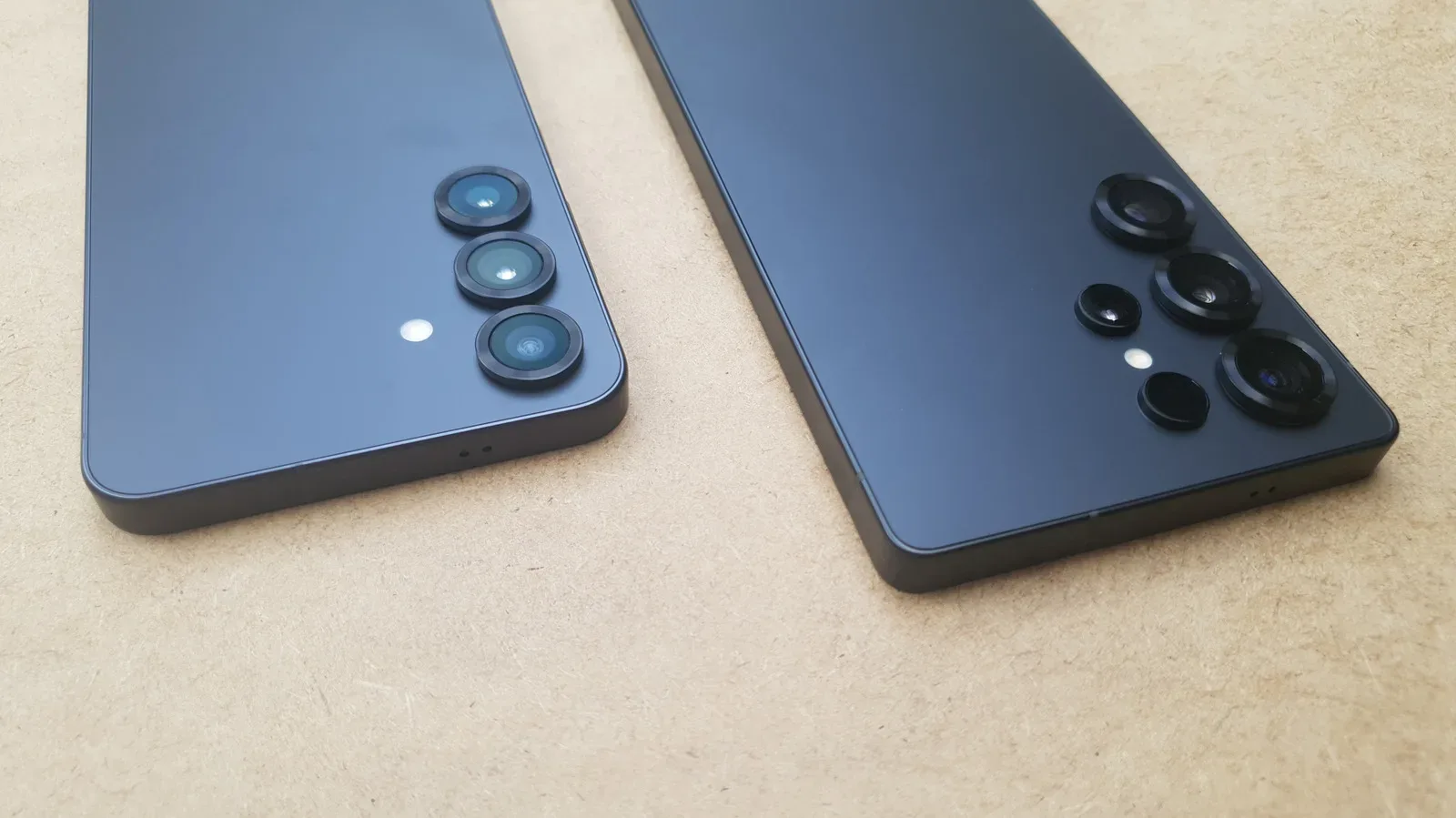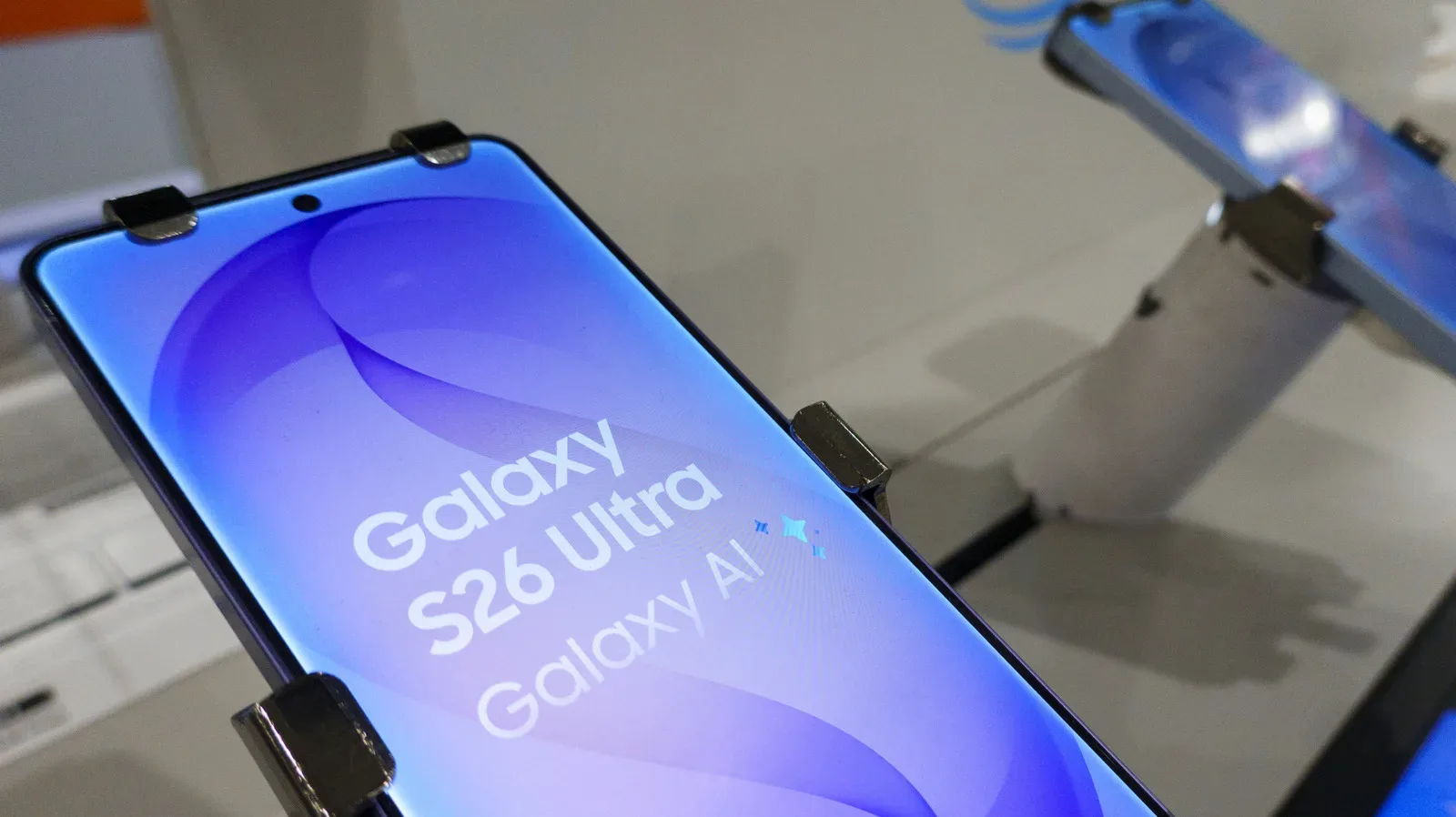
Samsung has begun expanding One UI 9 beyond its latest foldable phones, bringing the software update to the Galaxy S26, Galaxy S26+, Galaxy S26 Ultra and Galaxy S26 FE. The update first appeared on the Galaxy Z Fold 8 Ultra, Galaxy Z Fold 8 and Galaxy Z Flip 8, and its wider rollout means owners of Samsung’s conventional slate-style flagships can now access the same collection of AI-focused tools.
For a platform update, the notable theme is not simply a redesigned interface. One UI 9 puts a great deal of emphasis on helping users reshape information they have already captured: reframing a video around a single person, turning recordings into organized summaries, preserving the flow of a translated discussion, and scanning imperfect paper pages with fewer manual corrections.
That makes this release less about a single headline-grabbing feature and more about a set of small interventions in common phone tasks. Some will be more immediately useful than others, and several rely on Samsung’s descriptions rather than independent performance testing. Still, the S26 rollout establishes the practical question for eligible owners: which tools solve a real problem, and which ones should be approached thoughtfully because they depend on personal context or AI-generated output?
Which Galaxy phones are receiving One UI 9?
One UI 9 is now rolling out to the following Samsung models:
- Galaxy S26
- Galaxy S26+
- Galaxy S26 Ultra
- Galaxy S26 FE
The Galaxy S26, S26+ and S26 Ultra are receiving the update starting today. The Galaxy S26 FE, which arrived this month, also has access to One UI 9. The move comes a little more than a month after the newest Fold and Flip handsets began shipping.
That timing matters because foldables often provide an early home for new Samsung software ideas. They have distinctive displays and multitasking use cases, but tools such as language translation, scanning and video editing are hardly exclusive to foldable ownership. Moving them to the S26 family gives them a much broader everyday audience.
My FanCam turns a wide video into a person-focused clip
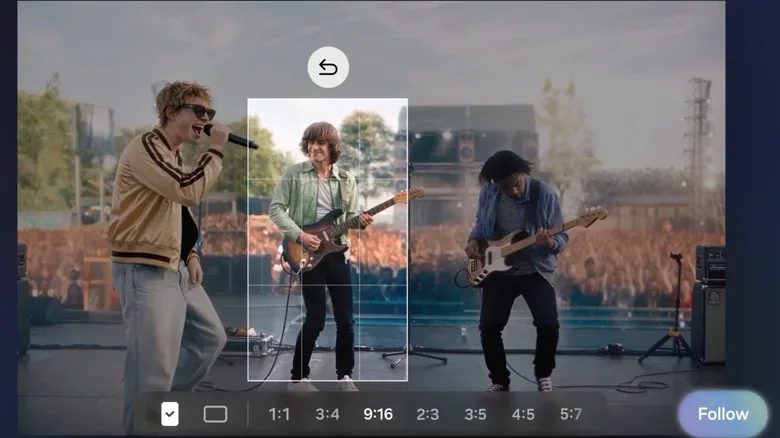
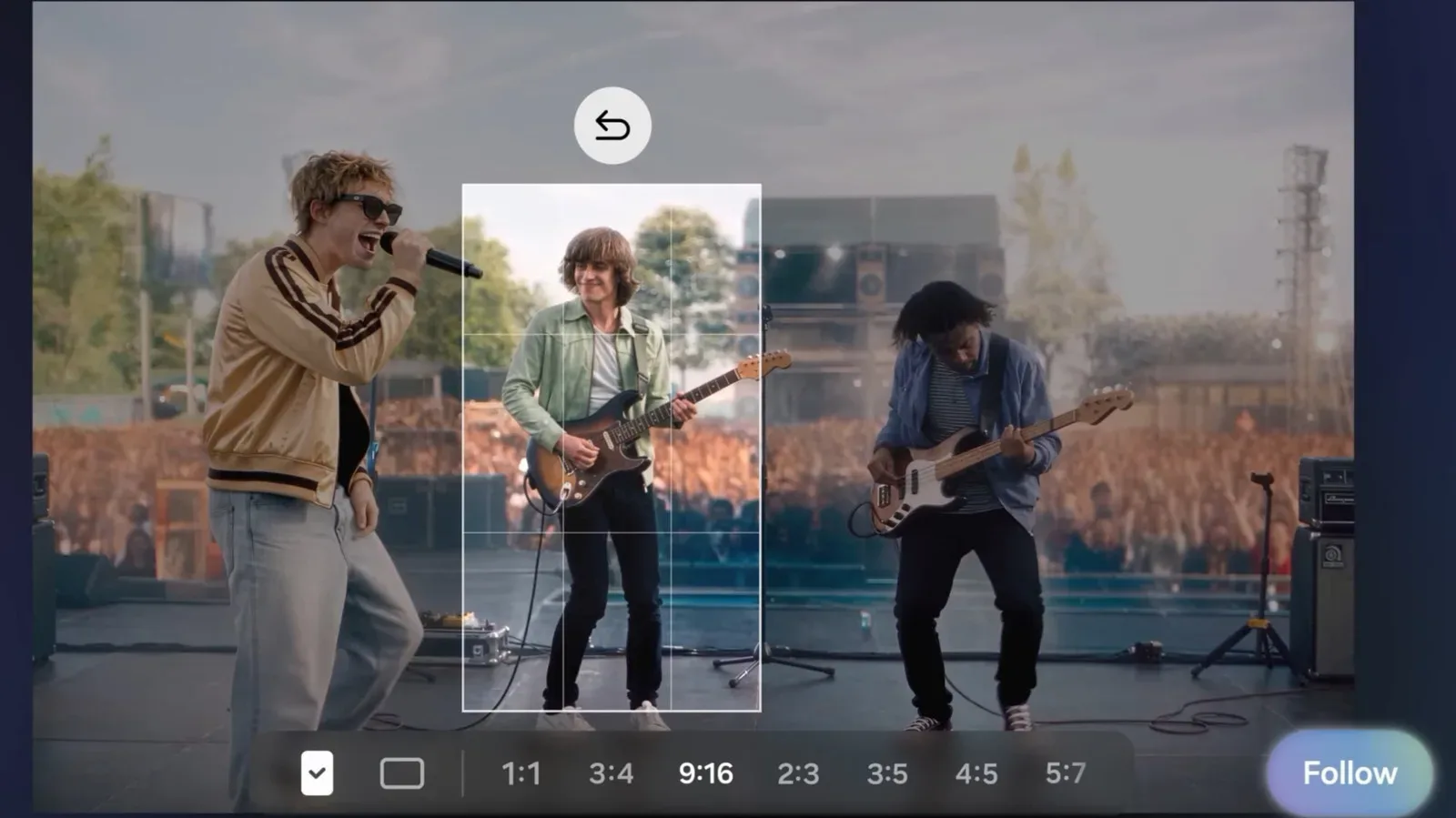
The standout addition is My FanCam, a feature designed to automatically crop a video around one selected person as that person moves. Samsung’s example is a concert: record the full group in a wide shot, then have the tool create a version centered on a favorite performer in the aspect ratio the user prefers.
In simple terms, this is automated reframing. Instead of recording separate footage or manually keyframing a crop through an edit, the feature attempts to follow the chosen subject and keep them in frame. That could be useful well beyond concerts, including school performances, sports clips, family gatherings and convention panels—any situation where a wide source video is safer to capture but a tighter shareable clip is ultimately wanted.
The potential advantage is clear: a wide shot preserves context and reduces the risk of missing an unexpected moment, while a focused crop makes the result more suitable for sharing. The limitation is equally straightforward. A crop cannot create detail that was never captured. The final quality will still depend on the original footage, the subject’s movement, crowding or obstructions, and how much the user needs to zoom in.
There is also a distinction worth making between automated subject tracking and editorial judgment. My FanCam may make it easier to isolate a person, but it does not necessarily know the most important moment, the ideal composition or when a cut should occur. For quick social clips, that trade-off may be entirely reasonable. For footage where framing is the point, users may still want to review the result before sharing it.
Now Brief and Now Nudge aim to make phone context more actionable
One UI 9 also updates two features built around personal information. Now Brief gains generative and editable cards intended to offer more control over what appears in daily summaries. A “generative” card is one created or organized by an AI system rather than being a fixed, unchanging template. “Editable” is important here: it suggests users can adjust what they see rather than treating a generated summary as final.
The practical appeal of a daily brief rests on reduction. Phones accumulate calendar items, reminders, messages, travel details and other fragments of information. A useful summary can save time by presenting the relevant pieces together. But usefulness depends on whether the cards are accurate, timely and configurable enough to avoid becoming yet another stream of notifications competing for attention.
Now Nudge is meant to draw on personal context from across the Galaxy ecosystem and offer suggestions at appropriate moments. Samsung gives the example of bringing reservation details into a text conversation more easily. This describes a contextual assistance system: software that tries to connect information from one task with the task a user is currently performing.
For users, the value proposition is convenience rather than a wholly new capability. Reservation details can already be copied and pasted; the goal is to eliminate the hunt for them and reduce the number of steps. The important practical consideration is review. When a phone suggests content for a message, checking names, times, locations and recipients before sending remains good practice. Convenience features are most helpful when they shorten repetitive work without removing the user’s control of the final action.
Translation tools gain a conversation history view
Samsung’s Interpreter receives a Thread View, intended to make it easier to follow and revisit earlier portions of a translated conversation. This is a sensible interface addition for any back-and-forth exchange. Translation is not only about rendering one sentence into another language; it is also about retaining context over time.
A thread is a chronological sequence of messages or statements. In this case, Thread View should give users a clearer record of what was said earlier, helping them refer back instead of relying entirely on memory or scrolling through a less structured display. Samsung also says translations in Conversation Mode are faster in One UI 9.
Faster translation can improve the rhythm of an in-person chat, particularly where pauses make a conversation awkward. Yet speed and accuracy are separate measures. Proper names, local phrasing, technical vocabulary and ambiguous statements can be difficult for any translation tool. For casual exchanges, the enhancement may reduce friction. For matters involving medical, legal, financial or otherwise high-stakes information, users should not assume an automated translation alone resolves the need for clarity.
Voice Recorder summaries are becoming more structured
The updated Voice Recorder can provide summaries in a clearer, more structured form, including headings and tables. The stated goal is organization: rather than receiving one block of condensed text, users may receive a layout that separates subjects or information into easier-to-scan sections.
Headings can help identify topics quickly, while tables are commonly used to arrange details into rows and columns. For a long recording, that structure could make a summary more useful for finding action items or revisiting a particular part of a discussion. It could be relevant to meetings, lectures, interviews or personal notes, although the release details do not specify particular recording types or languages.
As with any automated summary, it is best understood as a navigation aid, not a replacement for the source recording. A summary is inherently selective: it reduces a longer piece of speech into shorter points. Users relying on a detail should check the original audio, especially when wording and context matter.
Document Scan targets curved pages and folded corners
One UI 9 includes an update to Document Scan that is intended to better capture book pages that curve near the binding or have folded corners, without requiring as much manual adjustment. This is a more modest feature on paper, but it addresses a familiar issue with phone scanning.
Flat pages are simple for a camera and software to interpret. Curved pages can warp lines of text, while a folded corner can confuse the apparent edge of a page. Better correction means less time spent trying to align a book perfectly, holding it open awkwardly or retaking an image because the result looks distorted.
This will be relevant to users digitizing notes, passages for personal reference or paperwork that is not lying perfectly flat. It should not be taken as a license to ignore rights or privacy concerns around what is being scanned; the feature concerns capture quality, not permission to reproduce material.
Security Brief, Privacy Alerts and scam-call detection
Security features are also part of the One UI 9 package. Security Brief offers malware alerts and flags other security issues, while Privacy Alerts are included as an additional safeguard. Samsung is also expanding scam-call detection to Japan, Canada and India.
Malware is software intended to harm, disrupt or gain unauthorized access to devices or data. Alerts can help bring possible threats to a user’s attention, but they are only one layer of protection. Keeping a device updated, being cautious with unexpected links and calls, and verifying unusual requests through independent contact methods remain practical habits.
Scam-call detection is particularly meaningful as a regional expansion because deceptive calls often exploit urgency: a purported bank issue, a delivery problem or a request for a verification code. Detection can be helpful, but it should be treated as assistance rather than an infallible verdict. A call not being flagged does not make its claims trustworthy, and a flagged call may still need to be assessed carefully rather than answered impulsively.
What the S26 rollout says about Samsung’s software direction
One UI 9’s S26 availability signals Samsung’s effort to make AI tools part of routine phone workflows instead of positioning them solely as novelty features for premium foldables. The update touches media, messaging, translation, recording, scanning and safety—the kinds of areas people already visit repeatedly on a phone.
Its strongest ideas are arguably the ones with an obvious input and output: a broad concert video becomes a person-centered version; a warped page becomes an easier scan; a lengthy recording becomes an organized overview. The more context-aware functions, including Now Brief and Now Nudge, carry a different promise. They attempt to anticipate what information will be needed next, which can save effort if the suggestions are relevant and remains controllable if they are not.
That focus on software experience also has relevance for players accustomed to judging portable hardware by more than its physical specs. A display, buttons and cartridge support matter on devices such as the FPGB Mini handheld, but the surrounding interface determines how smoothly people actually use a device day to day. Samsung’s update makes a similar argument from the smartphone side: helpful tools live or die on whether they reduce friction without demanding extra work to supervise them.
For Galaxy S26-series owners, One UI 9 is consequently a release to explore feature by feature. My FanCam and improved scanning offer specific, easily understood use cases. Interpreter’s Thread View and faster Conversation Mode may be welcome for multilingual communication. The daily-summary, contextual-assistance and structured-summary tools have broader ambitions, but their usefulness will depend on how well their suggestions fit an individual’s habits—and on users retaining the habit of checking AI-organized information before acting on it.