A laptop gaming setup can become a cable-management side quest remarkably quickly. One port is occupied by a mouse receiver, another by an external drive, and suddenly there is nowhere convenient to plug in a controller, keyboard, headset dongle, webcam, phone cable, or the USB stick containing something that absolutely should have been backed up already.
TP-Link’s nine-port USB hub is currently listed for $23, a $7 reduction from its usual $30 price. The discount is described as limited-time, so shoppers should verify the listing price before committing. For PC players or laptop owners whose desk has outgrown the number of built-in connections, the appeal is straightforward: this is a compact way to turn one USB connection into a much larger pool of ports.
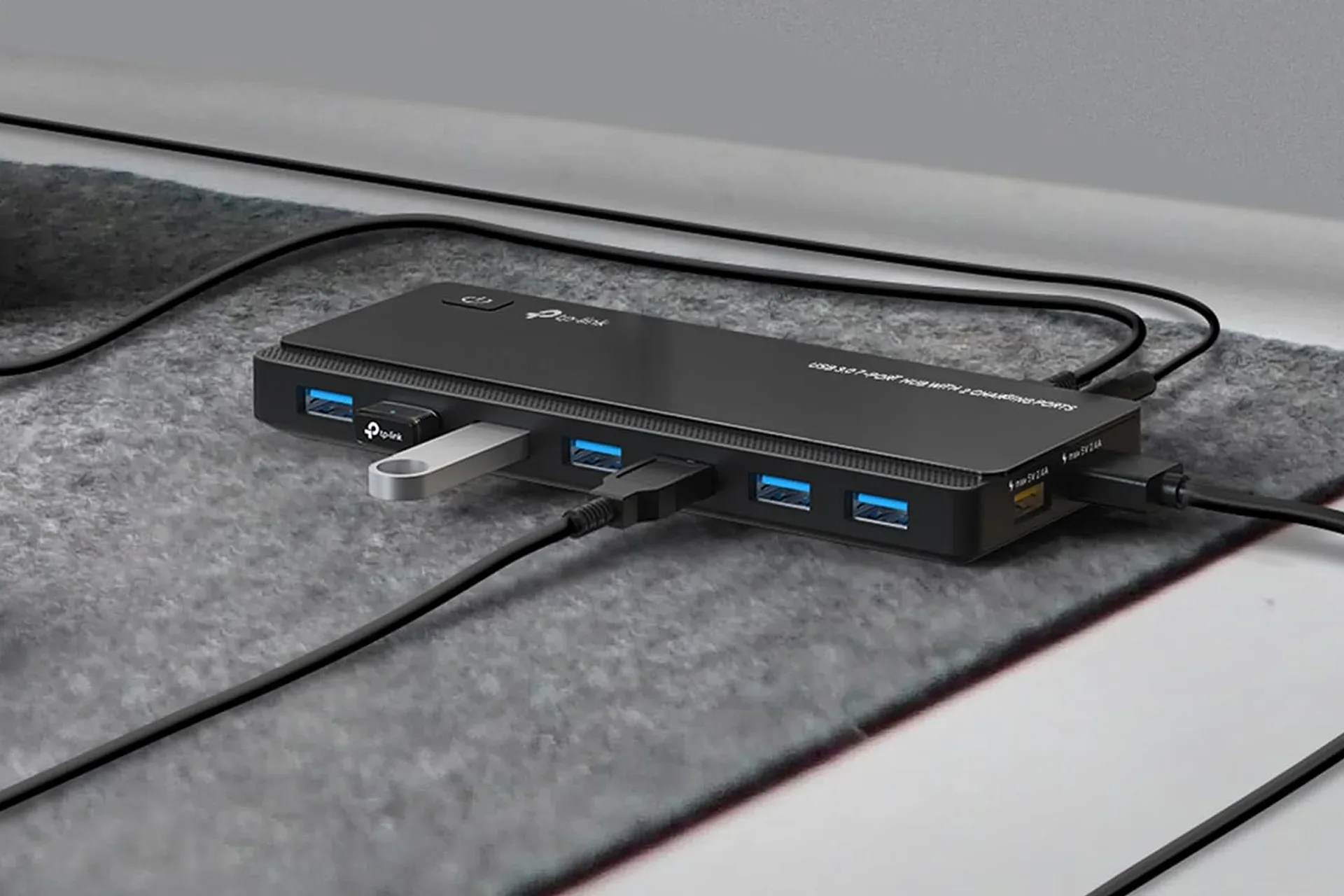
The hub provides seven USB 3.0 ports for data and two dedicated USB charging ports. It is also described as plug-and-play on Windows, macOS, and Linux, with no separate driver download or pre-use configuration specified.
What the nine ports are actually for
The seven primary ports are USB 3.0 connections rated for data transfers of up to 5Gbps. That figure is a theoretical maximum for the connection standard, rather than a promise that every attached device will operate at that speed simultaneously. Actual performance can vary with the computer’s USB connection, the drive or accessory itself, cable quality, and how many devices are active at once.
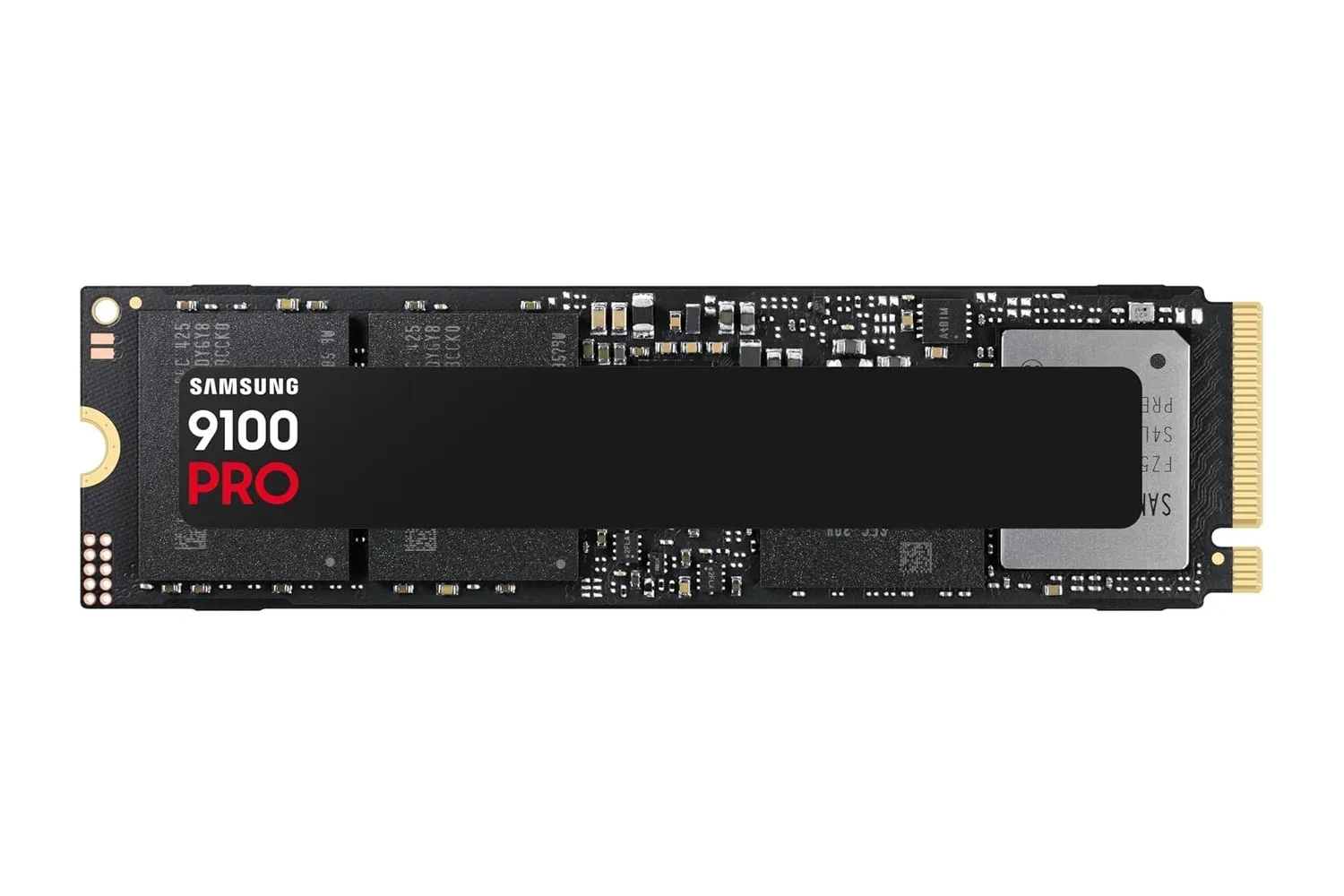
Still, these are the ports that make sense for peripherals and storage: a wired mouse, keyboard, gamepad, USB headset receiver, printer, flash drive, or an external SSD. An external SSD is especially relevant for anyone moving sizable game captures, installing PC games onto portable storage, or maintaining a local backup. Those considering faster storage options can also see how a modern SSD deal fits into a broader desktop upgrade in this look at the Samsung 9100 PRO 1TB SSD.
USB 3.0 is the older consumer-facing name commonly associated with a 5Gbps USB data connection. The important practical distinction here is that these seven ports are intended to carry data, not merely provide a place to charge something. That makes a hub like this potentially more useful than a simple multi-device charging station for a desk built around a laptop.
The remaining two ports sit separately from the seven-port row and are intended for charging. TP-Link rates them at 5V/2.4A, which is a power specification for charging compatible USB devices such as a phone, tablet, or Bluetooth speaker. The listing’s division between data ports and charging ports gives users a clearer place for the accessories that need a persistent connection versus devices that merely need power.
A practical fit for a crowded gaming desk
The strongest case for a multi-port hub is not that every player needs nine connections every day. It is that a desk accumulates USB gear over time, and laptop port counts rarely expand alongside it. A hub can make routine swaps less annoying by keeping frequently used accessories connected in one accessible location.
Related coverage includes TP-Link's 9-Port USB Hub Is Discounted for PC Gaming Desk Setups.
- Laptop setups: Keep a keyboard, mouse, controller cable, external storage, and headset receiver close at hand without constantly rotating cables through the laptop.
- Shared work-and-play desks: Separate charging duties for a phone or tablet from storage and input-device connections.
- Capture and file-management tasks: Provide more convenient access for flash drives and compatible external drives, while recognizing that transfer performance depends on the entire USB chain.
- Peripheral-heavy PC stations: Centralize lower-bandwidth gear such as input devices and wireless receivers rather than filling rear or side ports directly.
There is one important expectation to set: a USB hub expands available connections; it does not magically add unlimited bandwidth. The connected devices share the upstream link to the computer. Low-bandwidth peripherals such as keyboards and mice are generally modest demands, while several active storage devices transferring large files at the same time may compete for available throughput. The 5Gbps figure describes the supported speed of the USB 3.0 data connection, not nine independent 5Gbps pipelines.
That does not make the hub less useful. It just means its most sensible job is organization and access. It can reduce the everyday friction of plugging and unplugging gear while giving users a sensible place for accessories that do not need a direct, permanent laptop port.
Charging capability and device protection claims
The two charging ports are rated at 5V/2.4A. In basic terms, voltage and current together describe how a port supplies electrical power: 5V is the voltage, while 2.4A is the stated current capability. Whether a particular phone or tablet charges at its best possible rate can depend on that device’s own charging rules and the cable used. The supplied information supports the hub as a charging option for most USB-charged devices, but does not establish support for any particular fast-charging protocol.
TP-Link also says the hub uses protections for overheating, overload, overvoltage, and short circuits, alongside built-in surge protection. These terms address different electrical problems:
- Overheating protection is intended to respond when temperatures rise beyond safe operating conditions.
- Overload protection addresses an excessive power demand.
- Overvoltage protection is designed to guard against voltage above the expected level.
- Short-circuit protection responds to an unintended low-resistance electrical path that can create a dangerous current spike.
- Surge protection is meant to help shield connected equipment against sudden electrical surges.
Protection features are worthwhile in principle when several devices may be connected at one time. They should not be treated as a license to ignore damaged cables, excessive heat, or a visibly malfunctioning accessory. Their practical value is an added layer of fault management in a setup where a hub may be handling multiple connected devices and ongoing charging.
Compatibility, setup, and what is not specified
TP-Link describes the hub as compatible with Windows, macOS, and Linux and says it works without drivers or advance configuration. Plug-and-play means the operating system is expected to recognize the hub and basic attached devices without the user first installing separate software. That is helpful for a travel laptop or an office-and-gaming machine where an accessory should work with minimal setup.
However, buyers should distinguish the confirmed details from assumptions. The available information identifies the port count, the seven USB 3.0 data ports, their up-to-5Gbps transfer capability, the two 5V/2.4A charging ports, cross-platform plug-and-play support, and the stated protection features. It does not establish the hub’s precise model name, physical cable length, enclosure dimensions, video-output capability, Ethernet capability, or any bundled power arrangement. It also does not claim that it replaces a full docking station.
That distinction matters because a USB hub and a dock can solve different problems. This product is presented as an expansion device for USB connectivity and charging. Anyone specifically needing display outputs, wired networking, or other dock-oriented features should confirm those requirements separately rather than presuming they are present.
The value proposition at $23
At the listed $23 price, the TP-Link hub is most compelling for someone with a simple problem: too many USB accessories and too few reachable ports. Seven data ports provide room for the accessories that live on a gaming desk, while the two dedicated charging ports can keep mobile devices from competing with those connections.
For a desktop owner, it can be a convenience upgrade that puts ports within reach. For a laptop owner, it can be a more meaningful expansion, helping a slim machine support a fuller collection of peripherals without turning every device swap into a cable shuffle.
The best purchase decision rests on a realistic inventory: count the devices that need data, count the devices that merely need charging, and consider whether multiple high-speed drives will often be transferring data at the same time. If the answer is mostly controllers, receivers, input devices, flash storage, and occasional external-drive use, this nine-port layout addresses the kind of everyday USB shortage that sneaks up on a PC setup.
Shop the products
Check current price, model and availability at the retailer.