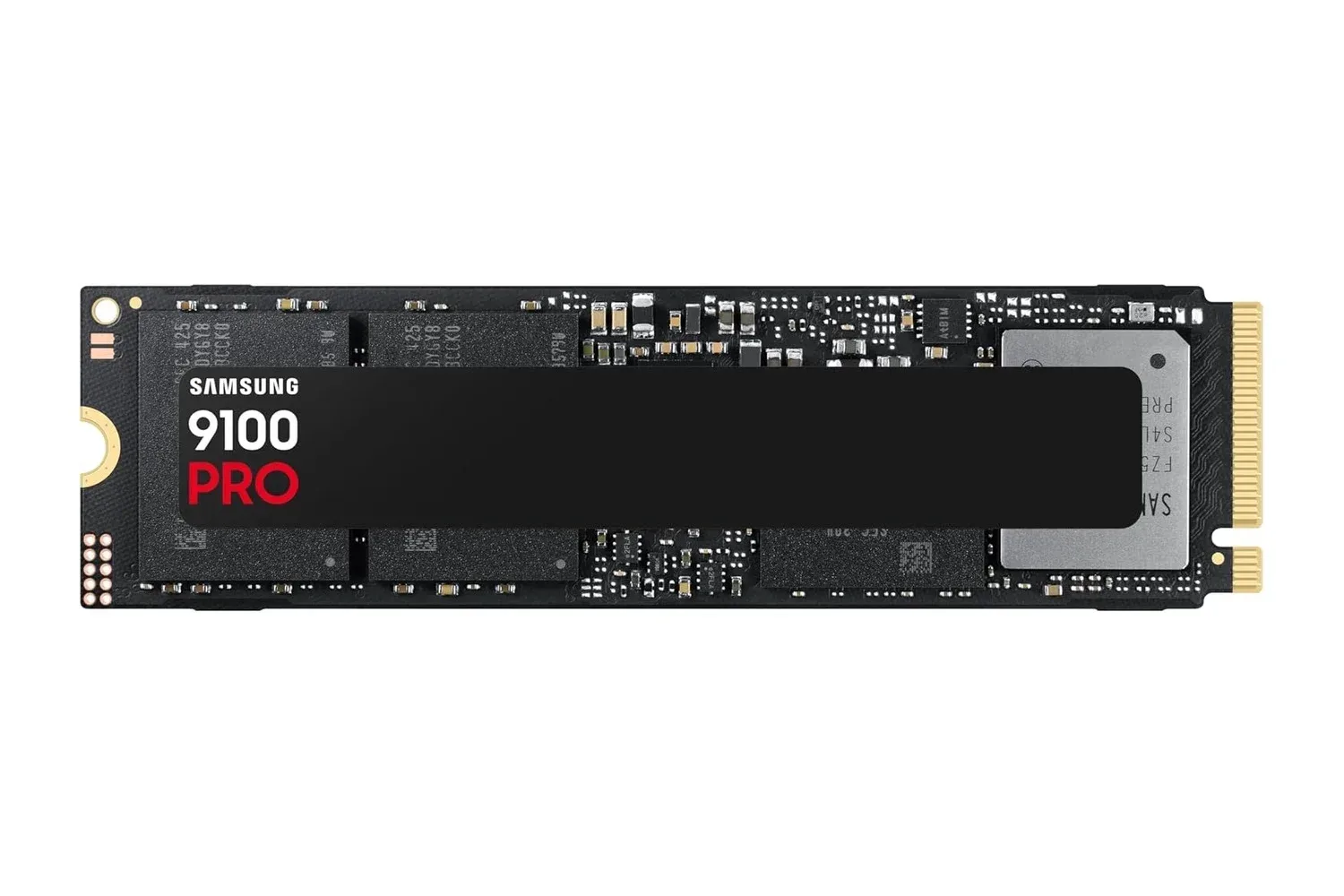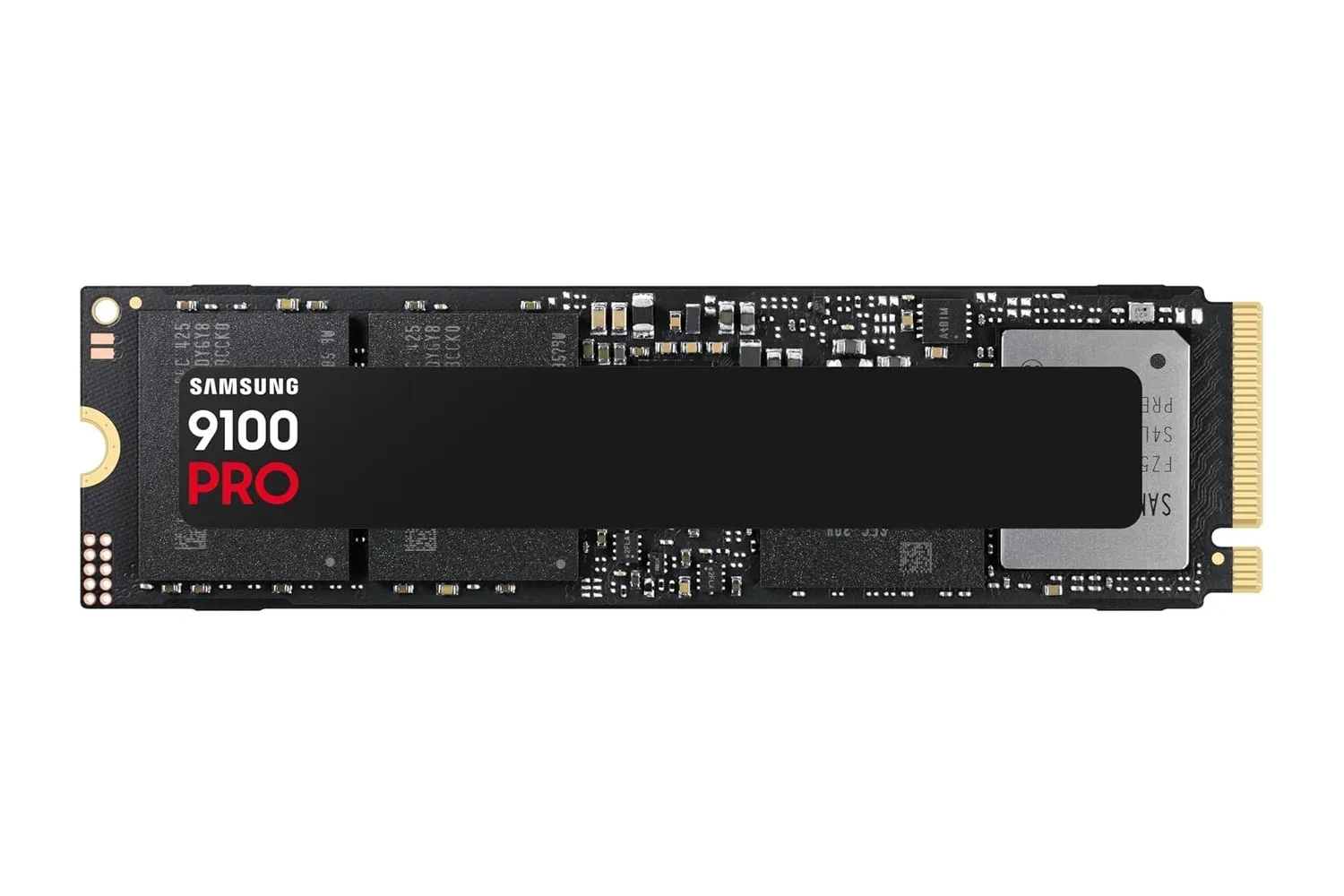
Samsung’s 1TB 9100 PRO SSD is listed at $250, a $90 reduction from its stated $340 regular price. That is a 26% discount on a drive aimed squarely at high-end desktop storage: gamers building new PCs, creators moving substantial project files, and users whose local AI workflows routinely load and save large data sets.
The price is the immediate headline, but compatibility is the more important part of the buying decision. The 9100 PRO is an M.2 2280 NVMe SSD using a PCIe 5.0 x4 connection. It can physically fit the common M.2 2280 slot format, yet a PC needs a Gen 5-capable M.2 connection to access the performance tier that makes this model distinctive. For a system without that support, it is worth checking the motherboard manual and the intended M.2 slot before treating a top-end PCIe 5.0 drive as a straightforward upgrade.
Samsung rates the 1TB model for sequential reads of up to 14,700 MB/s and sequential writes of up to 13,300 MB/s. It also lists random performance of up to 1,850K read IOPS and 2,600K write IOPS. The specification sheet pairs those figures with Samsung’s Presto controller, eighth-generation V-NAND TLC flash, a 1GB LPDDR4X cache, and a five-year limited warranty.
What the headline speed numbers actually describe
Sequential performance measures transfers involving large, contiguous blocks of data. In ordinary terms, it is relevant when copying a large game installation, transferring high-resolution video footage, moving a sizeable archive, or working with project assets stored in a long run rather than scattered as tiny individual files. A rating of up to 14,700 MB/s reads and 13,300 MB/s writes places the 9100 PRO firmly in PCIe 5.0 territory.
Those “up to” figures are capability ratings rather than a promise that every task will always hit the quoted maximum. The rest of the computer, the type of files being handled, the application’s behavior, the connection used by the M.2 slot, and the sustained nature of the workload all shape real results. A transfer can only proceed as quickly as the slowest relevant part of the chain permits.
Random performance is a different measurement and is often more revealing for day-to-day responsiveness. IOPS means input/output operations per second. Rather than describing one enormous continuous copy, it counts how many separate read or write operations a drive can process. Operating systems, applications, caches and complex project folders can generate many smaller requests, so strong random IOPS can help make launching programs, switching workloads and multitasking feel more immediate.
That does not mean a faster SSD changes every part of gaming performance. Storage speed concerns getting game data into memory and moving files around; it is not a replacement for the processor or graphics hardware that renders a game once play is underway. The practical gaming case is faster loading and a capable boot drive for a PC with the platform support to exploit it.
PCIe 5.0 x4 and NVMe 2.0, explained
PCIe is the connection standard that lets components communicate with a PC. “PCIe 5.0” refers to the fifth generation of that connection, while “x4” denotes four PCIe lanes allocated to the drive. More available bandwidth is the central reason a Gen 5 SSD can be rated far above earlier generations.
NVMe is the storage protocol built for solid-state drives over PCIe. In this case, the 9100 PRO supports NVMe 2.0. Put simply, PCIe is the high-speed route between the system and the drive, while NVMe is the language used to manage the storage requests travelling over it. The combination is designed to reduce the bottleneck that would otherwise keep high-speed flash memory from being used effectively.
The key caveat is simple: an M.2 slot describes the physical mounting format, not automatically the maximum PCIe generation available through that slot. Prospective owners should confirm that their chosen slot supports PCIe 5.0 x4, particularly if a motherboard has several M.2 positions with different capabilities. The drive can also serve as a main boot disk or additional storage, but the case for paying for a premium Gen 5 model is strongest where the rest of the build can support it.
That distinction is particularly useful for anyone planning a complete desktop rather than simply replacing an older drive. Storage is one component in a broader system, and a fast SSD should be matched with a motherboard platform that will not leave its headline interface bandwidth unused. For another current peripheral deal relevant to a PC setup, see our Logitech G305 Lightspeed discount coverage.
The hardware behind the rating
Samsung identifies the Presto controller as the management hub of the 9100 PRO and says it is built on a 5nm process. A controller directs data flow between the host system, cache and NAND flash storage. It is a vital component in how a drive handles workloads, maintains its performance behavior and manages stored data.
The drive uses TLC V-NAND flash. TLC, or triple-level cell, refers to flash storage that holds three bits of data per cell. V-NAND refers to vertically stacked flash cells, a design intended to increase storage density. For buyers, the most meaningful point is that this is the flash memory where the operating system, games, projects and other files ultimately reside.
It also contains 1GB of LPDDR4X cache. Cache is fast temporary memory used to assist the drive with ongoing data operations. Samsung positions this cache as support for sustaining performance under demanding workloads. That matters more during extended file work than in a short, isolated transfer, though system and workload conditions remain decisive.
Thermals are not a footnote on this class of drive
High-performance storage produces heat during sustained activity. Samsung’s thermal approach includes a nickel coating on the Presto controller and a heat-spreader label. The purpose is to help the drive maintain speed during lengthy gaming sessions and large transfers rather than allowing temperature to become an unnecessary performance constraint.
In a practical build, the motherboard’s own M.2 cooling arrangement and the general airflow of the case are still worth considering. This is not a claim that the drive requires some particular extra accessory; it is a reminder that its performance class makes thermal planning relevant. Users should consult their motherboard documentation for the appropriate slot, mounting method and any heatsink instructions.
Who the 1TB capacity best suits
A terabyte gives the 9100 PRO enough room to operate as a fast primary drive for an operating system, a focused game library and active work files. It can also be used as a secondary drive beside existing storage. Samsung specifically frames it as a strong boot-drive option in a new build.
Capacity needs are personal. A player who keeps only their current rotation installed may find 1TB a sensible fit. A creator maintaining multiple large projects simultaneously, or anyone intending to store extensive local datasets, should first map out how much of that space will remain once the operating system, software and active files are present. The deal lowers the entry cost for the performance level, but it does not alter the fixed 1TB capacity.
Security and software features
The 9100 PRO includes AES 256-bit hardware encryption. AES is a widely used encryption standard, and 256-bit refers to the key size associated with this implementation. Hardware encryption means the drive includes dedicated support for protecting stored data rather than leaving that function solely to general-purpose software. Anyone setting up encryption should still understand their system’s own security configuration and recovery requirements.
Samsung Magician software is included in the drive’s feature set. It can be used to check drive status, update firmware and optimize performance. Firmware is the low-level software that helps hardware operate, so having an official route for status checks and updates is a practical maintenance feature for a component expected to act as a boot drive or home for important project data.
The manufacturer also positions the SSD for AI computing, where local applications and models may repeatedly load and save large files. That use case fits the drive’s high sequential throughput and emphasis on responsiveness, but it does not mean storage alone determines AI performance. It is one element in a capable PC configuration.
What to check before purchasing
- Motherboard support: Confirm that the intended M.2 slot offers PCIe 5.0 x4 if the goal is to use the drive at its premium performance tier.
- Physical format: Verify support for the standard M.2 2280 size and follow the motherboard’s mounting guidance.
- Drive role: Decide whether the 1TB space will be a boot drive, dedicated game-and-project drive, or secondary storage alongside existing disks.
- Cooling arrangement: Review the board’s M.2 heatsink instructions and consider overall case airflow for sustained heavy workloads.
- Software maintenance: Plan to use Samsung Magician for status monitoring and firmware updates after installation.
At $250, the Samsung 9100 PRO 1TB is a materially cheaper route into a premium PCIe 5.0 SSD than its stated $340 regular price. Its appeal rests on more than one large sequential benchmark: high random IOPS, onboard cache, controller and thermal design, encryption support, and software management help define it as an enthusiast-class drive. Still, the smartest way to assess the deal is to start with the motherboard. In a Gen 5-ready PC, its specifications target fast loads, substantial transfers and demanding active storage workloads; without that platform support, the most important question is whether this is the right performance tier for the system at all.
Shop the products
Check current price, model and availability at the retailer.