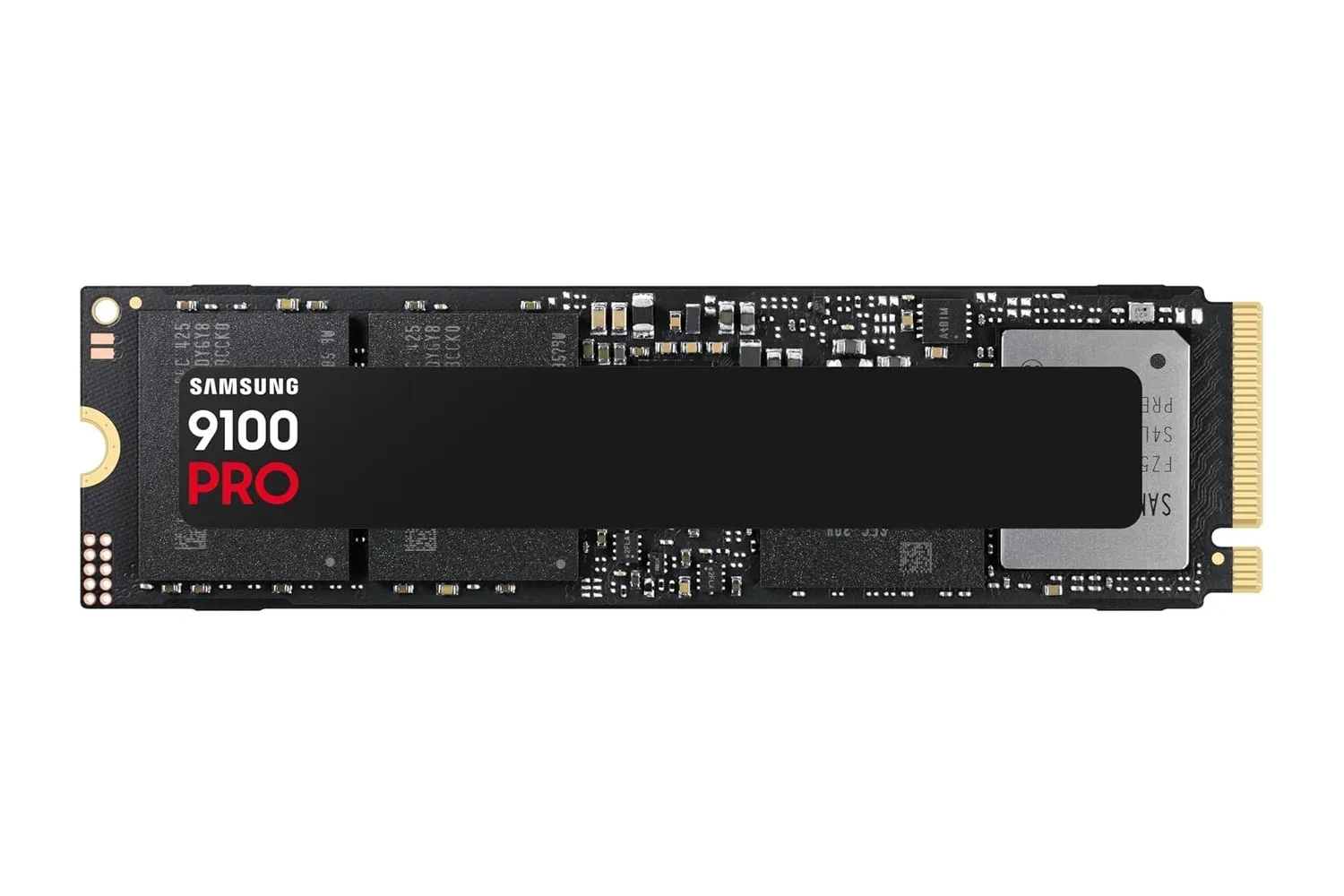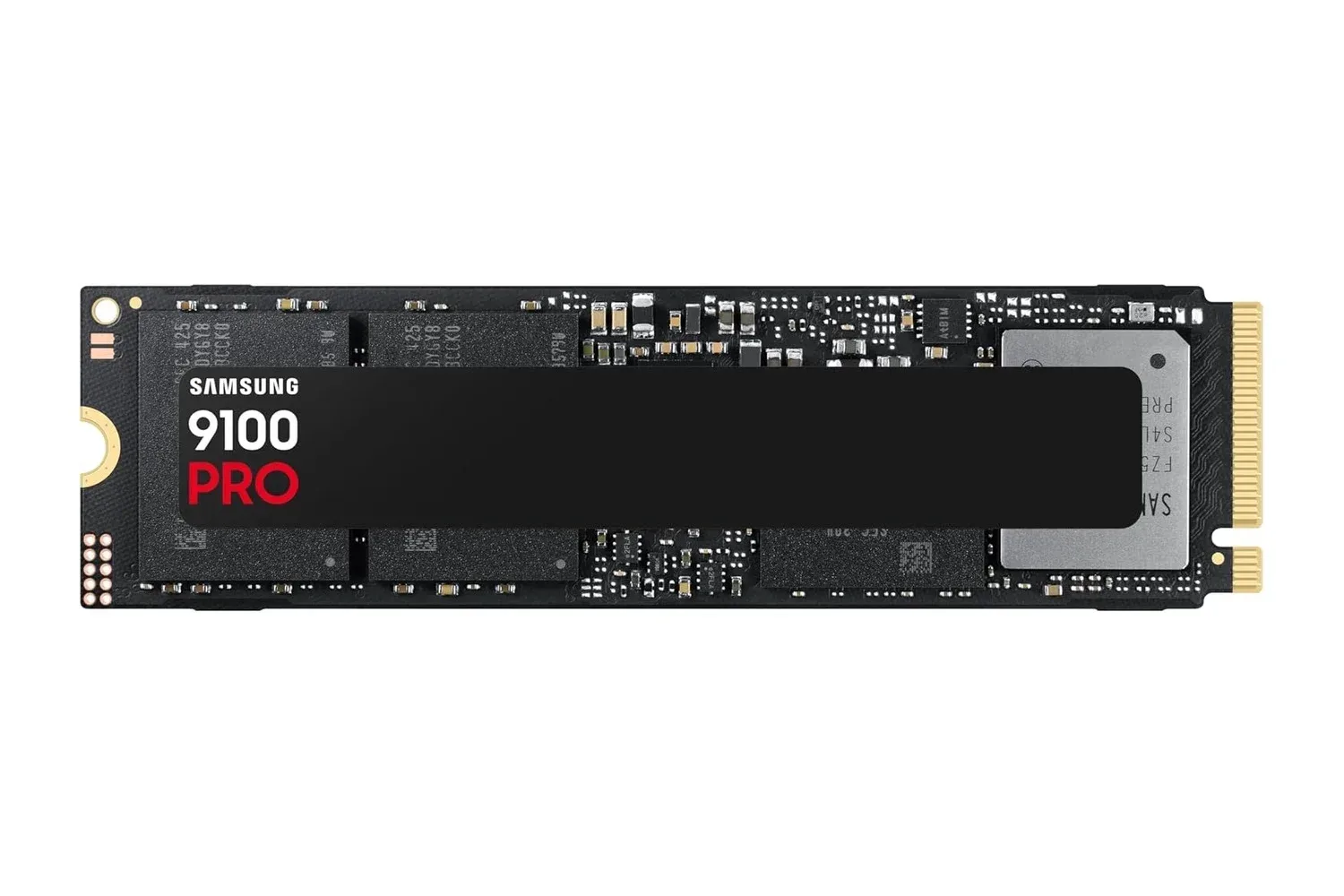
Samsung’s 2TB 9100 PRO SSD is listed at $350, down from a regular price of $680. That is a $330 reduction, or 49%, on a drive built around a PCIe 5.0 x4 interface and aimed at people who need high-speed storage for a gaming library, large media projects, or other data-heavy PC workloads.
The headline figures are formidable: Samsung rates the 2TB model for sequential reads of up to 14,700 MB/s and sequential writes of up to 13,400 MB/s. It also lists random performance of up to 1,850K read IOPS and 2,600K write IOPS. The drive has a standard M.2 2280 physical format, 2TB of capacity, NVMe 2.0 support, a Samsung-made controller and V-NAND flash, plus a five-year limited warranty.
Those specifications make the 9100 PRO a potentially meaningful upgrade for the right desktop build. The key qualifier is compatibility: its top PCIe 5.0 x4 performance requires a motherboard with a Gen 5 M.2 connection. An M.2 slot alone is not the same thing as a Gen 5 slot, so buyers should check their motherboard documentation before treating the speed ratings as a guarantee.
What the $350 listing buys
At this price, the 9100 PRO offers 2TB of PCIe 5.0 NVMe storage rather than simply a large capacity drive. That distinction matters because storage upgrades generally involve two separate questions: how much data can stay installed locally, and how quickly the system can read or write it.
Two terabytes can accommodate an operating system, applications, a sizable game library, and photo or video project files without forcing every type of data onto separate drives. The performance side is geared toward moving and opening large files quickly, while the random-performance ratings are relevant to many smaller read and write requests arriving in rapid succession.
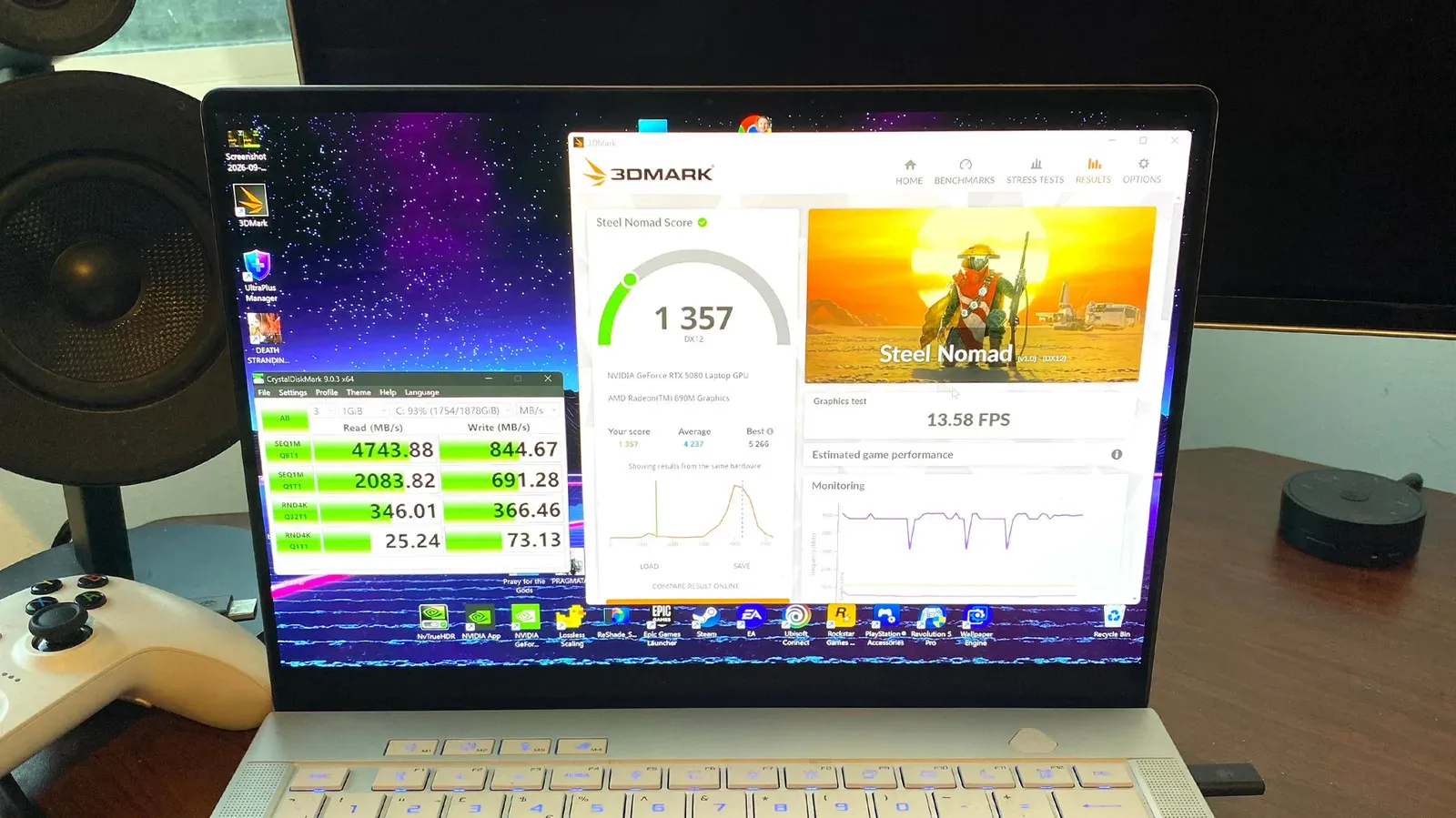
For gaming, storage speed can affect loading and the time spent fetching installed game data. It does not replace the role of a CPU, graphics card, memory, or a stable game build in determining frame rate and overall performance. A fast SSD is therefore best understood as one component in a broader system rather than a universal gaming-performance switch. For a wider view of finding system bottlenecks, see these PC benchmarks that can help show whether a gaming rig is performing as expected.
Explaining PCIe 5.0 x4 and NVMe 2.0
PCIe, short for Peripheral Component Interconnect Express, is the connection used by many internal PC components to communicate with the rest of the system. PCIe 5.0 is the interface generation used by the 9100 PRO, while x4 describes the four PCIe lanes assigned to the drive. In practical terms, that connection gives the SSD the bandwidth needed for its highest advertised throughput on an appropriate Gen 5 platform.
NVMe is a storage protocol designed for SSDs that communicate over PCIe. The 9100 PRO supports NVMe 2.0. Together, the PCIe 5.0 x4 interface and NVMe protocol provide the foundation for the drive’s high sequential and random ratings, but the motherboard must offer the corresponding Gen 5 support for the drive to reach its full potential.
Related coverage includes Samsung 9100 PRO 2TB PCIe 5.0 SSD Drops to $350.
The 9100 PRO uses the common M.2 2280 card size. “2280” identifies its dimensions: the compact M.2 module is 22 millimeters wide and 80 millimeters long. That makes the physical format familiar to many modern desktop builders, though physical fit should still be considered separately from interface support. A desktop may have an M.2 slot while lacking a Gen 5 M.2 connection.
That is the crucial buying distinction in this deal. Someone building or upgrading a Gen 5-capable PC can target the full class of performance Samsung advertises. Someone with an older platform may still be considering a 2TB M.2 SSD, but should confirm what interface their available slot supports and assess the drive in that context rather than purchasing solely for its maximum benchmark numbers.
Sequential speeds versus random IOPS
The quoted 14,700 MB/s read and 13,400 MB/s write figures describe sequential performance. Sequential work means data is being read or written in a continuous stream. Copying a large project folder, opening large video assets, or transferring a substantial file are examples of workloads where that type of throughput is especially relevant.
The IOPS figures describe another part of the picture. IOPS means input/output operations per second: a measurement of how many individual storage requests a drive can process. Samsung rates this model at up to 1,850K random-read IOPS and up to 2,600K random-write IOPS. Random performance matters when the system is dealing with lots of smaller, non-contiguous requests, a pattern associated with operating-system activity, launching programs, multitasking, and workloads that repeatedly access different files.
Neither measurement should be mistaken for a promise that every action will occur at the listed maximum. They identify different potential strengths under the relevant workload. Sequential numbers are particularly useful for sustained, large-file transfers; random figures better describe responsiveness across many smaller operations. The practical appeal of the 9100 PRO is that Samsung positions it strongly in both areas.
The components behind the drive
Samsung says the 9100 PRO uses its internally developed Presto controller, manufactured on a 5-nanometer process. The controller is the part of an SSD that manages data flow between the computer and the flash storage. It works alongside Samsung’s eighth-generation V-NAND TLC flash memory.
TLC, or triple-level cell, is the type of NAND flash identified for this drive. NAND is the non-volatile flash storage that keeps files when the system is powered off. The 9100 PRO also includes a 2GB LPDDR4X cache. A cache is fast temporary memory used to help maintain performance while the drive handles data, and Samsung describes this cache as supporting sustained performance under heavier workloads.
Samsung also highlights power and thermal controls intended to maintain suitable operating temperatures during extended gaming sessions or large transfers. Thermal behavior matters because high-performance storage is often asked to sustain intensive work for extended periods, not merely complete a brief loading task. The stated management features are part of the package, but buyers planning a desktop installation should still consider their motherboard’s M.2 slot arrangement and cooling setup.
Endurance, security and drive maintenance
Capacity and peak speed are not the only figures worth checking on an SSD. Samsung rates the 2TB 9100 PRO for 1,200 TBW, meaning 1,200 terabytes written. TBW is an endurance rating that describes the total amount of data written to the drive over its rated life. It is especially relevant to people who routinely export video, move large datasets, or run workloads that perform frequent writes.
The drive is covered by Samsung’s five-year limited warranty. It also includes AES 256-bit hardware-based encryption, a security feature intended to protect data stored on the drive. Buyers with sensitive files should still understand how encryption is configured and managed in their own system; hardware support is not a substitute for keeping recovery information and important data appropriately protected.
Samsung Magician software is included for monitoring drive health, applying firmware updates, and enabling performance optimization features. Firmware is the low-level software that helps hardware operate. Keeping it current when appropriate can be part of normal drive maintenance, while health monitoring gives owners a way to keep an eye on the SSD after installation.
Who this PCIe 5.0 SSD suits best
The strongest case for the 9100 PRO is a PC that both supports PCIe 5.0 storage and regularly handles work where fast local access is valuable. That can include a gaming machine with a large installed library, a creative workstation opening high-resolution footage or sizable image assets, or a system used for frequent large-file transfers.
Samsung also identifies local AI applications and models as a use case. Such workloads may repeatedly load and save large files, so the company’s emphasis on high read and write performance fits the stated requirement. As with games and editing work, however, the broader PC must be capable enough for the intended software; the SSD is an important part of the data path, not the sole determinant of application performance.
For shoppers who have verified Gen 5 compatibility, the $350 listing turns a high-end 2TB PCIe 5.0 drive into a more accessible upgrade than its $680 regular price suggests. The useful checklist is straightforward: confirm a compatible M.2 slot, make sure 2TB is the desired capacity, account for the system’s cooling arrangement, and weigh whether the workload benefits from the 9100 PRO’s unusually high throughput and random-operation ratings.
Shop the products
Check current price, model and availability at the retailer.