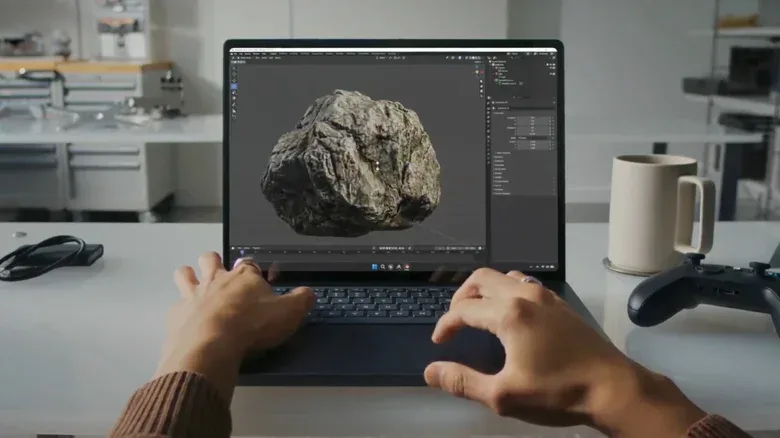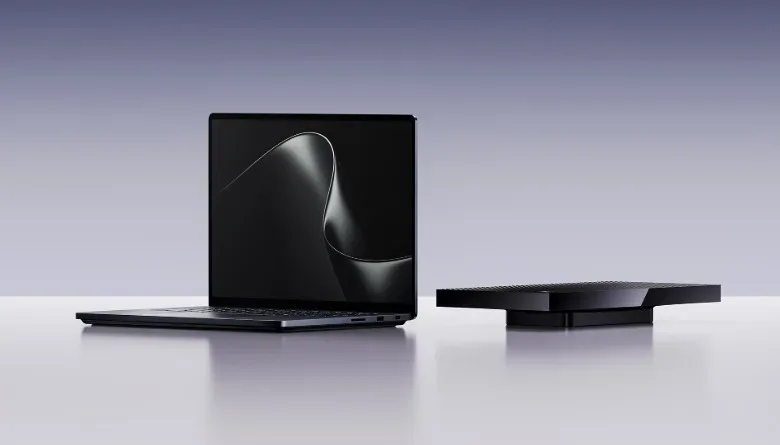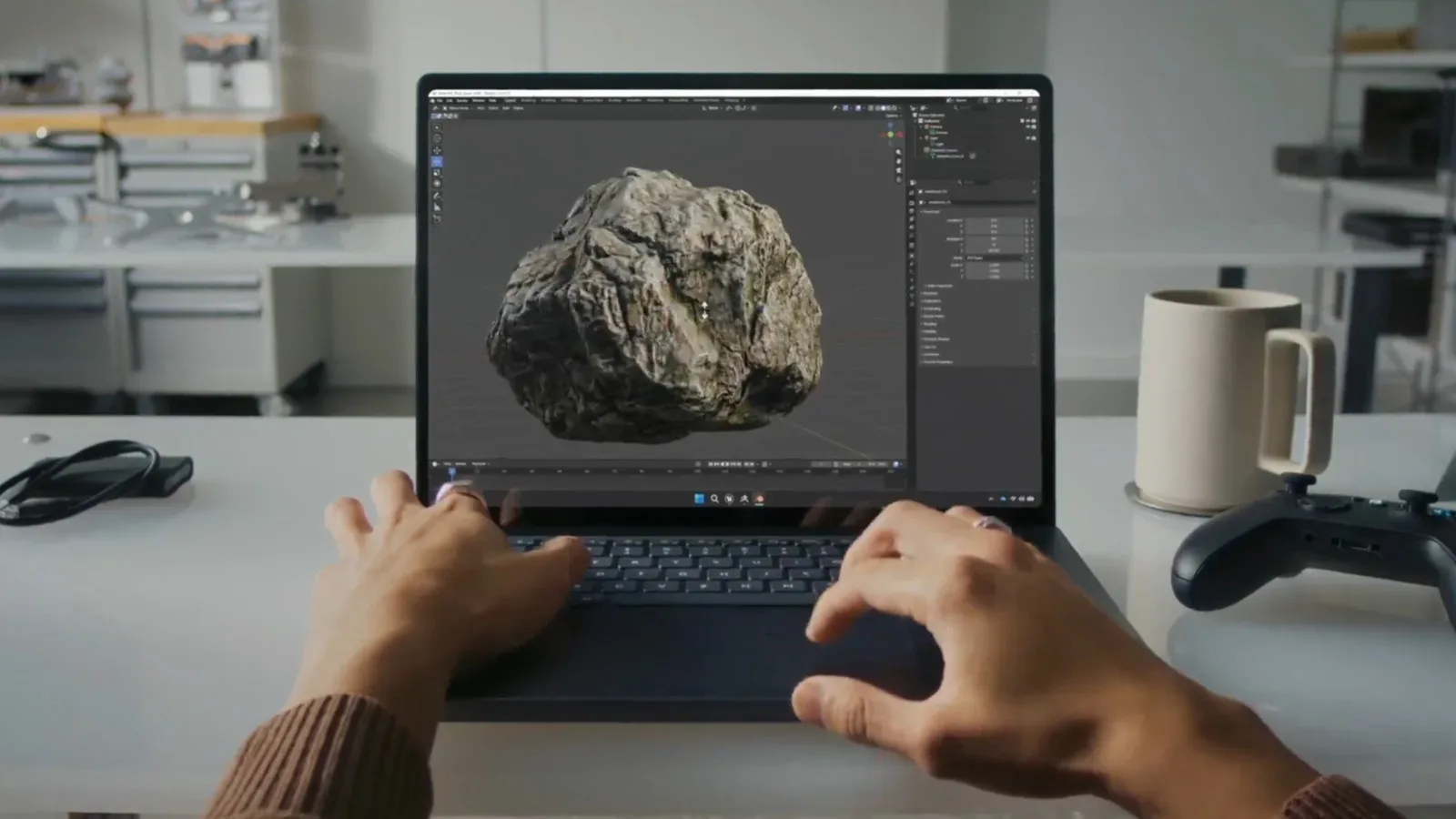
Microsoft has filled in the major specifications for the Surface Laptop Ultra, a large Windows notebook positioned less as an everyday premium laptop and more as a portable workstation for developers and AI researchers. The “builder-class PC” label is important: this is not being pitched as a conventional machine for browsing, casual productivity, video edits or games, even though it should be capable of those jobs. Its purpose is substantially heavier compute work, especially workloads that benefit from large memory capacity and AI-focused processing.
Pre-orders are open from $2,599. The Surface Laptop Ultra has a 15-inch Mini-LED touchscreen, NVIDIA’s RTX Spark platform, configurations with 18-core or 20-core CPUs, and a ceiling of 128GB of unified memory. Microsoft also says the laptop’s SSD is user-removable, a welcome practical detail in a class where large local projects can rapidly consume storage.
A Surface designed around local AI work
The defining specification is RTX Spark. Microsoft says the Surface Laptop Ultra can deliver up to one petaflop of FP4 AI compute. That terminology needs a little unpacking before it is treated as a universal performance verdict.
A petaflop means one quadrillion floating-point operations per second. It is a measurement of mathematical throughput, rather than a direct promise about how quickly every application will feel. FP4 refers to four-bit floating-point data, a low-precision numerical format that can be useful for certain AI inference tasks. Inference is the stage where an already-trained model produces an answer, image, classification or other result. Lower-precision formats can reduce memory use and increase speed when the model and software support them, but they are not a simple substitute for traditional CPU performance or for every graphics and creative workload.
That distinction is central to the Laptop Ultra’s audience. A developer working with compatible local models may value a large pool of memory and AI throughput far more than a shopper whose heaviest task is a browser full of tabs. A gaming creator who is building tools, prototyping AI-assisted workflows or experimenting with local generation may see a clearer use case than someone seeking a laptop principally to play games.
The machine is part of a wider shift toward putting more AI-capable hardware on the desk rather than relying solely on a remote service. Local work can be useful when files are large, when an iterative workflow involves repeated runs, or when a project is better kept on the device. The exact benefits will depend on the software, model sizes and memory needs involved; the headline compute rating by itself does not establish performance in a particular application.
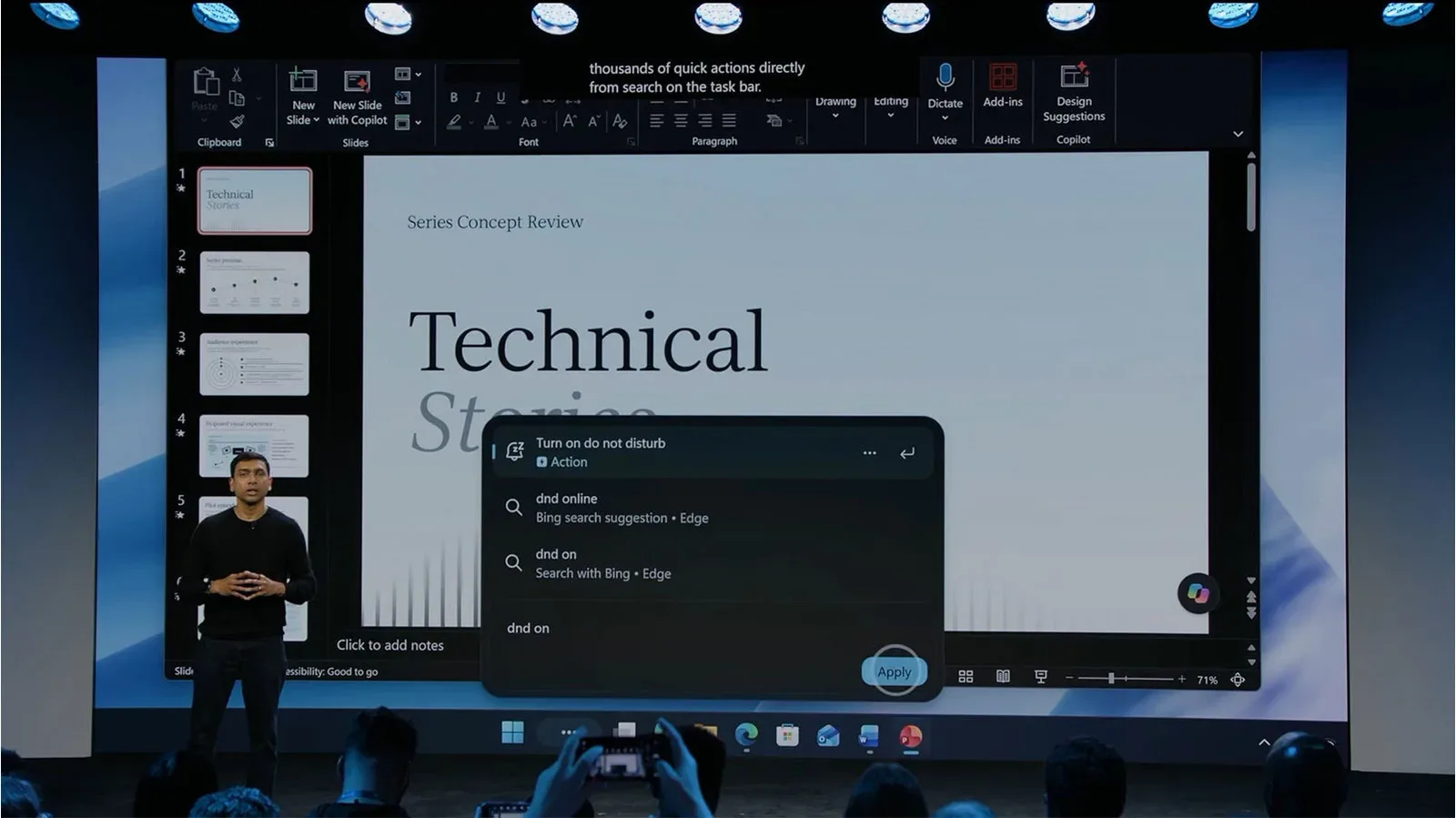
That broader local-AI direction also connects with Windows interface changes already being aimed at Copilot, settings and on-device tasks, as covered in Windows Search’s evolving command-bar role. The Surface Laptop Ultra is the hardware end of that story: a system intended for people who need more than lightweight assistance and want substantial compute capacity available locally.
Two RTX Spark configurations, with memory tied to the higher-end chip
Microsoft has outlined two principal configurations. One uses the RTX Spark N1X with an 18-core CPU. A more powerful model uses a 20-core CPU. The base version supports up to 32GB of RAM, while systems with the 20-core RTX Spark processor can reach 128GB of unified memory.
Unified memory means the system’s processing components share the same memory pool rather than relying on completely separate system RAM and graphics memory allocations. In practical terms, the relevant advantage is capacity that can be directed toward demanding tasks without treating CPU memory and GPU memory as entirely isolated buckets. It is especially notable on a laptop described as a platform for AI research and development, where memory requirements can be a hard constraint.
However, prospective buyers should not read “128GB” as a reason for everyone to buy the maximum configuration. Microsoft’s own positioning makes the division unusually plain. For conventional work, the extra cost and capability could be unnecessary. The 128GB option matters most to people whose tools and projects actually require it. Buyers should therefore begin with the applications and local workloads they expect to run, then determine whether their memory demands justify moving beyond the 32GB limit of the 18-core model.
Microsoft’s performance comparisons are also specifically framed as company claims. Against a MacBook Pro using an M5 Pro chip, Microsoft says the Surface Laptop Ultra is 6.2 times faster at video generation, 4.3 times faster at image creation and 2.1 times faster to first token. “Time to first token” is an AI response metric: it measures the delay before a model begins producing its first piece of output. It can matter to interactive model use, but it is not the same as full-answer speed or an all-purpose laptop benchmark.
These figures are useful indicators of the kind of work Microsoft wants this product associated with—generative video, image generation and responsive model output—but they are not a replacement for independent, application-specific testing. They should be understood within the particular comparison and tasks selected by Microsoft.
Performance away from the outlet is a major claim
High-performance laptops often change their behavior on battery power, reducing sustained performance to meet power and thermal limits. Microsoft says the Surface Laptop Ultra supplies 99 percent of its maximum performance while unplugged. If that holds in the workloads relevant to a buyer, it could be one of the system’s most consequential characteristics: a portable computer that is not principally useful only when it is parked beside an outlet.
Microsoft also says the Ultra has 2.5 times the thermal capacity of any previous Microsoft notebook. Thermal capacity concerns a system’s ability to move and manage heat generated by its components. More capacity can help a computer sustain demanding work for longer rather than sharply reducing speed once it becomes hot. It does not automatically tell us how loud the cooling system will be, how warm the chassis may feel, or what battery duration will look like. Those are separate questions not answered by the announced specifications.
Still, the pairing of the thermal claim and the unplugged-performance claim explains the product’s 4.5-pound weight and 18mm, or 0.7-inch, aluminum chassis. This is not attempting to masquerade as an ultraportable. It remains relatively slim for its stated role, but Microsoft is plainly allocating space and weight toward the hardware needed for sustained builder-oriented performance.
The display and ports favor creation over minimalism
The Surface Laptop Ultra comes with a 15-inch Mini-LED PixelSense Ultra touchscreen in a 3:2 aspect ratio. It is rated for up to 2,000 nits of peak brightness. Mini-LED is a display backlighting approach that uses many smaller LEDs, enabling more localized lighting control than a conventional broad backlight. Peak brightness is a maximum measurement rather than a statement that the screen will continuously operate at that level in all circumstances. Even so, the stated figure is exceptionally high and is one of the laptop’s most prominent display specifications.
The 3:2 screen shape provides more vertical space than the 16:9 format common on many media-first laptops. That can be useful for code, documents, timelines and other work where seeing more rows or panels at once matters. The touchscreen also broadens input options, although Microsoft has not detailed software workflows that specifically take advantage of it.
The port selection is notably expansive for a modern flagship notebook: USB-C, USB-A, HDMI, a 3.5mm audio jack and a full-size SD card reader are all included. That combination reduces the immediate need for adapters when connecting older accessories, displays, headphones or camera media. It fits the Laptop Ultra’s stated intent: users building or researching projects may have a broader collection of peripherals and removable media than a buyer whose work lives entirely in cloud apps.
Microsoft is also introducing a connection it calls Magnetic Connect. The port combines magnetic-charging convenience with a traditional USB-C-style connection while carrying power, video and data. The key point is that it is intended to be more than a dedicated charger: Microsoft describes it as a connector for multiple functions. Compatibility details, accessory support and real-world behavior were not included in the available specifications, so buyers with established USB-C docking setups should wait for those details before assuming exactly how it will fit into their desk arrangement.
A haptic touchpad is 30 percent larger than the one on a typical 15-inch Surface notebook, Microsoft says. Haptic touchpads use feedback to simulate a click rather than depending solely on a conventional moving mechanism. Size alone is not a full quality assessment, but a large touch surface is sensible on a machine expected to be used for long design, coding and research sessions.
Upgradeable storage is a practical differentiator
Microsoft lists SSD options up to 2TB, but the storage can be removed by the user. An SSD, or solid-state drive, is the internal storage used for applications, operating systems and project files. The ability to replace or expand it matters on a system whose prospective workload may include large datasets, local models, generated media and development environments.
It also makes the Laptop Ultra less dependent on choosing an ideal storage capacity at checkout. A buyer can start with a configuration suited to current needs and potentially add capacity later, rather than permanently accepting the original limit. Microsoft has not supplied the technical upgrade procedure or compatible drive details here, so “user-removable” should not be confused with a guarantee that every upgrade will be equally simple. But the basic provision is far more useful than fixed storage for the system’s intended audience.
Who should consider it—and who probably should not
The Surface Laptop Ultra’s starting price of $2,599 immediately places it in a specialist tier. The strongest potential match is someone who can identify a concrete local AI, development or research workload that benefits from RTX Spark and potentially from 128GB of unified memory. The screen, ports, removable SSD and claimed battery-state performance reinforce the case for people who need a self-contained mobile work machine rather than a thin client for simple tasks.
It is not, based on the information available, a universal recommendation for gamers simply because it carries an RTX Spark name. Microsoft’s messaging centers on AI compute and builders, not game-frame-rate claims. Nor is it an obviously efficient choice for web use, routine office work or occasional media editing; Microsoft explicitly positions that level of purchase as overkill.
For game developers and technically minded creators, the better question is not whether the Surface Laptop Ultra is “powerful,” because its intended specification clearly is. The question is whether a particular toolchain supports the hardware and whether local memory capacity, generative workloads, connectivity and user-upgradeable storage solve real constraints. For everyone else, the headline specifications may be impressive but unnecessary.
The Surface Laptop Ultra will be available in platinum and nightfall. Microsoft has also announced the Surface RTX Dev Box, a separate, more expensive developer system starting at $5,999. Together, the devices signal an effort to establish a higher-end Windows hardware lane aimed directly at people making AI tools and software—not merely consuming the results.