Windows Search is being repositioned from a place to hunt for a file or application into a broader command surface. Microsoft says a redesign due this fall will let people type short, natural-language requests into the Taskbar’s Search menu to perform thousands of actions across Windows, including changing settings, locating content and speaking with Copilot without opening the Copilot app separately.
That is a significant change in emphasis. A traditional operating-system search box expects keywords: type the name of an app, document or Windows setting, then choose from a list. The new approach is intended to understand the outcome a person wants and present an appropriate control or action. Microsoft’s stated goal is to make the interface faster and more contextual, though its real value will depend on how reliably it identifies intent and how clearly it shows users what will happen before a command takes effect.
A Taskbar search box that can act, not just find
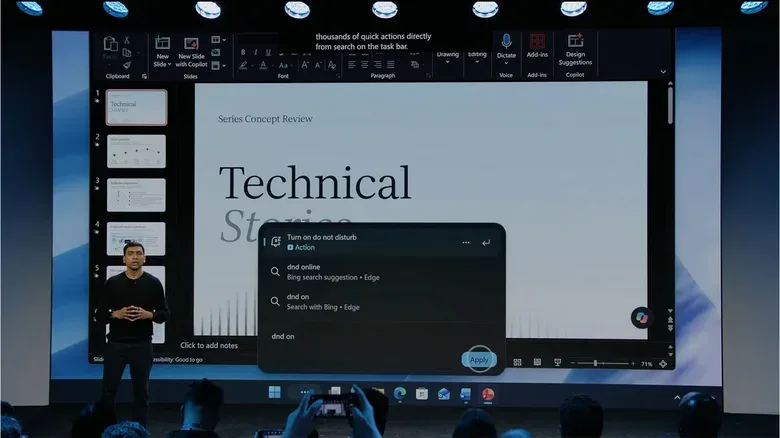
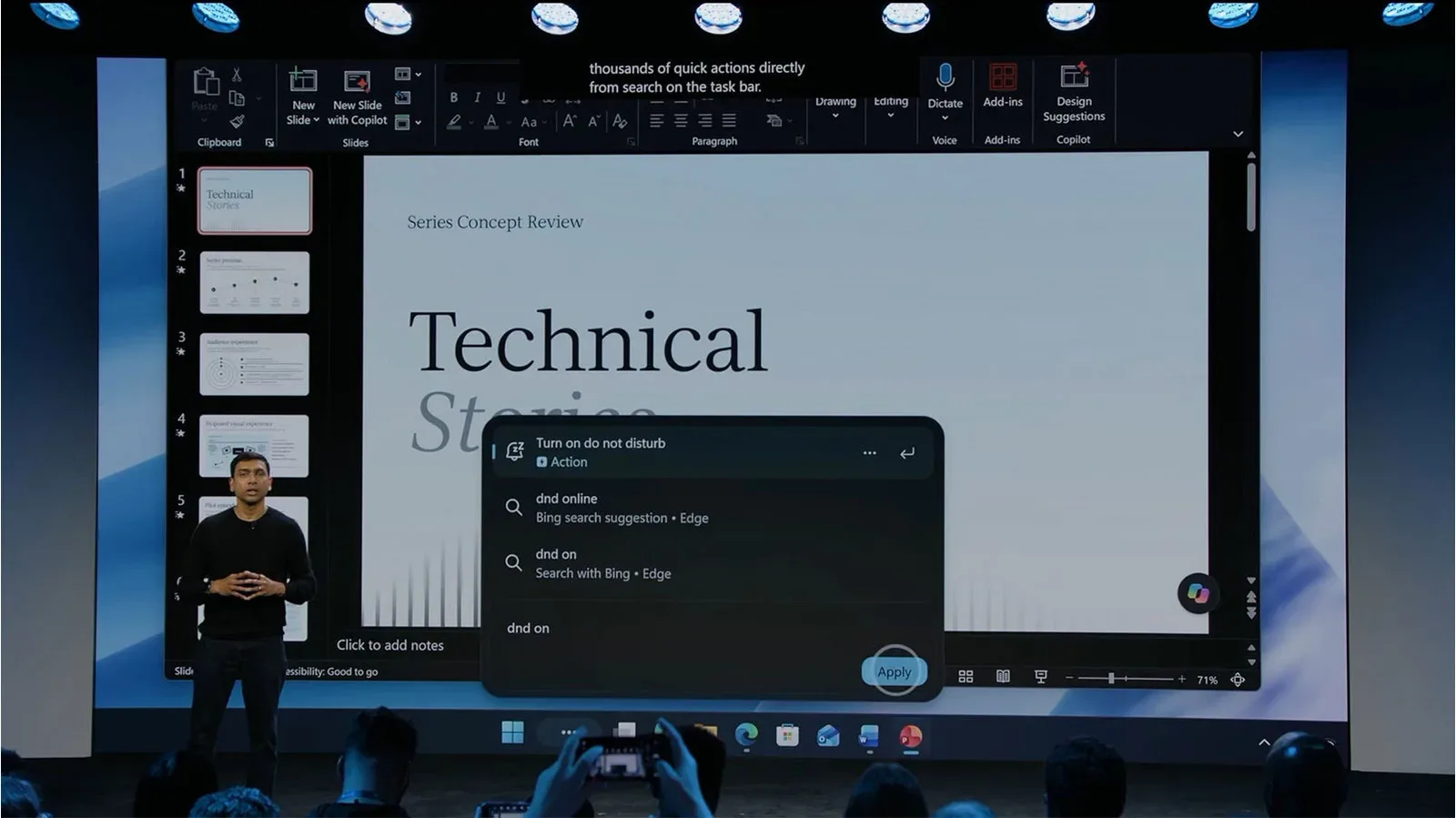
At its fall Surface event, Pavan Davuluri, executive vice president of Windows and Devices, demonstrated commands for turning dark mode and Do Not Disturb on or off. In another example, typing increase mic volume brings a volume slider above the prompt, putting the relevant control directly in the search experience rather than directing the user through several Settings pages.
This is a useful distinction: the feature is not merely returning a link to the right setting. Microsoft is describing a search interface that can surface the setting’s actual control in context. For routine changes that can otherwise require navigating through categories and submenus, a direct slider or toggle could make Windows feel more immediate.
The redesign also brings Copilot conversation into Search. Rather than treating the AI assistant as a separate destination, Windows is folding access to it into a high-traffic part of the desktop. That may be convenient for someone who already uses the Taskbar to launch apps and find files. It also means the boundary between ordinary system search and an AI prompt becomes less visible.
Microsoft has previously indicated it wanted to remove unnecessary Copilot integration from Windows 11. This proposal presents a different case for integration: Search is not simply getting a Copilot label, but becoming a place where a typed request can trigger a system action, a conventional search result or a conversation with the assistant. Whether users consider that a cleaner design or another layer of AI in a familiar control will likely come down to implementation.
What “contextual” means in this redesign
Contextual inference, in this case, means the system is meant to infer the relevant Windows function from plain language and offer the associated interface. A request about microphone volume should yield audio controls; a request about an app, setting or file should steer toward that item. The promise is less about users learning exact commands and more about letting them describe their intent in ordinary terms.
Microsoft also says that people with a phone paired to Windows will be able to send text messages from the Taskbar without taking out the phone. The supplied details do not specify which phone types or messaging services are covered, nor exactly how the function will appear. Still, it illustrates the broader direction: Search is being used as an entry point for connected-device tasks as well as PC tasks.
For players and creators, the practical appeal is easy to see even without assuming capabilities beyond those demonstrated. A quick request to adjust microphone volume could be useful before joining voice chat. Do Not Disturb controls could help reduce interruptions. The more ambitious appeal is a desktop where finding a program, adjusting a system preference and asking for AI help start from the same place. But convenience is only one side of that trade-off. A general-purpose command box needs dependable interpretation, legible controls and meaningful permission boundaries. Otherwise, a concise request can become slower than using a known shortcut or Settings path.
Hybrid Intelligence is the local-processing piece
Alongside the Search changes, Microsoft announced Hybrid Intelligence, a set of software orchestration tools designed to let PCs run AI models locally. Local AI processing means a model runs on the computer itself instead of sending the prompt and associated information to remote cloud infrastructure. Microsoft says Copilot can still use cloud inference for the hardest tasks, but local models can be used when privacy or cost is a concern.
Inference is the stage where a trained AI model receives an input and generates an output. In everyday terms, it is the moment an assistant interprets a request, produces text or decides how to carry out a task. A hybrid model of computing can choose between local and cloud inference depending on the job. The stated advantage is flexibility: a PC may keep certain work close to the device while drawing on cloud resources when a more demanding task requires them.
That does not make every AI interaction private by default. Microsoft explicitly says cloud inference remains part of the approach for harder tasks. The meaningful questions for users will be which prompts run locally, what data a given action needs, and what permissions they have granted. The announcement establishes the architecture and intent, but it does not provide a full action-by-action privacy map.
Hybrid Intelligence will also allow the updated Copilot app, when enabled, to access files on the computer and take actions across apps and settings. That is potentially more useful than a text-only assistant because it can operate on material already present on the device. It is also why permissions are central rather than incidental. An assistant that can act across files, applications and settings is handling a far more consequential role than one that only answers questions.
Local files, agent actions and a tax-document example
Microsoft demonstrated its in-house personal AI agent, Autopilot, using local files to help prepare tax documents for filing. In the example, the agent used a local model to find documents, rename them, create a Zip archive and draft an email to an accountant. Microsoft says the work did not need to send the information to the cloud because it relied on a local model.
The example usefully shows the difference between an assistant that gives advice and an agent that completes a chain of tasks. Finding files, changing their names, compressing them into a Zip file and drafting an email are separate operations. Delegating that sequence can save time, but it also raises the importance of review. File selection, naming and recipients are all decisions that can have real consequences if an automated system misunderstands the request.
A Zip file is a compressed archive that combines one or more files into a single package, often making a batch of documents easier to send or store. The important point in Microsoft’s demonstration is not compression itself; it is that the agent was portrayed as organizing local material and preparing a communication around it. The user should remain the decision-maker on what is included and what is ultimately sent.
Davuluri framed this model as one in which a person expresses what they want and the Windows PC acts on their behalf with permission. That last condition matters. Permission should not be treated as a one-time formality when the assistant is capable of accessing local files and carrying out actions across apps and settings. Clear scopes, visible action previews and a chance to check results are practical safeguards for this category of software.
What MXC adds for coding work
Microsoft says Hybrid Intelligence improves Copilot’s coding assistance as well, including by making it easier to write native Windows apps directly from Copilot. The company also highlighted support for Microsoft Execution Containers, or MXC.
A container in this context is an isolated environment intended to keep a process separated from the wider system. Microsoft says MXC helps local AI agents remain in a secure sandbox. A sandbox is a restricted space where software can operate with limits on what it can reach or alter. For AI agents that may generate code or take local actions, containment is an important technical concept: the more autonomy an agent has, the more valuable it is to narrow the potential impact of errors or unexpected behavior.
Microsoft’s description is promising in principle, but the announcement does not spell out the limits of MXC, which actions are isolated, or how users and developers will configure those boundaries. Those details will matter more than the label. Security claims around agent tools are strongest when people can understand what is sandboxed, what permissions an agent receives and what happens when an action requires access outside the container.
Rollout and the practical test ahead
The redesigned Search experience is planned for this fall. Microsoft says Copilot features powered by Hybrid Intelligence will roll out to Windows PCs over the coming months. The supplied information does not identify hardware requirements, a specific Windows version, regional availability, whether every function arrives at once, or which local models will run on which systems.
Those unknowns are important because the announcement combines two related but distinct propositions. One is an interface change: Search becomes a command-oriented front door for Windows and Copilot. The other is a computing model: some AI work can happen locally, while other requests use the cloud. The first will be judged on speed, accuracy and whether it simplifies common tasks. The second will be judged on transparency, consent and whether local processing delivers useful work without unnecessarily exposing personal data.
There is a relevant wider question for game and software audiences as AI tools move closer to everyday workflows: impressive demonstrations are not the same as a full explanation of reliability, safeguards and limits. That gap is also central to the case for stronger proof around AI game-making claims. Windows’ upcoming changes may prove genuinely handy, particularly for simple settings and local organization, but the strongest case will come from controls that remain understandable when the tasks become personal, complex or consequential.