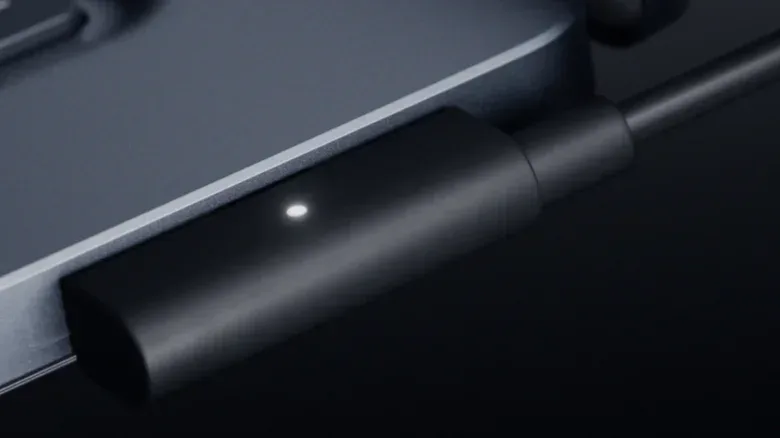
Microsoft’s newly detailed Magnetic Connect charging system is easy to mistake for a MacBook-style MagSafe clone. Both aim to solve the same very human problem: a laptop cable becoming an ankle trap, followed by an expensive machine attempting an unscheduled flight test. But the important distinction is not the magnet. It is the port behind it.
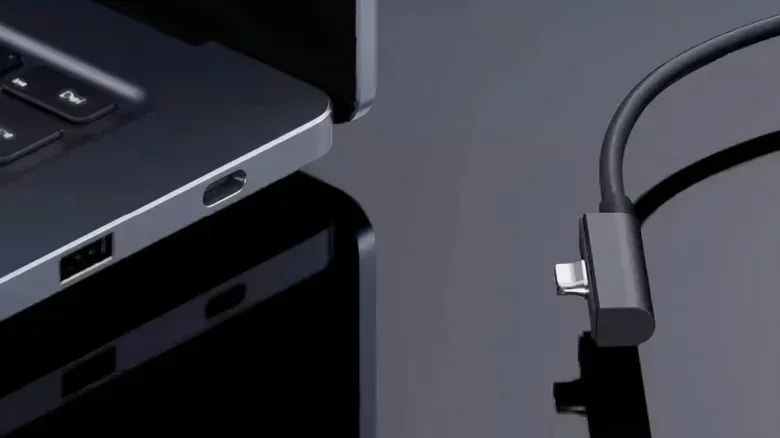
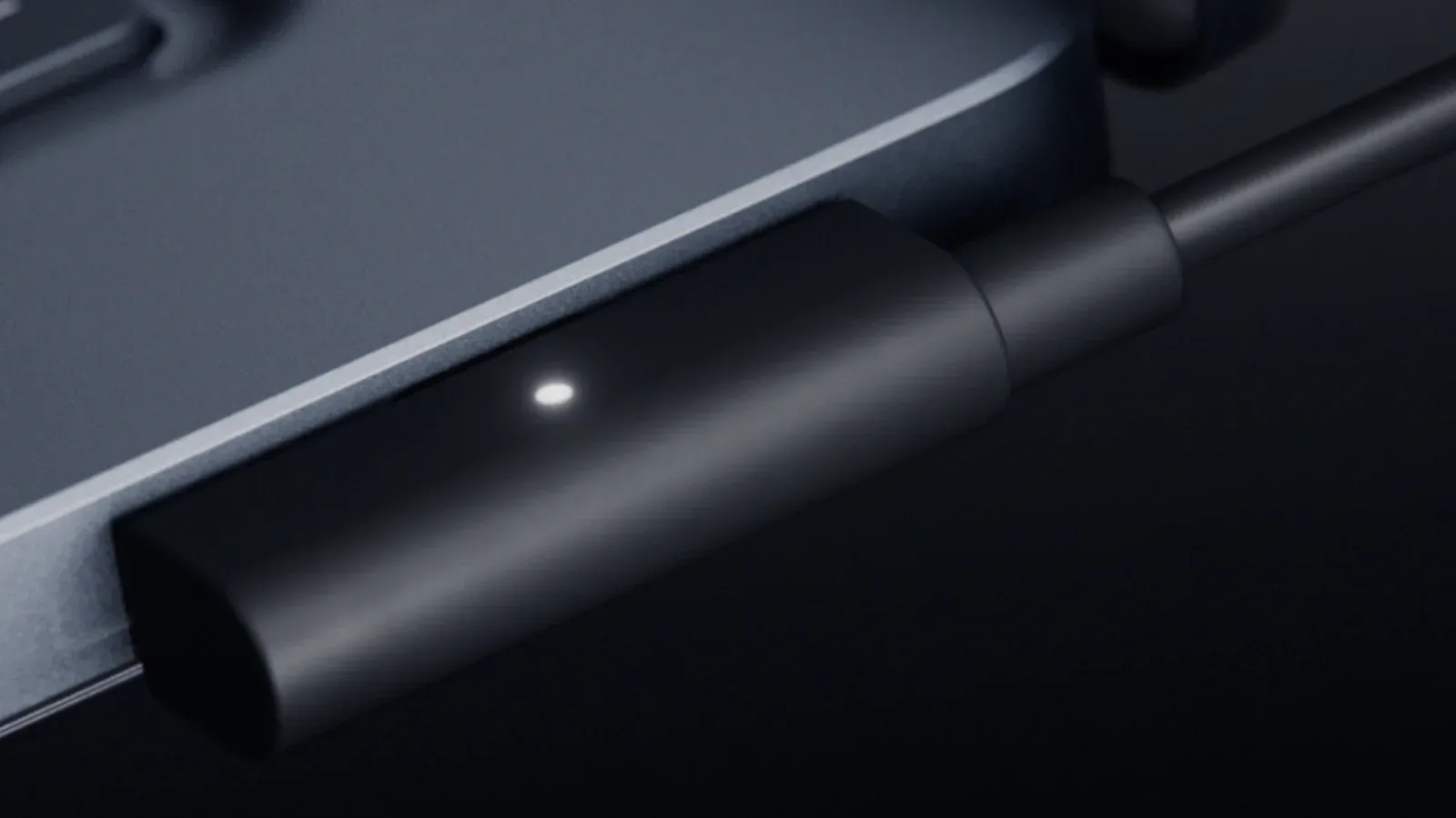
Magnetic Connect, introduced alongside the Surface Laptop Ultra, is built around a USB-C port with USB Power Delivery support and a purpose-built magnetic charging cable. The magnetic connector is designed to guide itself into place using a funnel-shaped tip. When the cable is pulled, the intended benefit is a clean disconnect rather than a laptop being dragged from a desk.
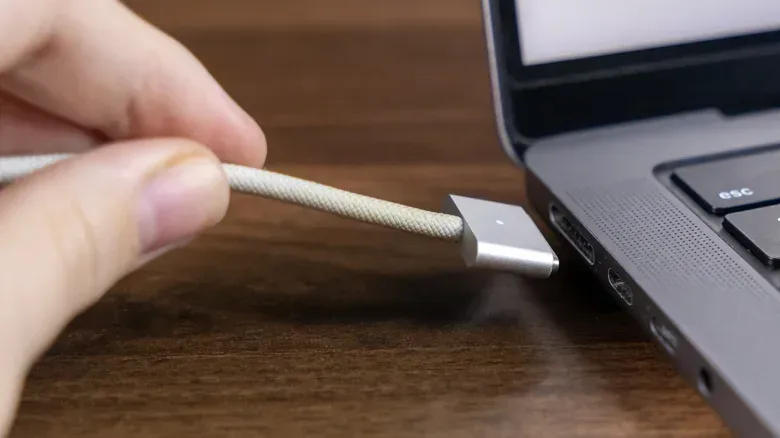
MacBook MagSafe also uses a magnetically attached power connector, but it is a dedicated proprietary connection. Magnetic Connect instead treats USB-C as the foundation. That means the same physical port can still be used for a display, keyboard, phone, storage device, or another compatible peripheral when it is not handling power.
For PC players, creators, and anyone who treats a laptop as a portable desktop, that difference is much more meaningful than the novelty of a cable that snaps into position.
Magnetic Connect is a USB-C port first, magnetic charger second
The core idea behind Magnetic Connect is not wireless charging. Electricity still travels through a physical cable and connector. The magnets simply help align the connector and make it easier for the plug to detach under a sudden sideways pull. Think of it as a USB-C connection with a controlled escape route, not a magical power beam for your battle station.
USB Power Delivery, often shortened to USB PD, is the USB-C power specification used to negotiate how much power a charger and device should deliver. In the supplied information, Magnetic Connect is described as a Power Delivery-equipped USB-C port paired with Microsoft’s magnetic cable. This matters because USB-C is not restricted to charging. It is a multi-purpose connector format, and its flexibility is the main argument for this approach.
A conventional dedicated magnetic charging socket gives a laptop a separate place to accept power. That can be convenient, but the socket does one job. A Magnetic Connect-capable USB-C socket can potentially charge the computer at one point in the day, then connect to a monitor or other accessory at another. The port has not been permanently reserved for electricity.
That is especially relevant on compact laptops. Port count is a practical quality-of-life feature, not a spec-sheet footnote. A player might need a USB-C connection for a display or dock, USB-A for an older controller receiver, HDMI for a TV, a headphone jack for wired audio, and card storage for captured footage. Every dedicated charging port represents a connector that cannot be reassigned when the laptop is running on battery.
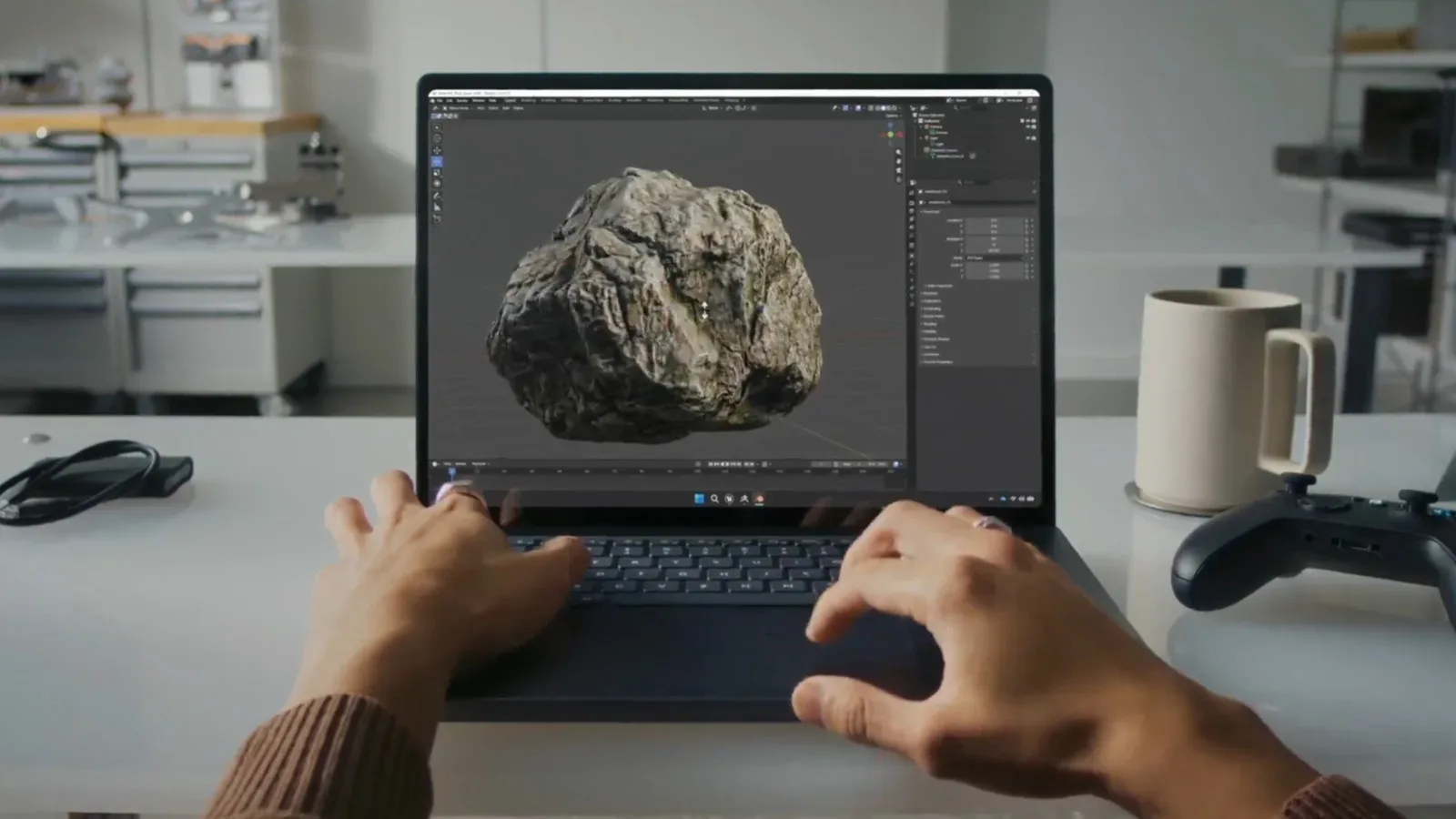
The Surface Laptop Ultra includes two additional USB-C ports beyond Magnetic Connect, as well as HDMI, USB-A, an SD card reader, and a 3.5mm headphone jack. That does not make the magnetic port essential to every setup. It does illustrate the potential value: the system can offer magnetic charging without necessarily making the magnetic connection a permanently isolated island.
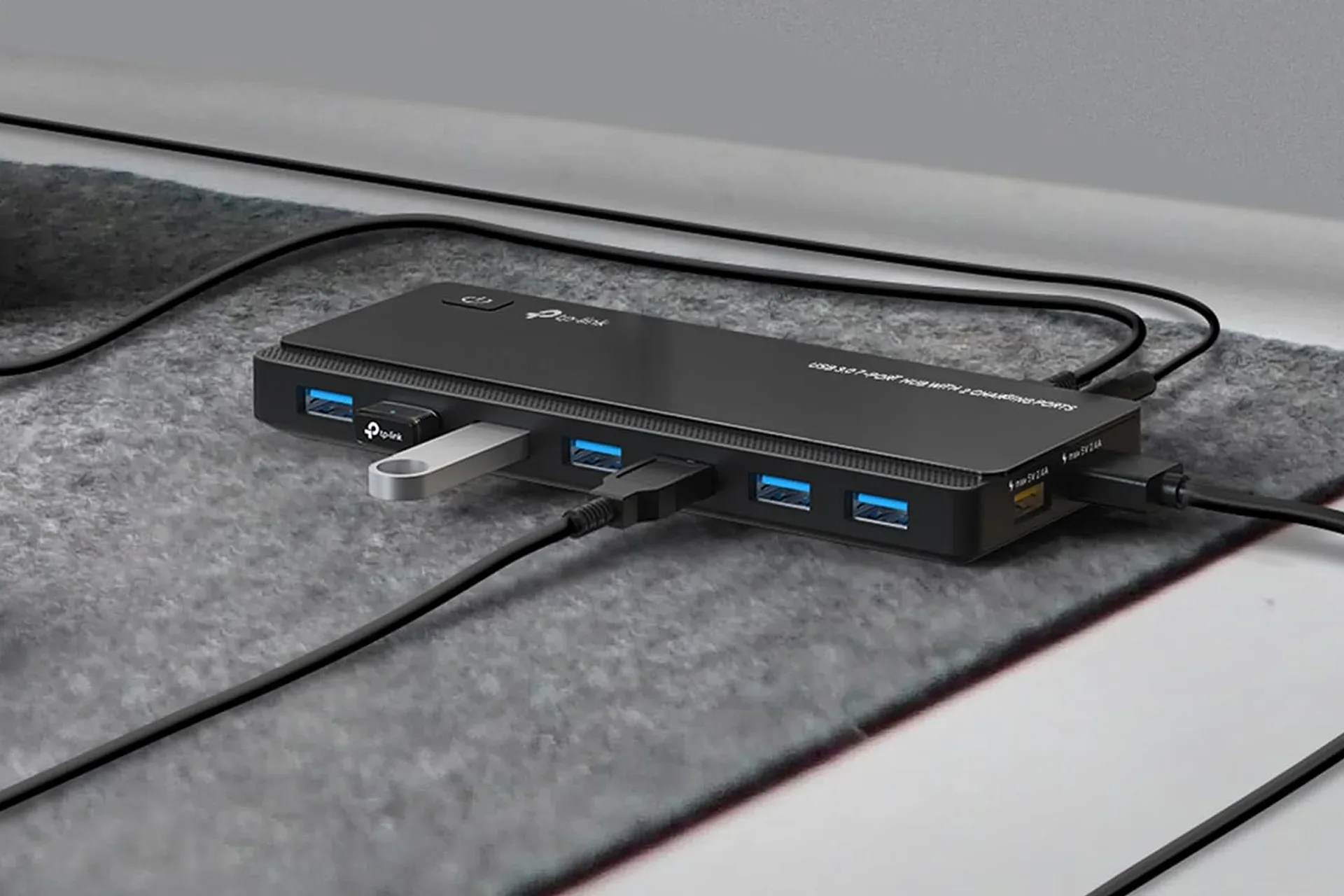
Anyone building out a desk setup will recognize the broader pressure here. More displays, controller dongles, capture devices, external drives, and networking accessories all compete for a finite selection of ports. A USB hub can expand a PC gaming desk, but preserving a laptop’s built-in connectors is still useful before a hub enters the equation.
How it differs from MacBook MagSafe
MagSafe’s principal attraction is simple: its magnetic attachment can separate when tugged. That safety and convenience remain useful. The comparison turns on what the connection is allowed to be when it is not charging.
With MacBook MagSafe, the magnetic port is a dedicated Apple connection. Magnetic Connect is presented as a custom cable working with USB-C Power Delivery. The port itself therefore remains part of the USB-C ecosystem rather than functioning as a charger-only interface.
- MacBook MagSafe: a proprietary dedicated magnetic power connection.
- Microsoft Magnetic Connect: a custom magnetic charging cable used with a USB-C Power Delivery port.
- Practical result: the Magnetic Connect port can be repurposed for compatible USB-C peripherals when it is not charging.
The difference also has accessory implications. Official Apple MagSafe cables are the sanctioned option described here, at $49 each, while third-party versions exist without licensing. By contrast, Magnetic Connect’s use of USB-C and magnets could reduce the barrier to compatible accessory designs if the concept spreads. That does not automatically guarantee that every third-party cable will be equally well made, equally durable, or appropriate for every power requirement. It means the underlying port is based on a widely used interface rather than a one-company charging socket.
This is where the ecosystem angle becomes important. Microsoft indicated that it hopes to lead an ecosystem around Magnetic Connect, although no specific licensing plan was stated. That is a meaningful caveat. A useful cross-brand standard needs more than technical possibility; it needs other laptop makers and accessory companies to choose it. At present, the information supports an ambition to expand rather than confirmation that it will become an industry-wide standard.
Why gaming laptops have a particularly awkward charging problem
Magnetic charging can be appealing to anyone, but gaming laptops expose the limits of the concept particularly clearly. These machines are often used in cramped spaces with controllers, headsets, external displays, and cables moving in every direction. A breakaway connector can help when a cable is yanked. It also makes connecting power less fiddly in poor lighting or when the laptop is wedged into a crowded desk arrangement.
At the same time, powerful gaming hardware can demand more power than USB Power Delivery can provide. USB PD tops out at 240 watts. That is plenty for many laptops, including a wide range of general-purpose, productivity, and creator systems. It is not sufficient for every high-end gaming design with demanding CPUs and GPUs. Those systems may still require proprietary power ports and large charging bricks.
That ceiling is the key reason not to overstate Magnetic Connect as a universal gaming-laptop fix. The Surface Laptop Ultra is described as using NVIDIA’s RTX Spark platform and supporting up to 128GB of shared system and graphics memory. Microsoft demonstrated DaVinci Resolve and Gears of War: E-Day running simultaneously. Those details position the laptop as a performance-oriented machine, but they do not erase the broader power constraint described for the most demanding gaming notebooks.
Shared system and graphics memory means the system and graphics workloads draw from the same pool of memory rather than relying only on a completely separate graphics-memory allocation. The stated 128GB maximum is notable as a capacity figure for workloads that can involve heavy creation tools and games at the same time. It does not, by itself, tell buyers how every game will perform, how much power the laptop draws, or how a specific title will run at particular settings. Those are separate questions requiring device-specific testing that is not established here.
For the highest-wattage gaming category, a dedicated connector can remain a necessity rather than an outdated inconvenience. The magnet is useful, but wattage rules the boss fight.
The real benefit is port flexibility, not a revolution in charging
It is tempting to frame Magnetic Connect as a major reinvention because it combines a familiar USB-C connector with a magnetic guide. In reality, its benefits are narrower and more practical. The system can reduce the chance that a snagged cable takes the laptop with it. It can make plugging in easier. Most importantly, it lets a single port participate in charging or data-and-display duties depending on the moment.
That third benefit is the durable one. A dedicated magnetic connector occupies dedicated chassis space. USB-C-based magnetic charging suggests a way to retain the breakaway advantage while making the port available for other tasks on battery power. For a laptop that alternates between desk life and travel, that is a sensible design trade-off.
There are also limits to what users should assume. A magnetic connector does not make every USB-C cable magnetic, and the supplied details identify a custom Microsoft charging cable as part of the setup. Nor does the presence of a USB-C port mean every possible feature is available through every accessory; compatibility still depends on the device, cable, and peripheral involved. The supplied information establishes that the port can support peripherals such as an external monitor, keyboard, or smartphone, but it does not provide a universal compatibility matrix.
Likewise, a port being physically versatile does not remove the need to manage bandwidth, charging needs, or the number of accessories in a complex desktop arrangement. It simply gives owners one less permanently single-purpose socket to work around.
Could Apple follow the same direction?
There is a plausible incentive for other manufacturers to consider this USB-C-first magnetic model. If magnetic charging achieves broader adoption, it could let laptop makers reclaim space that would otherwise be devoted to a dedicated power connector. It could also encourage more interchangeable accessories, provided companies agree on sufficiently compatible implementations.
Apple’s USB-C move on iPhone was influenced in part by European Union mobile-charging requirements, showing that standards and regulation can shape connector choices. That does not establish that Apple will adopt Microsoft’s particular magnetic approach for MacBooks. It does underline why a solution combining USB-C utility with magnetic convenience could be difficult for the wider laptop market to ignore if it gains real ecosystem support.
For now, Magnetic Connect is best understood as a carefully targeted design choice, not the death of conventional laptop charging. It may be most appealing to people who want a cleaner connection on a mobile PC without surrendering a port forever. For lower-power laptops, that is a compelling proposition. For extreme gaming rigs that exceed USB PD’s 240W limit, the old combination of custom socket and substantial power brick may remain unavoidable.
The magnet may be the part that gets attention, because magnets are fun and desk accidents are not. The USB-C flexibility is the part that could make Magnetic Connect consequential.