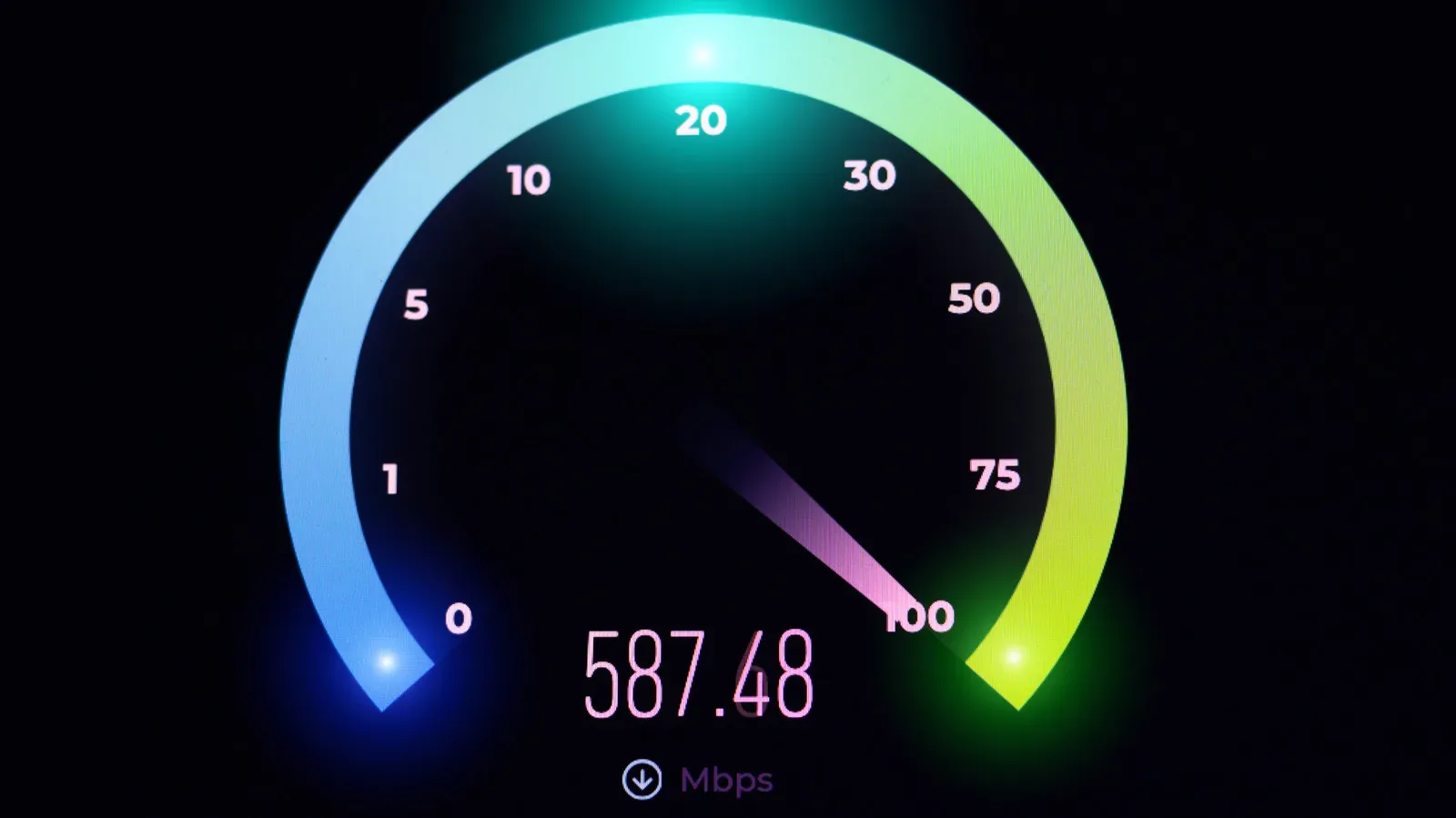
A download bar can make a perfectly respectable internet connection look suspiciously slow. Your home plan may promise 100 Mbps, yet a game launcher reports a peak around 12.5 MB/s. Those numbers are not necessarily in conflict, and the lower-looking one is not automatically evidence that something has gone wrong.
The crucial difference is one letter: Mbps means megabits per second, while MB/s means megabytes per second. The lowercase b stands for bits. The uppercase B stands for bytes. Because a byte contains eight bits, the two figures are separated by a factor of eight.
That distinction matters wherever a player is comparing an internet package, a console or PC download display, cloud uploads, or a file copy between storage devices. Mbps is common for connection speeds. MB/s is commonly used when discussing a large file moving to or from storage. Reading the unit before reacting to the number is the fastest way to make the comparison meaningful.
The short version: divide Mbps by eight
The conversion is straightforward:
- Mbps to MB/s: divide by 8.
- MB/s to Mbps: multiply by 8.
A connection transferring data at 100 Mbps has a byte-rate equivalent of 12.5 MB/s. A transfer display reading 12.5 MB/s describes the same rate as 100 Mbps.
The reason is not a quirk of broadband marketing or game-launcher design. It begins with how digital information is measured. A bit is the basic unit used in computing: the binary 1s and 0s that make up code and data. A byte is a group of eight bits, commonly enough to represent one letter, number, or symbol. In ordinary usage, bits are frequently used to describe the rate at which information travels over a connection, while bytes are used for file sizes and storage capacity.
Both prefixes in this comparison use mega, indicating one million units. The practical difference is therefore not the word “mega”; it is whether the underlying unit is a bit or a byte. One megabyte is eight megabits, so one MB/s is eight Mbps.
Why internet plans and download windows use different labels
Internet service is typically discussed in megabits per second. This is the unit most useful when an ISP advertises a connection or when a household checks download and upload performance. A 100 Mbps tier describes the rate at which the connection can move 100 million bits in a second.
Files, however, are normally described in bytes. A video, document, saved capture, or game installation is presented as a file size, and those sizes are expressed in byte-based units. Once the task becomes “how long will this many-byte file take to arrive?” MB/s is intuitive: the display can compare a file’s size with the number of megabytes arriving each second.
Neither convention is inherently more honest or more useful. They answer adjacent questions:
- Mbps: How fast can this internet connection transfer data?
- MB/s: How many megabytes of a file are moving each second?
Confusion begins when the number from one convention is compared directly with the number from the other. A person who expects a 100 Mbps plan to produce 100 MB/s in a launcher is expecting eight times the matching byte-based rate. Conversely, 100 MB/s would be equivalent to 800 Mbps, not 100 Mbps.
A game-download example without the unit trap
Imagine a download screen showing 12.5 MB/s. Multiply that number by eight and the corresponding network rate is 100 Mbps. If the household’s connection is rated at 100 Mbps, the figures line up.
Now reverse it. A service advertises 307 Mbps download speed. Dividing 307 by eight produces 38.375 MB/s. That conversion gives a useful apples-to-apples estimate when a launcher reports in MB/s rather than Mbps.
The same method works for uploads. If an upload runs at 20 Mbps, divide by eight to get 2.5 MB/s. If a cloud-storage interface instead reports 2.5 MB/s, multiplying by eight returns 20 Mbps.
These are unit conversions, not a promise that every download or upload will continuously reach a particular display number. The important point is narrower and more dependable: when two readings differ by roughly eightfold, first check whether one uses bits and the other uses bytes.
Download speed and upload speed are separate figures
Connections often have much higher download capacity than upload capacity. Download speed is relevant when bringing games, patches, videos, or other files onto a device. Upload speed is relevant when sending files away from it, including moving material to cloud storage.
The Federal Communications Commission lists 100 Mbps download and 20 Mbps upload as its broadband threshold. That split illustrates why it is worth looking at both values rather than treating “internet speed” as one number. A connection can be well suited to downloading a large game while offering substantially less capacity for uploading a large capture or other file.
Reported U.S. median household speeds in August 2026 were 307 Mbps for downloads and 63 Mbps for uploads. Converted to byte-based rates, those figures are approximately 38.375 MB/s down and 7.875 MB/s up. Again, the conversion does not turn a median measurement into a personal guarantee; it simply translates the same rates into the unit more likely to appear beside a file transfer.
How to estimate transfer time carefully
MB/s can make a rough time estimate easier because files are commonly measured in byte-based sizes. The basic idea is to divide the file size by the transfer rate expressed in matching units. A file described in megabytes pairs naturally with MB/s.
For example, if a file is 100 MB and the displayed rate is 12.5 MB/s, the simple calculation is 100 divided by 12.5, or eight seconds. The equivalent connection reading is 100 Mbps. There is no need to convert if both the file size and rate are already expressed in bytes and seconds; conversion is only needed when comparing it to an Mbps plan or speed reading.
For a connection figure listed in Mbps, convert first. At 100 Mbps, divide by eight to obtain 12.5 MB/s, then compare the byte-based rate with the byte-based file size. This avoids the most common eightfold error in download-time estimates.
A compact conversion checklist
- Find the letter after the M: lowercase b means bits; uppercase B means bytes.
- To translate a connection plan from Mbps to the MB/s figure a launcher may show, divide by eight.
- To translate a storage-transfer reading from MB/s to Mbps, multiply by eight.
- Compare like with like before deciding whether a transfer looks unexpectedly slow.
Why this matters when shopping for connectivity
Speed terminology is only one part of evaluating a connection, but it is a foundational one. It prevents a buyer from dismissing an accurately reported transfer rate, and it makes advertised download and upload numbers easier to relate to everyday tasks.
It also helps keep several overlapping technical discussions from becoming one vague argument. Internet speed, bandwidth, router standards such as Wi-Fi 7, and device or network compatibility are distinct topics. A correct Mbps-to-MB/s conversion will not by itself resolve every connectivity problem, but it does ensure the first comparison is valid. Similar care is useful beyond home broadband, especially where hardware and network support need to be checked together; see the network fine print involved in importing a phone to the U.S.
There is also a practical communication benefit. “My download is only 12.5” sounds alarming when the listener assumes Mbps, but it describes a very different situation if the screen says MB/s. Stating the full unit makes support conversations, comparisons between devices, and expectations for downloads much clearer.
The capitalization is doing real work
Technical shorthand often looks needlessly fussy until a capital letter changes the result by a factor of eight. Mbps and MB/s are a classic example. The labels may sit next to the same progress bar, describe the same underlying transfer, and appear close enough to be interchangeable. They are not.
When looking at an ISP tier or a connection-speed result, expect Mbps. When looking at a file copy, cloud transfer, or a download application’s throughput indicator, MB/s may appear instead. Treat both as valid measurements, convert with the eight-bit rule, and the apparent mismatch becomes a direct translation rather than a mystery.