Apple has begun a new “Switch to Safari” campaign aimed squarely at people who use Chrome on a Mac. The pitch is direct: Safari is presented as a more powerful and more private alternative, with Apple pointing to claimed advantages in selected performance tasks, privacy protections and battery-life consumption.
The campaign is built around a dedicated page that lists more than 10 reasons to make the change. Apple has also released two related videos highlighting Safari’s Intelligent Tracking Prevention and Distraction Control features. It is a familiar kind of browser pitch—faster, more private, less demanding—but one that matters because a browser is where much of a computer’s everyday work now happens.
What Apple is claiming
Apple’s message is not simply that Safari opens webpages. It argues that Safari is a better fit for Mac users than Chrome, concentrating on three areas that can shape daily use:
- Performance: Apple says Safari can be faster for certain tasks.
- Privacy: The campaign foregrounds Safari’s privacy features, including Intelligent Tracking Prevention.
- Battery consumption: Apple says Safari uses less battery life, an especially practical claim for laptop owners.
Those are company claims rather than a universal verdict on every workflow. “Faster” depends on what a person is doing, while battery use can vary with the websites open, the number of tabs running, extensions, media playback and other activity on the Mac. The significant part of the campaign is that Apple is framing browser choice as a decision with visible consequences: not merely which icon sits in the Dock, but how a Mac feels over a workday or a long gaming-adjacent evening of guides, videos, storefronts and community pages.
Privacy takes center stage
The campaign’s two videos spotlight Intelligent Tracking Prevention and Distraction Control. In plain terms, tracking prevention refers to browser measures intended to limit the ways outside parties follow browsing activity across websites. Online tracking is often associated with advertising and measurement systems that try to connect activity on one site with activity somewhere else.
Apple’s emphasis on this feature makes its broader strategy clear. The company is not only asking Mac owners to compare browser speed; it is asking them to treat privacy as a central browser feature. For people who have grown accustomed to accepting every prompt, banner and sign-in request in order to reach a page, that framing may be more persuasive than a list of technical benchmarks.
Distraction Control, as the name suggests, is positioned around reducing elements that get in the way of reading or using a webpage. The supplied campaign details do not describe every behavior or setting associated with the feature, so users should check Apple’s own materials for the precise controls offered and the situations in which they apply. Still, its inclusion is notable: browser competition is increasingly as much about attention management as it is about loading a site.
Why the Mac-specific focus matters
Apple is targeting Chrome users on the Mac, rather than offering an abstract argument about browsers in general. That distinction matters because the proposed benefits are tied to the experience of using a Mac—particularly the claims around efficiency and battery life.
For a Mac laptop owner, a browser can dominate the day’s active workload. A few tabs can become dozens; a quick search can become a multi-hour stretch of reading, streaming, shopping, messaging and research. Even users whose main interest is games may spend substantial time in a browser checking patch notes, watching trailers, reading support pages or organizing their next purchase. In that setting, a browser that consumes less battery or keeps unwanted distractions at bay can be meaningful.
That does not mean every Chrome user will want to move immediately. Browser habits are sticky. People may have saved passwords, bookmarks, preferred extensions and familiar routines. They may use Chrome across several devices, or simply prefer its interface. Apple’s campaign does not erase those practical considerations; instead, it supplies an argument for Mac owners to reassess whether their default browser still suits their priorities.
A campaign, not a one-size-fits-all answer
The new page offers more than 10 reasons for switching, and Apple’s language is intentionally confident. But browser preference is personal. A user primarily concerned with privacy may weigh the tracking-related tools most heavily. Someone regularly working away from a charger may care more about Apple’s battery claim. Others may be interested in performance, though “certain tasks” is an important qualification that should not be lost in the headline version of the message.
The sensible takeaway is to separate the broad marketing promise from the individual decision. Apple is making a case that Safari deserves to be the default on a Mac because it is designed around the company’s priorities of privacy, efficiency and focused browsing. Whether that case is decisive depends on how a person uses the web and what they need to keep from their existing setup.
Mac users who are curious do not necessarily have to treat the switch as permanent on day one. They can compare their usual browsing routine in Safari, pay attention to whether their commonly used sites behave as expected, and decide whether the privacy and efficiency trade-offs match their needs. That is a more useful test than assuming any browser is automatically best for every person.
Apple’s broader device-and-services push
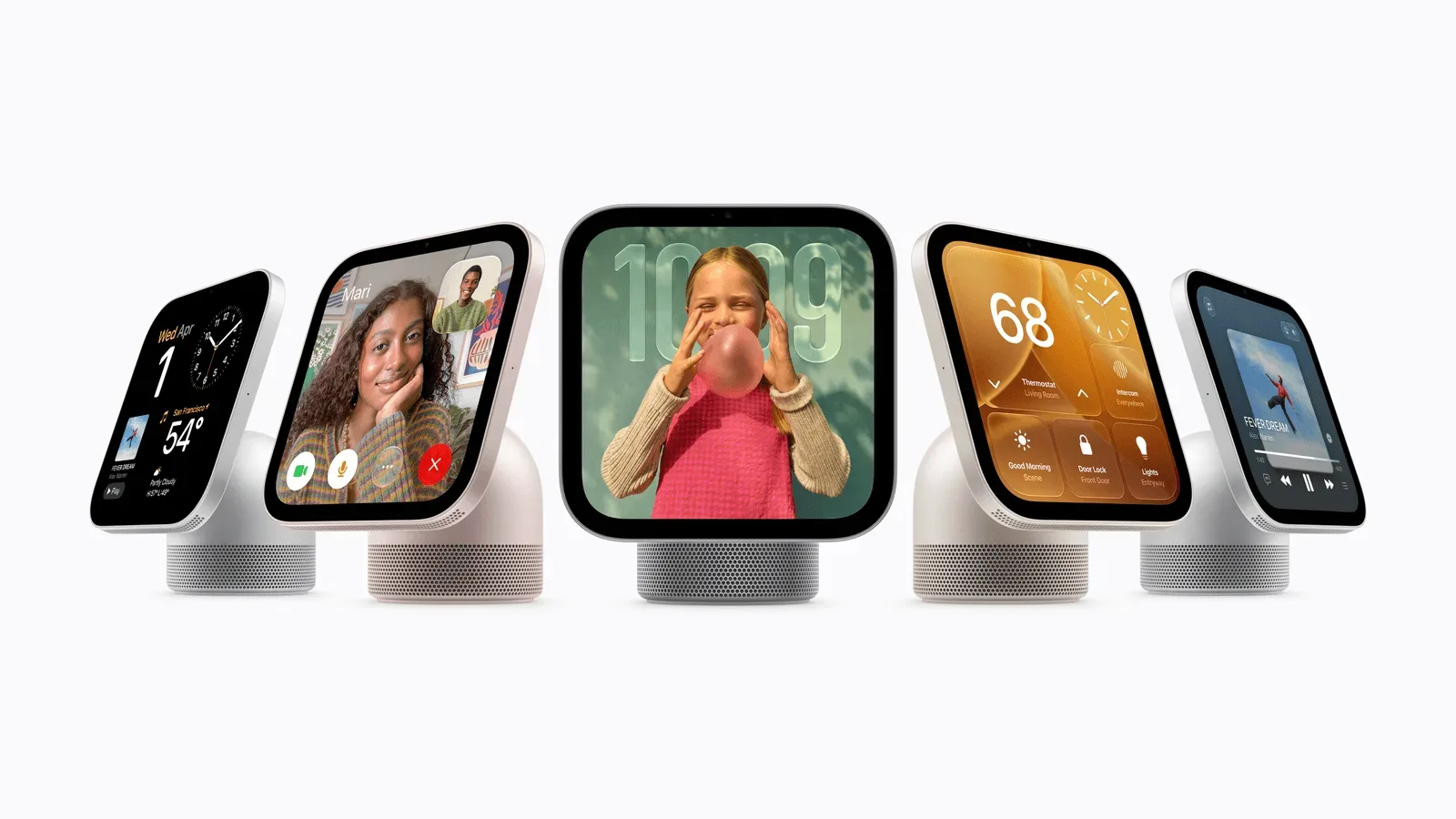
The Safari campaign also fits a wider pattern in which Apple promotes the advantages of using its own software within its hardware ecosystem. Safari is not being marketed as an isolated app; its alleged strengths are expressed through the experience of using a Mac. That approach echoes the company’s recent consumer-device messaging, including its HomeView smart-hub plans, where software features and the surrounding device experience are similarly intertwined.
For now, the campaign gives Chrome-using Mac owners a clear invitation: examine Safari on Apple’s terms, with privacy, selected performance and battery use at the center. The supporting videos put the emphasis on tracking prevention and reducing on-page distractions, while the dedicated switch page expands the company’s list of reasons. It is an assertive pitch—but one that still leaves users to decide which browser best fits the way they work, browse and play.