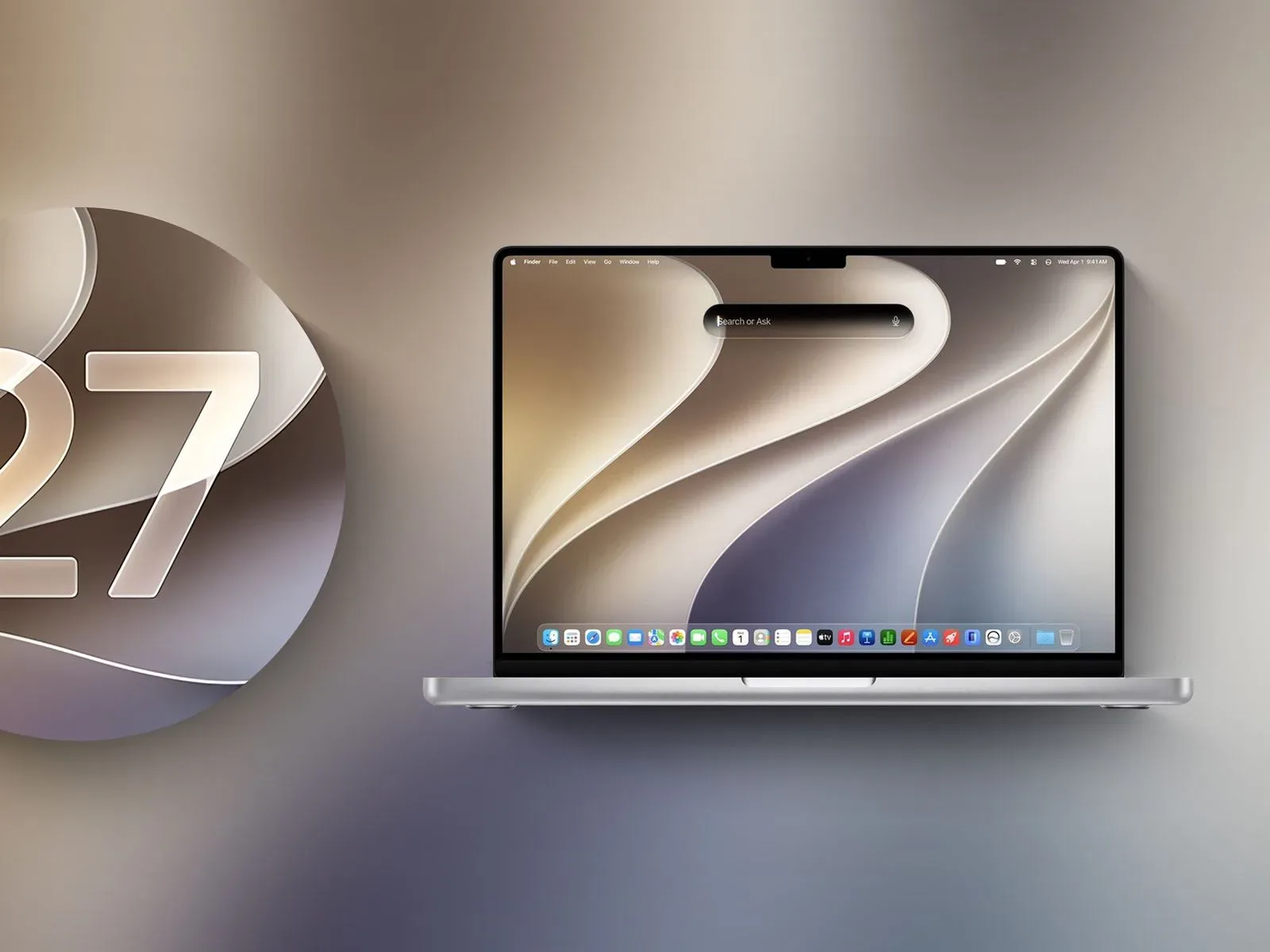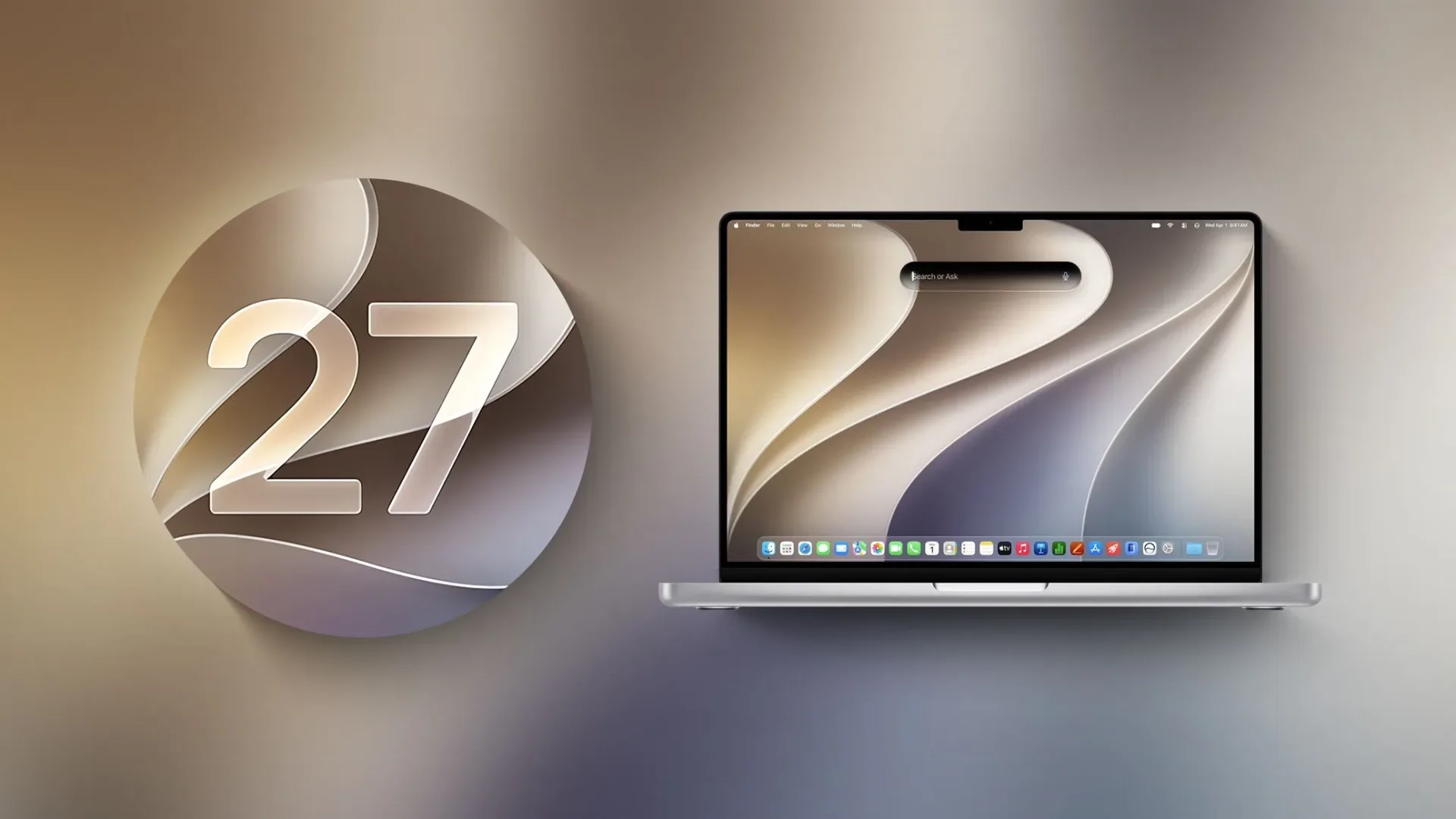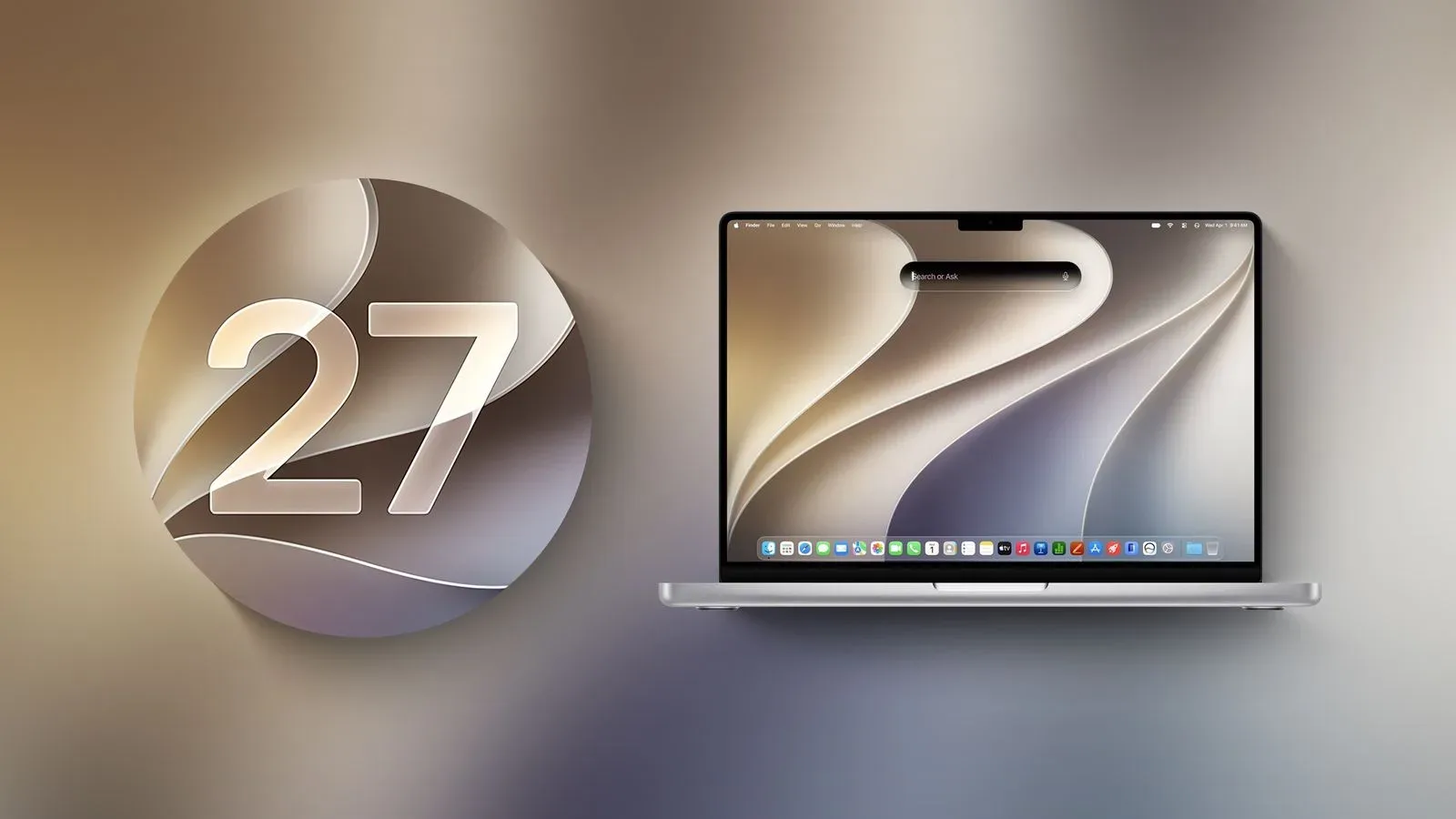
Apple has released macOS Golden Gate 27, a free operating-system update for compatible Mac computers. The biggest catch is not subtle: Golden Gate requires an Apple silicon Mac. Intel-based Macs cannot install this release, making the update another clear dividing line between the current Mac platform and the machines that carried macOS through its earlier generations.
For eligible systems, Golden Gate is available through System Settings in the Software Update section. Its headline additions center on Apple Intelligence: a new dedicated Siri AI app, deeper system search integration, and Visual Intelligence on the Mac. The release also reaches into Photos, Safari, Shortcuts, parental controls, networking, AirDrop, Mail and the broader Liquid Glass interface.
It is a wide-ranging update rather than one aimed at a single type of Mac owner. Still, its significance for people who use Macs alongside games, capture tools, browsers, messaging apps and creative software is easy to see. The focus is on reducing the number of steps between noticing something on screen and doing something with it—whether that means searching, organizing, automating, editing or asking for help.
Siri AI moves from assistant button to system companion
Golden Gate introduces Siri AI, a new conversational version of Siri powered by Apple Intelligence. Instead of existing only as a quick voice prompt, it receives a dedicated app where users can return to earlier conversations. Those conversations sync via iCloud across Apple devices.
The central change is placement. Siri AI is integrated into Spotlight, the familiar Mac search tool. That means a user can search for an answer in the same general place they already use to find installed apps, documents, settings and other material across the computer. Golden Gate also says Siri AI can use personal context to locate information in messages, email, photos and more, and can carry out actions across apps when asked.
That scope is ambitious, so the practical experience will depend on what each person has enabled, what information exists on their Mac and in their synced services, and which apps support the relevant actions. Siri AI is described as rolling out to users, and it must be enabled in Settings to get started. The important distinction is that this is not presented as a cosmetic Siri refresh; it is designed as a more persistent assistant with broader access to the places where a Mac user’s daily clutter tends to accumulate.
Artificial-intelligence features in consumer software continue to invite scrutiny over usefulness, control and creative authorship. That conversation has also reached game development, as seen in the debate surrounding AI prototype tools and game-making. Golden Gate’s Siri AI is a different category of feature, aimed at personal productivity and navigation rather than making game assets, but it belongs to the same larger moment: AI functions are increasingly becoming part of default software environments instead of separate, optional destinations.
Visual Intelligence brings screen context to the Mac
Visual Intelligence comes to the Mac for the first time in Golden Gate. The feature allows users to select a window on screen and ask Siri questions about what is visible or request an action based on that content. Apple’s examples include adding an event to Calendar from something displayed in a window.
The dedicated shortcut is Command-Shift-Space. That matters because a keyboard shortcut makes the feature potentially quicker to invoke in the middle of a workflow than opening an app, saving a screenshot, switching windows, or manually transferring details to another service.
For a Mac used as a general-purpose desk machine, the appeal is straightforward: information does not always arrive in a neatly structured document. It can be in a webpage, a message, an image, a schedule, a shopping listing or a cluttered browser tab. Visual Intelligence is meant to treat the active screen as a piece of context rather than forcing the user to retype or separately explain it.
Golden Gate’s notes do not make a blanket promise that every onscreen item, app, or task will be handled in exactly the same way. Users should therefore regard the feature as an additional route to Siri, not an automatic substitute for checking details themselves—especially when calendar entries, personal information or other consequential actions are involved.
Photos gains reframing, expansion and stronger cleanup
The Photos changes are among the release’s most visibly creative additions. Spatial Reframing is designed to reframe an image after it has been taken, while the Extend tool can expand a shot. The existing Clean Up feature also receives improvements intended to deliver better-quality, more realistic fill when removing unwanted distractions, including in complicated scenes.
These tools point toward a familiar modern reality: the original frame increasingly functions as a starting point, not an untouchable final composition. For users sorting event photos, desk setups, collectibles, convention memories or everyday snapshots, the ability to revise the boundaries of an image or remove visual clutter can be useful. It also makes judgment more important. Editing tools can clean up a picture, but they do not replace keeping track of what an image is meant to document, particularly where condition, provenance or an item’s original presentation matters.
Golden Gate does not position these features as professional retouching replacements. They are system-level tools intended to make common edits more accessible inside the Mac’s standard photo environment.
Safari gets tab organization, alerts and natural-language extensions
Safari receives several upgrades that could make a browser stuffed with open pages slightly less intimidating. Tabs can be grouped automatically into topics, which is intended to make related pages easier to locate. That may be especially welcome for research sessions that drift from guides and storefronts to wikis, videos, product pages and entirely unrelated distractions.
Notify Me lets Safari monitor pages for changes and send an alert when something changes. The supplied examples are price drops and restocks. The feature is notable because it shifts a repetitive checking task into the browser itself, though it is not a guarantee that every site or page change will be supported in the same way.
Another new Safari feature, Describe an Extension, lets users create custom browser extensions using natural-language instructions. One example is making a button that saves favorite recipes. In principle, this could lower the barrier for small, specialized browser conveniences. In practice, people should still understand what a generated extension is set up to do before relying on it with sensitive accounts or information.
Shortcuts takes instructions in plain language
Automation gets a similar treatment through Describe a Shortcut. Rather than manually assembling every action, users can describe a desired routine and have the required steps created for them. Apple’s example is a shortcut that sends a partner a text when the user leaves work, including an estimated arrival time based on traffic.
This is one of Golden Gate’s clearest attempts to make automation approachable for people who have always found shortcut-building powerful but fiddly. A Mac can already perform repetitive work well; the challenge has often been translating a human intention into the correct sequence of triggers, permissions and app actions. Natural-language creation aims to narrow that gap.
As with any automation involving messages, locations or scheduling, it is wise to inspect the resulting shortcut and its permissions. Convenience is most useful when the routine behaves predictably, and a shortcut that sends something on a person’s behalf deserves an extra glance before it becomes part of the daily schedule.
Liquid Glass is more adjustable, while family controls expand
Golden Gate continues Apple’s Liquid Glass design direction with changes intended to improve readability. A new slider gives users control over the appearance, ranging from very clear to fully tinted. The update also brings more uniform toolbars, edge-to-edge sidebars and more detailed app icons.
The ability to adjust the visual treatment is a practical addition. Interface transparency can look striking, but legibility matters more during long work sessions and fast navigation. Giving users a range rather than a single mandated look acknowledges that displays, lighting conditions and individual preferences vary.
Family features receive a substantial expansion. New parental controls are designed to give parents more control over the content children see, the people they communicate with and the times when apps are available. Ask to Browse requires a child to seek permission before visiting a new Safari website. Communication Safety broadens its safeguards for conversations.
There are also Time Allowances, which offer more flexible management of app time across categories along with age-tailored guidance based on expert research. Schedules enable parents to manage access to particular apps at different times during the day and week. Together, these changes make the controls more granular than a simple all-or-nothing screen-time switch.
Smaller speed and search improvements still matter
Not every useful operating-system change needs a dramatic AI label. Golden Gate also promises better search in Spotlight and Mail, faster AirDrop transfers, quicker network file browsing, and a broader set of refinements aimed at speed, reliability and ease of use.
Those details can have an outsized effect over months of use. Finding an old message faster, moving files with less waiting, or browsing shared storage more smoothly is not flashy, but it is exactly the kind of background friction an operating-system update is supposed to reduce.
macOS Golden Gate 27 is available now for compatible Apple silicon Macs through System Settings. Intel Mac owners, however, are outside this update’s compatibility list. For everyone with supported hardware, Golden Gate combines an expanded Apple Intelligence push with conventional but meaningful improvements to browsing, photo tools, automation, design controls, family safety and everyday system responsiveness.