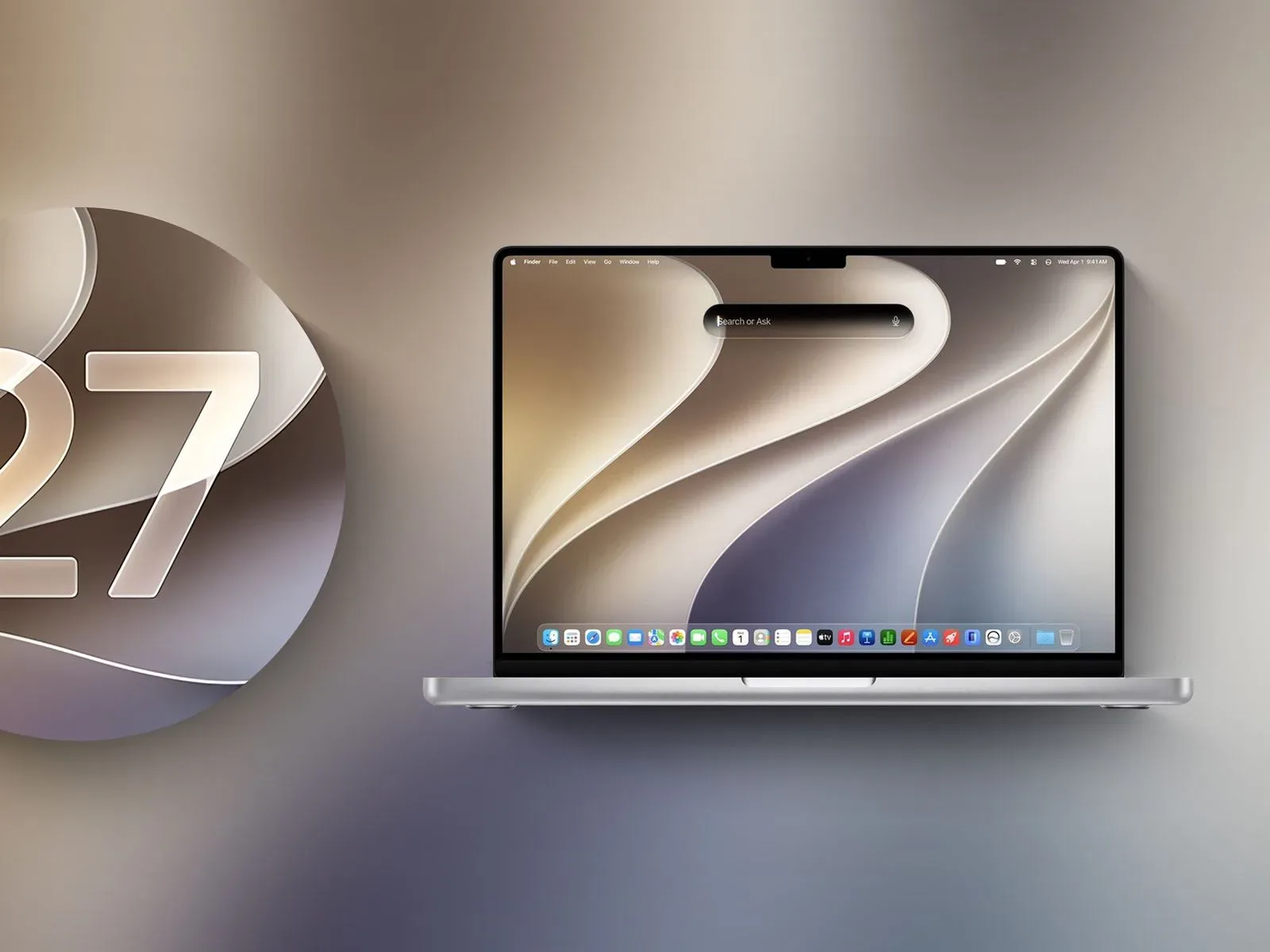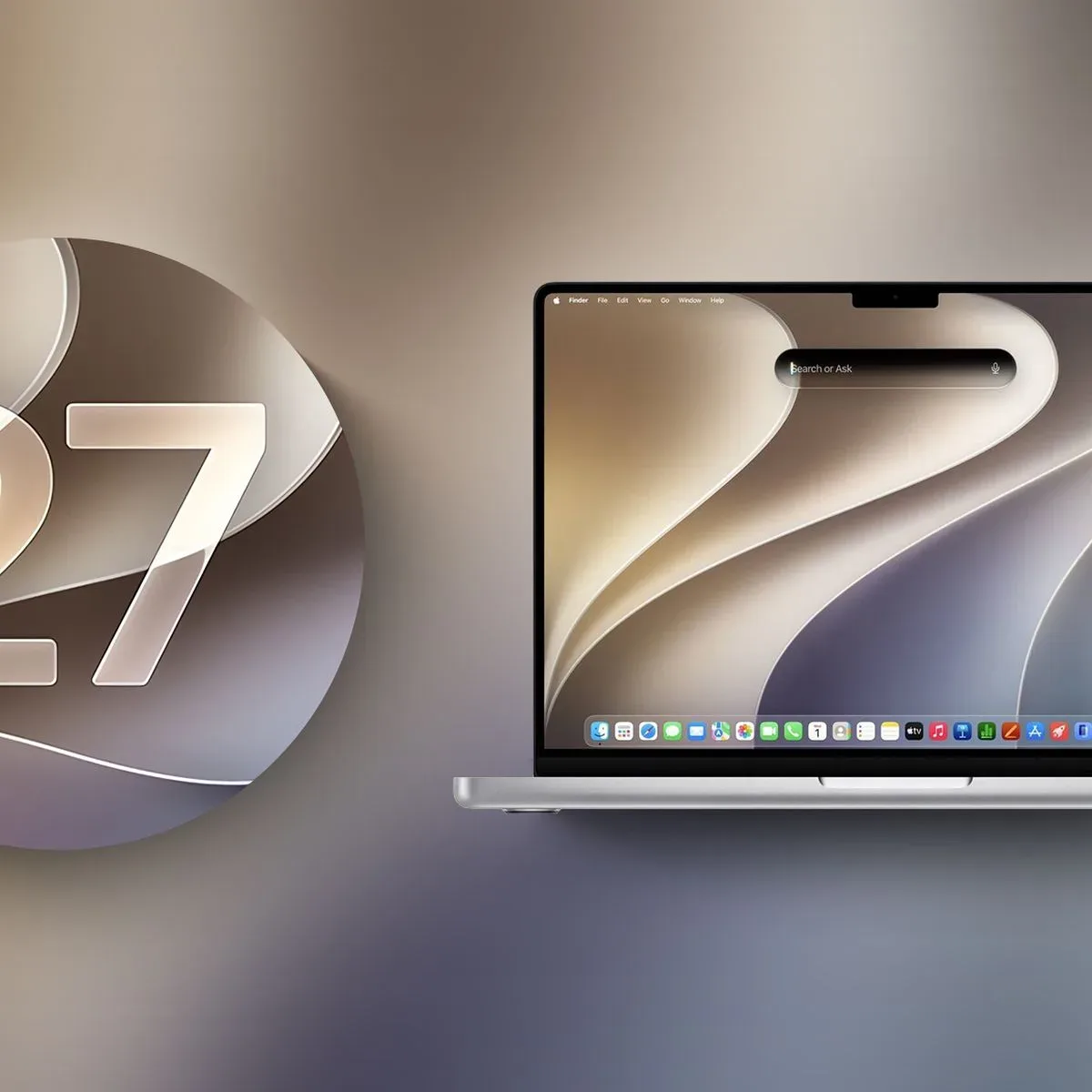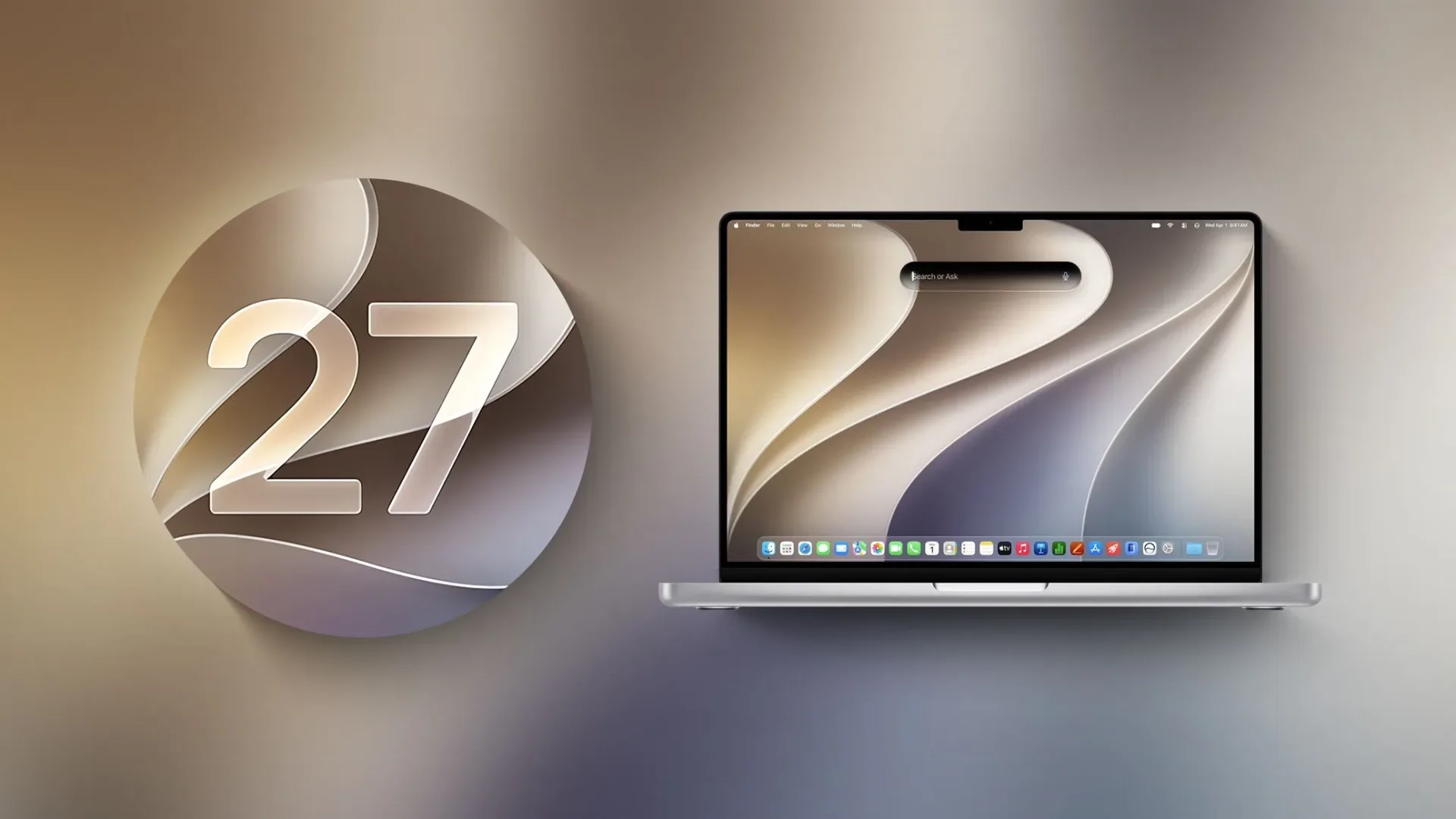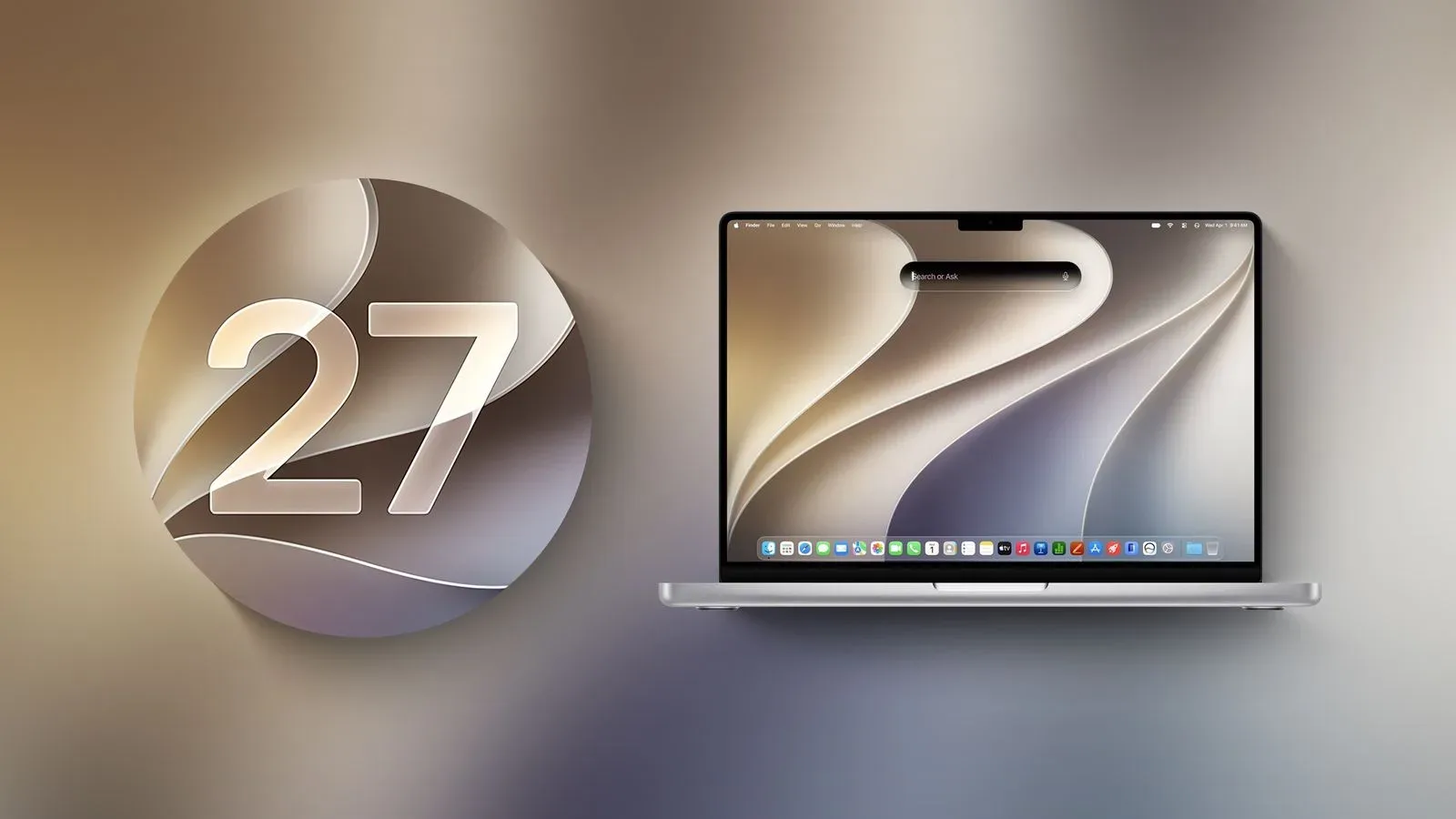
Apple has issued the release candidate for macOS Golden Gate, putting the next Mac operating system at the final testing stage before its public debut. The build follows the eighth beta by one week and is described as the last version intended for developers and beta participants ahead of the wider software launch.
For anyone keeping score at home, “release candidate” is the point where an update stops auditioning every new idea in the hallway and starts preparing for the big stage. It does not turn the software into a public release by itself, and it does not guarantee that there will be no subsequent revisions. But it does signal that the feature set has reached a much more settled state than it had during the earlier beta cycle.
macOS Golden Gate’s listed changes span the visual language of the desktop, the way windows and toolbars present themselves, and a major expansion of Apple’s AI-oriented tools. The most prominent shift is Siri’s new role: rather than living chiefly as a voice assistant, Siri AI is positioned as a chat-style assistant with access to general knowledge, a person’s data, and awareness of what is onscreen.
A release candidate, not a public-launch notice
The release candidate is available through the usual beta-update route on the Mac. Eligible testers can open System Settings, choose General, then open Software Update. Beta Updates must be enabled, and access requires a free developer account.
That distinction matters for Mac owners who see “final” language attached to a release candidate and assume every compatible computer can download it immediately. This is the final build for the developer and beta-testing audience before public release; no separate public launch date is stated here. People outside the beta track should not read the release candidate’s arrival as confirmation that the final public update is already available.
The timing is also useful context. An eighth beta came only a week before this release candidate, suggesting that the most visible work has moved from adding fresh headline features toward preparing the build for its next distribution phase. As ever with pre-release software, a release candidate remains software that has not yet completed its public rollout.
Liquid Glass gets practical refinements
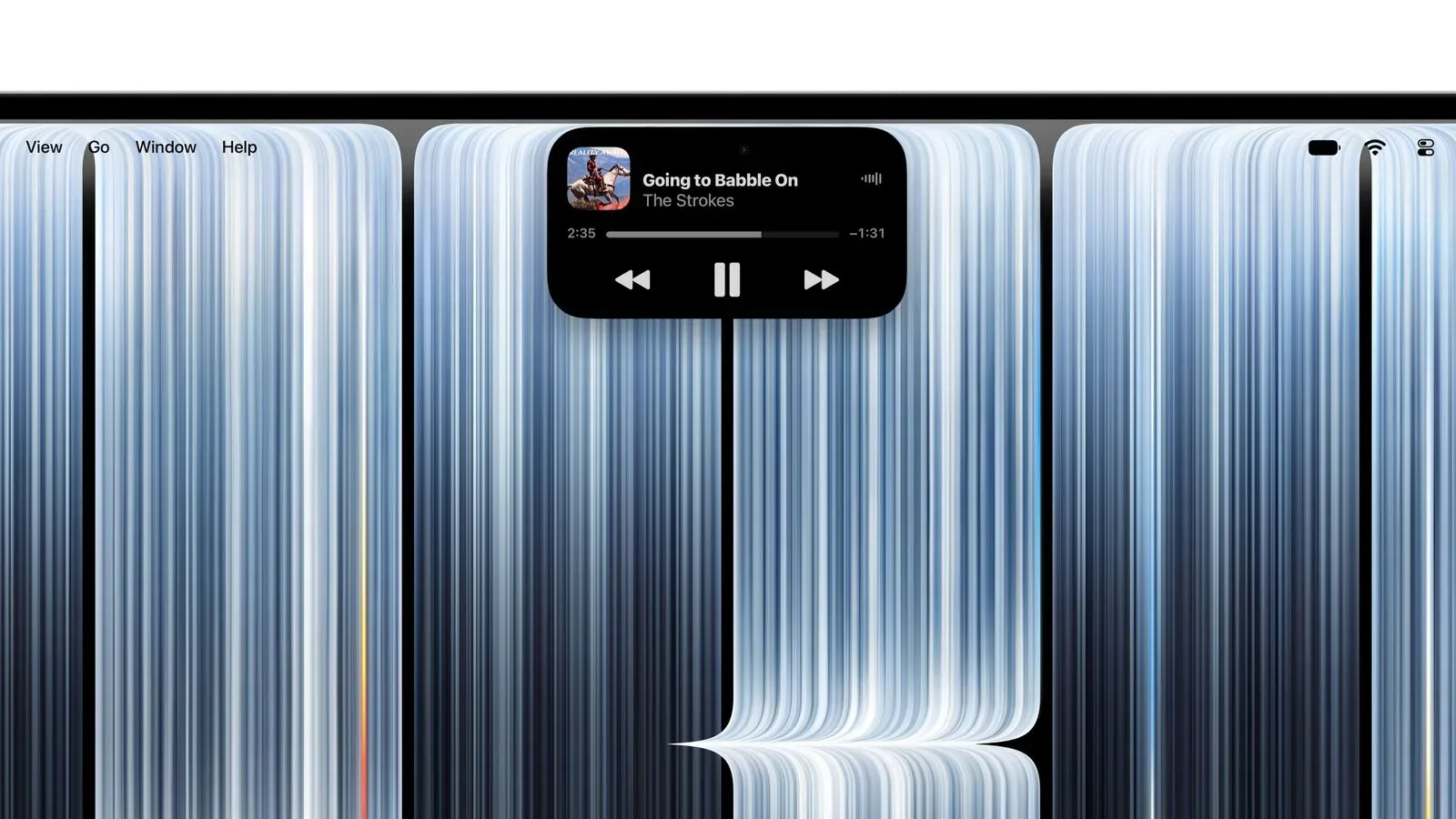
Golden Gate continues the Mac’s Liquid Glass design direction, but the release notes point to adjustments that sound deliberately functional rather than merely decorative. Opacity has been improved with readability in mind, and users get a slider to set their preferred degree of transparency. For a desktop environment packed with overlapping windows, sheets, panels and the occasional terminal nobody meant to leave open, that sort of control can matter more than a splashy new animation.
Shadow changes are also meant to make the active window easier to identify. It is a small detail with a big daily footprint: Mac users often juggle browser windows, documents, chat clients and creative tools at once, so clearer focus cues reduce the momentary “which window is taking my keystrokes?” panic.
Other interface changes include:
- More consistent toolbars across apps.
- Sidebars that extend edge to edge.
- Less aggressively rounded corners.
- Fewer icons occupying menu bars.
None of those items is likely to prompt a standing ovation from a spreadsheet, but together they describe a desktop intended to look more unified and less cluttered. The transparency slider is particularly notable because it gives users a direct choice instead of treating visual taste and legibility as a compulsory group project.
Siri AI moves into Spotlight
The headline functional addition is Siri AI. Apple describes it as a chatbot-style assistant that combines broad world knowledge with personal information and onscreen awareness to answer questions and locate information. Siri AI resides in Spotlight, where the new Search or Ask interface gives users a place to pose questions rather than only enter traditional search terms.
That positioning makes Spotlight a more central part of the Golden Gate experience. Historically, a system-wide search surface is where people look for an app, a file or a command in a hurry. The new design proposes that it can also be where a user asks for help interpreting information, finding something in their own material, or working from the contents of the display. In other words, the magnifying glass is getting a conversational side quest.
Golden Gate also adds a dedicated Siri app. It supports chatting with Siri and reviewing previous conversations. On newer Macs, users can choose a custom Siri voice with personalized pace and expressivity. Apple has not specified in this release-candidate information exactly which Mac models qualify for that voice customization, so prospective users should avoid assuming it applies to every system that can run the new operating system.
Visual Intelligence is now available on Mac as well, allowing Siri to respond to questions about what appears on the screen. Meanwhile, Write with Siri can create text or provide feedback on writing. Those capabilities put Siri in a more active role across the desktop: not just responding to a spoken request, but participating in search, text work and onscreen context.
AI touches Photos, Safari, Passwords and Image Playground
The update’s AI features are not confined to Siri. Photos gains AI editing tools, extending the software’s editing toolkit with generative or automated assistance. Safari receives AI-powered tab organization, an addition for users whose browser-window strategy has evolved from “a few tabs” to “an archaeological record of every question asked since Tuesday.”
The Passwords app can use AI to automatically update weak passwords. This is one of the more consequential-sounding additions because it connects automated assistance to account security hygiene. The stated feature is an option, rather than an indication that passwords will be changed by default. Users considering the tool will likely want to pay close attention to how it is presented in the final software and which credentials it can handle.
Image Playground has also been revamped and can generate photorealistic images. That is a notable change in direction for an app associated with image generation, though the release-candidate details do not provide a menu of styles, output limits, supported Mac hardware, or a public availability timetable. The safe takeaway is simply that photorealistic image generation is among Golden Gate’s advertised capabilities.
What Mac users can take from this build
At the release-candidate stage, macOS Golden Gate looks less like a single-feature update and more like a coordinated revision of how the Mac looks, searches and assists. The interface work addresses readability, active-window clarity and visual consistency. The AI work places Siri in Spotlight, gives it a separate conversation history, adds writing support and extends screen-aware questions through Visual Intelligence.
Apple is also distributing the same AI theme through the core apps many people use every day: image editing in Photos, tab handling in Safari, weak-password updates in Passwords, and photorealistic creation in Image Playground. Whether each feature is relevant will depend on a person’s Mac model and workflow, especially where the announced tools are specifically limited to newer Macs.
For the moment, the practical route is clear only for beta participants: enable Beta Updates in Software Update with a free developer account, then install the release candidate if that testing track is appropriate. Everyone else has a clearer picture of the features approaching the public version, but no newly stated public-release date. Apple’s wider hardware ecosystem is also in an especially AI-focused moment, as seen in its recent dispute over purported iPhone AI screenshots; Golden Gate makes the company’s own confirmed Mac software direction considerably easier to identify.
For now, the Golden Gate release candidate is the last checkpoint before the public train leaves the station. The glass is more adjustable, the windows should be easier to read, and Spotlight has apparently been promoted from helpful librarian to chatty co-pilot.