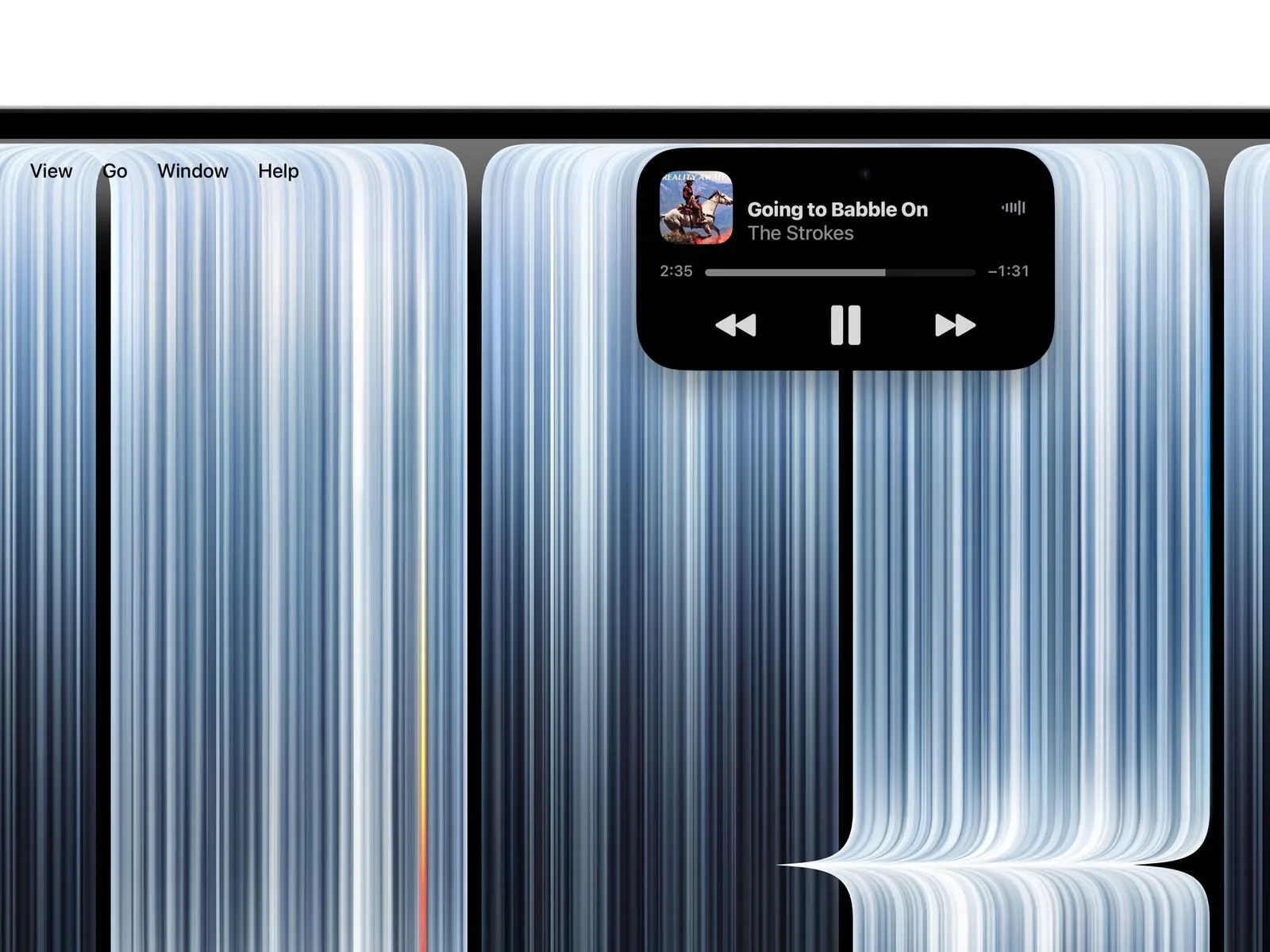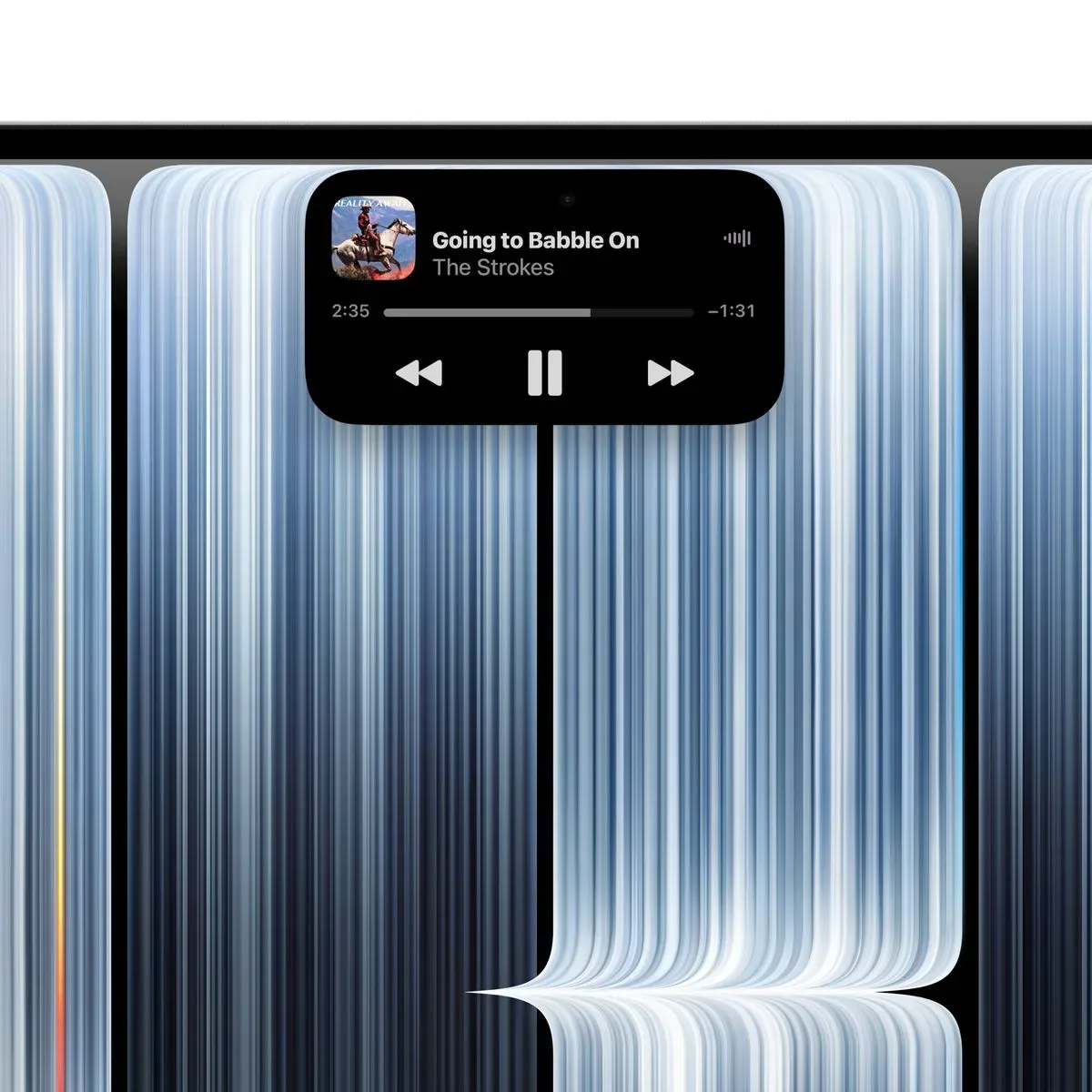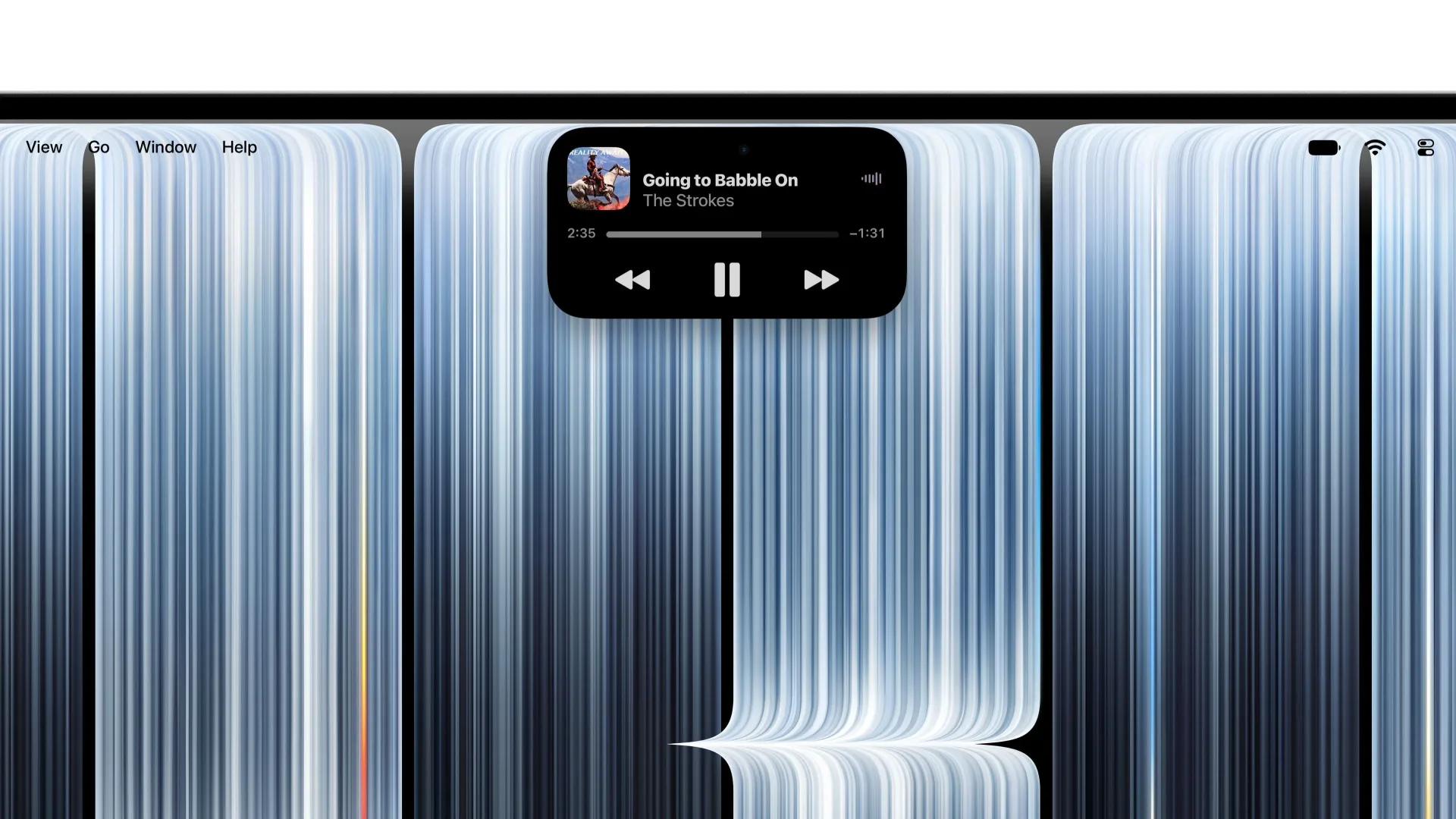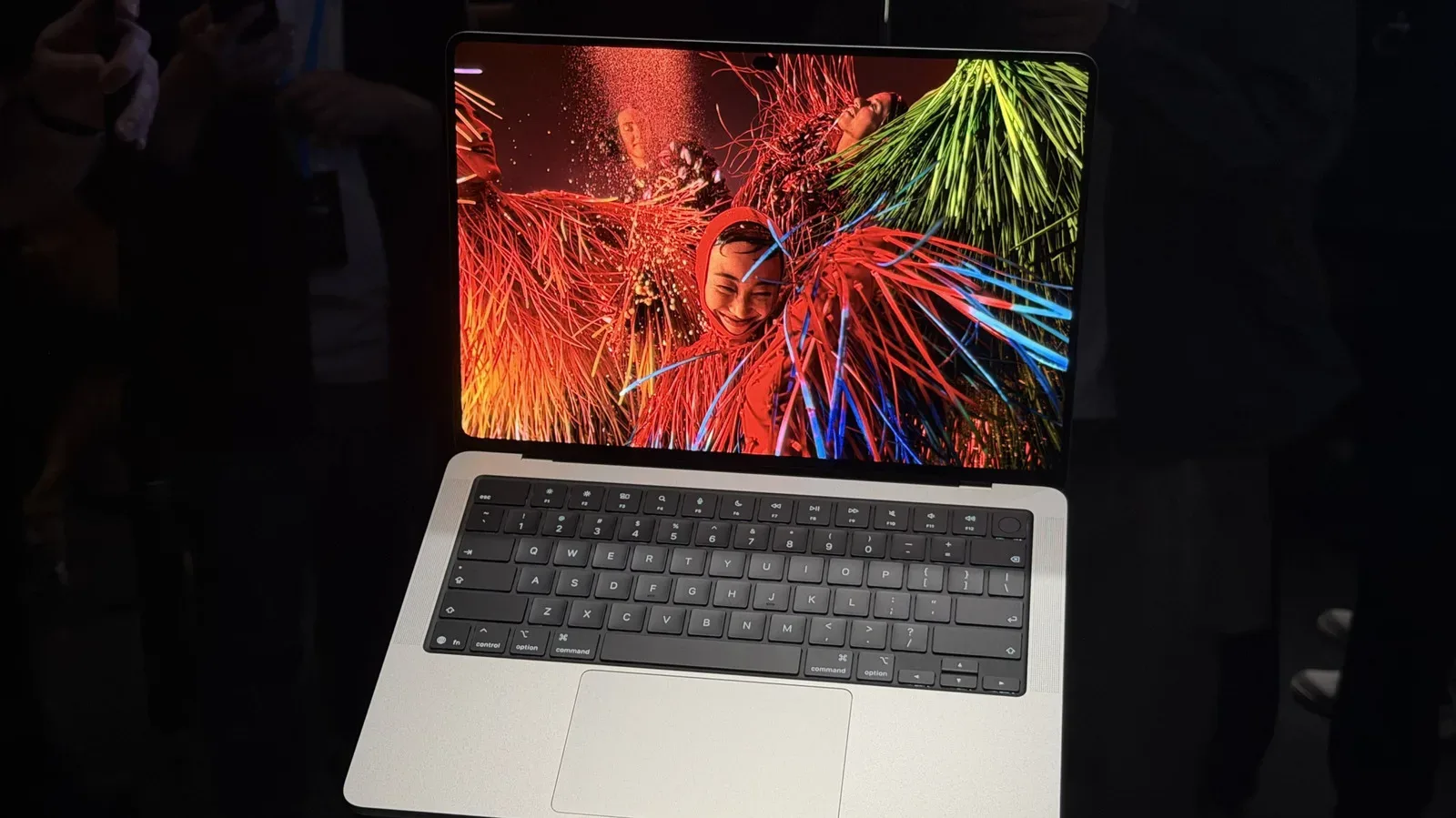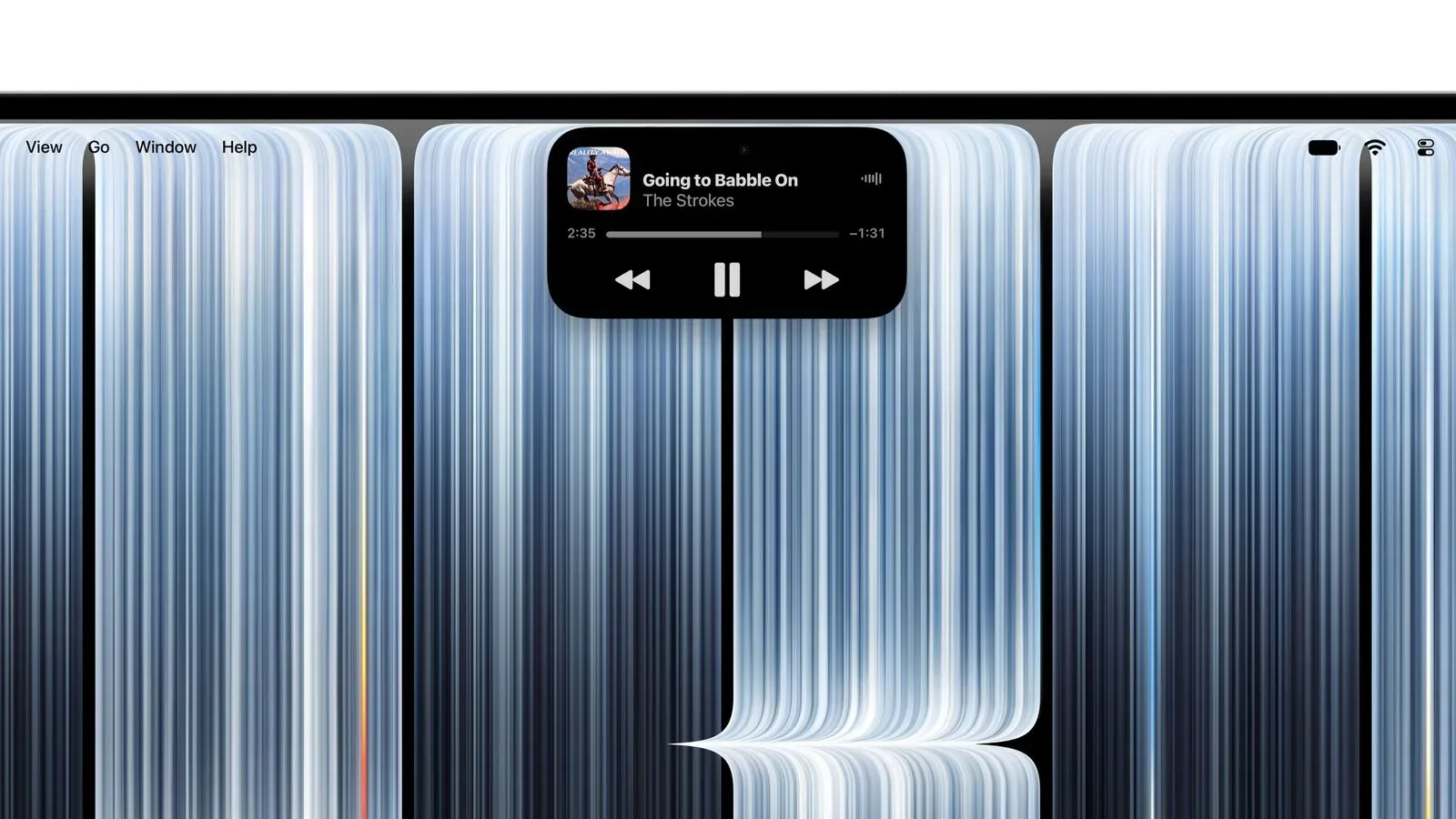
Apple’s new 14-inch and 16-inch MacBook Pro models bring the Dynamic Island to the Mac for the first time. The interactive display area is intended to keep timely controls, Live Activities, Spotlight and Siri AI within reach while a user is working in another application. It is a major shift in how Apple is using the upper edge of a Mac display: rather than simply housing a camera, that space now has an active software role.
For people who use a MacBook Pro as a gaming-adjacent machine—whether that means chatting during a session, moving files with AirDrop, listening to music, or tracking other ongoing tasks—the basic pitch is immediacy. Apple says the interface can handle actions including answering a phone call, controlling music playback and accepting an AirDrop request without requiring the user to dig through a separate app window first.
What Dynamic Island means on a Mac
Dynamic Island debuted on the iPhone 14 Pro and iPhone 14 Pro Max in September 2022. On those phones, it replaced the larger display notch with a smaller TrueDepth camera cutout framed by software that could expand, change shape and present alerts, controls or ongoing activities.
The concept now moves to a much larger-screened, work-oriented device. Its purpose remains broadly similar: make short, active tasks visible without forcing them to take over the current workspace. On the new MacBook Pro, the area serves as a home for three kinds of interaction:
- Live Activities: ongoing items that can remain visible while other apps are in use.
- Spotlight: Apple’s system search interface.
- Siri AI: Apple’s AI-related Siri experience, surfaced through the same display area.
That combination matters because these are normally different types of computer activity. A Live Activity is about monitoring something in progress. Spotlight is about finding something. Siri AI is about requesting help or initiating an action. Putting all three at the top of the display makes the Dynamic Island less like a single notification indicator and more like a compact interaction zone.
Apple’s examples point toward quick interruptions rather than long workflows. A phone call needs an accept-or-decline decision. An AirDrop request needs approval. A song may only need a pause command. These are tasks where opening an app, locating a control and returning to the original window can feel excessive, particularly when a user is concentrating on a full-screen task.
A touchscreen changes the practical equation
The new MacBook Pro models also have a touchscreen, and that makes the Mac implementation notably different from its phone predecessor in day-to-day use. Apple says actions such as pausing a song can be completed with a tap.
On a phone, tapping Dynamic Island is an expected gesture because the entire device is touch-first. A MacBook has historically been controlled with a keyboard, trackpad or mouse. The touchscreen means the area can now be used directly, potentially making small, temporary controls at the top of the display faster to access.
That does not mean every task suddenly belongs in the Dynamic Island. The supplied details describe it as a place for ongoing activities, alerts and concise controls, not a substitute for full app interfaces. Its value will depend on whether it reduces friction for brief actions while leaving users’ main work unobstructed.
For a player using a MacBook Pro between matches or while managing a game download, the clearest theoretical benefit is reduced context switching. Music playback and incoming calls are not game features, but they are common background activities. An interface designed to handle them in a small, persistent space could mean fewer trips into overlapping windows. The same applies to accepting an AirDrop transfer when sharing screenshots, clips or other files.
That is an implication of Apple’s stated use cases, not a claim that the Dynamic Island is a gaming control system. Nothing provided indicates game-specific functions, integrations or performance changes. The feature is best understood as a system-level convenience layer that may be helpful around play, work and media alike.
Dynamic Island does not mean Face ID on Mac
The most important limitation is also the easiest one to misunderstand. Dynamic Island’s arrival does not bring Face ID to the MacBook Pro.
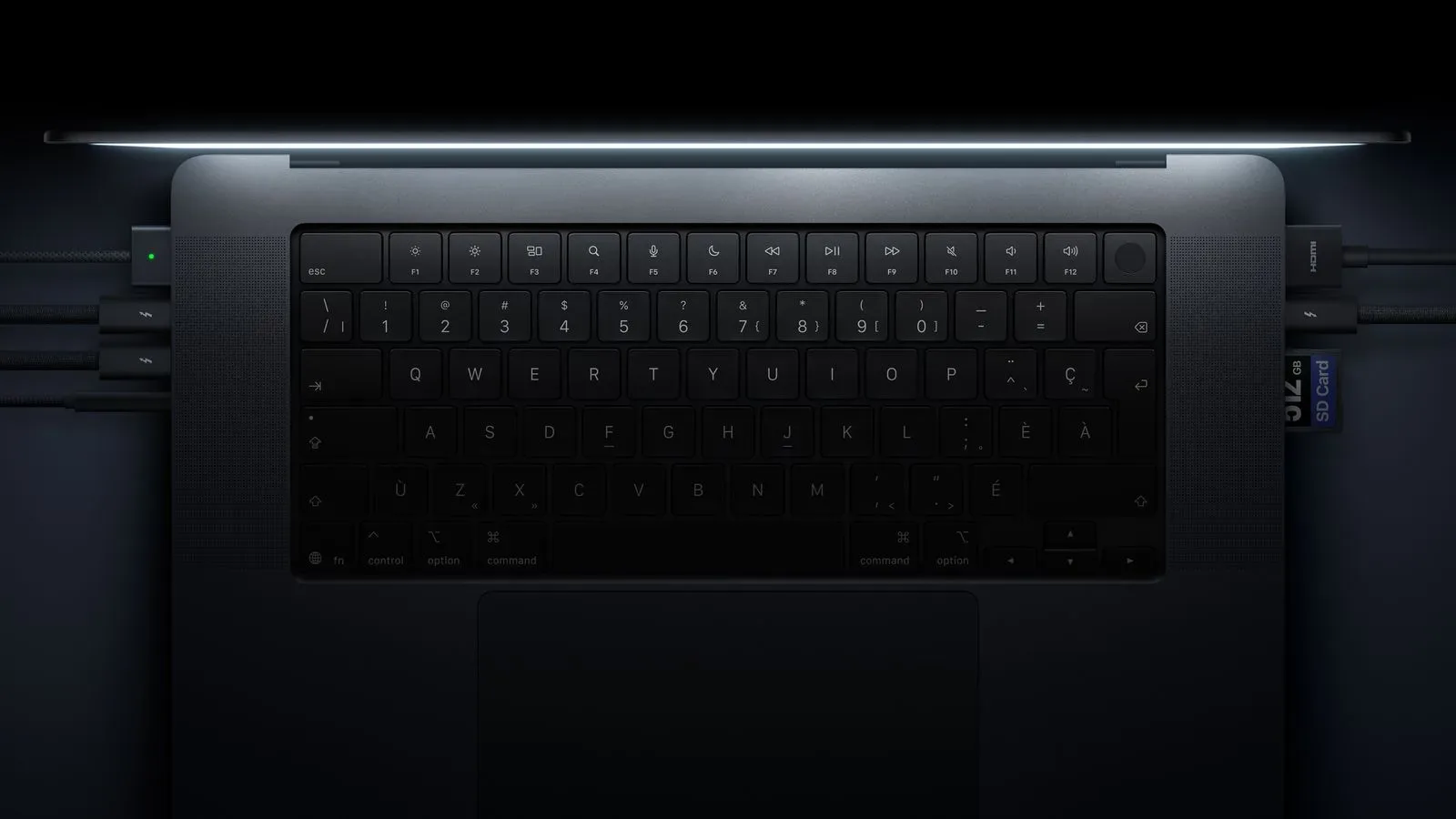
On the iPhone models where the idea began, the display cutout was tied to the TrueDepth camera system used for Face ID. The new MacBook Pro takes a different approach. It retains Touch ID for authentication and includes a 12-megapixel Center Stage camera.
Touch ID is Apple’s fingerprint-based authentication method. Face ID is its facial-recognition authentication system. Center Stage refers to camera functionality, while the Dynamic Island is a software-driven interface area around a display cutout. The presence of one should not be read as proof of the others.
In practical terms, MacBook Pro owners should expect to continue authenticating with Touch ID rather than facial recognition. The Dynamic Island changes how the display edge presents active information and controls; it does not alter the stated biometric method on these notebooks.
The display edge becomes part of the interface
There is a broader design idea behind the change. A laptop display’s top edge has traditionally been a reserved area: camera hardware, a narrow bezel and, on some designs, a notch. Dynamic Island treats that position as usable interface territory. When nothing calls for attention, the area can remain discreet. When a call, transfer, playback control, search task or Siri AI interaction needs attention, it can expand into a visible control surface.
That approach is potentially useful for multitasking because it does not require a permanent large panel on screen. A conventional app window can hide other material and demand focus. A compact status-and-control area can provide a decision point with less disruption—at least in principle.
Whether users prefer that behavior will come down to implementation details that have not been established here: how frequently it appears, how much screen space it occupies during an activity and how users choose to engage with it. What is clear is that Apple is positioning the feature around accessibility to active tasks, not simply around visual decoration.
The new MacBook Pro lineup has other notable hardware changes covered separately, including its expanded internal-storage ceiling and its audio claims. For more on the storage configuration, see the report on the MacBook Pro’s 16TB internal storage option.
Availability and starting prices
The 14-inch and 16-inch MacBook Pro models became available to pre-order on October 28, with launch set for November 6. U.S. pricing starts at $2,899 for the 14-inch model and $3,399 for the 16-inch model.
Those entry prices place the feature on Apple’s high-end notebook line rather than across the Mac range. The Dynamic Island is therefore not merely a Mac software update in the information provided; it is part of the new MacBook Pro hardware offering, alongside the touchscreen that enables direct taps on its controls.
For prospective buyers, the key distinction is straightforward. This is not Face ID in disguise, and it is not described as a gaming-exclusive addition. It is an interactive top-of-display space designed to consolidate ongoing activities, search and Siri AI, with quick actions available through the new touchscreen. If that sounds useful, it adds another interface consideration to the usual questions around screen size, configuration and price. If not, the familiar Touch ID-based authentication model remains in place.