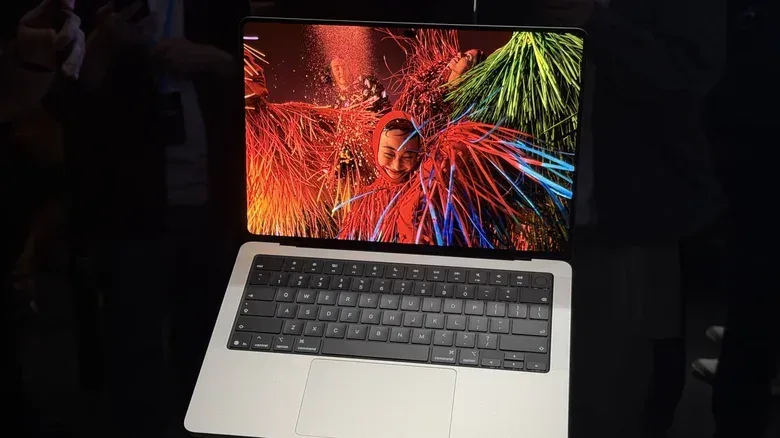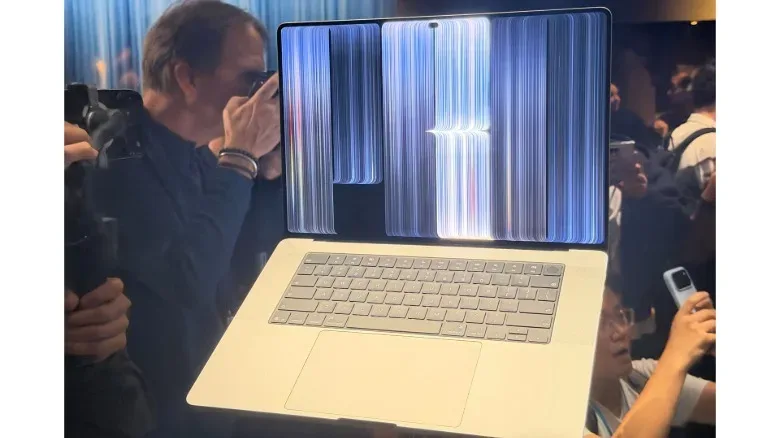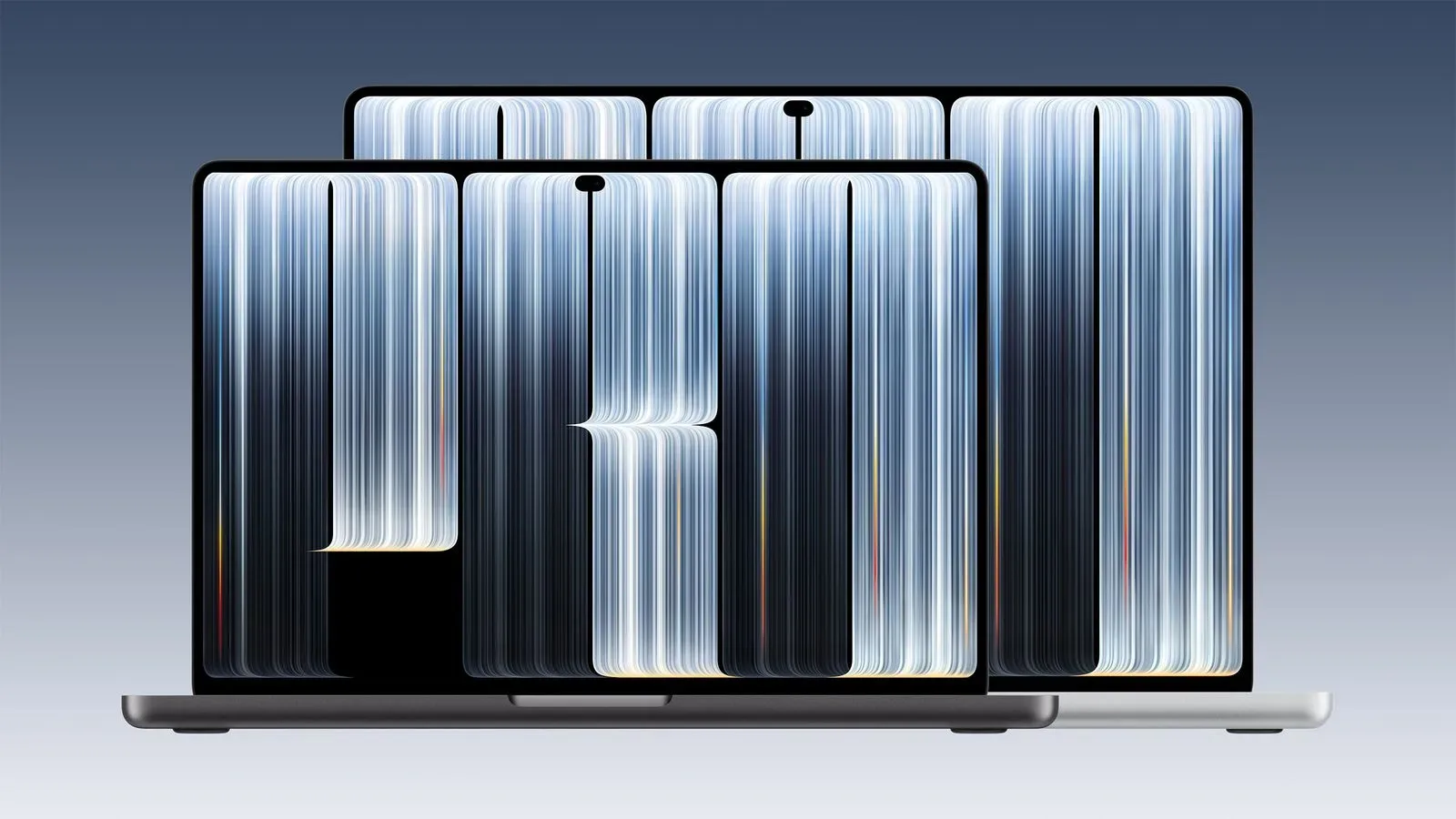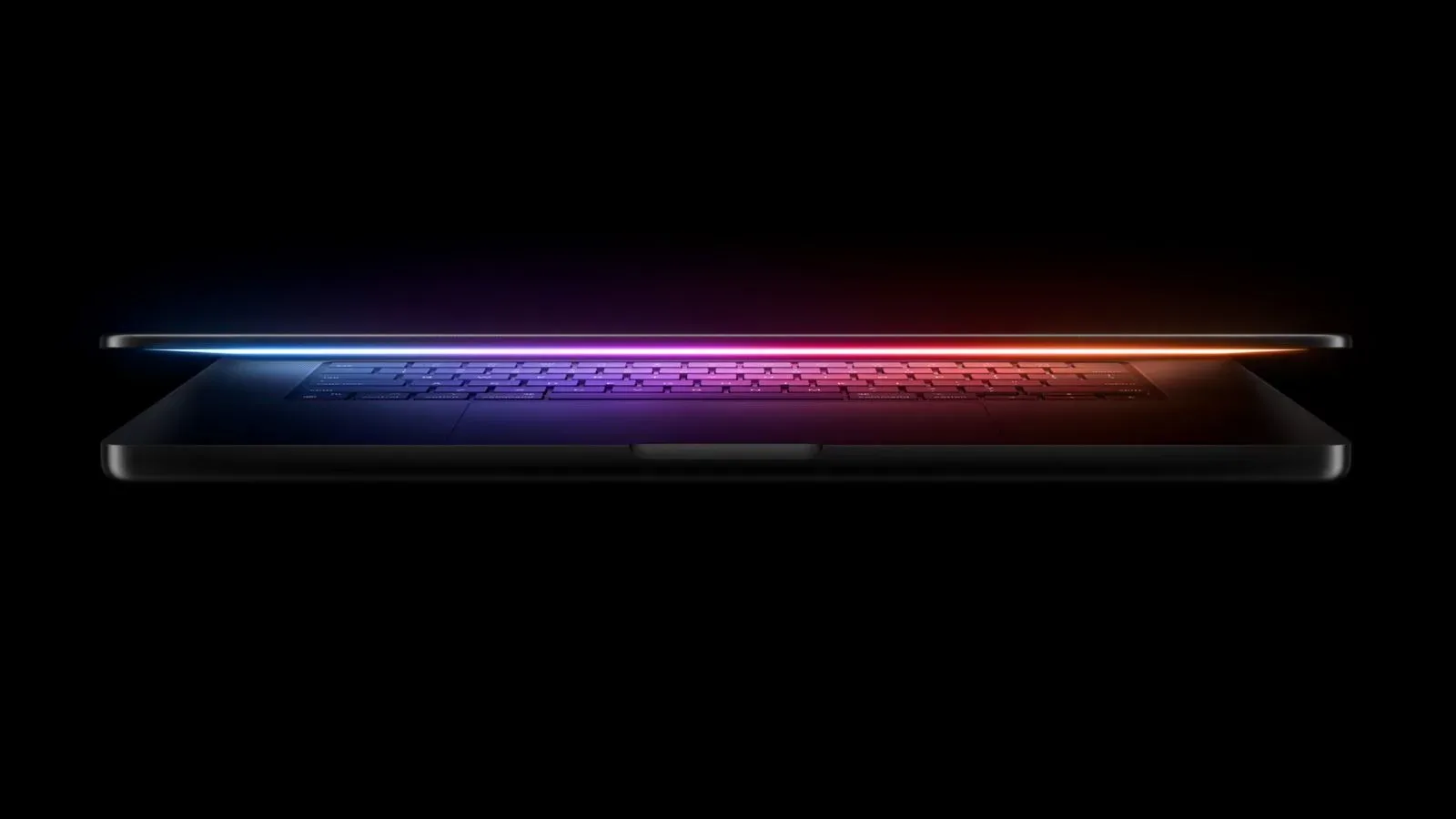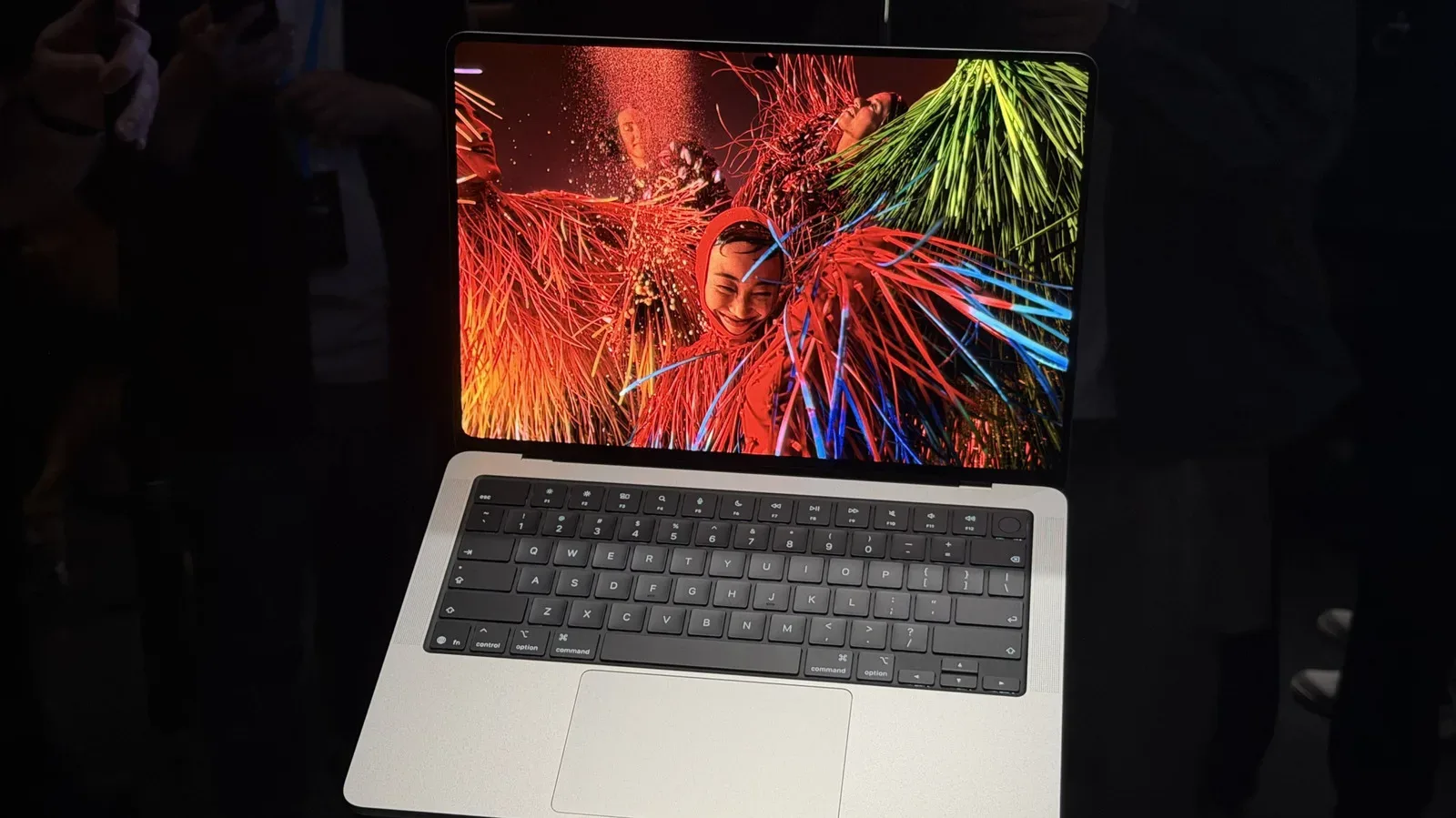
Apple has introduced a redesigned MacBook Pro that brings an OLED touchscreen to its flagship laptop line for the first time. Officially named the MacBook Pro with PROLED XDR, the new model combines touch input with M5 Pro or M5 Max processors, thinner hardware, narrower display borders and a notably steeper entry price: $2,899 for the 14-inch configuration and $3,399 for the 16-inch version.
That makes this a laptop aimed squarely at buyers who regard a computer as a professional tool rather than an all-purpose household purchase. The model’s features could appeal to artists, video workers, 3D creators, developers and people who need substantial on-device computing capacity. But the touchscreen is the major change in how a MacBook can be used, and it raises a practical question: after years of macOS being built around a keyboard, mouse and trackpad, what is touch actually for?
A MacBook Pro screen built to be touched
The center of the redesign is the OLED panel. OLED, short for organic light-emitting diode, is a display technology in which pixels provide their own light. In straightforward terms, that allows a screen to present very dark areas alongside bright content without relying on a conventional display-wide backlight. Apple rates the PROLED XDR panel at up to 2,000 nits of peak brightness and a 10,000,000:1 contrast ratio.
A nit measures display brightness. Those figures are manufacturer claims, not a measure of every screen mode or scene, but they position brightness and contrast as central parts of the upgrade. The display also retains a 120Hz refresh rate, matching existing MacBook Pros. A 120Hz panel can update its image up to 120 times per second, which can make scrolling, moving interface elements and compatible animated material look more fluid than on a 60Hz display.
The thinner bezels also create slightly larger stated display sizes: 14.2 inches for the smaller laptop and 16.3 inches for the larger one. Apple has placed a Dynamic Island around the webcam, bringing an interface and hardware treatment previously associated with its mobile products to the top of the MacBook display. The rear Apple logo lights up as well, a return to a visual flourish used on older Apple laptops.
There is a certain irony to a high-end workstation gaining the simplest input method in computing: putting a finger on the thing one wants to operate. Yet the practical pitch is broader than tapping buttons. The touchscreen can make casual reading and navigation more direct, allow swiping through media, and offer a more tactile way to manipulate objects in 3D software. For game-adjacent creative work, that could matter most in workflows built around visual arrangement, asset review, presentation, drawing or object inspection rather than in traditional keyboard-heavy production.
macOS touch: compatibility first, specialized tools second
Apple says its own apps are optimized for the touchscreen. More importantly, macOS interprets touch interactions as clicks, meaning touch can be used across apps rather than being limited to a small, purpose-built catalog. That is a pragmatic compatibility layer: a tap can stand in for a familiar mouse action even if an older desktop app was never originally designed with fingers in mind.
The company has also identified Notion, Canva, PowerPoint and Blender as third-party apps that work natively with the touchscreen. Those names help illustrate the intended spread of use cases. Notion is associated with documents and organization; Canva and PowerPoint with layouts and presentations; Blender with 3D creation. A display touch surface may be useful for direct adjustments in these kinds of visual applications, although a keyboard, trackpad or mouse will remain important for precision work, shortcuts and extended sessions.
Developers could have another reason to care. The touchscreen appears able to interact with iOS apps in a phone-like manner, which could make it easier to examine touch behavior from a MacBook. That does not erase the differences between a laptop display and a handheld device, but it potentially reduces the gap between building an app at a desk and checking how touch controls behave.
Apple’s long-standing separation between touch-centric platforms and macOS is the context for this change. iOS, iPadOS and watchOS were designed around direct touch; macOS was designed around more conventional computer inputs. Windows PCs have included touchscreens for many years, including a major push during the Windows 8 era. Apple, meanwhile, has relied on its glass trackpads to deliver fluid scrolling and gesture controls without asking people to reach toward the display.
The new MacBook Pro does not suggest that trackpads are being discarded. Instead, it adds another route into the operating system. For some tasks, a user may touch the screen; for others, especially sustained typing or highly exact work, the established inputs remain more natural. The success of the idea will depend on whether software makes that choice feel useful rather than redundant.
Lighter hardware, without sacrificing the port selection
Apple says the 14-inch touchscreen MacBook Pro weighs three pounds. The current non-touch 14-inch MacBook Pro is listed at 3.4 pounds, making the claimed reduction meaningful for a machine that could travel between offices, studios, classrooms and events. The 16-inch version is listed at four pounds, compared with 4.7 to 4.8 pounds for the non-touch 16-inch MacBook Pro.
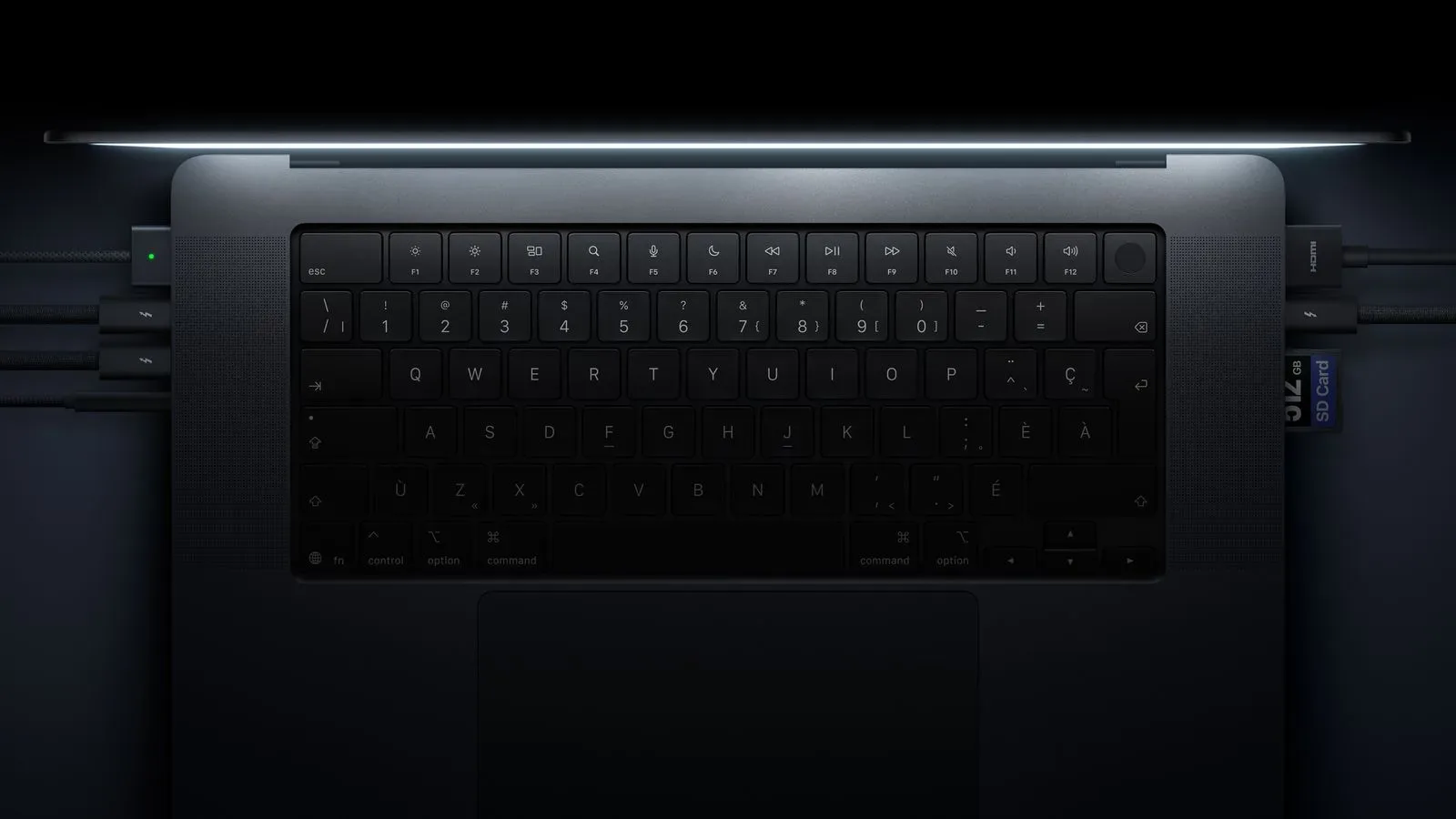
The redesign is thinner than existing models, but it has not adopted a ports-at-all-costs minimalist approach. The new laptop includes:
- Three Thunderbolt 5 USB-C ports
- MagSafe charging
- HDMI
- A headphone jack
- An SDXC card slot
For creators, the SDXC slot and HDMI connection are particularly straightforward inclusions. An SDXC slot is used with compatible high-capacity SD cards, while HDMI provides a common way to connect to external displays. Thunderbolt 5 is the latest named version of the high-speed USB-C connection standard included here. The result is a machine that pairs an unusually modern display feature with the kind of physical connectivity expected of a Pro laptop.
The touchscreen models use the same M5 Pro and M5 Max chip options as their non-touch counterparts. Apple has not framed the touch screen as a lower-tier variant or a separate processor family. Rather, it is an additional premium layer on top of the existing high-performance MacBook Pro platform.
The price puts the feature in perspective
The 14-inch MacBook Pro with PROLED XDR starts at $2,899, while the 16-inch begins at $3,399. The 14-inch starting point is the highest launch price yet for a MacBook Pro. That immediately limits the audience for whom touch is a convenience worth considering, particularly when Apple continues to sell non-touch models with the same M5 Pro and M5 Max chip families.
At the other end of the configuration scale, a 16-inch system with an M5 Max, 128GB of RAM and a 16TB capacity configuration reaches $14,549. That ceiling is not aimed at the typical laptop shopper. It is an explicit invitation to buyers whose work demands very large amounts of memory and local capacity, or who simply need the highest available specification in a portable machine. The new model’s 16TB internal storage ceiling and upgrade cost put that extreme configuration in sharper perspective.
Local AI is one reason powerful, heavily equipped systems have become more relevant. “Local AI” refers to AI workloads performed on a person’s own device rather than entirely on remote servers. It can place heavy demands on hardware, particularly memory and storage, though the usefulness of a particular configuration depends on the software, models and tasks involved. Apple’s maximum-spec system is clearly not positioned as a mainstream option, but the growing desire for powerful on-device computing helps explain why such a configuration exists.
What this means for creative and gaming-adjacent users
This MacBook Pro is not presented as a gaming laptop, and the announcement does not establish new game performance claims. Its relevance to gaming culture lies more in the creative, development and media side of the ecosystem. A Blender user making 3D assets, a developer working with iOS touch interactions, or a creator organizing, presenting and reviewing visual material may find direct display input useful alongside a powerful mobile workstation.
The combination is also notable because it does not treat touch as a replacement for traditional PC controls. The display offers touch input; macOS accepts that input as clicks; the laptop still has a full keyboard, trackpad and broad physical port selection. On paper, that is a more flexible proposition than a laptop that requires every workflow to be redesigned around touch.
Still, the question is value. OLED, a 120Hz display, reduced weight, thinner bezels, M5-class chips and touch compatibility make for a substantial redesign. The base price, however, asks buyers to decide whether those changes improve their actual work enough to justify a premium that begins well above earlier MacBook Pro starting points. For buyers with a defined professional need, the answer may be clearer. For everyone else, this is a glimpse of where Apple believes its most expensive portable hardware should go—not necessarily where every MacBook needs to follow.