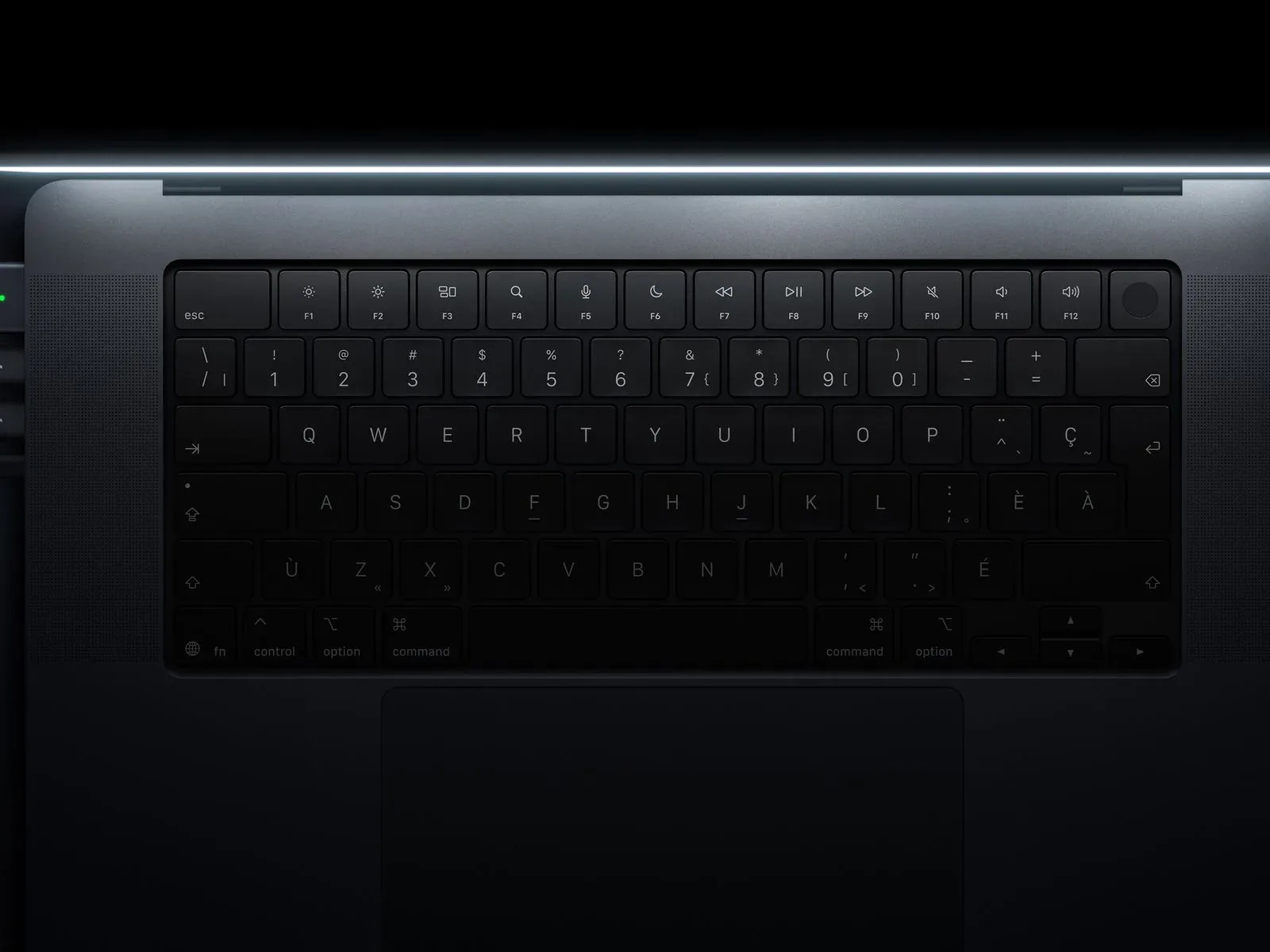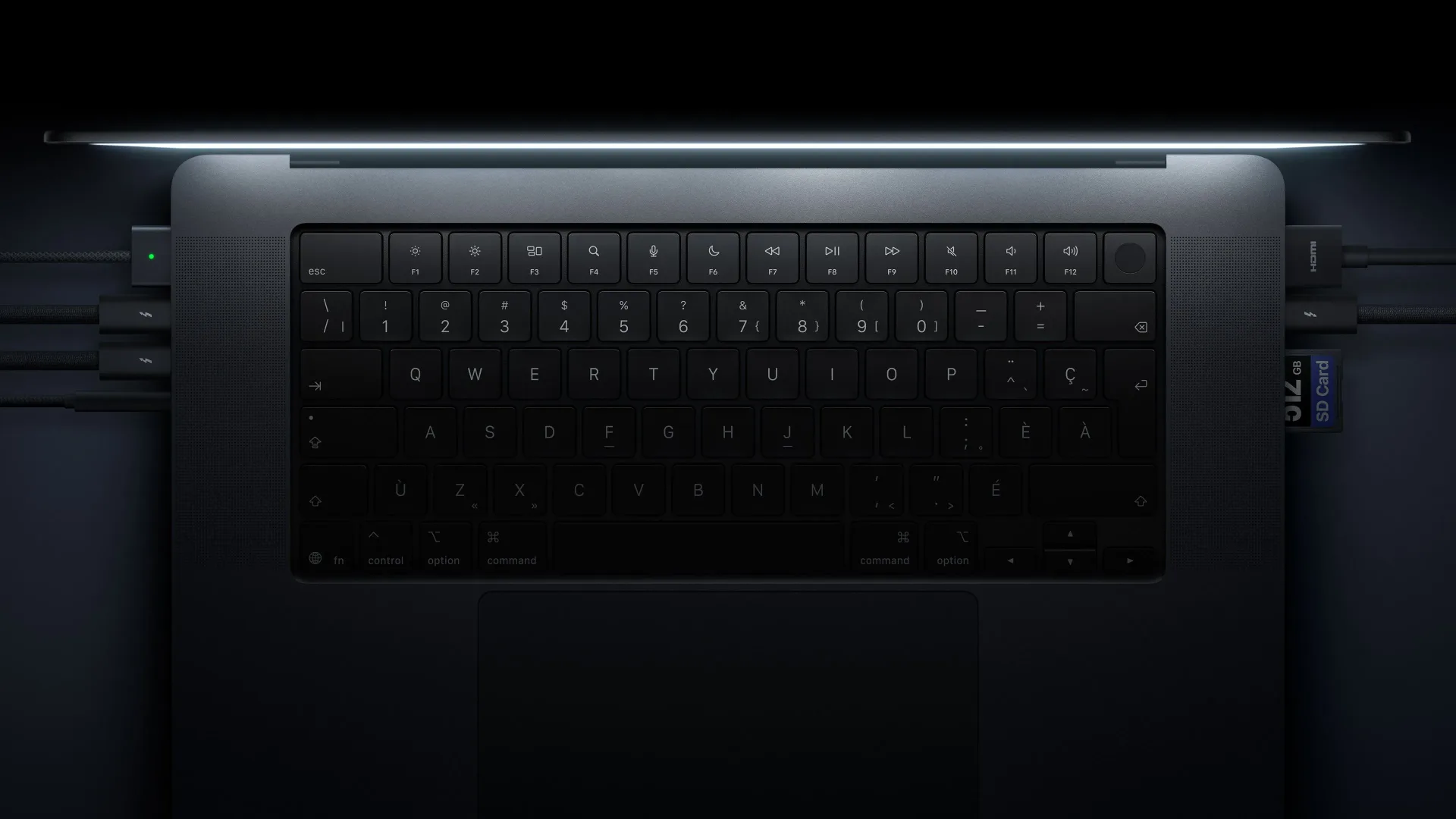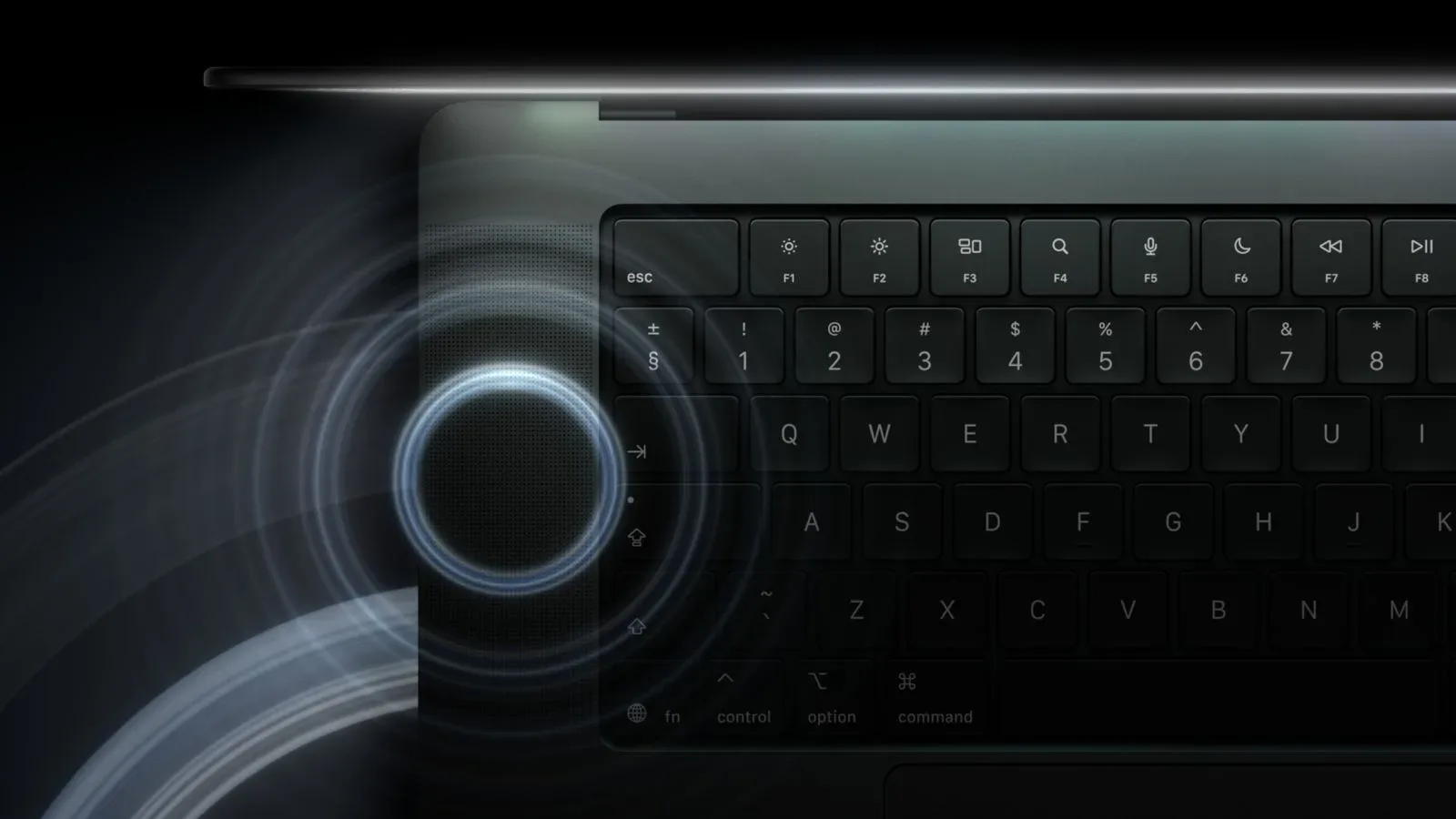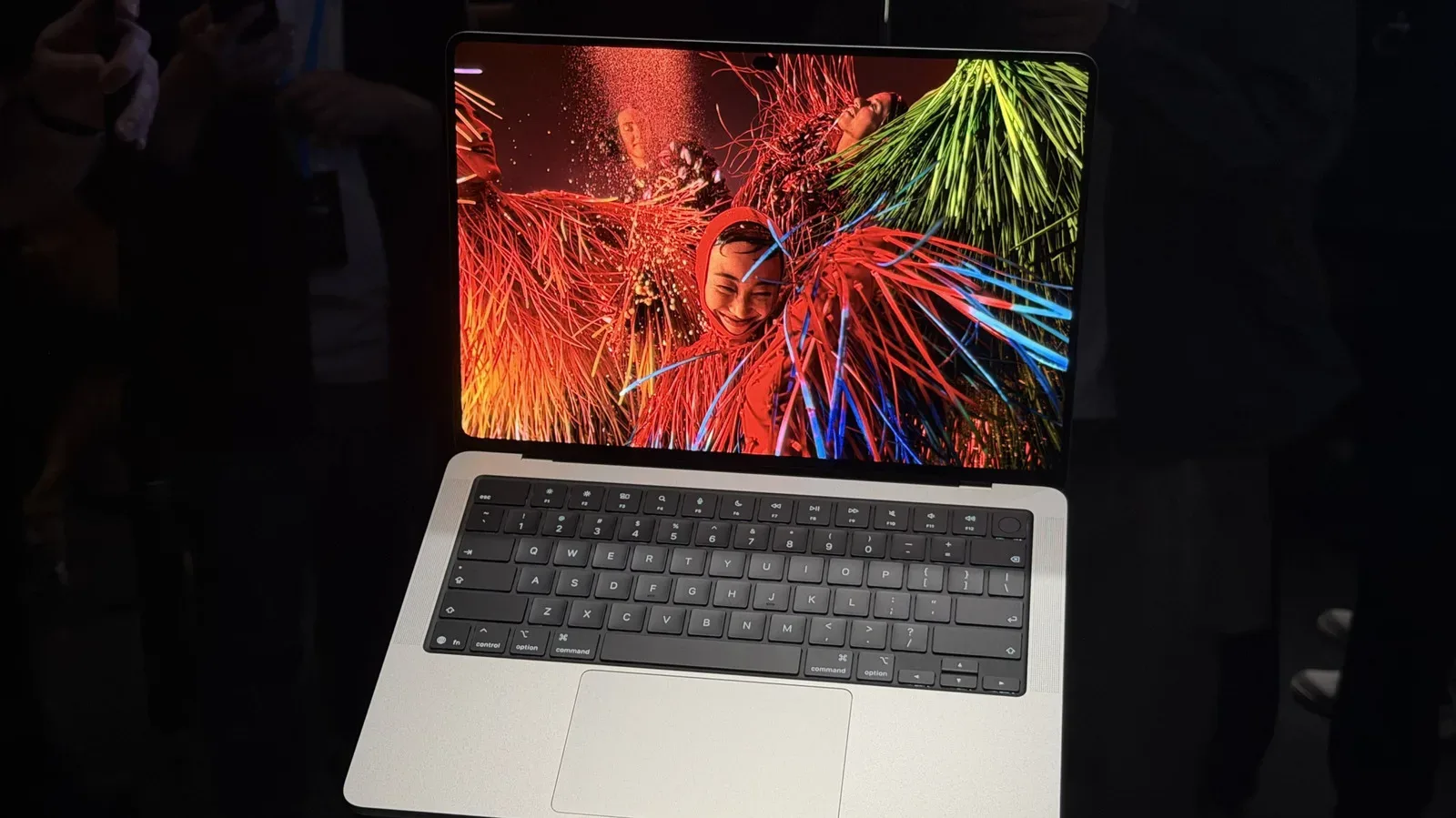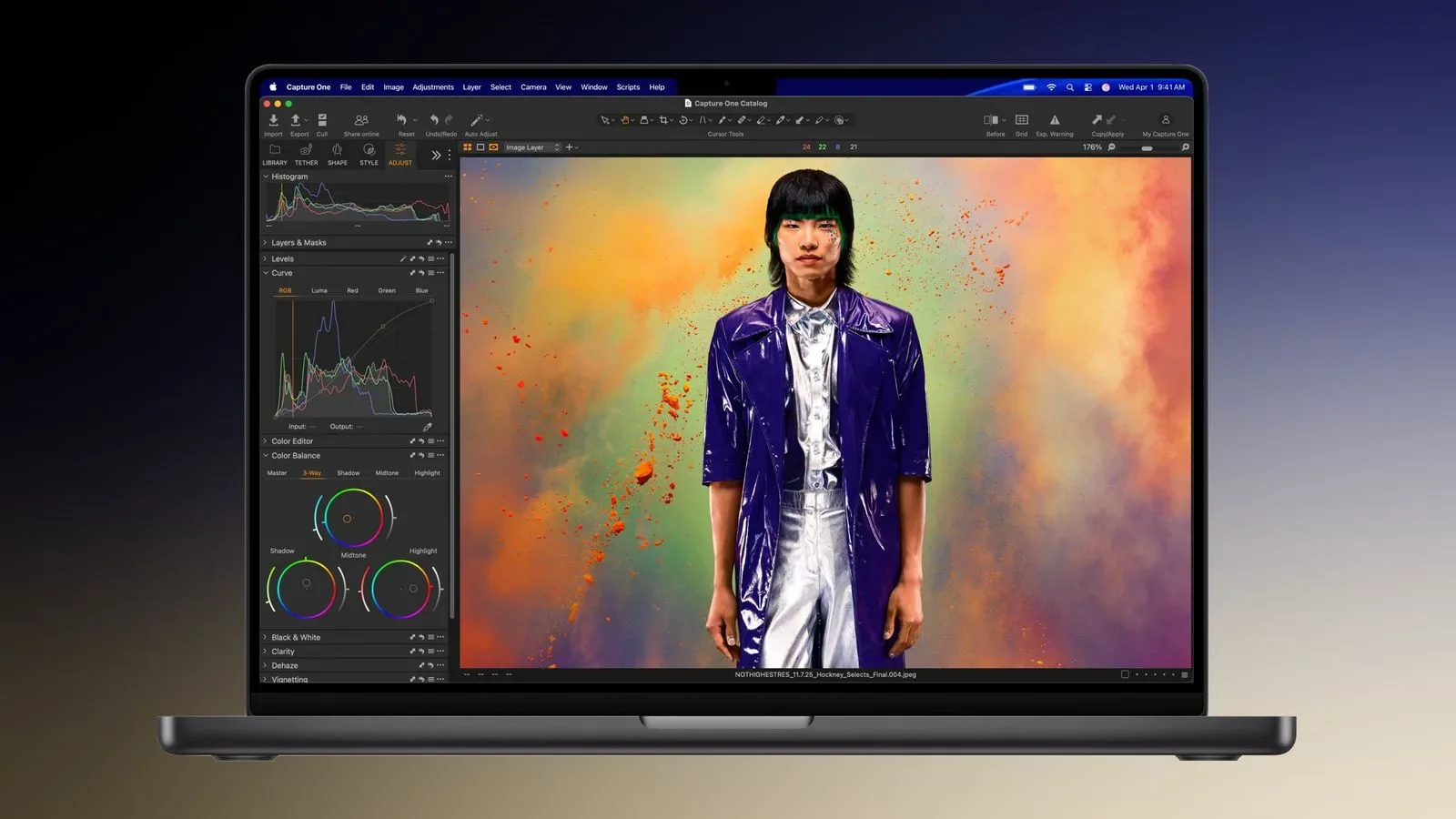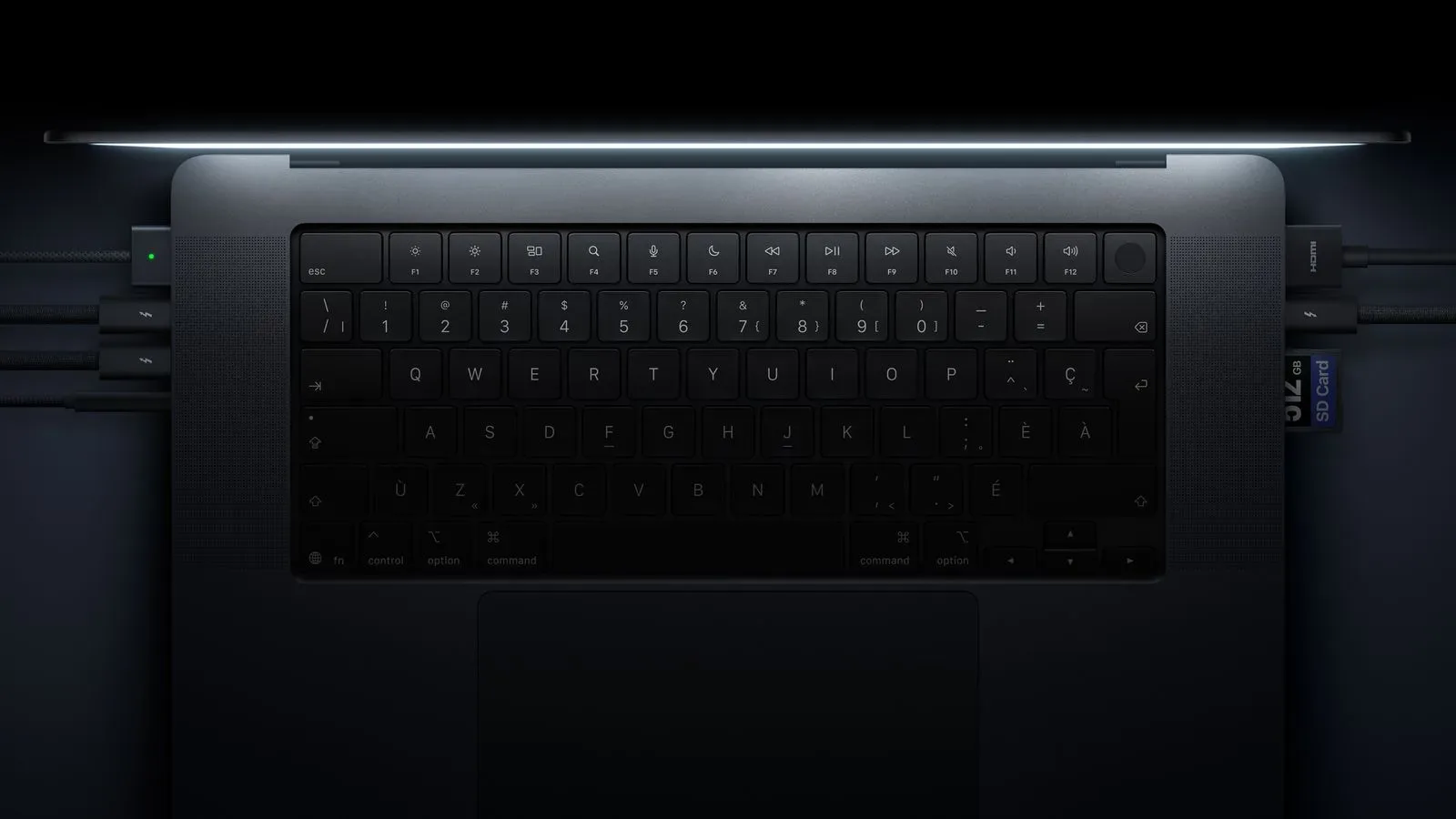
Apple’s new touchscreen MacBook Pro lineup raises the maximum internal-storage option to 16TB, doubling the previous generation’s 8TB ceiling. It is a substantial specification jump on paper, particularly for people whose work or game libraries demand a great deal of fast local capacity. The price of reaching that ceiling, however, is just as striking: moving the highest-end M5 Max configuration from its standard 2TB SSD to 16TB costs $7,000.
That makes the 16TB selection a $4,000 step above the $3,000 upgrade to 8TB. Put differently, the difference between 8TB and 16TB costs more than the entire 2TB-to-8TB storage upgrade. The new option is therefore less a routine recommendation than an unusually expensive configuration intended for buyers who have a clear, immediate need for a huge amount of built-in capacity.
What has changed
The straightforward news is the doubling of the maximum storage tier. The previous maximum was 8TB; the new touchscreen MacBook Pro models can be configured with 16TB. Storage capacity is commonly measured in terabytes (TB), and the figure describes how much data the machine can retain internally. A 16TB model has twice the stated capacity of an 8TB model.
The comparison is meaningful because the shift concerns internal storage. That is the SSD installed as part of the notebook’s configuration, rather than an external drive connected when needed. An SSD, or solid-state drive, is the storage component used for files, applications, games, projects and system data. The capacity choice determines how much of that material can live on the MacBook itself.
For a machine expected to serve as a portable workstation, keeping material local can be a practical preference. It reduces the need to decide which projects, applications or game installs must stay elsewhere merely to preserve free space. But the 16TB option’s cost makes that convenience a premium proposition rather than a broadly sensible default.
The price ladder is the real story
The highest-end M5 Max model starts with a 2TB SSD. Selecting 8TB adds $3,000, while selecting 16TB adds $7,000. Those figures create a notable gap between the two higher-capacity choices:
- 2TB to 8TB: $3,000 additional cost for 6TB more capacity.
- 8TB to 16TB: $4,000 additional cost for a further 8TB of capacity.
- 2TB to 16TB: $7,000 total additional cost for 14TB more capacity.
There is no need to overcomplicate the result. Apple has made an enormous local-storage configuration available, but it has also placed it behind a very large surcharge. The 16TB model is not simply “the version with more room.” It is a major budget decision that should be treated as such.
It is also important not to confuse the $7,000 figure with the price of the computer as a whole. The supplied configuration detail identifies it as the cost to upgrade the highest-end M5 Max system from its standard 2TB SSD to 16TB. It is an upgrade cost, not a stated full-system price.
Why local capacity can matter to PC and game users
Storage discussions can become abstract quickly, so the useful question is what a buyer actually intends to keep on the notebook. For game players, local capacity can be consumed by installed games, downloadable content, saved captures, mods and supporting software. For creative users who also game, those demands may sit beside large project folders. The practical advantage of a larger internal drive is simply having more room for everything at once.
Yet “more room” and “worth the upgrade” are different judgments. Someone with a rotating selection of installed games may value extra capacity differently from someone who needs numerous sizable projects permanently on the computer. A buyer who can manage files elsewhere, or who does not anticipate filling even the standard 2TB, has little reason to pay for a maximum that may remain mostly unused.
The new 16TB option is best understood as flexibility at the extreme end of the configuration menu. It removes a previous limit, but it does not remove the need to match a purchase to an actual storage plan. Before choosing a capacity, buyers should consider what must remain on the internal SSD, what can be moved off the notebook, and how quickly their existing files and applications are growing.
Questions worth asking before selecting 16TB
- Is 2TB already sufficient? The standard capacity on the referenced M5 Max configuration is substantial in its own right. Buyers should start with their real needs rather than assuming a maximum specification is automatically better value.
- Would 8TB solve the actual problem? The 8TB option is itself a major increase over 2TB, and it costs $3,000 rather than $7,000.
- Does the workload genuinely require built-in storage? The key distinction is internal capacity. A buyer should decide whether files must reside in the notebook or whether their workflow allows them to live elsewhere.
- Is the $4,000 jump from 8TB to 16TB justified by a defined need? This is the pivotal decision. Doubling capacity from 8TB to 16TB is significant, but so is the added cost.
A specification aimed at the far end of the market
The introduction of 16TB does not mean every touchscreen MacBook Pro buyer is expected to pursue it. If anything, the pricing underlines how specialized the top choice is. The configuration appears built for customers who place unusually high value on having a massive amount of storage integrated into their laptop and are prepared to pay accordingly.
For everyone else, the more relevant consequence may be that the lineup now offers more room at the top. A prospective buyer can consider the available storage tiers with a clearer sense of what is being traded: capacity versus cost. The numbers supplied here make the trade especially visible. Going from the default 2TB to 8TB requires $3,000; pursuing the new maximum means adding another $4,000 beyond that.
That context is useful when discussing “future-proofing,” a term often used to justify buying more capacity than is currently needed. Extra space can provide breathing room, but the phrase should not substitute for a concrete plan. At a $7,000 premium, 16TB is a configuration that calls for a demonstrable reason, not just a vague fear of running short later.
How this fits with the broader MacBook Pro update
The storage change arrives as part of the new touchscreen MacBook Pro models, and it sits alongside other reported hardware details in the refreshed range. For related coverage of the machines’ audio claims, see the new MacBook Pro models’ deeper-bass and lid-closed audio promises. Storage will not be the only consideration for prospective buyers, but it is one of the easiest specifications to quantify—and, at the high end, one of the most expensive.
There is a useful distinction between a headline-grabbing maximum and the capacity that best fits an individual setup. The former is 16TB, double the prior 8TB maximum. The latter depends on how much data a person truly needs accessible on the internal SSD. For some, 2TB will remain enough. For others, 8TB may represent the meaningful upgrade. The 16TB configuration exists for the cases where even that is not enough, with a price that makes its niche status unmistakable.
The key numbers are simple: 16TB is now the maximum, 8TB was the previous ceiling, and the highest-end M5 Max upgrade from 2TB to 16TB costs $7,000.
Ultimately, this is a hardware option with two equally important halves. The capacity gain is dramatic: a MacBook Pro can now be configured with twice as much internal storage as the preceding maximum. The financial jump is dramatic too: the 16TB upgrade costs $7,000, including a $4,000 increase over choosing 8TB. Buyers who need that much local headroom have a new option; buyers who do not should read the storage menu as a reminder that the maximum specification is not necessarily the practical one.