A small display adapter can be the least glamorous item in a laptop bag, right up until a hotel TV, meeting-room projector, second monitor, or larger desk display is sitting there with only HDMI available. The Anker 310 USB-C to HDMI Adapter is currently listed at $13, reduced from $17. That is a $4 difference, or 24% off the listed price.
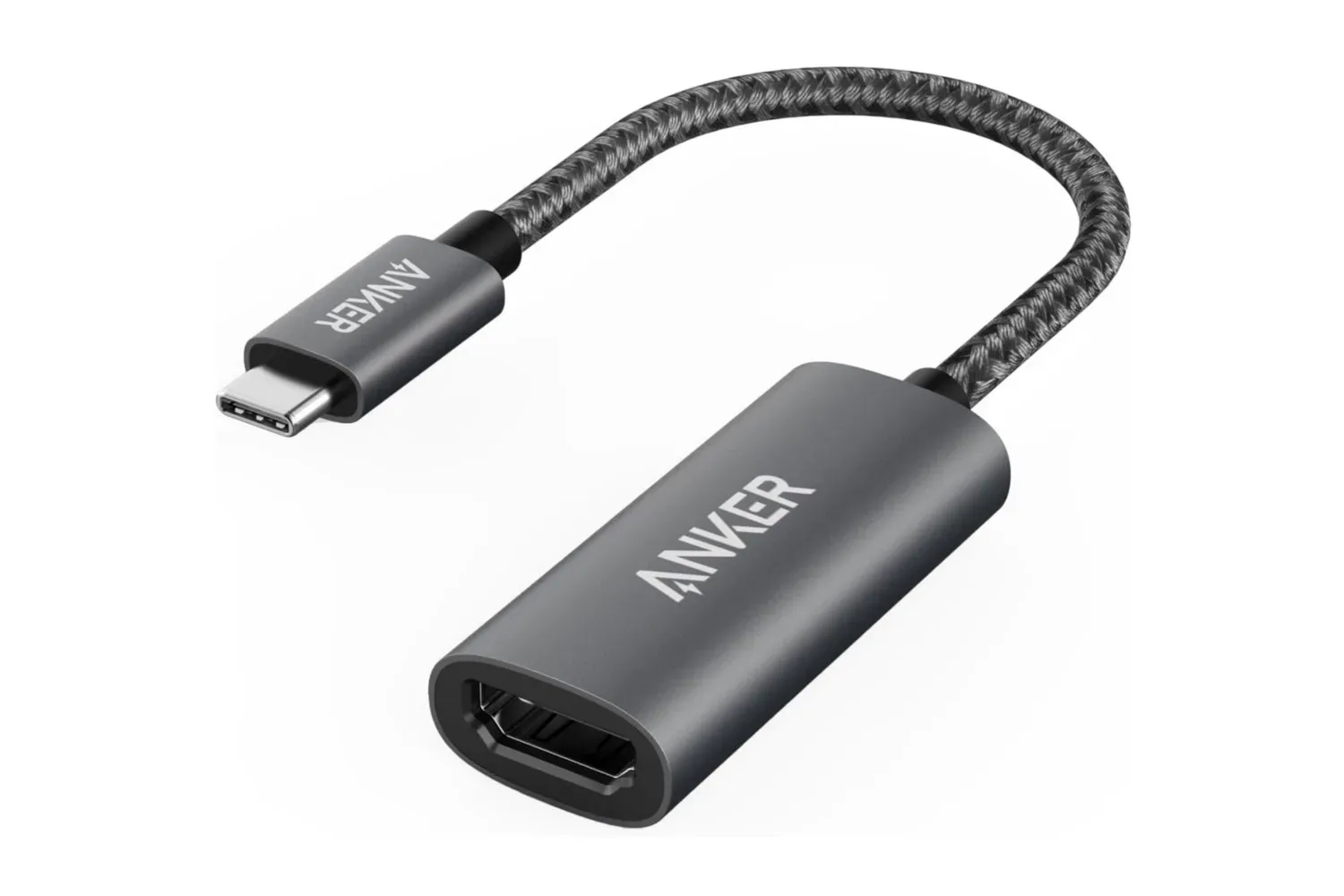
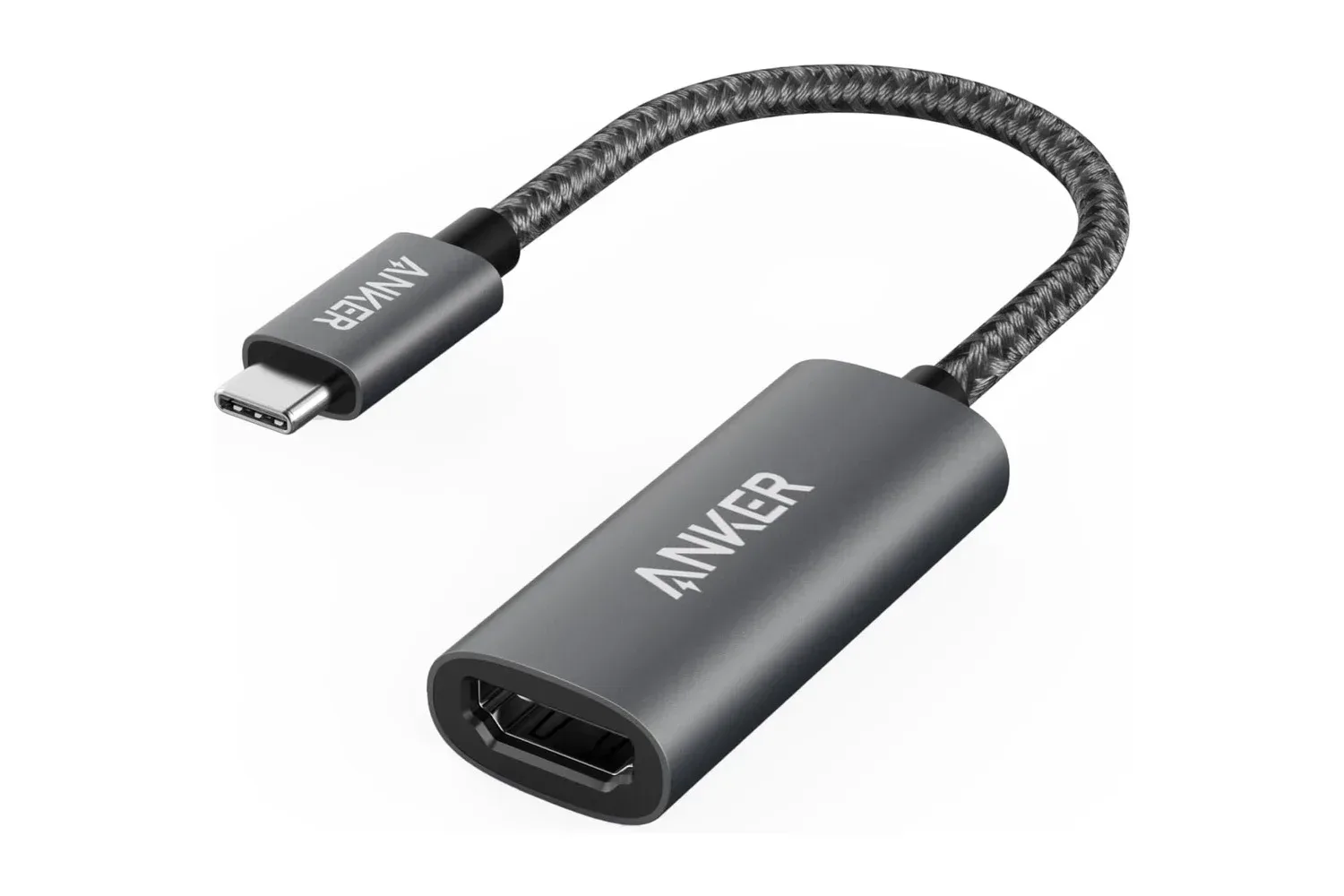
For that price, the adapter’s stated purpose is straightforward: it converts compatible USB-C or Thunderbolt 3 output into a single HDMI connection for a TV, monitor, or projector. Its headline capability is 4K video at 60Hz through HDMI 2.0, alongside HDR and HDCP 2.2 support. It is also designed as a compact, plug-and-play accessory, with an aluminum-alloy housing and a short flexible cable rather than a larger desktop dock.
The important word is compatible. USB-C describes the connector’s shape, not a guarantee that every USB-C device can send video. A device must support video output through its USB-C port, specifically DisplayPort Alternate Mode, for this kind of adapter to work as intended. The Anker 310 also supports Thunderbolt 3 ports, which makes it relevant to a range of laptops and other portable devices with the appropriate port capability.
What the Anker 310 is built to do
The adapter has one HDMI 2.0 output. In practical terms, a user plugs its USB-C end into a compatible device, attaches an HDMI cable between the adapter and a display, then selects the desired display mode in the device’s settings if necessary. No driver installation is required, which matters when the display is borrowed, public, or part of a presentation setup where installing software would be inconvenient or impossible.
Its supported 4K-at-60Hz output is a useful distinction from basic display adapters that may run a 4K signal at a lower refresh rate. 4K refers to the display resolution, while 60Hz means the display can refresh up to 60 times per second when the connected device, cable, display, and selected settings all support that mode. For everyday desktop work, that can mean smoother cursor movement and window motion than a lower-refresh 4K output. It also suits 60-frames-per-second video where the whole connection chain is configured appropriately.
That does not make the Anker 310 a multi-display station or a replacement for a dock with networking, USB ports, charging passthrough, and several video outputs. The supplied specifications describe a single HDMI connection. Buyers who need only a dependable route from one compatible USB-C device to one HDMI display may see that simplicity as the feature, especially when the adapter needs to disappear into a pocket or case after use.
HDR and HDCP 2.2, explained without the acronym soup
Two specifications deserve more than a line on a product page: HDR and HDCP 2.2.
HDR, short for high dynamic range, is intended to provide a wider presentation of brightness and color in supported video. Whether it is actually visible depends on the content, the device sending it, the HDMI cable, the display, and the display’s own HDR capability. The adapter supporting HDR is therefore not the same thing as every connected screen suddenly becoming an HDR display. It means the adapter is built to carry that kind of signal when the rest of the setup supports it.
HDCP 2.2 is a content-protection standard. Its inclusion is particularly relevant for people connecting a laptop to a television to watch protected streaming video. Compatibility on this point can help a connected setup handle protected content rather than treating the adapter as a weak link in the chain. As with HDR and 4K resolution, however, the connected device, HDMI cable, display, and service all remain part of the overall compatibility picture.
The result is a relatively focused accessory for display expansion and playback rather than a device promising to solve every desk-cable problem. For someone reviewing a spreadsheet on a larger screen, showing a slide deck through a projector, editing photos on an external monitor, or using a laptop with a TV while away from home, the capabilities line up with familiar needs.
Compatibility is the purchase check that matters most
Anker identifies support across devices including MacBook Pro, MacBook Air, iPad Pro, Google Pixelbook, Dell XPS, and compatible Samsung smartphones. These examples are helpful, but they should not be read as a blanket rule that any device bearing one of those product-family names will work in every configuration.
The relevant technical requirement is USB-C with DisplayPort Alternate Mode, or a Thunderbolt 3 port. DisplayPort Alternate Mode is the feature that permits certain USB-C ports to carry a display signal. A USB-C connector can otherwise be used for charging, data, or both without necessarily providing video output. Before purchasing, it is sensible to check the specifications of the exact laptop, tablet, or phone—not just the connector it has.
There are a few other practical checks worth making:
- Confirm USB-C video output: Look for DisplayPort Alternate Mode support in the device’s specifications, or confirm that the port is Thunderbolt 3.
- Check the target display: A TV, monitor, or projector needs an available HDMI input. Reaching 4K at 60Hz also depends on the display supporting that mode.
- Use an appropriate HDMI cable: The adapter creates the connection, but the HDMI cable is still part of the signal path.
- Set the display mode you need: Compatible devices can mirror the desktop or extend it, creating a separate workspace on the external screen.
- Keep expectations tied to the product type: This is a compact one-port video adapter, not a full-featured dock.
Those checks are not needless caution. They are the difference between buying a convenient travel adapter and buying a tiny object that cannot use a device’s particular USB-C port for the task intended.
A travel-friendly accessory rather than a permanent desk centerpiece
The Anker 310’s physical design reinforces its limited, portable mission. Its short flexible cable reduces strain compared with a rigid adapter sticking directly out of the side of a device, while its aluminum-alloy casing is intended to dissipate heat generated during operation and handle regular travel. The small format is suited to a laptop sleeve, jacket pocket, or the cable pouch that often turns into a nest of forgotten dongles.
Portability has a real practical value with display hardware. A larger dock may be better for a fixed workstation, but it is less useful when the goal is simply to connect a personal laptop or tablet to an unfamiliar screen without carrying a power brick and a hub full of unused ports. The plug-and-play design is similarly appealing for short presentations and temporary workspaces: connect the compatible device, connect HDMI, and move on.
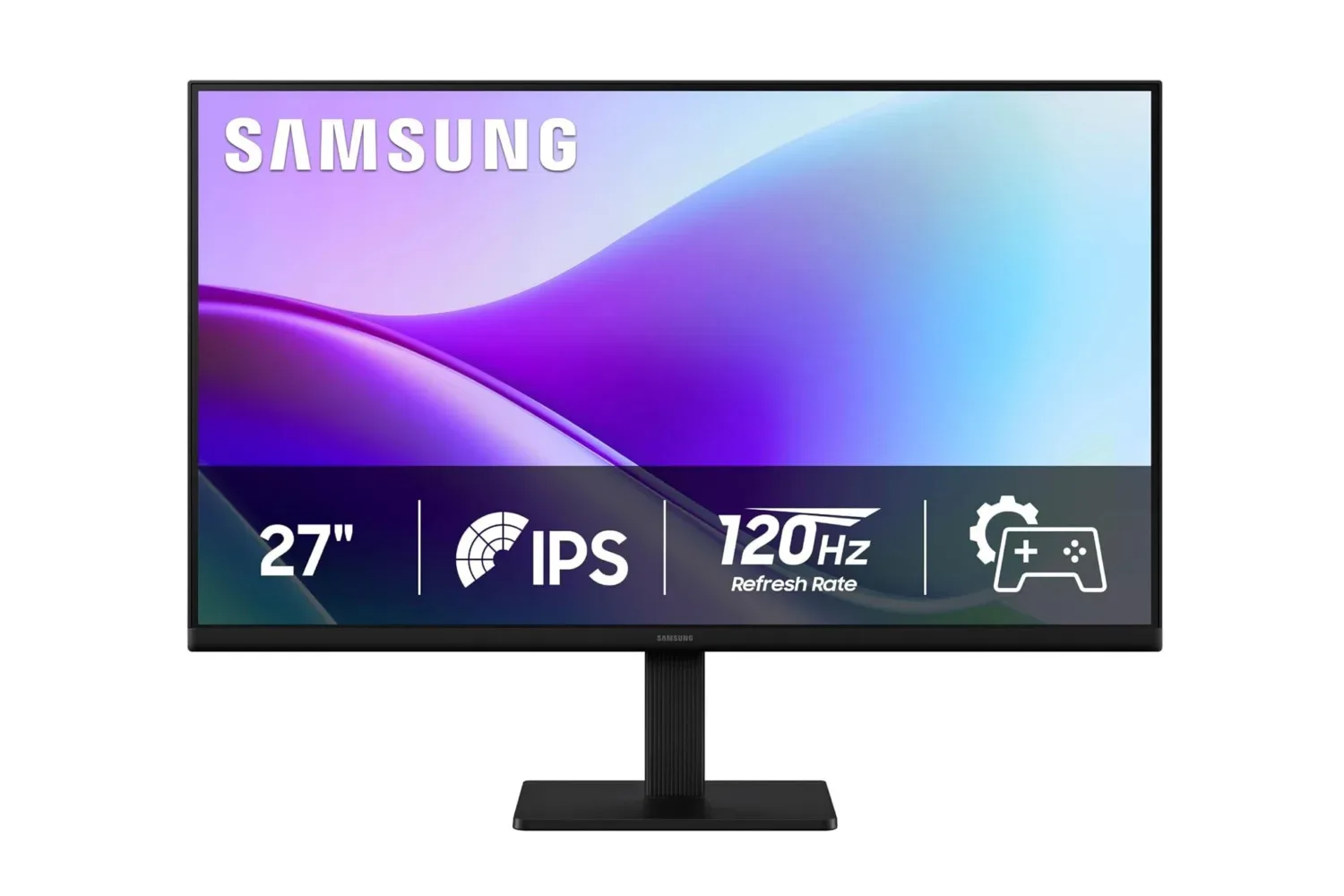
For readers assembling a low-cost screen setup, the adapter may also pair logically with an external display, provided the computer supports the necessary video output. Our coverage of a budget 27-inch monitor option illustrates the other half of that equation: an inexpensive display still needs a viable connection path from the computer.
Value depends on needing exactly one HDMI output
At the reported $13 listing, the Anker 310 is positioned as a low-cost answer to a very specific inconvenience: a compatible USB-C device and an HDMI-only display. Its 18-month warranty adds some reassurance beyond the immediate purchase price, and the lack of required software helps keep the setup simple.
The strongest case for it is not that every USB-C user should own one. It is that a person who regularly moves between displays, travels with a laptop or compatible tablet, or needs an HDMI connection without adopting a full dock can get 4K 60Hz capability in a small adapter. The limits are equally clear: it offers one HDMI output, requires DisplayPort Alternate Mode or Thunderbolt 3 support, and relies on the rest of the setup to support the resolution, refresh rate, HDR, and protected content being requested.
Pricing and stock can change, but the reported reduction from $17 to $13 makes the adapter a notably inexpensive option for buyers who have already confirmed those compatibility details. For the right device and display, it is a small piece of hardware that can make a portable computer considerably more flexible.
Shop the products
Check current price, model and availability at the retailer.