A tiny display adapter can solve a surprisingly annoying problem: getting a modern laptop, tablet, or compatible phone onto the biggest screen in the room. Whether the goal is putting a game stream on a TV, showing off an old save file, running a presentation, or simply moving a video from a small panel to a monitor, a USB-C-to-HDMI connection is often the missing piece.
The Anker 310 USB-C to HDMI Adapter is currently listed on Amazon for $13, reduced from $17. That is a $4 difference, or roughly 24% off the prior listed price. The pricing appears to be a remaining Labor Day-period offer, so it should be treated as time-sensitive rather than a guaranteed long-term price.
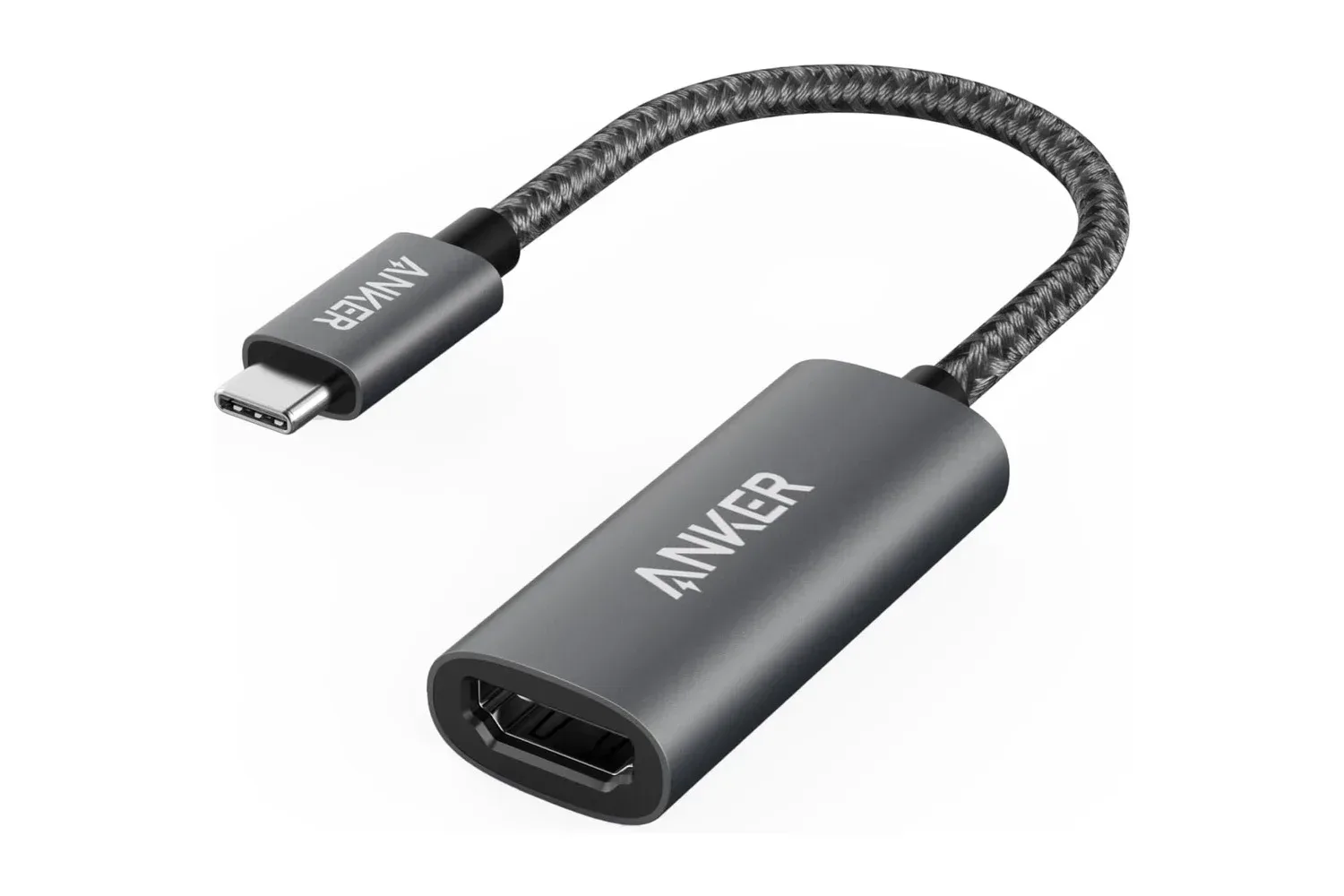
For PC and console-adjacent setups especially, this is the sort of inexpensive accessory that is easy to overlook until a display connection is suddenly needed. It is not a dock, capture device, or magic compatibility wand. What it is designed to do is much more straightforward: add an HDMI output through a USB-C port on a compatible device, allowing that device to connect to a TV, monitor, projector, or other display with an HDMI input.
What the Anker 310 adapter is for
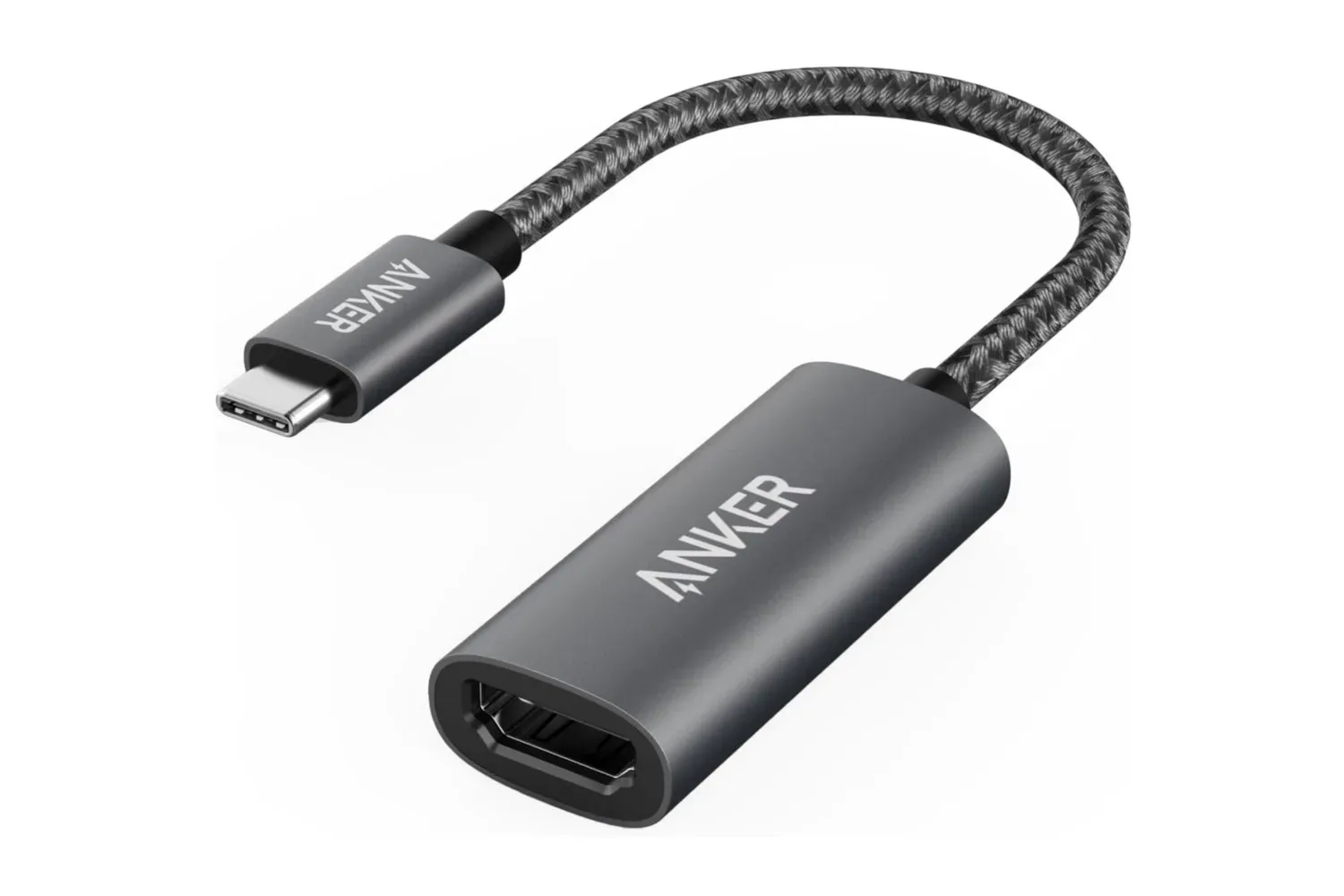
The basic arrangement is simple. The Anker adapter plugs into a device’s USB-C port, while a standard HDMI cable runs from the adapter to the target display. The adapter is built for plug-and-play operation, meaning the intended setup does not involve a separate software installation process.
That simplicity has practical appeal. A laptop may have USB-C ports but no full-size HDMI socket. A user might be moving between a desk monitor, a living-room television, and a meeting-room display. Or an HDMI port on an older laptop may no longer be usable. In each situation, an adapter like this can provide an alternate route to the display.
For gamers, the use case is broader than turning a notebook into a living-room gaming machine. A compatible laptop can be connected to a larger television for a local multiplayer night, a bigger monitor for a game library, or a second screen for noncompetitive games where screen size matters more than a compact desk footprint. It can also be useful for watching trailers, patch notes, showcases, or tournament broadcasts away from the main PC setup.
There is an important distinction, however: the adapter does not determine every aspect of the signal on its own. The source device, its USB-C capabilities, the HDMI cable, and the receiving display all matter. A USB-C connector’s physical shape alone does not guarantee that every USB-C port can send video. Before buying, it is worth checking the specifications for the laptop, tablet, or phone that will supply the image.
Up to 4K support, with compatibility still worth checking
Anker lists support for resolutions up to 4K. That makes the adapter potentially useful with modern TVs and 4K monitors, while also leaving room for more modest 1080p or 1440p setups. The actual resolution and behavior available in a particular setup can depend on the connected device and display, so buyers should confirm their equipment’s supported output options if a specific format is essential.
This point matters most for people with a precise goal, such as connecting a portable computer to a particular 4K TV or using a monitor at a desired refresh rate. The adapter’s stated 4K capability is useful, but it should not be read as a blanket promise that every USB-C device, cable, and screen combination will operate in every possible video mode.
The adapter is intended to work with a wide range of USB-C and HDMI hardware. Named compatible examples include the MacBook Pro and iPad Pro, along with laptops from Dell, Google, HP, and other manufacturers. Those examples make it a potentially handy addition to a mixed-device household, but checking the exact model remains the sensible move.
Mac users considering this accessory may also find our guide to how to right-click on a MacBook helpful for another small but common desktop-use question. In both cases, the details of the particular machine and its settings can affect the most convenient workflow.
A quick pre-purchase checklist
- Confirm video output: Verify that the USB-C port on the source device supports video output.
- Have an HDMI cable ready: The adapter creates the connection point, but a cable is still needed between it and the display.
- Check the display input: Make sure the television, monitor, or projector has an available HDMI port.
- Match expectations to the hardware: If 4K output is the objective, check the source device and display specifications as well as the adapter’s stated support.
- Think about the job: This is a compact video adapter, not a multiport hub intended to add a collection of USB ports, Ethernet, storage readers, and charging functions.
A small accessory designed for travel and daily carry
The Anker 310 uses a lightweight aluminum housing, which the company says assists heat dissipation. It also has a reinforced braided-nylon cable intended to stand up to routine twists and pulls. Those material choices are relevant for an accessory likely to be tossed into a laptop sleeve, backpack, travel pouch, or desk drawer and retrieved whenever a different display is involved.
Portability is part of the argument for a single-purpose adapter. A larger dock can be the right choice for a permanent workstation that needs multiple peripherals, wired networking, power delivery, and storage expansion. But it is unnecessary bulk for someone who only needs a dependable way to reach HDMI. The small Anker unit occupies a narrower role, and that focus is likely the point.
That can be especially convenient in a shared home setup. One person may need a work presentation on a television in the morning, while another wants to connect a laptop to a monitor later. A simple adapter can move between those spaces without requiring an elaborate reconfiguration of the whole desk.
What is included and what the deal means
The package includes the Anker 310 USB-C adapter and a welcome guide. Anker also includes an 18-month warranty, providing some additional coverage beyond the adapter itself.
At $17, this was already positioned as a low-cost utility accessory. At the current $13 listing, the saving is not enormous in absolute dollars, but it brings the cost down for an item that can prevent a frustrating last-minute scramble for the right port. That is the appeal of a deal like this: it is a modest purchase aimed at a very specific problem, rather than an upgrade anyone needs to force into their setup.
Buyers should also keep the limits in view. It will not add video output to a USB-C port that cannot provide it, replace the need for an HDMI cable, or turn every portable device into a fully flexible desktop station. But for a compatible USB-C device and an HDMI-equipped display, the intended process is direct: connect the adapter, connect the HDMI cable, and select the appropriate display input if necessary.
The Amazon listing price was $13 at the time noted, following a $17 price. Since sale listings and inventory can change without notice, anyone interested should verify the current price and compatibility details on the product page before checking out.
Shop the products
Check current price, model and availability at the retailer.