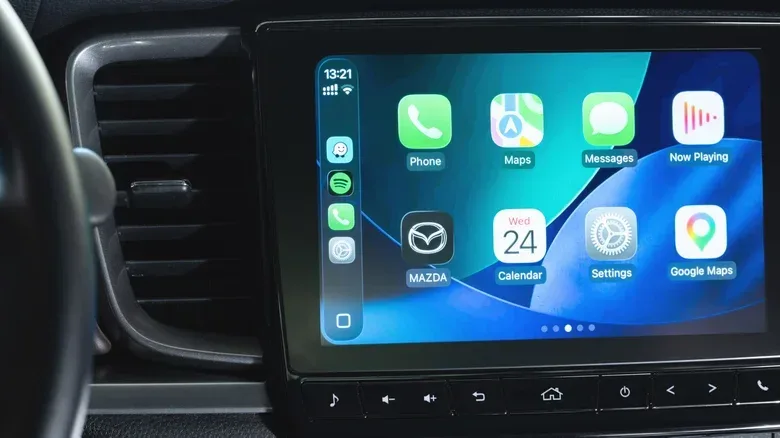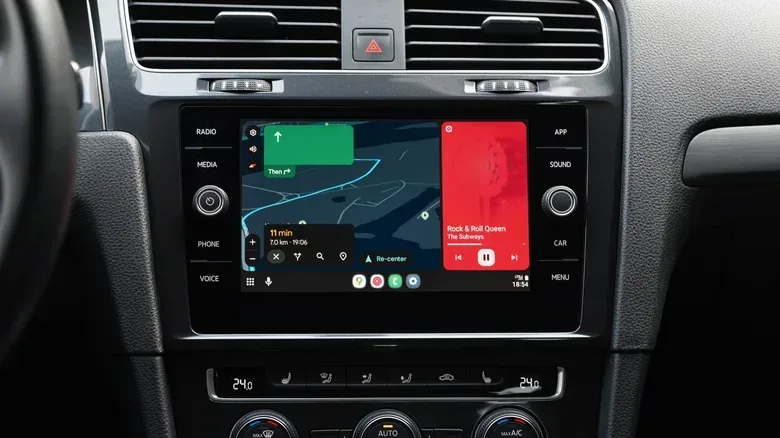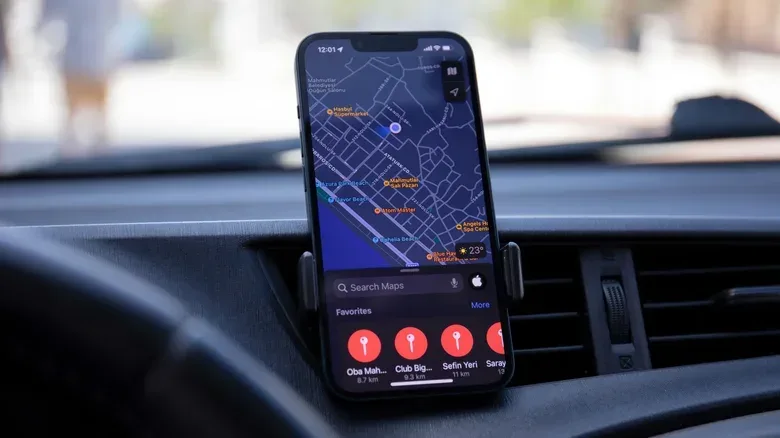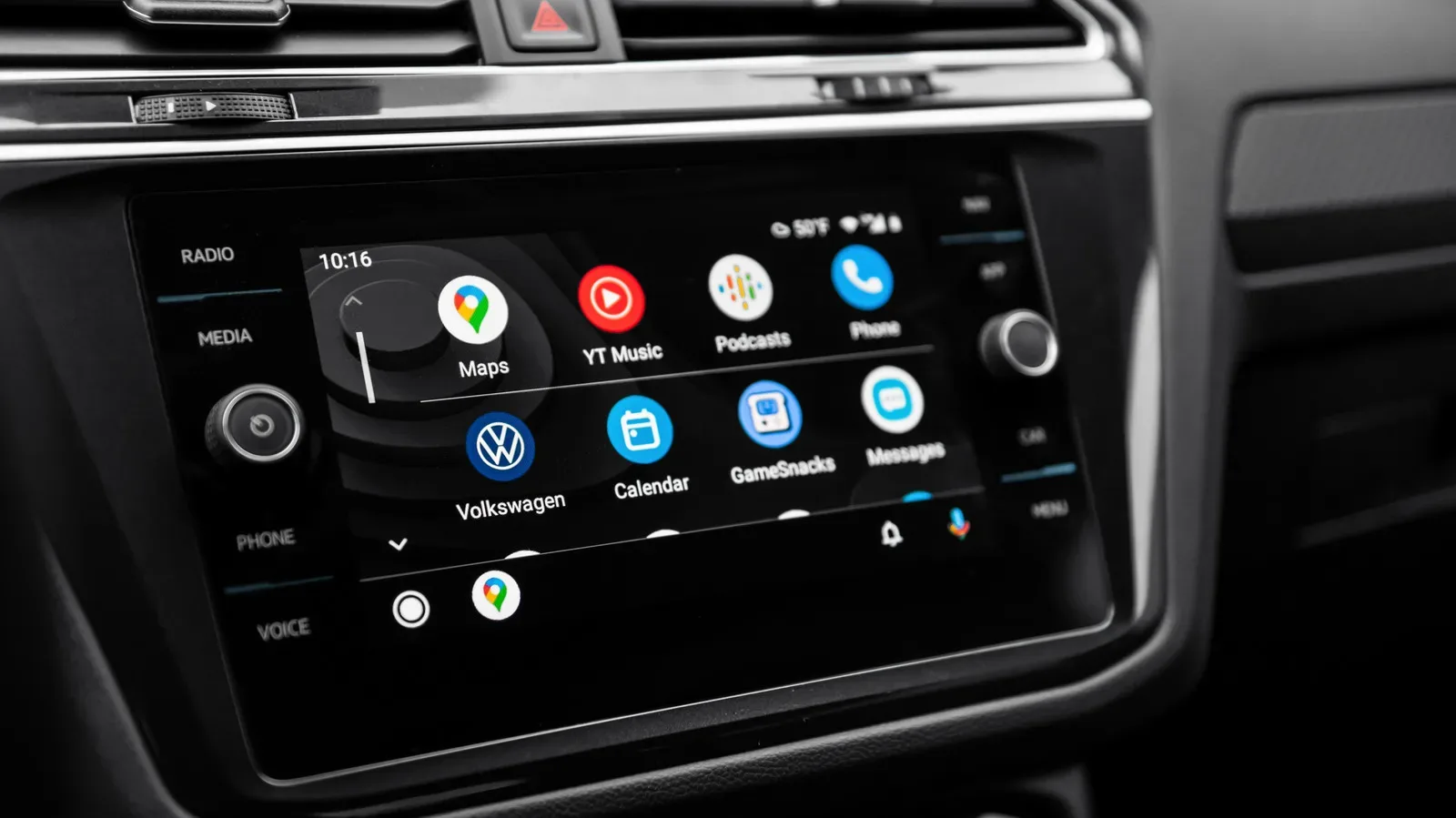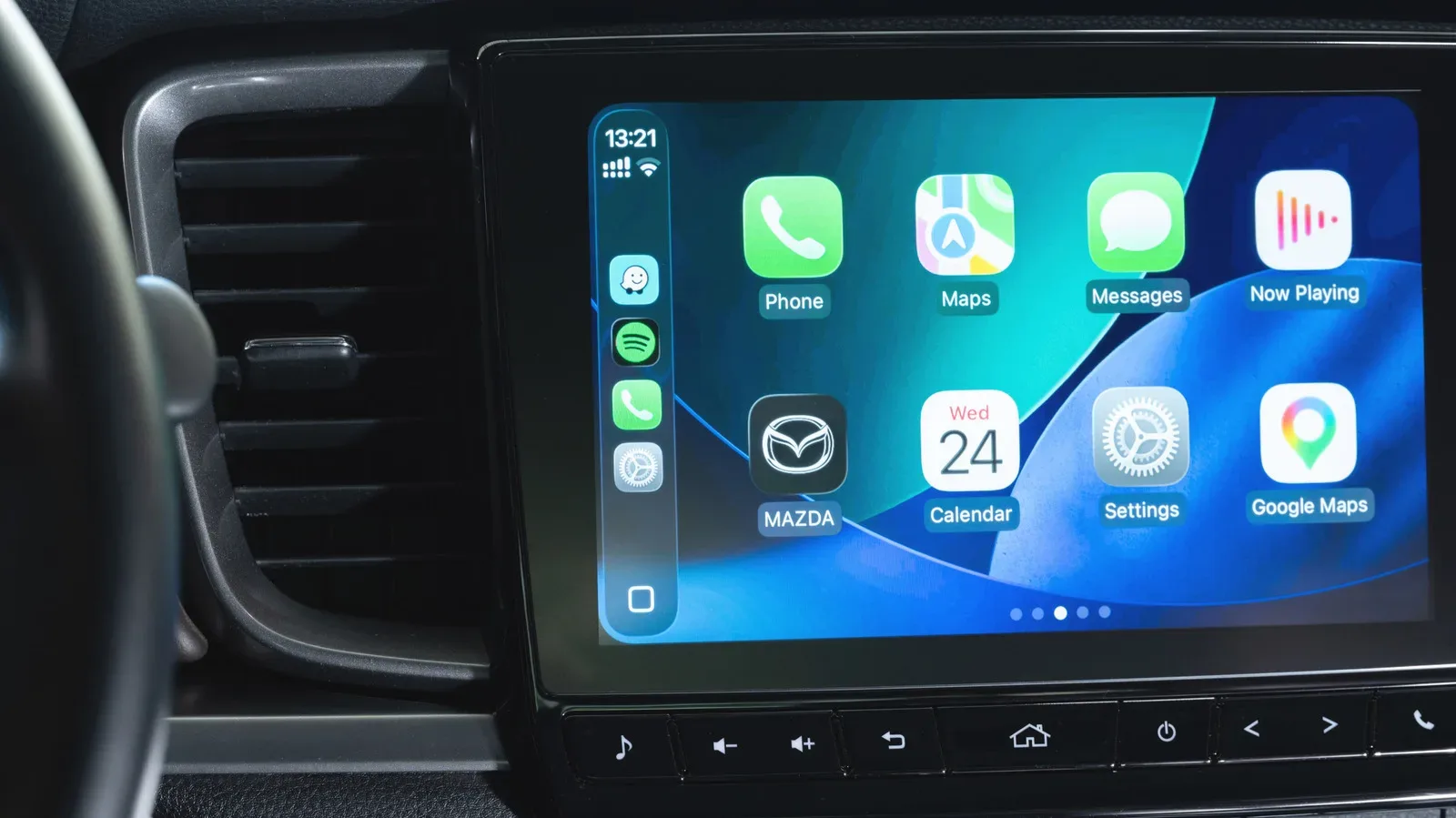
CarPlay and Android Auto are supposed to make the dashboard simpler: put navigation, calls, messages and audio where they are easier to use than a handset screen. Yet the phone doing the underlying work can become the weak point of the setup. A device that is already dealing with a warm cabin or direct sunlight may also be navigating, streaming audio, maintaining a mobile-data connection and communicating with the vehicle. Add charging, particularly wireless charging, and the result can be a phone that gets uncomfortably hot.
That heat is more than a minor comfort issue. Phones manage excessive temperature by reducing performance, stopping or limiting charging, and, in more severe cases, shutting down. In a car, those protections can arrive at exactly the wrong moment: when a driver wants directions to update smoothly or needs enough battery for the rest of a trip.
The useful way to think about this is not that either projection platform inherently “breaks” a phone. Instead, CarPlay or Android Auto can bring several ordinary sources of heat and power demand together in a confined, sun-exposed environment. The cure is usually similarly practical: change where the phone sits, reduce charging heat, and avoid stacking unnecessary work on top of navigation.
What makes a phone heat up in the car?
A phone converts electrical energy into useful work, but not perfectly. Some energy becomes waste heat—heat produced while components such as the processor, display, battery and wireless radios operate. A single task may be manageable. The problem is the combination of tasks common on a drive.
Navigation is often the biggest sustained workload. Mapping apps must receive information over 4G or 5G, use GPS to work out where the phone is, process route data and redraw the map continuously. A 3D map view is particularly demanding because it asks the device to render terrain and other visual detail while the route keeps moving. This is not comparable to simply checking a static map before leaving home; it is an ongoing calculation and display job.
Audio can add to that workload. Music and podcasts may be playing while the navigation app runs, alongside the normal background processes a phone carries out. The individual demands are familiar, but the device has less opportunity to settle down when they continue together for the length of a commute or longer journey.
Mobile connectivity matters as well. Navigation can feel markedly smoother on 5G than on 4G because mapping services are regularly processing data while the vehicle is in motion. That responsiveness is useful, but it also means the phone is actively using its cellular connection rather than merely sitting idle in a pocket.
Why wireless projection uses several connections
With wireless CarPlay or Android Auto, the phone can have several radios working at the same time. Bluetooth is used for the initial connection process, cellular data provides internet access, and Wi-Fi connects the phone to the car’s display system. These radios are the hardware that sends and receives wireless signals. Keeping them active together consumes battery power, and that power use contributes to heat.
This is why a phone can drain surprisingly quickly during wireless in-car use even if it never feels especially busy in the driver’s hand. The handset is effectively supporting a live navigation and entertainment session while also serving as the link between the internet and the dashboard.
Connection problems can make the experience feel worse, too. Both platforms may experience interruptions at particular locations associated with electromagnetic interference. That is a separate issue from heat, but it underscores the role the phone plays in the chain. The car display may be where information appears, while the phone remains responsible for a meaningful share of the connectivity and processing underneath it.
Charging can be the extra heat source that tips things over
It is tempting to put a phone on charge as soon as a drive begins. For a longer trip, that may be necessary. But charging is another source of temperature increase, and wireless charging produces more waste heat than a USB connection.
Qi and MagSafe charging are convenient because no cable needs to be connected to the handset. Their trade-off is heat: energy is transferred wirelessly, and the back of the device can become noticeably warm over time. That warmth may be harmless on its own, but it is less welcome when the phone is also handling cellular data, Wi-Fi, Bluetooth, mapping and media playback.
Wired charging is not heat-free. Continuous charging through USB can still raise the device’s temperature. The key distinction is that, where both options are available, USB may reduce the added heat enough to keep the total workload under control.
For short local drives, it can therefore make sense to avoid charging unless the battery is already low or there will not be another convenient opportunity to plug in later. This is not a rule that battery preservation should override travel needs. It is a way to avoid combining a full charging session with every other demand when that extra energy is not required.
Cabin conditions and phone placement are part of the thermal equation
A car can be an unusually hostile place for a phone in extreme weather. Direct sun through a windshield can heat a device for hours. A windshield-mounted handset may therefore run hot sooner in bright, hot conditions than the same device would in the shade.
Placement also cuts both ways. A vent mount can help when cool air is flowing, but it may be a poor choice if the cabin heater is blasting during a cold-weather drive. The aim is not to treat every vent mount as automatically good or bad. It is to avoid placing the phone in a stream of very hot air and to pay attention to what the climate controls are actually doing.
Console trays and passenger seats are not necessarily safer. A phone left in either spot can still absorb sunlight depending on its angle and the time of day. If air conditioning is running, a mount or carefully directed vent airflow may offer a more controlled environment than leaving the device flat in a sunlit area.
Heat problems in the car are often cumulative: sun or hot cabin air, sustained navigation, multiple wireless connections and charging can all contribute at once.
Thermal protection is meant to prevent worse problems
When a phone reaches an unsafe operating temperature, its response is deliberate. Thermal throttling means reducing performance to generate less heat and reduce stress on the device. That may make software feel slower. A phone can also pause charging, which prevents additional energy from becoming more heat. In more extreme conditions, it may shut down.
Those safeguards can be frustrating when directions or audio are interrupted, but they are designed to prevent crashes or damage. The best response is not to try to force the phone through the warning signs. Remove the most obvious sources of heat where it is safe to do so, such as direct sun or an unnecessary wireless charger, and allow the device to cool.
There is a practical distinction between a phone that is warm after a demanding drive and one that repeatedly throttles, stops charging or shuts down. The latter suggests the total demands of the arrangement are regularly exceeding what the phone can comfortably dissipate in that environment. Reconsidering its location and charging method is more useful than assuming the dashboard software alone is at fault.
A sensible heat-management routine for CarPlay and Android Auto
Most drivers do not need to abandon wireless projection or stop using navigation. Small choices can lower the combined load.
- Keep the device out of sustained direct sunlight. A windshield mount may be convenient, but bright sun can become the dominant heat source.
- Consider USB instead of Qi or MagSafe charging. If charging is needed, a cable may add less waste heat than a wireless pad.
- Skip charging on shorter journeys when the battery allows. This removes one demand from an already active phone.
- Use cabin airflow deliberately. Cool air can help, while a heater vent aimed directly at the device can do the opposite.
- Choose a less demanding map presentation when possible. A 2D-only map view can reduce graphics work compared with constantly rendering 3D terrain.
- Trim optional simultaneous activity. If radio, conversation or silence suits the trip, not running an audio app removes another background task.
- Restart the phone periodically when away from the car. Rebooting clears system caches and restarts system processes, which can improve efficiency.
None of these steps promise that a phone will stay cool in every climate or on every journey. Cellular coverage, sunlight and trip length remain factors. But they target the conditions identified by the problem: high processing demand, active radios, charging heat and a poor thermal environment.
Why this matters beyond an uncomfortable handset
Phone projection is compelling precisely because it gives drivers access to capable apps in compatible cars, including rentals, without relying entirely on vehicle software. Navigation, in particular, benefits from that familiarity and performance. But the setup also shifts substantial work back to the phone. The large dashboard display does not mean the phone has stopped being the computer doing the work.
That trade-off is worth remembering as phones take on more always-active duties. The same broader tension appears in other connected-device discussions, including debates around continuous software workloads and AI features; always-on AI agents are another example of software designed to keep working in the background. In the car, the implications are immediately physical: power consumption turns into battery drain and heat.
For CarPlay and Android Auto users, the answer is not complicated. Treat the phone as an active, heat-producing part of the vehicle setup. Give it shade or cool airflow where appropriate, use a USB cable when charging is necessary, and avoid piling on optional workloads. With cabin temperature and phone placement handled sensibly, there is little reason for routine in-car use to make a device run hot on every ride.