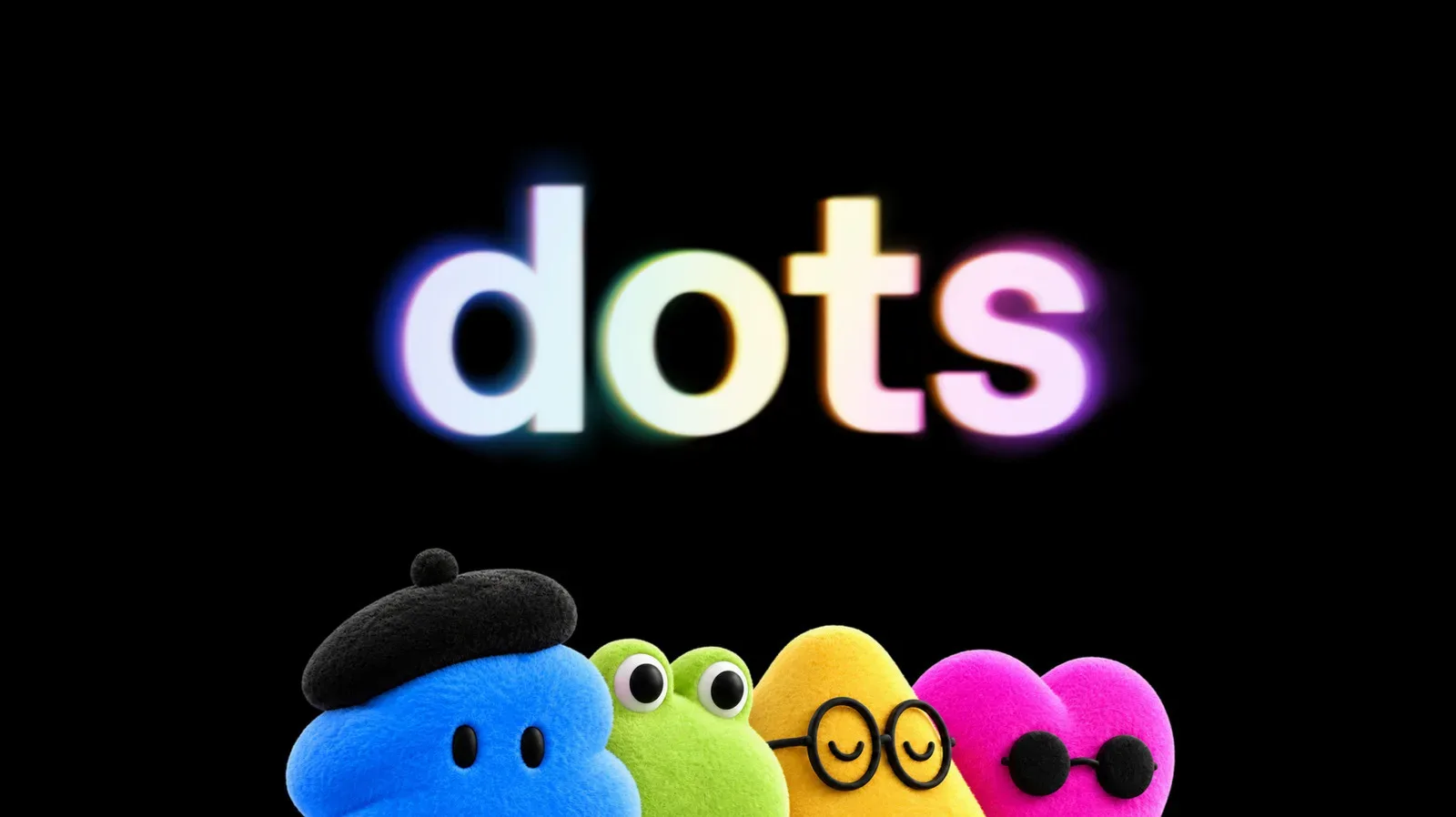
OpenAI has introduced ChatGPT Dots, a new kind of persistent AI agent intended to take on work while its user is away from the computer. A Dot runs in its own cloud instance, can browse the web through a dedicated browser and may be granted access to a user’s computer and apps. The pitch is less “ask a chatbot a question” and more “delegate a continuing assignment”—with the major caveat that the feature arrives behind expensive paid plans, limited regional access and an as-yet undefined long-term usage system.
For people watching AI’s growing role around games and creative work, Dots are worth paying attention to even before their specific uses settle. The industry conversation is already wrestling with how automation changes production, labor and player-facing experiences, as covered in the debate around Epic’s AI pivot. Dots do not come with a game-development toolset in the available details, and no particular gaming workflow should be assumed. But their design illustrates where consumer AI is heading: systems that can keep operating, use connected software and consume a measurable amount of computing capacity on a person’s behalf.
What a ChatGPT Dot is meant to do
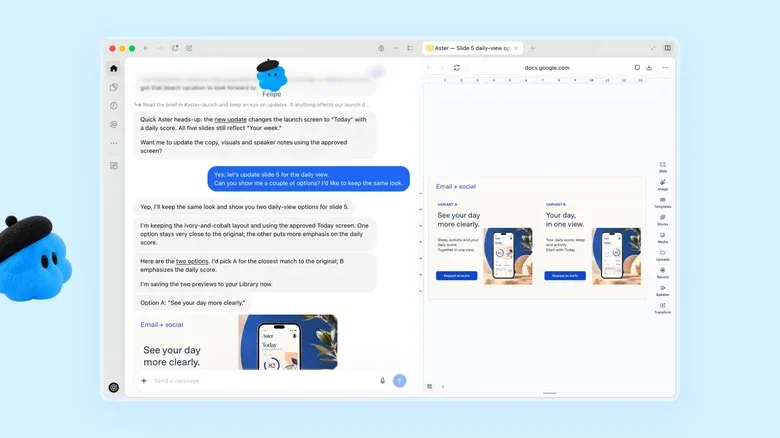
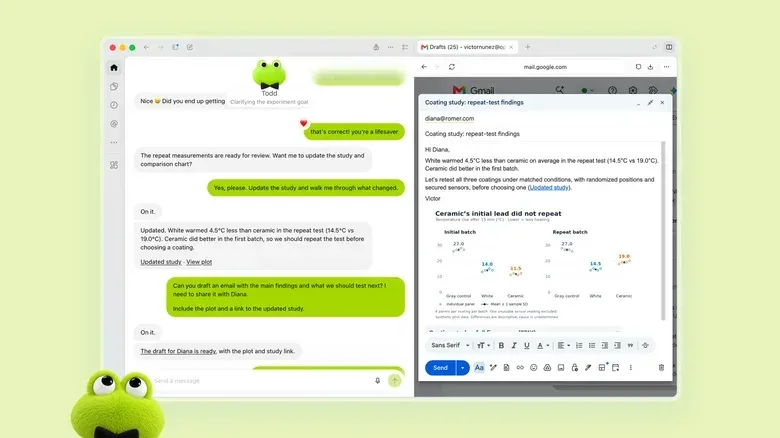
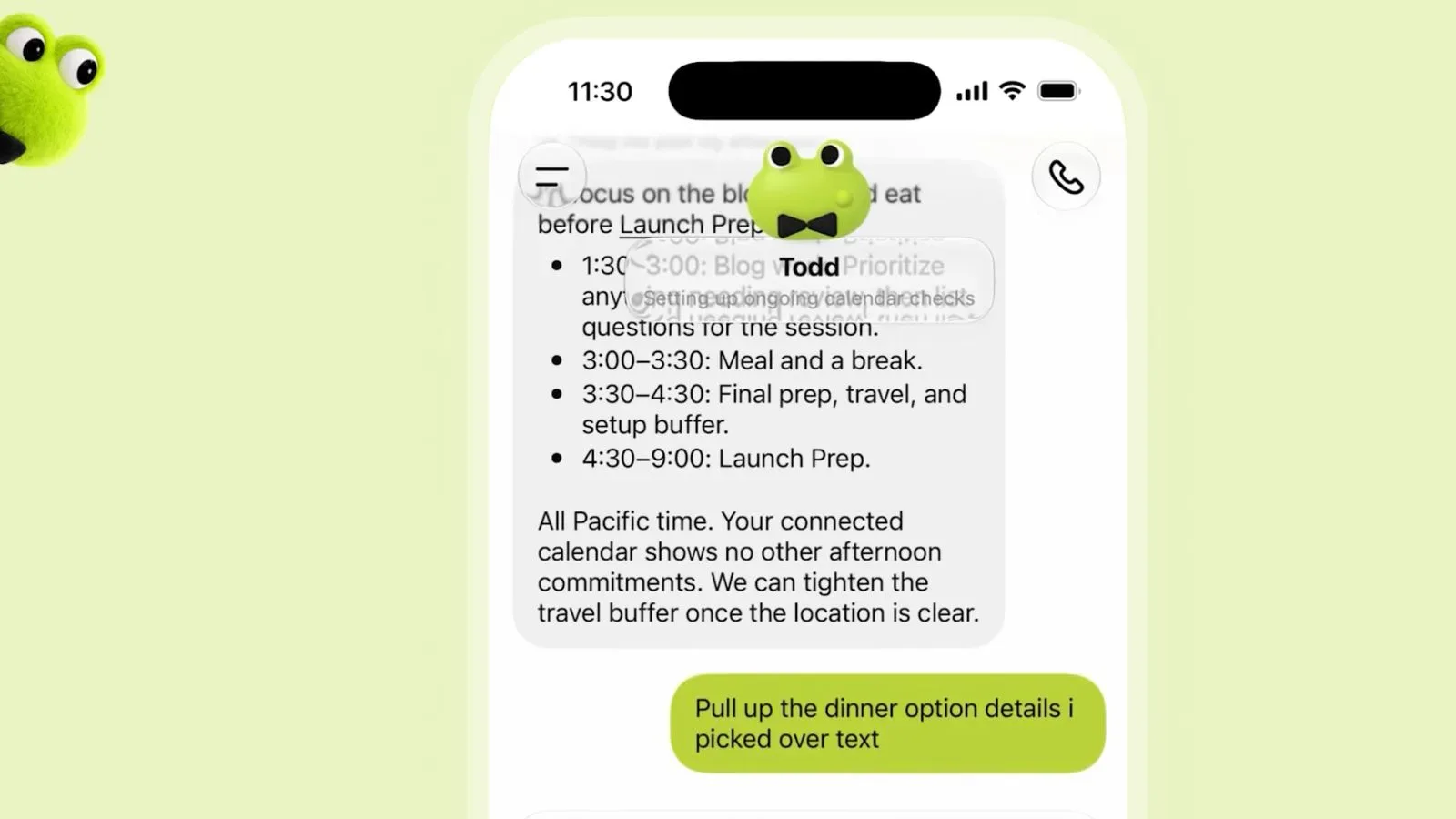
A traditional chat interaction is usually brief and user-led: type a request, receive an answer, decide what happens next. A Dot is framed as an always-on agent. In this context, an agent is software intended to carry out tasks rather than simply generate a one-off response. “Always-on” means the agent is designed to continue working even when the person who created it is not actively sitting at the machine.
Each Dot has a separate cloud instance. Put simply, its working environment exists on remote computing infrastructure rather than only in a local browser tab. OpenAI says the agents can use a dedicated browser to surf the web. Users may also authorize access to their own computer and applications. Those permissions make the potential scope much broader than a chat window, but they also make setup choices more important. Connecting an agent to an app is not the same as asking for a single piece of text: it is granting an automated system a defined route into information or services.
OpenAI positions Dots for routine automation and for longer projects that can span weeks or months. That description establishes an ambition, not a guarantee that every task will be completed correctly or without oversight. The available information does not specify which types of projects are best suited to Dots, what kinds of browsing actions they can take, or how they handle mistakes. Anyone considering one should treat the agent’s access and monthly work allowance as practical constraints from day one, rather than assuming a general-purpose digital employee.
Who can use Dots at launch
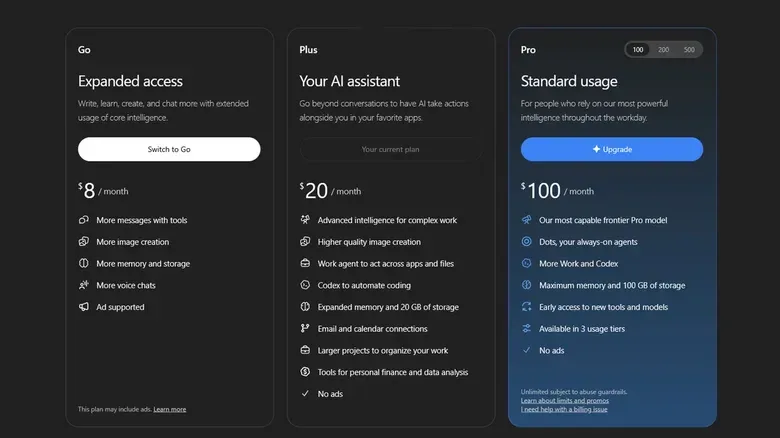
Consumer access begins with ChatGPT Pro. The listed Pro tiers start at $100 per month, with $200 and $500 options also available. A first Dot is included for eligible Pro subscribers. That puts the feature well beyond free, Go and Plus accounts, none of which have announced access. There is no stated timetable for whether Dots will reach those less expensive plans.
Availability is restricted in another way: rollout is gradual. A paid Pro user who does not see the option to make a Dot may simply need to wait several days for the capability to appear. Being subscribed does not necessarily mean immediate access.
There are regional limits, too. At launch, Pro subscribers in the European Union, Norway, Iceland, Liechtenstein, Switzerland and the United Kingdom cannot use Dots. The restrictions are important for anyone comparing plan benefits across regions: the presence of a Pro subscription alone is not enough to establish eligibility.
Business Premium customers can access Dots everywhere ChatGPT is offered. Enterprise customers, including Healthcare and Education accounts, can also use them if a workspace administrator has approved the feature. That approval condition matters. In an organization, the person using an agent may not be the person authorized to turn it on or approve integrations. It is a reminder that administrative controls are part of the product’s launch model, especially where shared tools and connected apps are involved.
How to create a first Dot
Creation currently requires a computer. Eligible users can open the ChatGPT desktop app or visit ChatGPT in a PC web browser, then follow the onboarding process. The ChatGPT mobile app and a phone’s web browser cannot be used to create a Dot at this stage.
- Confirm that the account has an eligible Pro, Business Premium or approved Enterprise setup.
- Use the desktop application or ChatGPT through a PC browser.
- Follow the Dot onboarding flow when it becomes available on the account.
- Choose a name and appearance if desired.
- Review app connections and permissions individually before attaching any plugin.
Naming changes how the agent is called in chat. A named Dot can be invoked using @yourname-agentname, substituting the account name and the Dot’s unique identifier. An unnamed one uses @yourname-dot. The cosmetic option may be playful, but the identifier has a functional purpose: it distinguishes one agent from another when addressing them in ChatGPT.
After creation, conversation with a Dot is supported in the ChatGPT mobile app. That creates a slightly unusual split in the experience: a phone cannot create the agent, but the app can be used to talk to it after setup. Mobile web does not currently support Dots.
Plugins, app access and the permission question
Dots can work with more than 4,000 applications through plugins already supported by ChatGPT. A plugin is a connection that lets ChatGPT interact with a supported outside application. It is this ecosystem—not merely the ability to generate prose—that gives the agent concept its practical reach.
To connect an app, users can open the Dot profile menu, select Customize, then Plugins, choose a supported app and review its permissions. The same menu can disconnect an app later. The ability to remove a connection is useful, but it is better viewed as a standard part of cautious configuration than an emergency cleanup step.
OpenAI’s available guidance makes reviewing permissions an explicit part of the connection flow. That is the key practical action users can take with the information at hand. Before linking anything, decide whether a task truly needs that app, and avoid treating a broad connection as a default convenience. An always-on system that can perform work when its user is absent deserves tighter boundaries than a manually operated, one-time request.
Pricing is included for now, but metering is the big unknown
The first Dot is included with an eligible Pro or Business Premium plan. OpenAI plans to offer paid additional Dots later, as well as ways to scale an individual Dot by increasing its speed or the total amount of work it can complete each month. The company has not said what those options will cost.
There is also a launch-period cushion: Dots receive extended usage limits for their first month of availability. After that, their usage counts against the allowance of the user’s plan. Exact terms have not been disclosed. This distinction is crucial because not every interaction is treated the same way.
- Talking with a Dot through ChatGPT is described as free.
- A planned ability to text Dots will also not count against usage limits once available.
- Work that a Dot performs on a user’s behalf does count against the monthly limit.
- Metered work includes tasks completed through Codex, ChatGPT Work and tasks the Dot performs independently.
Codex and ChatGPT Work are named as channels through which the agent can perform work, but the available details do not set out their exact limits within the Dot experience. What is clear is the difference between communicating with the agent and having it carry out work. The former is not counted under the described policy; the latter is. Users should not mistake a free chat with a Dot for unlimited agent execution.
Why the model and plan tiers matter
Dots are powered by GPT-6 Astra, characterized as OpenAI’s most powerful and expensive model. That helps explain why the service is arriving at premium price points and why work is tied to a monthly allowance. AI systems do not simply cost money at sign-up; they require computing resources as they process tasks. In this setting, the phrase tokens refers to the units of model input and output that are associated with usage. More substantial agent activity can mean more token consumption.
OpenAI introduced a $500-per-month Pro tier on the same day as Dots, signaling that agent workloads may be demanding enough to make higher-capacity subscriptions relevant. It does not establish exactly how much work any particular Dot task will consume, because the company has not provided the detailed metering terms. It does mean prospective users should take the first month seriously as an observation period rather than treating extended limits as a permanent entitlement.
A sensible approach is to monitor the tasks assigned during that opening period. Identify work that is genuinely valuable, pay attention to how quickly the allowance is affected once ordinary metering begins, and be selective about app connections. That is not a statement that Dots will necessarily be prohibitively expensive; the available information does not support a precise cost prediction. It is simply the most reasonable response to a product whose central practical variable—how much autonomous work a plan covers—has not yet been fully quantified.
What remains unresolved
Dots arrive with a clear broad idea and several unanswered operational details. There is no announced expansion date for free, Go or Plus users. Pricing for extra agents and speed or output scaling has not been published. Exact ongoing usage limits are still unknown. And regional availability excludes a substantial group of Pro subscribers at launch.
For eligible users, the immediate decision is not just whether an agent sounds useful. It is whether its persistent cloud-based work, app permissions and eventual usage accounting fit a specific task well enough to justify a Pro-level plan. Dots may make delegation inside ChatGPT more concrete, but the launch details point toward deliberate setup and close monitoring—not frictionless, limitless automation.