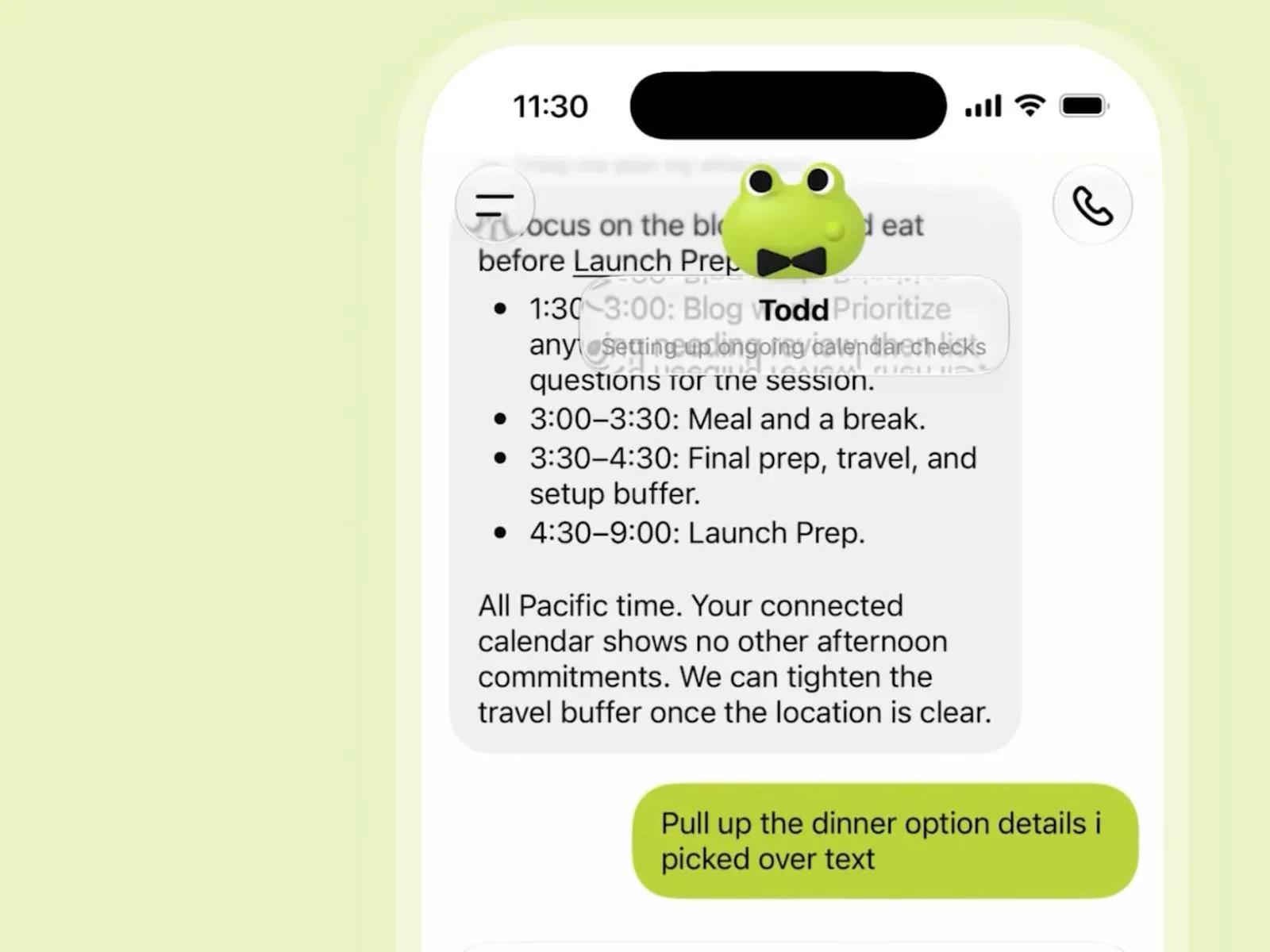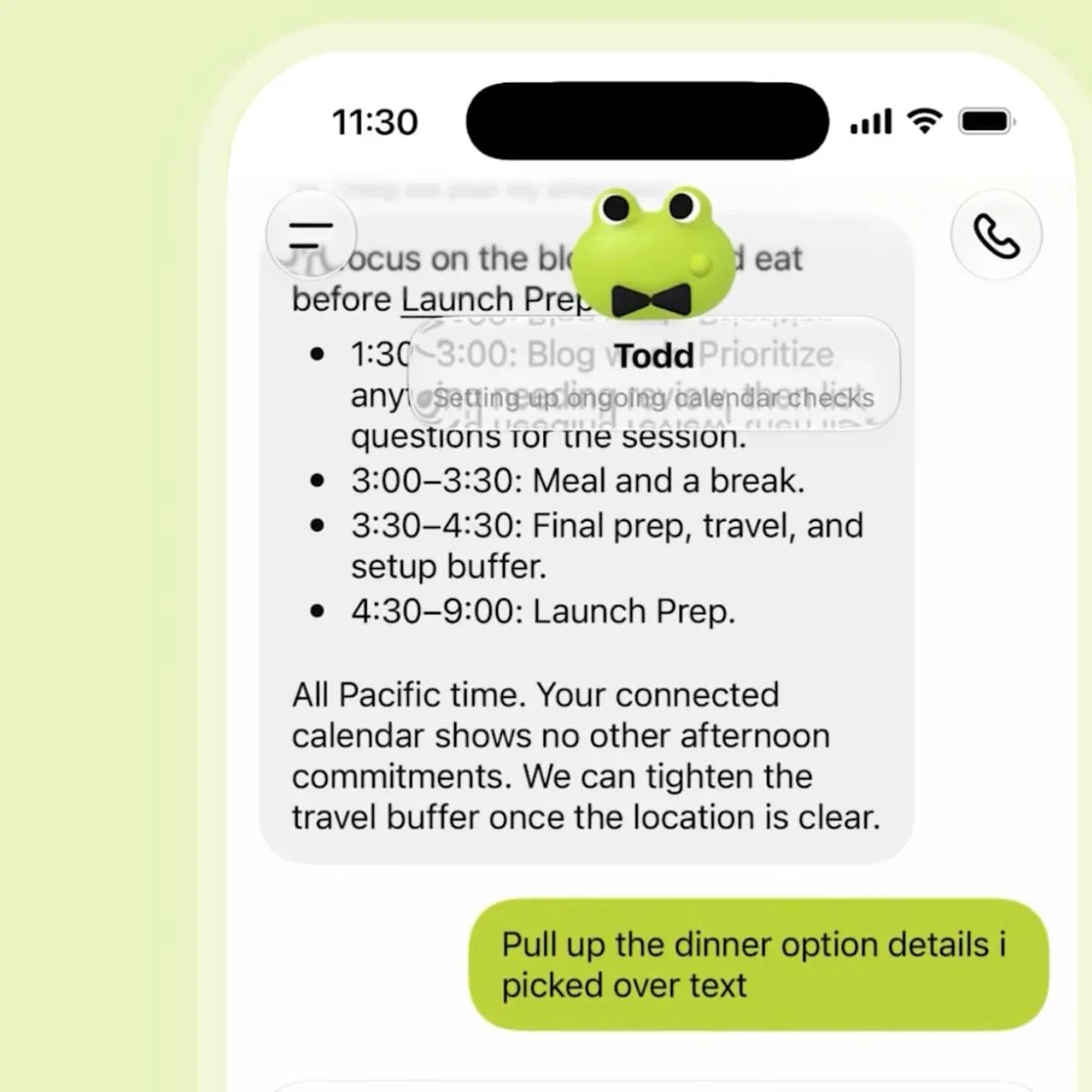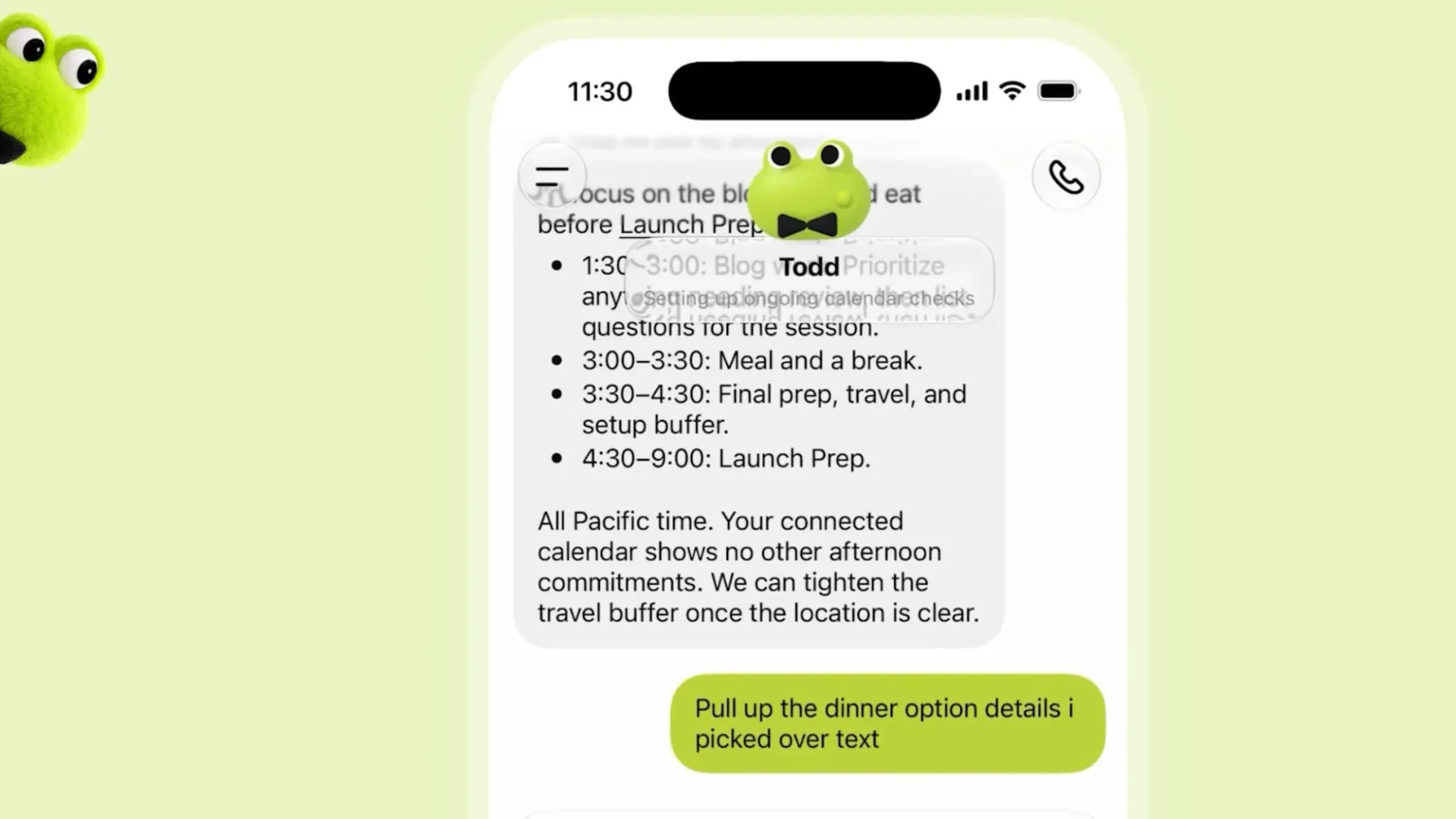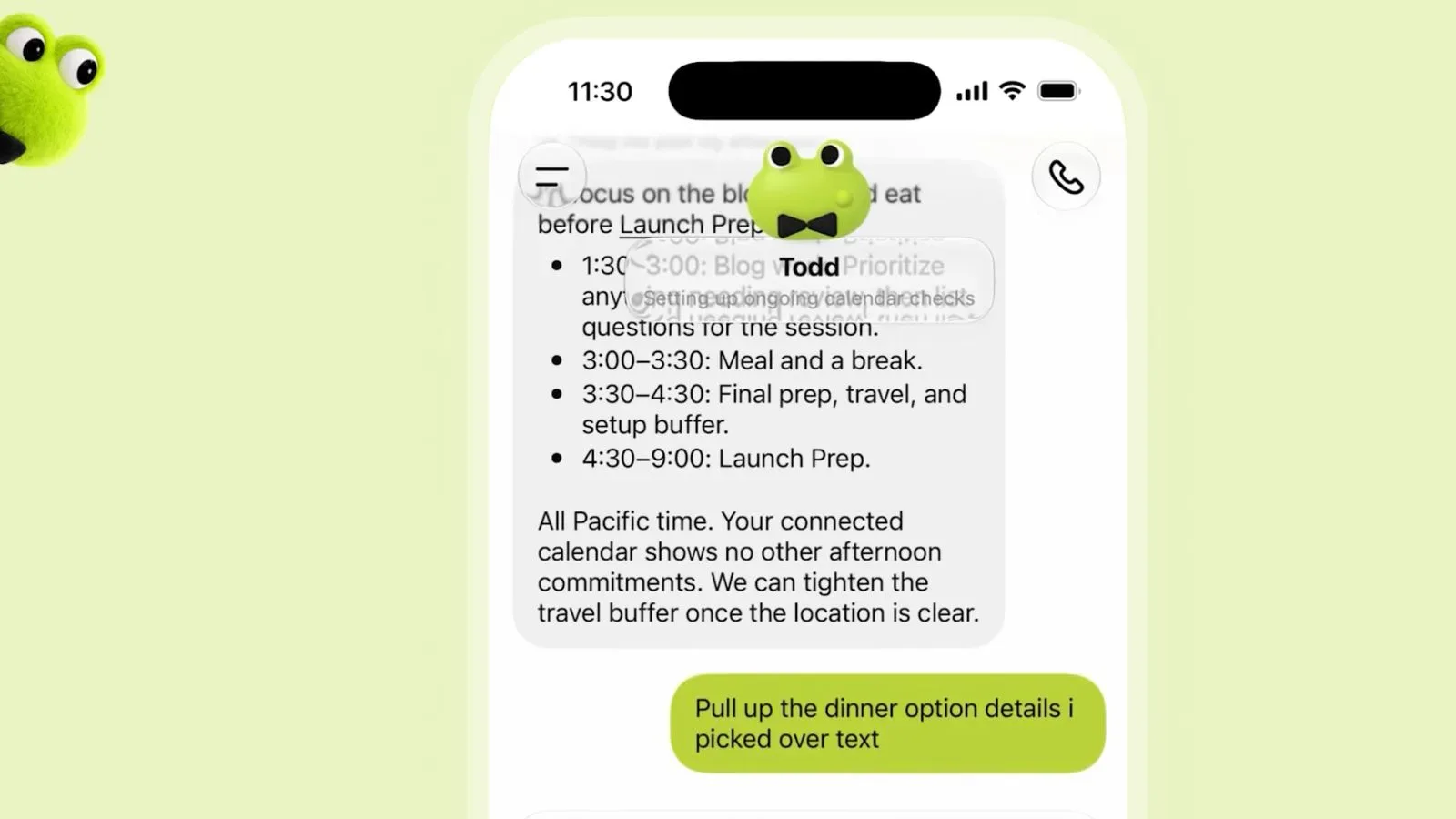
OpenAI has introduced Dots, a new category of always-on AI agents designed to take on ongoing work rather than merely answer a prompt and disappear into the chat-history void. The company describes Dots as agents “built to handle everything,” with each one using GPT-6 Astra, a cloud-based computer and a web browser to pursue a user’s goals over time.
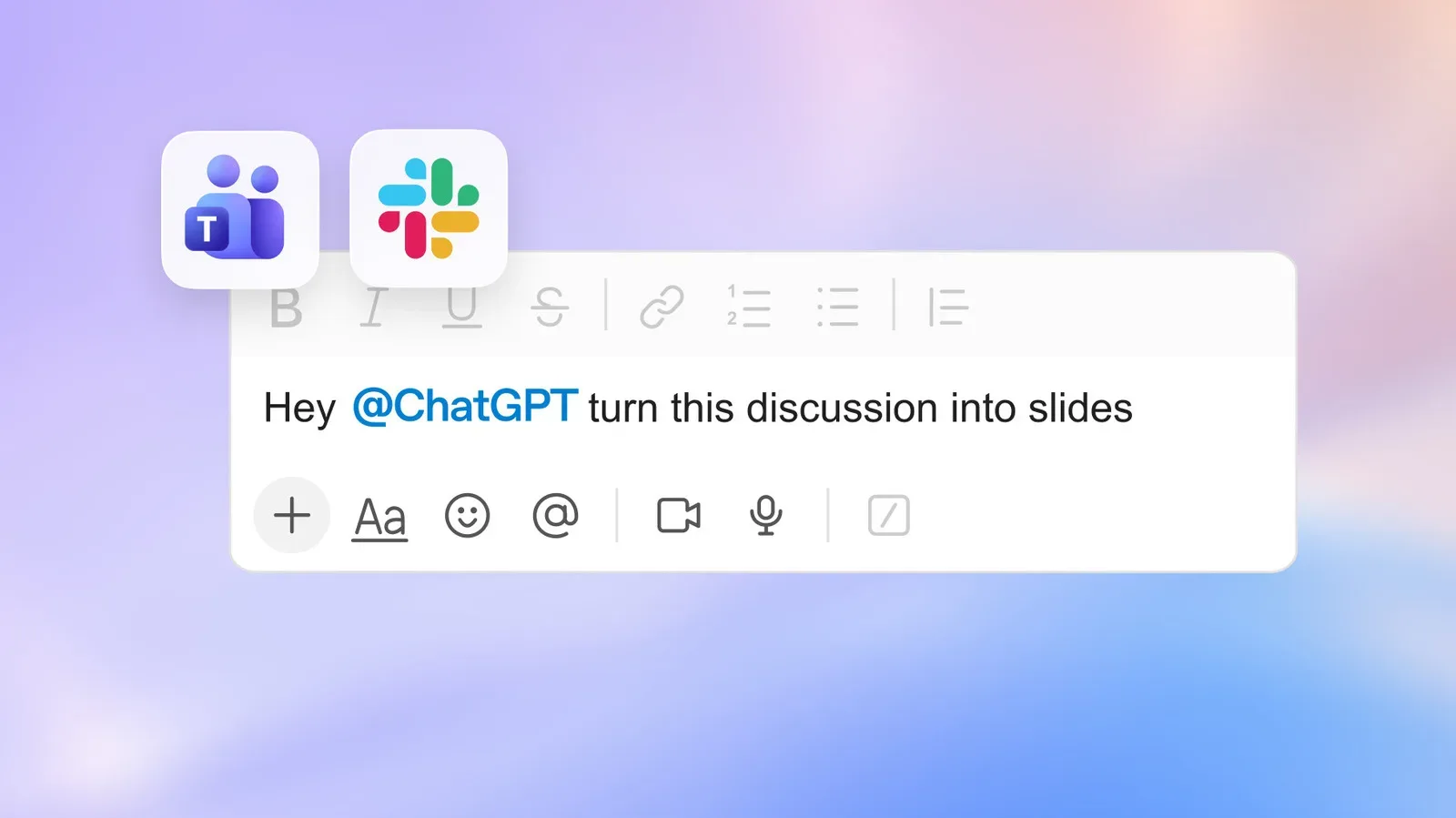
The pitch is not simply a smarter chatbot. A Dot is intended to retain working context, learn from feedback, operate across supported communication surfaces and perform proactive research in the background. It can be reached through ChatGPT as well as apps including Slack and Teams, while text-based access is planned. OpenAI says the service can connect with more than 4,000 apps and work on goals around the clock.
That makes Dots a notable move in the increasingly competitive push toward agentic AI: software that is meant to take actions through tools and services, not just generate a response in a single conversation. OpenAI is positioning the new system against Meta’s Muse agent, which similarly combines an AI model with a cloud computer and browser-based capabilities.
What a Dot is supposed to do
At launch, eligible users can create one “primary dot” and give it a name. OpenAI says teams of Dots will follow later. The distinction matters: the initial version is framed around a persistent assistant relationship, while a future team setup implies several specialized agents could eventually divide work.
OpenAI’s stated model is collaborative rather than fully hands-off. Users can ask questions, explore ideas and give feedback as a project unfolds, or switch to a voice call when it is more useful to discuss something verbally. The company says a Dot can learn preferences, thinking patterns and a user’s definition of good work from that continued interaction.
In practical terms, the promised value is continuity. A conventional chat interaction often begins with a fresh explanation of the project, its constraints and the desired output. Dots are designed to carry that knowledge forward across channels. A user could begin discussing a task in ChatGPT, continue it in Slack or Teams, and have the same agent retain the relevant thread instead of treating each location as an unrelated conversation.
This is also why the phrase always-on needs careful interpretation. It does not necessarily mean an agent should act without boundaries. In this case, it means the system is intended to keep working on approved goals in the background, including research, rather than requiring a person to sit in a chat window and initiate every individual step.
Cloud computers, browsers and why permissions matter
Dots use a cloud computer with a web browser. A cloud computer is a remotely hosted computing environment: rather than running the agent’s browser session entirely on a user’s local machine, tasks can be performed through computing resources managed remotely. For an AI agent, browser access can potentially make a broad range of web-based workflows possible, but it also makes approval rules central to whether the system is useful and trustworthy.
OpenAI says Dots follow ChatGPT’s permissions and support custom rules that specify which tasks need user approval. That is one of the most consequential details in the announcement. The more an assistant can access connected apps and use a browser, the more important it becomes to distinguish between work that can safely proceed and work that should stop for confirmation.
Approval controls are not a cosmetic settings-page feature in an agent system. They define the point at which a recommendation becomes an action. A user may be comfortable allowing background research on a project, for example, while wanting explicit confirmation before an agent performs a more consequential operation through a connected service. The supplied details do not spell out the exact task categories or permission choices available, so prospective users should not assume a particular workflow is supported until they see the controls in their own account.
The distinction between conversation limits and task allowances is similarly important. OpenAI says conversations with Dots will not count toward ChatGPT usage limits. However, the tasks Dots perform will consume plan allowances. In plain language, talking to the agent is treated differently from having it do work. Someone evaluating the feature should therefore pay attention not only to how often they can message a Dot, but also to what the relevant subscription allows it to execute.
Availability and setup
Dots are rolling out in select markets to Pro, Business Premium and Enterprise plans. Eligible users receive one Dot at no added cost. Other users are expected to receive access later, though no broader rollout timing is provided.
Setup begins in the ChatGPT desktop app. Once a Dot has been set up there, it can be accessed from the mobile app. That desktop-first setup requirement is a useful operational detail for anyone looking for the feature on a phone and not finding the creation process there.
- Eligible plans: Pro, Business Premium and Enterprise.
- Initial allocation: one primary Dot for eligible users, with no extra charge stated.
- Initial setup: through the ChatGPT desktop app.
- Subsequent access: through the mobile app after setup.
- Channels named: ChatGPT, Slack and Teams; texting is planned.
- Future feature mentioned: teams of Dots.
For business users, the cross-channel design may be as significant as the model name. Projects often produce fragmented context: a discussion in a chat app, notes in an AI workspace, browser research and follow-up requests sent from a phone. OpenAI’s claim is that a Dot can bridge those locations. Whether that becomes genuinely helpful will depend on how reliably the retained context reflects what a user actually wants, and how clearly the service communicates what it is doing in the background.
Preference learning is useful only when it stays legible
Dots are meant to improve through feedback. In AI terms, this is a form of personalization: the agent adapts its future behavior based on corrections, preferences and ongoing collaboration. The potential upside is obvious. An assistant that understands a user’s standards could require less repeated instruction and produce results that need less revision.
But preference learning also raises practical questions. A user needs a way to correct an inaccurate assumption before it shapes future work. They also need enough visibility into the agent’s current understanding to know whether it is following a genuine preference or merely repeating an earlier mistake. OpenAI’s announcement establishes that Dots will learn over time, but does not detail how users will inspect, edit or reset learned preferences. Those details will be important to real-world adoption, particularly for professional work where the definition of “good” can vary sharply by project.
The same caution applies to the term proactive research. The announcement says Dots can conduct such research in the background, but it does not identify specific research methods, output formats or review mechanisms. Proactive work can be valuable when it surfaces useful information at the right moment; it can be distracting if it produces a steady stream of low-priority updates. The ideal balance is therefore not maximum activity, but activity that remains tied to a clearly understood objective and a user’s approval rules.
A broader push toward computer-using AI
Dots arrived alongside GPT-6.1 Sol, which OpenAI describes as a major upgrade to GPT-6 Sol. The company specifically cites improvements in agentic coding, computer use and professional work. Although OpenAI has not presented Dots and GPT-6.1 Sol as the same product, the paired announcements point in a common direction: AI systems that can reason through ongoing work, interact with computer environments and contribute to professional workflows.
Agentic coding generally refers to using an AI system in a more active role during software work, rather than asking isolated programming questions. Computer use refers to an AI operating within a computing environment, such as by working through a browser. Neither label by itself guarantees accuracy or autonomy; they describe a category of capability whose reliability depends on the task, permissions and oversight.
For readers following AI features in consumer technology, the change is worth tracking because it shifts the central question from “Can this chatbot answer?” to “What work can this software responsibly continue doing after the question is asked?” That is a much bigger promise, and it deserves correspondingly careful scrutiny around access, task limits, approval settings and the clarity of the agent’s actions. For related context on how AI-enabled consumer tools are often best understood through their process and constraints, see this breakdown of translation earbuds’ AI pipeline and fine print.
Dots’ immediate proposition is straightforward: give eligible subscribers one persistent AI agent, let it operate across multiple communication channels, and place its more active behavior behind permission and approval systems. The long-term test will be whether that persistence saves time without turning a user’s work into a black box. OpenAI has outlined the ambition; the day-to-day usefulness will rest on the quality of its context, the usefulness of its background research and how much control users retain at every meaningful step.