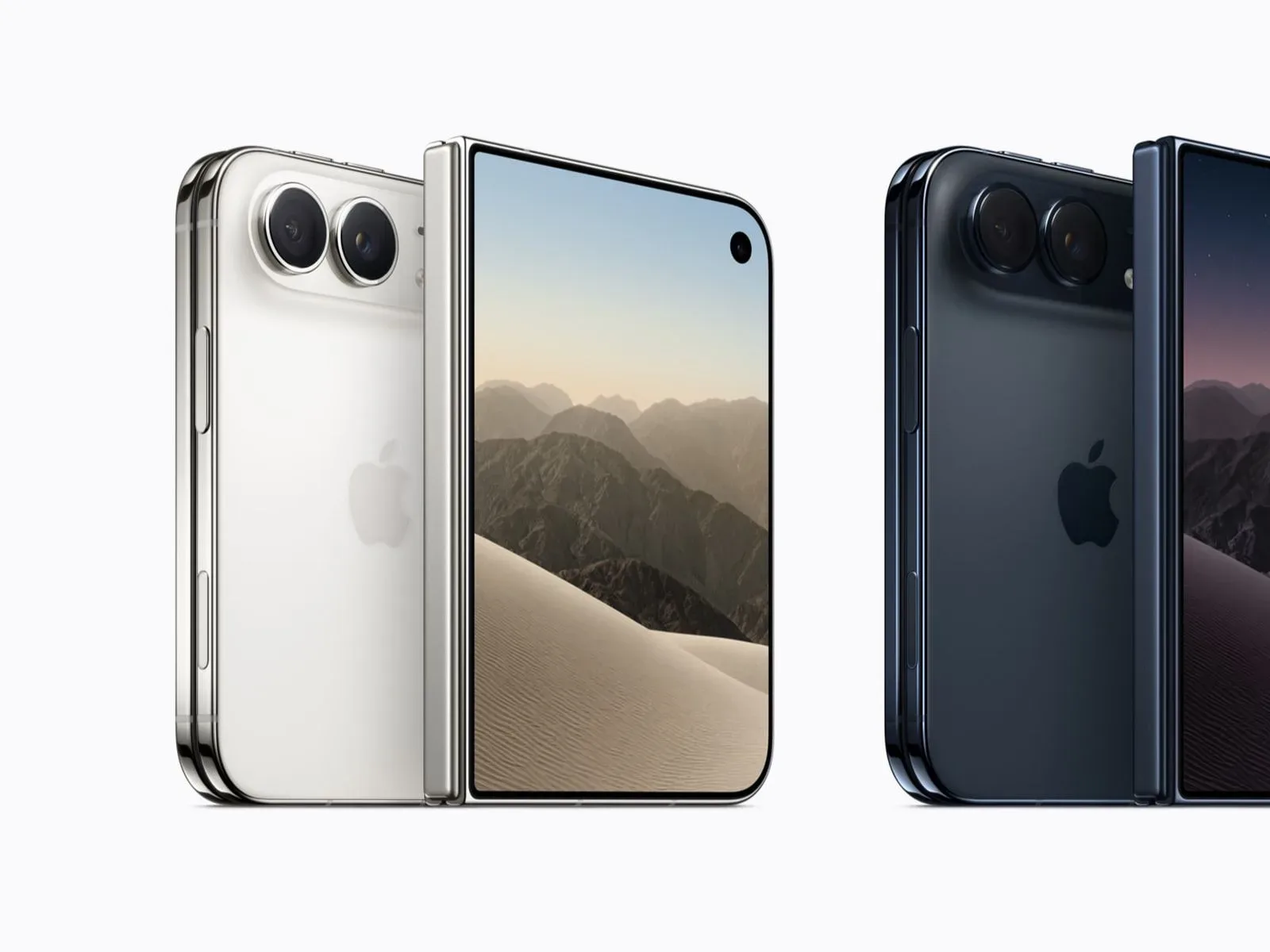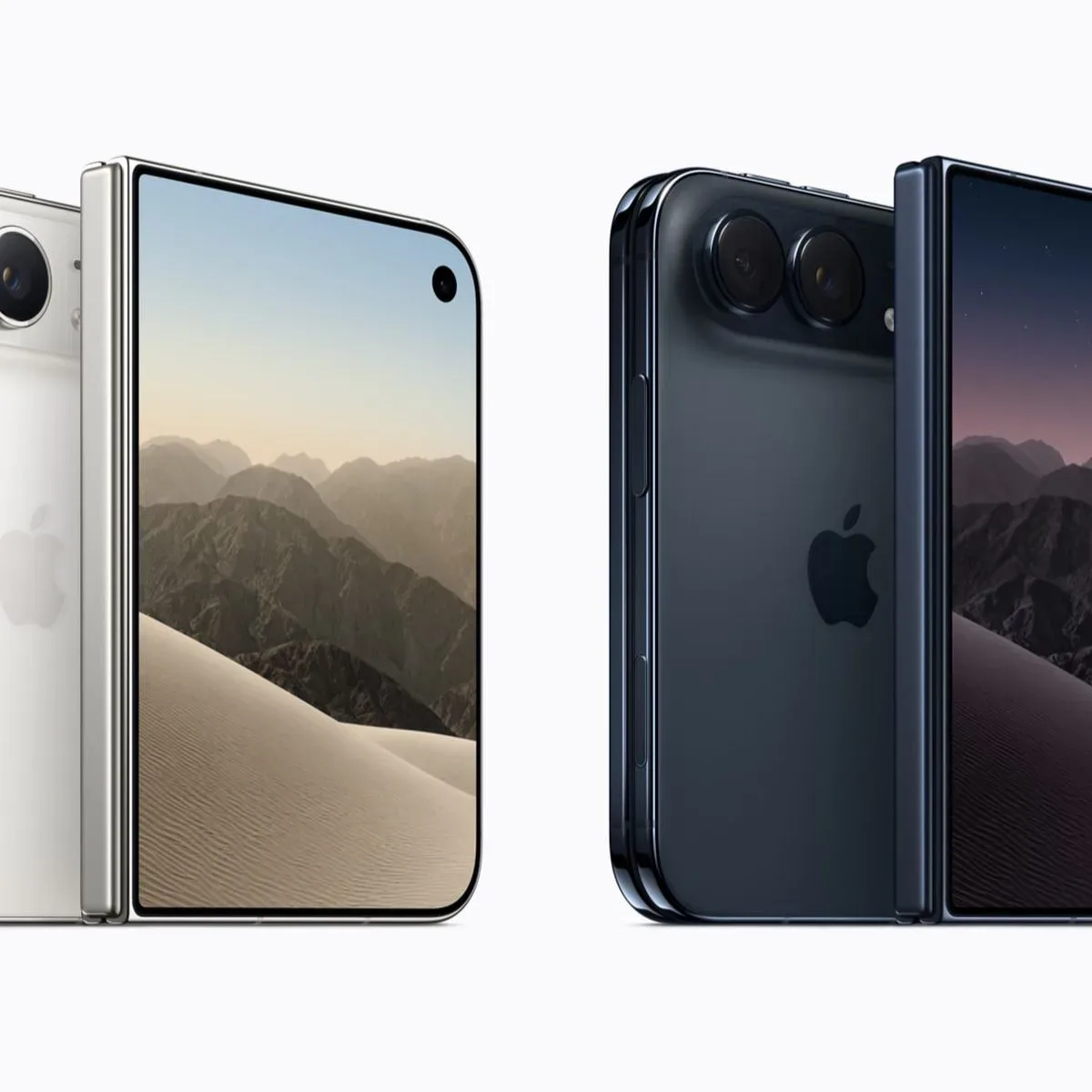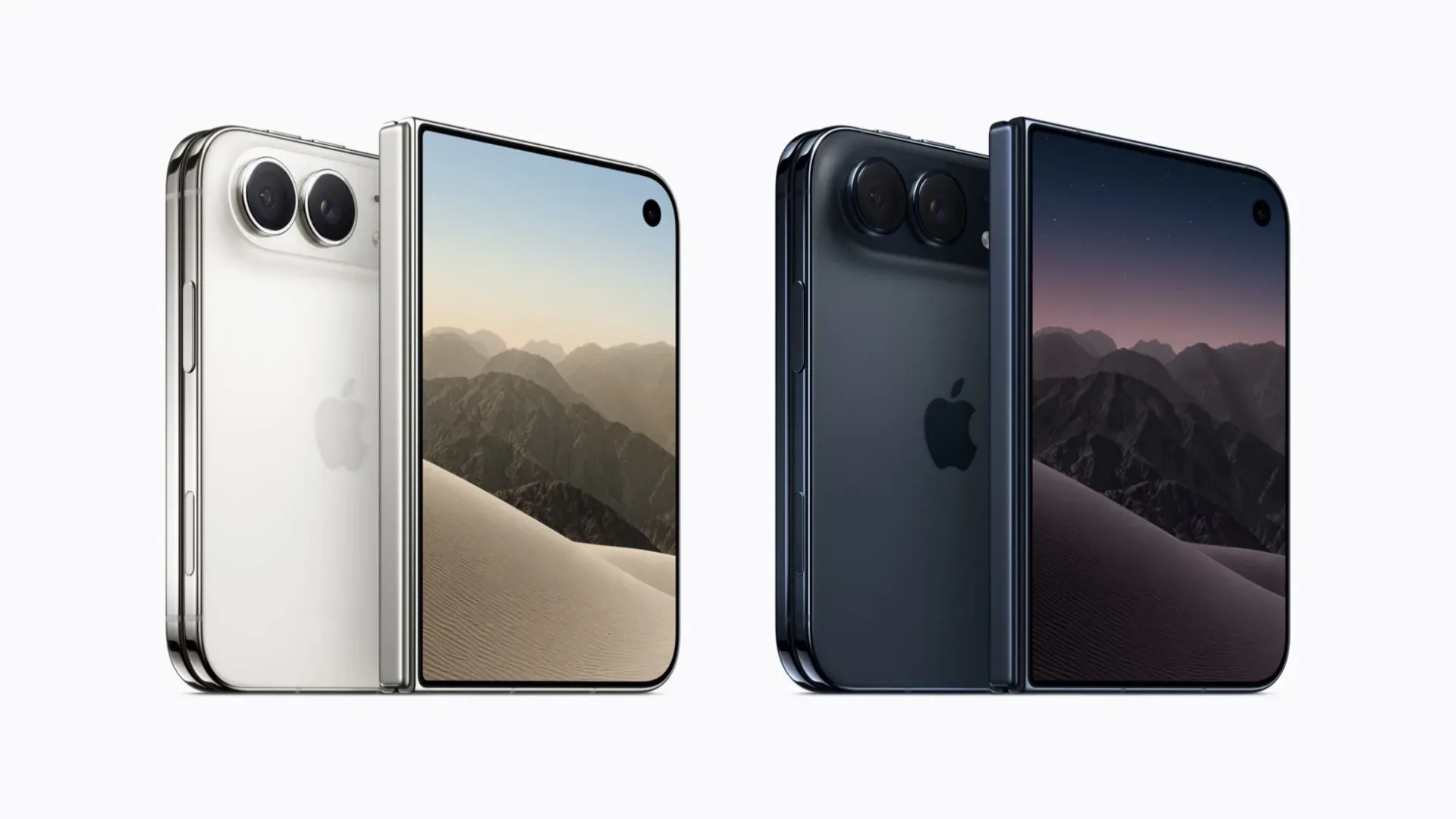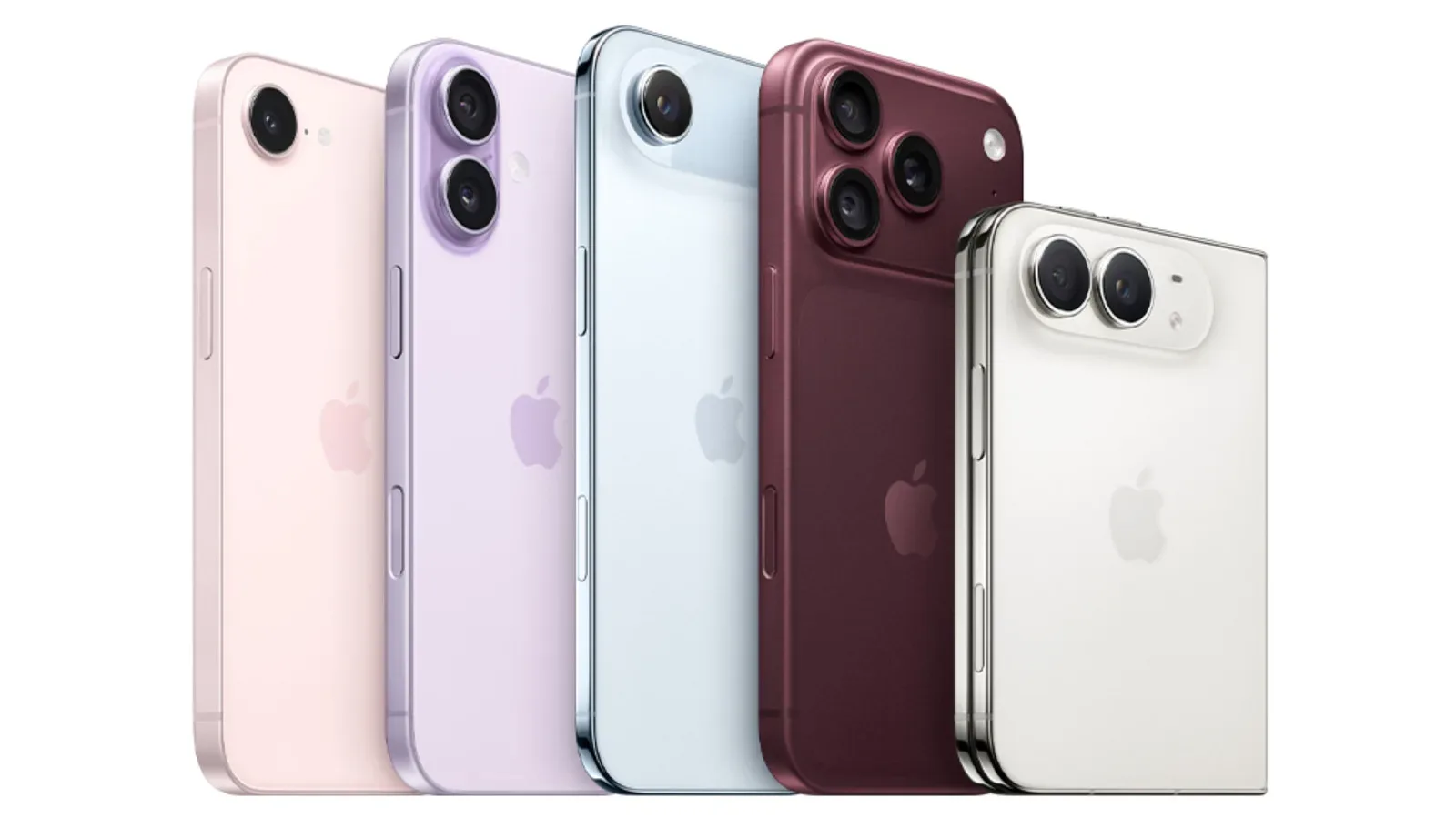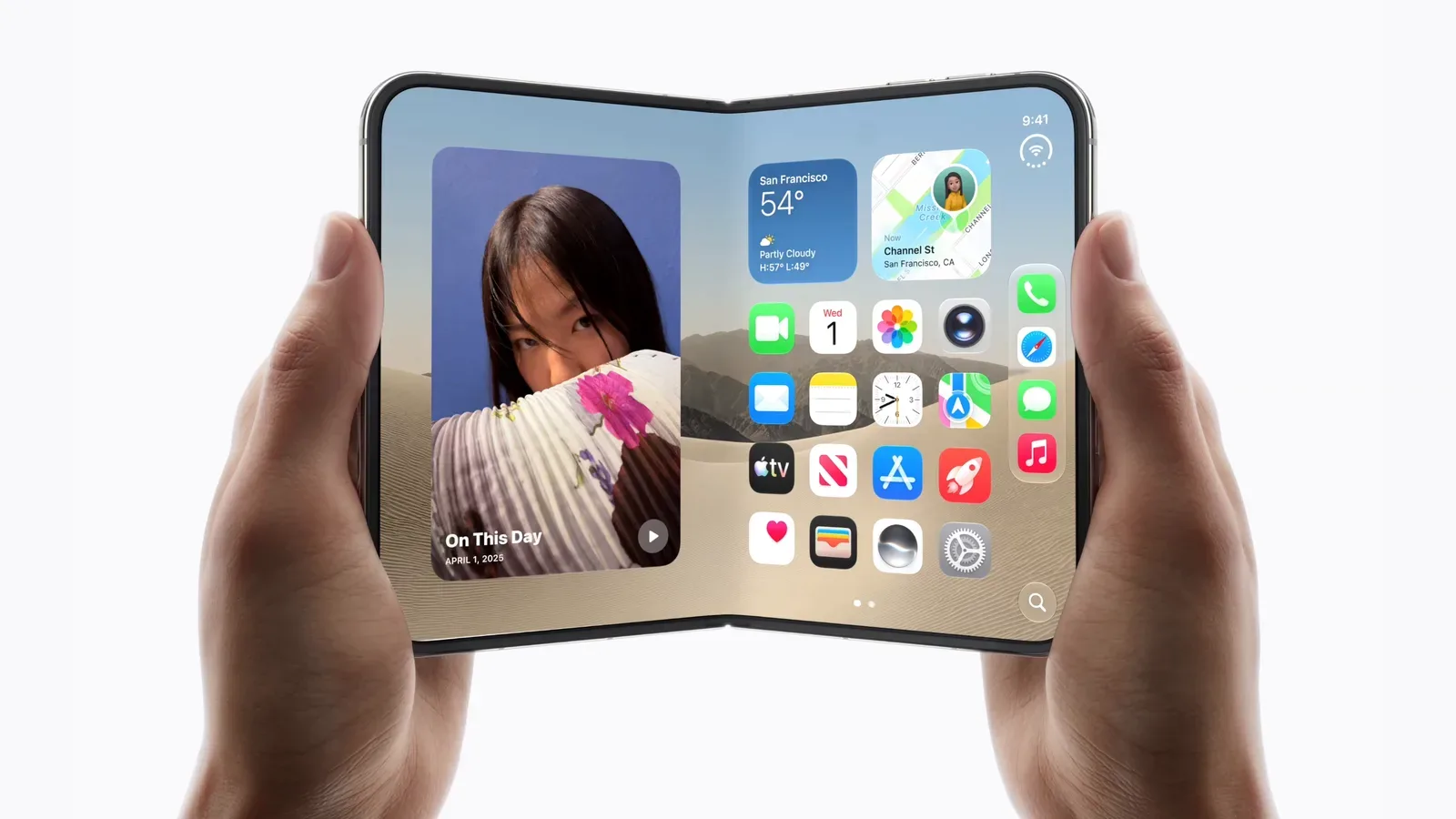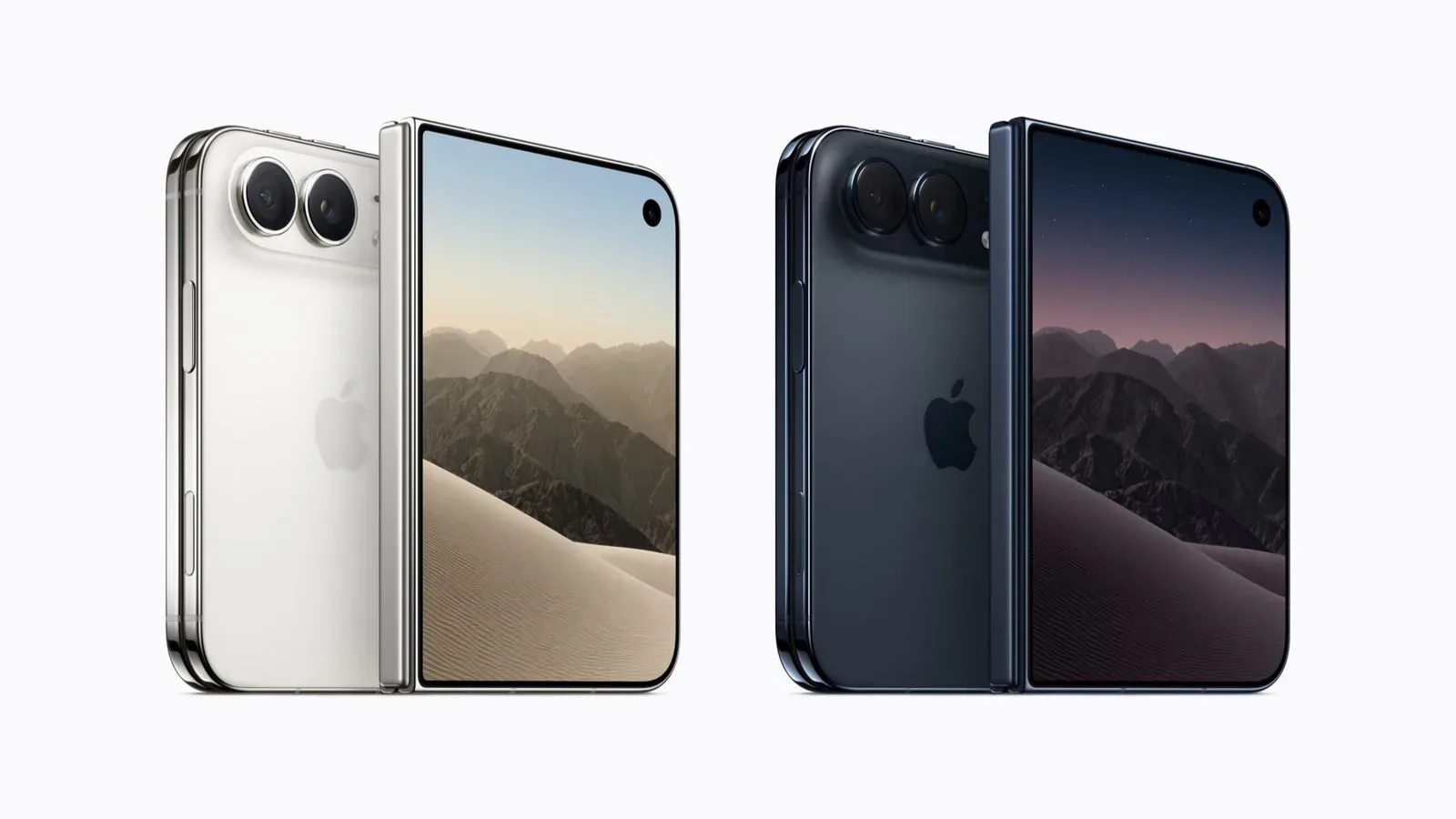
Apple has opened its Get Ready setup process for the iPhone Duo, giving prospective buyers a chance to make their major purchase choices before the device’s pre-order window opens. For a product expected to face constrained early supply, that preparation could be more meaningful than the name suggests: the goal is to turn launch-morning checkout into a much shorter confirmation process rather than a race through carrier questions, address forms and payment fields.
Pre-orders for the iPhone Duo begin on October 16 at 5 a.m. Pacific Time / 8 a.m. Eastern Time. The phone is scheduled to launch on October 23. Apple’s Get Ready option is available both through its online store and the Apple Store app.
The iPhone Duo is described as Apple’s debut foldable, and reports of production difficulties have raised the possibility of limited availability. That does not guarantee that every configuration will disappear immediately, nor does completing Get Ready reserve a device. It does mean that people who have already decided what they want may have less to do when orders go live.
What Apple’s Get Ready process does
Get Ready is essentially pre-order configuration completed in advance. It lets a customer choose a preferred iPhone Duo color and capacity, then work through the account and checkout decisions that can otherwise consume precious time once sales begin.
The available setup steps include:
- Choosing a preferred color
- Choosing storage capacity
- Confirming carrier status
- Selecting accessories
- Choosing an AppleCare+ plan
- Setting up a trade-in, if wanted
- Adding a payment method
- Confirming shipping and billing addresses
With those choices in place, the eventual order can be submitted in what is effectively a one-tap flow. In practical terms, this is not a special priority lane and should not be mistaken for an advance purchase. It is a streamlined checkout path. Inventory can still be limited, shipping estimates can still change and the buyer must still place the order after pre-orders officially begin.
Why the setup matters more with a potentially constrained launch
Every product launch has a gap between deciding to buy and actually completing the transaction. That gap tends to grow when a shopper is deciding between capacities, trying to remember account credentials, weighing a protection plan or attempting to locate an old payment card. Get Ready moves those decisions earlier, when there is no immediate inventory pressure.
That distinction is particularly useful here because early iPhone Duo supply is expected to be tight amid reports of production constraints. A buyer who waits until the October 16 opening time to choose a configuration may be completing several separate tasks while someone else is already confirming their prepared order. The advantage is about reducing friction, not predicting stock.
Capacity refers to the device’s built-in storage option. Carrier status concerns the mobile-service path associated with the order. Trade-in means applying an existing device toward the new purchase through Apple’s available trade-in process. Each is a legitimate decision in its own right, but none is a decision most shoppers need to make at the precise moment pre-orders open.
There is also a simple human advantage to completing the process in advance. A launch window can prompt rushed choices: accepting an old shipping address, overlooking an unwanted accessory, selecting the wrong capacity or discovering a payment problem after an order attempt has begun. Preparing does not make the purchase itself less significant; it creates room to make those choices deliberately first.
A practical iPhone Duo pre-order checklist
Before treating Get Ready as a speed tool, treat it as a review tool. The correct preparation is not merely clicking through every available option. It is confirming that each selected option reflects what you actually intend to buy.
- Settle on the color and capacity first. These are core device selections in the Get Ready flow. If you are undecided, use the setup period to decide rather than relying on a last-second switch after pre-orders begin.
- Review carrier status carefully. Make sure the selection corresponds to the service arrangement you intend to use. This is worth checking before launch morning because it is one of the areas Apple allows buyers to confirm in advance.
- Decide whether accessories belong in the same order. Accessories are an available selection, not an obligation. Add only what you have consciously chosen rather than treating the pre-order moment as a reason to expand the purchase automatically.
- Make a separate decision on AppleCare+. AppleCare+ is also presented as an optional plan choice. Buyers should review their own needs before selecting it, rather than allowing the speed of the flow to turn an optional choice into an accidental one.
- Prepare trade-in details if using one. If an old device is part of the plan, use the Get Ready option to select that route ahead of time. Do not assume a trade-in is required; it is simply one of the checkout elements Apple lets customers arrange.
- Verify the payment method. An up-to-date payment method is central to a fast checkout. Confirm the intended method is present before the sales window begins.
- Check both shipping and billing addresses. These fields are easy to overlook because they often remain saved for long periods. Reviewing them now avoids discovering an outdated detail while trying to place an order.
It is worth separating preparation from urgency. The supplied information supports the possibility that initial stock may be limited, but it does not establish a specific allocation, a precise sellout time, a price, a full specification list or availability details beyond the dates and process above. Shoppers should be wary of filling those gaps with assumptions. Get Ready helps with what Apple has made configurable; it does not answer product questions that have not been provided.
How to approach launch morning
For shoppers who have completed the setup, the key moment remains October 16 at 5 a.m. Pacific or 8 a.m. Eastern. Use the same Apple route where the preparation was made, whether that is the online store or the Apple Store app, and review the final order prompt before submission. A compressed checkout is helpful, but it is still a real purchase with the chosen configuration, payment method and delivery information attached to it.
For anyone who has not used Get Ready, the pre-order window is still the point at which an order can be made. The difference is that the buyer may need to complete the color, capacity, carrier, accessory, protection, trade-in, payment and address steps live. With early supply potentially constrained, that extra work may matter. But it is better to submit an accurate order than to make an avoidable choice simply to move faster.
One useful way to think about the service is as a saved decision sequence. Apple has identified the variables that typically stand between interest and a completed iPhone order, then made them available before the official sales start. The process may be especially attractive for buyers who already know exactly which iPhone Duo configuration they want. It is less useful as a substitute for research if a buyer remains unsure about capacity, carrier arrangements or optional additions.
What Get Ready does not promise
Because the name is so direct, it is important to state the boundaries plainly. Completing Get Ready is not the same as receiving an order number. It does not mean the phone has been held for the customer. It does not remove the need to return at the pre-order opening time and submit the order. And it does not eliminate the possibility of later delivery dates if demand outpaces available supply.
It also does not require every optional field to be used. Accessories, AppleCare+ and trade-in are choices available within the process. A cleaner pre-order plan may be to configure only the elements that are already decided and avoid forcing a decision on the rest. The important benefit is that the buyer controls those choices before the rush, not that every possible add-on is selected.
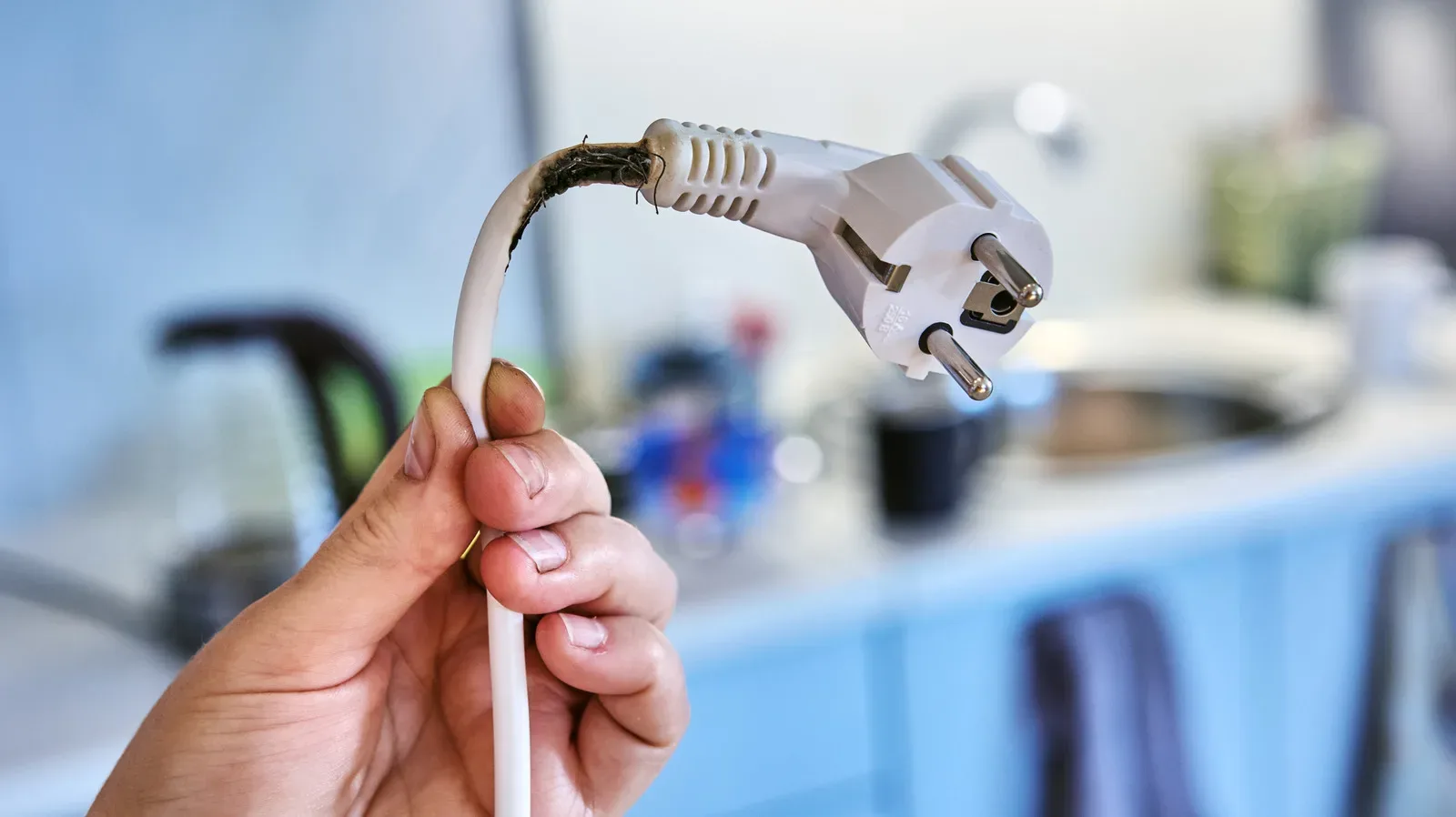
That broader principle applies to the physical setup around a new phone as well. A new device should not become an excuse to overload a workspace with improvised charging and cable arrangements; this guide on why an extension cord should not become permanent desk setup hardware offers a useful reminder that convenience should not replace a deliberate setup.
The bottom line for interested buyers
iPhone Duo shoppers who want to attempt a launch-period order can now prepare through Apple’s website or Apple Store app. The most important dates are October 16 for the 5 a.m. Pacific / 8 a.m. Eastern pre-order start and October 23 for launch.
Given the expectation of limited supply, the practical move is straightforward: decide on color and capacity, confirm carrier status, review optional accessories, AppleCare+ and trade-in choices, then make sure payment and address information are correct. Once pre-orders begin, Get Ready is designed to reduce that work to a final, rapid order confirmation. It cannot ensure an iPhone Duo, but it can remove several preventable obstacles between a buyer and the checkout button.