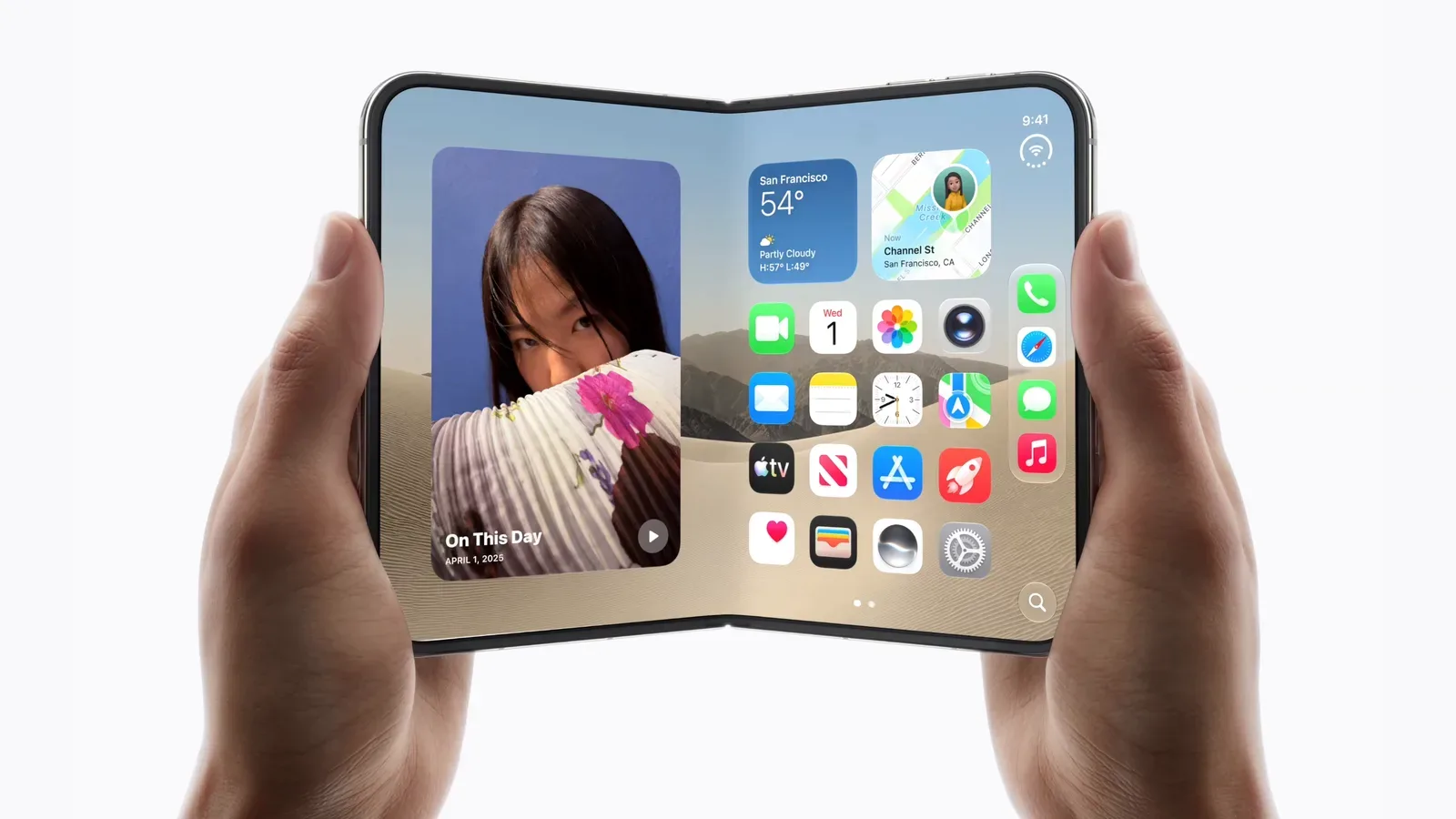
An iPhone Duo and a copy of iMazing are being offered together in a giveaway aimed at users who want more direct control over iPhone data from a Mac or PC. The prize pairing puts the attention on iMazing’s device-management toolkit: software built to back up iPhones, browse and export data, manage media, preserve messages and inspect device information.
There is an important limit to what can be concluded about the hardware. The giveaway information identifies the device as iPhone Duo, but does not provide its specifications, storage configuration, colors, regional variant, release details or an approximate value. That makes the included iMazing license the clearer quantity here: it is a utility with a defined list of claimed functions, rather than a reason to infer features from the phone’s name alone.
For an adjacent piece of developer-facing context around the same product name, see our coverage of iPhone Duo SDKs and simulator orientation support in Xcode 27.1 beta.
What iMazing is intended to do
iMazing is software for macOS and Windows that manages data held on an iPhone. Its core uses include making backups, adding or removing photos, videos and music, and saving material such as messages. Those tasks place it in the broad category of device-management software: a desktop application that works with a connected phone and its saved data instead of asking users to treat the handset as an entirely self-contained device.
Mac users already have Finder for basic iPhone management. The distinction presented for iMazing is not simply that it connects to an iPhone, but that it offers a deeper set of controls around backup history, recovery and data discovery. Windows users are also included, which matters for households and workplaces that use iPhones but do not manage every machine through macOS.
Backup snapshots and selective restore, explained
A backup is a saved copy of device information that can be used to recover data later. iMazing’s described automatic-backup system includes snapshots. In practical terms, snapshots are separate points in a backup history. Rather than thinking only in terms of one rolling copy, a user can potentially identify a prior saved state when looking for something that changed or disappeared.
The software also offers selective restore, meaning recovery can be focused on the data a person actually needs. That is different in concept from restoring an entire device backup, where a broader rollback may be required. The value is straightforward: a person trying to bring back a particular item may prefer a targeted path over replacing the current state of the phone wholesale. The giveaway description does not specify which kinds of data can be selectively restored in every circumstance, so entrants should not assume every file type or app scenario is covered.
Search is the other useful part of that backup workflow. iMazing says it can search both connected devices and backups. A backup only becomes genuinely convenient when its contents can be located, especially for people who save large amounts of photos, conversations or files over time. Search does not itself guarantee that an item is recoverable or exportable in all cases; it helps answer the earlier question of whether the material can be found.
Exports, screen recording and diagnostics
The stated feature set extends past recovery. iMazing can export data, with advanced filters available for narrowing down what is exported. A filter is a rule that limits a larger collection to material matching chosen criteria. It can reduce the burden of handling a huge data set when the task is narrower, such as locating a particular group of records. The same filtering approach is also available in the software’s Unified Logs browser.
Unified Logs are system records that can be useful when examining device or software behavior. The giveaway material does not promise that the logs will diagnose every issue, but a browser with filtering is aimed at making a very large technical record more manageable. That is a specialized feature compared with basic photo transfer, and it helps explain why the tool has uses beyond ordinary home backup.
The app can also make screen recordings on macOS, export device information and run diagnostics. Device-information export is useful where someone needs a portable record of details reported by a device. Diagnostics refers to tools that collect information relevant to troubleshooting. Neither feature means iMazing can repair a problem by itself; they are mechanisms for observing, documenting and investigating.
One particularly notable included function is a Spyware Analyzer, described as a way to check whether devices may have been compromised. “Compromised” is a serious term: it refers to a device potentially being affected by unauthorized or malicious access. An analyzer is not the same thing as a blanket security guarantee. The available description does not specify the detection techniques, the scope of threats it can identify, or what action it recommends after a result. It is best understood as an investigative aid rather than proof that a clean result eliminates all risk.
A 2024 redesign and continuing updates
iMazing was completely redesigned in 2024 and has continued to receive updates since that overhaul. Reported interface changes include a collapsible sidebar plus customizable views for devices and backups. These may sound cosmetic, but navigation matters in software that can contain multiple phones, multiple saved copies and many categories of data. A collapsible sidebar can provide more room for the active task, while customizable lists can help users arrange the information they return to most often.
Data export has also been expanded through advanced filters. In the context of iPhone management, export means taking selected information out of the device-management environment in a usable form. The material does not identify every output format, so it would be premature to promise compatibility with any specific archival, office or migration workflow. Still, the emphasis on filtered export suggests iMazing is intended for more than a simple all-or-nothing copy operation.
Why business-oriented tools are part of the package
The current iMazing feature list also includes several options that are more relevant to organizations than a single-phone household. These include streamlined MDM enrollment, a command-line interface, and iMazing Profile Editor 2.
MDM means mobile device management. It is a general approach used by organizations to enroll and administer devices under their policies. Streamlined enrollment refers to simplifying the process of bringing devices into that managed setup. The giveaway description does not outline a particular company deployment or service plan, but its inclusion signals that the software has a workplace-management dimension alongside its consumer backup tools.
A command-line interface, often shortened to CLI, lets advanced users interact with software through typed commands rather than solely through a graphical window. iMazing’s CLI is described as enabling advanced interaction with iOS devices and backups. That can be relevant where repeated operations need a more structured approach. It should not be confused with a claim that every task is automated or that no technical knowledge is needed; command-line tools generally trade some visual simplicity for precision and flexibility.
Profile Editor 2 is described as supporting configuration of macOS application, notification and login permissions. A permission profile establishes rules governing what is allowed in a managed environment. This is another feature whose usefulness is highly dependent on the user: it may be central to an administrator responsible for multiple machines and largely unnecessary for someone who only wants to copy photos from one iPhone.
Eligibility and entry details
The giveaway is limited to adults in the United States and United Kingdom who are at least 18, plus Canadian residents who have reached the age of majority in their province or territory. The stated method of entry is submission of an email address through an entry widget. Additional entries may be available for actions involving newsletters, video channels and social-media accounts.
Email addresses supplied for entry are described as being used only to contact winners and send prizes. Winners are responsible for applicable federal, state, provincial and local taxes, fees and surcharges. The information provided does not include a closing date, a full official-rules link, the number of winners, or technical details for the iPhone Duo. Anyone considering entry should make sure the active entry form and its displayed rules answer those practical questions.
The useful takeaway
The prize is most meaningful for a person who values local iPhone administration and a broader set of backup tools than basic device management alone. Automatic snapshot backups, searching, selective restoration, export filters, diagnostics and device-information export address distinct jobs that can otherwise become awkward once a phone holds years of material. On the other hand, the business controls and command-line capabilities will likely be overkill for users with straightforward needs.
The hardware name creates obvious curiosity, but the supplied giveaway details do not support a technical assessment of iPhone Duo itself. The reliable focus is iMazing’s stated role: a Mac and PC utility designed to give users and administrators more ways to organize, inspect, preserve and retrieve data associated with an iPhone.