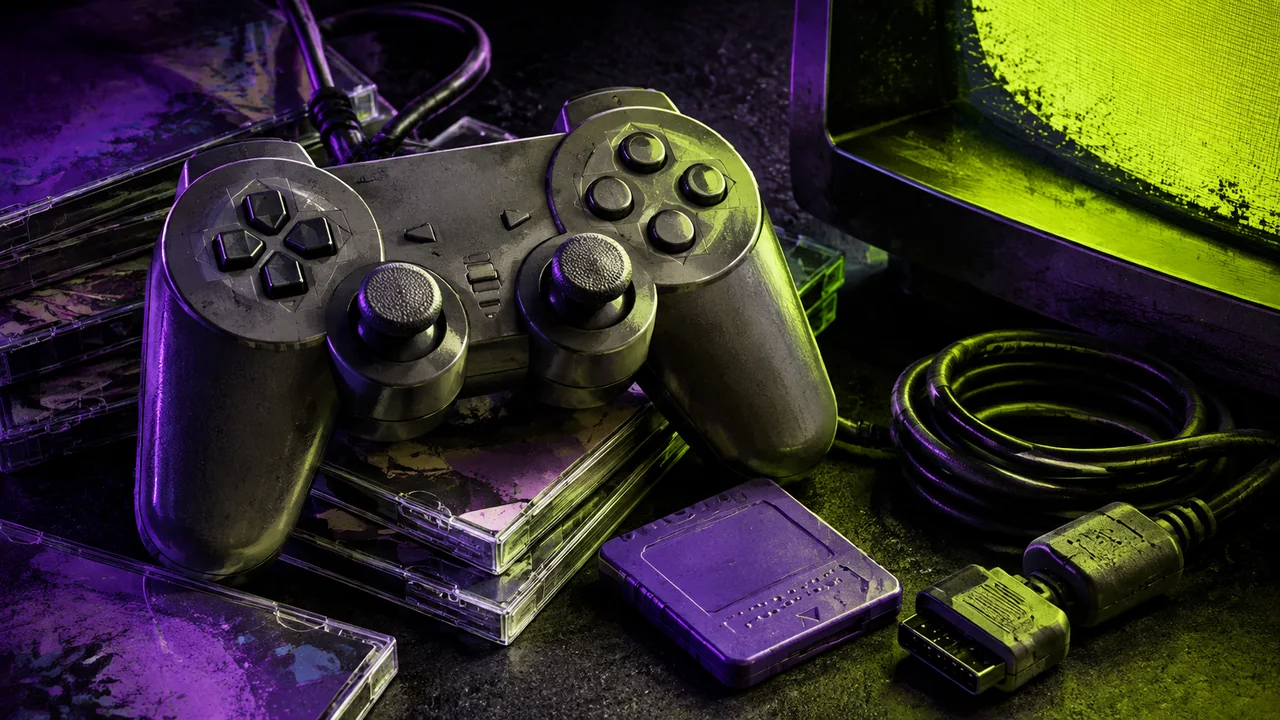
A modern television and an old console can both work perfectly and still fail to produce a usable picture together. An adapter purchase should begin with the connection you need, not the largest resolution printed on a product image.
This is a research-based selection checklist. We have not performed a comparative hands-on test of adapters, and this guide does not claim that a particular product is best for every setup.
Write the signal path
List the exact console model, its available output, the cable, any conversion or scaling device, and the television input. Include audio and power connections. If you cannot complete this list from the product documentation, the compatibility question remains unanswered.
Hardware revisions matter. For example, Nintendo’s GameCube manual identifies the digital output and component-video feature with the DOL-001 model. A device intended for that port is not a generic accessory for every GameCube. The original manual demonstrates why checking the model is more useful than shopping by console name alone.
Ask what the adapter actually does
Look for a clear explanation of accepted input signals and output formats. A device may convert a signal, scale it, or combine those functions. Do not infer its behavior from a plug shape. Find the manufacturer’s manual or specifications and check whether the modes produced by your games are listed.
If support is unclear, ask a precise question such as “does this device accept the output from this model in this game’s video mode?” Keep the response. A broad “works with retro consoles” claim does not answer a specific configuration.
Compare the details that affect use
- Supported console models and required cable type.
- Supported input and output formats, including interlaced modes when relevant.
- Aspect-ratio controls and whether the image can remain correctly proportioned.
- Audio routing and any separate connection required.
- Power source, included hardware, and cable length.
- Documented processing delay or independently measured results, if available.
- Return terms for a setup that proves incompatible.
Do not treat an unsupported “zero lag” claim as a measurement. If response time is central to the games you play, seek a described testing method and the exact device revision. If the information does not exist, record that limitation rather than inventing a numerical comparison.
Budget for the working arrangement
Count all required parts. A console adapter may need a cable, a power supply, and a separate solution for audio. A more expensive-looking option may include pieces absent from a cheaper listing. Compare the full arrangement that connects your console to your display.
Also consider how often you will use the setup. A single console connected occasionally presents a different problem from a room with several systems. Plan for the actual use case rather than assuming the most elaborate chain is automatically the most satisfying one.
Test while returns are still straightforward
On arrival, use a known working game and follow the instructions. Check picture stability, sound, aspect ratio, and any game modes you rely on. Write down the television settings and cable arrangement that work. Change one setting at a time when troubleshooting so you can tell what helped.
Keep packaging until you have finished the checks. A successful purchase ends with a repeatable setup you understand. It should not require you to remember which mysterious combination of three converters briefly worked at two in the morning.