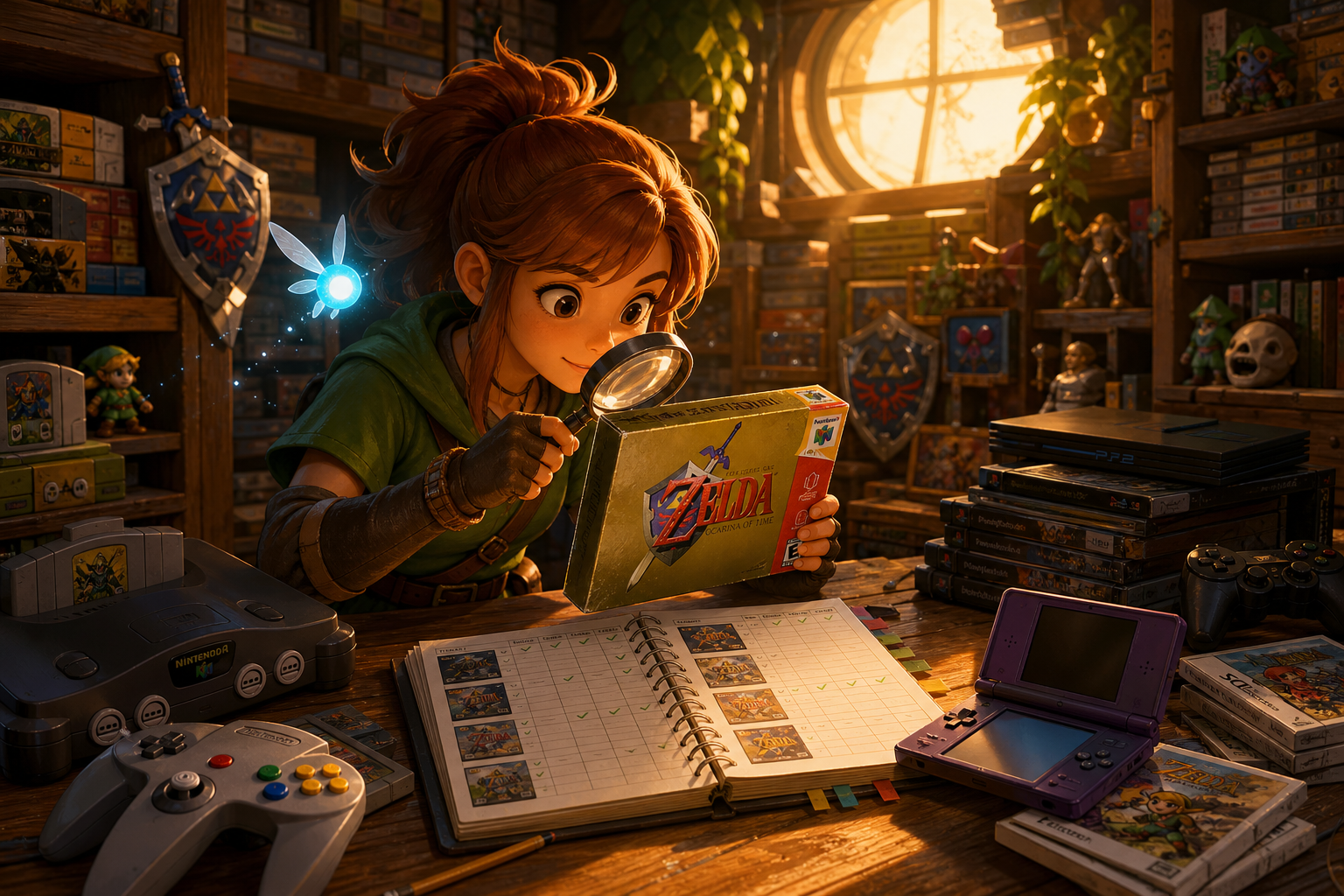
A broken console can serve several very different purposes. You might want a playable Nintendo 64 for Super Mario 64 or The Legend of Zelda: Ocarina of Time, a GameCube for Mario Kart: Double Dash!! or Metroid Prime, a Wii for Wii Sports or Super Mario Galaxy, a donor for another machine, or simply a hands-on repair project. The right purchase depends on which of those outcomes you actually need.
A marketplace label is not a diagnosis. “Powers on,” “untested,” “no display,” “disc error” and “only needs cleaning” describe different amounts of evidence, and none should be treated as proof of an easy fix. The safest approach is to price the uncertainty, confirm the exact model and required accessories, then buy only when the worst reasonable outcome still fits your skills and budget.
Start With the Outcome You Need
Decide whether success means a working console, a functioning donor board, a cosmetic restoration or a learning exercise. A buyer who wants to play Ocarina of Time needs a Nintendo 64 with reliable video, controller input and cartridge recognition. Someone seeking Mario Kart: Double Dash!! or Metroid Prime needs a GameCube with a working optical system, compatible controllers and a memory card. A Wii buyer planning to play Wii Sports or Super Mario Galaxy also needs the correct power supply, sensor bar and compatible Wii Remote setup.
These goals produce different acceptable risks. A cracked shell may be tolerable for a donor but unacceptable for a shelf display. Missing GameCube ports make a later Wii revision unsuitable for a GameCube-focused library, regardless of its clean appearance. A console that powers on but has no confirmed picture or media test should be valued as an unknown-condition project, not as a nearly working system.
- Write down the intended game, platform and required accessories before comparing listings.
- Separate “playable system,” “repair project,” “donor” and “cosmetic restoration” budgets.
- Do not pay for a tested-console outcome when the listing provides only power-light evidence.

Translate Listing Language Into Evidence
“Tested” is meaningful only when the seller explains what was tested. Ask whether the machine produced a stable picture, accepted a known-good game, responded to controller inputs and remained on long enough to reveal intermittent problems. “Powers on” usually establishes little beyond some response from the power path. It does not confirm video output, cartridge or disc reading, controller ports, memory-card operation, cooling or sustained stability.
“Untested” may mean the seller lacks the cables, games or time to check it; it may also conceal a known fault. “For parts or repair” should be treated as a transaction condition, not a prediction about the repair. “Needs cleaning” is especially weak evidence. Nintendo’s GameCube documentation recognizes dirty or damaged discs as one possible cause of read trouble, but persistent failures can require service. A black screen, disc error or intermittent shutdown is a symptom category with several possible causes.
Request a current video or dated photographs showing the console, model label and test screen together where possible. Marketplace photos supplied without a clear date, serial context or functional demonstration cannot establish present condition.
- Ask exactly which game, cable, controller and display were used for testing.
- Treat “untested” and “only needs cleaning” as unresolved, not optimistic diagnoses.
- Save the original listing, condition description and messages before paying.
Confirm the Model Before Valuing the Hardware
Model identification affects compatibility, parts fit and the usefulness of included ports. For Wii hardware, confirm the RVL model printed on the console rather than relying on a title such as “backwards-compatible Wii.” The original RVL-001 includes GameCube controller and memory-card support; later Wii revisions removed those features. That distinction matters if your plan includes Mario Kart: Double Dash!! or Metroid Prime through original GameCube hardware.
GameCube revisions also differ. DOL-001 and DOL-101 units do not offer the same video-output and expansion-port options, so a buyer seeking a particular display setup or accessory must inspect the rear and underside labels. A Nintendo 64 listing needs a region and model check as well, especially when replacement shells, cartridge connectors or cables are being considered.
Do not assume that a replacement shell, loose board or photographed serial label proves that every component belongs together. Matching labels can help document an item, but they do not establish an untouched board, original parts or working compatibility. Ask for clear photos of every relevant port, label and connector before assigning value.
- Confirm the exact Wii RVL model and whether GameCube ports are present.
- Confirm the GameCube revision and the video or expansion feature you require.
- Check regional hardware and game compatibility before ordering replacement parts.
- Treat serial labels, shells and screws as identification clues, not authenticity or function proof.
Inspect Exterior Damage Without Overreading It
Shell scratches generally establish cosmetic wear. They do not prove that a motherboard, optical drive or cartridge connector is healthy. Cracks around controller ports, hinges, disc covers, screw posts or cartridge openings are more important because they can affect alignment and structural support. Missing feet and damaged covers may be inexpensive-looking problems that still allow dust, movement or poor fit.
Look for corrosion, sticky residue, water marks, heavy grime, insect contamination and warped plastic. These signs do not identify a particular failed component, but they increase the possibility that cleaning will be extensive or that corrosion has reached connectors and boards. A clean exterior is not proof of a clean interior. Likewise, a missing label can reduce documentation value without telling you whether the system functions.
Ask for photographs of the underside, rear ports, cartridge opening or disc bay, controller sockets, serial area and any removed panels. Do not request or perform unsafe energized inspection. Nintendo’s GameCube safety guidance advises against user disassembly or attempted repair; buyers without the necessary experience should use a qualified technician rather than treating a cheap listing as permission to experiment.
- Inspect ports for cracks, looseness, bent contacts and missing covers.
- Treat corrosion and residue as a risk multiplier, not a repair diagnosis.
- Ask whether the console has been opened, stored in moisture or exposed to smoke.
- Do not infer board health from shell color, stickers or a clean front panel.
Nintendo 64: Cleaning, Connectors and Unknown Video Faults
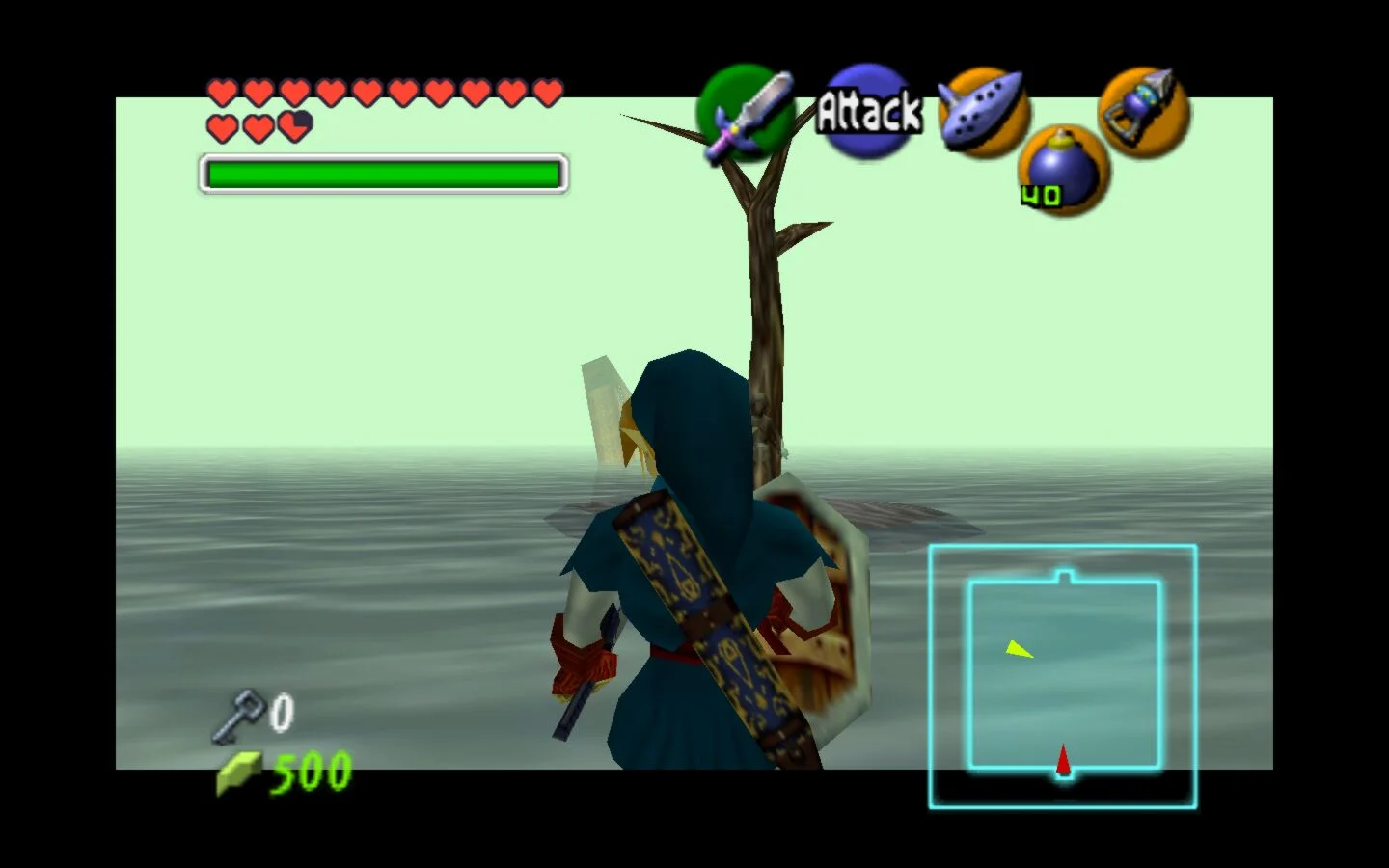
Nintendo 64 listings often reduce a no-boot or no-picture problem to cartridge cleaning. Contacts and connectors can certainly be part of the chain, but a black screen can also involve the cartridge, connector, power path, video path or motherboard. A photograph of a black television screen cannot tell you which one is responsible. Ask whether multiple known-good cartridges were tried, whether the picture was stable, and whether the console showed any change when the cartridge was inserted.
The cartridge slot is not automatically a beginner repair. iFixit’s repair material includes a cartridge-slot guide involving console opening and work around the slot and motherboard. That makes “just needs the slot cleaned” a claim requiring evidence, not a confirmed low-cost fix. Battery-related work and LED or shell repairs are separate tasks from diagnosing a failed board.
For Super Mario 64 or Ocarina of Time, request a test that reaches a recognizable title screen and demonstrates controller response. A brief flash, power light or seller statement that the machine worked years ago is not equivalent. If the seller cannot demonstrate video and cartridge recognition, calculate the purchase as a donor or diagnostic project.
- Ask whether more than one known-good cartridge was tested.
- Request stable video and controller-response evidence, not only a power light.
- Separate slot cleaning, slot replacement, battery work and board diagnosis.
- Stop if the console has corrosion, severe port damage and no functional evidence unless you specifically want a donor.
GameCube: A Disc Error Is a System of Possibilities
A GameCube that spins a disc but fails to read it may have a dirty lens, lid-sensor problem, damaged laser assembly, drive-motor issue, ribbon-cable fault, capacitors or motherboard trouble. A disc that does not spin can point toward a different group of causes. The symptom does not justify assuming that a replacement laser will solve everything, and a seller’s claim that the drive “probably only needs adjustment” remains unverified.
Optical-drive work also has a real tool and handling cost. The documented lens-replacement process uses a 4.5 mm gamebit driver alongside Phillips drivers and requires removal of the optical assembly and care around ribbon cables. A buyer who has never opened compact electronics should include professional diagnosis or service in the calculation. Do not look directly into the optical lens during inspection, and do not attempt improvised electrical or laser-power procedures.
For Mario Kart: Double Dash!! and Metroid Prime, ask whether a known-good disc reached the title screen, whether the lid closed consistently, and whether the drive failed cold, warm or intermittently. Confirm the DOL revision and included controller, memory card and video cable separately. A replacement drive may restore a function without proving that the original board, shell or included game is original.
- Ask whether the disc spins, whether the title is recognized and whether more than one disc was tested.
- Check for lid-sensor, motor, cable and board possibilities before pricing a laser.
- Confirm the DOL-001 or DOL-101 revision and desired video or expansion features.
- Use qualified service if the diagnosis reaches board-level work.
Wii: Model, Accessories and Service Availability Matter
A Wii that powers on but rejects discs may have trouble in the DVD drive or another part of the drive, power, cooling or motherboard system. A fan that moves does not prove adequate cooling, and a menu screen does not prove disc recognition, controller pairing or sensor-bar operation. For Wii Sports or Super Mario Galaxy, ask for a complete test using a compatible Wii Remote, sensor bar and the correct disc.
Inventory every missing item. A console without its power adapter, AV cable, sensor bar, Wii Remote, Nunchuk or required memory accessories may become a parts project even if the main board works. The same applies to a Wii advertised for GameCube play: confirm RVL-001 and inspect the controller and memory-card doors rather than trusting a generic “backwards compatible” description.
Nintendo’s current information says it no longer accepts service requests for listed Wii models, so a broken Wii purchase should be planned around independent repair, donor hardware or replacement. Wii Shop Channel, WiiConnect24 and Nintendo Wi-Fi Connection services were discontinued; those limitations do not prevent ordinary offline play, but they do reduce the value of listings built around discontinued online functions.
- Confirm RVL-001, RVL-101 or RVL-201 before comparing the listing with your use case.
- Request proof of video, disc reading, controller response and sustained operation.
- List every missing cable, controller, sensor bar and accessory as a separate cost.
- Do not pay extra for access to discontinued Wii storefront or online services.
Match the Fault to Your Skill and Tools
A sensible skill ladder begins with external inspection, cable substitution and documented functional testing. The next level includes careful case opening, connector inspection and replaceable assemblies. More demanding work includes ribbon handling, soldering, board diagnosis and component-level repair. Mains-voltage probing, capacitor discharge, laser-power adjustment and improvised electrical tests do not belong in a casual buying plan.
Tools are part of the acquisition cost. Depending on the system and task, you may need security bits, a 4.5 mm gamebit driver, Phillips drivers, appropriate lighting, cleaning materials, an antistatic work surface and a known-good test setup. Buying tools for one uncertain console can make a supposedly cheap listing more expensive than a verified working alternative. Consumables and failed attempts belong in the same calculation.
A professional quote should distinguish diagnosis, labor, parts, return shipping and any no-fix charge. Ask whether the technician works on the exact revision and symptom, whether replacement parts are tested, and whether the service includes a functional warranty. If the technician cannot source a model-specific assembly, the console may remain a donor even after diagnosis.
- Identify the highest skill level the likely fault could require.
- Confirm tool requirements before buying, not after the console arrives.
- Ask repair shops about diagnosis fees, parts sourcing, labor and no-fix outcomes.
- Stop when the project requires skills or equipment you cannot safely access.
Ask the Seller Questions That Change the Decision
Keep the message focused on evidence rather than asking for a general assurance that the console is fine. Ask for the exact model number, a photograph of the serial area, power behavior, video output, controller response, cartridge or disc recognition, previous opening, corrosion or liquid exposure, and every included accessory. For a GameCube, ask whether the disc spins and whether the lid closes reliably. For a Nintendo 64, ask which cartridges were tested. For a Wii, ask whether the sensor bar and Wii Remote are included and whether the unit is RVL-001 if GameCube support matters.
Also ask how the item will be packed. A loose optical assembly, cracked shell or bent cartridge opening can suffer additional damage in transit. Request that the console be immobilized, padded and separated from loose accessories. Do not ask the seller to bypass marketplace rules or move payment elsewhere. The transaction record is part of your protection.
If the seller refuses model photographs, cannot answer basic symptom questions or uses only stock images, do not fill the evidence gap with optimism. The right response may be to pass, not to negotiate harder.
- Request exact model and revision photos.
- Ask for dated proof of the specific function you need.
- Ask about prior repairs, corrosion, liquid exposure and missing parts.
- Ask how the console and loose accessories will be protected during shipping.
- Keep all communication and payment on the marketplace.
Calculate Total Cost and Set a Stop Condition
Compare the listing using categories rather than a guessed current fair price. Add the purchase amount, shipping, tax, replacement power and video cables, controllers, memory cards, test games, tools, cleaning supplies, replacement assemblies, professional diagnosis, labor, return shipping and the value of your time. Include a contingency for the possibility that the first diagnosis is wrong. A console that needs a controller, cable, sensor bar and optical repair is not merely a cheap console with one missing part.
Set the maximum before bidding or accepting an offer. One useful rule is to decide whether you would still accept the purchase if the symptom proves to be a board fault and no readily available part solves it. If the answer is no, require stronger evidence or buy a tested unit instead. Another stop condition is a combination of severe corrosion, structural port damage, missing model information and no return protection.
Do not compare only against the cheapest working listing. Compare against the total cost and risk of a tested replacement, a reputable repair service or a donor with a clearly identified part. A repair project can be worthwhile, but only when the project itself is the intended product.
- Record every missing accessory as a separate total-cost line.
- Add diagnosis, failed attempts and professional-service costs before purchase.
- Set a maximum loss that you can accept without needing the repair to succeed.
- Pass when the uncertain total approaches a tested alternative you actually want.
Protect the Transaction and Inspect the Arrival
Use the marketplace’s current payment, messaging and return process. eBay’s Money Back Guarantee and return guidance are eligibility- and timing-dependent, so read the transaction-specific terms rather than assuming that every “for parts” item receives the same protection. An explicitly defective item is not automatically covered as though it had been sold working, while an undisclosed fault may be treated differently from a clearly stated one.
Photograph the package before opening, the internal padding, the console’s serial area, every included accessory and any new shipping damage. Preserve the listing and compare the delivered condition with the written description. Test promptly within the stated return period using safe, known-good accessories. Check the specific function you bought the item for: video and cartridge recognition on Nintendo 64, disc reading and controller response on GameCube, or disc, sensor-bar and controller operation on Wii.
Avoid modifying, cleaning aggressively or opening the system until you have decided whether it matches the listing. If the item is materially different, document the fault and use the platform’s stated process. Return it through the authorized method when appropriate rather than attempting an uncertain repair that could complicate the claim.
- Document packaging and contents immediately.
- Test within the platform’s return window using known-good accessories.
- Keep serial and condition photographs with the listing record.
- Do not alter an item before deciding whether its delivered condition matches the listing.
- Use qualified repair help when inspection points to board-level or unsafe work.
“For parts or repair” hardware is not automatically a bargain or a bad purchase. It is a wager on diagnosis, parts access, tools, service availability and your own tolerance for an unsuccessful outcome. Model number, functional evidence and total cost matter more than a clean shell or an encouraging seller phrase.
Buy when the intended use is clear, the missing evidence is limited, the required parts and skills are realistic, and the transaction remains protected. Walk away when the console combines unknown symptoms, serious corrosion, missing identity information and no practical return path. That discipline leaves room for worthwhile restorations without mistaking a mystery fault for an easy fix.