When buying older Nintendo hardware through a marketplace, the useful question is rarely “Can I see the serial number?” It is usually more specific: Is this GameCube a DOL-001 or DOL-101? Does this Wii retain GameCube controller ports? Is the console and software from a region that fits the buyer’s setup? Is the pictured power supply the correct one for the system?
A careful photo request should answer one uncertainty without exposing unnecessary personal or inventory information. Model codes, regional markings, ports and game labels can be useful evidence, but none of them proves that a console works, that its original internal parts remain installed, or that a cartridge or disc is authentic and readable.
The safest approach is to separate identification, compatibility, condition and transaction protection. Request only the evidence needed for the decision, keep private information redacted, and treat every marketplace description and photograph as a claim to verify rather than proof.
Begin with the buying decision, not the serial number
Write down what must be established before asking for photographs. A buyer seeking GameCube component-video compatibility needs the model and rear-panel evidence. Someone building a Wii library around Wii Sports or Super Mario Galaxy needs the console region, disc region and included accessories. A Nintendo 64 buyer may care more about the power adapter, regional cartridge compatibility and the condition of cartridge contacts than about the console’s individual serial.
This distinction prevents a common mistake: treating a complete serial as a shortcut for every unanswered question. A serial may identify an individual unit, but it does not tell you whether the optical drive reads discs today, whether a cartridge slot is reliable, whether corrosion is hidden inside, or whether the seller will ship the exact console pictured.
Ask for evidence in layers. Start with an overall condition view, then confirm the model and region, and finally request a functional test tied to your intended use. A label close-up gives identification evidence but not working-condition evidence. A startup screen shows that some system reached a menu at some point, but it does not establish the revision, region, disc-reading ability or condition of the advertised unit.
- State the exact uncertainty before requesting a photo.
- Separate console identification, software identification and functional testing.
- Treat every marketplace description and photograph as a claim to verify.
- Do not request a complete serial when a redacted model label answers the question.
Request a small, current evidence set
A reasonable request does not require a seller to publish private records. Ask for a current front-and-rear photograph of the console, a close-up of the model label with the complete serial covered, and a view of the ports or cartridge and disc areas that matter to the purchase. Include a photograph of every advertised controller, power adapter, video cable and memory card if those items affect compatibility.
When image reuse is a concern, ask for one new photograph containing a handwritten listing identifier or the current date beside the item. The writing should identify the listing, not reveal the seller’s name, address or telephone number. A new photograph can show that the seller has access to an item, but it still does not guarantee that the pictured unit will be shipped.
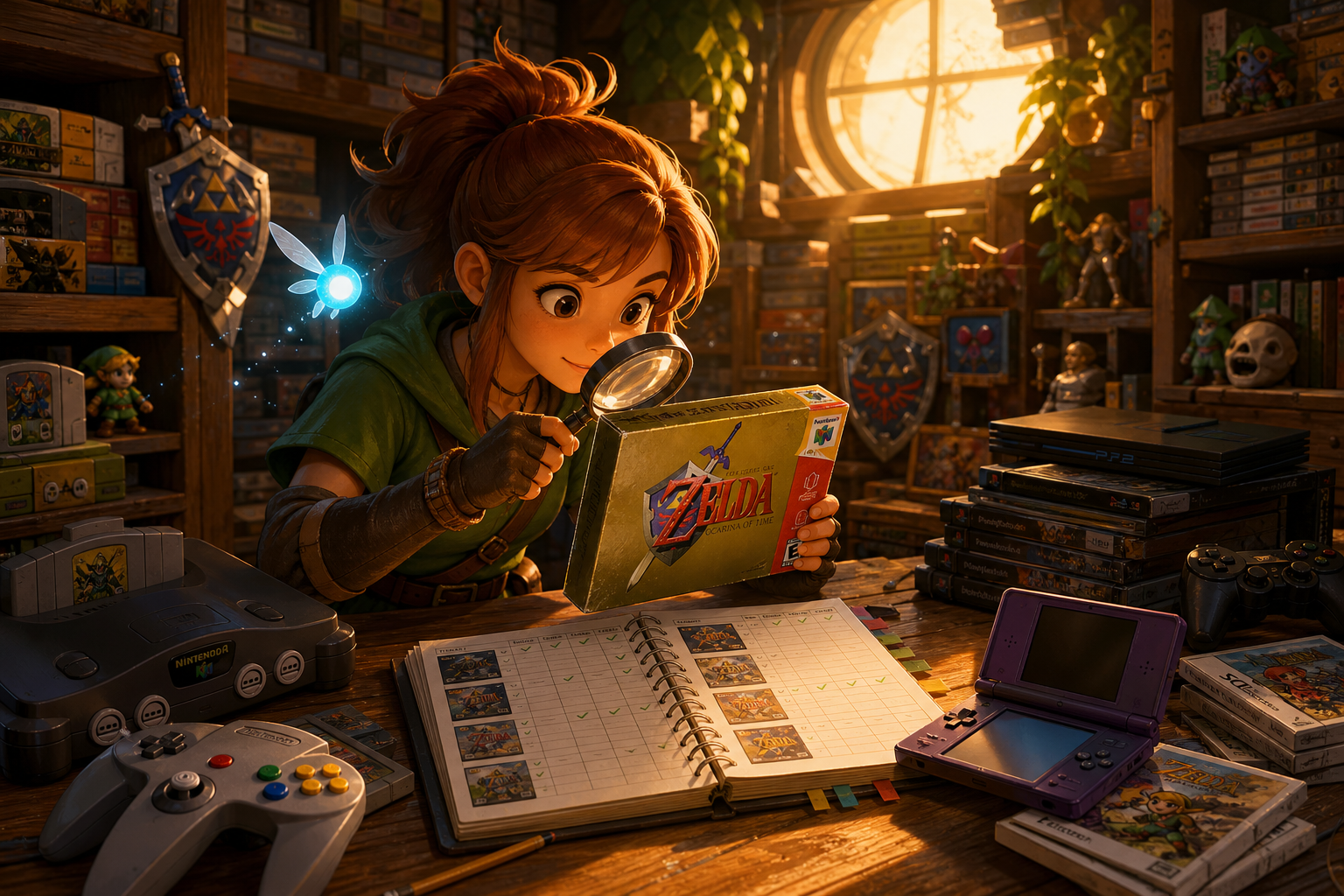
For bundled games, request separate photographs. Super Mario 64 and The Legend of Zelda: Ocarina of Time need cartridge-front, cartridge-rear and connector-edge views. Mario Kart: Double Dash!! and Metroid Prime need disc, case and label photographs. Wii Sports and Super Mario Galaxy need disc-region and disc-surface views. The console label cannot authenticate software.
A stock photograph or staged gameplay image is not evidence of the offered item. It can illustrate what a product looks like in general, but it cannot establish the condition, completeness or identity of the seller’s hardware. Used-item marketplace guidance commonly requires actual-item photographs and descriptions of defects, which makes a listing’s image quality part of the buyer’s evidence review.
- Overall front and rear console views.
- Redacted model-label close-up.
- Port or slot photograph relevant to the desired feature.
- Photographs of the exact accessories and software included.
- A current listing-specific photograph when image reuse is plausible.
- A clear view of any cracks, corrosion, missing panels or damaged connectors.
Redact the label without destroying its usefulness
The useful part of a label is often the model code, region marking, regulatory text and label layout. The unnecessary part is usually the complete serial string, barcode, QR code, seller inventory number and anything captured around the label. A seller can cover or digitally obscure those details while leaving the model information readable.
The crop should not include shipping labels, receipts, handwritten names, account screens, faces or a distinctive room with identifying information. Marketplace policies also restrict publishing personal contact details in listings and images. Buyers should not ask a seller to add an address, phone number, email address or payment information to a photograph.
Redaction must be complete. Leaving several serial characters, a barcode edge or an inventory sticker visible may defeat the privacy purpose. At the same time, an excessively blurred or cropped image that hides the model code and region marking answers nothing. Request a wider context photo with the private fields covered rather than demanding an unedited label.
A redacted image can establish that a label exists and that its visible markings are consistent with the claimed model. It cannot prove that the label belongs to the console shown in another photograph, that it has not been replaced, or that the internal hardware matches the exterior. A serial appearing on a console, box and receipt may support an internally consistent paper trail, but it does not prove that those items have remained together.
- Cover the entire serial, barcode and QR code.
- Hide inventory stickers, names, addresses and receipts.
- Leave model, region and regulatory markings visible.
- Keep enough surrounding shell visible to connect the label to the console.
- Retain the original marketplace messages and photographs for your records.
What Nintendo 64 photographs can establish
For a Nintendo 64 listing, system identification and game identification should be treated as separate tasks. A photograph of the console’s exterior and label can help establish the product family and regional context. The power-adapter label matters too: a console may be correctly identified while being offered with an unsuitable, missing or mismatched power supply.
Cartridge photographs are more revealing for the software purchase. The front label can show the claimed title and region, while the rear shell and connector edge may reveal cracks, heavy grime, bent contacts or obvious shell mismatch. These observations are useful condition signals, not authentication certificates. A clean label does not prove an original board, and a worn label does not prove a counterfeit.
For Super Mario 64 or The Legend of Zelda: Ocarina of Time, ask whether the pictured cartridge is the exact one included and whether the seller tested it in a compatible console. A startup photograph may show that a game reached a menu at one moment, but it does not establish reliable saving, repeated booting or long-term contact quality.
Do not ask a seller to open the cartridge or console merely to photograph a board. Internal inspection can alter screws, seals or parts and is not a safe substitute for qualified examination. If board originality is central to the purchase, use a specialist who can document the work without weakening marketplace protection.
- Confirm the console and power-supply markings separately.
- Request front, rear and connector-edge cartridge photos.
- Ask for the exact test result rather than a generic “works.”
- Check whether the cartridge saves, not just whether it reaches a title screen.
- Do not treat labels, screws or seals as conclusive proof of authenticity.
Read GameCube model evidence alongside the rear panel
Nintendo documents DOL-001(USA) and DOL-101(USA) as different GameCube models. The distinction matters when a buyer needs the feature set associated with DOL-001, including the documented component-video and progressive-scan capability. Color, jewel, packaging and seller confidence are not enough to establish the revision.
Request a clear photograph of the bottom model label and the rear panel. The rear view should show the relevant connector area without relying on a photograph of a box or a serial alone. If a listing claims DOL-001 compatibility, the physical console should support that claim. If the ports and label disagree, pause rather than choosing the more favorable interpretation.
A North American model’s regional designation also does not mean that every disc from every market will work. The console’s intended disc region, the game’s region marking and the buyer’s display and power arrangements are separate checks. Mario Kart: Double Dash!! and Metroid Prime should be inspected as individual discs, not inferred from the GameCube model.
A matching console and box serial can make a bundle look internally consistent, but it does not prove that the box and console have remained together or that the internal drive and motherboard are original. Consistency is supporting evidence, not certification. If the seller cannot show the actual console’s model label, treat an advertised revision as unverified.
- Confirm DOL-001 or DOL-101 on the console itself.
- Compare the bottom label with the rear-panel connectors.
- Check the game disc, case and manual independently.
- Ask whether the disc was tested in the pictured console.
- Treat matching box and console numbers as consistency evidence only.
Use Wii model evidence to check GameCube compatibility
Nintendo identifies RVL-001, RVL-101 and Wii mini RVL-201 as different Wii models. The visible distinction most useful to buyers is practical: RVL-001 retains Nintendo GameCube controller ports and memory-card slots, while RVL-101 removes them and does not support GameCube discs or accessories. Wii mini RVL-201 is another model family and should not be assumed to provide the same features.
Serial-prefix information can support the identification. Nintendo’s model guide associates RVL-001 with prefixes beginning LU or LB, RVL-101 with KU or KB, and RVL-201 with HW. Treat these prefixes as model clues, not as a production date, ownership record or authenticity certificate. A partial, redacted label can be sufficient when the visible prefix and model marking answer the compatibility question.
Ask for a photograph of the controller-port and memory-card area as well as the label. A white shell, vertical stand or familiar shape is not enough because visually similar Wii revisions can differ in GameCube support. Nintendo identifies the original RVL-001 by its row of GameCube controller ports, which makes that physical feature more useful than a shell color or stand.
For Wii Sports or Super Mario Galaxy, the relevant question may instead be disc region and condition. A compatible Wii does not make a scratched, cracked or wrong-region disc usable. The disc and console must be checked independently.
- Identify RVL-001, RVL-101 or RVL-201.
- Check the visible controller and memory-card ports.
- Use a redacted serial prefix only as supporting evidence.
- Inspect the exact Wii disc and its region marking.
- Do not infer RVL-001 from a vertical stand or white shell alone.
Keep region, power and accessory checks separate
A model number does not establish every regional property of a bundle. Console region, game-disc region, language, power requirements, video standard and included cable should be recorded separately. Nintendo’s North American documentation describes supported disc regions for North American GameCube and Wii systems; that information should not be generalized to a console from another market.
Wii game discs are region encoded. If a seller offers a console and software from different regions, ask directly whether the specific combination is intended to work and whether the listing is relying on a modification. Do not assume a seller’s statement that a system is “region free” explains its firmware, accessories or video behavior.
Power equipment deserves special attention. A console may be genuine and correctly labeled yet arrive without the matching adapter. Add the cost of a region-appropriate replacement, compatible video cable, controllers, GameCube memory card or other required accessories before comparing listings. Do not perform improvised electrical tests or use an uncertain adapter simply to verify a purchase.
For Wii listings, an HDMI cable in the photograph proves very little. Nintendo states that the Wii is not compatible with HDMI cables directly. An adapter may be a separate third-party device whose compatibility, power requirements and condition must be verified independently.
- Record console region and software region separately.
- Confirm the included power adapter and video cable.
- Check required controllers and memory cards.
- Ask whether any region modification is present.
- Do not infer HDMI capability from a cable photograph.
Look beyond labels for condition evidence
Inspect the shell for cracks, warped panels, missing feet, deep yellowing, liquid residue, corrosion near ports and damaged hinges or doors. These observations can suggest storage or handling problems, but they cannot reveal the condition of unseen boards, capacitors, drive mechanisms or connectors. A clean exterior is not proof of a clean interior.
For cartridges, look for lifted labels, damaged shells, corrosion or heavily worn connector edges. For discs, inspect scratches, cracks near the center ring, peeling labels and signs of resurfacing. A disc that looks attractive may still fail to read, while minor surface marks may not prevent operation. Only a relevant test can answer the functional question.
Replacement screws, missing seals or an unusually clean shell may indicate previous opening, but they do not prove a modification or repair by themselves. Conversely, an intact-looking seal cannot certify that the system has never been opened or that it works. Describe what is visible and preserve uncertainty.
Nintendo’s Wii troubleshooting guidance separates a disc problem from a console problem by recommending comparison with other discs or another console. That principle is useful when reading a seller’s test claim: one successful menu screen is weaker evidence than a specific report that the relevant disc type was read and played.
- Describe visible damage without turning it into an internal diagnosis.
- Ask whether the relevant disc types were actually read.
- Treat seals, screws and shell color as clues, not proof.
- Check whether a cartridge save was tested.
- Avoid invasive inspection before purchase.
Ask seller questions that produce usable answers
Replace “Does it work?” with a short test script tied to the purchase. For a GameCube, ask whether it powers on, reads a known GameCube disc, recognizes controllers and produces the advertised video output. For an RVL-001 Wii, ask whether it reads both a Wii disc and a GameCube disc if GameCube compatibility matters. For a Nintendo 64, ask whether the console boots a cartridge and whether the controller and save function were checked.
Ask the seller to identify the exact game used for the test and whether it was the same copy pictured. A generic startup screen can be from another unit or another disc. The answer should distinguish “tested to menu,” “played for an extended session,” “save tested,” and “not tested.” Those descriptions have different evidentiary value.
Ask whether any parts were replaced, whether the console was modified, whether the disc was resurfaced and whether the included accessories are original or third-party. A seller may not know every answer, but uncertainty should be priced and treated as risk rather than silently converted into a positive assumption.
Keep questions on the marketplace. Off-platform communication and payment can weaken the record needed if the item differs from its description.
- Request exact test results and test software.
- Ask about modifications, repairs and resurfacing.
- Confirm that the pictured item is the shipped item.
- Confirm which accessories are included and whether they are original.
- Keep messages and payment within the marketplace.
Protect the transaction and calculate total cost
Before buying, save the listing photographs, description, item specifics and messages. Confirm the return window, who pays return shipping, and whether the platform’s buyer-protection rules apply to the transaction. On eBay, Money Back Guarantee eligibility generally requires completing and paying through eBay with an eligible payment method and acting within the applicable time limits. Exact coverage depends on the transaction and policy exclusions.
When the parcel arrives, photograph the unopened package and then document the console, label area, ports, software and accessories. Compare the delivered item with the saved listing. If the model, region, condition or included contents differ, preserve the packaging and contact the marketplace through its normal resolution process rather than accepting an informal workaround.
Calculate total cost rather than comparing headline prices. Include console, matching power adapter, video cable, controllers, memory cards, region-appropriate accessories, shipping, tax, insurance where relevant, replacement cases and likely return shipping. A low-cost unidentified bundle may become more expensive after missing compatibility parts are added.
Shipping risk is part of the purchase. Ask how the console, discs and cartridges will be packed, especially when shells are cracked or disc cases are loose. Do not ask the seller to remove labels, open hardware or use unsafe packing shortcuts.
- Save listing evidence before purchase.
- Confirm return and buyer-protection requirements.
- Document the parcel and contents on arrival.
- Compare total delivered cost, not just the listing amount.
- Keep the purchase and payment on the marketplace.
Stop conditions that justify walking away
Do not buy when the seller refuses a reasonable privacy-safe model photo while claiming a specific revision is present. A seller does not need to publish a complete serial, but the absence of any usable label, port or region evidence leaves the buyer unable to verify the central claim.
Stop when the model label and physical ports conflict without an explanation, when the console and box identifiers are presented as proof of authenticity, or when a listing uses only stock images for a supposedly tested item. Also pause when the seller cannot identify the included power adapter or the software region.
A “tested” claim supported only by a menu screen is insufficient when disc reading, saving or GameCube compatibility matters. Stop when the seller refuses to describe the actual test, will not confirm which accessories are included, or offers no clear return path for an item whose condition is uncertain.
Finally, walk away when the total cost depends on unsafe electrical experimentation, invasive pre-purchase inspection or off-platform payment. A missing bargain is less costly than losing both the item and the protection that would have helped resolve a misdescription.
- No usable model or region evidence.
- Console features conflict with the claimed revision.
- Only stock images or generic test claims are provided.
- Required accessories or total cost remain unclear.
- The seller refuses reasonable privacy-safe questions.
- Return and payment protections are uncertain.
Model-and-serial photographs are most useful when they answer a narrow compatibility question. Request the model code, region markings and relevant ports, but let the seller cover the complete serial and every unrelated private identifier.
Then verify the software, accessories, condition claims and functional tests independently. A redacted label can reduce uncertainty without exposing personal data; it cannot turn a marketplace photograph into proof of history or present reliability.
When the evidence remains incomplete, keep the purchase protected or choose another listing. The goal is not to collect the most data from a seller. It is to collect the smallest reliable set of evidence needed to identify the hardware, confirm compatibility and decide whether the remaining risk is acceptable.