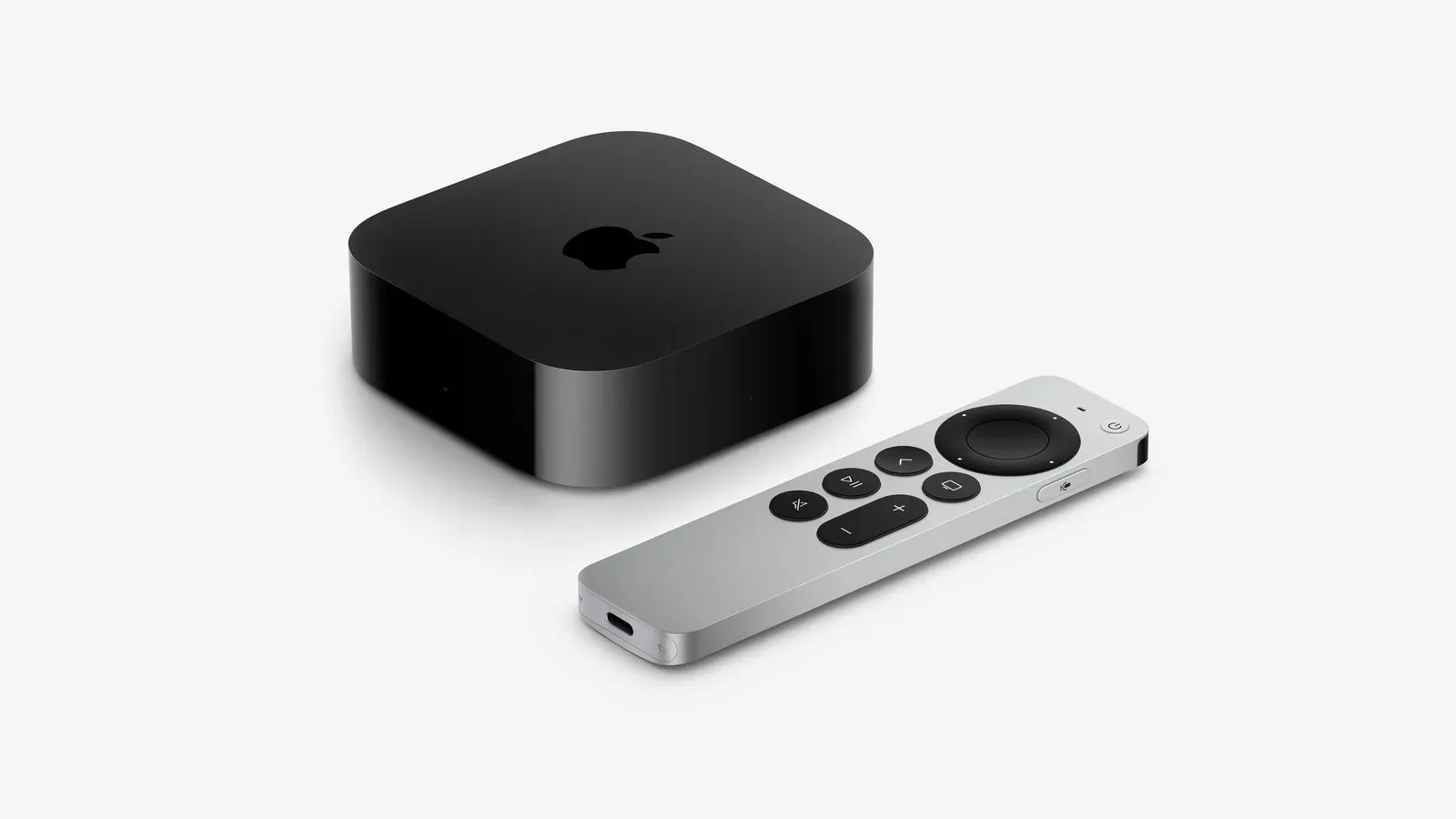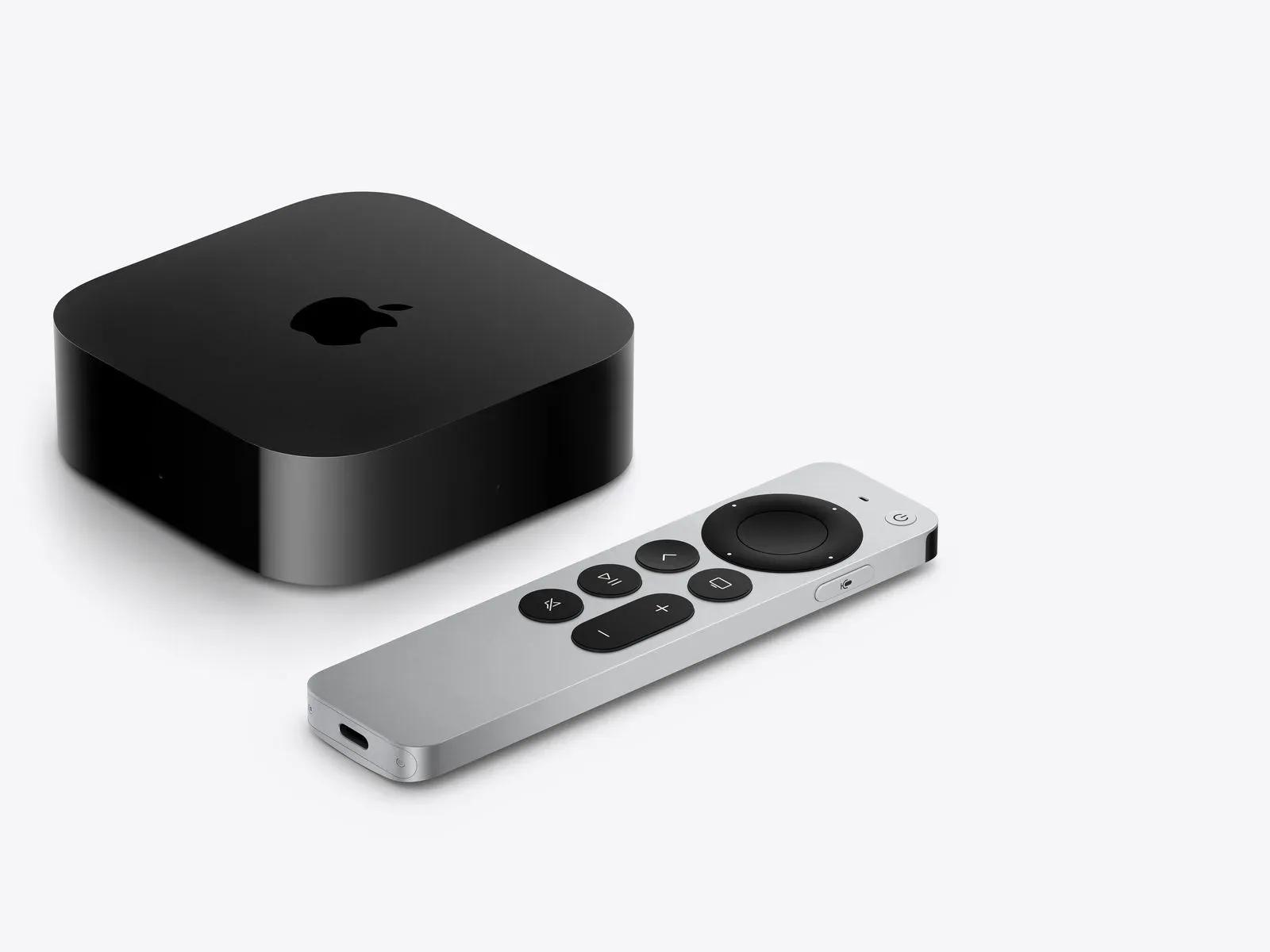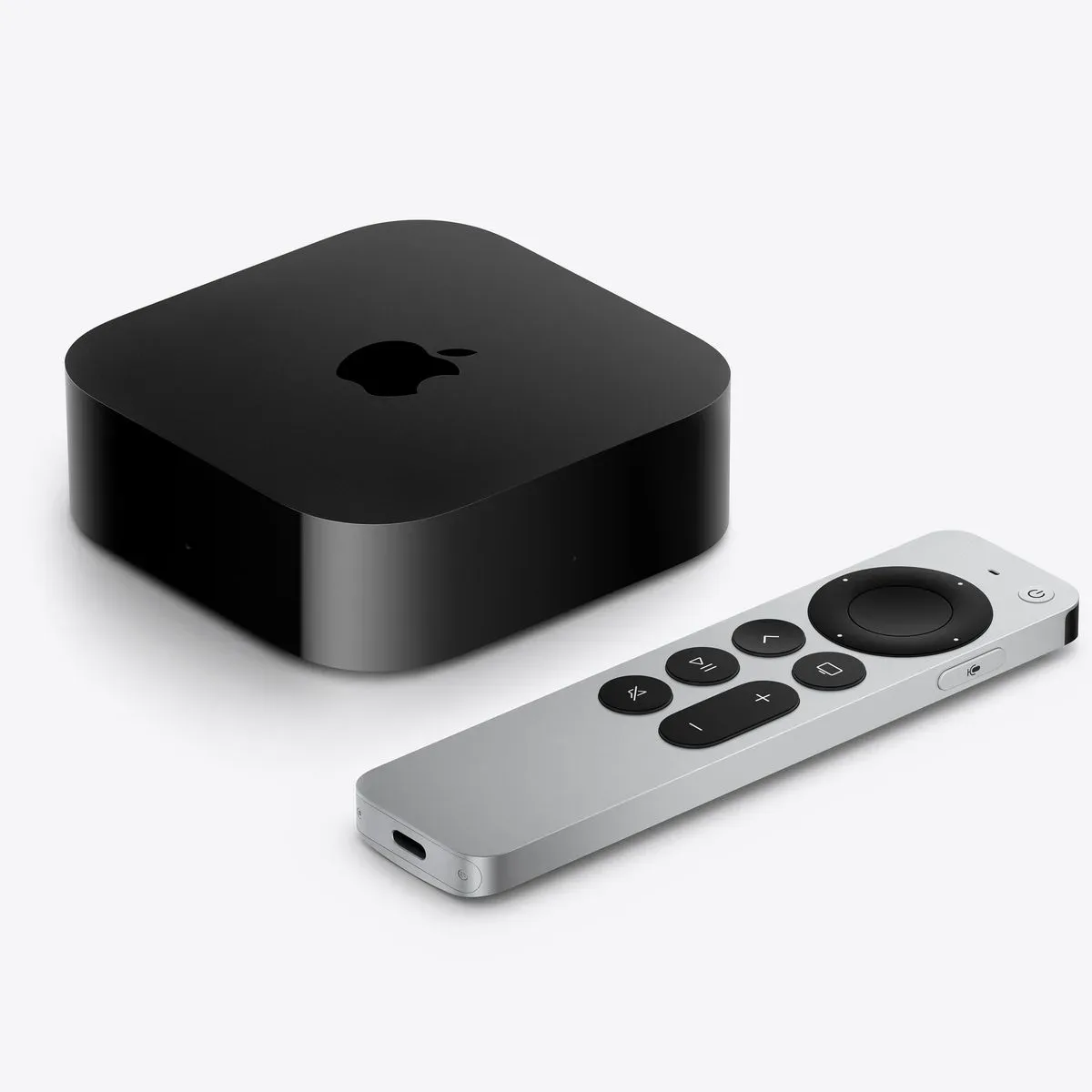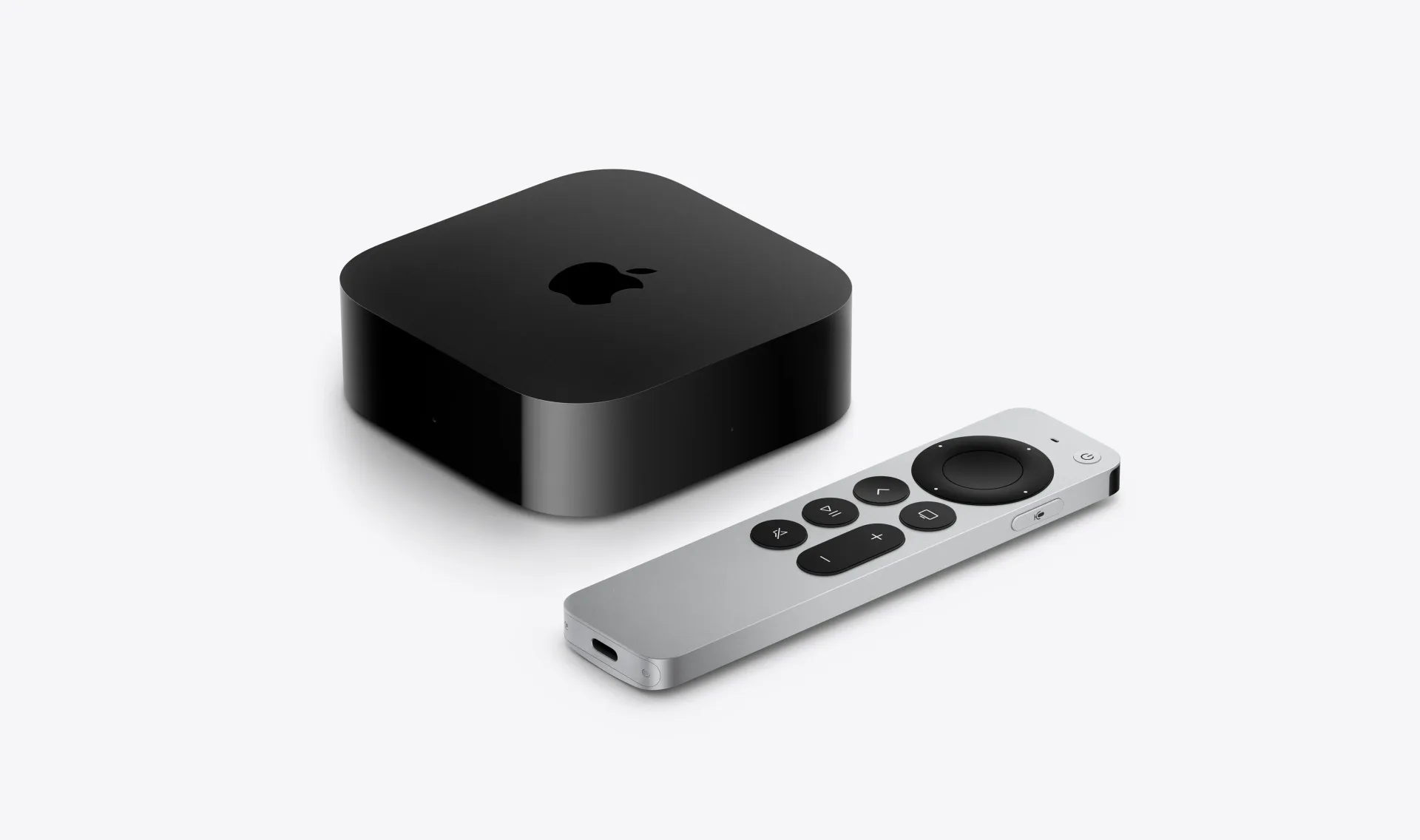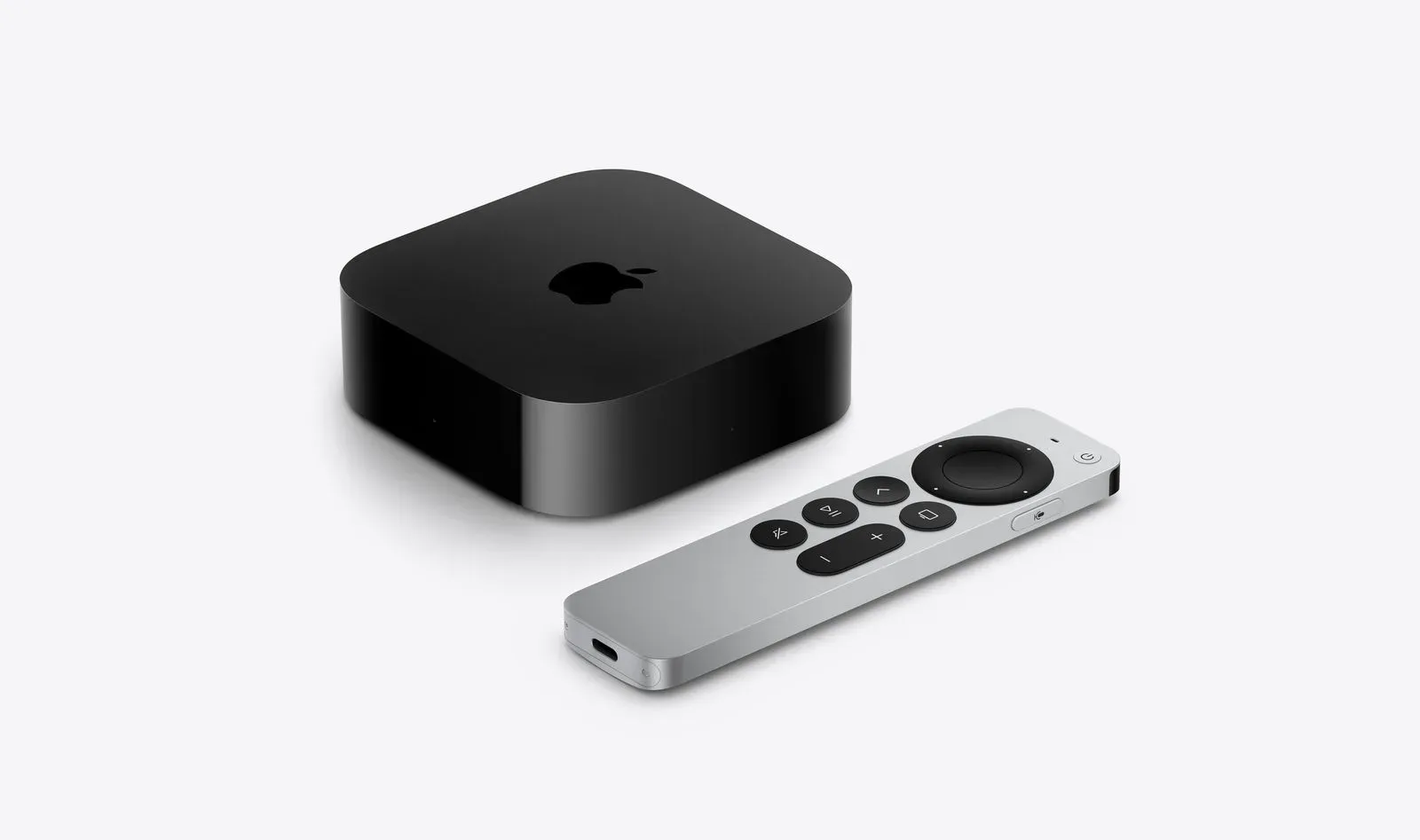
The tiny object that can bring an evening’s viewing to a full stop has received an anti-disappearing upgrade. Apple’s fourth-generation Siri Remote is priced at $59 in the United States and is compatible with every Apple TV HD and Apple TV 4K model released since 2015.
The headline feature is support for the Find My app, including Precision Finding. Rather than conducting the familiar sofa-cushion excavation with dwindling confidence, owners will be able to use a compatible iPhone to locate the remote. The Siri Remote also now contains a speaker, allowing it to play a sound when it needs to reveal its hiding place.
For people who already own an Apple TV box, the broad compatibility is the important part: the new remote is an accessory upgrade, not a reason to replace the streaming hardware itself. There are, however, separate requirements for the most precise locating feature.
Which Apple TV models work with the new Siri Remote?
Apple lists the following devices as compatible with the fourth-generation Siri Remote:
- Apple TV HD
- Apple TV 4K (first generation)
- Apple TV 4K (second generation)
- Apple TV 4K (third generation)
- Apple TV 4K (fourth generation)
In practical terms, that covers Apple TV HD and every generation of Apple TV 4K released since 2015. Owners therefore do not need the latest Apple TV 4K simply to use the new Siri Remote’s core control functions.
That is a meaningful distinction when assessing a $59 replacement or upgrade. Remote compatibility can be a frustratingly quiet limitation in living-room hardware: a new accessory may look like a straightforward purchase until an older box turns out to be excluded. Here, Apple’s compatibility list is unusually easy to read. If the device is an Apple TV HD or one of the four listed Apple TV 4K generations, it is included.
The major change is about recovery, not redesign
Apple has retained the remote’s overall design, its buttons and its USB-C charging port. The fourth-generation model is not being positioned as a radically different controller layout or a charging-system reset. Instead, its defining addition is discoverability.
Find My is Apple’s device-location system. On the new Siri Remote, it provides a route to finding a missing controller through the Find My app. That alone addresses the basic problem: knowing where to begin looking when the remote is no longer on the coffee table, the arm of the chair or any of the places it was definitely supposed to be.
Precision Finding goes further. Apple says a supported iPhone can provide on-screen directional arrows that guide the owner toward the remote’s exact location. The new Siri Remote’s speaker adds a second cue: it can play a sound to make the device easier to identify once the search is close.
The two elements solve different parts of the same domestic mystery. Directional guidance can narrow down where the remote is; audio can help confirm which corner, cushion or improbably deep pocket has claimed it. It is not a new way to browse menus or type searches, but it may be the feature users notice most precisely because it matters when normal controls are unavailable.
Precision Finding has specific iPhone requirements
Compatibility with an Apple TV and eligibility for Precision Finding are not the same thing. Apple says the Precision Finding feature requires an iPhone Duo, iPhone Air, or an iPhone 17 or later. The iPhone 17e is specifically excluded.
That caveat is worth separating from the Apple TV list. An owner with a compatible Apple TV can use the new Siri Remote, but should not assume the arrow-led locating experience is available unless their phone matches Apple’s stated requirement.
Put another way: the remote has broad backwards compatibility across Apple TV hardware, while the precision location feature depends on relatively specific iPhone hardware. Buyers interested chiefly in eliminating remote-loss drama should check the iPhone condition before treating Precision Finding as a guaranteed benefit.
What the directional arrows mean
Precision Finding is the part of the system intended to give a more exact physical search path. Apple describes it as following arrows displayed on a compatible iPhone until the remote is found. It is distinct from merely knowing that an item is associated with an account or is somewhere nearby.
The speaker is equally practical. A sound turns the remote from a silent black rectangle into an object that can answer back. In a living room full of other dark objects, blankets and furniture seams that appear to have been engineered by remote-eating goblins, that is a sensible addition.
What has not changed
Apple says the fourth-generation Siri Remote keeps the same overall design, buttons and USB-C charging port. Existing Apple TV users who are comfortable with the current physical control arrangement should not expect an unfamiliar set of inputs or a return to a different cable standard.
USB-C is the charging connection on this model. That detail matters most for owners replacing an older remote or maintaining a shared charging setup: the new model continues with USB-C rather than introducing a separate charging approach.
The stable design also makes the product’s purpose fairly clear. This is not presented as a feature-packed reinvention intended to change how an Apple TV is operated. It is a familiar remote with a targeted answer to one of the accessory category’s most persistent annoyances: remotes tend to vanish precisely when someone wants to pause, change an app or avoid a spoiler.
Who the new remote makes sense for
The new Siri Remote has a straightforward audience: owners of a compatible Apple TV HD or Apple TV 4K who need a replacement, want a spare, or see genuine value in Find My support. The hardware list includes every Apple TV HD and 4K generation named by Apple, so the decision is less about the age of the Apple TV and more about the value of the new location tools.
For households with an iPhone Duo, iPhone Air, or qualifying iPhone 17-or-later model other than the iPhone 17e, Precision Finding is the clearest differentiator. Directional arrows and a sound-emitting speaker transform the search from a broad room-by-room hunt into a guided process, at least once the feature’s device requirements are met.
For everyone else with a compatible Apple TV, the remote still retains the stated Find My integration, familiar button arrangement and USB-C charging port. The absence of Precision Finding compatibility on a particular phone does not alter the Apple TV compatibility list; it only limits the specific arrow-guided location function Apple describes.
Price and timing
The fourth-generation Siri Remote is available to order through Apple’s online store for $59 in the U.S. Apple listed November 13 for delivery. As with the compatibility details, the price applies to the standalone remote rather than a newly described Apple TV bundle.
It is a compact update with a very literal practical pitch. Nothing in the stated design changes asks people to relearn their Apple TV controls. The new value sits in recovery: Find My integration, a speaker for audible alerts and, on supported newer iPhones, Precision Finding arrows that point toward the missing remote.
For more on how small pieces of consumer hardware can intersect with game and entertainment culture, see our coverage of the Pokémon × Beats Pill speaker collaboration.